The Google Calendar tag on Robots.net gathers practical, step-by-step guidance for anyone who uses Google Calendar in daily life, whether for work, school, or family coordination. These articles are written for everyday users, not IT pros, and assume you just want to make the tool work the way you need it to. The focus is on direct fixes and adjustments you can apply yourself, without needing special permissions or technical know-how.
The articles cluster around a few clear themes. One is managing who can see or do what: you’ll find help on inviting people, adding or removing someone from a calendar, forwarding invites, and viewing a calendar shared with you. Another theme is syncing and integration, covering how to connect Google Calendar with Yahoo Calendar, link Google Sheets, sync across phone and computer, or set Google Calendar as the default on an iPhone. A third theme is customization and cleanup: changing the background, adjusting notification sounds, undoing changes to a recurring event, or deleting a birthday without affecting other entries.
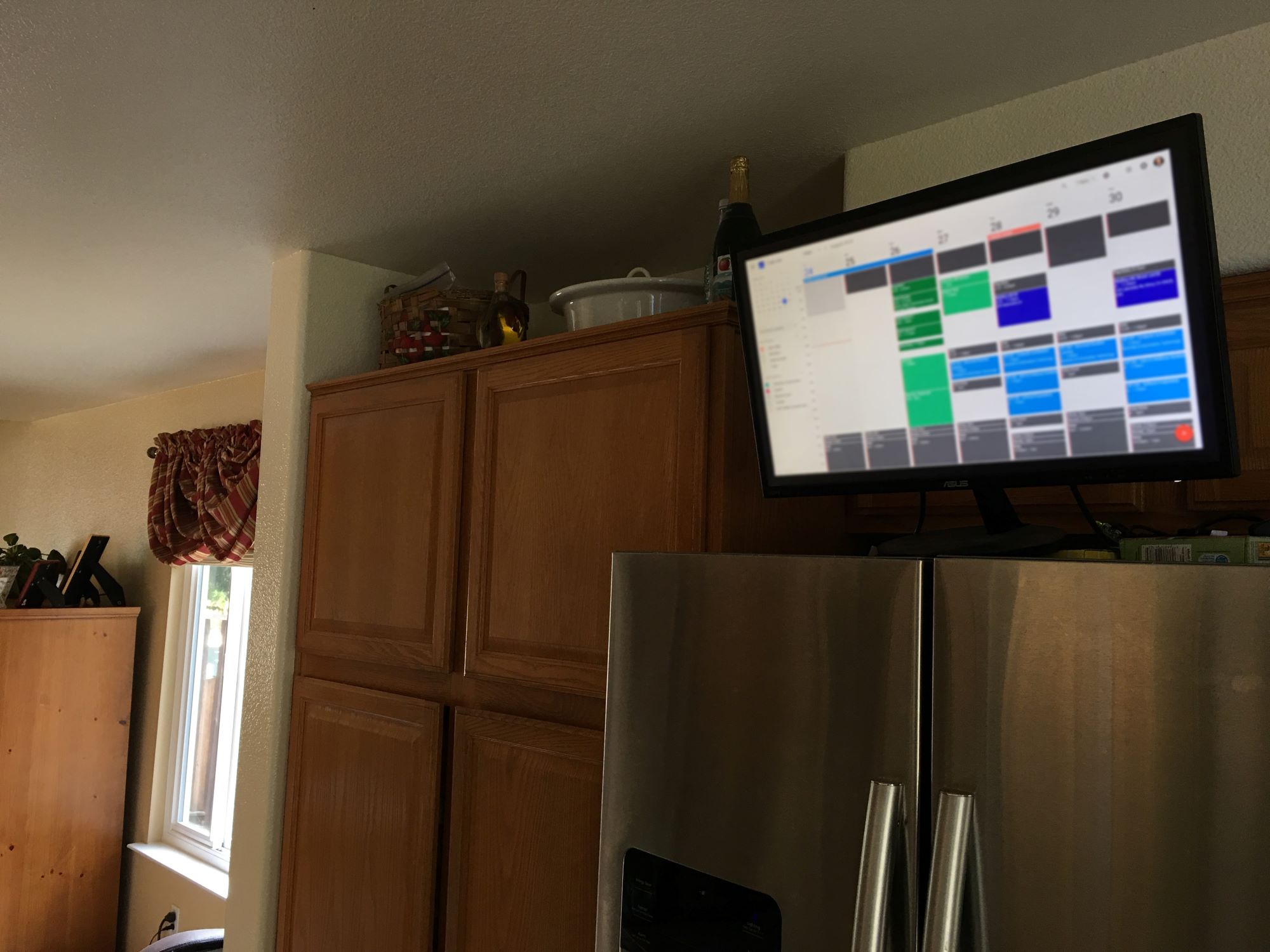
Several specific topics stand out, such as adding a class or work schedule, displaying your calendar on a smart TV, or setting it as your desktop background. Others help you troubleshoot odd situations, like why your calendar disappeared or how long past events are kept. Importantly, some articles address safety and control, for example, how to unsync a calendar or remove someone from your calendar, so you can manage access deliberately rather than leaving it to chance. These pieces help you take charge of your own data and settings, not circumvent any system.