This tag collects all of our articles that touch on the many ways a Google account intersects with your daily devices, family settings, and recovery situations. It is written for everyday users who manage their own gadgets or supervise a family member’s tech, and who need clear, practical guidance when things get locked, synced, or unexpectedly complicated. Whether you are dealing with a secondhand tablet, a child’s phone, or your own forgotten password, these pieces are here to walk you through the legitimate steps forward.
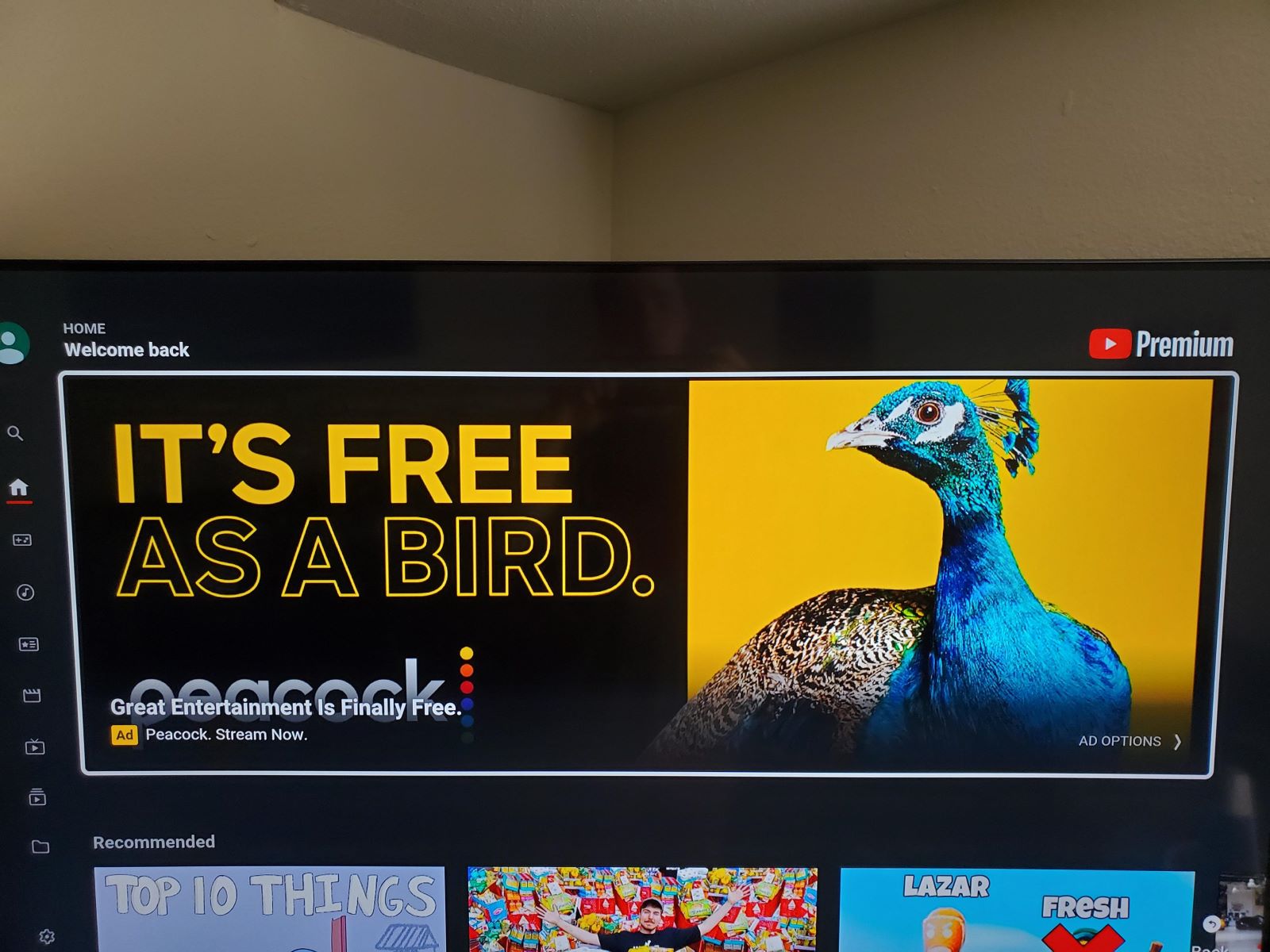
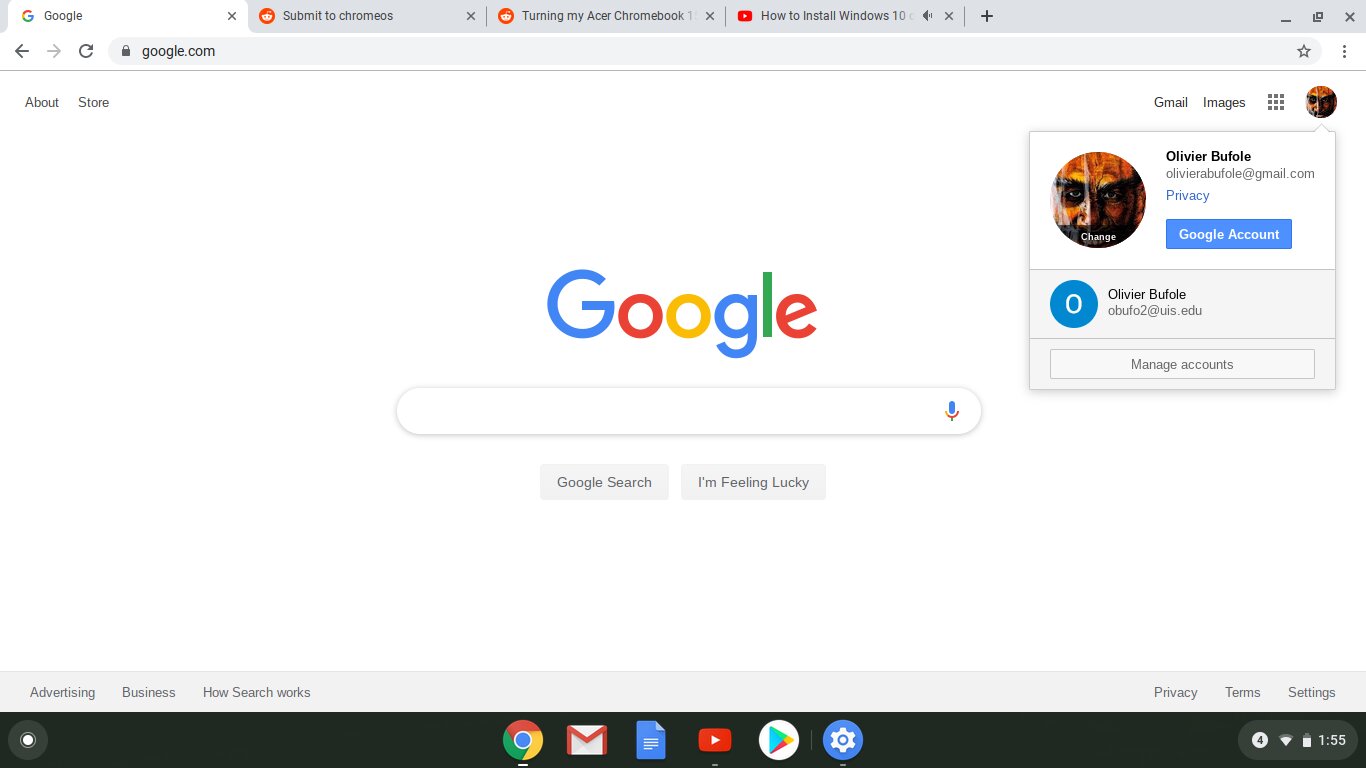
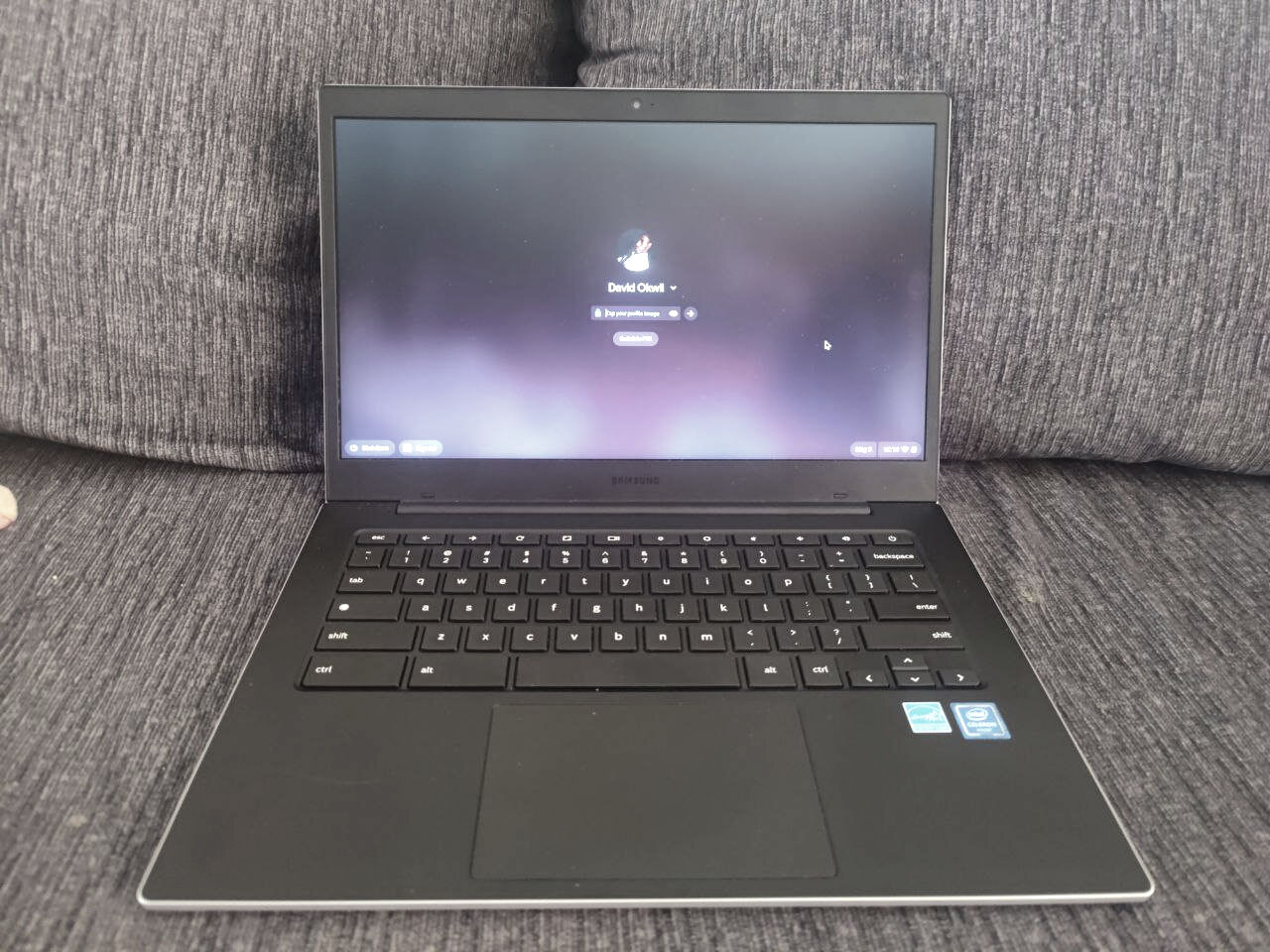
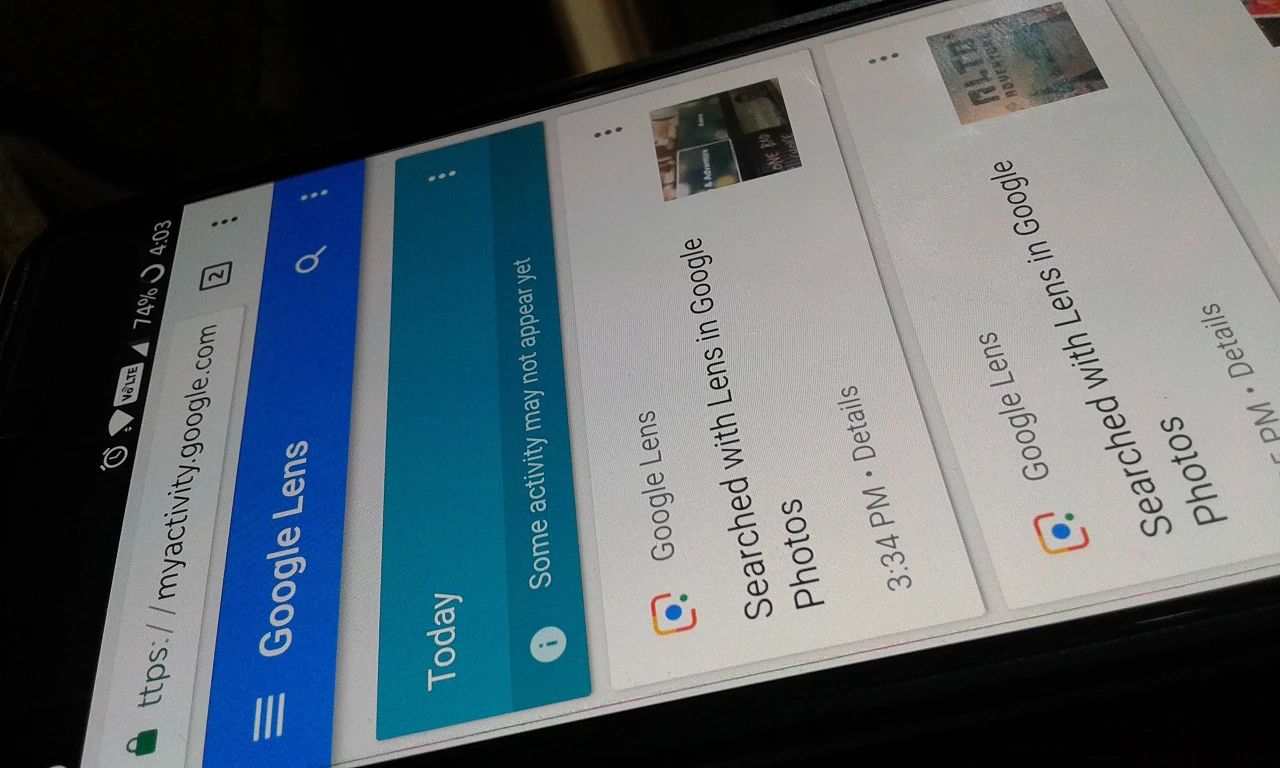
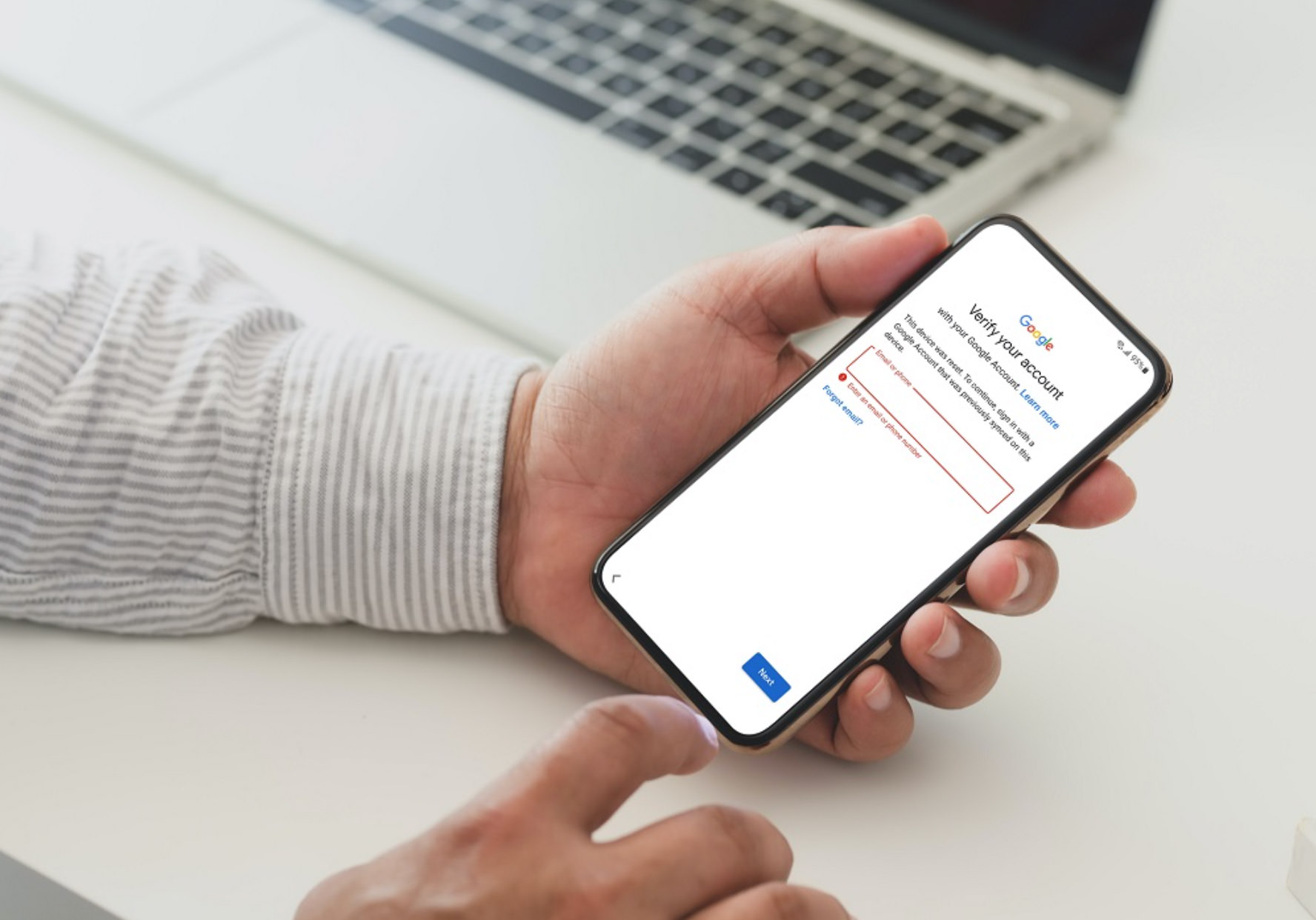
The articles group into a few clear themes. One is account access and device recovery, which includes topics like unlocking a Chromebook or Android phone after a factory reset, recovering a Google account on a Samsung or Onn tablet, and navigating legitimate FRP lock recovery when you have proven ownership. Another theme is family and shared-account management, covering how to set up Google Calendar for a household, remove Family Link parental controls, or manage multiple accounts on YouTube Premium. A third theme is syncing and transferring data between devices, such as copying apps from one Android tablet to another, unsyncing a tablet from a phone, or syncing Chrome homepage settings across gadgets. A few articles also address privacy and security angles, like reviewing Google Lens history or seeing why ads appear with a paid YouTube Premium subscription.
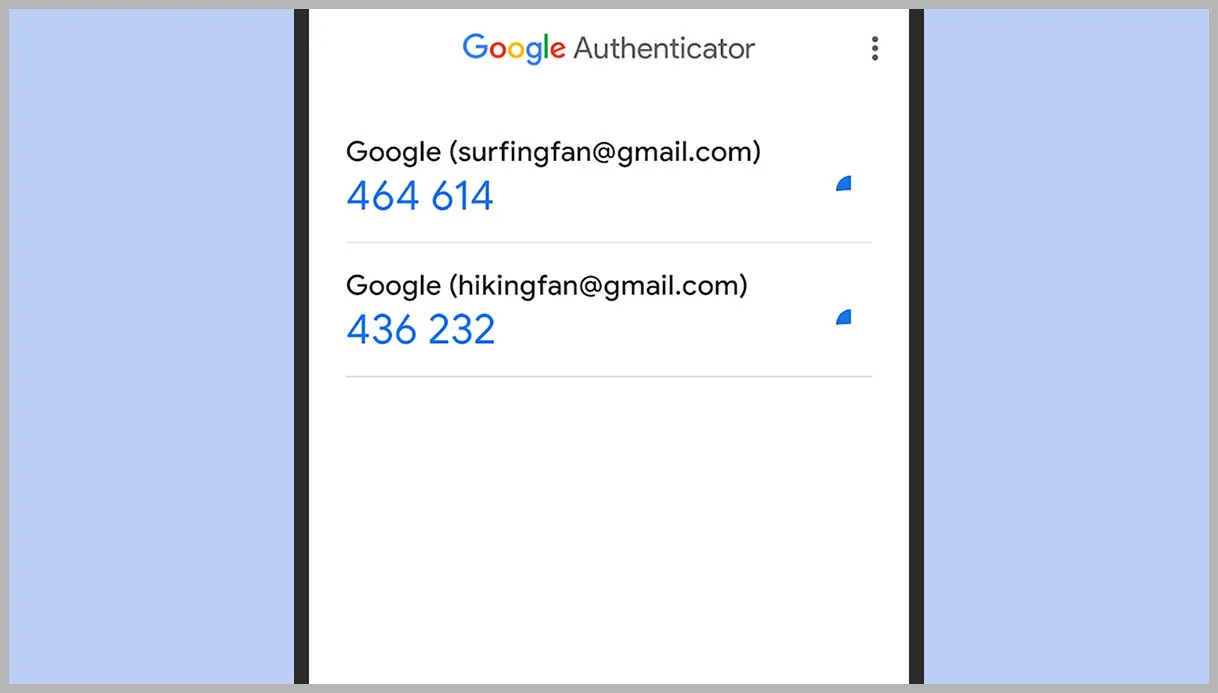
Rather than focusing on workarounds, these guides help you perform actions like adding another account to Google Authenticator, changing the email on your YouTube profile, or deleting photos from Google Lens. Several pieces also cover verification and recovery from a safety-first perspective, helping you prove ownership of a lost device or regain access to your own account without resorting to risky shortcuts. The goal is straightforward: get your Google account and your devices working together the way you intend, with clear steps and a secure mindset.