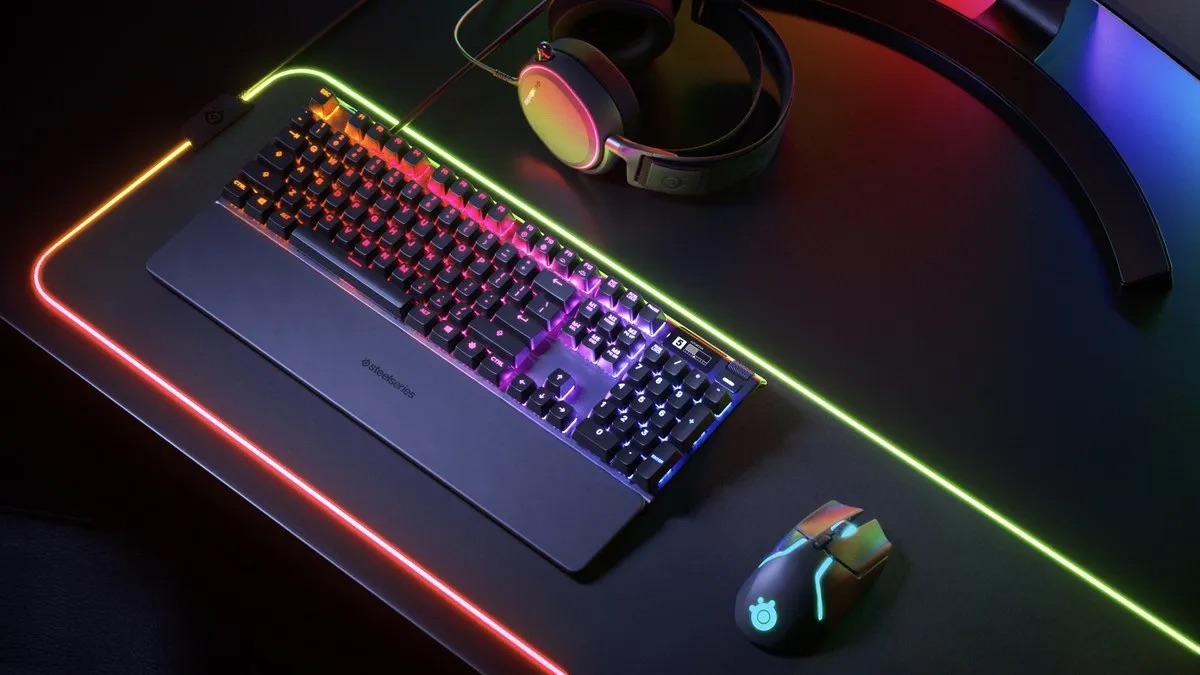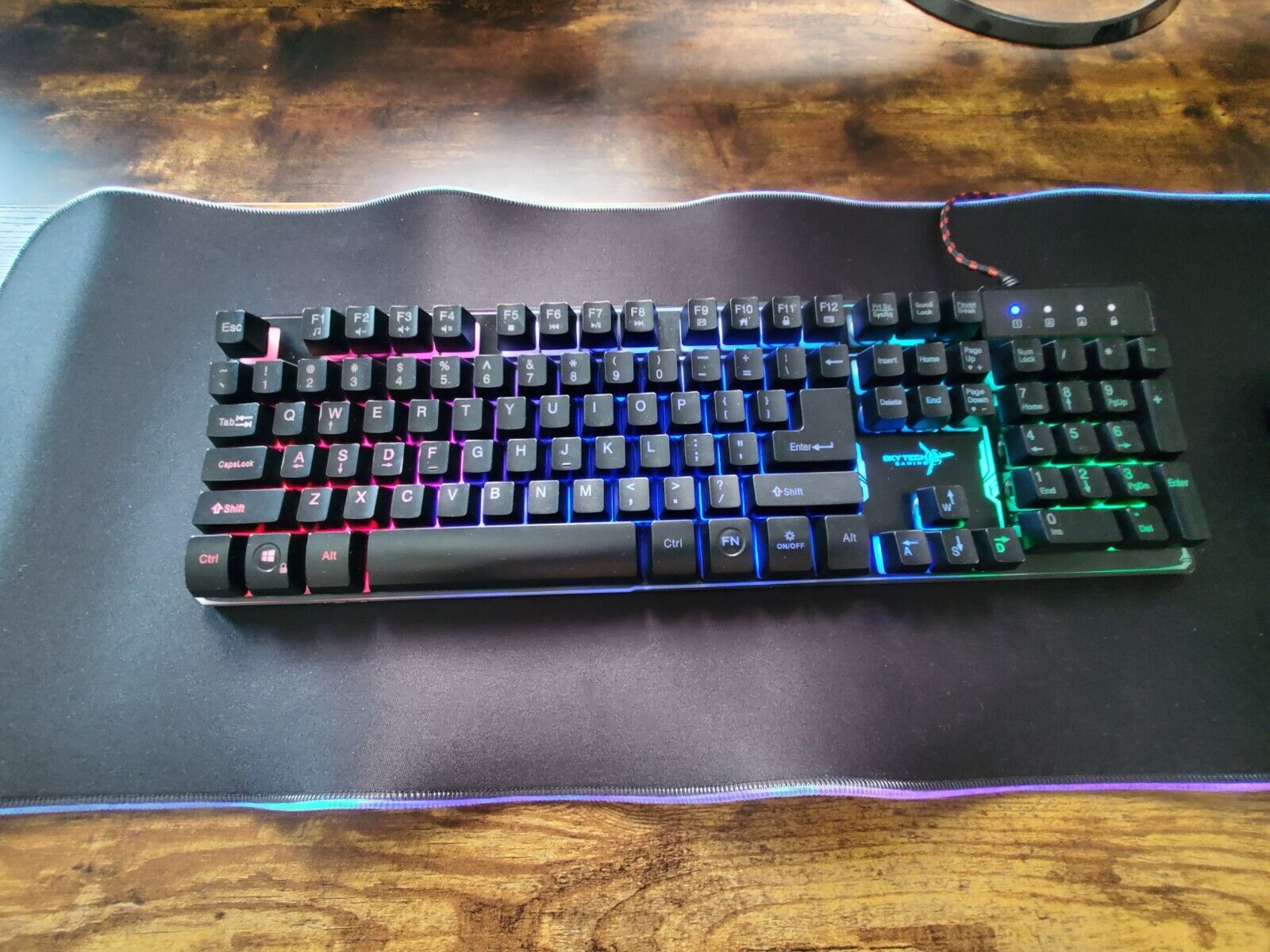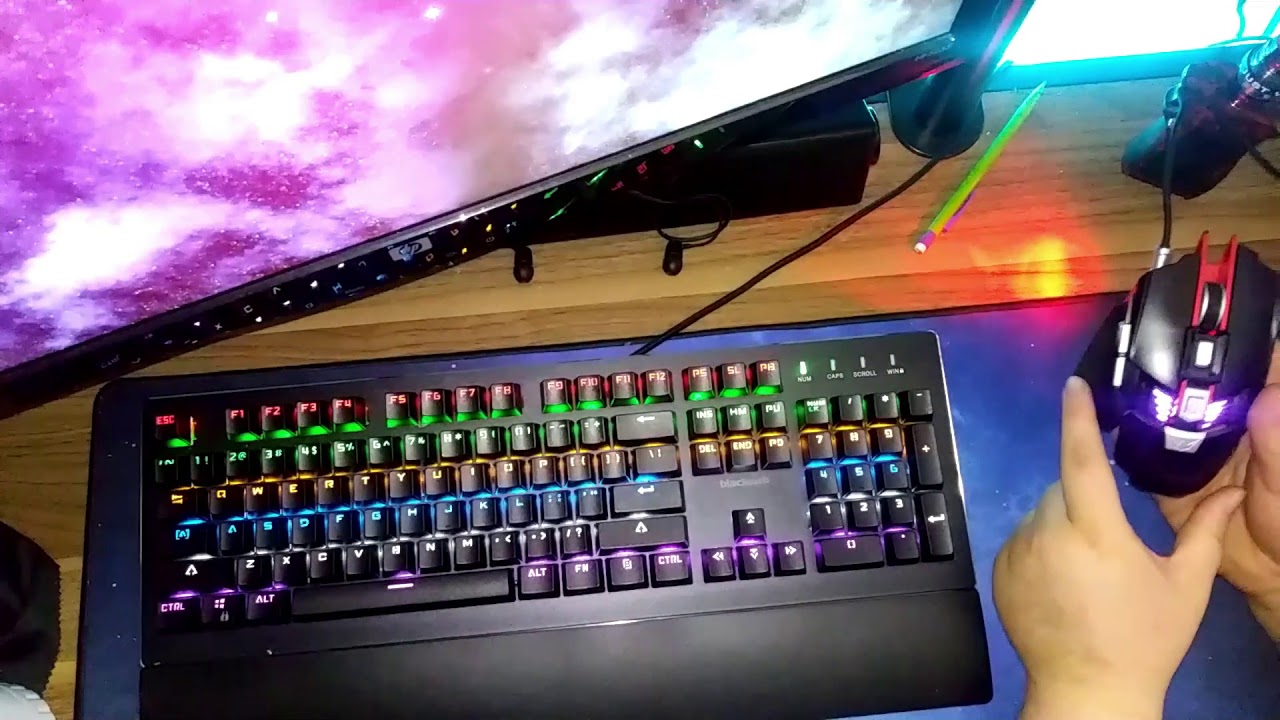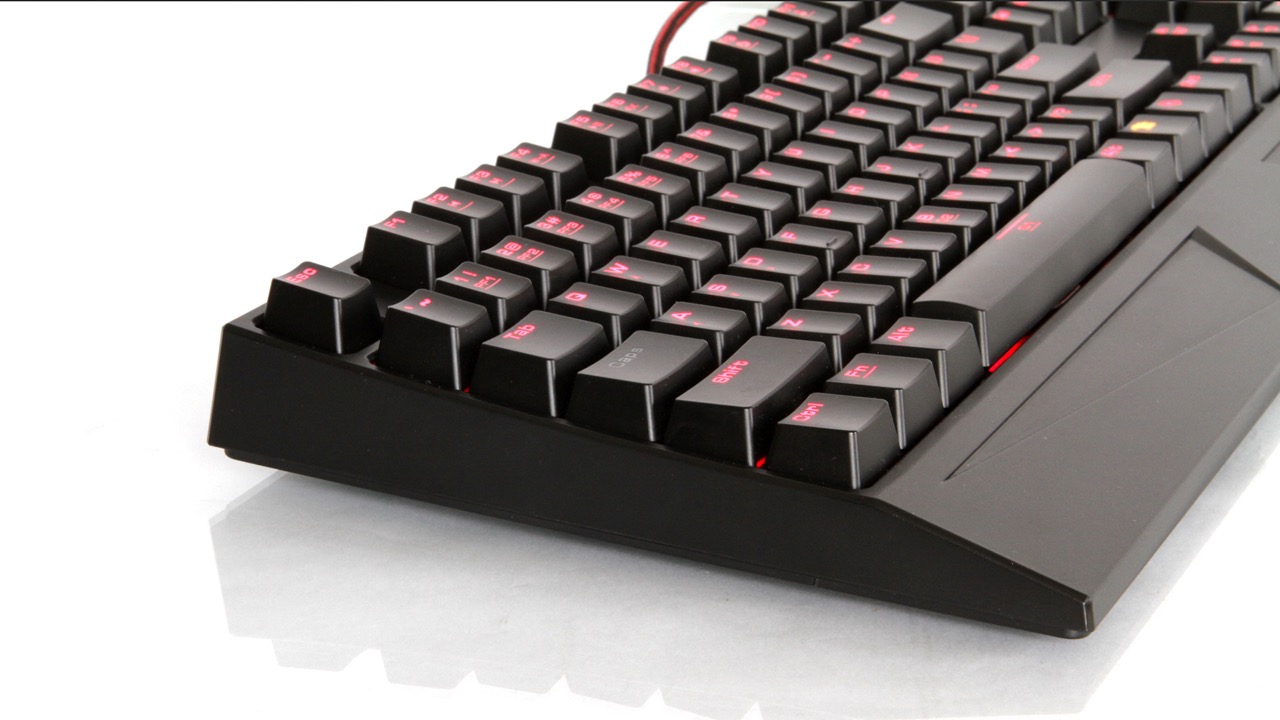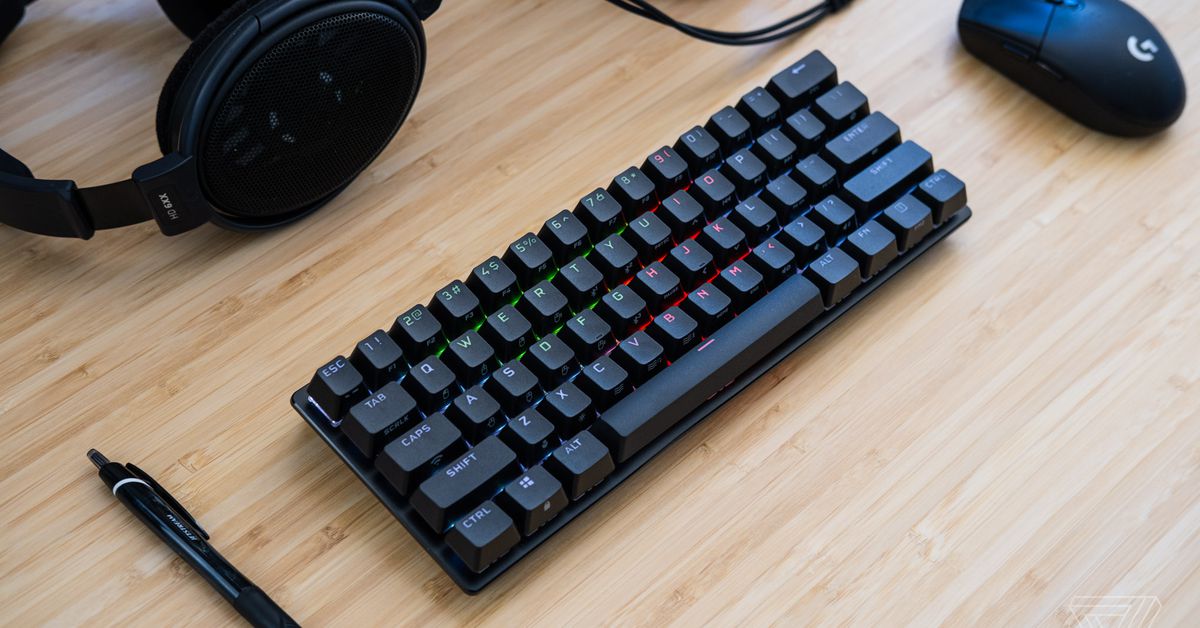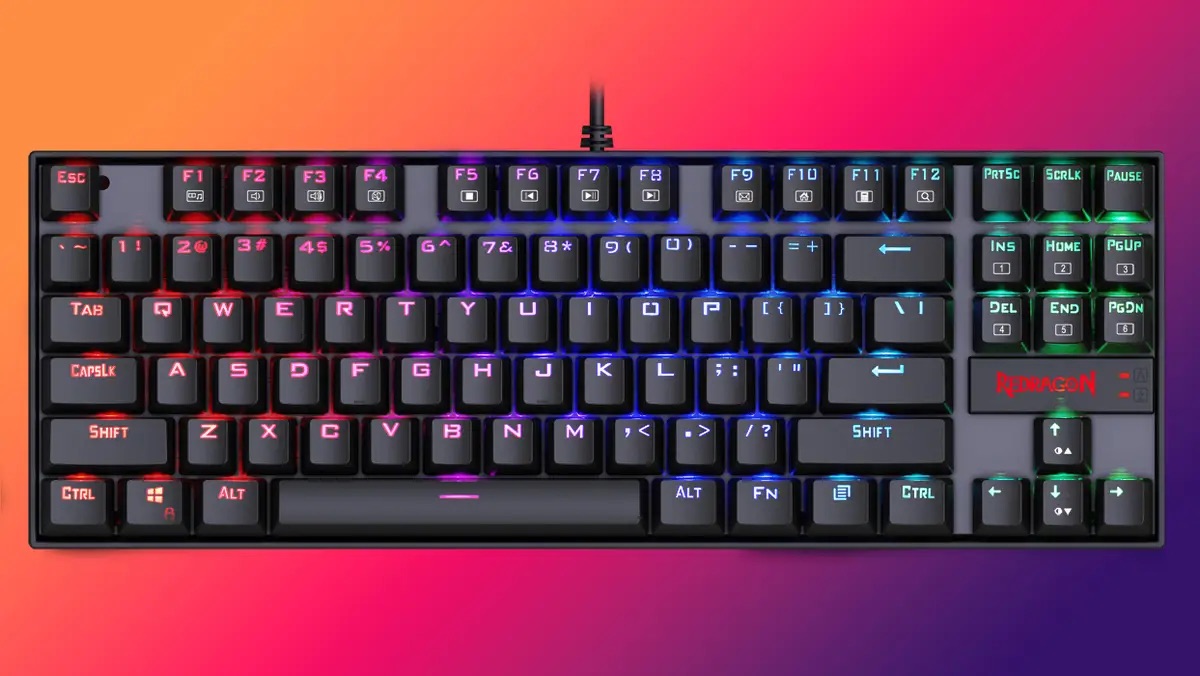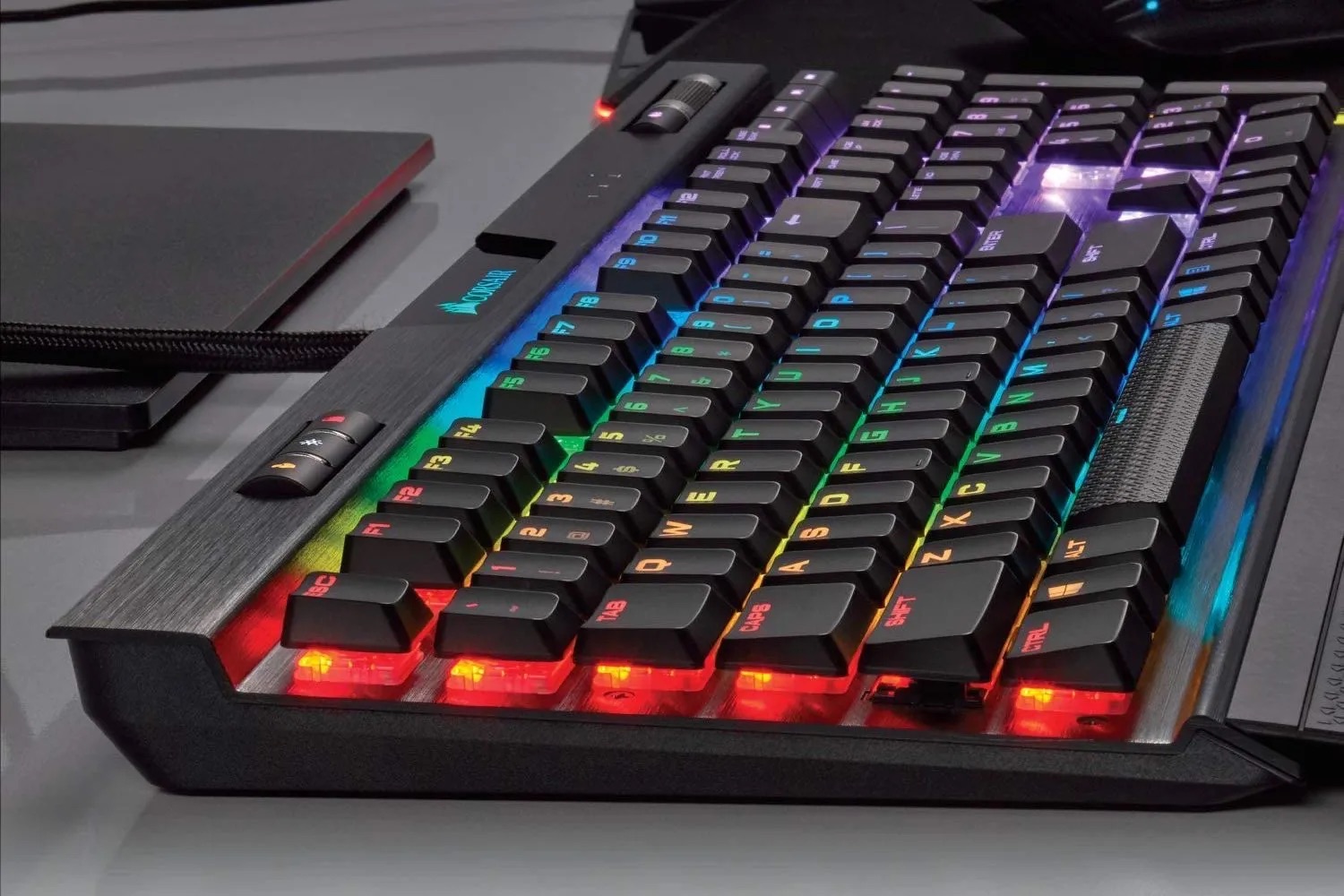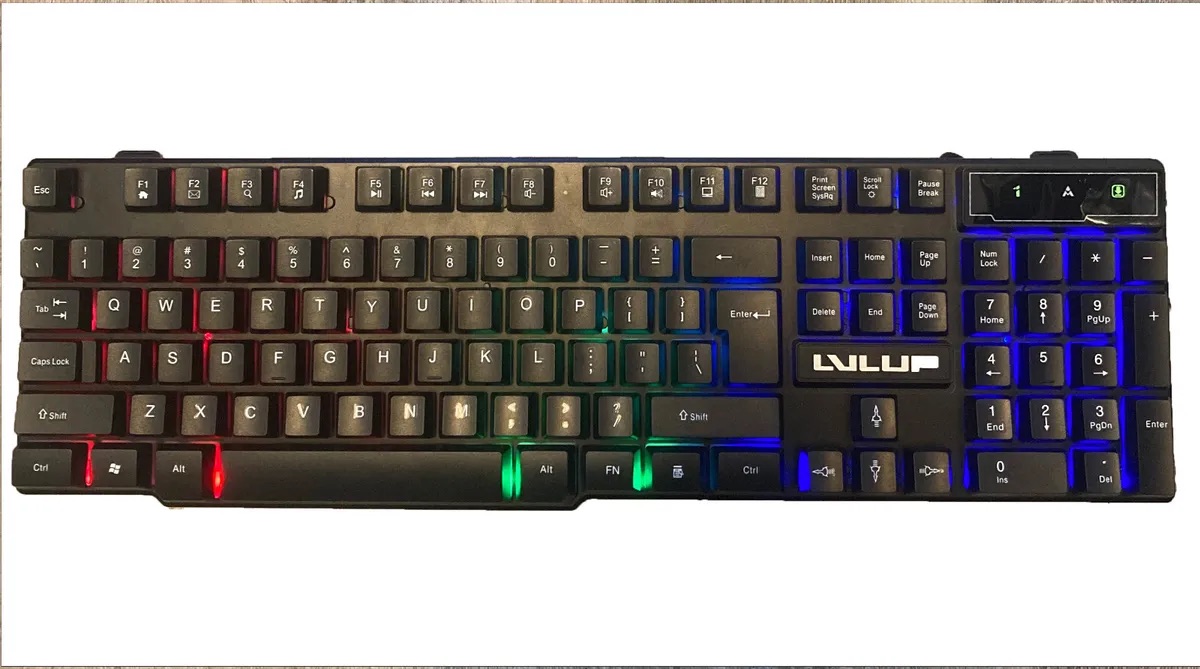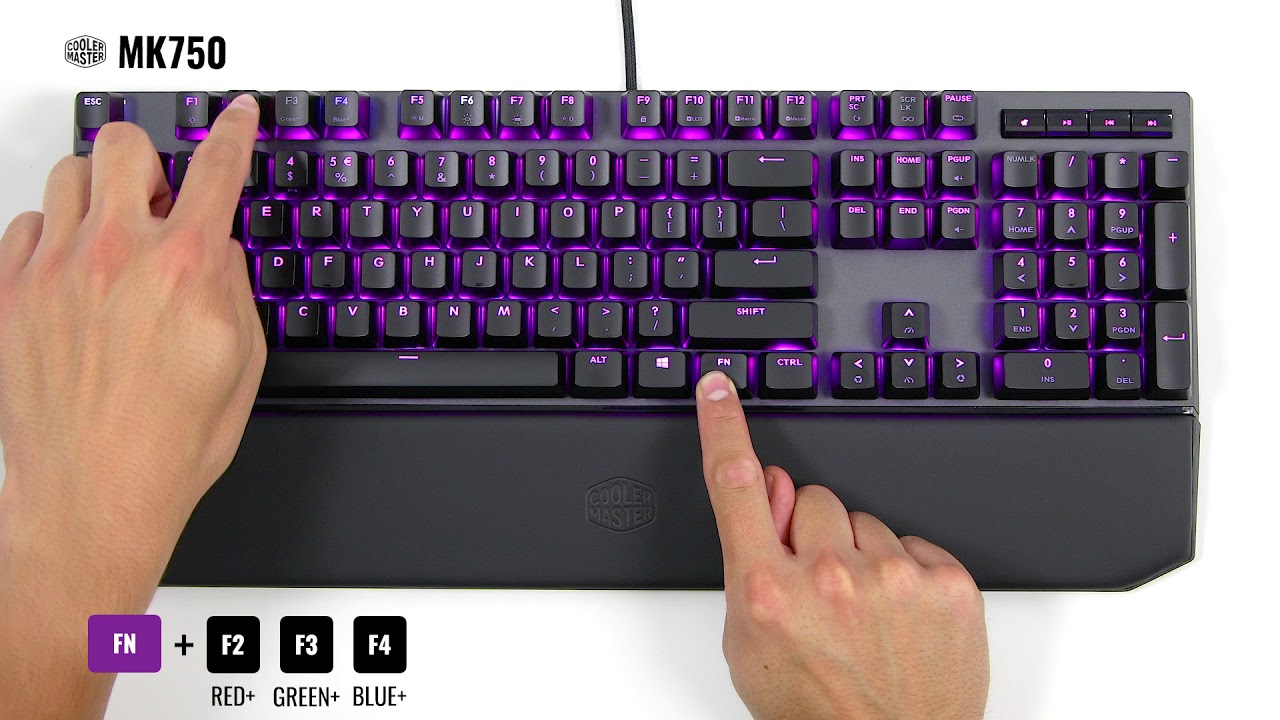
This tag collects practical guides for anyone who owns a gaming keyboard and wants to tame its lights, keys, or software behavior. Whether you are a first-time buyer, a parent setting up a kid’s rig, or a daily driver who just wants the RGB to stop blinking at 2 a.m., these articles are written for you. They assume no prior technical knowledge and focus on step-by-step fixes you can do with the keyboard itself or its companion software.
The problems covered fall into two main themes. The first is lighting control: many articles show you how to change colors on specific brands like Rii, SteelSeries Apex 100, Lvlup Pro, Blue Finger, iBuyPower, Skytech, and AULA. Others help you troubleshoot when lights won’t turn on at all, or when they flash and you want them steady. The second theme is resetting and key behavior. For example, one guide explains how to reset a keyboard to factory conditions, while another shows how to turn off the Windows key lock on Corsair models. There is also a practical, non-gaming skill: taking a screenshot using the keyboard’s dedicated keys.
Several articles approach their topic from a safety or legal-alternatives angle rather than a risky workaround. For instance, the guide on stopping an LED backlit keyboard from flashing helps you avoid eye strain and distraction, not bypass any system. The reset guides are about restoring normal, intended operation, useful if a keyboard is behaving erratically after a spill or a bad update. None of these pages tell you how to hack, pirate, or cheat; they simply help you use the gear you already own in a safe, supported way.