This tag collects practical, step-by-step guides for getting your computer’s hardware, especially input devices and display components, to work the way you expect. It’s written for everyday users who have plugged in a controller, webcam, drawing tablet, or new monitor and found that Windows, macOS, or Linux isn’t cooperating. Whether you’re troubleshooting a fresh install or trying to change a setting that seems buried, these articles assume you know what you want to do but not necessarily where to click.
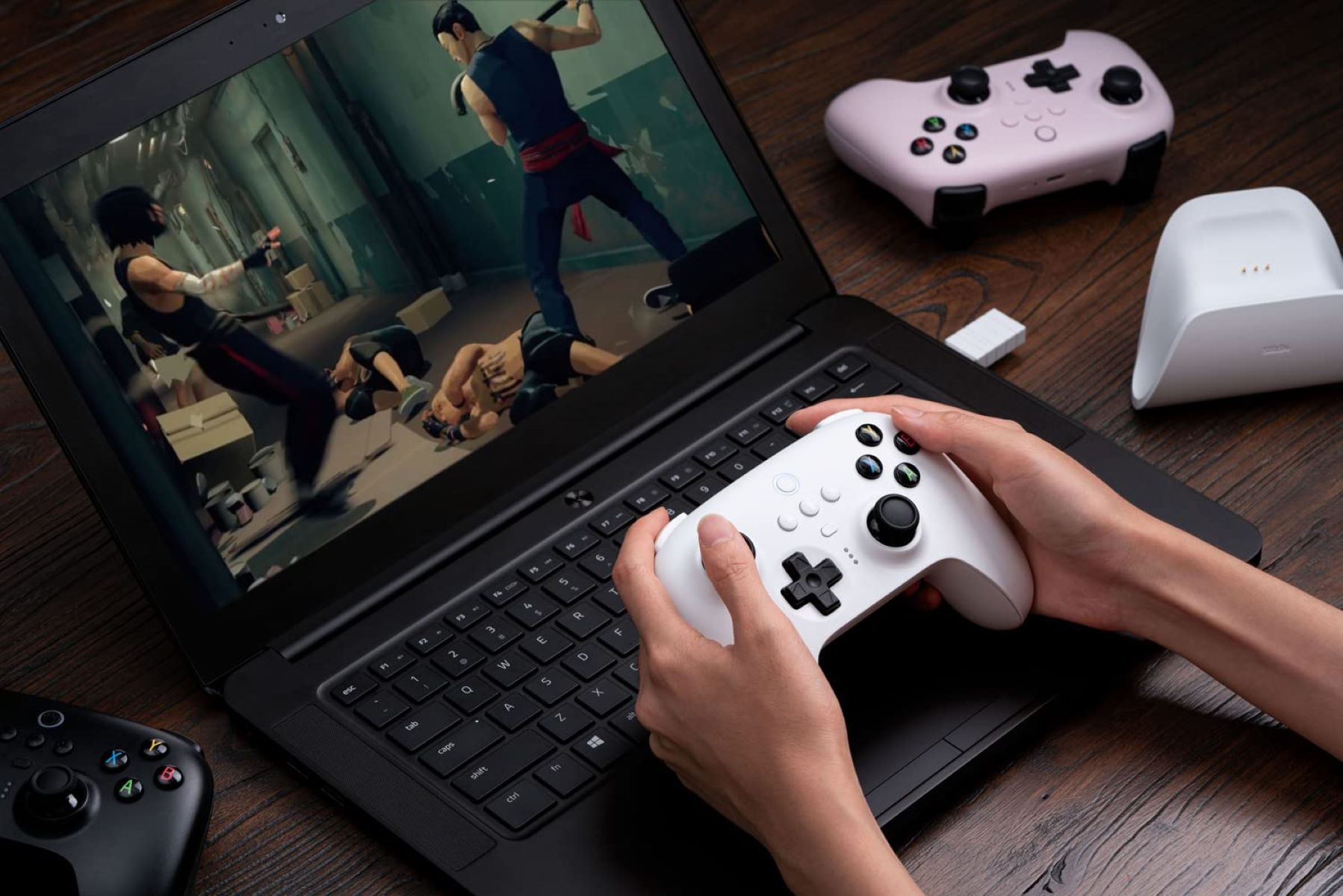
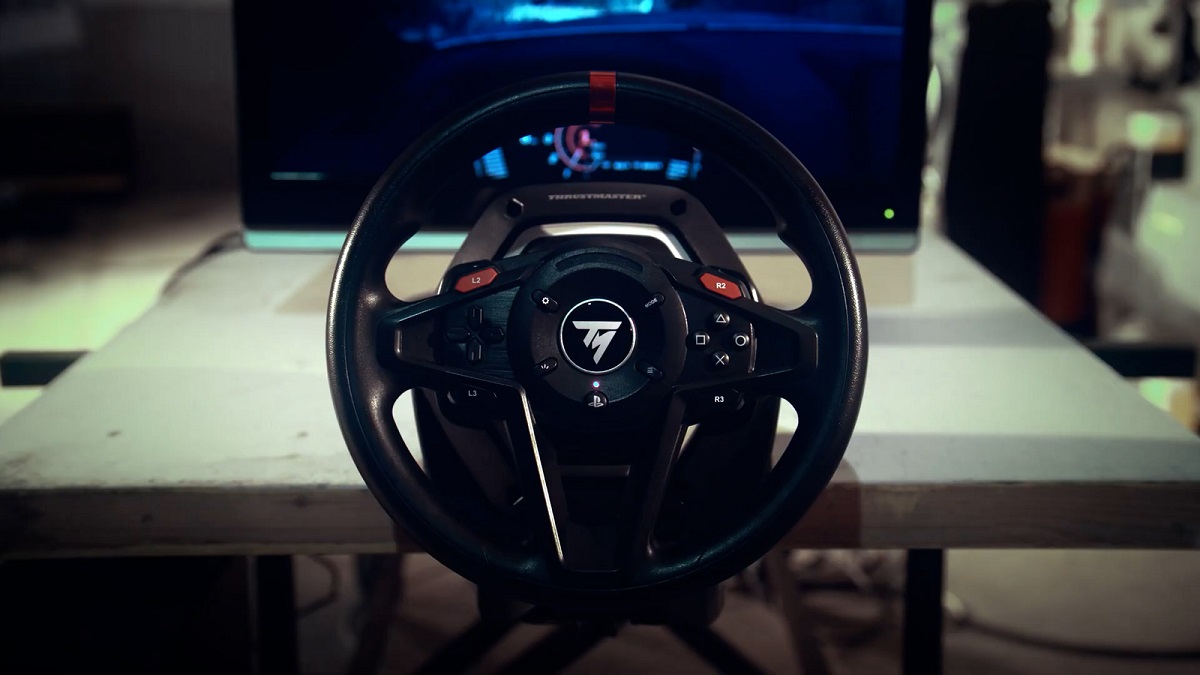
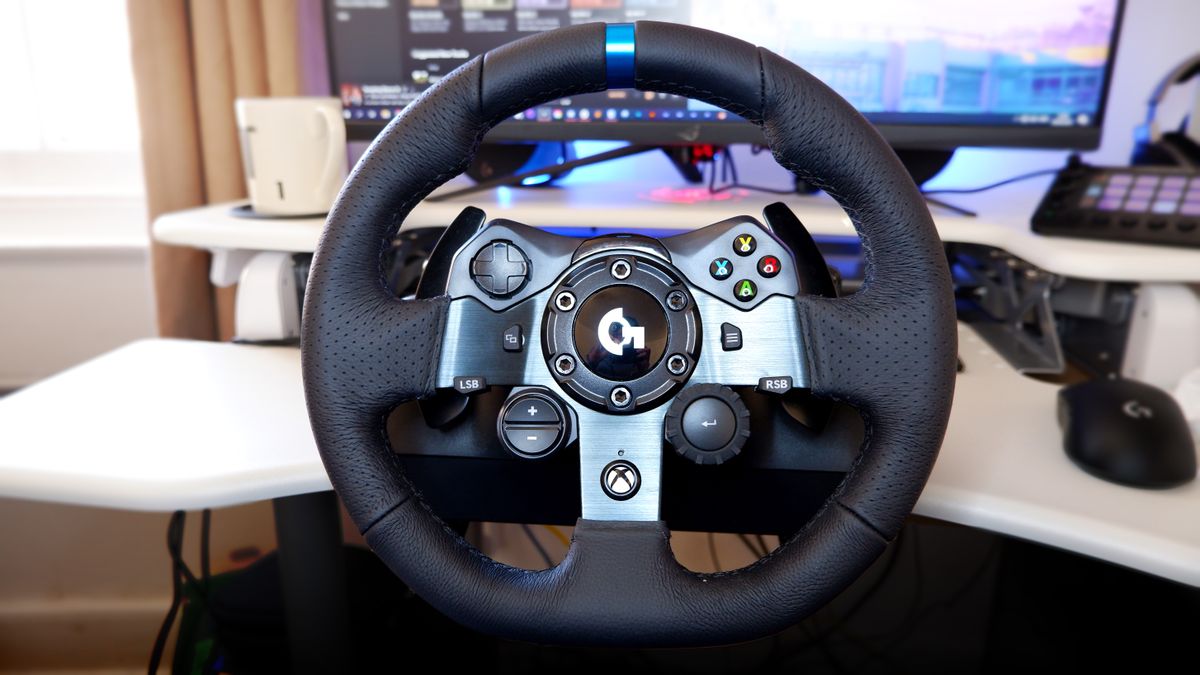
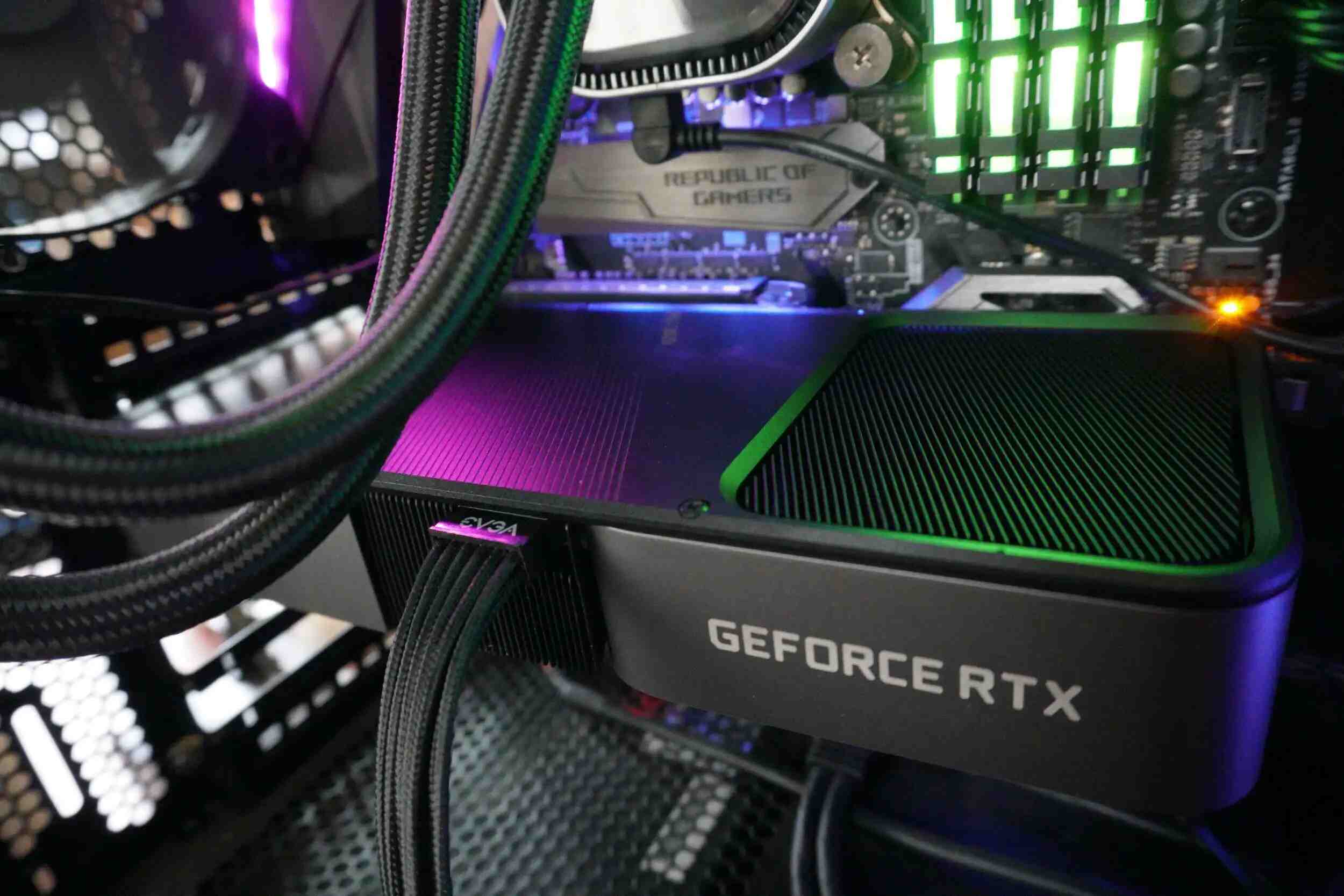
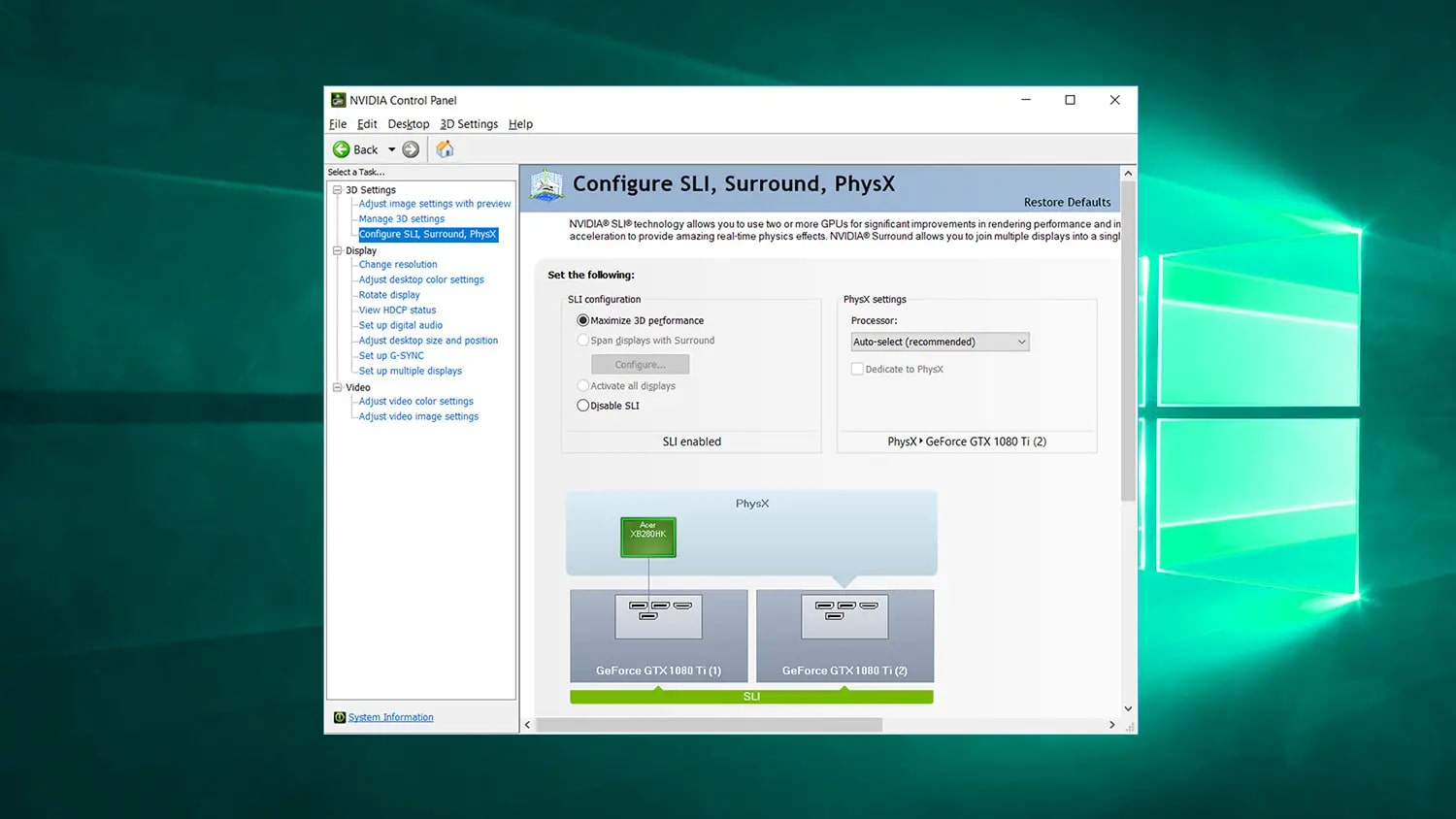
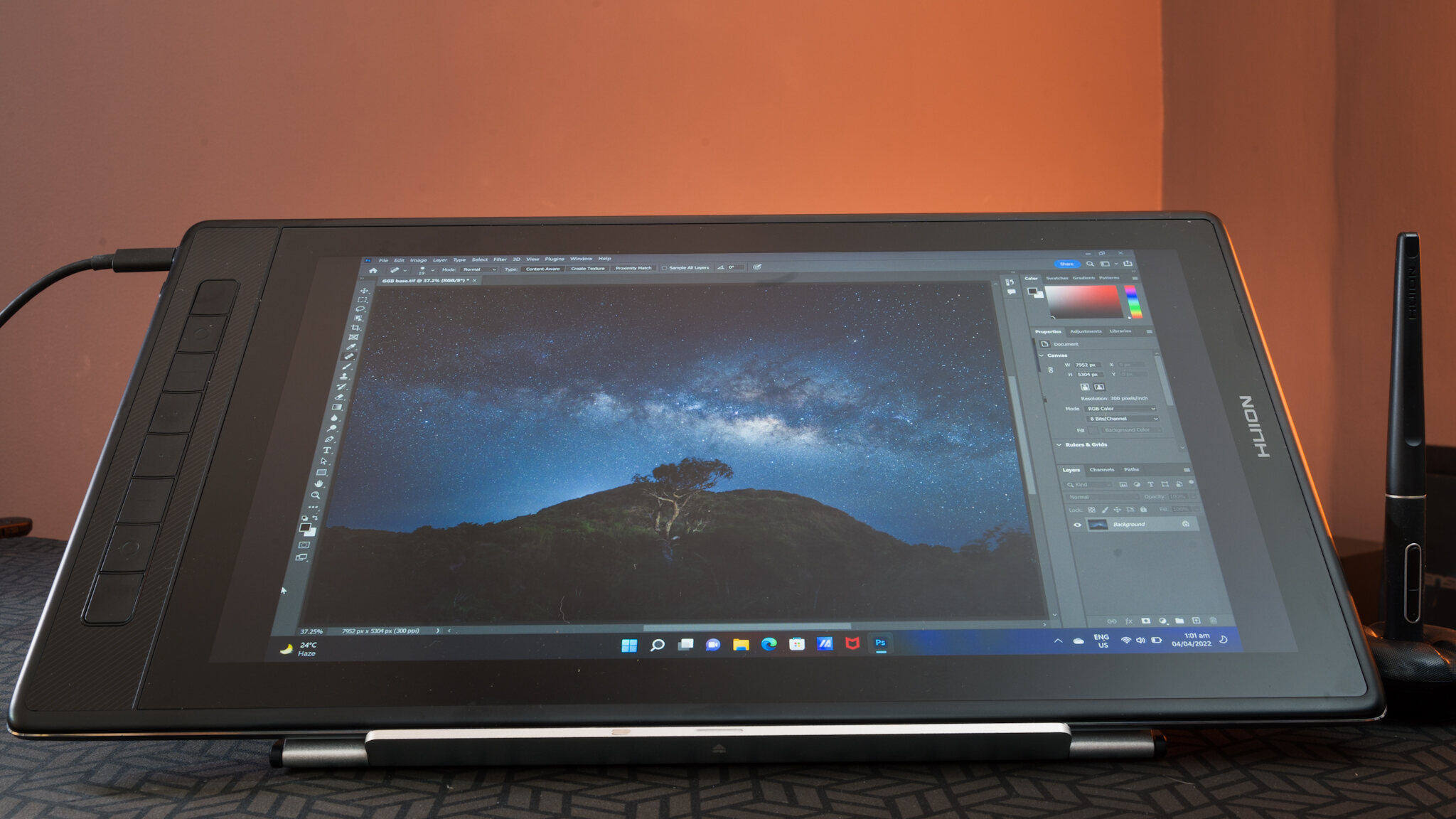
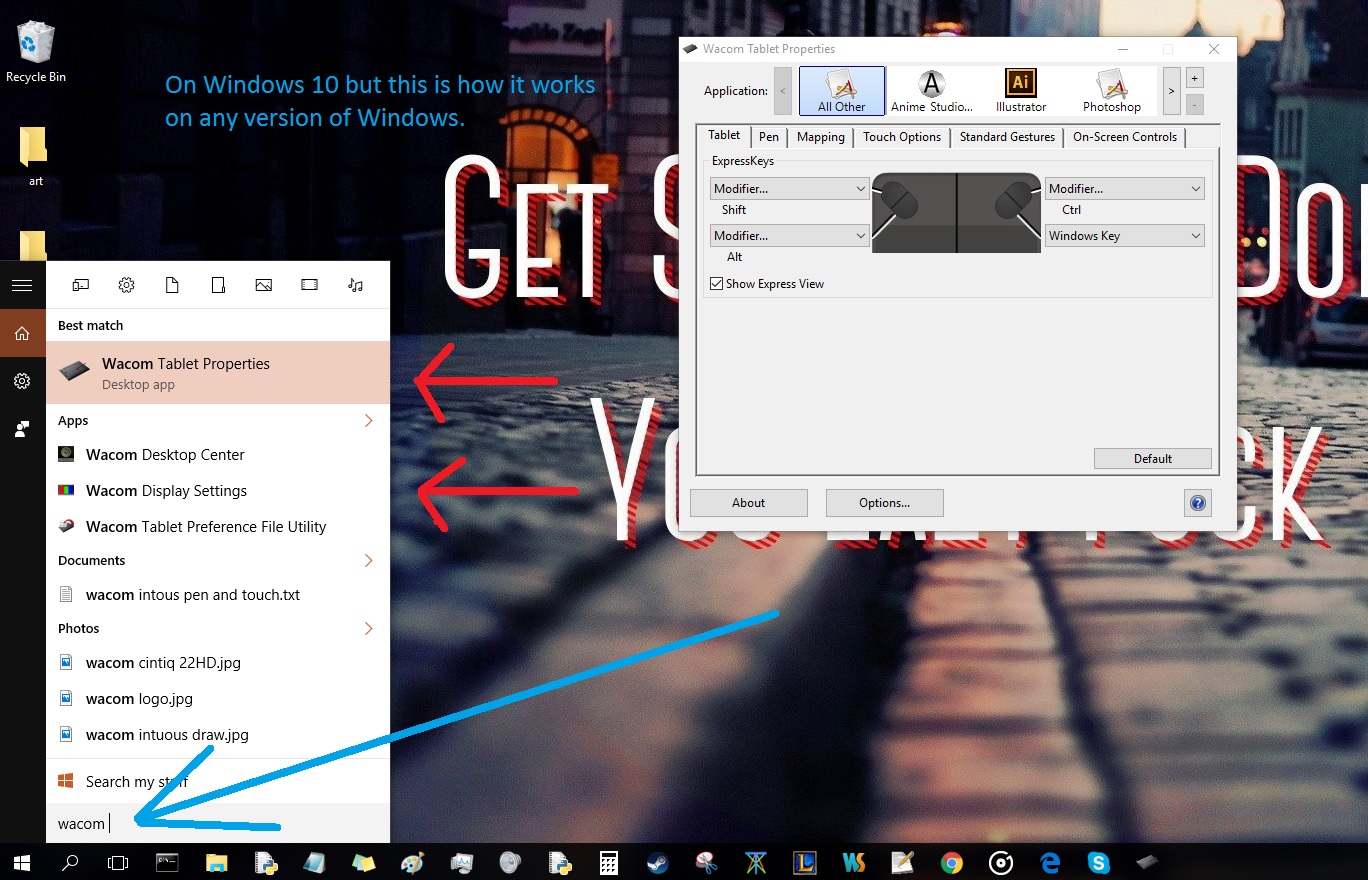
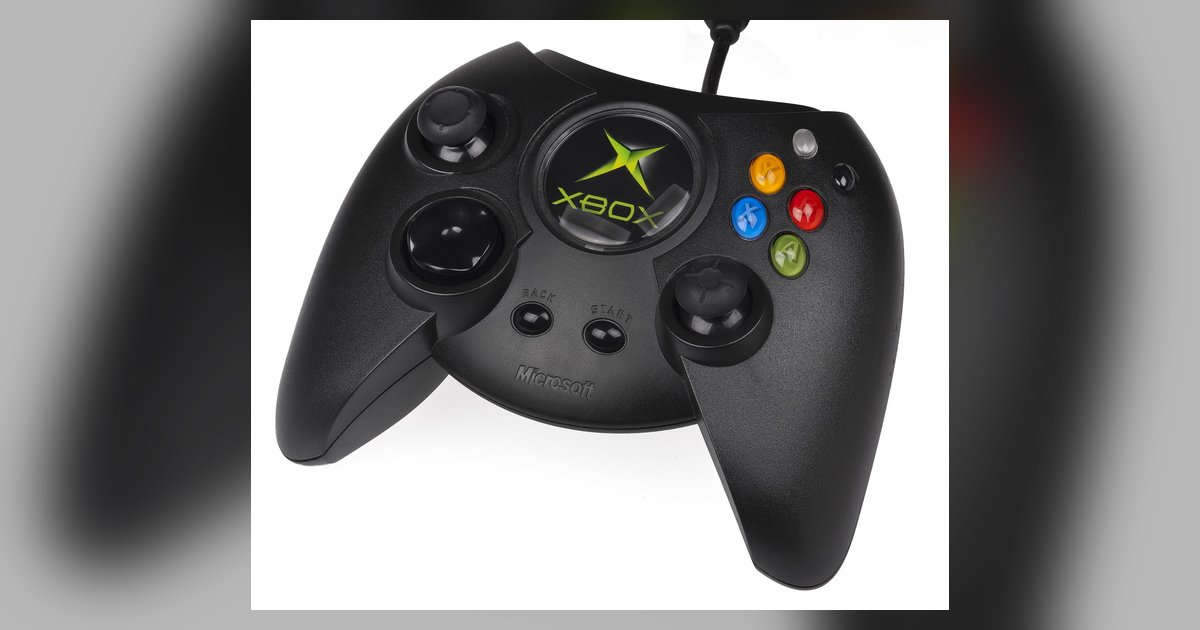
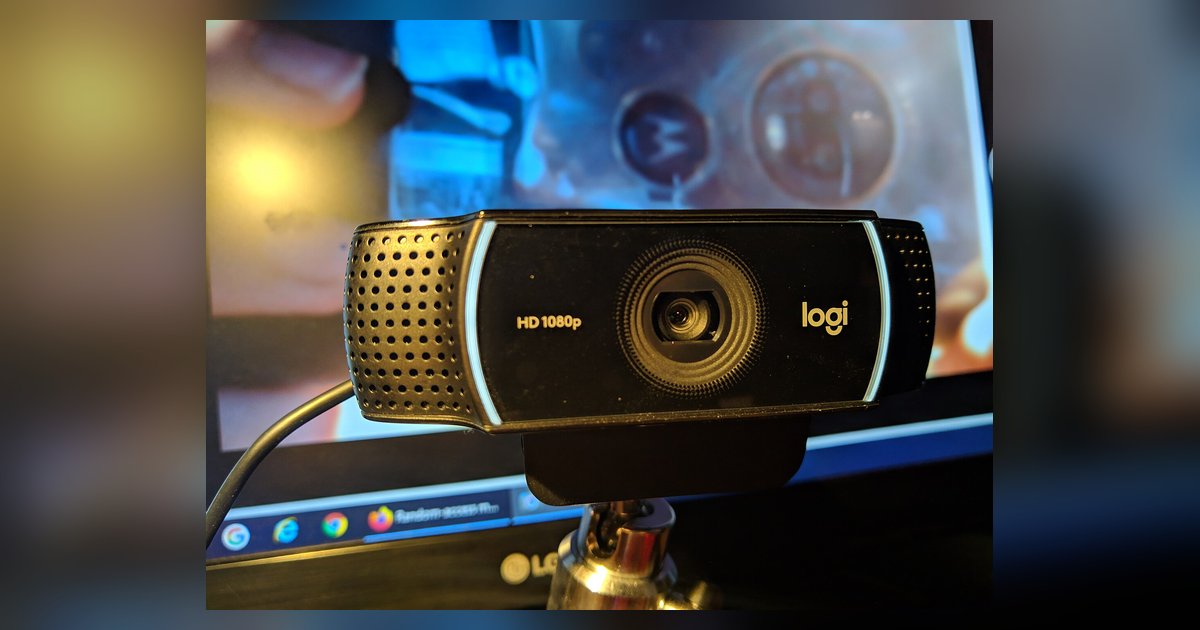
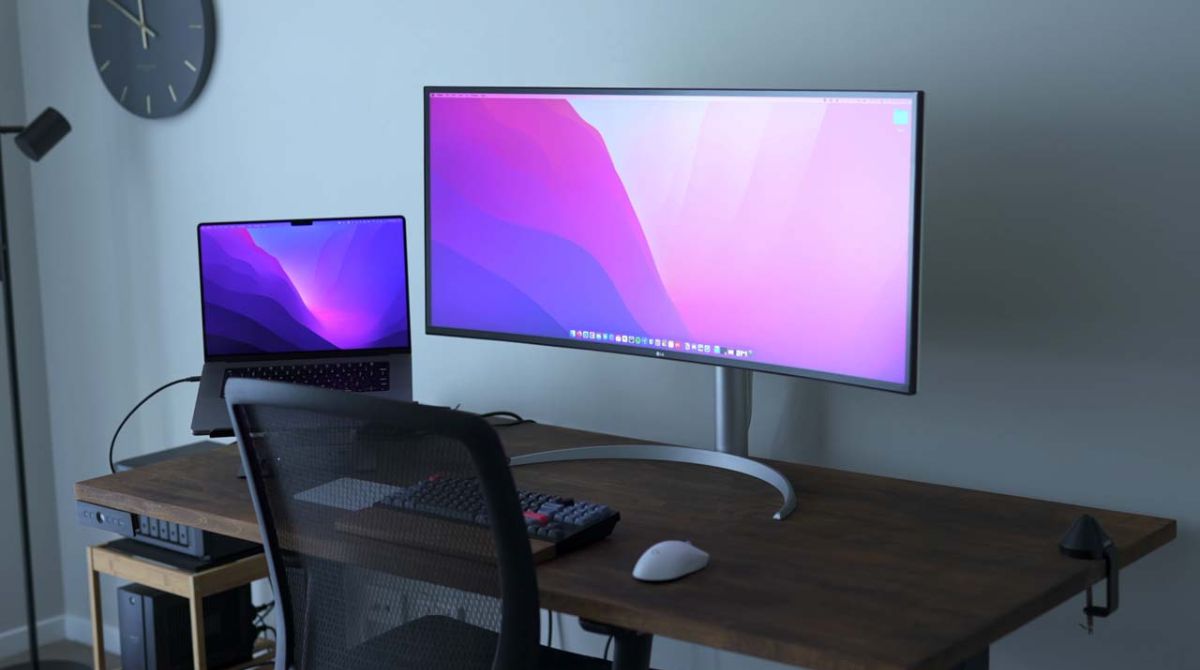
The articles fall into two broad themes. The first is making sure the right hardware is actually doing the work. For example, several guides explain how to force a laptop to use its Nvidia GPU instead of the integrated graphics, or how to verify that your PC is using your graphics card at all. Others cover the reverse situation, like using Nvidia Control Panel when you don’t have an Nvidia card, or getting an ultrawide monitor to behave properly with a Mac. The second theme is connecting and configuring input devices, racing wheels for Roblox or Steam, USB game controllers on Windows, a Logitech webcam, or a Huion pen tablet. There’s also a guide to locating Wacom tablet properties in Windows 10, and one that explains what to do when an AULA keyboard’s RGB lighting stops working on Mac or Linux.
Across these topics, the underlying goal is always the same: to help you diagnose a connection, install the right driver, or change a setting so your hardware performs as intended. None of the articles involve bypassing protections or pirating software, they’re straightforward fixes for common, legitimate configuration problems.