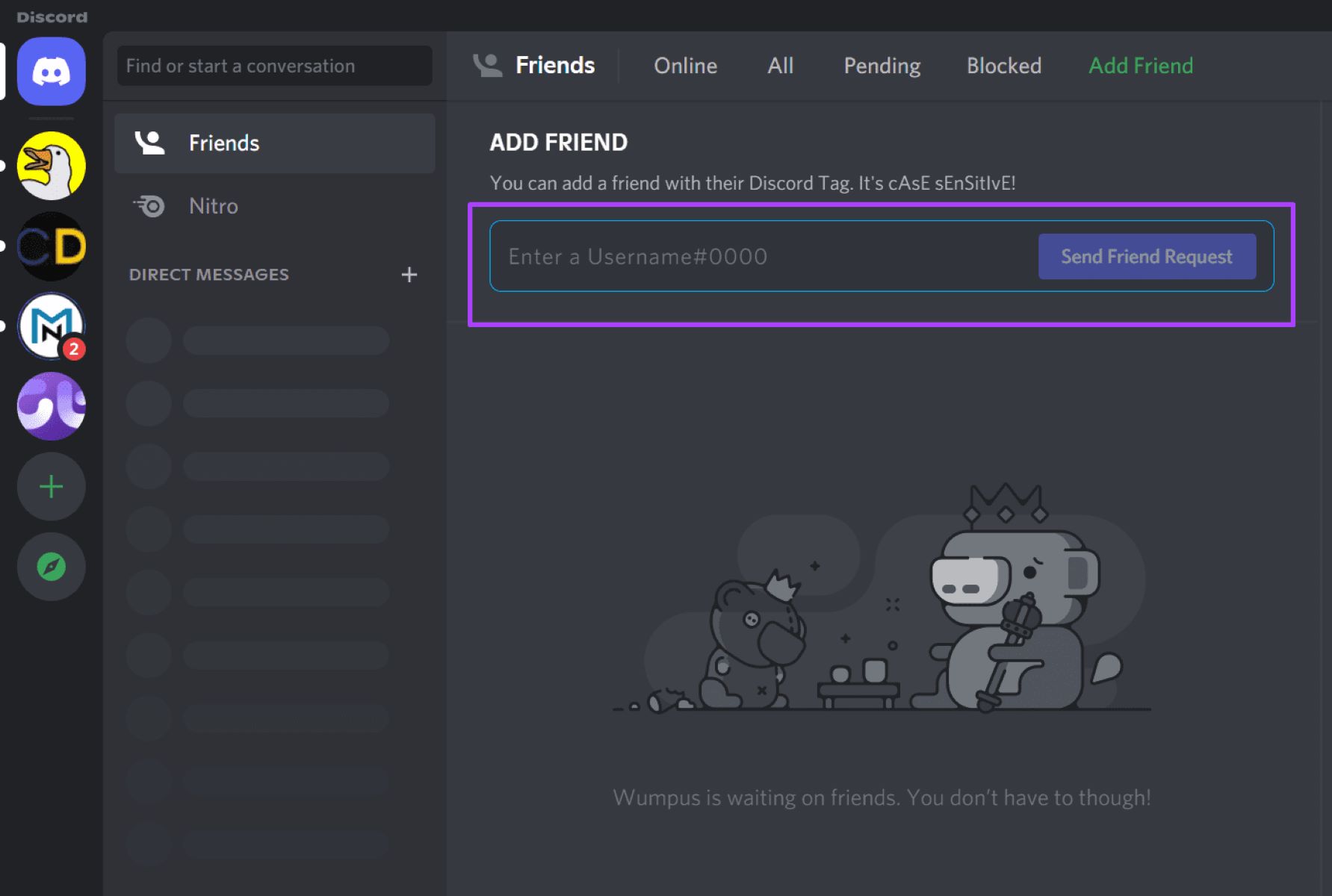
This tag collects articles about using Discord, the popular voice and text chat platform, across a range of everyday tasks. It is written for regular users, whether you are just starting out or have been using the app for a while, who want to get more out of the service without diving into technical manuals. The guides are practical, short, and focused on solving specific problems you are likely to run into during normal use.
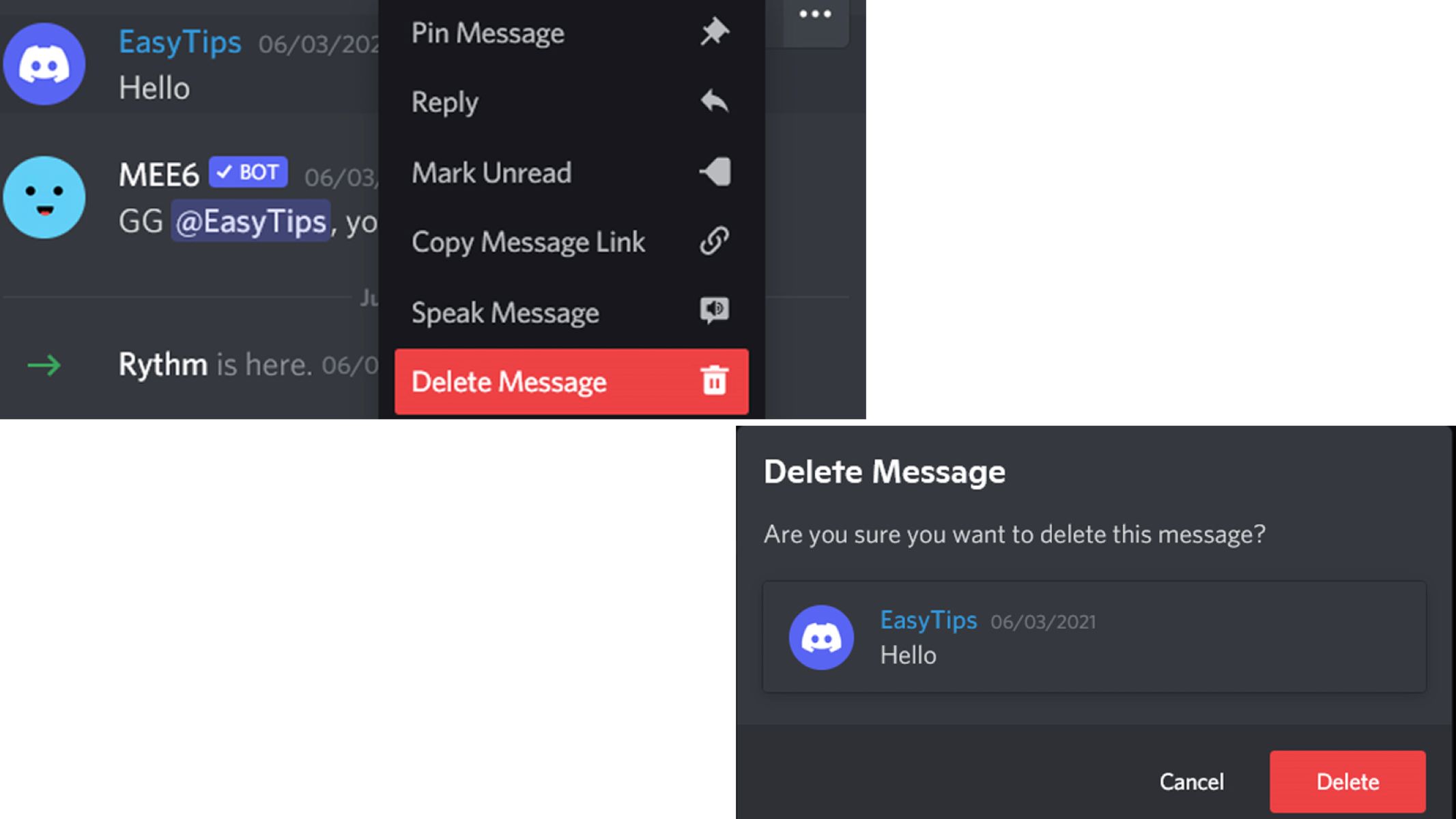
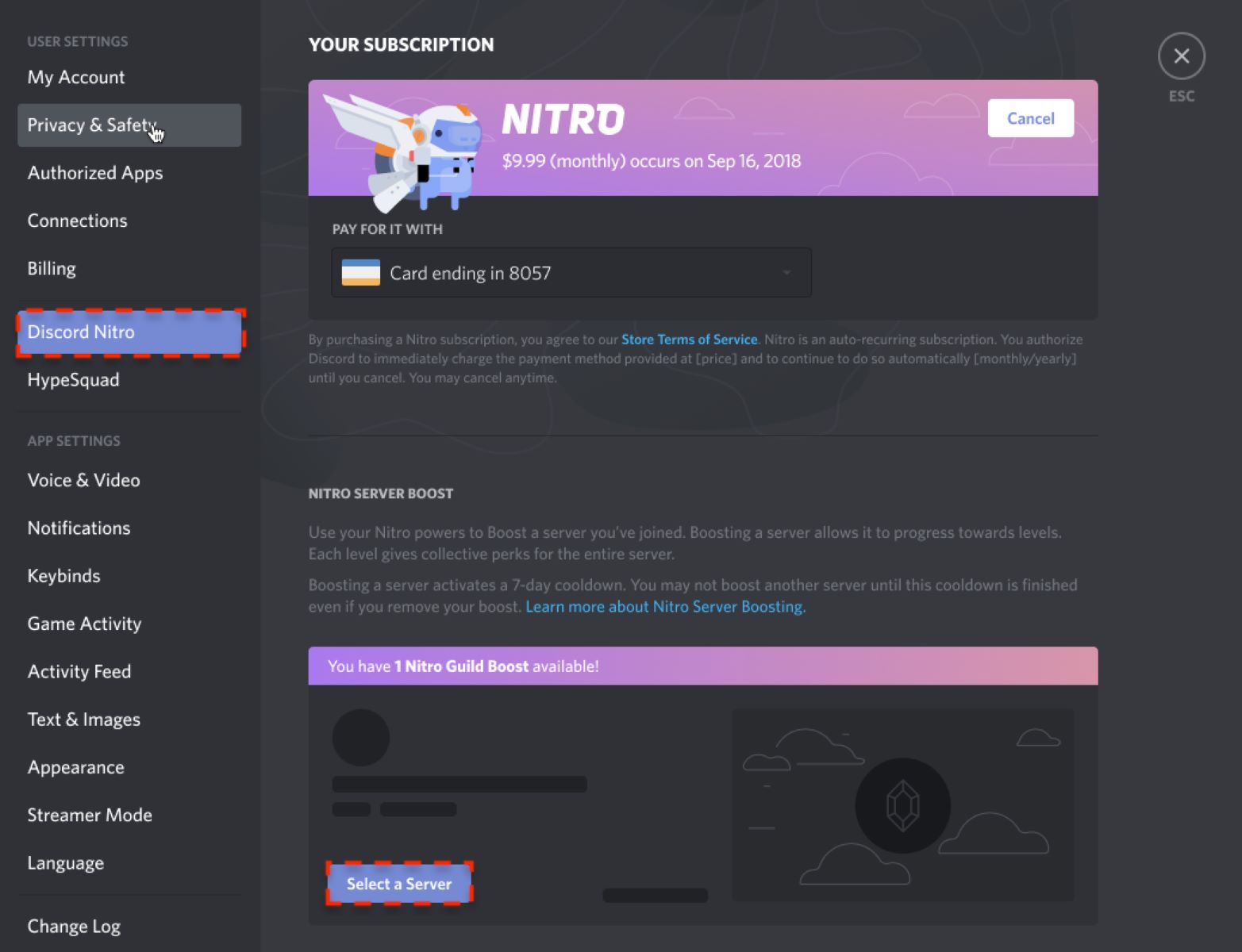
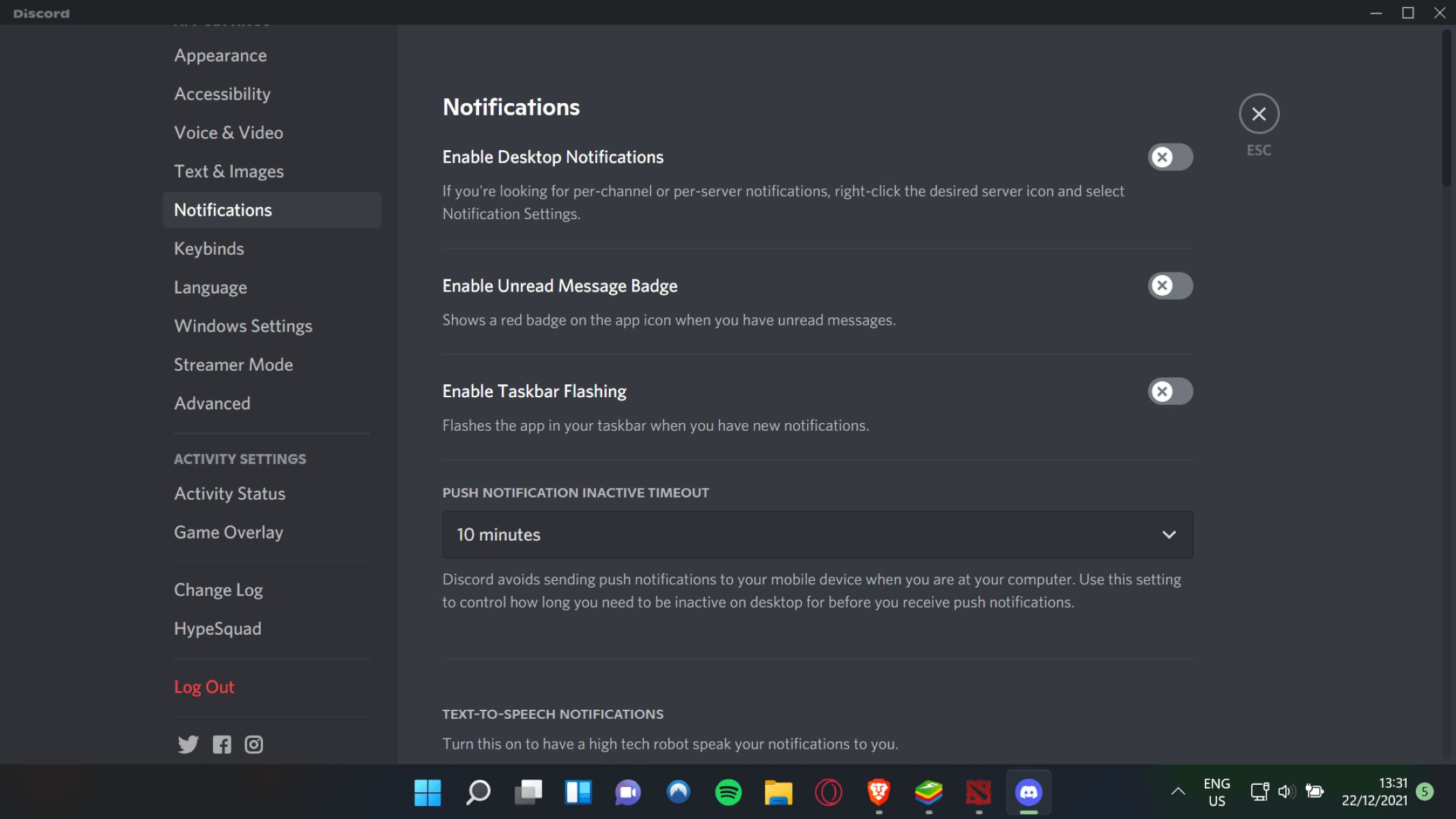
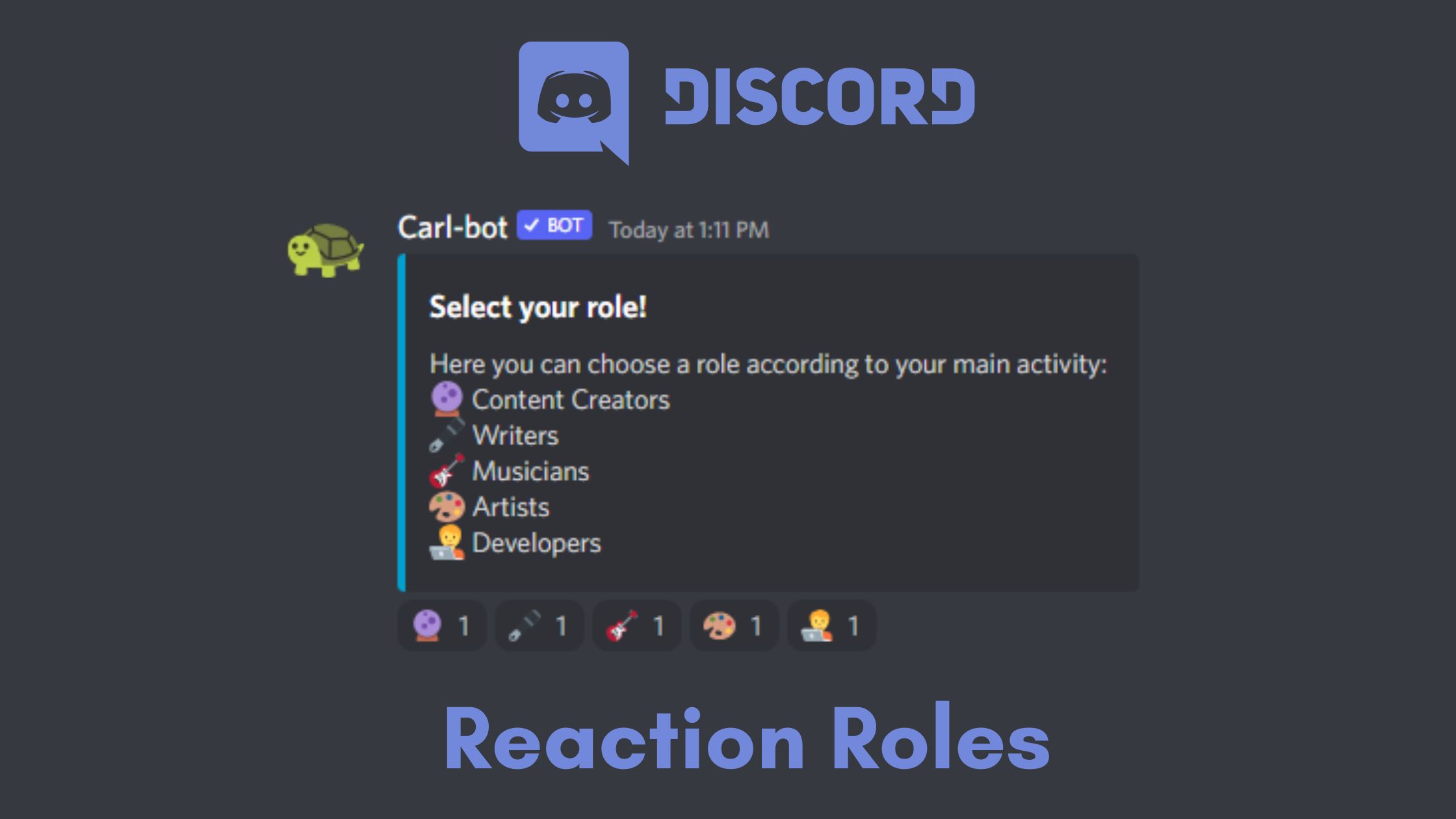
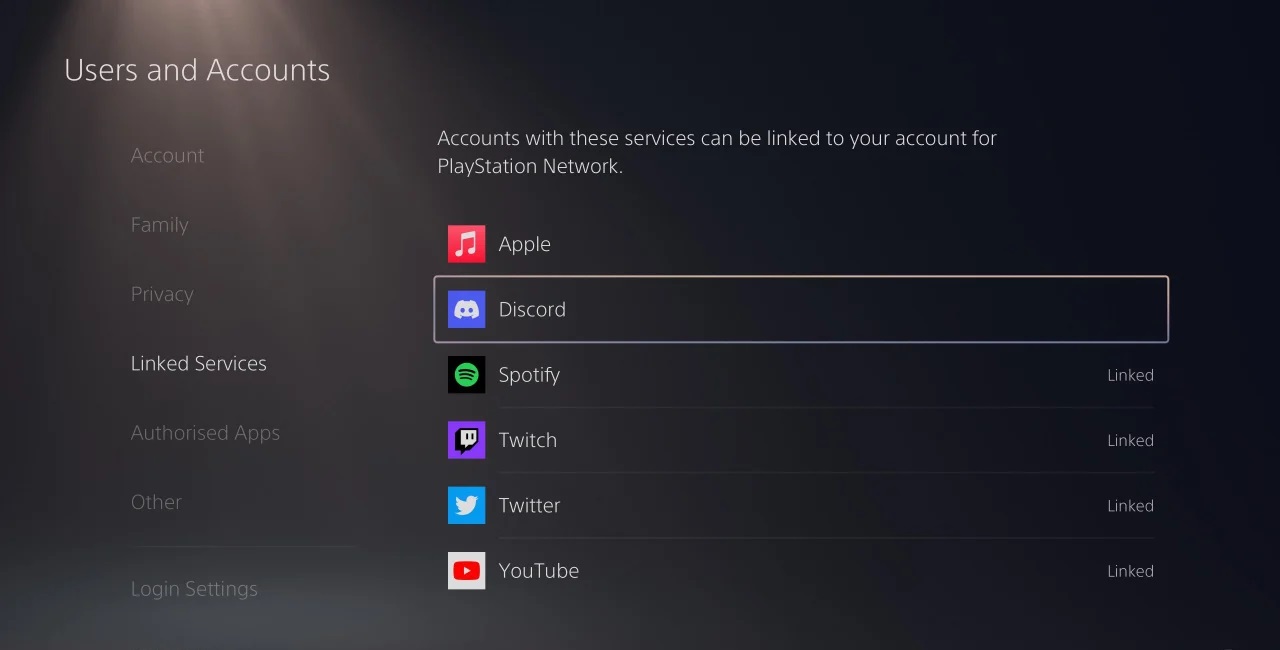
The articles fall into a few clear themes. One major group covers connecting Discord to other devices and services. For example, you can learn how to stream your Nintendo Switch or PS4 to a Discord call without needing a capture card, how to use your phone as a webcam, or how to link your Discord account to your PlayStation. Another theme is server management and customization: here you will find instructions on setting up reaction roles, creating a stage for events, boosting a server, or automatically assigning roles to members. A third group focuses on privacy and account control, including how to turn off notifications, see who you have blocked, or check your login history, along with important safety pieces on protecting yourself from doxxing and understanding what information is visible to others.
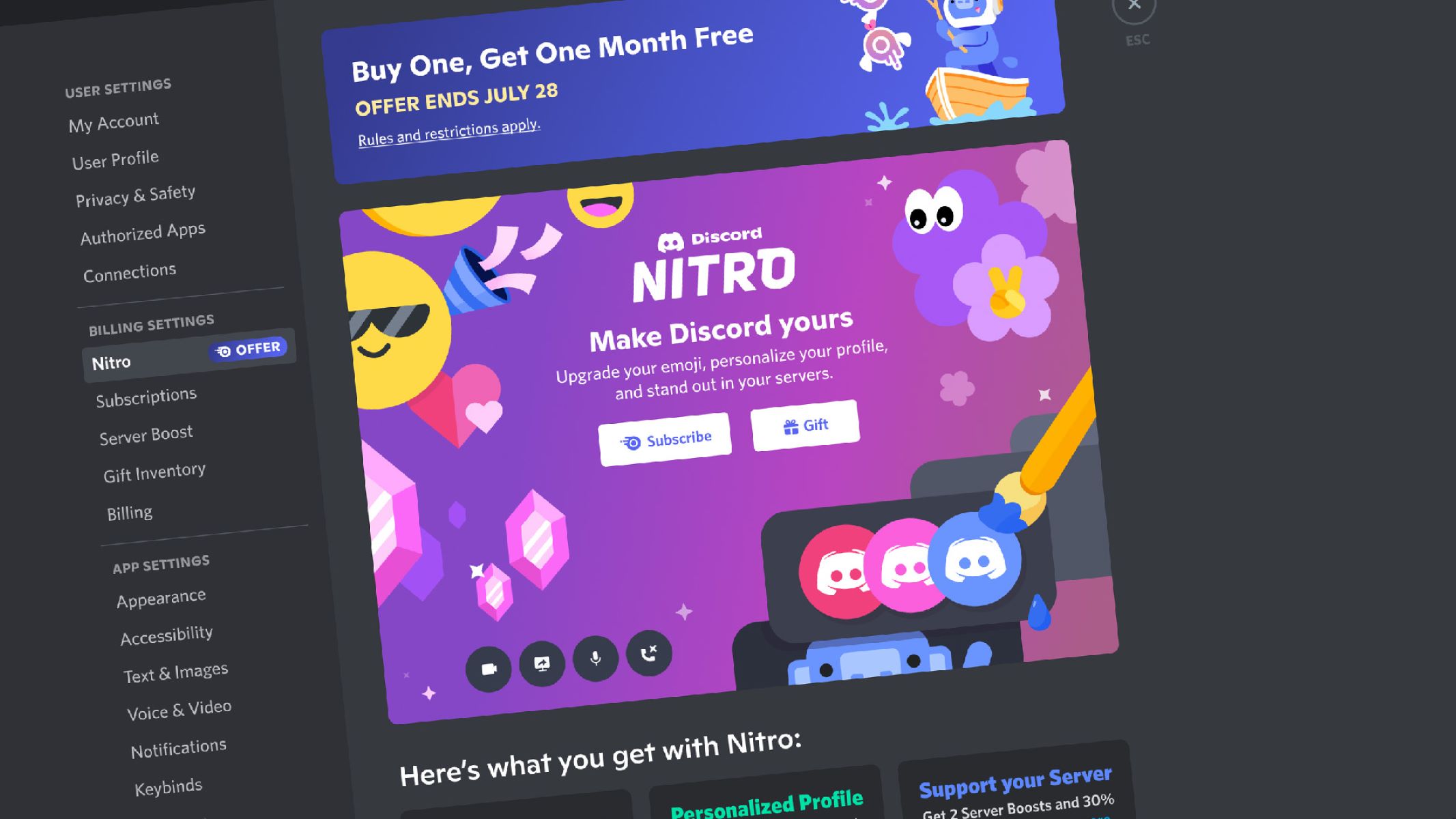
Several articles also address common frustrations and small but useful tricks. You can learn how to stop Discord from pausing your Spotify music, how to hyperlink text or make small text in a message, and how to ping someone without causing a distraction. The collection also covers account basics like logging in, creating an alt account, and understanding what Nitro offers. Throughout, the tone is practical and straightforward, helping you complete the task at hand while also pointing out safer, legal alternatives, for instance, the streaming guides focus on built-in features rather than workarounds, and the security pieces explain how to protect your data rather than expose it.