Practical, step-by-step guides for people who want to keep their files safe, move them to new devices, or clean up old hardware before letting it go. These articles are written for everyday consumers, not IT professionals, who are dealing with a laptop, tablet, phone, camera, or external drive and need clear instructions for a specific task. Whether you are preparing a device for resale, freeing up space, or simply making sure your photos and documents are not lost, this tag points you to the right tutorial.
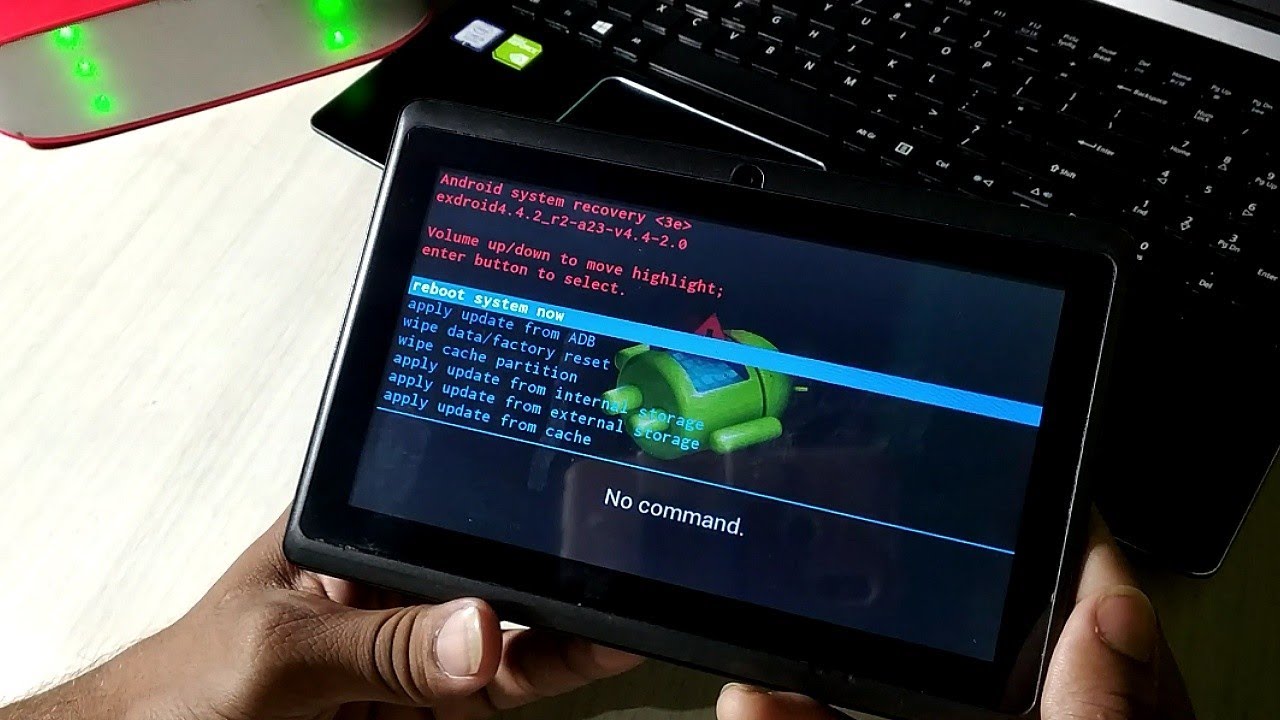
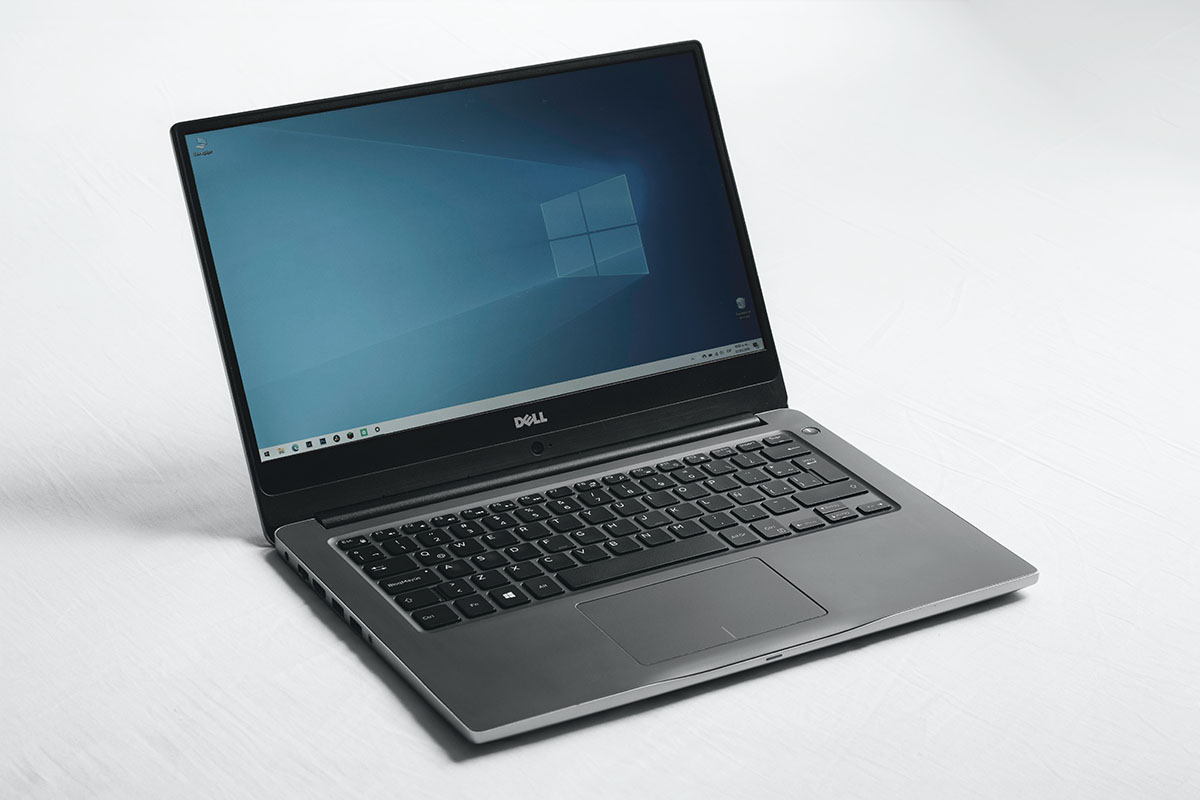
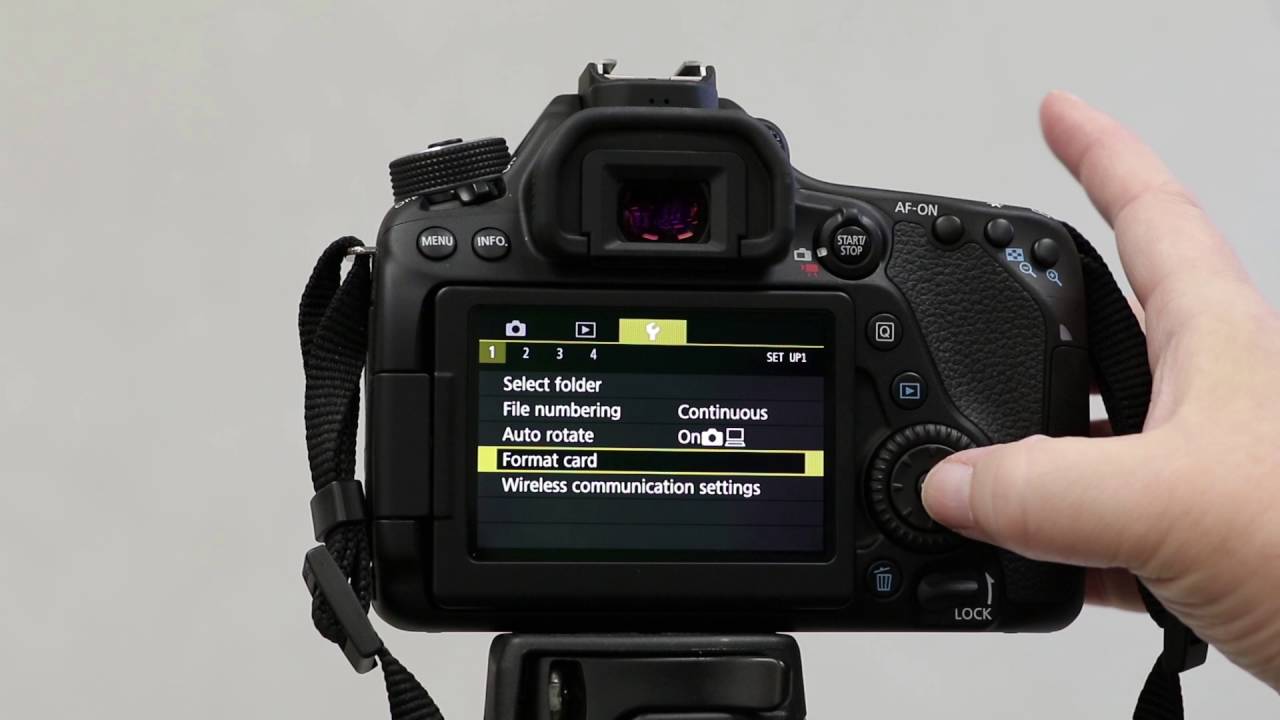
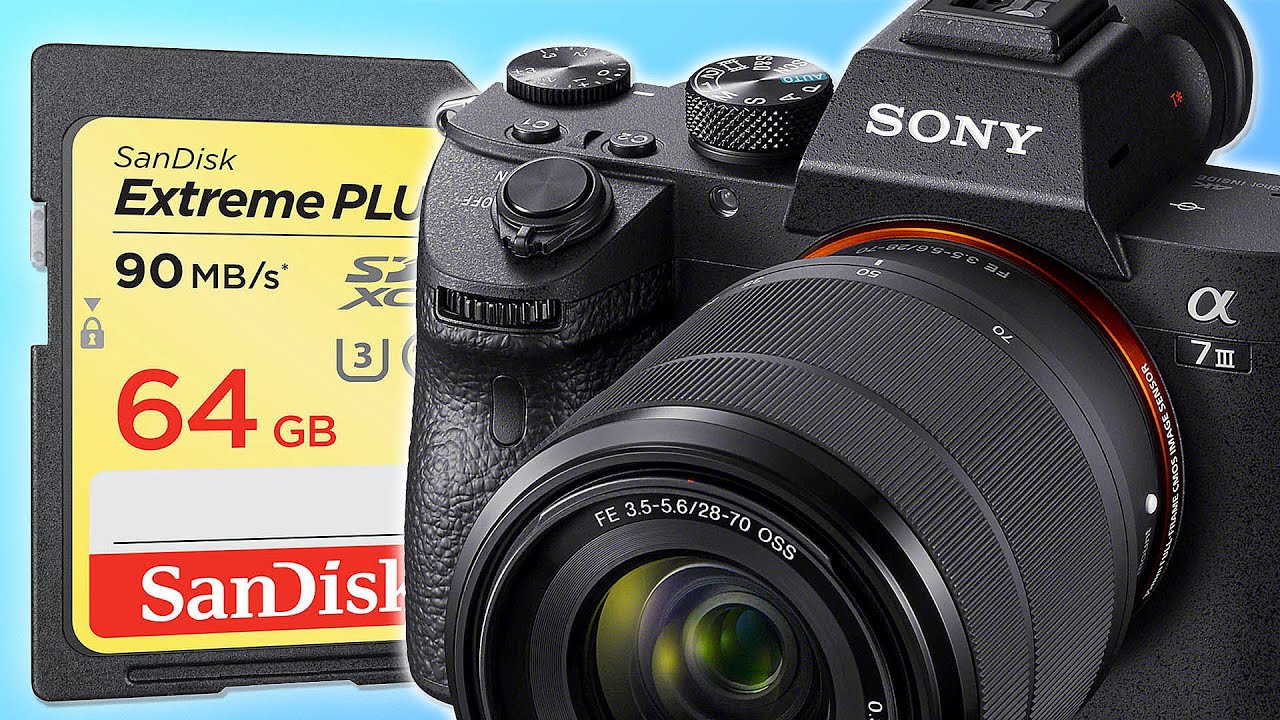
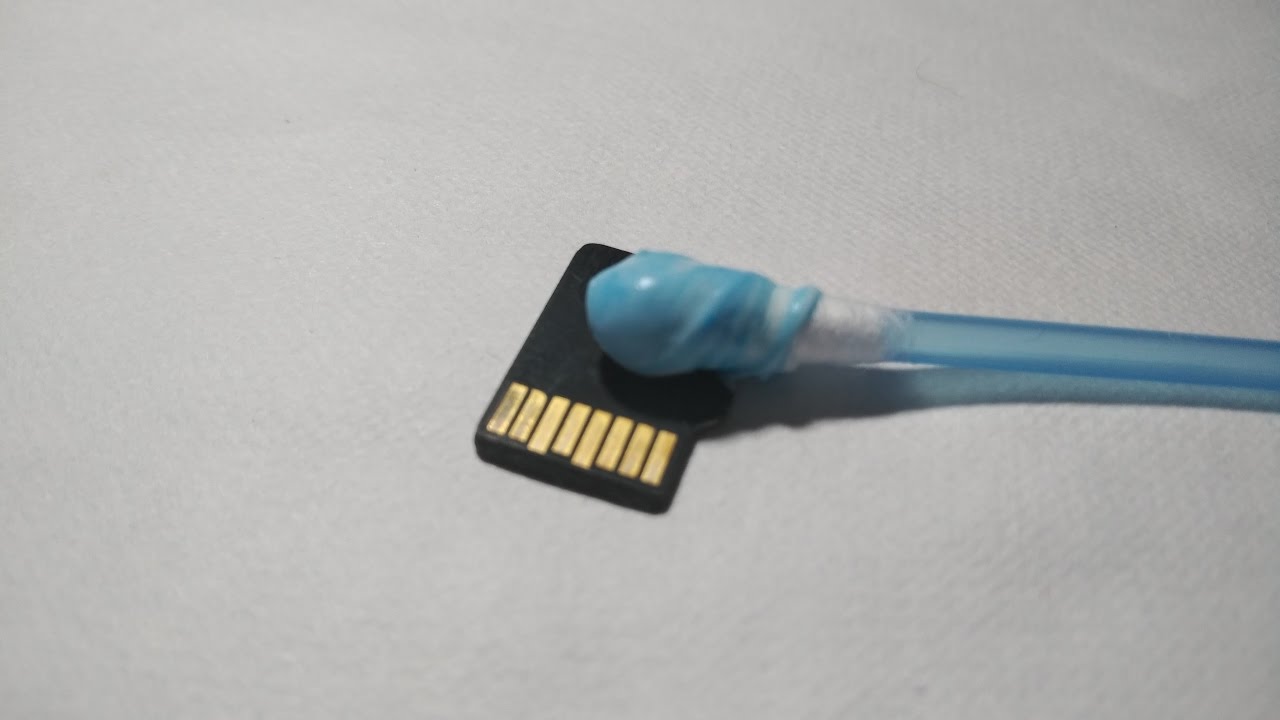
The articles here fall into two broad themes. First, there are guides focused on transferring and backing up data, such as moving photos from iCloud, Google Drive, or Amazon Photos to an external hard drive, copying files from a Mac to a PC, or backing up an Android phone to a Seagate drive. Second, there are tutorials about resetting or restoring devices, covering factory resets for Dell laptops, HP Pavilion gaming laptops, Amazon Fire tablets, Beelink mini PCs, and external hard drives. A third, smaller theme involves maintenance and security, including how to clean an SD card, format a card on a Sony or Canon camera, and properly dispose of or recycle an old laptop.
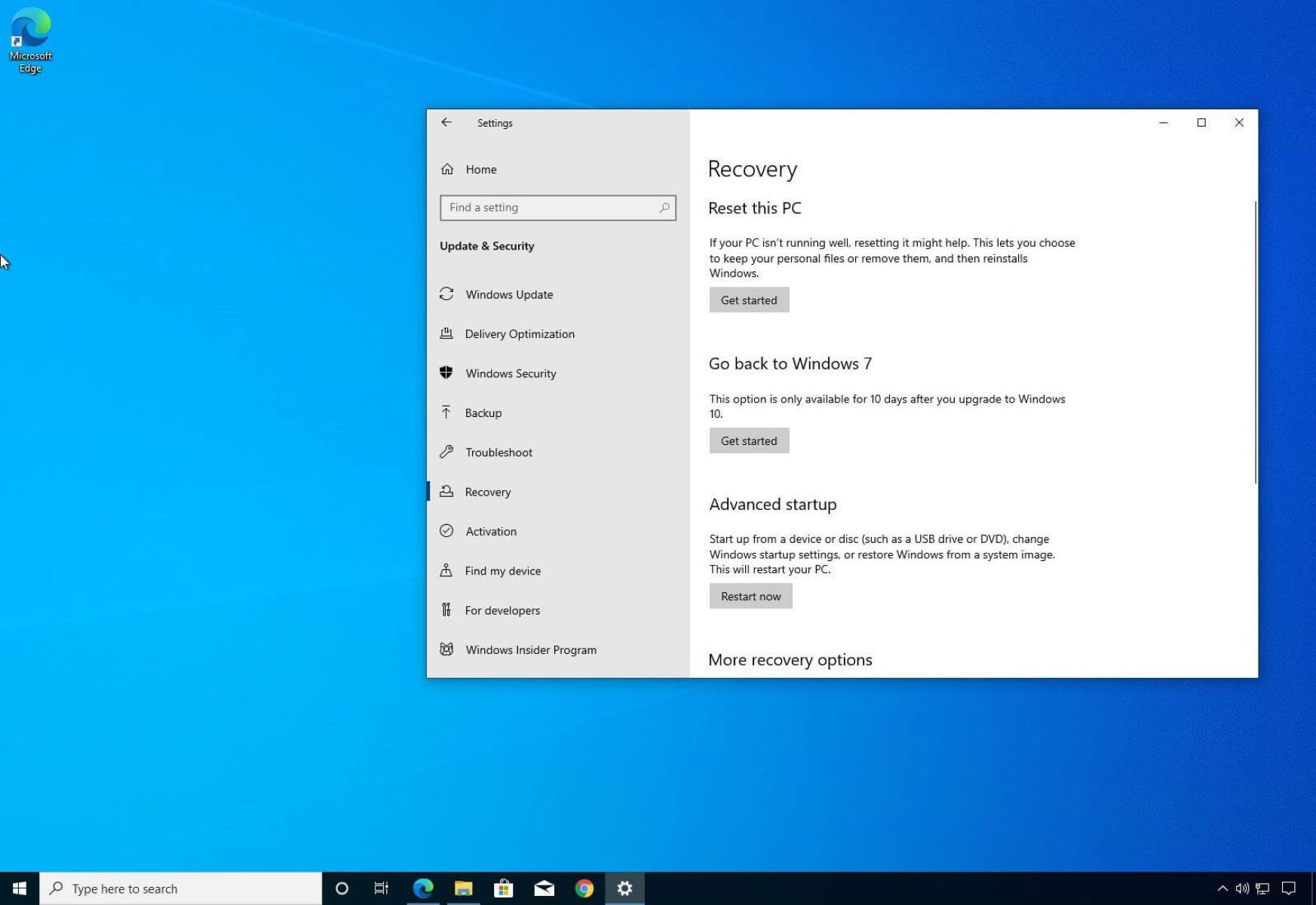
These guides help readers take control of their own hardware without needing to pay for professional help. Some articles, like the one on disposing of a laptop, focus on doing so safely and legally, while others, like rolling back a Windows update, help fix a problem after a change goes wrong. The common thread is practical, cautious advice for protecting your data and your devices.