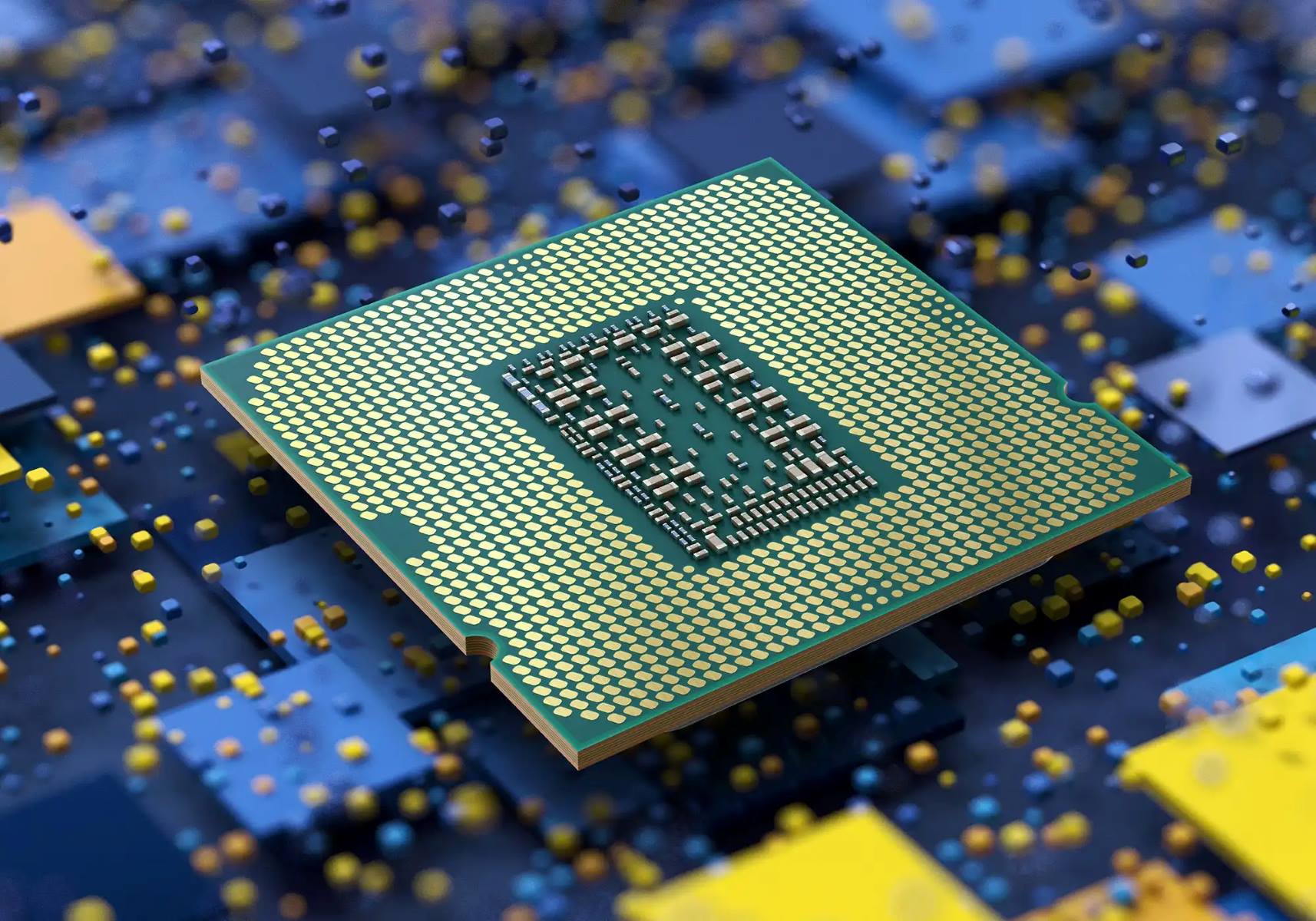
Practical, plain-spoken guides about the processor at the heart of your computer, what it does, how it interacts with other components, and how to get the most from it. These articles are written for everyday PC users, from first-time builders to gamers troubleshooting performance, who want clear answers without jargon-heavy theory. Whether you are trying to understand a spec sheet or fix a slowdown, the material here focuses on concrete, actionable knowledge.
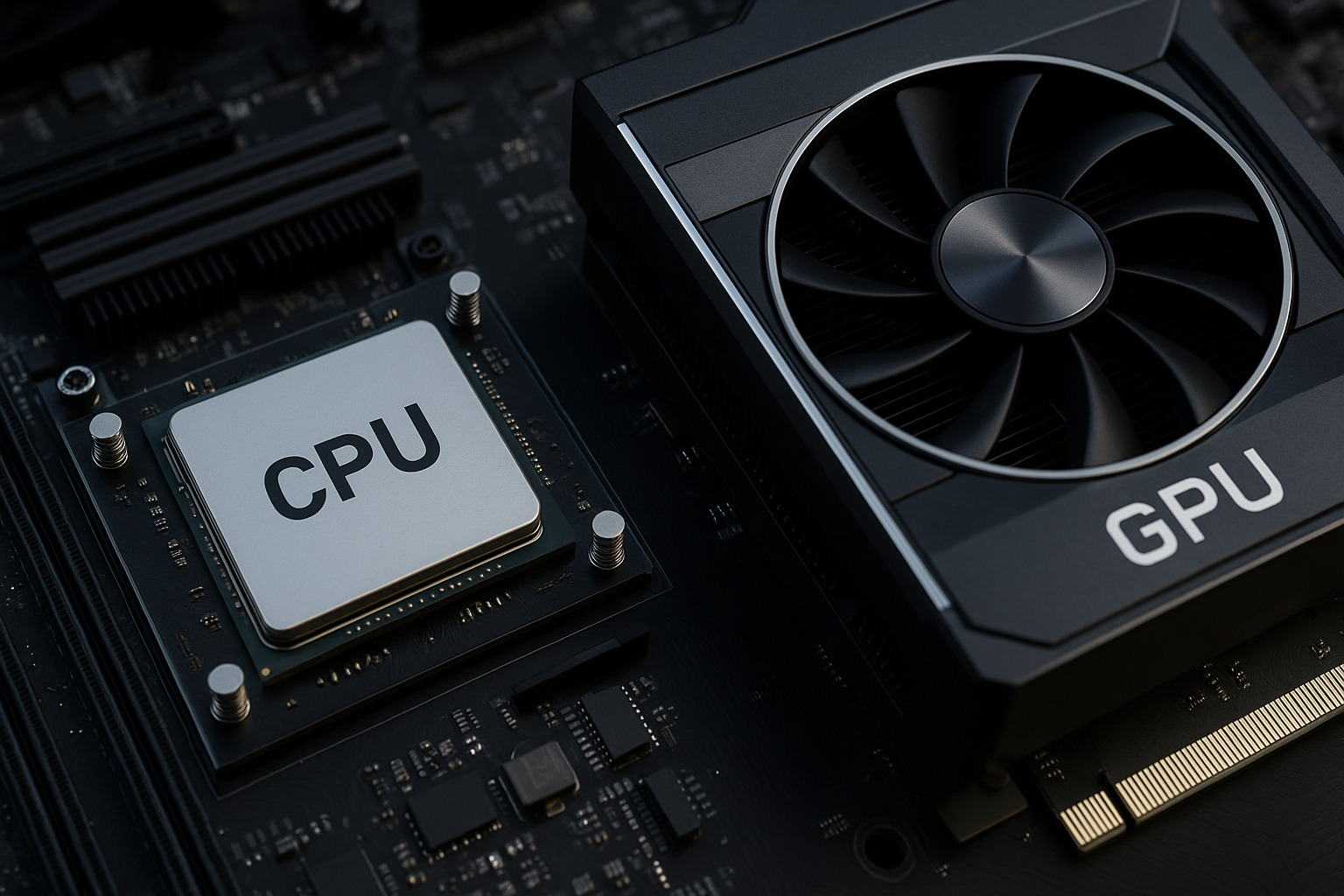
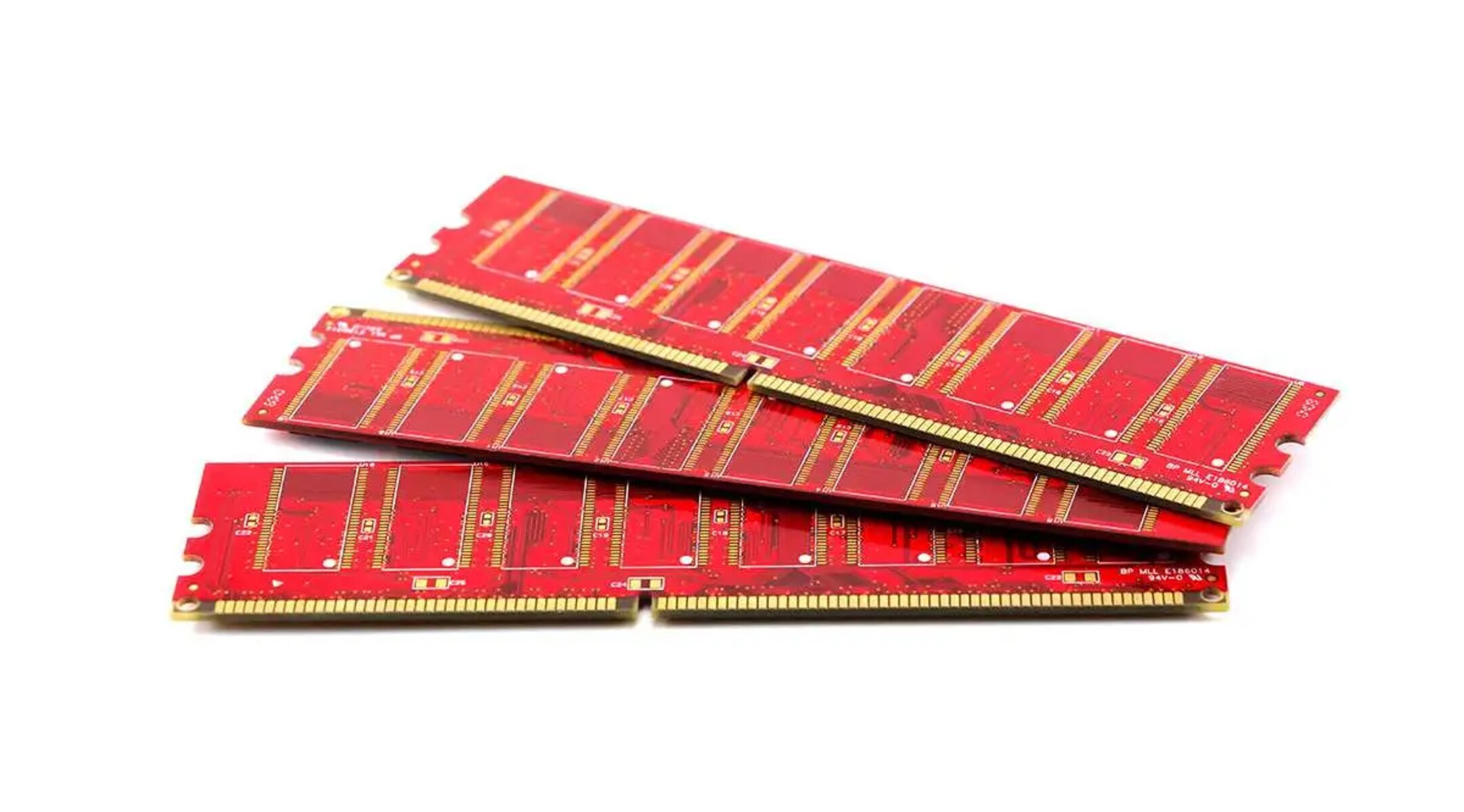
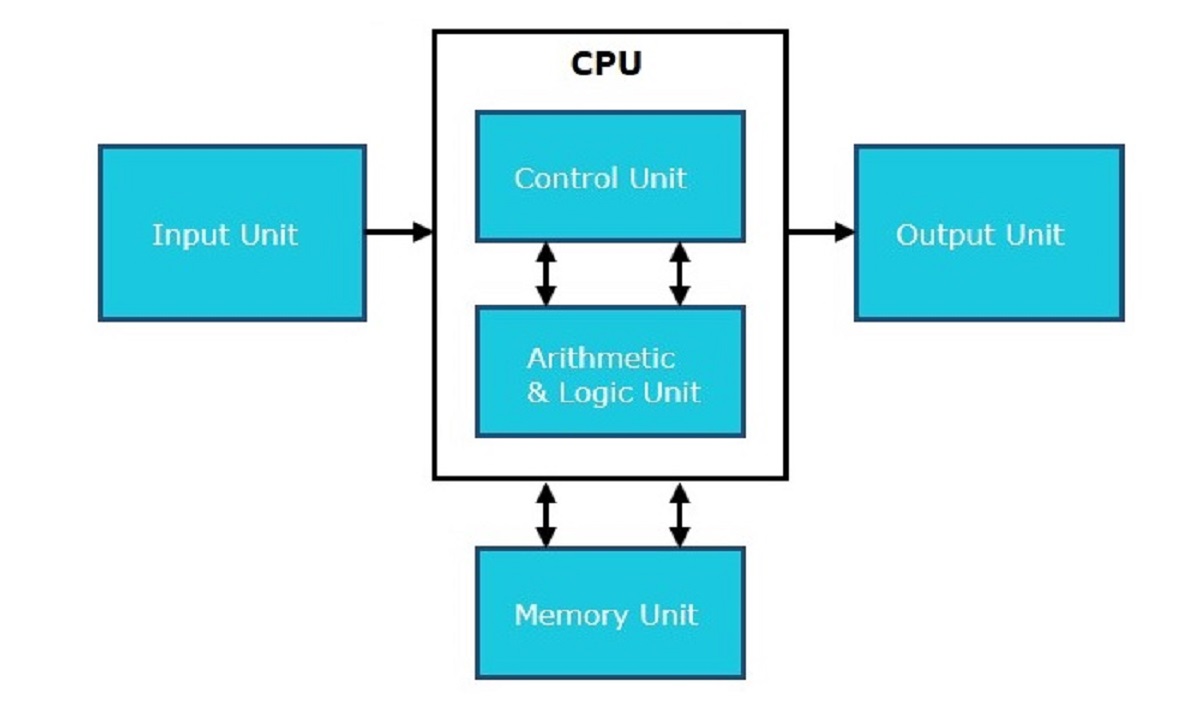
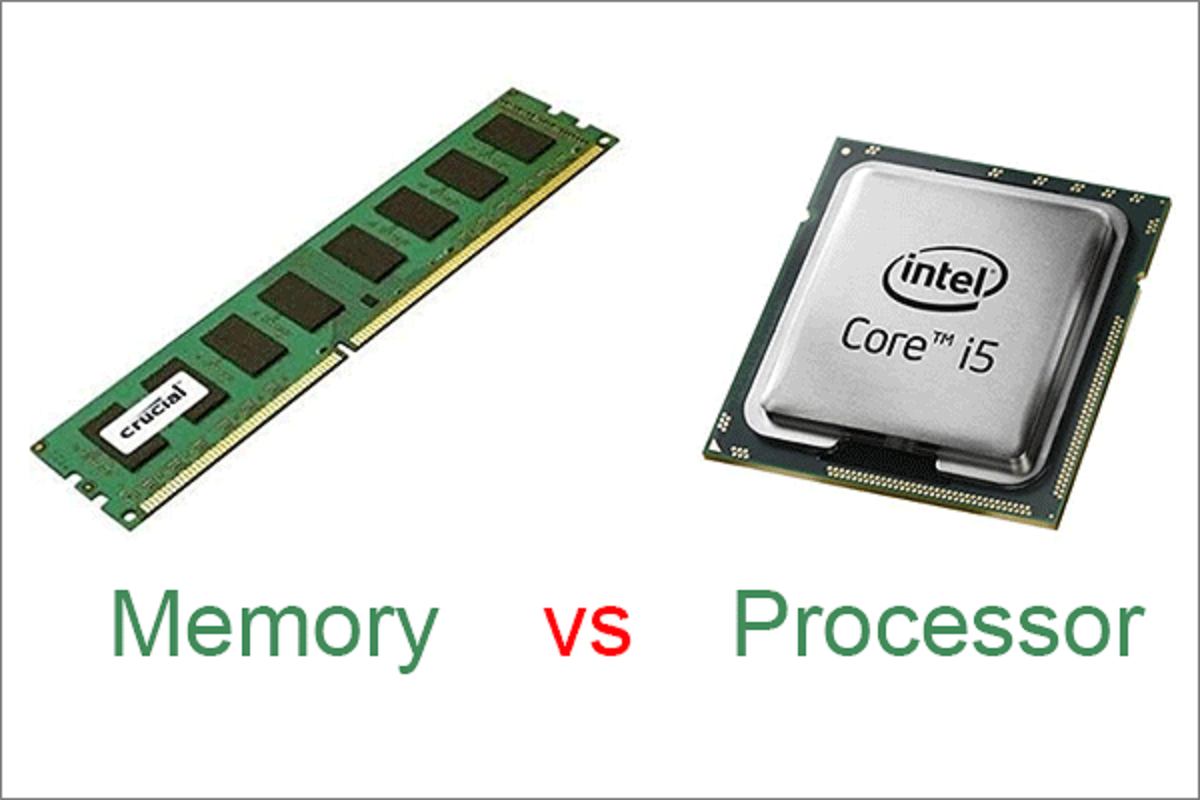
The articles cluster around two main themes. First, there is the “how it works” group: pieces like “How Do CPU And RAM Work Together” and “What Is The Purpose Of The Central Processing Unit (CPU) In A Computer?” explain the division of labor between the processor and memory, while “What Does 8 Core CPU Mean” decodes core counts for real-world tasks. Second, there is the “make it perform” group, which tackles tuning and diagnosis. “How To Allocate More CPU To A Game” walks you through adjusting process priority, and “CPU & GPU Bottleneck: Causes, Fixes, and How to Balance Your System” helps you identify which part is holding back your frame rate and what to do about it.
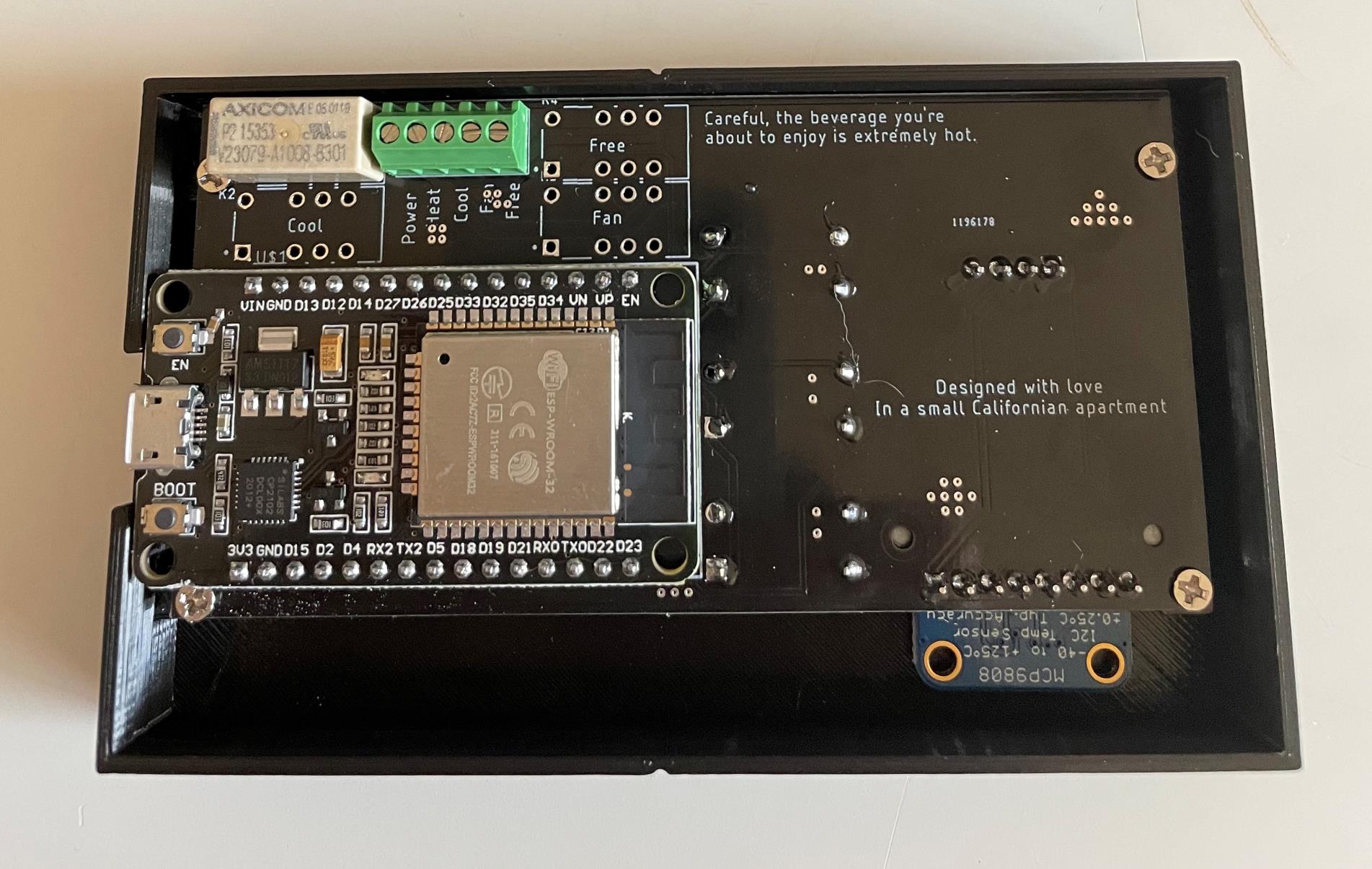
Several entries also take a careful, legal-angle approach to tricky territory. “How To Make A Motherboard” is a hobbyist-level look at board design and assembly, not a guide to cloning commercial hardware. Meanwhile, “Mortal Kombat 9 PC Emulation Minimum System Requirements” focuses on what hardware you need to run an emulator legally, and “How To Check Max MHz Of RAM” helps you verify memory specs safely. Across all eight articles, the goal is the same: help you understand, maintain, and improve your PC without risky shortcuts.