This tag collects articles about cloud storage and the tools that connect to it, written for everyday users who want to manage their digital files without jargon. Whether you are new to the idea of storing photos and documents off your device or you already juggle several services, these guides are here for you. The content focuses on practical, hands-on help, from picking a provider to moving your data around safely.

The articles fall into two broad themes. First, there are explainers and comparisons that help you choose and understand your options, such as how cloud storage works, the top providers for business, and guides to hybrid cloud or network attached storage devices. Second, there are task-oriented tutorials that show you how to move, organize, or clean up your files. You will see step-by-step help for downloading photos from iCloud or Amazon Photos to an external drive, moving pictures from a phone gallery to Google Photos, canceling a subscription, or organizing your Google Photos library. Several pieces also cover file transfer services like Dropbox, WeTransfer, and Mega, including how to download files from them or share videos with clear permissions.

Some titles address security and legal-alternative angles rather than risky workarounds. For example, there is guidance on how to download files from Baidu without an account, which is explained as a way to access publicly shared content legitimately, and how to download stuff on a school Chromebook, framed around school-approved methods and storage limits. These articles help you get your own data or openly shared material, not bypass protections. Overall, this tag helps you take control of your files, backing them up, moving them between services, and cleaning up what you no longer need.
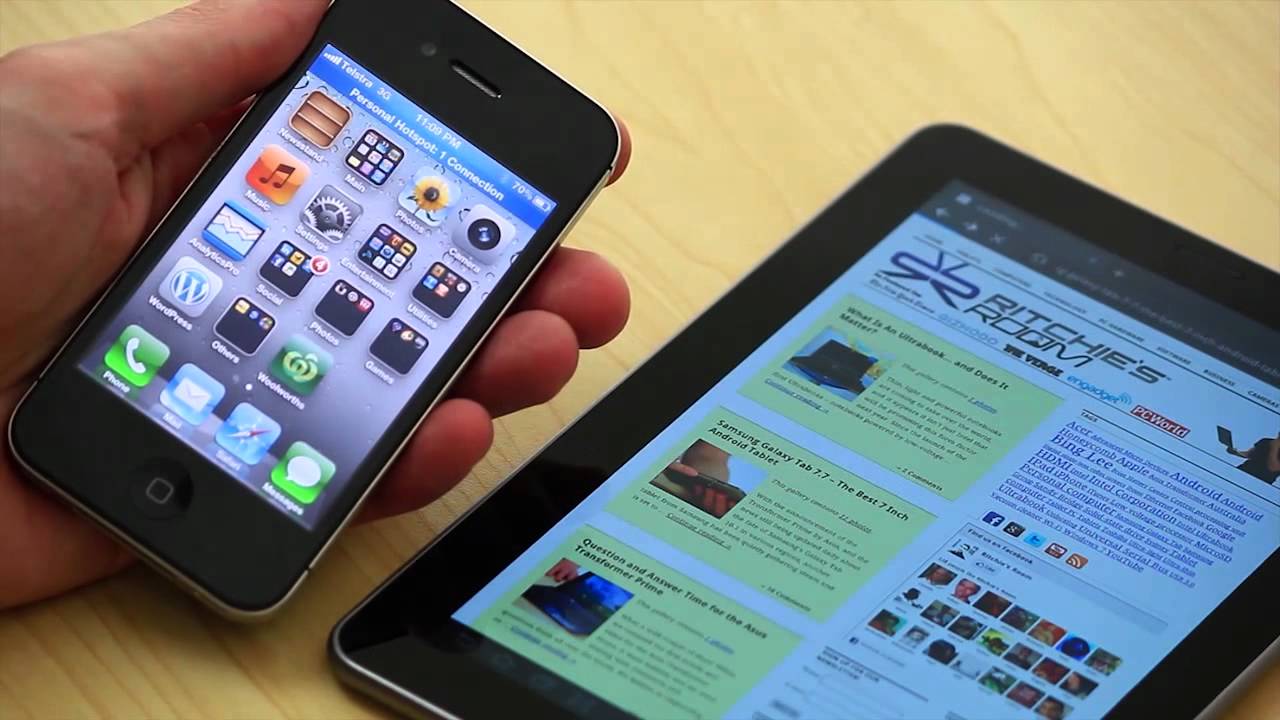
How To Connect My iPhone To My Android Tablet

To connect an iPhone to an Android tablet, you cannot rely on a seamless Apple-to-Android handoff, but you can accomplish five practical tasks: sharing internet, transferring files, syncing via cloud...

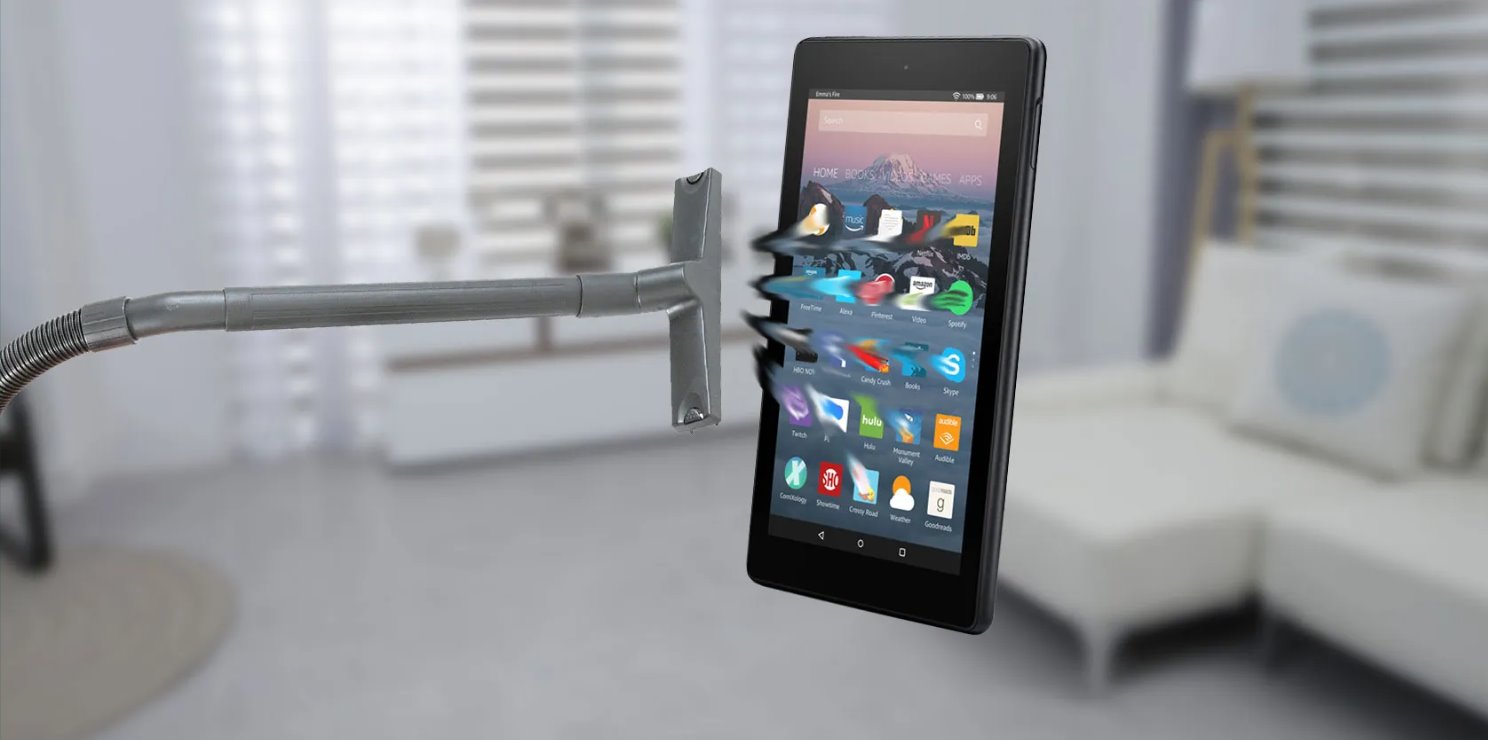
How To Clear Storage On Amazon Fire Tablet

To clear storage on your Amazon Fire tablet, the quickest first step is to use the 1-Tap Archive feature in Settings, which removes unused content from your device while keeping...

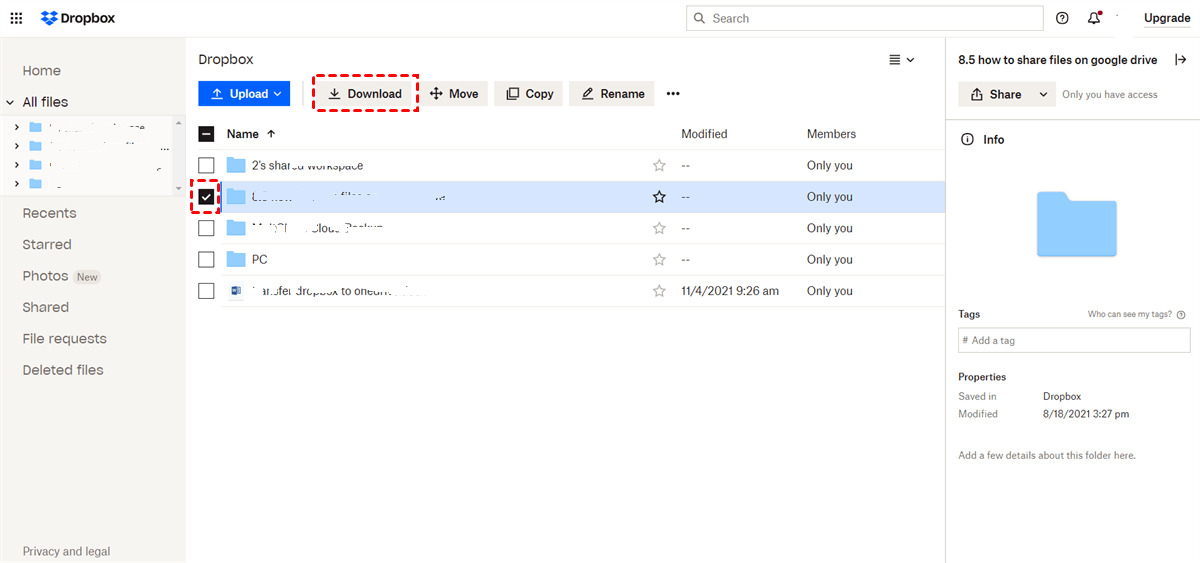
How To Download Mega Files Without Mega

You can download mega files without mega by using your web browser to directly download public files from MEGA, which does not require an account or the desktop app. This...

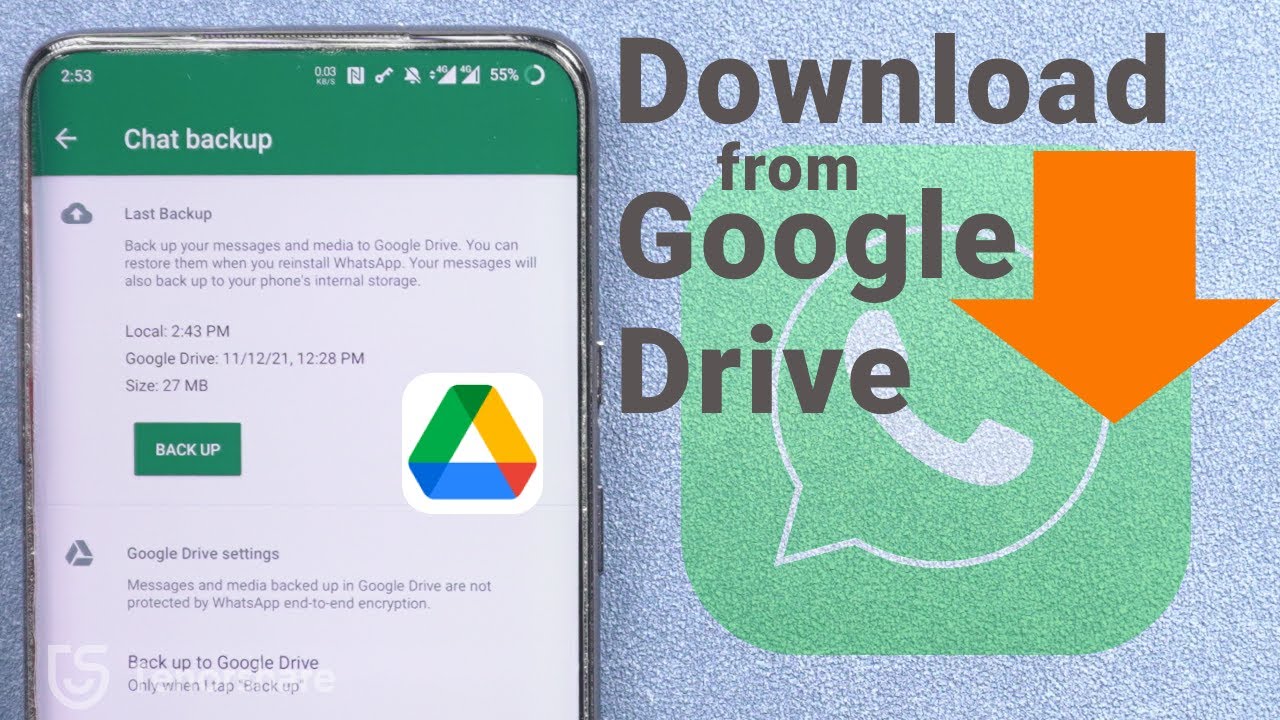
How To Download Phone Backup From Google Drive

You cannot download a phone backup from Google Drive as a single, usable file to your computer, Android system backups are locked and designed only for restoration to another Android...

How To Download Photos From Snapchat

The Official Way to Download Photos from Snapchat The safest and most reliable way to download photos from Snapchat is to use the app's built-in Memories feature, which lets you...

How To Download Pictures From Amazon Photos

To download pictures from Amazon Photos, sign in at amazon.com/photos, select the photos using the checkmark icon, click the Download button, choose your preferred quality and format, and the files...

How To Download A Tex File From Overleaf

To download a tex file from Overleaf, open your project in the editor, click the Menu button in the upper-left corner, and select Download > Source to save a .zip...

How To Download Stuff On School Chromebook

How To Download Stuff On School Chromebook Yes, you can download on a school Chromebook, but with limits. School Chromebooks are managed by administrators who can block downloads, yet several...