This tag collects practical guides for getting your gaming and home hardware working the way it should. It is written for anyone who owns a racing wheel, a game controller, or an older thermostat, and who wants to fix a small but frustrating issue without calling a technician or buying a replacement. The articles focus on configuration, setup, and adjustment, not on repairs that require opening the device.
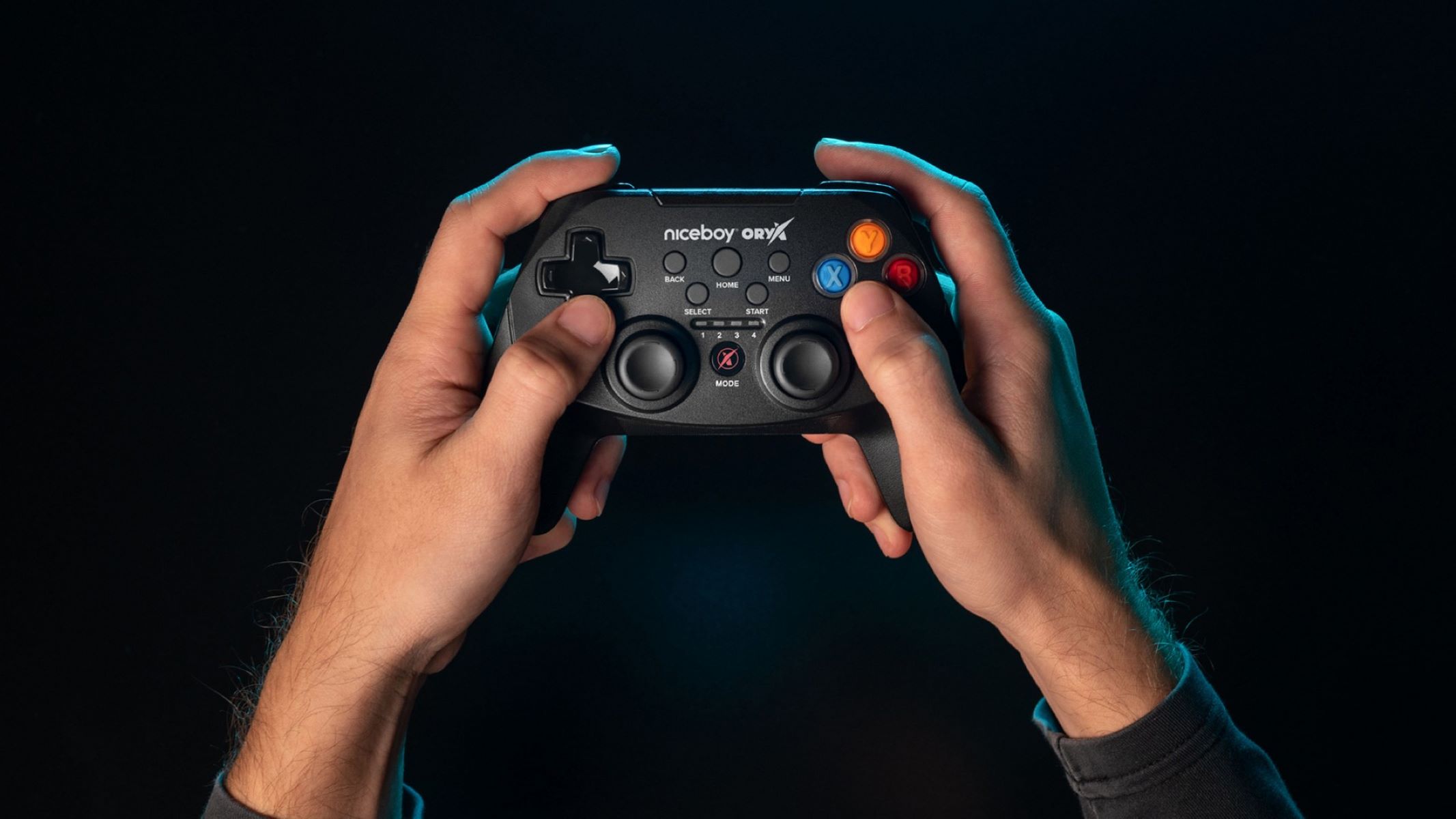
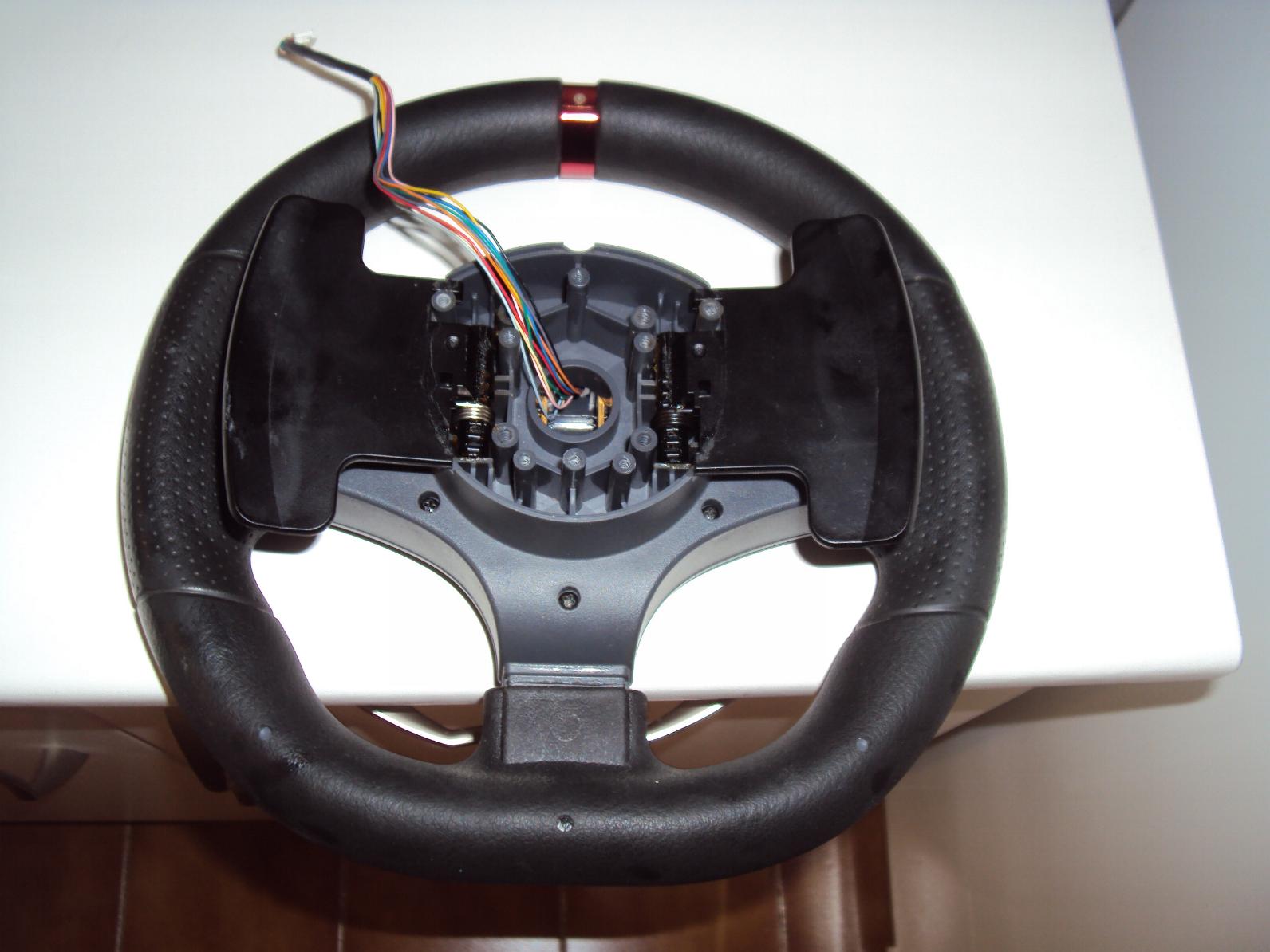
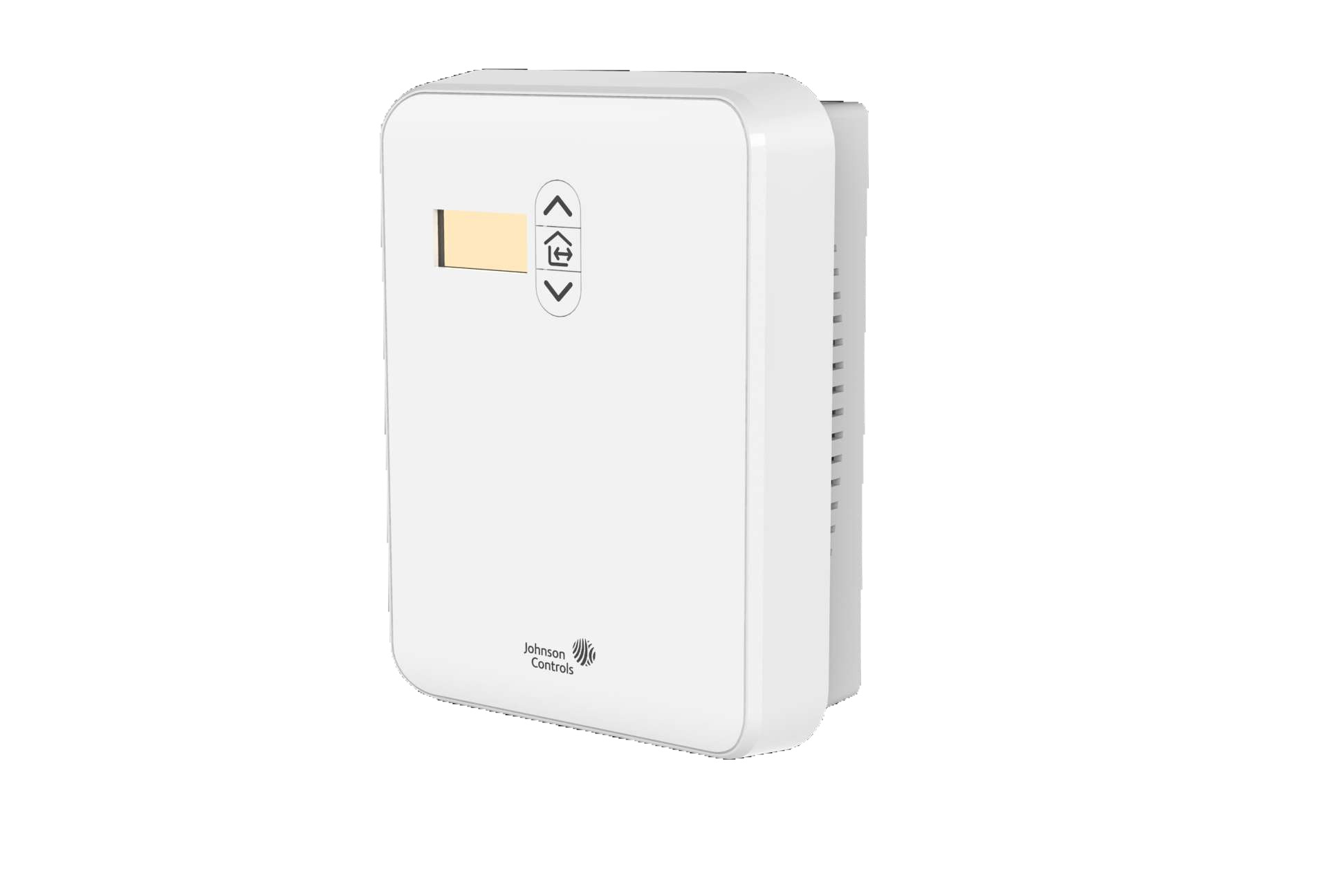
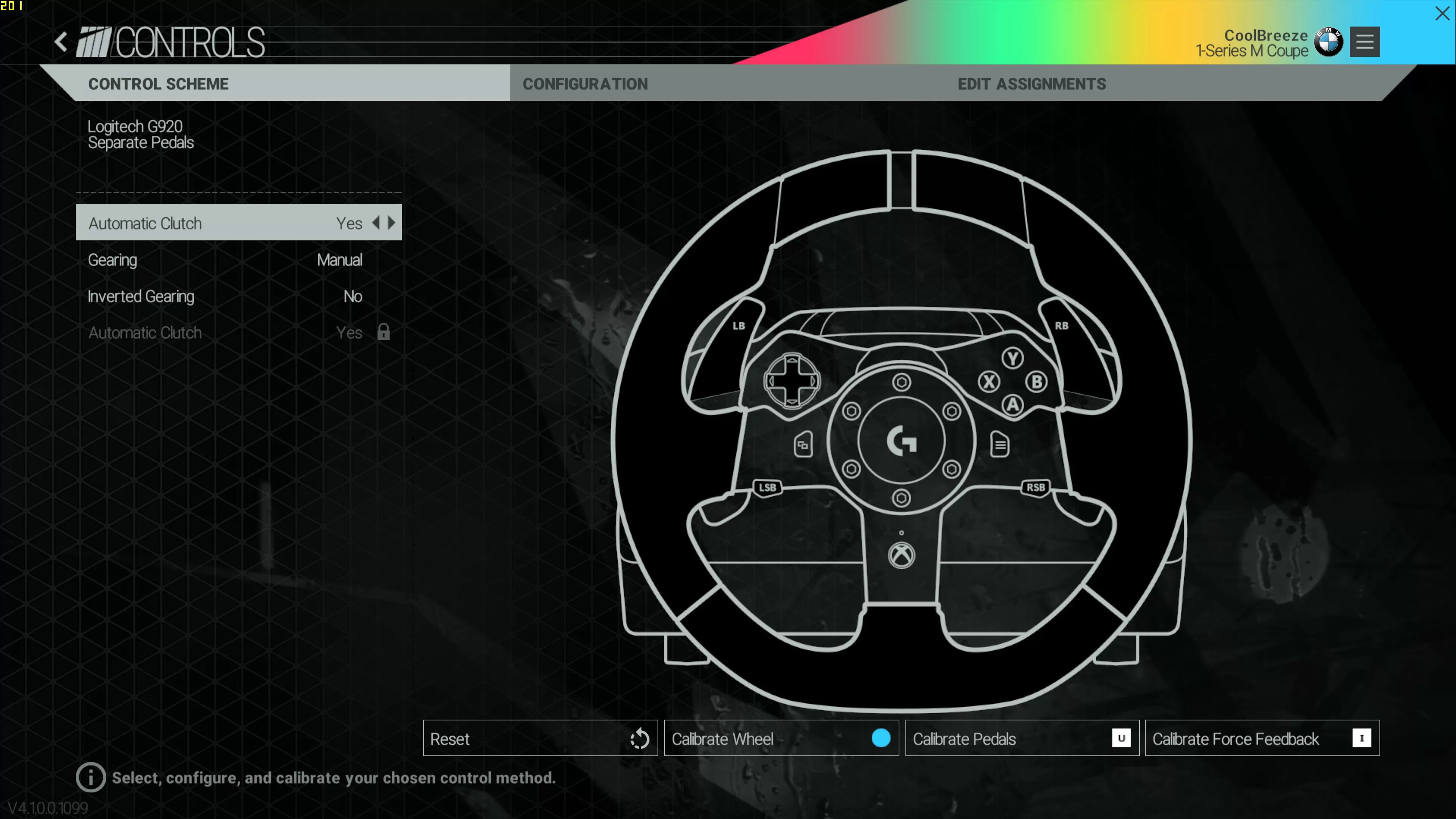
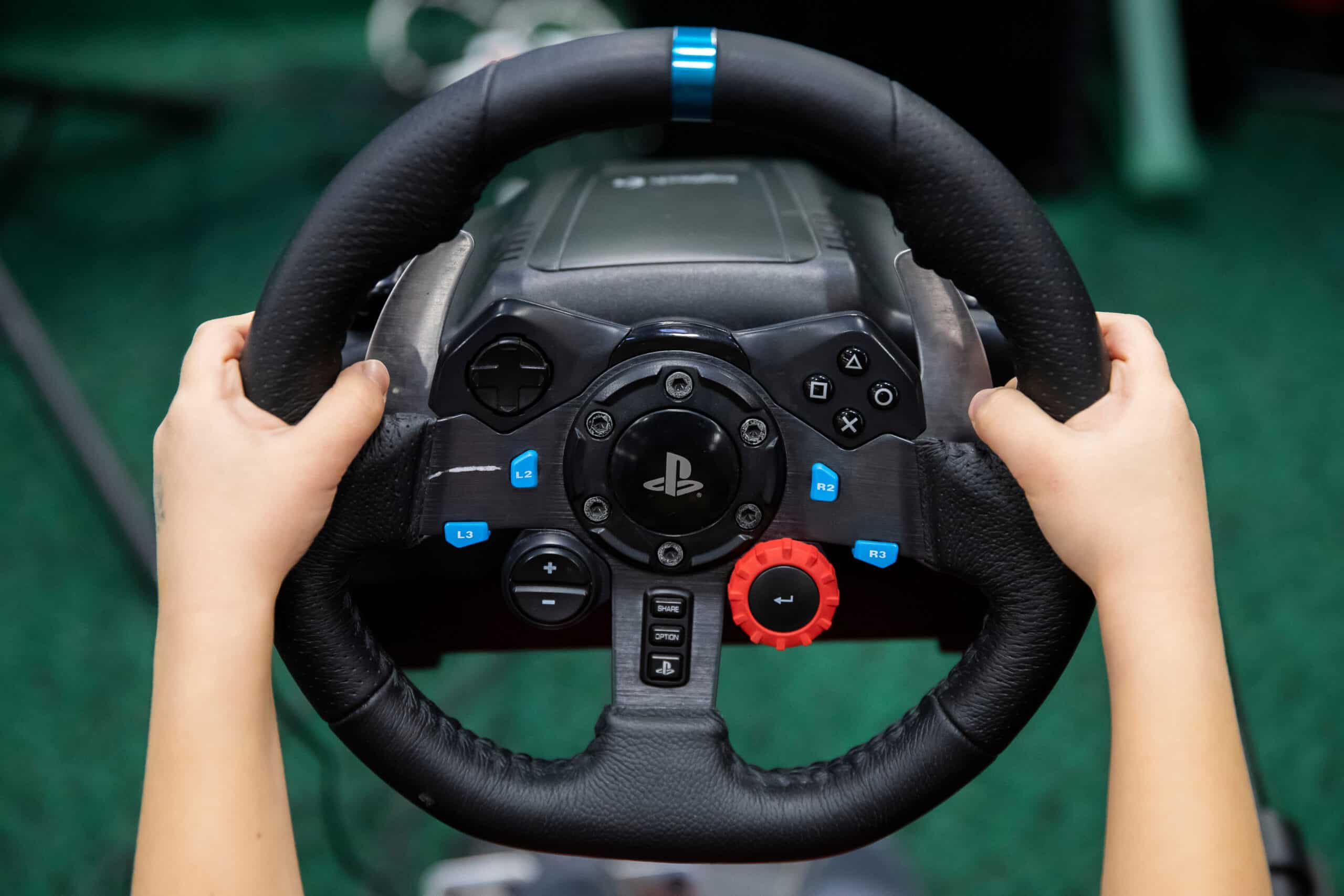
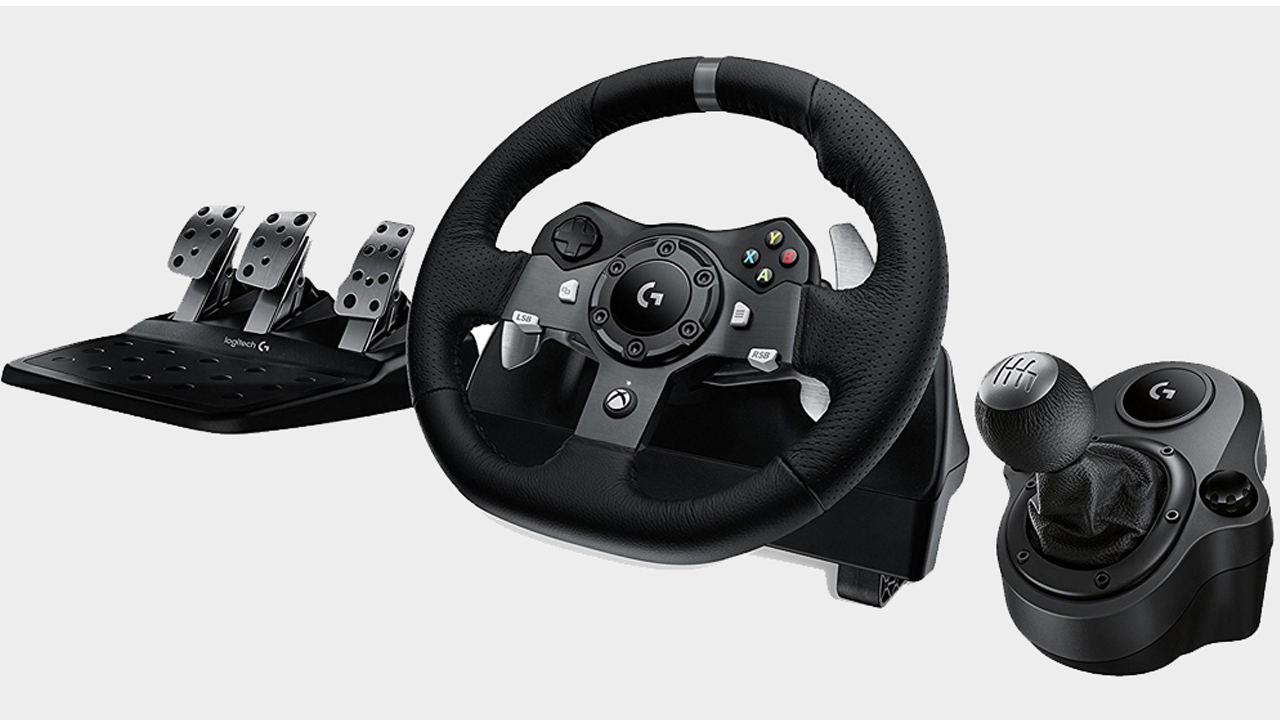
The first group of articles deals with racing wheels specifically. You can read about calibrating a Logitech G29, setting up a G920 for Xbox, and adjusting a Momo Racing Wheel. These pieces help you align the wheel’s center, set the rotation range, and make sure the pedals respond correctly in your favorite driving games. A second theme covers controller and system settings. Here, you will find guidance on adjusting game controller axis sensitivity and opening the game controller settings in Windows, useful when a stick drifts or a trigger feels too twitchy. The third theme takes a different angle: one article explains how to adjust pneumatic thermostats. That piece is framed around safe, legal temperature control in your home, not around bypassing any safety mechanism or tampering with a heating system’s limits.
Across these articles, the goal is straightforward: help you make a device behave predictably. Whether you are fine-tuning a wheel’s dead zone, setting up a new controller for the first time, or adjusting a thermostat for comfort, the steps are meant to be clear and within the bounds of normal consumer use.