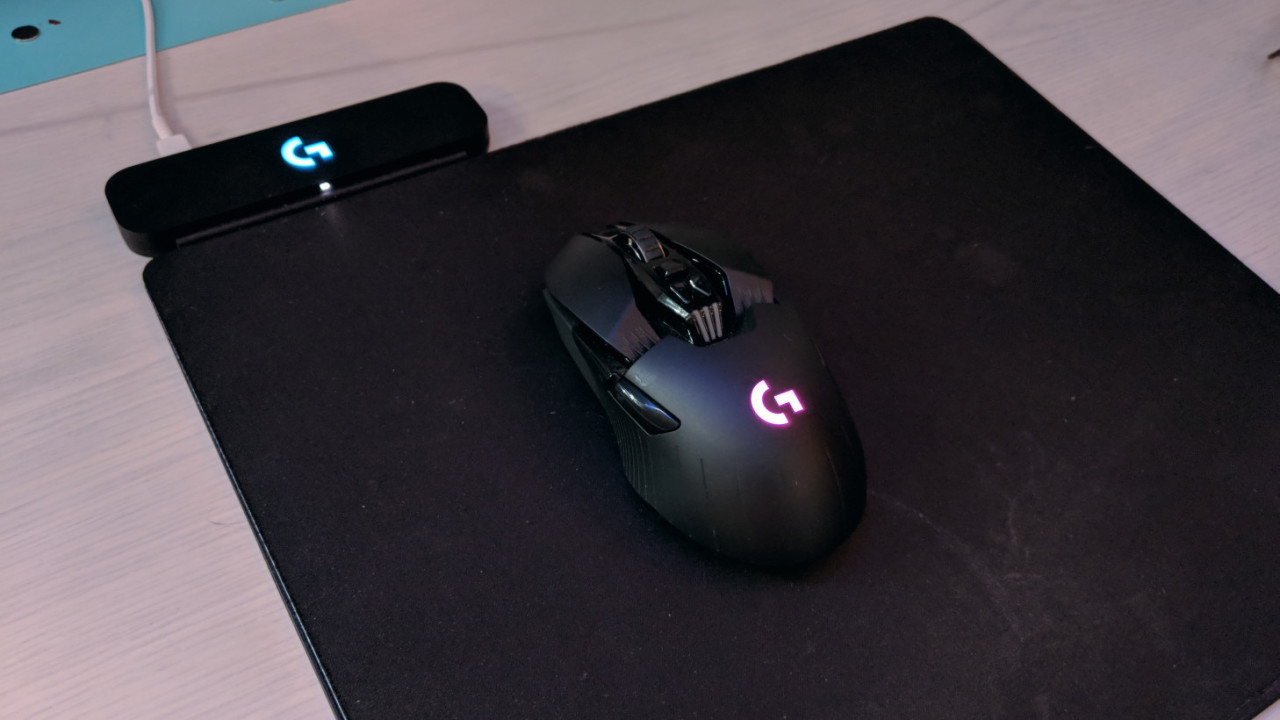
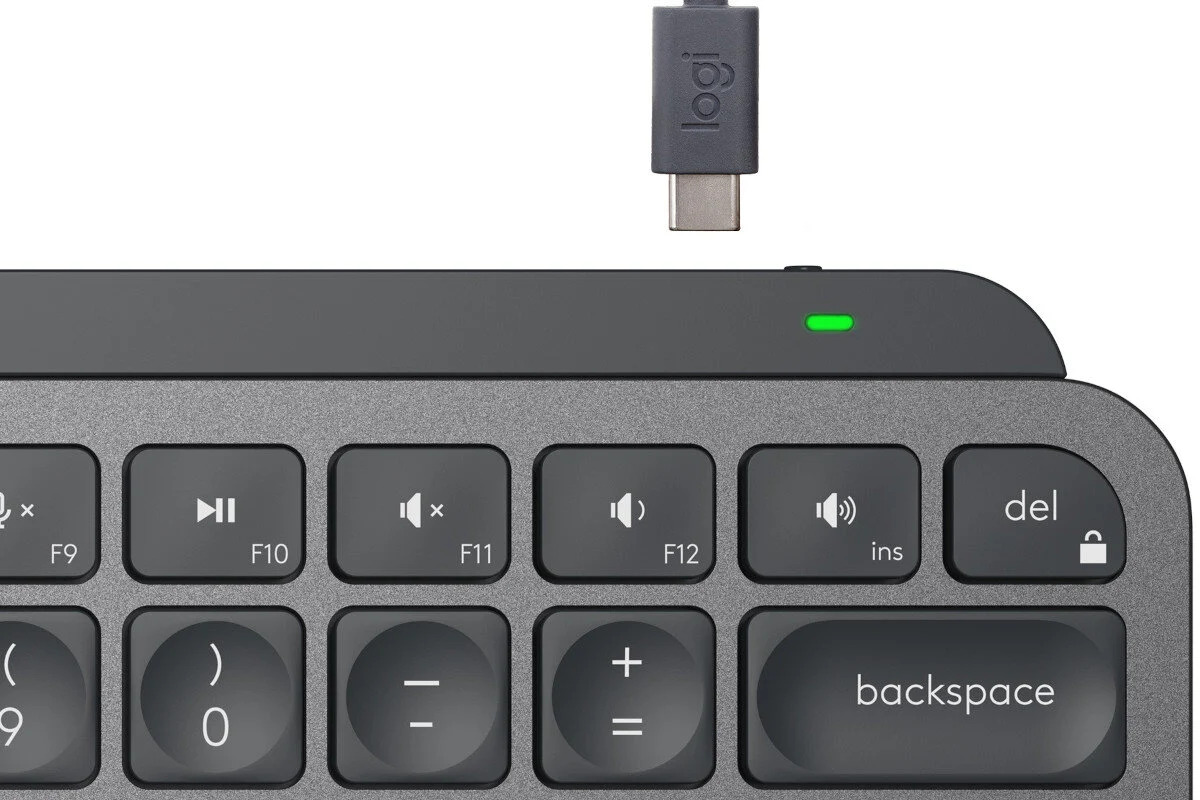
This tag collects articles about the everyday reality of battery-powered devices: how to check charge levels, how to extend running time, and how to troubleshoot the small mysteries that come with wireless gear. It is written for anyone who owns a Logitech keyboard or mouse, a Roku remote, an Apple Pencil, a Ring doorbell, a drone, a robot vacuum, or a tablet, and who wants to understand why their device behaves the way it does without digging through a manual.
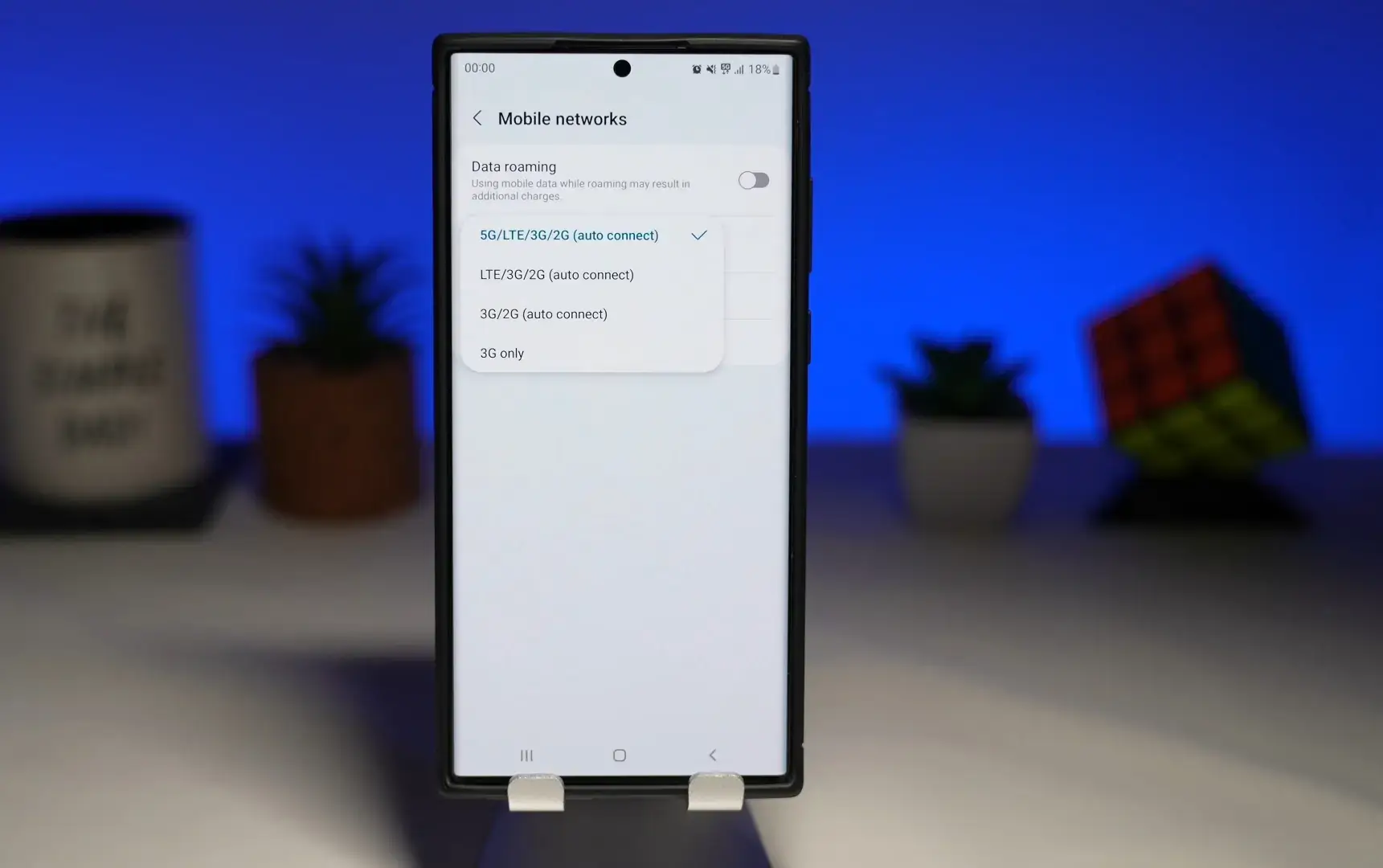
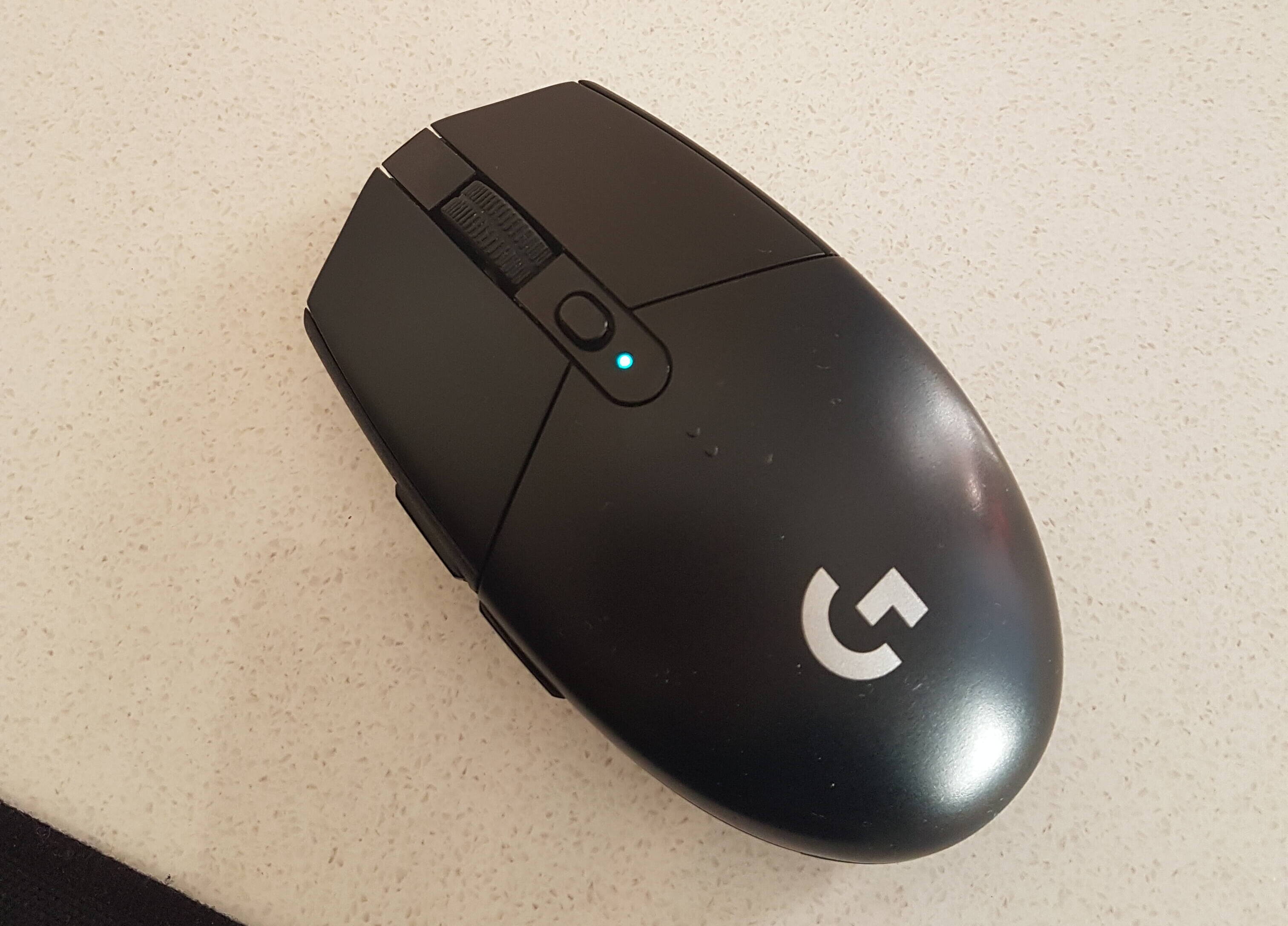
The articles fall into two broad themes. One is practical maintenance: figuring out whether a Logitech mouse is low on power, calibrating an Apple Pencil, knowing when a DJI Mini 3’s battery is fully charged, or determining the manufacturing date of a UPS battery. The other is configuration and behavior, why a phone shows 4G instead of 5G, how to stop a Samsung tablet screen from turning off, or how to keep a personal hotspot always on. Several pieces also cover safety and security angles, such as how to block Bluetooth signals, or how to determine how a Ring doorbell is powered, rather than offering any workaround for protected systems.
Beyond simple checks, the tag helps readers act: charging a wireless keyboard, turning off JLab earbuds, resetting a VR headset, or shutting down a Shark robot vacuum. It also explains how long a VR headset or Shark vacuum takes to charge, and how to tell if a Ring doorbell is fully charged. The focus is on getting devices to work reliably and knowing what to do when they don’t, no shortcuts, no bypasses, just clear guidance for everyday use.