This tag collects articles about Amazon’s hardware, software, and shopping ecosystem, written for everyday consumers who want practical guidance on using these products and services. Whether you are a new Alexa owner, a Prime subscriber, or someone curious about Amazon’s latest gadgets, these pieces focus on real-world usage, setup, and troubleshooting rather than industry news or speculation.

The articles solve common problems in three main areas. First, many are buying guides and deal roundups, like the smart security cameras, smart speakers, and smart display lists, that help you choose between competing devices without getting lost in specs. Second, a large group covers account and subscription management, including how to change payment methods for Prime Video or Music, cancel a Music subscription, or understand how Audible works. Third, several pieces take a safety- and legality-focused approach to media playback: they explain how to use official apps like PlayOn or Kindle on your PC, and they discuss legal alternatives to torrent sites for streaming video, without endorsing any unauthorized downloading.

Specific topics you will see here include the Amazon Dash Wand’s status, Amazon Halo’s fitness tracking, and a guide to funny Alexa commands for entertainment. There are also explainers on Prime Day timing and expectations, plus a look at Rekognition’s facial analysis technology and its societal implications. Across the board, the goal is to help you operate Amazon’s ecosystem confidently, from asking Alexa to play a game to figuring out whether your Blu-ray player can stream Netflix, while steering clear of anything risky or prohibited.
How To Send An Amazon Gift Card Via Email

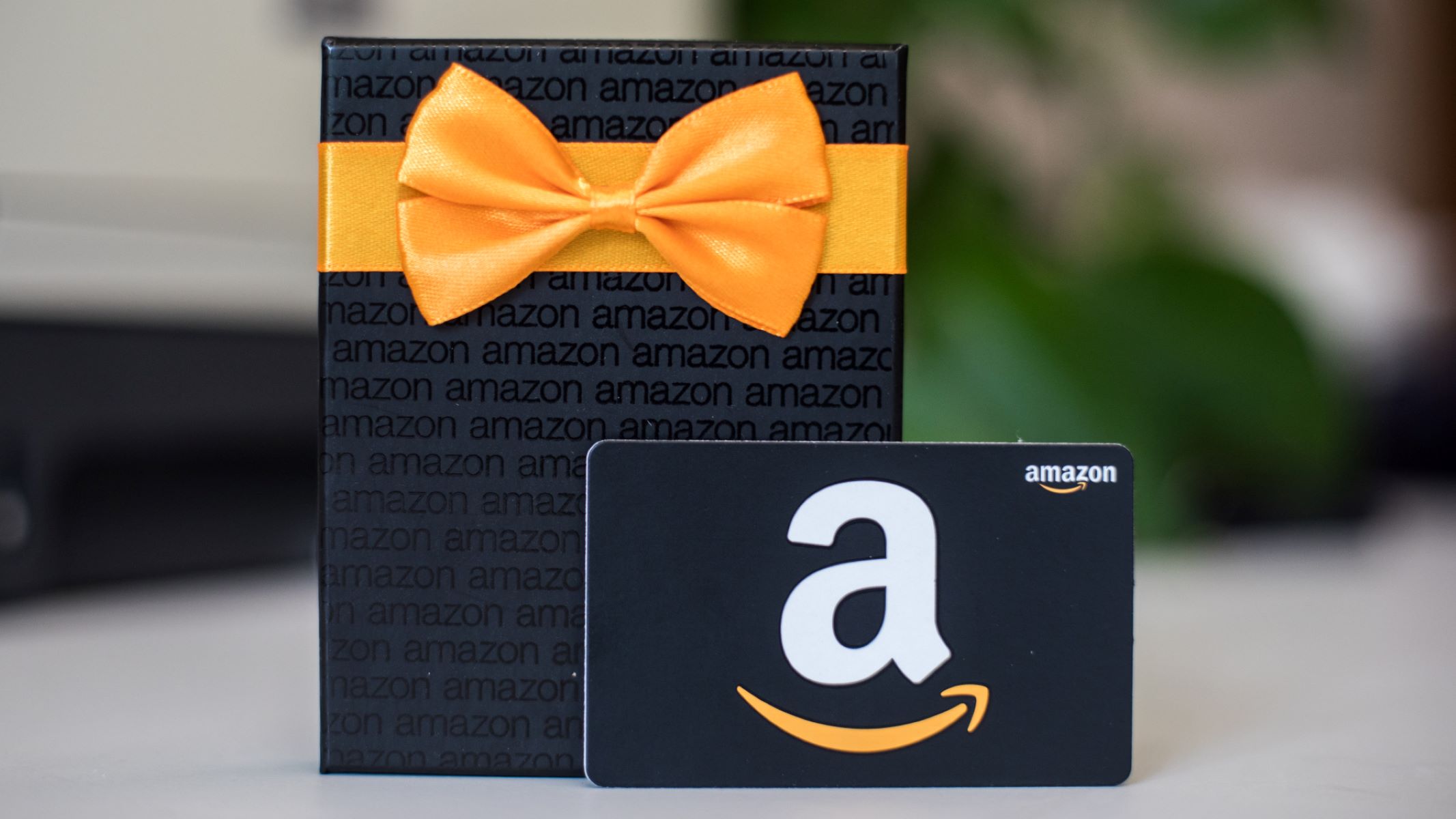
Sending an Amazon gift card via email is the fastest way to give a personalized present directly to someone's inbox. To send an Amazon gift card via email, start by...

How To Approve Downloads On Fire Tablet

To approve downloads on a Fire Tablet, you use the Amazon Parent Dashboard to review and grant permission for apps and content your child requests. This system lets you manage...

How To Disable Ads On Fire Tablet

To permanently disable ads on Fire Tablet, you must pay a one-time fee through your Amazon account, this is the only official method to remove the lock-screen "Special Offers." The...

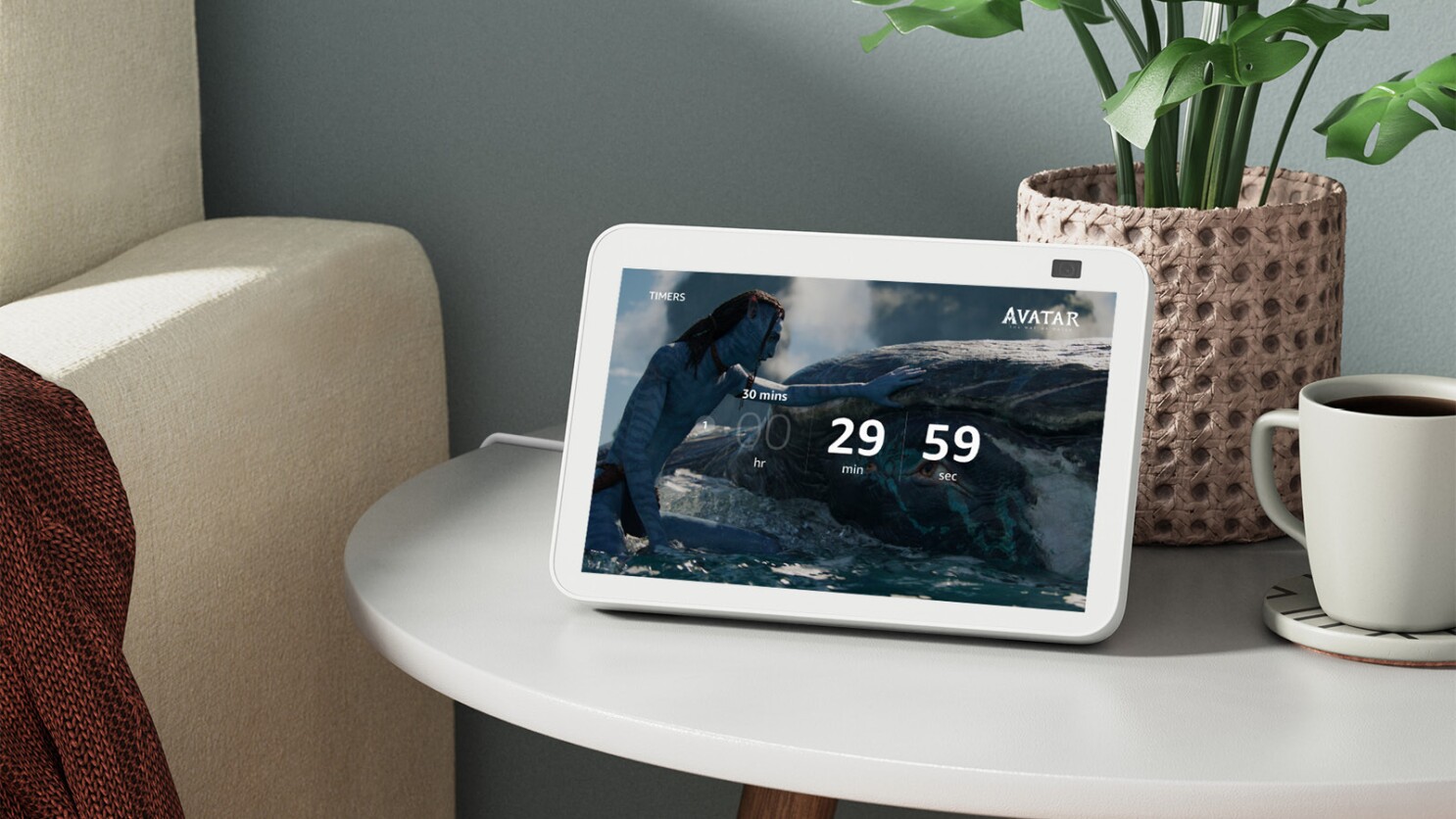
How To Set Timer On Fire Tablet

To set a timer on your Fire Tablet, you need to clarify what you mean by "timer," as the device handles it in three distinct ways: a stopwatch for counting...

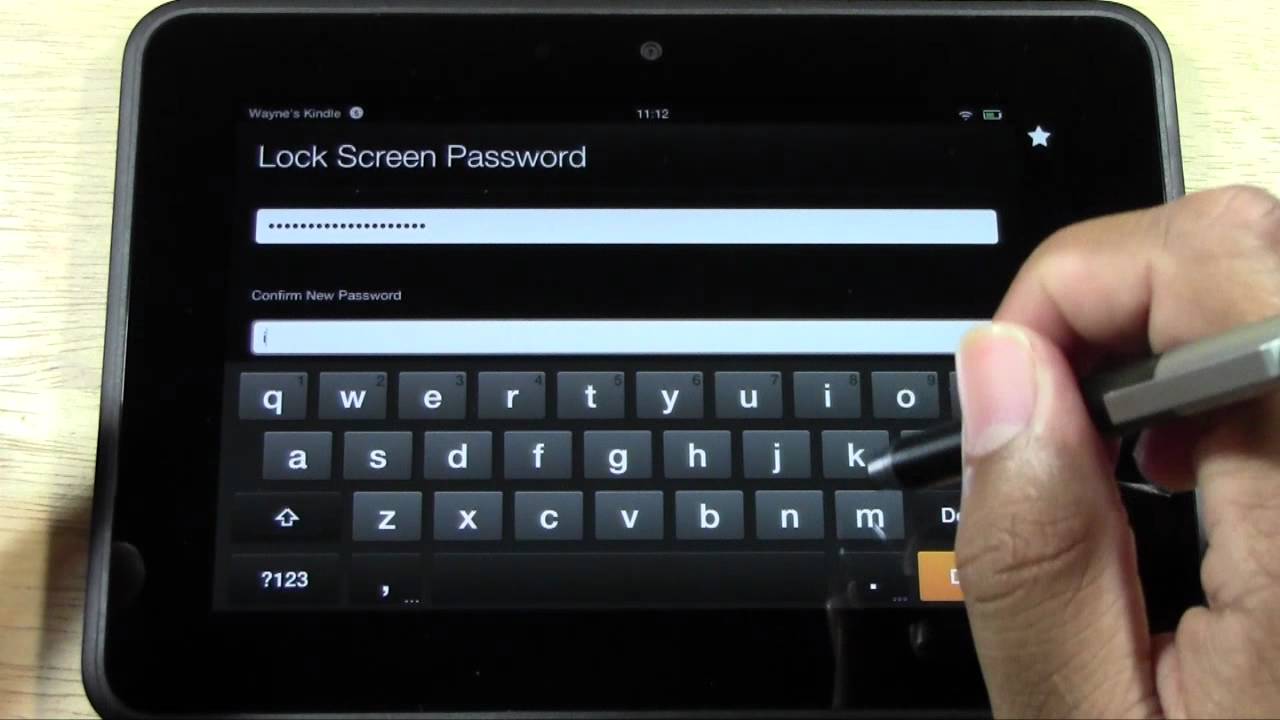
How To Change Lock Screen On Fire Tablet

To change the lock screen on a Fire Tablet, you must first remove lock screen ads (called "Special Offers") through your Amazon account; after that, you can set a personal...

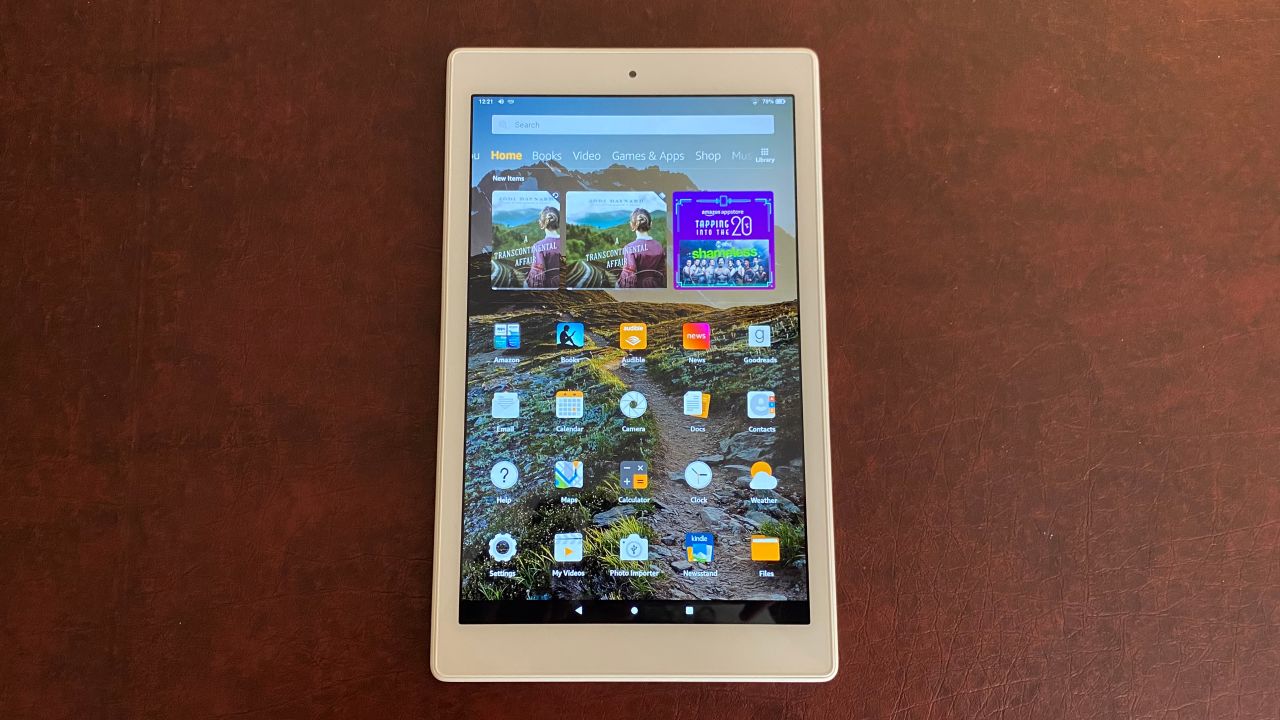
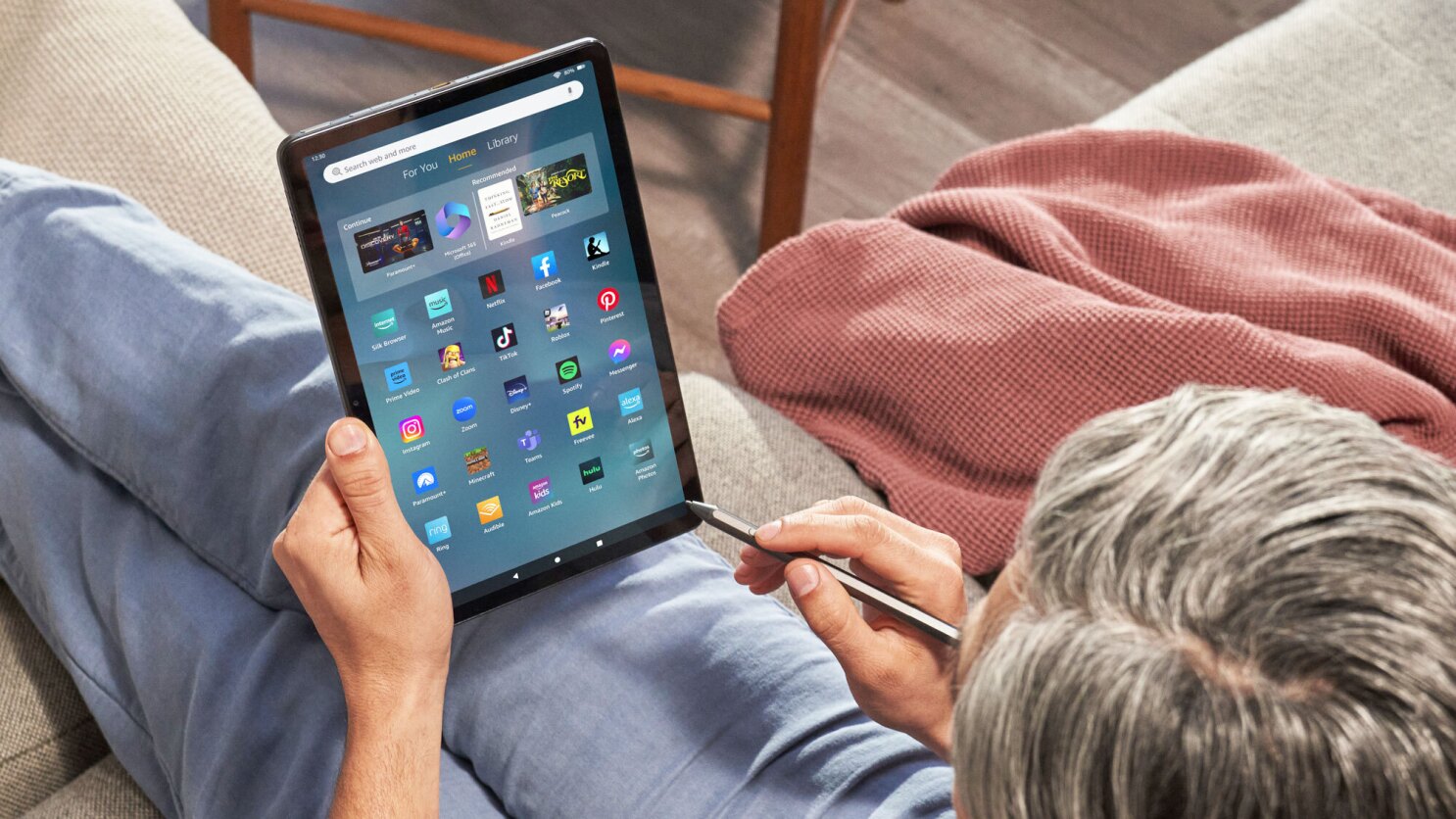
How To Use The Fire Tablet

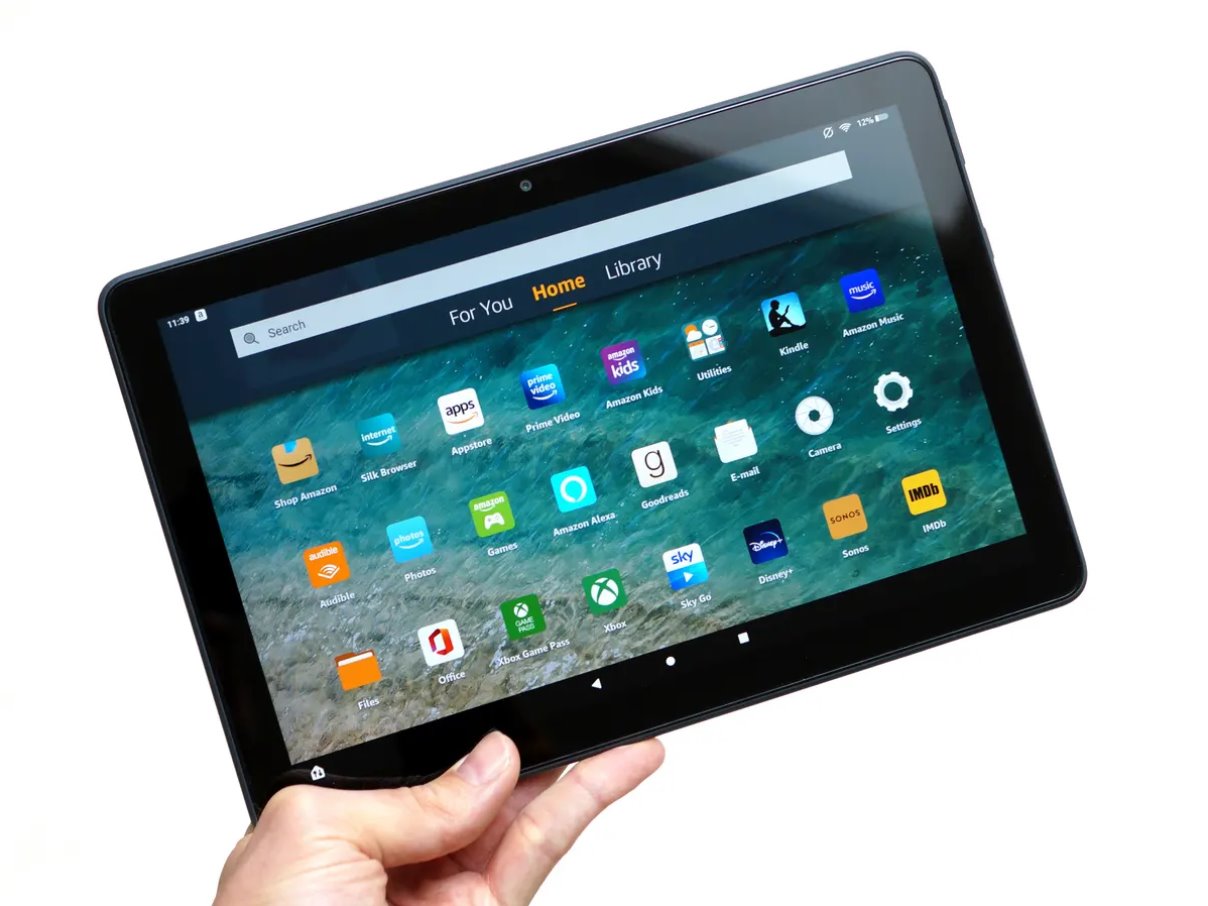
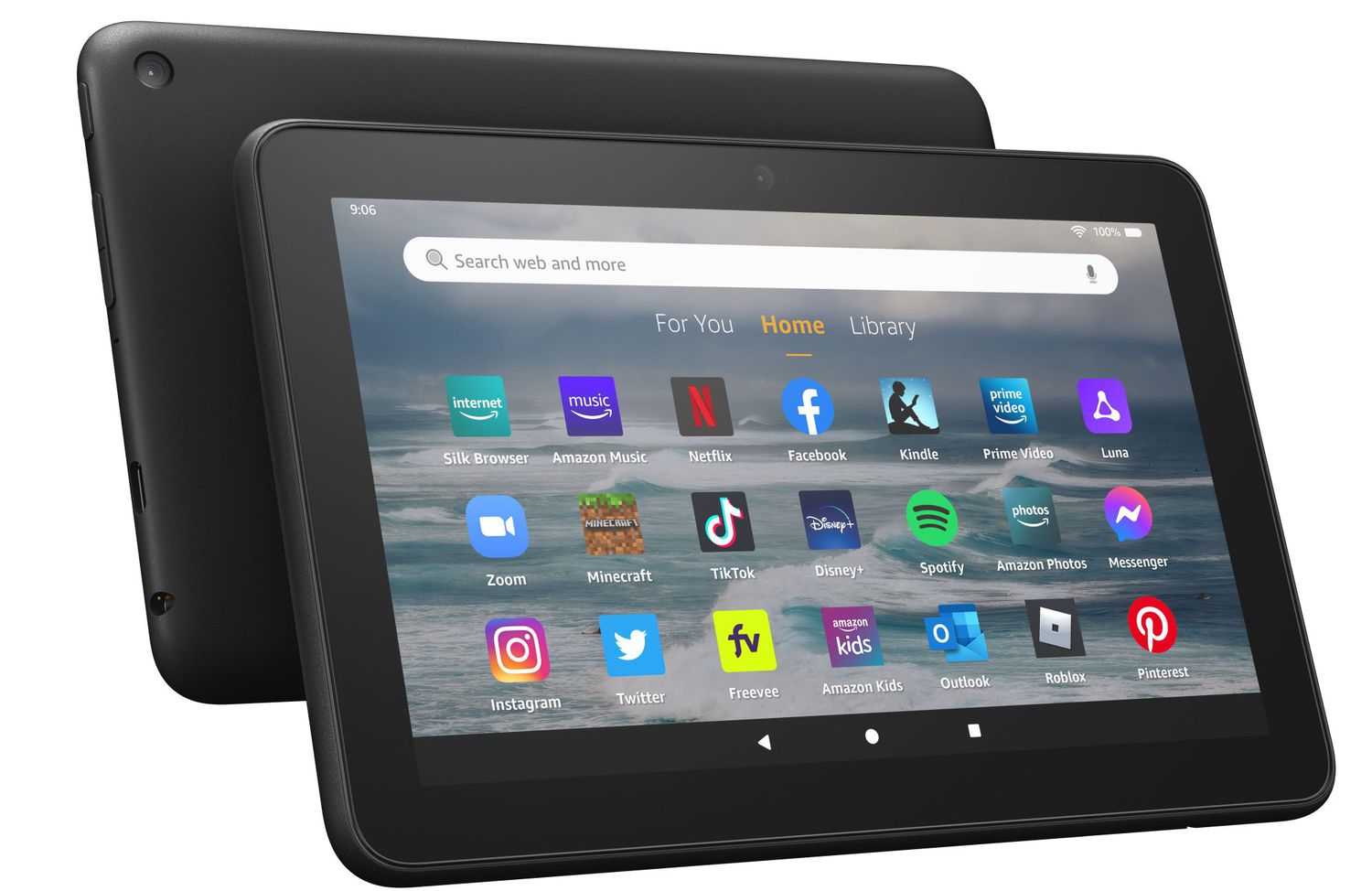
First things to know when you use the Fire Tablet Before you use the Fire Tablet for anything else, take a moment to understand what you are holding. An Amazon...

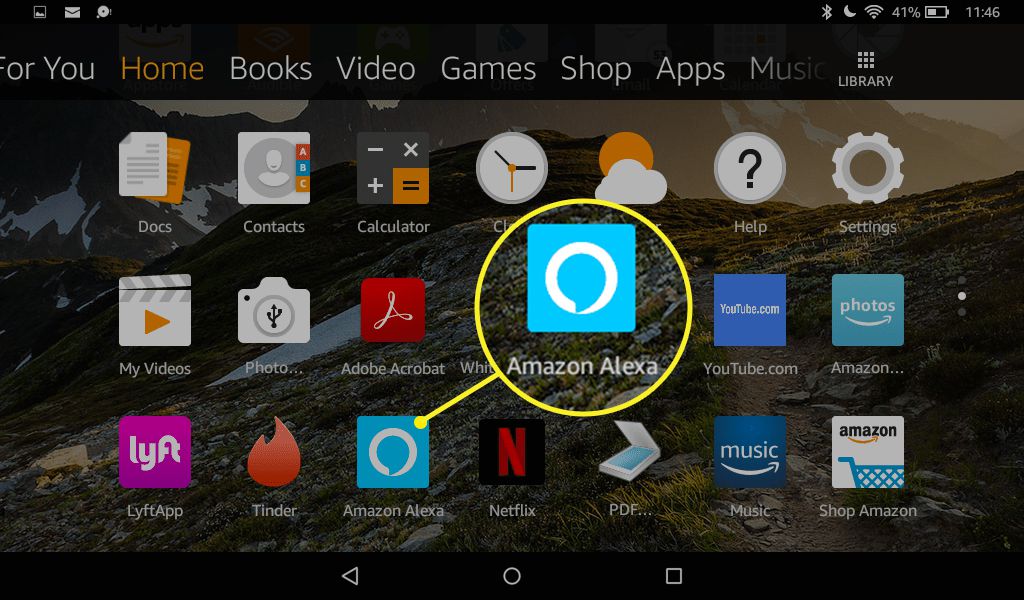
How To Use Alexa On Fire Tablet

To use Alexa on a Fire tablet, you can either hold down the Home button or, on newer models, say "Alexa" hands-free. This guide covers everything from checking compatibility and...

How To Factory Reset Kids Fire Tablet

To factory reset a Kids Fire Tablet, you will erase all content, settings, and downloaded apps, returning the device to its original out-of-the-box state. This process also deregisters the tablet...

How To Get Rid Of Ads On Fire Tablet

To get rid of ads on Fire tablet, the only permanent, official method is to pay a one-time fee through your Amazon account to remove the “Special Offers” that appear...