This tag collects every article on robots.net that touches on Apple’s AirPods and other wireless earbuds, written for everyday owners who want to get more control over their own devices. Whether you just bought a pair, inherited a used set, or are troubleshooting a frustrating connection, these guides assume you are not a technician and need clear, practical steps. The page is for anyone who owns AirPods, owns a different brand of earbuds, or is trying to help a family member with theirs.
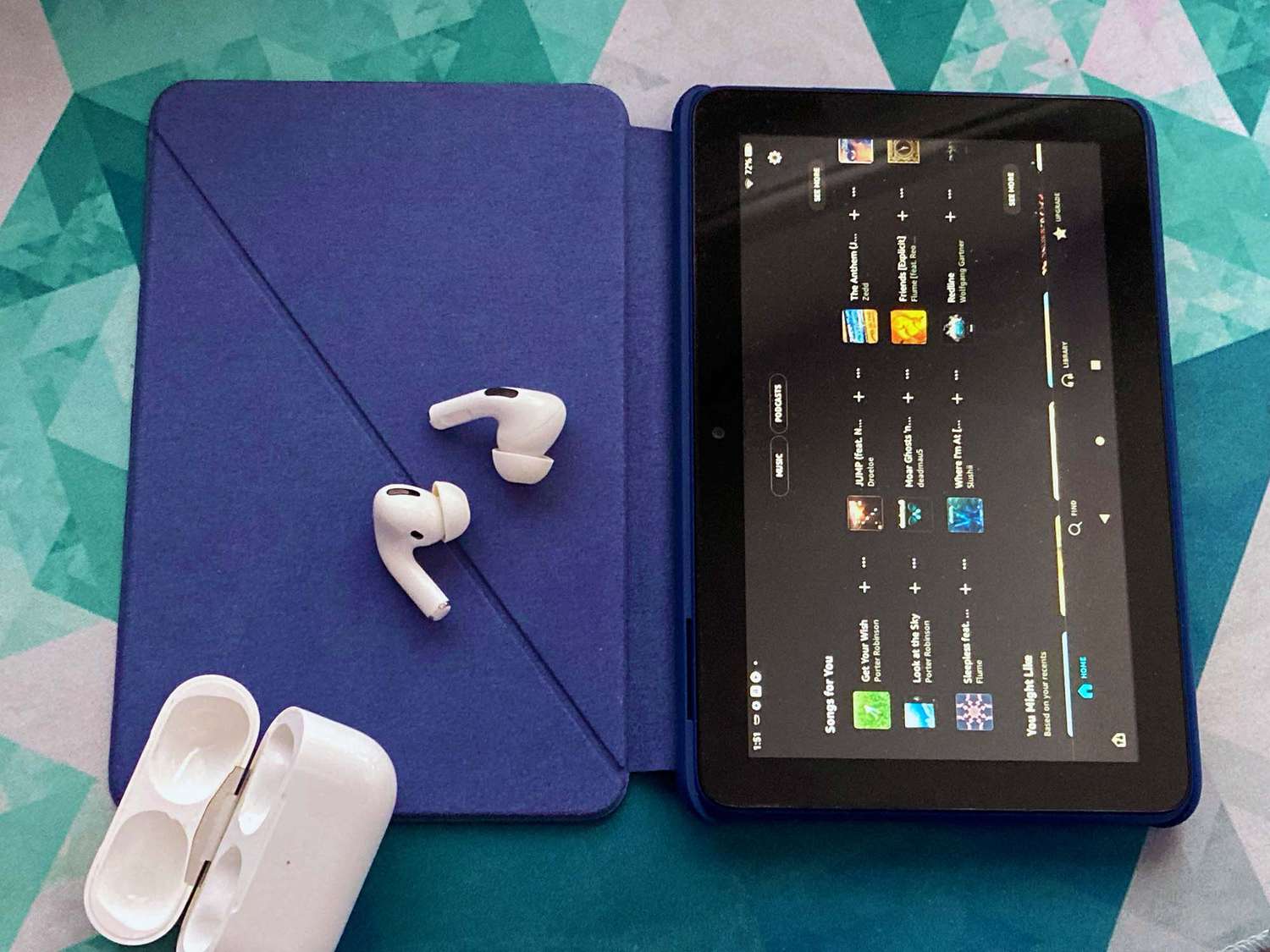
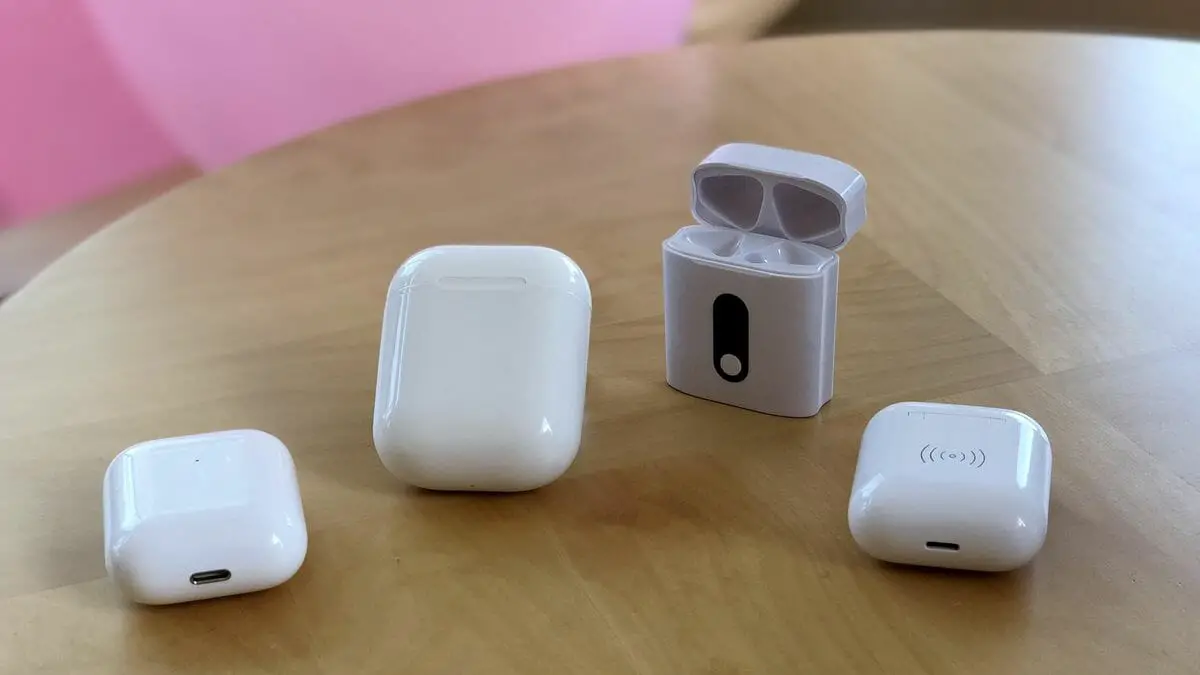
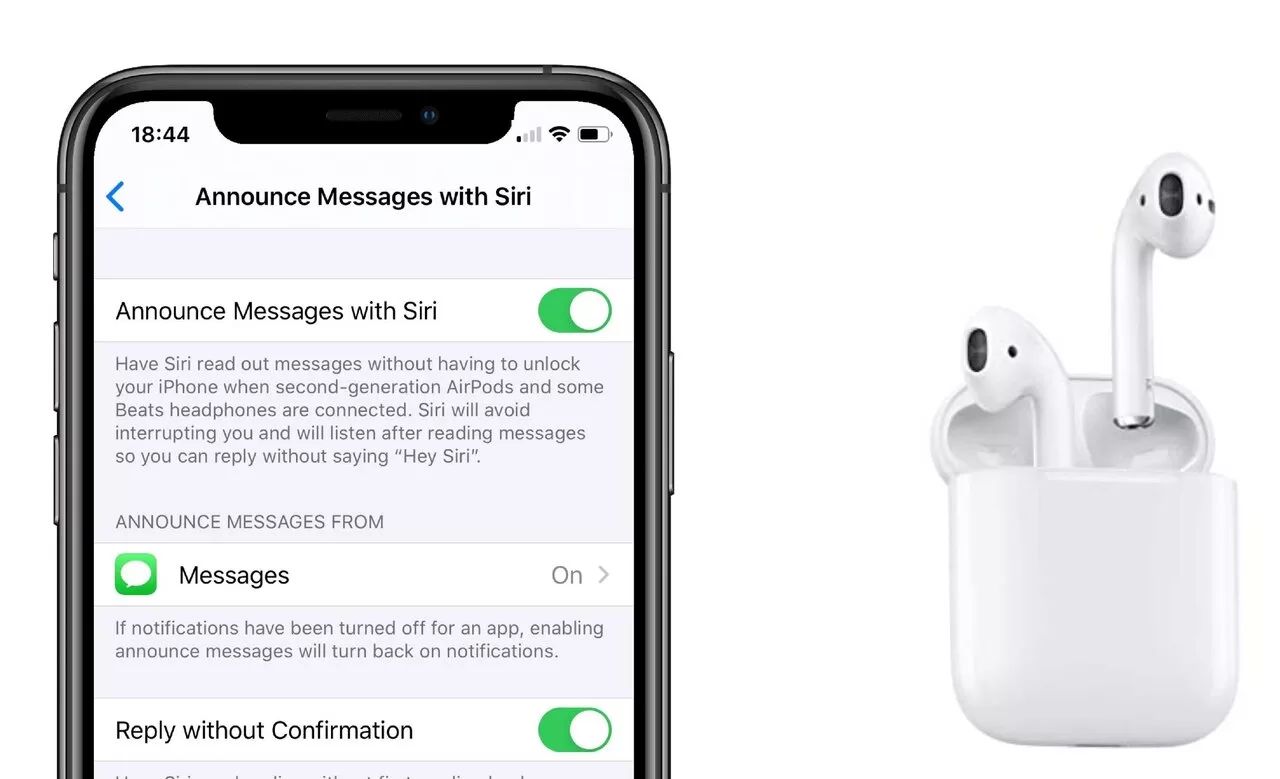
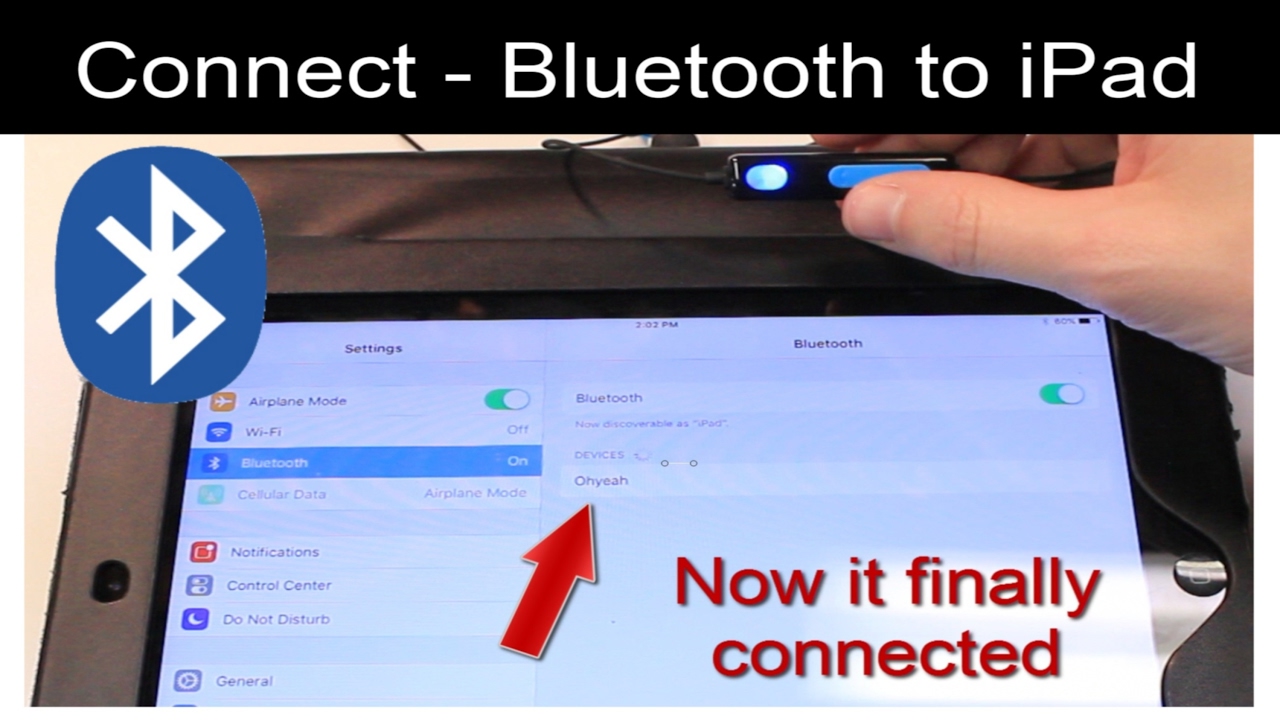
The articles fall into two broad themes. The first is device management and recovery: you will find help for resetting a found pair of AirPods so you can return them or use them yourself, plus guidance on stopping your earbuds from auto-connecting to other phones in your household. There is also a piece on locating missing wireless earbuds, which walks you through the standard tracking tools rather than any workaround. The second theme is adapting your earbuds to non-Apple gear and personal preferences. That includes pairing AirPods with a Fire tablet, turning off touch controls so you stop accidentally pausing music, and enabling noise cancelling on AirPods when used with an Android phone. One article explains how to charge wireless earbuds without the charging case, which is a practical fallback for travel or a lost case.
Several entries also address safety and security angles without ever venturing into risky territory. The guide to resetting found AirPods, for instance, focuses on clearing the previous owner’s pairing so the device is not a security risk, not on bypassing any protection. Similarly, the article about stopping AirPods from connecting to other phones helps you lock down your own listening session, and the one on charging without a case is purely about safe, standard USB alternatives. None of these pieces tell you how to hack, pirate, or cheat, they solve everyday problems with legitimate, supported methods.