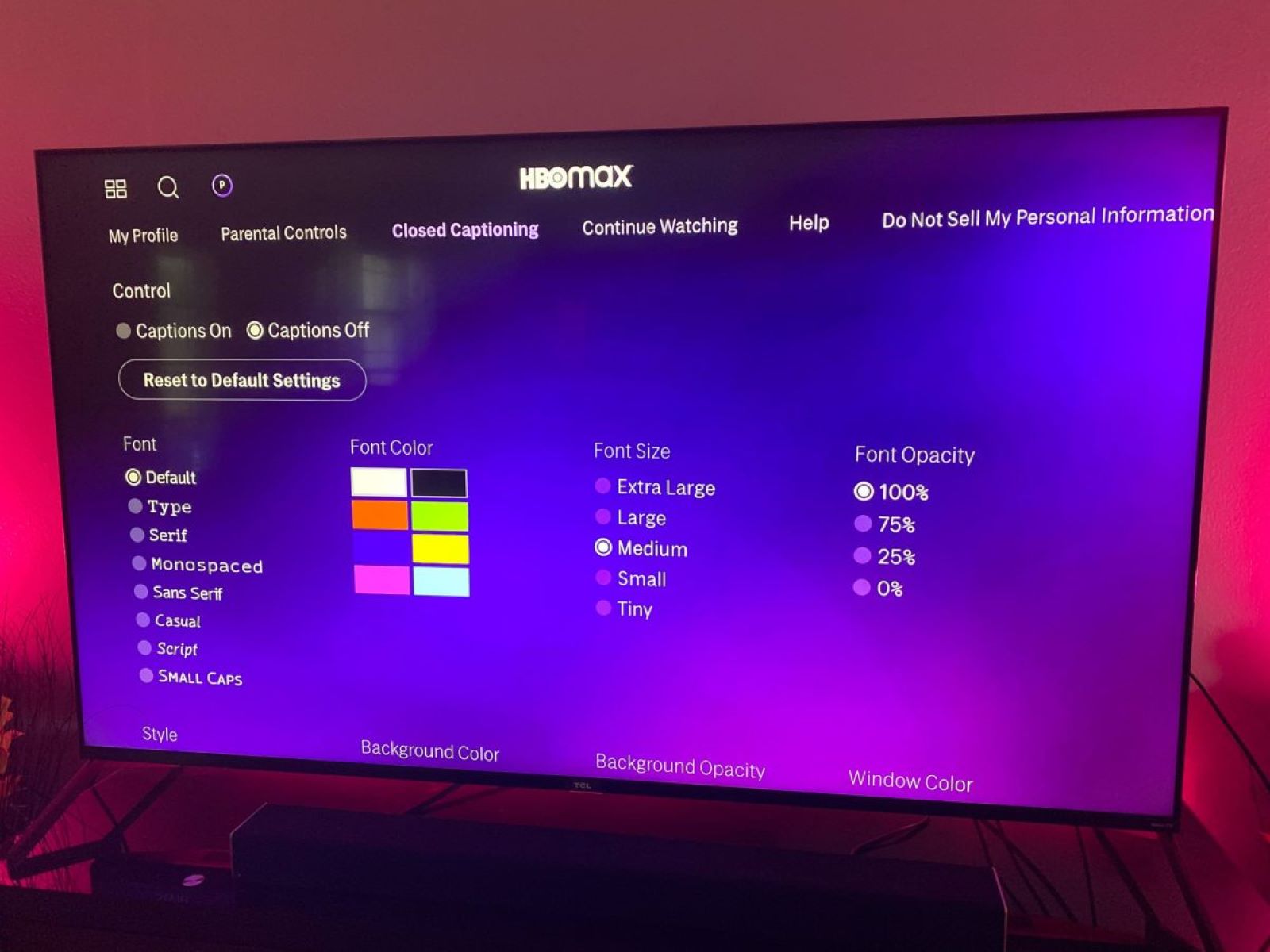
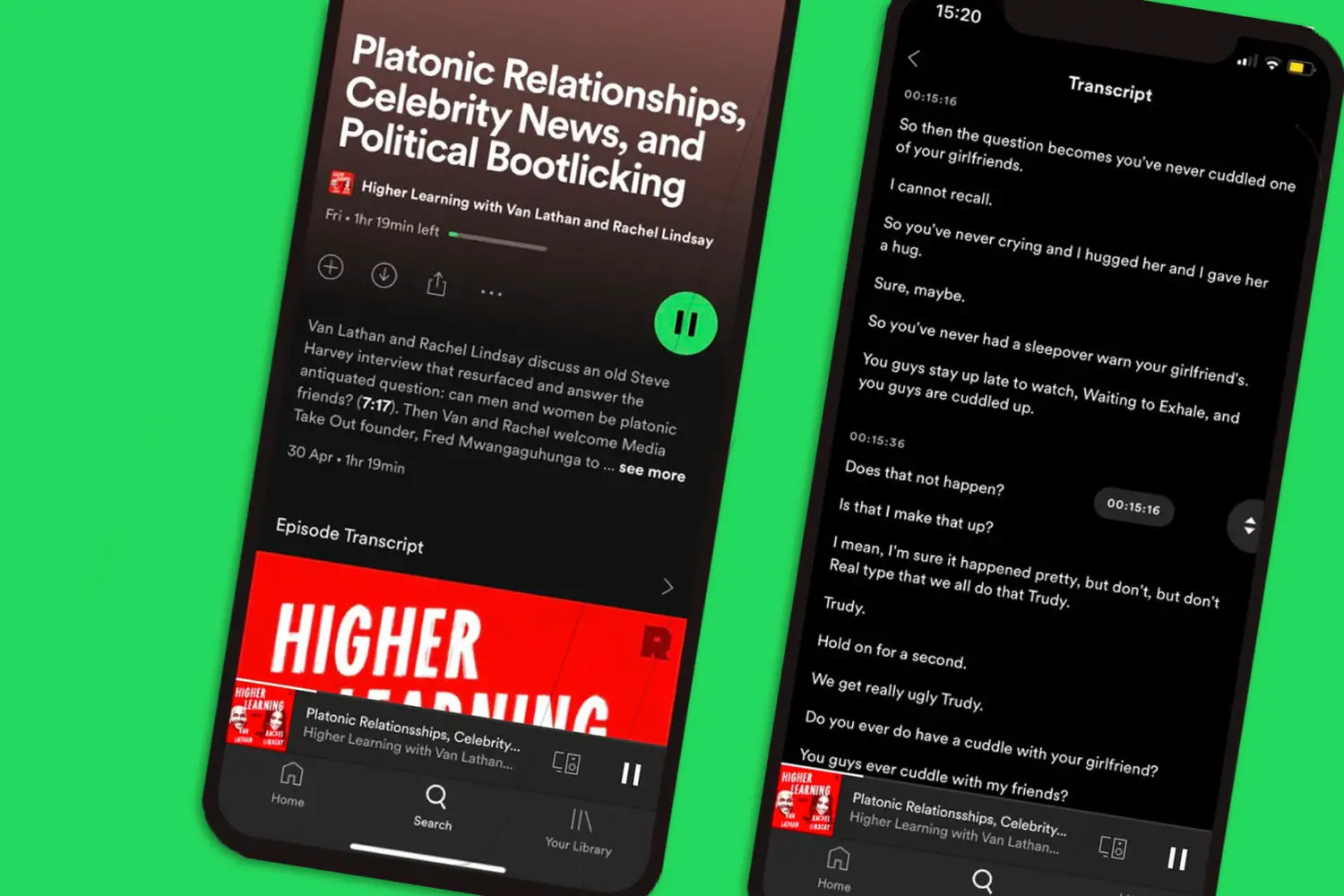
This tag collects articles on robots.net that help people make their everyday technology easier to see, hear, and operate. It is written for anyone who finds default screen text too small, who struggles to follow audio without a visual aid, or who simply wants their TV, phone, or streaming device to stop talking over a show. The content is practical and aimed at everyday users of smart TVs, phones, tablets, and streaming sticks, not at developers or system administrators.

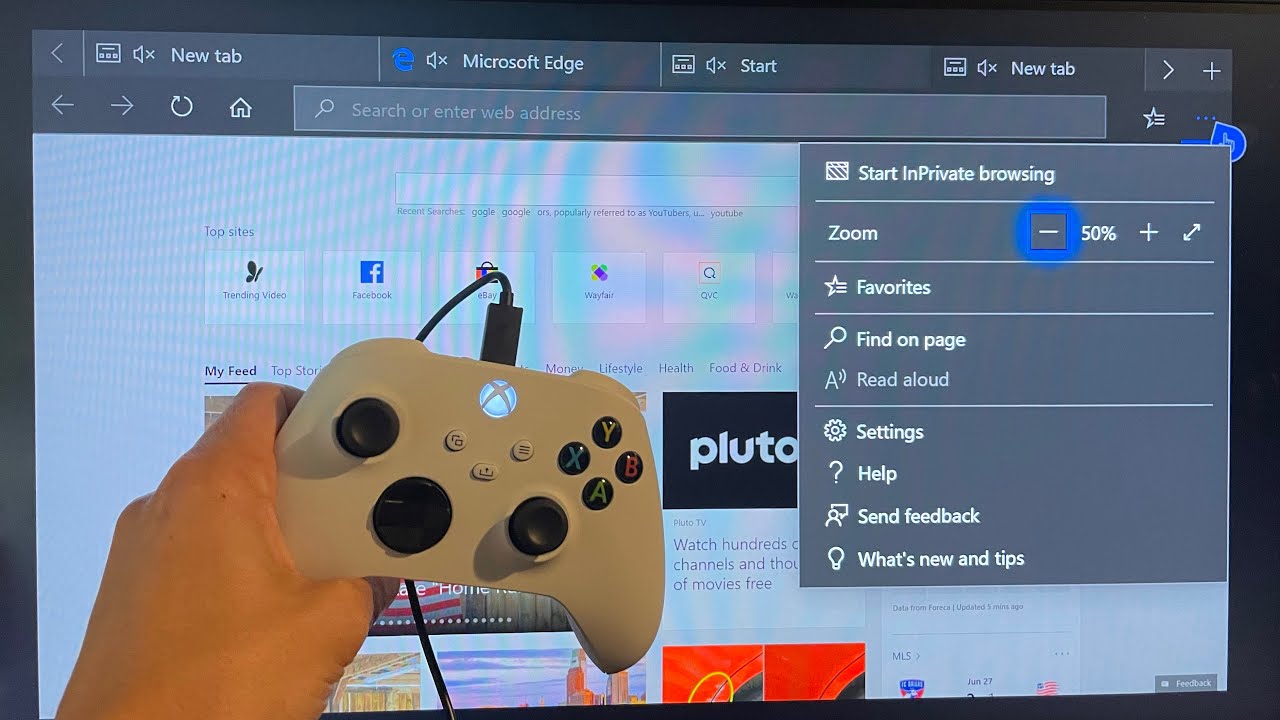
The articles fall into two clear groups. One group focuses on subtitles and captions: you can learn how to add subtitles in PowerPoint, turn on subtitles for TikTok and YouTube, change the subtitle size on Netflix, or adjust the font and background of subtitles on a smart TV. Another group addresses voice and narration controls, for example, how to turn off the narrator on a Roku, disable the voice guide on a Vizio or Samsung smart TV, or stop the audio description on Amazon Prime. A smaller set deals with display and physical controls, such as zooming out on an Xbox, changing the font size in Chrome’s bookmarks toolbar, or restarting a Realme or Redmi phone without using the power button, the latter presented as safe, practical alternatives for when that button is broken or unresponsive, not as a workaround for bypassing any security.

Across these pages, the goal is straightforward: help you read, hear, and control your devices with less frustration. Whether you are trying to make a video watchable in a noisy room, stop an unexpected voice from reading every menu item, or simply make text larger for comfort, these guides walk you through the settings step by step. They do not cover hacking, pirating, or cheating any system, only adjusting the accessibility options that are already built into your hardware and apps.
How To Turn Narrator Off On Roku

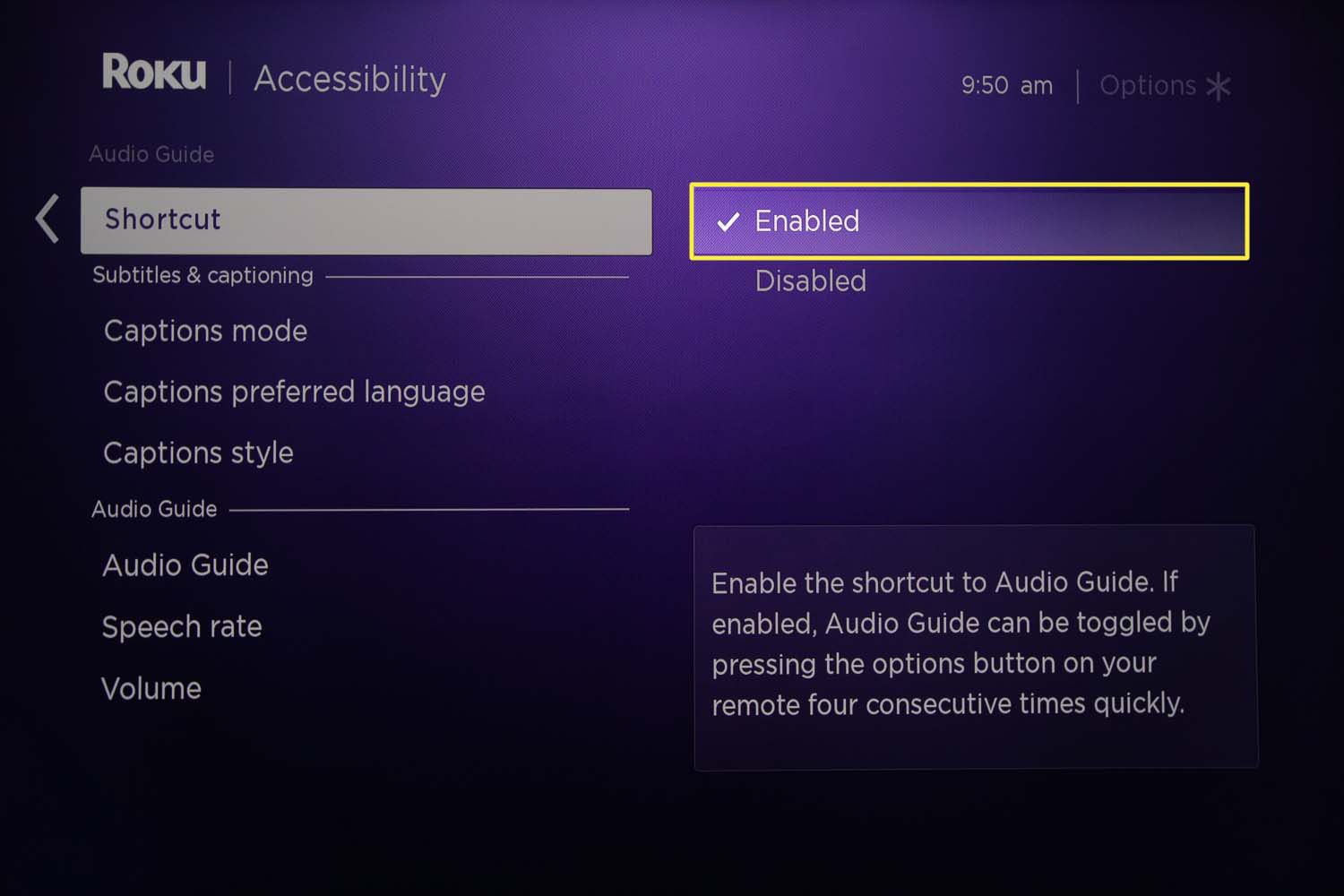
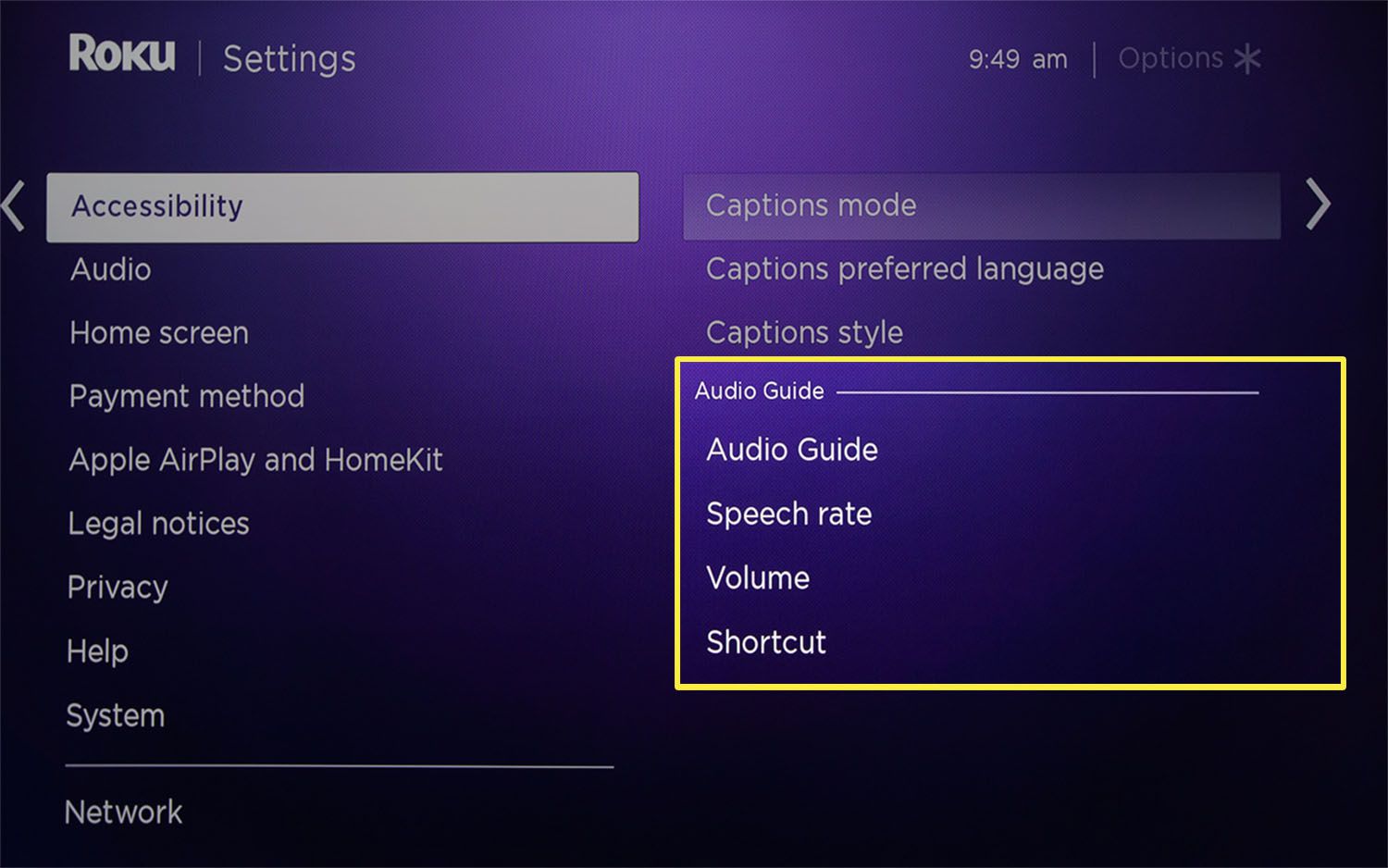
To turn off screen reader on Roku, press the Star (*) button on your remote four times quickly. This is the fastest way to immediately disable the voice that narrates...

How Do I Get My Roku To Stop Talking

To stop Roku from talking, press the Star (*) button on your remote four times quickly. This is the fastest way to turn off the Screen Reader or Audio Guide...

How To Turn On Subtitles On HBO Max

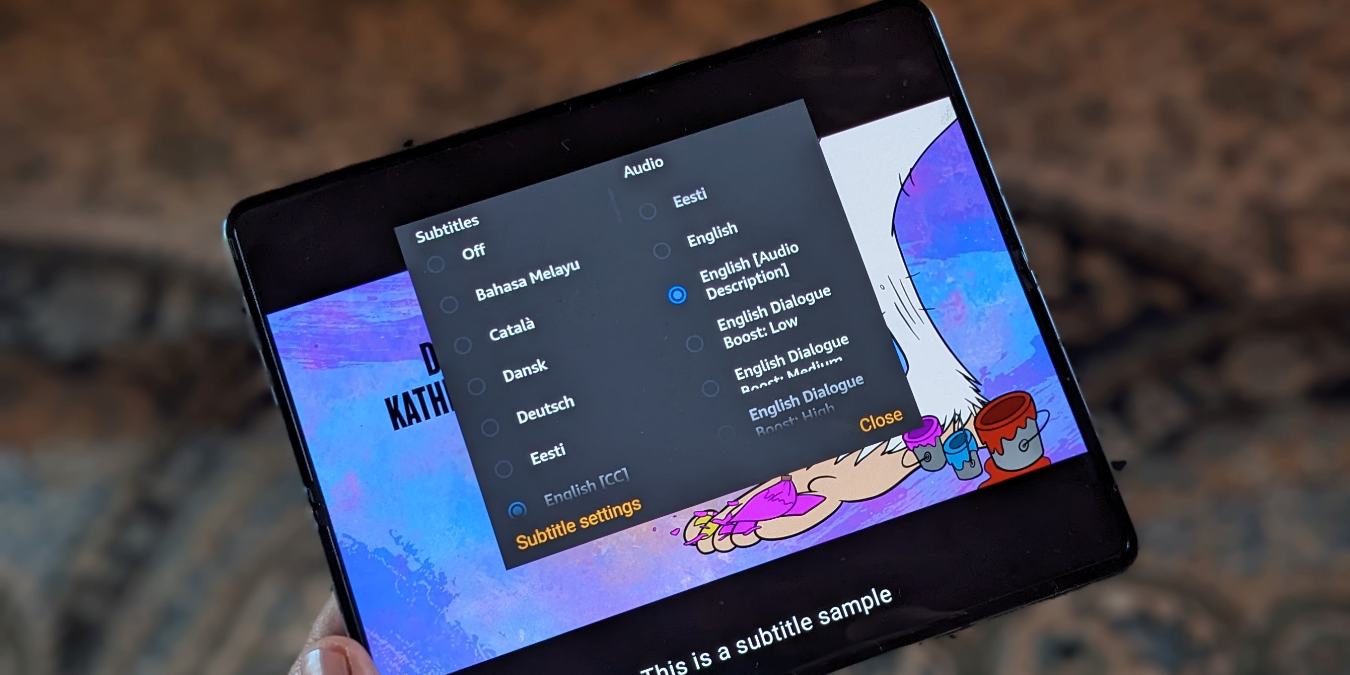
To turn on subtitles on Max, start playing any movie or show and tap the screen to bring up the player controls. Then select the "Audio and Subtitles" icon, shaped...

How To Get Subtitles On Spotify Podcast

To turn on subtitles for a Spotify podcast, called the "Read Along" or "Episode transcript" feature, play an episode, open the full-screen player, and scroll down to find the transcript...

How Do I Turn On Subtitles

Before you start: how to turn on subtitles vs. captions vs. audio descriptions If you need to turn on subtitles, streaming platforms and device makers use overlapping terms that can...

How To Turn Off Subtitles On Toshiba Tv

If subtitles suddenly appeared on your Toshiba TV and you want them gone, you can turn off subtitles on Toshiba TV in seconds using only the remote. The fix is...

How To Put Subtitles On Youtube

To put subtitles on YouTube, you have three main options: upload a file, use auto-sync, or type manually in YouTube Studio. Each method serves a different need, from quickly syncing...

How To Turn On Subtitles On Tiktok

To turn on subtitles on TikTok, you need to know which role you're in: creators add captions to their own videos before posting, while viewers toggle them on or off...

How To Add Subtitles In Powerpoint

To add subtitles in PowerPoint, you need to use one of two distinct methods depending on your goal: live captions for a real-time presentation or closed captions embedded into a...