Hotspot password security is not a myth, but it is often misunderstood, and the gap between what people believe and what is actually true can leave you exposed. This article separates fact from fiction about hotspot password hacking and gives you practical, verifiable steps to lock down your connection, whether you're sharing your own mobile data or hopping onto a public network.
Is Your Hotspot Password Security a Myth?
Personal hotspots, the kind you create with your phone, are generally more secure than public Wi-Fi because you control who connects. Public hotspots, on the other hand, are shared by strangers, making them prime targets for attackers. The purpose here is straightforward: bust the myths that give you false confidence, then hand you security actions that actually work. You don't need to be a cybersecurity expert to protect yourself, but you do need to know what real threats look like.
The Real Threats to Your Hotspot Password
Hacking a hotspot password isn't a single trick; it's a set of distinct attack methods. The most relevant ones you need to worry about are evil twin networks, man-in-the-middle attacks, and social engineering. An evil twin is a fake Wi-Fi network set up by an attacker with a name that mimics a legitimate hotspot, like "Starbucks_Guest" in a coffee shop. When you connect, the attacker can see everything you send. Man-in-the-middle attacks work similarly: the hacker positions themselves between your device and the internet, silently intercepting data like passwords or login credentials. Social engineering is the lowest-tech approach, someone simply asks for your password, pretending to be staff or a fellow user. These threats don't require breaking encryption; they exploit trust and human behavior.
5 Common Myths About Hotspot Hacking Debunked
Misconceptions about hotspot security are widespread, and believing them can leave you vulnerable. Here are the five most persistent myths, corrected with verified facts.
Myth 1: A Strong Password Guarantees Total Security
A long, complex password is essential, it blocks casual guessing and brute-force attempts. But it won't stop an evil twin network that tricks you into typing that password into a fake login page, nor will it stop a man-in-the-middle attack that intercepts your data before it's even encrypted. Modern security relies on more than just password length. WPA3, the latest Wi-Fi standard, uses Simultaneous Authentication of Equals (SAE) to prevent offline password guessing attacks, which means even if someone captures your handshake data, they can't crack your password later. Strong passwords are the foundation, but they are not the whole building.
Myth 2: All Encrypted Hotspots Are Equally Secure
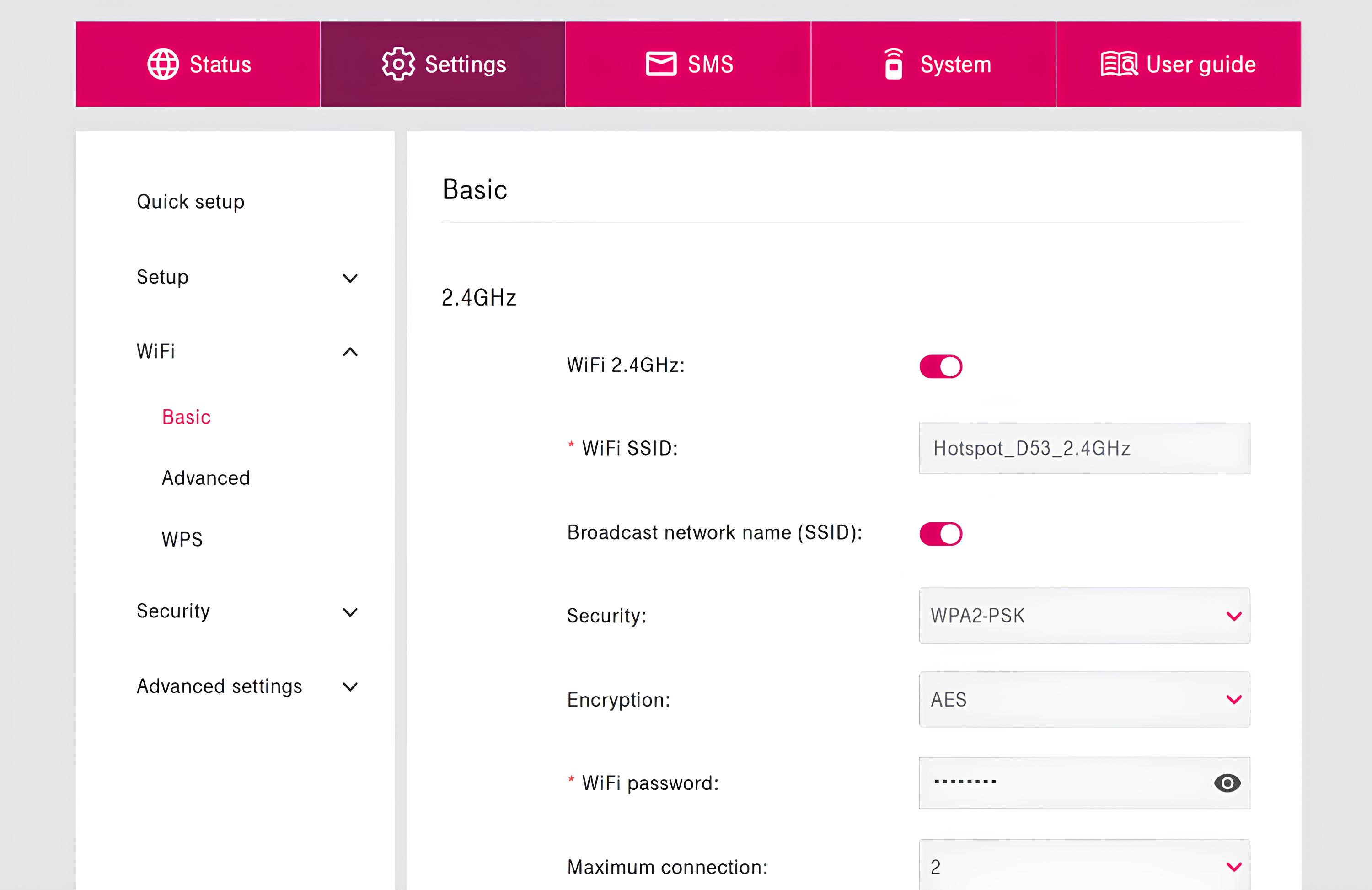
Encryption is not a single level of protection. WPA2 and WPA3 are both "encrypted," but they are not equal. WPA3, introduced in 2018, replaces WPA2's pre-shared key with SAE, making it far more resistant to password guessing. WPA3 also adds Opportunistic Wireless Encryption (OWE) for open networks, giving you privacy even on networks without a password. Windows 10 Mobile Hotspot exclusively uses WPA2-PSK, so it lacks WPA3's protections entirely. Always check which standard your device is using before assuming you're safe.
Myth 3: Hacking a Hotspot Requires Elite Skills
You don't need a computer science degree to create an evil twin network. Simple, widely available tools let anyone set up a fake hotspot with a convincing name and capture login credentials. Social engineering is even easier, a confident person asking for the Wi-Fi password can often get it without any technical knowledge at all. The barrier to entry for basic hotspot attacks is low, which means the threat is not limited to sophisticated hackers. This is why awareness and proactive security measures matter more than ever.
7 Expert Tips to Secure Your Hotspot Password
These steps are practical, verified, and directly reduce your risk. Follow them in order for maximum protection.
- Set a strong, unique password for your hotspot, at least 10 to 12 characters, mixing uppercase and lowercase letters, numbers, and symbols. Avoid using personal information like birthdays or names.
- Change the default Service Set Identifier (SSID) of your hotspot to a unique name that does not reveal personal details.
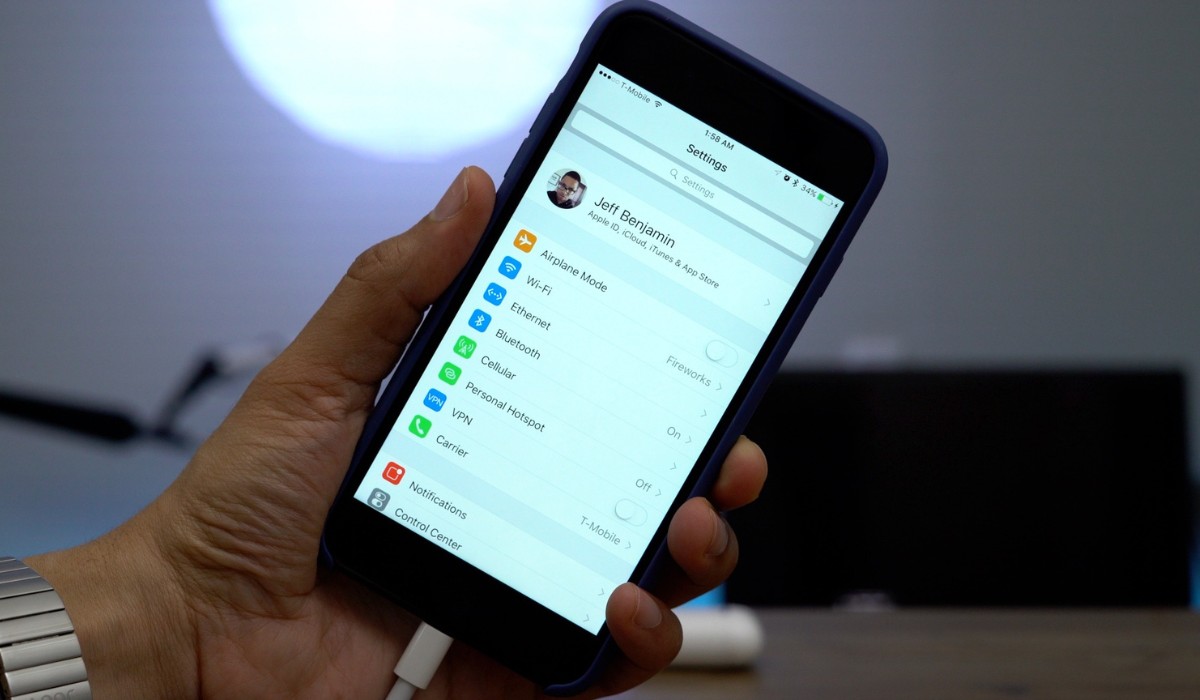
- Enable WPA3 on your hotspot if your device supports it. If not, use WPA2/WPA3 mixed mode where available, and avoid "Maximize Compatibility Mode" unless you absolutely need it for older devices.
- Use a Virtual Private Network (VPN) on all devices connected to any hotspot, especially for sensitive activities like banking or shopping. A VPN encrypts your connection and protects against man-in-the-middle attacks.
- Keep your device's operating system and hotspot firmware updated. Security patches are released regularly, and updating closes known vulnerabilities.
- Disable auto-connect features on your devices so they don't automatically join open or unsecured networks. This gives you control over which networks you join.
- Regularly update your hotspot password, especially if you share it with guests or suspect unauthorized access.
Staying Safe on Public Wi-Fi: A Quick Guide
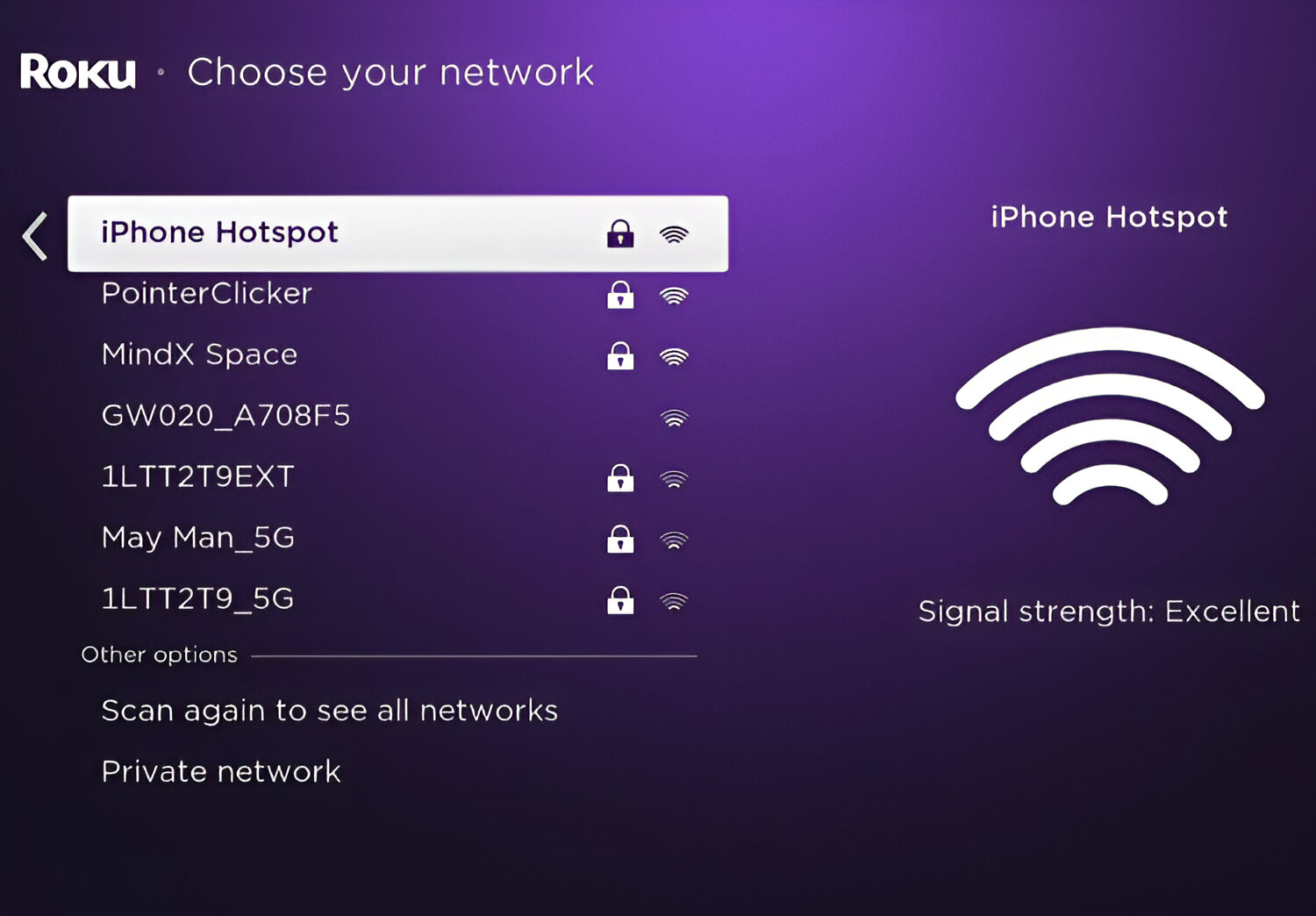
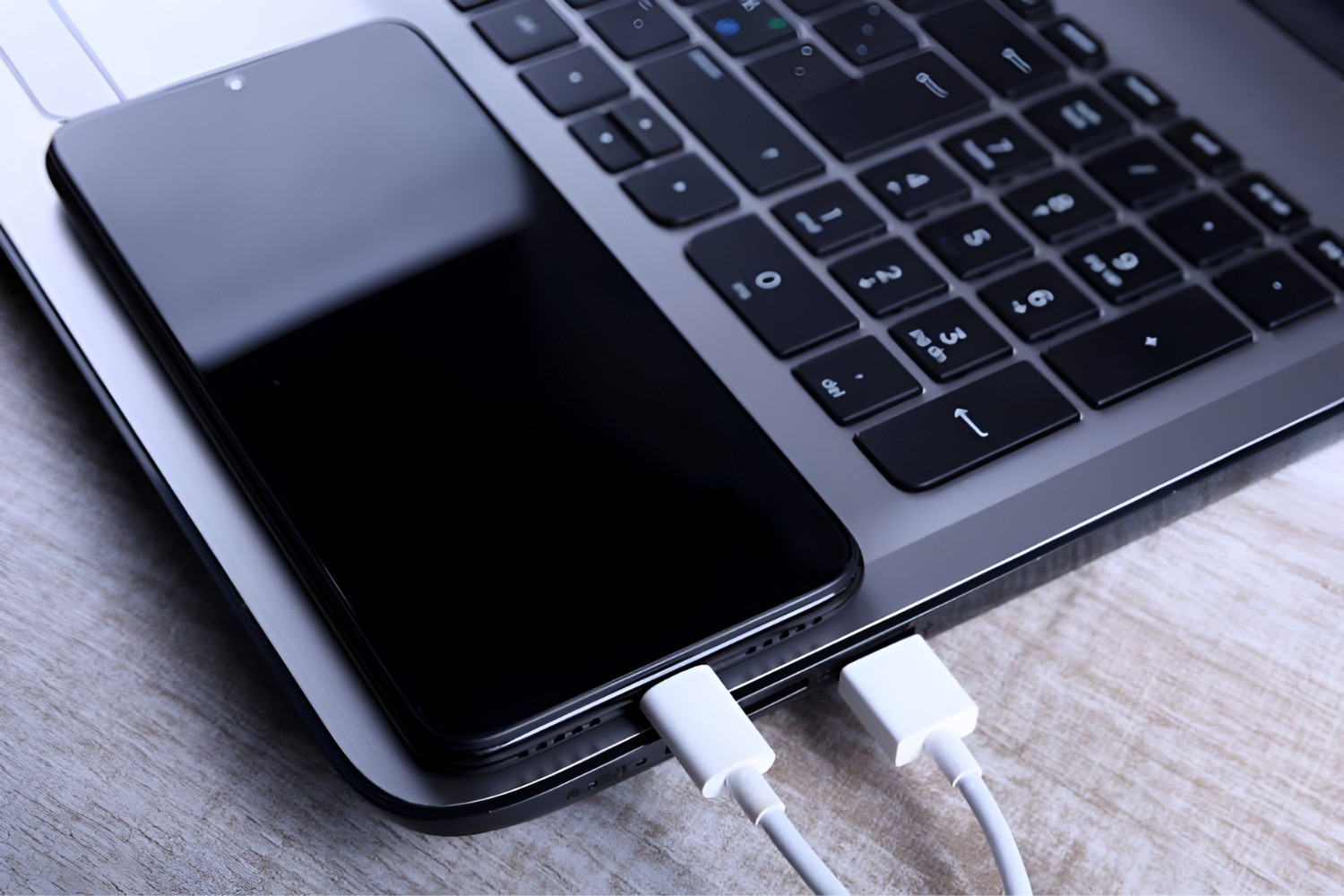
When you're out and about, public Wi-Fi is tempting, but it requires extra caution. Always verify the exact network name with venue staff before connecting, this simple step defeats most evil twin attacks. Never assume the network with the strongest signal is the legitimate one. And if you're using a network you don't control, a VPN is non-negotiable. It encrypts your traffic so that even if an attacker intercepts it, they can't read it. For example, when using a phone hotspot to connect your laptop, the same rules apply: your personal hotspot is safer than public Wi-Fi, but a VPN adds an extra layer. If you're concerned about preventing iPhone hotspot from turning off, check your settings to keep the connection active, but don't sacrifice security for convenience. And when connecting mobile hotspot to PC with USB, remember that a wired connection is inherently more secure than Wi-Fi because it eliminates wireless interception entirely. These habits, applied consistently, make public connectivity far less risky.