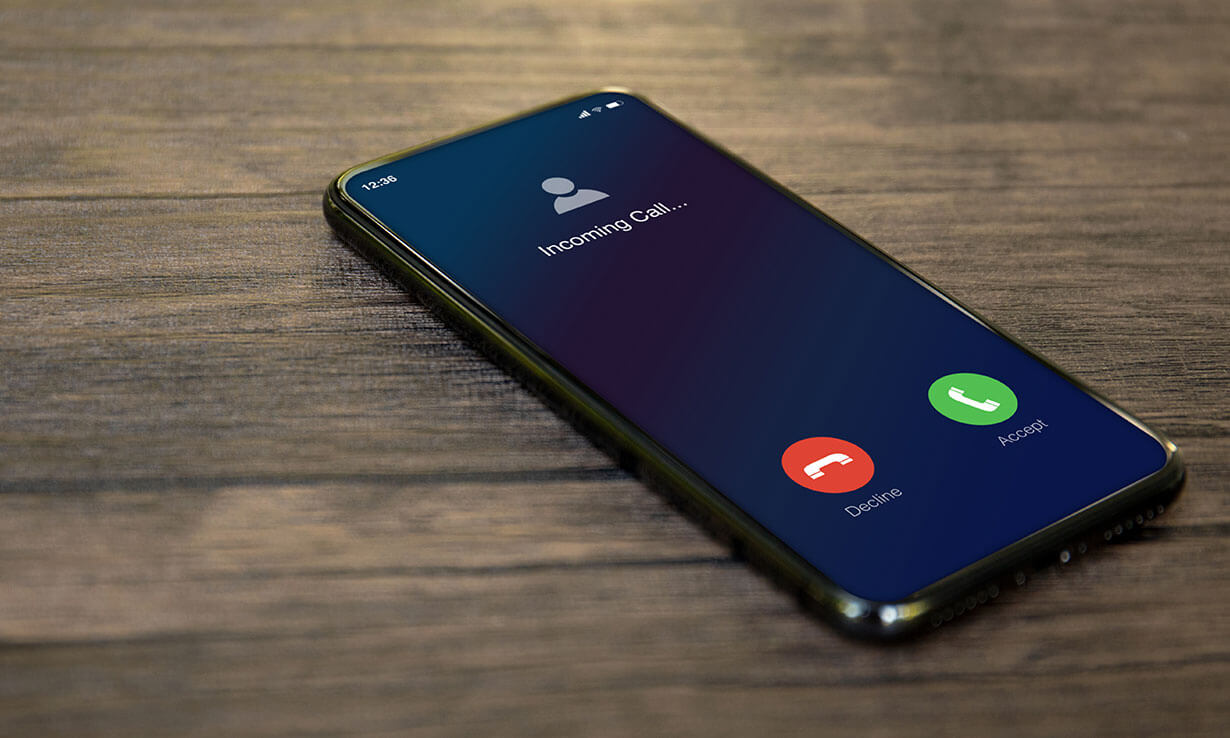
To extend phone ring time, the most direct solution is to contact your mobile carrier, because the number of seconds your phone rings before diverting to voicemail is controlled by their network settings, not by your device. This carrier-side setting is the primary lever you have, and a quick call or message to customer support can usually get it adjusted to your preferred duration.
The real way to extend phone ring time: contact your carrier
Your carrier decides how long an incoming call rings before it is sent to voicemail. This is true across virtually all networks and phone models, including Google Pixel devices, which rely entirely on the cellular provider for ring time settings. When you reach out to customer support, simply ask them to increase the ring duration, most providers can make this change on their end within minutes. Be specific about the number of seconds or rings you want, and confirm the new setting before hanging up. This is the only method that works reliably and universally, so start here before trying any workarounds.
Try carrier codes to change ring duration (with a catch)
This self-service option can be convenient, but it comes with a major caveat: the code is not universally supported, and its effectiveness depends entirely on your carrier's network and whether they have enabled this feature. If the code fails or produces an error, it means your provider does not offer this route, and you will need to fall back to contacting them directly. Also, note that entering these codes can sometimes interfere with call forwarding settings, so proceed carefully and test with a second phone afterward.
Why you can't change ring time in your phone's settings
Many people assume there is a toggle buried in their phone's sound or call settings, but that is a common misconception. Even on Pixel phones, the operating system does not expose a ring duration control because the network manages this timing. Your phone simply plays the ringtone for as long as the carrier allows before the call is redirected. This design keeps the experience consistent across devices on the same network, but it also means no amount of digging through menus will reveal a ring time slider. The only way to change it is through the carrier, either by calling them or using a supported code.
Workaround: use call forwarding to create a longer ring
If your carrier refuses to change the ring duration, you can trick the system by forwarding unanswered calls to a second number that has a longer ring time. For example, set up call forwarding to a Google Voice number, which typically rings for a longer period before sending the call to its own voicemail. When someone calls your primary number, it will ring for the carrier-set duration, then forward to the Google Voice number, which rings again, effectively doubling the total time you have to answer. To set this up, go to your phone's call forwarding settings and enter the destination number. Just be aware that this adds a slight delay before the caller hears the second ring, and you may want to test it with a friend to ensure the forwarding chain works smoothly.
Workaround: adjust your voicemail service settings
Some voicemail services, especially those provided through carrier apps or standalone voicemail platforms, include their own ring duration option. If you find it, you can extend the delay before calls are sent to voicemail independently of the carrier's default. This is a separate setting from the main network ring time, so it may not affect calls that are forwarded to another number, but it can give you extra seconds when the call is set to go straight to voicemail. For instance, if you are setting up voicemail on Motorola razr, look for a "ring delay" or "time to answer" option in the voicemail setup menu. Also, if you need to clear out old messages to make room for new ones, knowing how to delete voicemails on Android can help you keep the service responsive. While you are adjusting settings, remember that using a phone hotspot for other tasks will not affect ring duration, but it is worth checking your voicemail app's preferences for any hidden ring time controls.