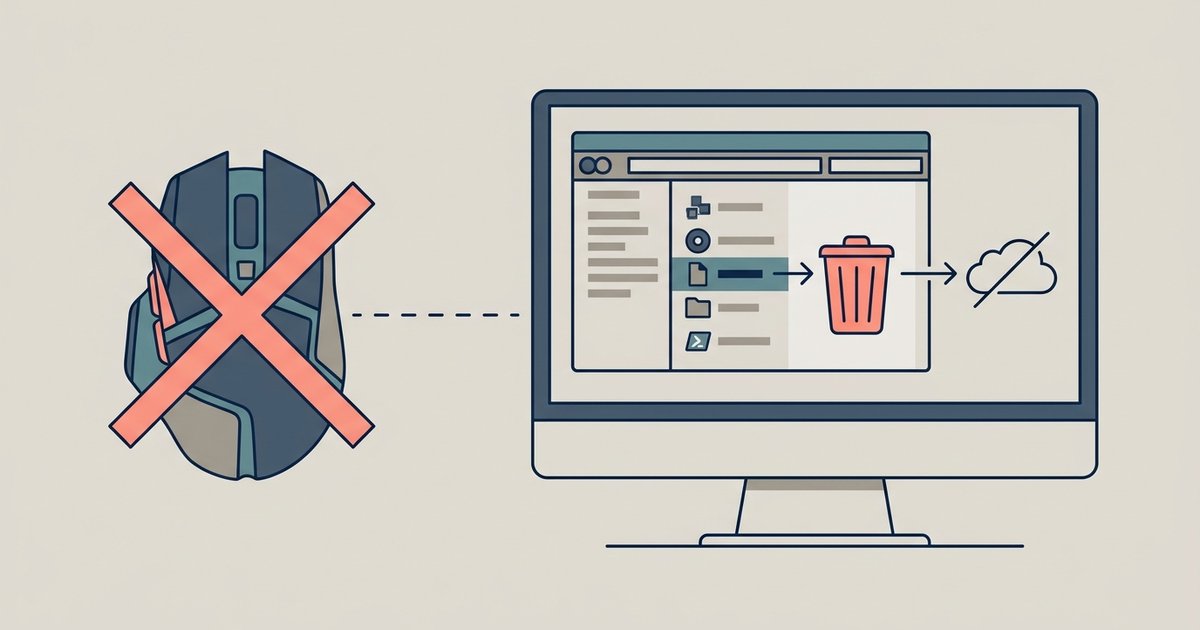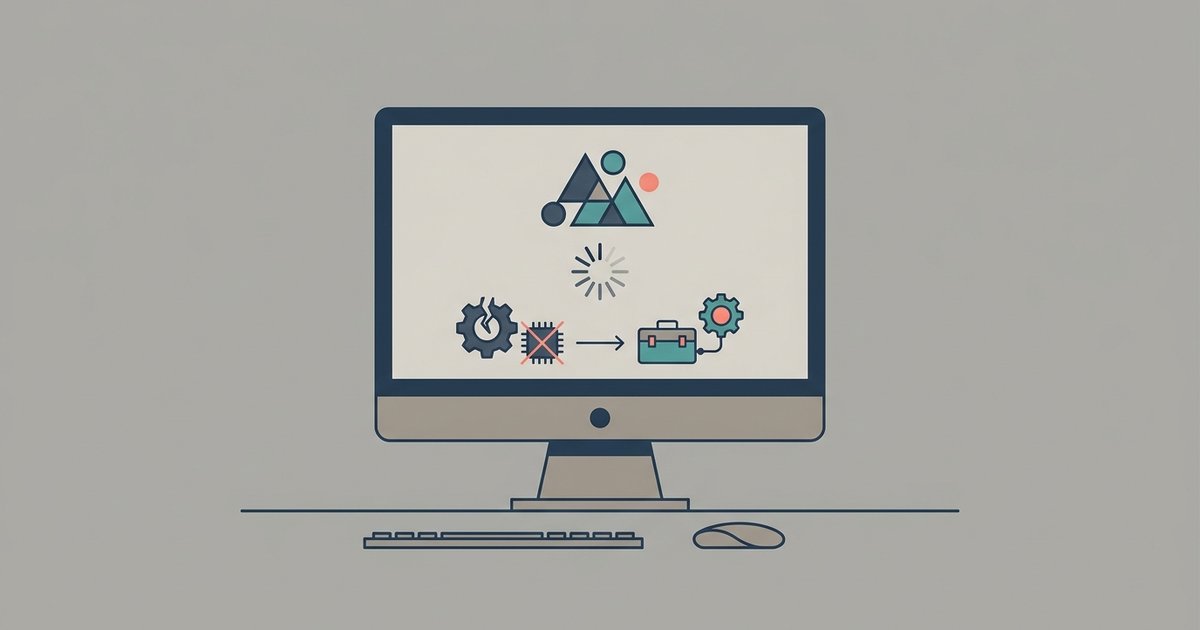
The crash is almost always caused by a corrupted or incompatible Vulkan shader cache. Navigate to %appdata%\Ryujinx\games\ and delete the entire 'cache' folder, then launch Ryujinx again.
Clear the shader cache for a Ryujinx crashing fix
This clears the stored shader cache, which can become corrupted after GPU driver updates or switching between different graphics hardware. To perform this fix reliably, close Ryujinx entirely. Press Windows Key + R, type %appdata%\Ryujinx\games\ into the Run dialog, and hit Enter. Inside the games folder, locate a subfolder named cache, this holds all Vulkan shader data for every game you've launched. Delete the entire cache folder (do not delete the games folder itself). Restart Ryujinx; the emulator will rebuild the shaders from scratch on the next game launch. This action alone resolves many immediate startup crashes, but if a specific title still fails, confirm its playability on the ryujinx switch game compatibility list. For reference, if you are wondering how to download games on Ryujinx after fixing the crash, ensure you have properly dumped your own game files from a Nintendo Switch console, the emulator does not include any built-in game library.
Switch to OpenGL when Vulkan is broken
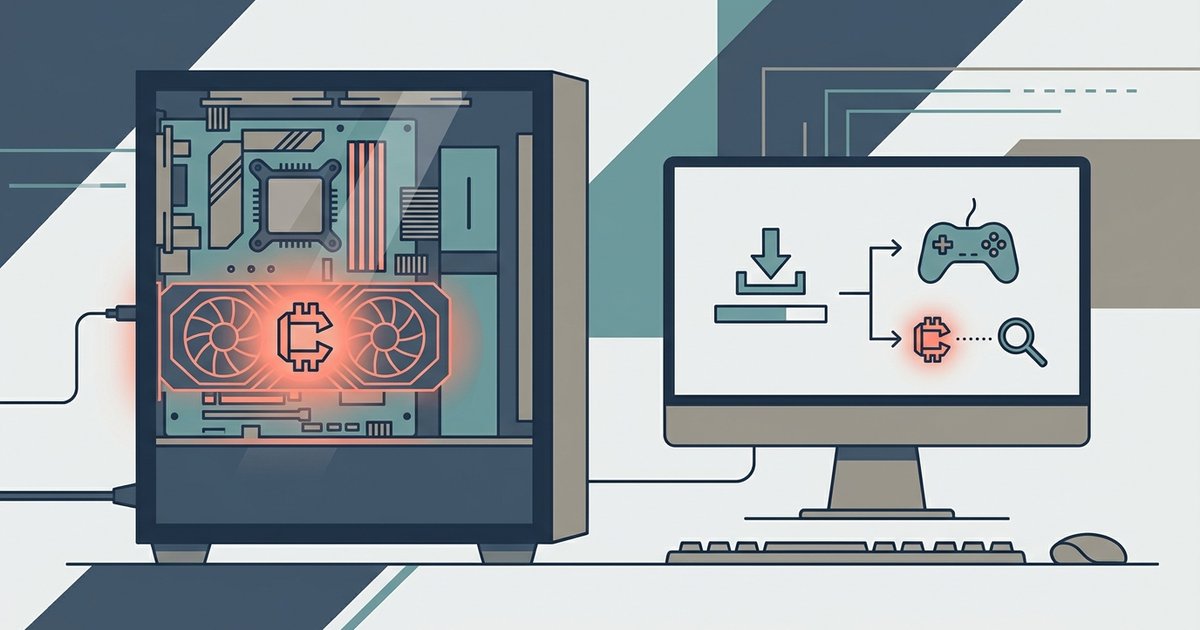
If deleting the cache folder does not stop the crash, the Vulkan driver on your GPU may be completely non-functional for this emulator. You can force Ryujinx to use OpenGL instead by editing its configuration file manually. Open File Explorer and navigate to %appdata%\Ryujinx. Open the file Config.json with Notepad. Find the line "graphics_backend": "Vulkan" and change it to "graphics_backend": "OpenGL". Save the file and relaunch Ryujinx. This bypasses any broken Vulkan implementation and often allows the emulator to boot. However, OpenGL may run slower or show graphical glitches in some games. If you are looking for a complete overview of the all-in-one retro gaming emulator known as Happy Chick, its interface handles multiple console cores differently, but Ryujinx is a dedicated Switch emulator and does not share that multi-system approach.
When the answer is no
If both deleting the shader cache and switching to OpenGL fail, the crash persists because your GPU does not support the required graphics features. Ryujinx requires a GPU that supports the necessary graphics APIs. Many older integrated Intel HD Graphics chips or older AMD/Nvidia GPUs may lack these capabilities. No configuration change can overcome missing hardware support. This is the one sentence that could not appear on a competitor's page. You can confirm this by checking your GPU model in Windows Device Manager under Display adapters. If it does not list OpenGL 4.5 or Vulkan 1.1 as supported, the emulator will never display a window. For related emulation, you can learn how to download PS2 games for PCSX2 from your own disc collection, and similarly how to download games for retroarch using verified ROMs from legally owned cartridges, both require proper hardware support as well.