This tag collects articles about emulators, software that lets you run games and apps from older or different systems on your current hardware. It is written for hobbyists and curious users who want to explore retro gaming or try out modern console titles on PC, but who also want to stay on the right side of the law. The content ranges from beginner-friendly setup guides to troubleshooting specific technical glitches, so it suits both first-time tinkerers and more experienced users who have hit a snag.

Several articles focus on getting software running smoothly. For example, guides for Yuzu, Ryujinx, and Citra explain how to install and launch games on those Switch and 3DS emulators, while a separate piece walks through downloading Skate 3 on PC and another covers the all-in-one Happy Chick app. A second theme is fixing common errors: you will find help for Ryujinx crashing on startup, audio crackling in Mortal Kombat 9 on RPCS3, and a controller issue for the second player in Xenia’s Mortal Kombat 9. A third theme addresses legal and safe use. Articles on Wii homebrew and Xenia legal game backups describe what you can do with your own discs and files, and the Switch homebrew beginner’s guide explains the boundaries of custom software.

Rather than showing risky shortcuts, these pieces help you achieve specific outcomes: play a nostalgic title, get a modern game running on your PC, fix a frustrating bug, or understand what “legal backup” really means. They also include practical reference lists, such as a Ryujinx compatibility list and a roundup of 21 nostalgic games you can still play today. Whether you are troubleshooting a crash or deciding which emulator to try, the tag points you to clear, responsible instructions.
Fix Audio Crackling Mortal Kombat 9 RPCS3

Apply the 'MK9 Audio Fix' community patch through RPCS3's patch manager. If the patch doesn't appear, you need to download the latest patch.yml file manually and place it in the...

How To Fix Ryujinx Crashing On Startup

The crash is almost always caused by a corrupted or incompatible Vulkan shader cache. Navigate to %appdata%\Ryujinx\games\ and delete the entire 'cache' folder, then launch Ryujinx again. Clear the shader...

Ryujinx Switch Game Compatibility List

Most popular Switch titles run well, but compatibility varies wildly. Always check the official Ryujinx GitHub compatibility list before downloading, not random YouTube videos showing cherry-picked gameplay. Where to find...

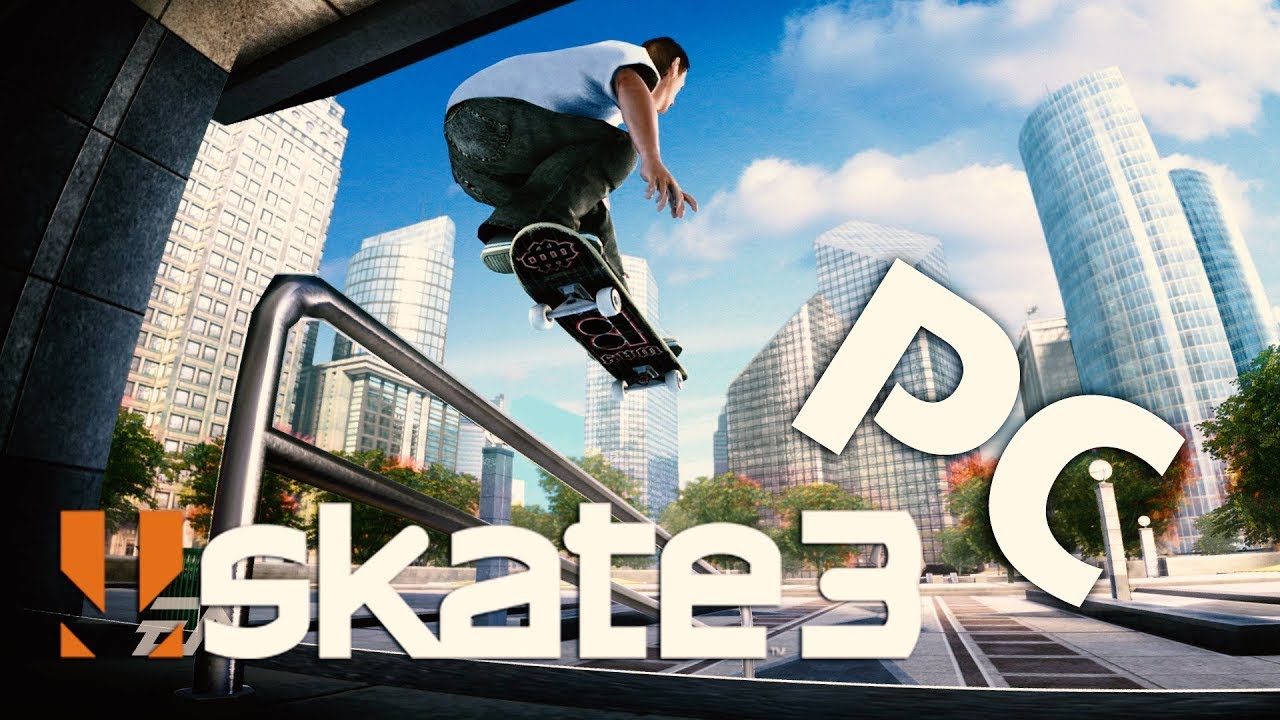
How To Download Skate 3 On PC

To download Skate 3 on PC, you have three options: the official Xbox Cloud Gaming method, the unofficial RPCS3 emulator, or the new Skate 3 Recomp project. Since Skate 3...

How To Download Games On Citra

To legally download 3ds roms for citra, you must dump games for citra from a Nintendo 3DS console you own. This is the only legal method, as downloading ROMs from...

How To Download Games On Ryujinx

Before you start: download games on Ryujinx prerequisites To download games on Ryujinx successfully, you need to understand that Ryujinx is not a game store. It requires a set of...

How To Download Games For Yuzu

To download games for Yuzu, you must first understand that the emulator is designed to play backups of Nintendo Switch games you already own. This guide covers the entire legal...

Beginner’s Guide to Switch Homebrew

Switch homebrew is unauthorized third-party software that lets you run emulators, apps, and game mods on your Nintendo Switch, and this switch homebrew guide will show you exactly how to...