To download early access games on Steam, you buy the game directly from the Steam store, and it appears in your Steam Library where you can install and launch it like any other title. Early Access on Steam is a program that lets developers sell games that are in a playable alpha or beta state, giving you immediate access in exchange for your feedback during development.
What are early access games on Steam?
Steam Early Access is a distribution model where developers sell games that are still in active development. These titles are playable, but they are not finished; they may contain bugs, missing features, or placeholder content. The primary purpose of this program is to gather player feedback and involve the community in shaping the final product before the official release. It is important to distinguish Early Access from two other concepts: pre-purchases and Advance Access. A pre-purchase delivers a game at a future date, while Early Access grants immediate access to an unfinished version. Advance Access, on the other hand, is a pre-purchase incentive that lets you play a nearly finished game a few days before its official launch. Early Access is also not intended to be used solely as a crowdfunding mechanism; it is a transactional relationship where you pay for the current playable state of the game.
Before you buy an early access game
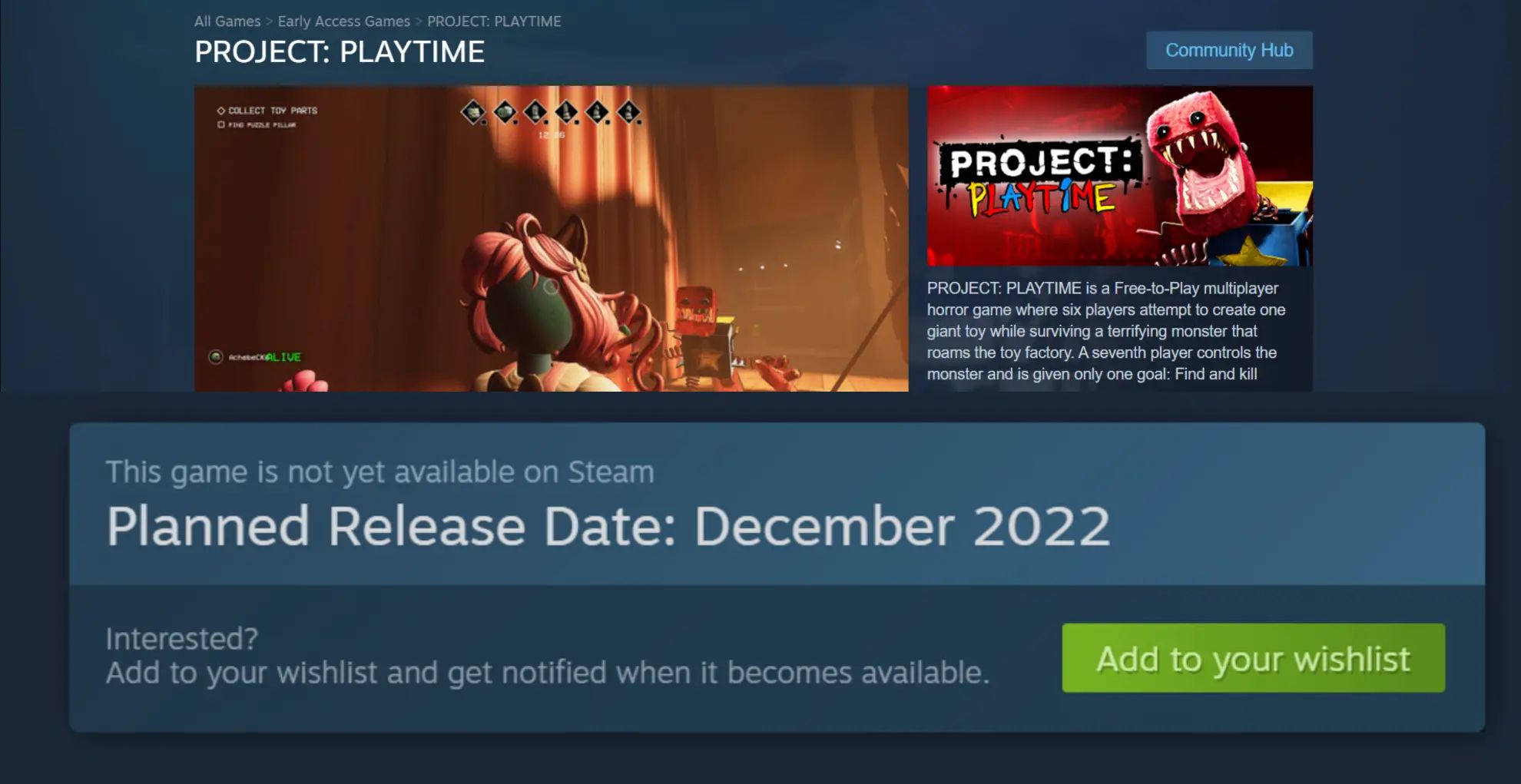
Before you commit to a purchase, you must evaluate the game based on its current playable state, not on future promises. Developers are expected to deliver a playable game or usable software at the time of purchase. Steam’s policy requires that Early Access titles provide this immediate functionality. Additionally, you should be aware of refund eligibility. Early Access games are covered under Steam’s standard refund policy, which considers your playtime and the date of purchase. If you play for a few hours and find the game unplayable or not what you expected, you can request a refund as long as you meet the standard criteria. Another critical factor is the risk of abandoned projects. Steam will add a notice to an Early Access game’s store page if it has not been updated in over 12 months. This notice helps you spot projects that may no longer be in active development, so you can make an informed decision before spending your money.
How to find and purchase an early access game
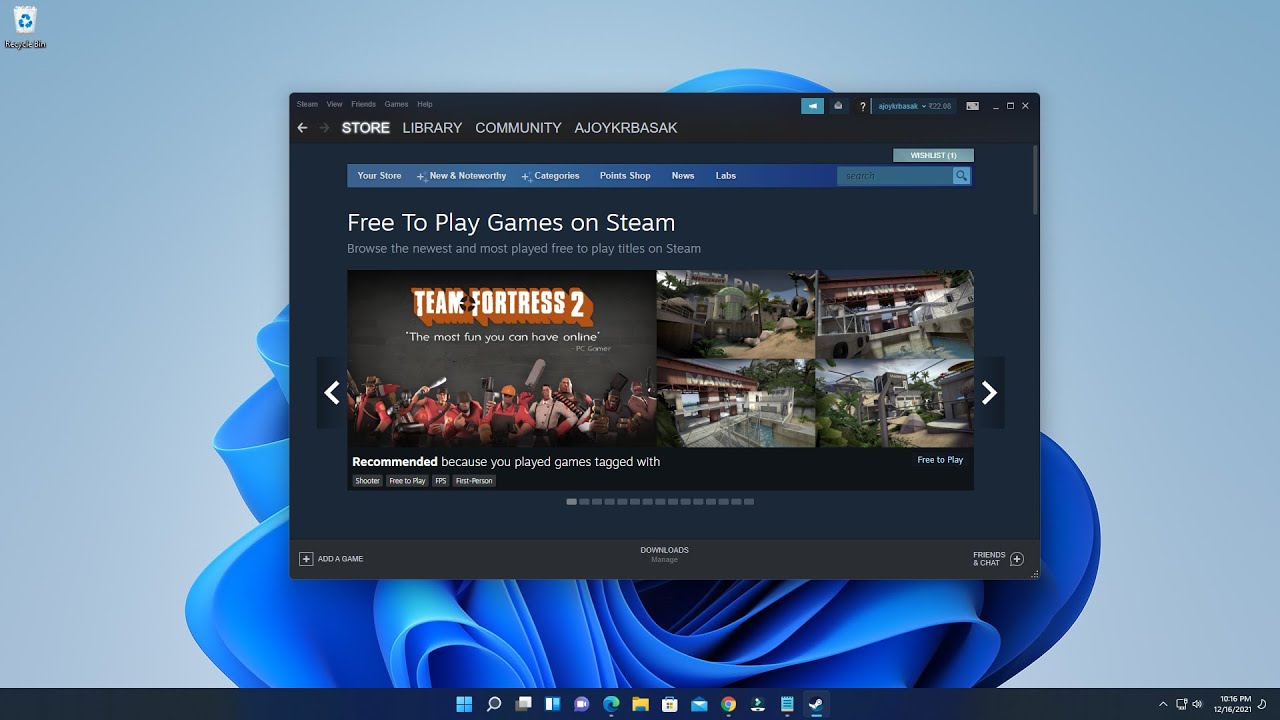
Finding and buying an Early Access game on Steam is a straightforward process. Follow these steps to locate your next game:
- Open the Steam application on your computer. If you do not have it installed, download it from the official Steam website.
- Click on the “Store” tab in the top navigation bar.
- Look for the “Early Access” category in the horizontal list of store sections and click on it. Alternatively, type “Early Access” into the search bar at the top of the application to navigate directly to the section.
- Browse the featured games at the top of the page, or scroll down to see the full list. Use the filters on the left side of the page to narrow down by genre, price range, or user tags.
- Click on a game that interests you to open its detailed store page. Read the description, check the system requirements, and review the developer’s roadmap for future updates.
- Scroll down to read user reviews. These reviews are tagged as “Early Access” and will remain tagged even after the game fully releases, giving you insight into the game’s history and current state.
- Check the community discussions to see what players are saying about bugs, suggestions, and developer responsiveness.
- Once you have decided on a game, click the “Add to Cart” or “Buy” button on the game’s detail page. Ensure you have selected the correct edition and that no unwanted items are in your cart.
- Proceed to checkout. You will need to sign in to your Steam account or create a new one if you do not have an account. Steam supports various payment methods, including credit cards, PayPal, and Steam Wallet funds.
- After the purchase is successful, you will receive a confirmation message and an email receipt. The game will be added to your Steam library.
How to download and install your early access game
Once you have purchased the game, downloading and installing it is identical to any other Steam title. Here is how to get it running:
- Ensure you are logged in to your Steam account.
- Click on the “Library” tab in the top navigation bar.
- Locate the Early Access game you purchased in your list of games.
- Click on the game’s name to open its detail page within your library.
- Click the “Install” button. You will be prompted to choose an installation location for the game files.
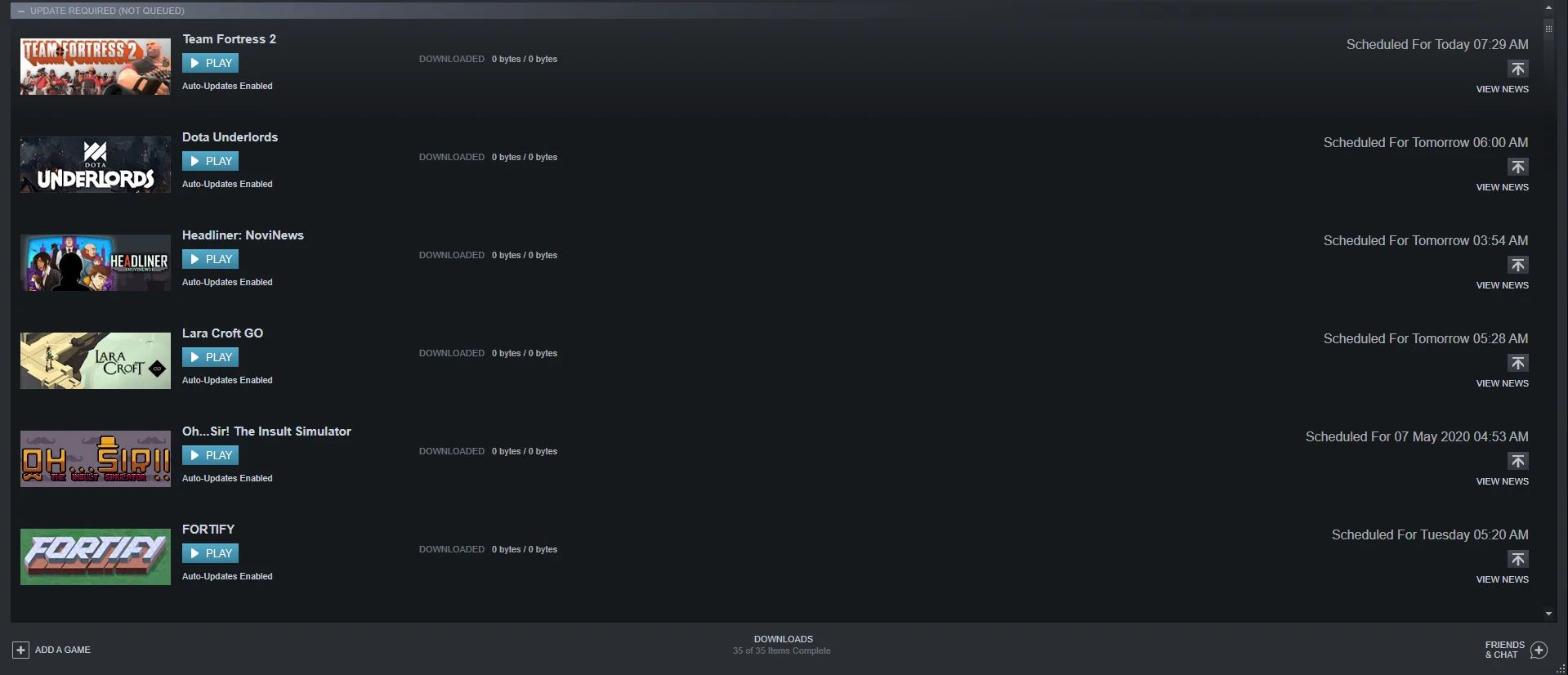
- Steam will begin downloading the necessary files. You can monitor the download progress in the Steam application. The time it takes will depend on the game’s size and your internet connection speed.
- Once the download is complete, Steam will automatically install the game.
- Click “Play” to launch the game. You may be presented with additional settings or configuration options before the game starts.
After the game launches, you are now part of the development process. Since Early Access games are works in progress, you may encounter bugs, stability issues, or missing features. Your role as a player is to provide constructive feedback. You can do this by engaging with the game’s community hub, writing detailed reviews on the store page, and reporting any bugs or technical issues you encounter. Developers rely on player reports to identify and fix problems. You can also participate in any feedback channels or beta testing programs that the developers organize. Your suggestions and bug reports directly influence the game’s future updates, helping the developers refine and expand the experience based on real player input.
\nRelated reading: How To Download Paid Itch.Io Games For Free, How To Download Games On Tesla, and How To Download Games On Leappad Academy.