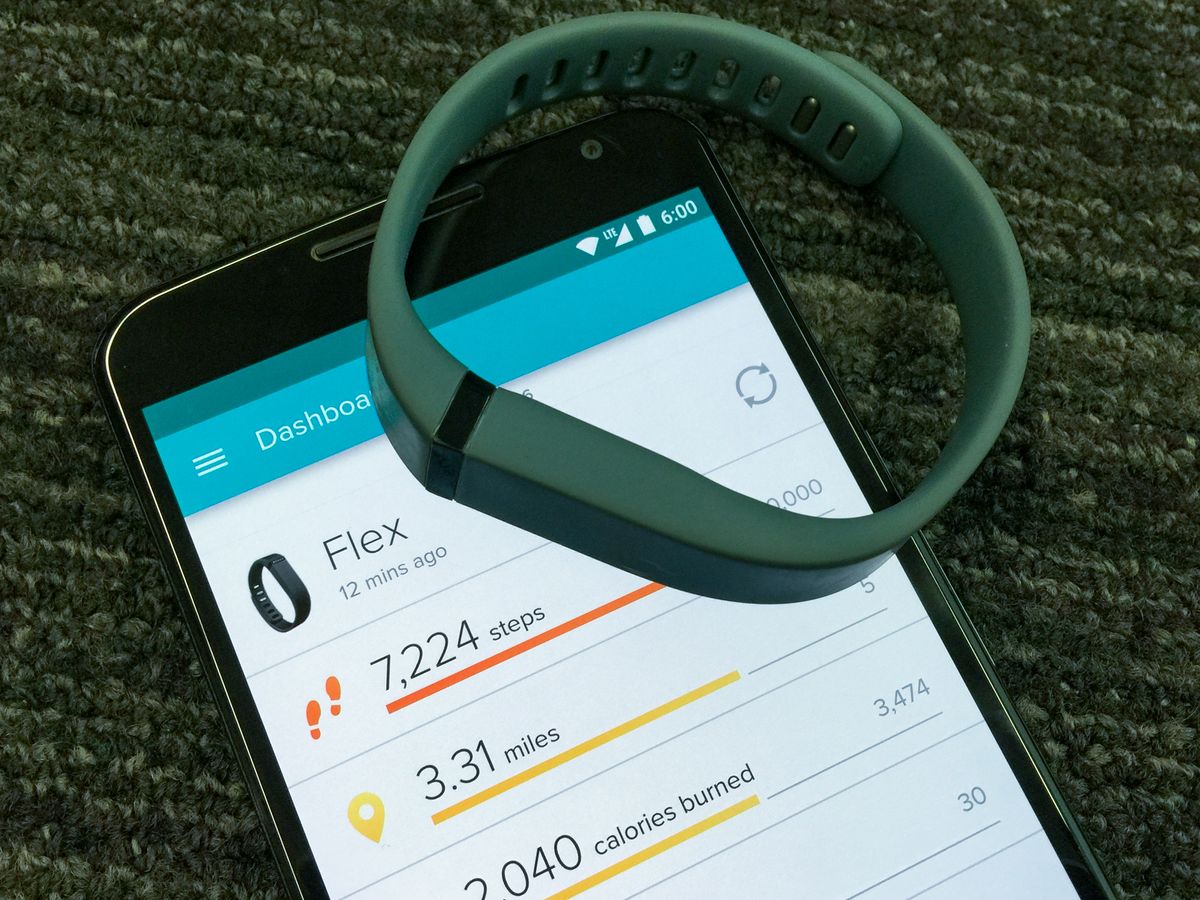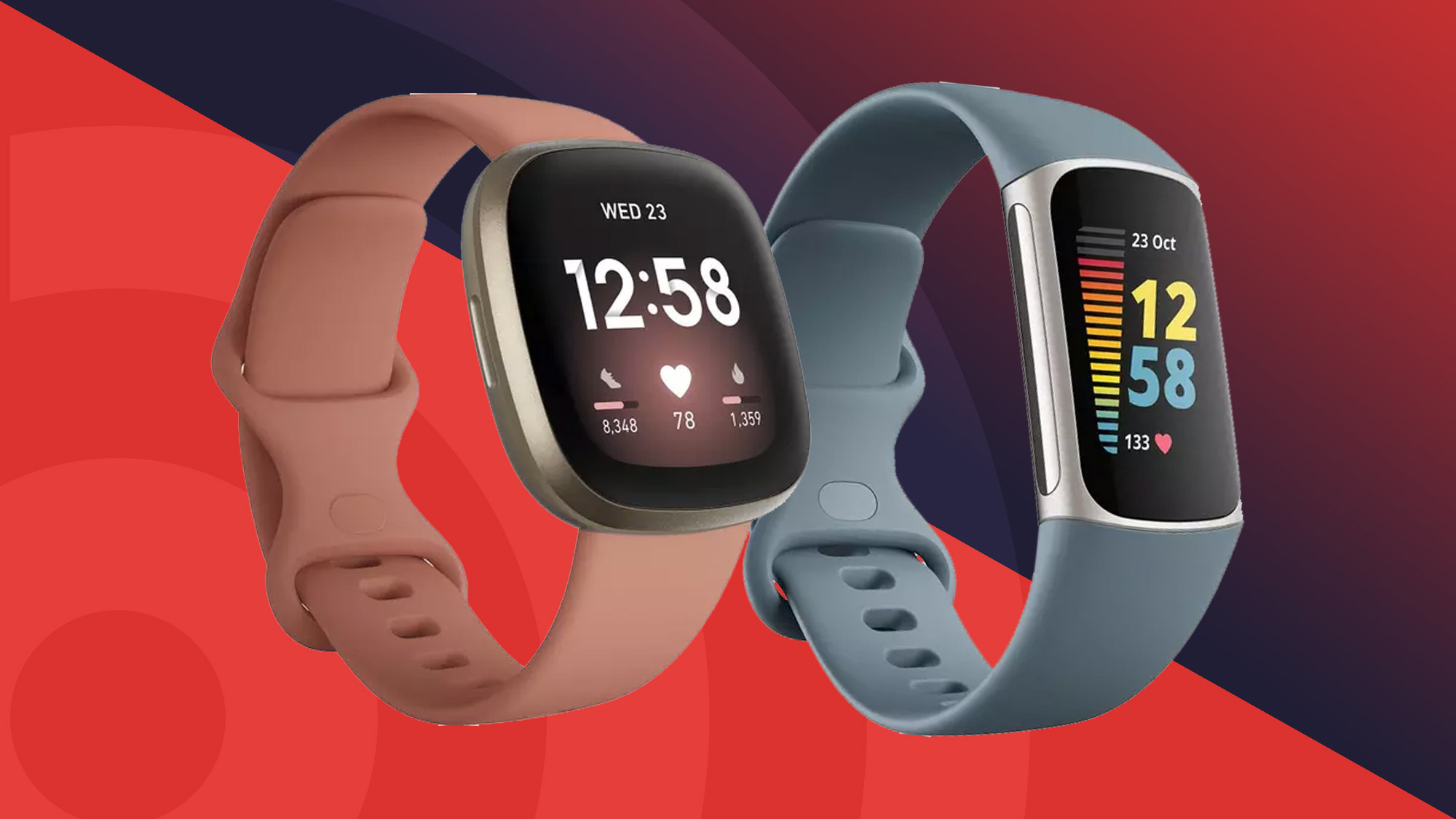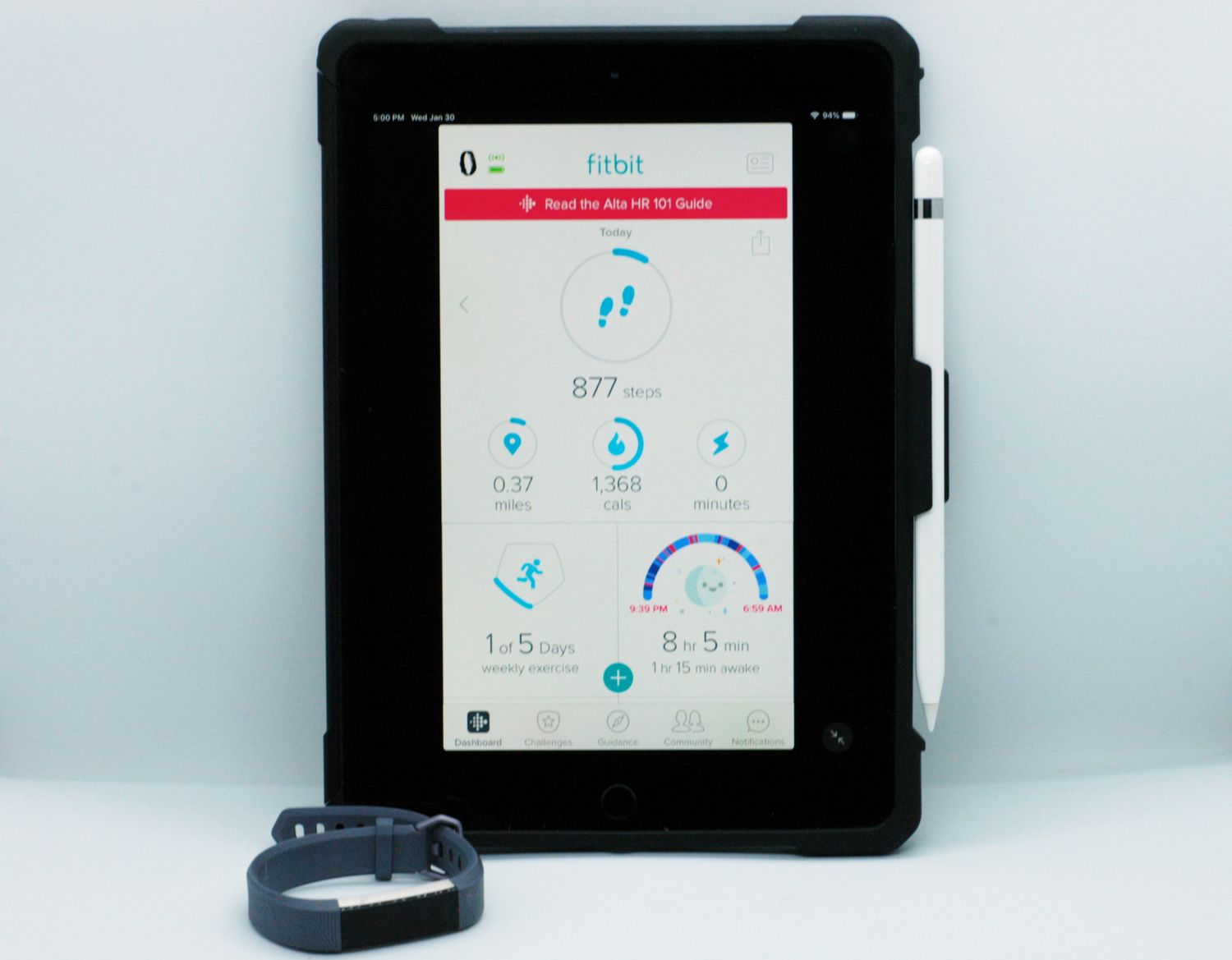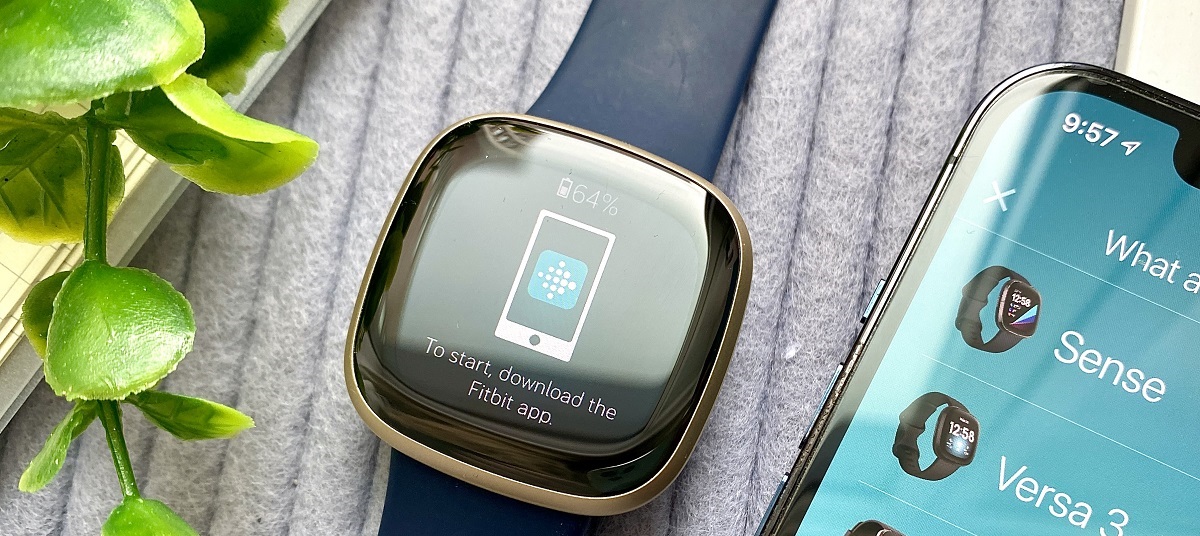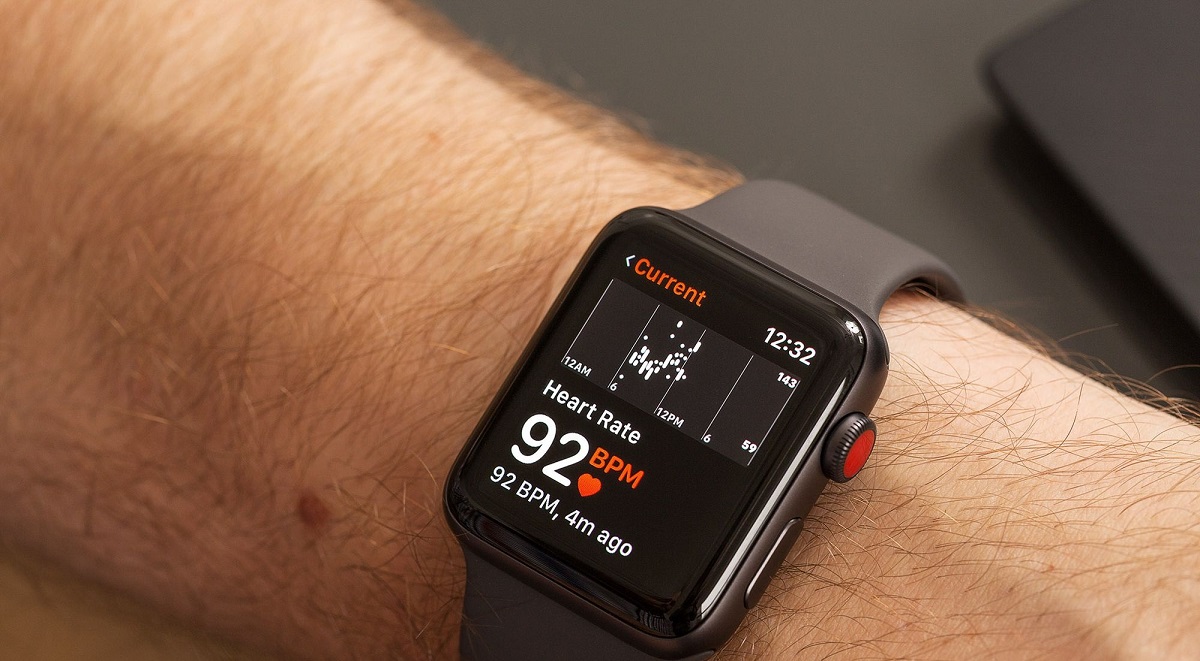
If your Fitbit is showing a low HRV on Fitbit, the most likely explanation is that the reading reflects a temporary state, such as a hard workout the day before, poor sleep, or stress, rather than a device malfunction. Fitbit calculates HRV automatically during sleep using the RMSSD formula, pulling data from your longest sleep period of at least three hours, so before you worry about your health, it’s worth checking three things: how the watch sits on your wrist, whether your sleep tracking recorded properly, and what you did in the 24 hours before bed. A proper smartwatch setup ensures the sensors maintain consistent skin contact for accurate overnight readings.
Check your Fitbit placement and sensor accuracy
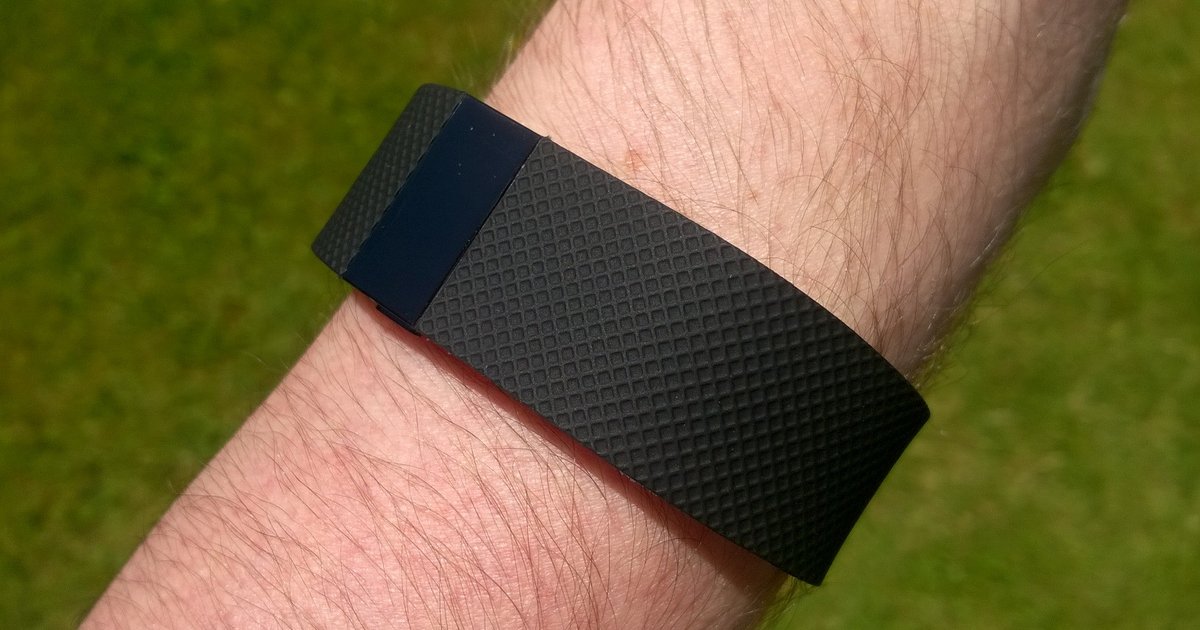
The single most common reason for unexpectedly low HRV on Fitbit is incorrect device placement. For the optical sensors to read your heart’s beat-to-beat intervals accurately, the watch must sit snugly on top of your wrist, about a finger’s width above the wrist bone, with constant skin contact throughout the night. If the band is loose enough to shift during sleep, or if the watch slides down toward your hand, the sensor may pick up motion artifacts or lose contact entirely, producing artificially low or erratic HRV values. Before looking at lifestyle factors, tighten the band one notch and reposition the watch so the back sits flat against your skin.
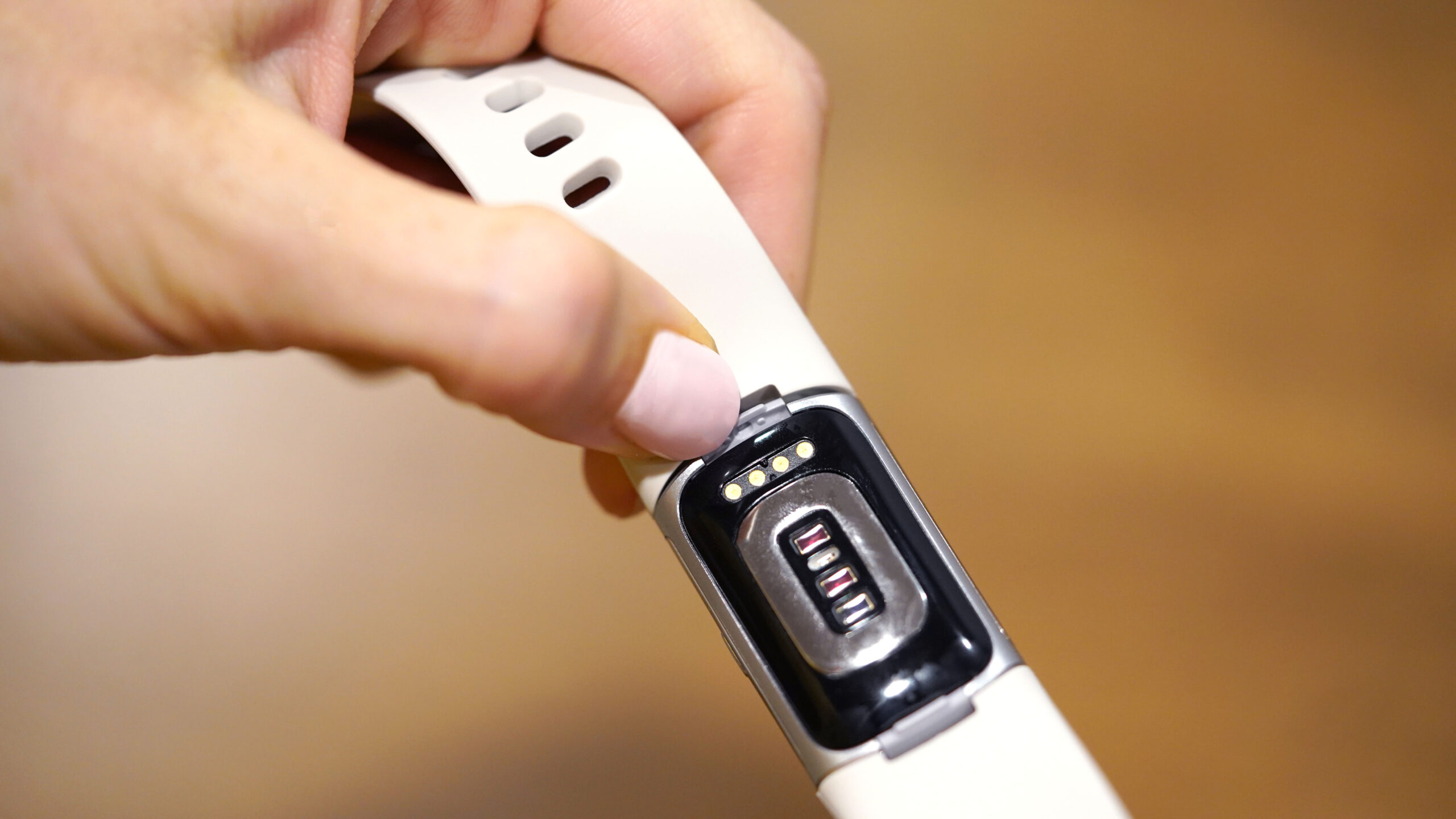
You should also clean the optical sensors on the back of the device. Sweat, lotion, or dried skin cells can create a film that blocks the green light from penetrating your skin, degrading signal quality. Wipe the sensors with a soft, dry cloth before bed each night. If your HRV reading is consistently zero, that is a red flag that the device did not record detailed sleep data at all, check that your sleep stages (including REM and deep sleep percentages) appear in the app. If they are missing, clean the sensors, re-seat the watch, and ensure you wear it for the entire night. A zero reading almost always points to a tracking failure, not a physiological problem. If you want to cross-check your cardiovascular metrics with a different method, you can check blood pressure with Apple watch to see if another vital sign is being captured successfully.
How physical activity and exercise intensity affect HRV
Intense workouts temporarily lower your overnight HRV, and this is a normal physiological response. When you run hard, lift heavy, or do high-intensity intervals, your sympathetic nervous system stays elevated for hours afterward, even as you sleep. Fitbit captures this in your overnight reading, so a low HRV on Fitbit the morning after a tough session is expected. What matters is the trend over days, not a single night. If you train hard several days in a row without a lighter day, your HRV will stay suppressed, signaling that your body has not fully recovered. Build in active recovery days, gentle walking, yoga, or easy cycling, to let your autonomic nervous system reset. Over weeks and months, regular aerobic exercise raises your baseline HRV, so a temporary dip after a workout is a sign of stress, not a reason to stop training.
Stress and emotional well-being impact on your reading
Your emotional state directly shapes your overnight HRV. Stress, whether from work deadlines, relationship tension, or chronic anxiety, keeps your sympathetic nervous system in a “fight or flight” state, which reduces the variability between heartbeats. Fitbit measures this during your deepest sleep, so a stressful day can show up as a low reading even if you slept eight hours. To shift the balance toward your parasympathetic “rest and digest” system, practice a short mindfulness session or slow breathing exercise before bed. Even five minutes of box breathing, inhale for four counts, hold for four, exhale for four, hold for four, can lower your heart rate and increase HRV within a few nights. If stress is chronic, address the source rather than trying to out-breathe it; your HRV will reflect the relief.
Sleep quality and its direct effect on overnight HRV
Fitbit only calculates HRV from sleep periods longer than three hours, so if you wake frequently, sleep in fragments, or get fewer than three hours of continuous rest, you may see no reading or a low one. Poor sleep quality, characterized by frequent awakenings, shallow sleep, or insufficient deep sleep, reduces the parasympathetic activity that drives high HRV. Your target should be 7 to 9 hours of sleep per night, but consistency matters just as much as duration. Going to bed and waking at the same time every day, including weekends, anchors your circadian rhythm and improves the quality of the sleep window Fitbit uses for its calculation. If you have a night of poor sleep, expect a low reading the next morning; it is a reflection of that night, not a permanent state.
Lifestyle choices and environmental factors that lower HRV
Alcohol before bed is one of the most predictable ways to tank your overnight HRV. Even one drink can suppress parasympathetic activity for hours, and Fitbit will capture that in your reading. If you want to see your true baseline, avoid alcohol for at least three hours before sleep, or skip it entirely on nights you plan to check your HRV. Hydration also plays a role, dehydration thickens your blood and makes your heart work harder, reducing variability. Drink water throughout the day, not just before bed. Nutrition matters too: a heavy, high-sugar meal late in the evening can spike your blood sugar and keep your sympathetic system active. Environmental factors include temperature extremes and air quality. A too-warm bedroom or exposure to poor air quality can trigger a stress response that lowers HRV. Keep your bedroom cool, and if you live in a polluted area, consider an air purifier to see if your readings improve.
How to view and improve your HRV on Fitbit
To see your HRV data, open the Google Health app (formerly the Fitbit app) and follow these steps:
- Tap the “Health” tab at the bottom of the screen.
- Tap “Vitals” under the Focus areas section.
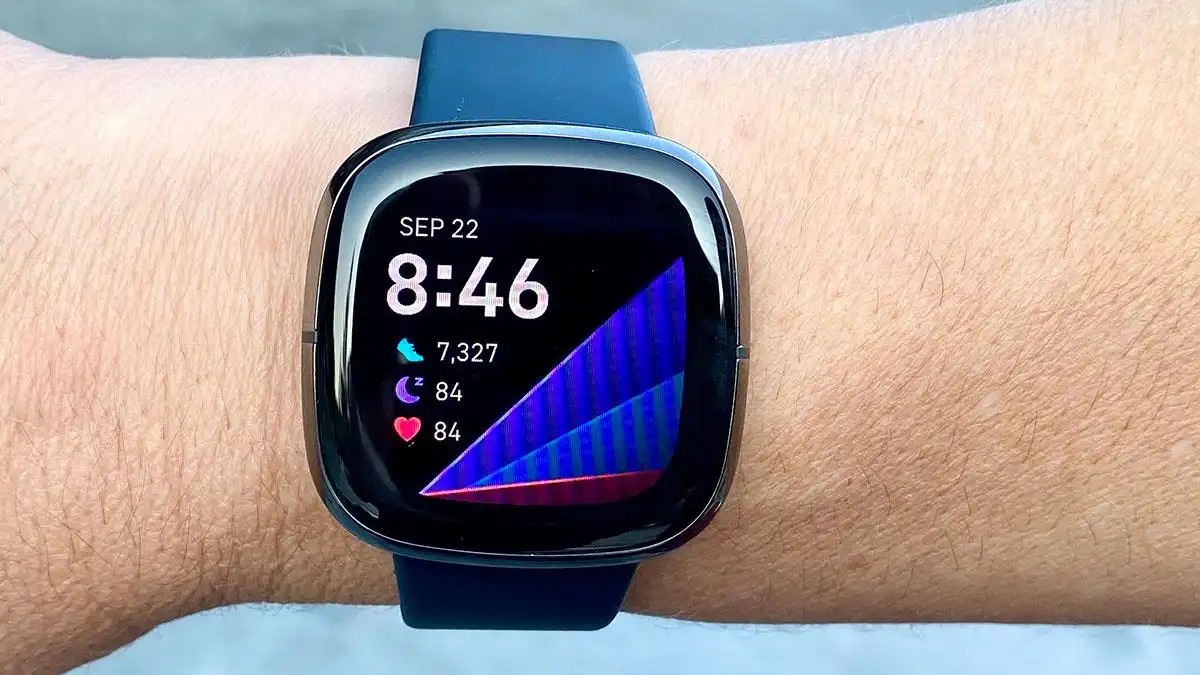
- Select “Heart rate variability (HRV)” to view your overnight readings and the 30-day trend.
Once you have your baseline, the path to improvement is straightforward. Prioritize consistent sleep timing with 7 to 9 hours per night, avoid alcohol in the hours before bed, and keep a regular aerobic exercise routine that includes recovery days. Manage stress with daily mindfulness or breathing exercises, and make sure your Fitbit is snug, clean, and in constant contact with your skin during sleep. If you have checked your device placement, cleaned the sensors, and confirmed that detailed sleep data is recording, then a low reading is your body telling you something, listen to it. Adjust one variable at a time and give yourself a week to see the trend shift. If you are still troubleshooting after that, revisit your smartwatch setup and pairing to rule out connectivity issues that might affect how your sleep data syncs to the app. Your HRV is a reflection of your recovery, not a judgment, use it to make small, sustainable changes, and your numbers will follow.