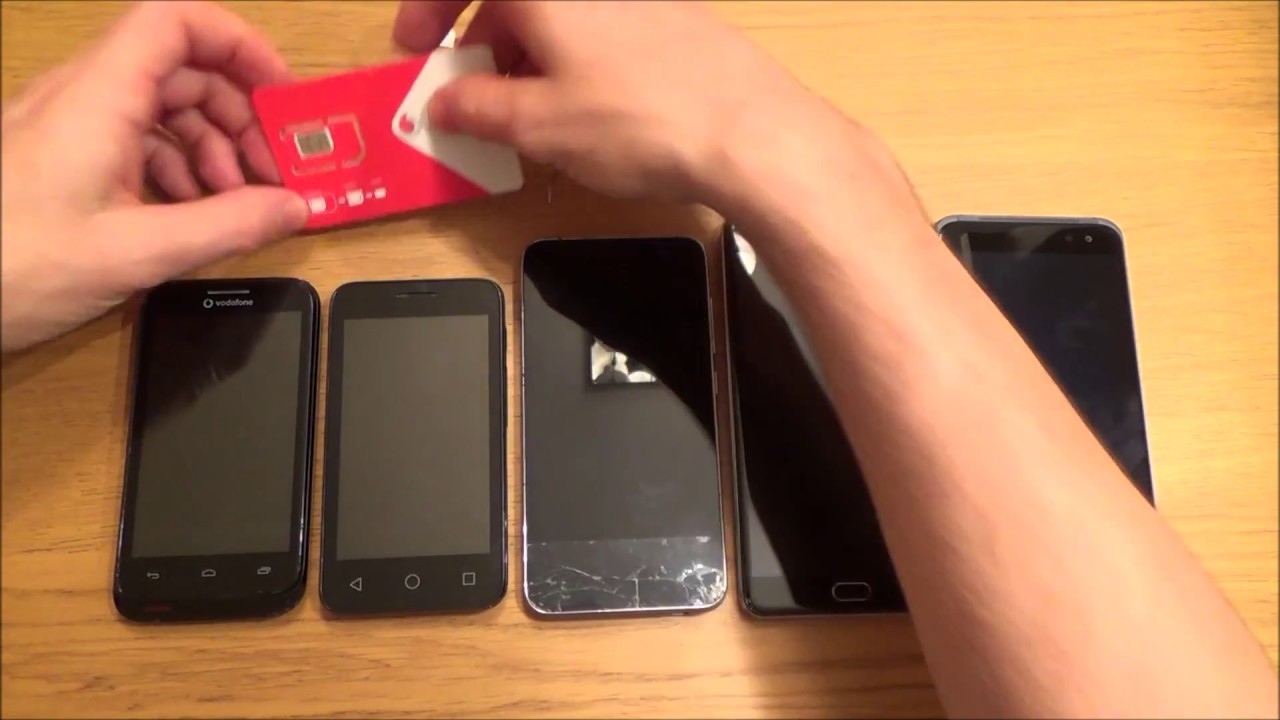
If you're dealing with a wet SIM card, the most important thing is to act quickly and methodically to prevent further damage and give yourself the best chance of restoring connectivity. A wet SIM card doesn't automatically mean it's ruined, with the right steps, you can often dry it out, test it, and get back online, or know exactly when to call your carrier for a replacement.
Check for water damage inside the SIM tray slot
Before you even touch the SIM card, look inside the SIM tray slot on your phone. Most devices have a small Liquid Damage Indicator (LDI) or Liquid Contact Indicator (LCI) located in or near the tray, often a white sticker or small dot. If that indicator has turned solid pink, purple, or red, your phone itself has been exposed to liquid, which is a separate issue from the SIM card. On Google Pixel phones, a white sticker turning red signals water damage. The exact location of the LDI/LCI varies by device model, so check your phone's manual or the manufacturer's support page if you can't find it. If the indicator confirms internal moisture, you may also need to fix a tablet with water damage using similar drying techniques. Knowing whether the phone or just the SIM got wet helps you decide what to prioritize next.
Power off and remove the wet SIM card
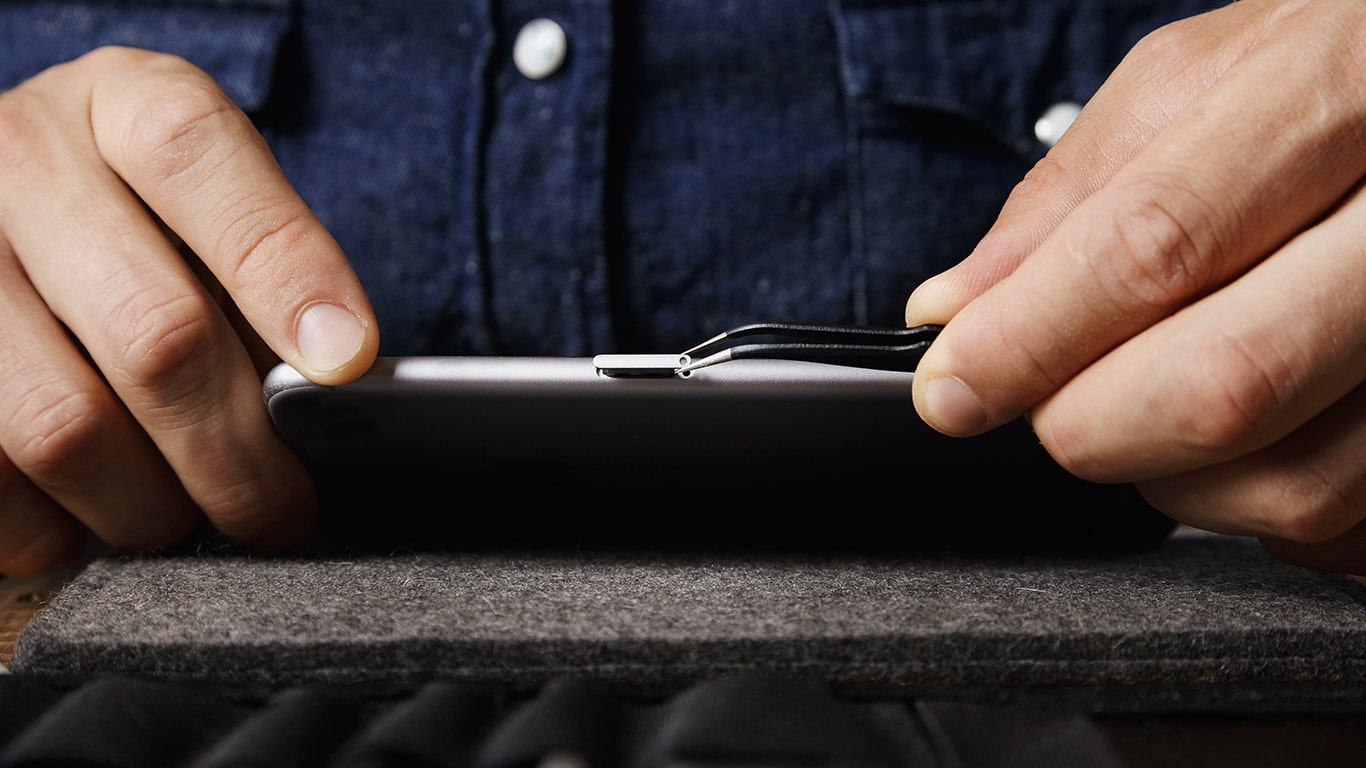
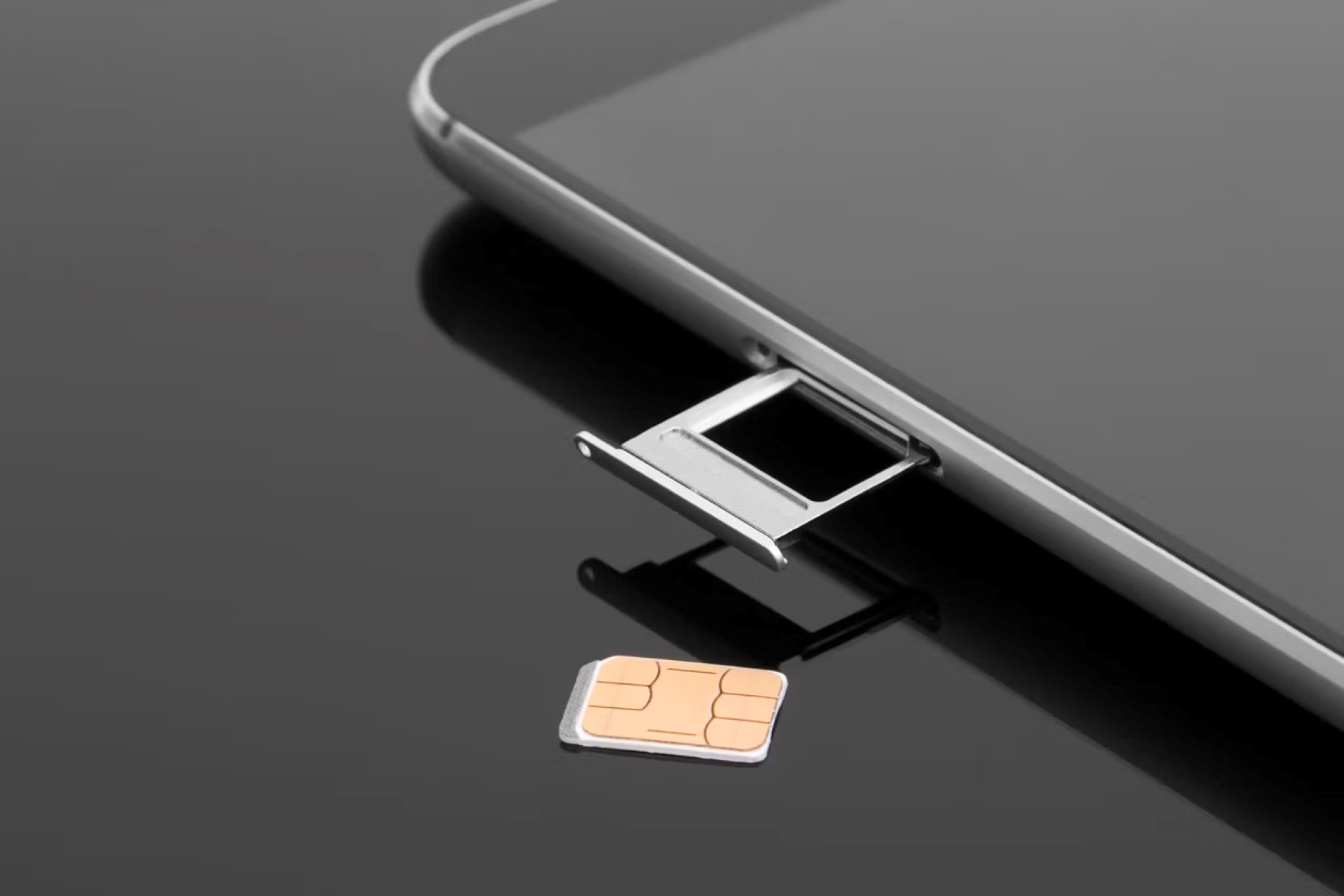
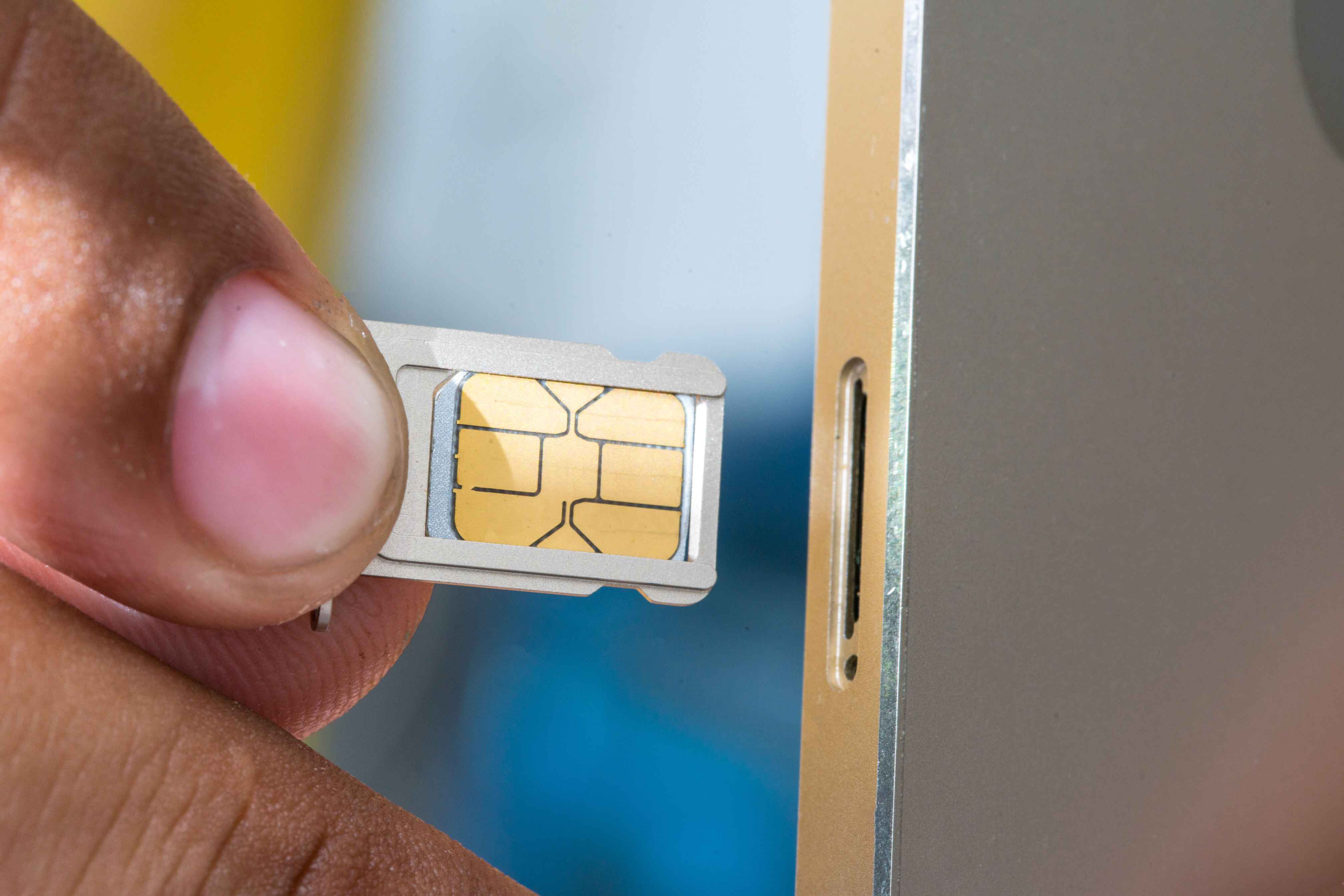
Your first move is to power off the phone immediately. This cuts power to internal circuits and reduces the risk of a short circuit. Once the device is off, locate the SIM tray, usually on the side of the phone, and eject it using the SIM ejection tool that came with your device or a straightened paperclip. Gently pull the tray out and carefully lift the wet SIM card off it, holding it by the edges to avoid bending or scratching the gold contacts. Inspect the card for visible moisture or water droplets. If you see any, dab them away with a soft, lint-free cloth. Do not rub the card, as friction can create static electricity that damages the chip.
Dry the SIM card thoroughly and safely
Once the card is out, pat it dry with a lint-free cloth to absorb surface moisture. Then place the SIM card on a clean, dry surface and let it air dry at room temperature, away from direct sunlight and any heat sources. Avoid using a hairdryer, microwave, or radiator, excessive heat can warp the plastic or damage the embedded chip. If you have silica gel packets (the kind that come in shoe boxes or electronics packaging), place the SIM card in a sealed container with them. Silica gel is an effective desiccant that draws moisture out slowly and safely. Leave the card in the container for at least 24 to 48 hours. Do not use uncooked rice as a substitute; rice dust and starch can get into the card's contacts and cause more harm than good. Check the card periodically and only proceed when it feels completely dry to the touch.
Test the SIM card in your phone
After the card is fully dry, inspect it for any physical damage, look for corrosion, discoloration, or unusual spots on the metal contacts. If it looks clean, carefully reinsert the SIM card into the tray, making sure it's aligned correctly, and slide the tray back into the phone. Power on the device and wait for it to initialize. Watch for error messages like "No SIM" or "Invalid SIM." If the phone recognizes the card and shows a network signal, make a test call and send a text message to confirm voice and SMS work. Then check mobile data by opening a webpage or streaming a short video. Finally, observe the signal strength over a few minutes to ensure it stays stable and doesn't drop repeatedly. If all these tests pass, your wet SIM card has survived. If you see persistent errors, weak signal, or no network at all, the water damage may have affected the card's internal circuitry.
Get a replacement SIM from your provider
If the SIM card still malfunctions after thorough drying and testing, contact your service provider's customer support. Explain that your SIM card got wet, describe the steps you took to dry it, and share the results of your testing. The support team may run remote diagnostics or ask for additional details to assess the damage. In most cases, they can arrange a replacement SIM card with your existing mobile number transferred over. Ask about any fees, shipping times, and how to activate the new card when it arrives. If the issue is network-related rather than physical, their technical support can guide you through troubleshooting steps like resetting network settings or updating your device configuration. Acting quickly and communicating clearly with your provider ensures you get back to full connectivity with minimal downtime.
\nRelated reading: Extracting Photos From SIM Card: A Comprehensive Guide and Identifying If Your SIM Card Is Locked: A Comprehensive Guide.