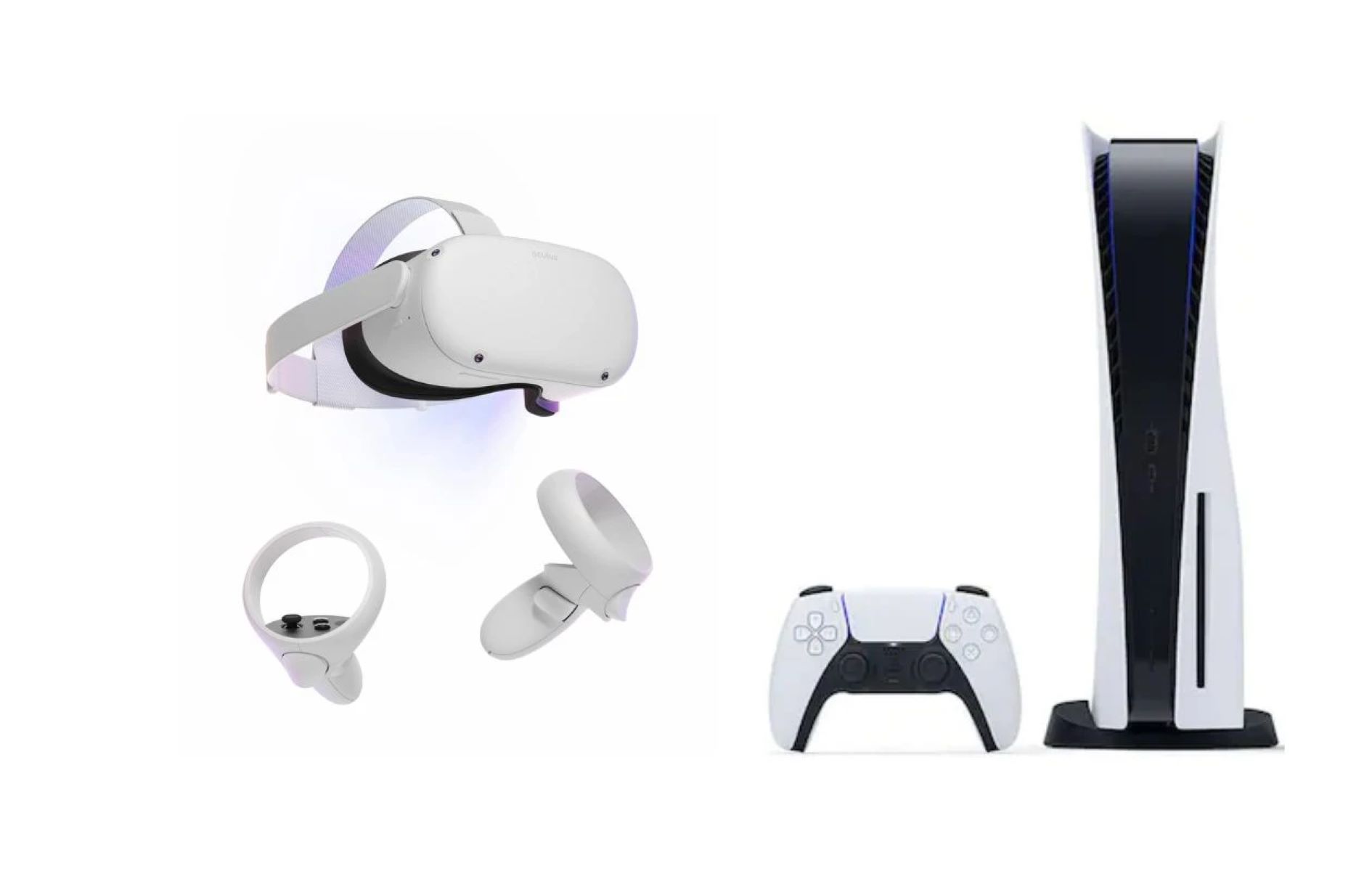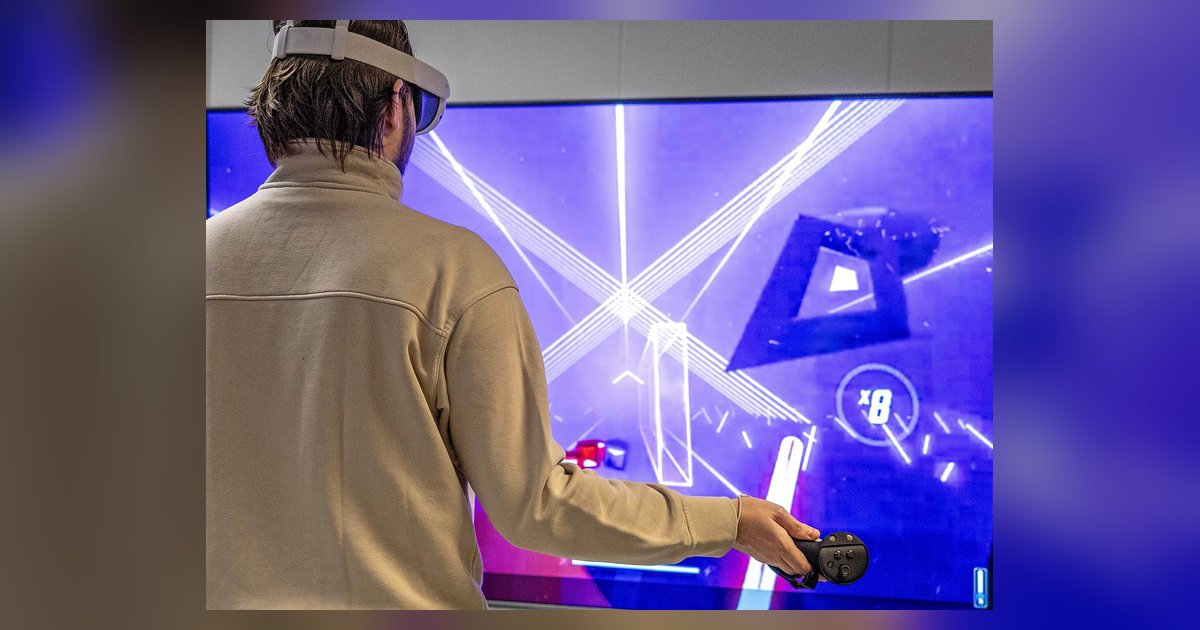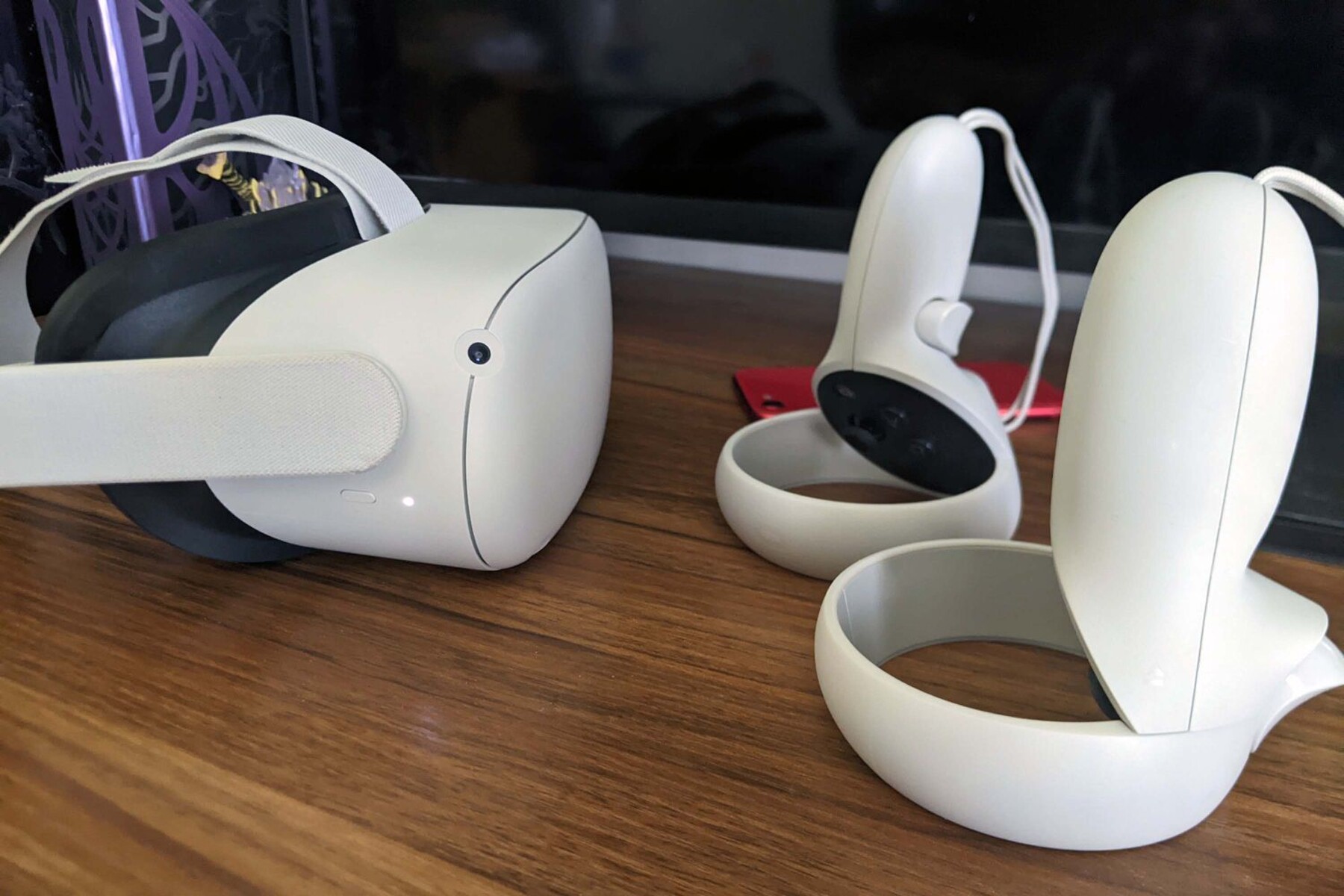
How much virtual reality costs depends on the headset type, the computer required, and the accessories and software you choose, so understanding each component helps you budget accurately for your first system.
How much does virtual reality cost in total
The table below provides a quick-reference breakdown of three budget tiers for a complete VR setup. Each tier includes the headset, required hardware, essential accessories, and a few games to get you started.
| Tier | Total cost range | What's included |
|---|---|---|
| Budget standalone | $300, $500 | Standalone headset, built-in controllers, no PC needed, 2-3 free or low-cost games |
| Mid-range PC VR | $800, $1,500 | PC-powered headset, VR-ready desktop or upgraded PC, motion controllers, 1-2 games |
| High-end | $2,000, $3,500+ | Premium headset, high-performance PC, full tracking sensors, haptic gear, gaming chair, 3-5 games |
The budget standalone tier is the cheapest entry point because the headset runs everything on its own, no computer required. Mid-range PC VR adds a capable computer and a tethered headset for better graphics and performance. The high-end tier delivers the most immersive experience with top-tier hardware, full room-scale tracking, and premium accessories.
VR headset prices by type
Standalone headsets ($300, $500)
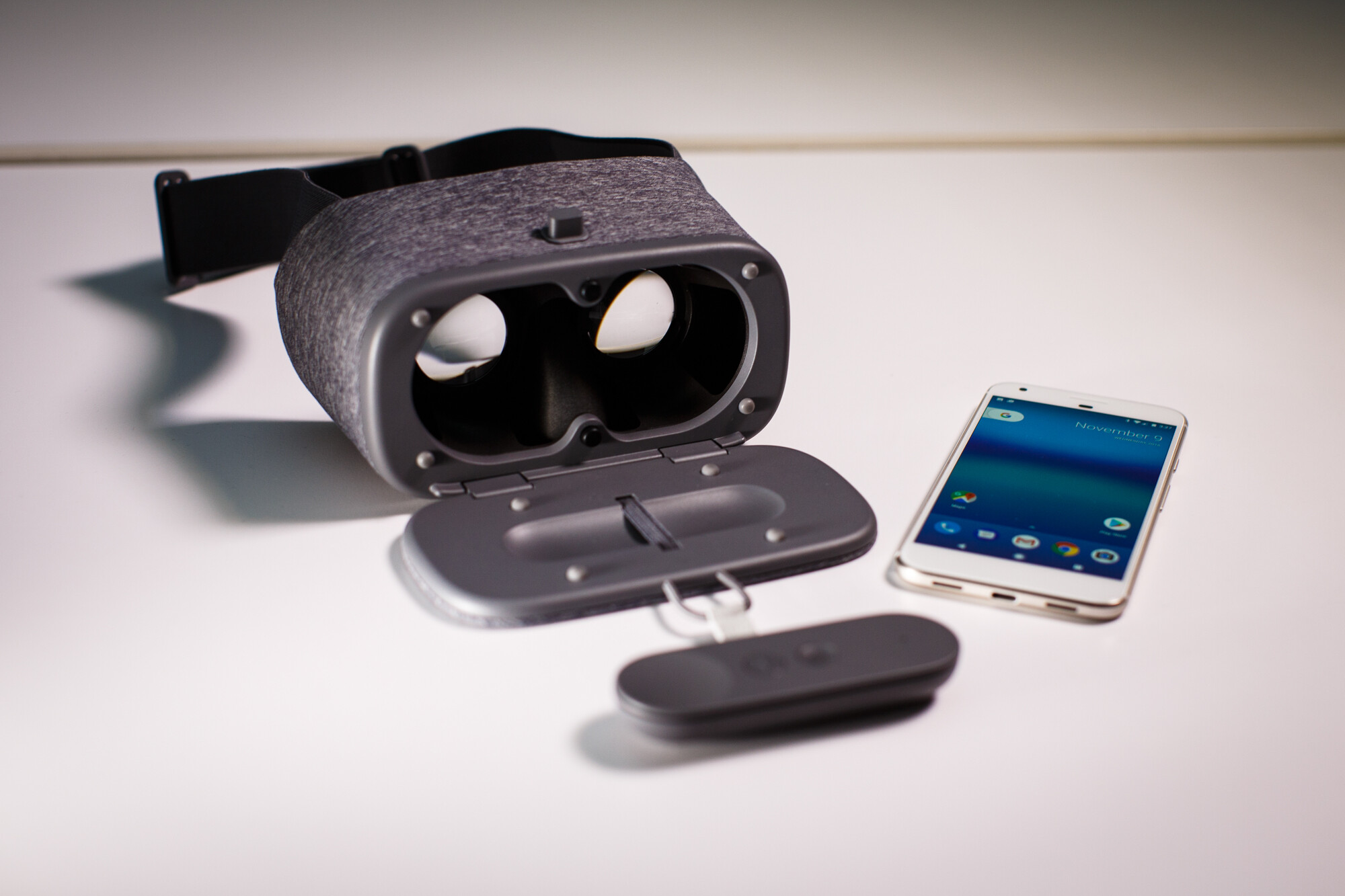
Standalone headsets have the processor, battery, and storage built in, so you don't need a computer or console. They are the most affordable option and are fully portable. You can use a phone as a VR headset by sliding a compatible smartphone into a low-cost viewer, but dedicated standalone headsets provide a far better experience with built-in motion tracking and controllers.
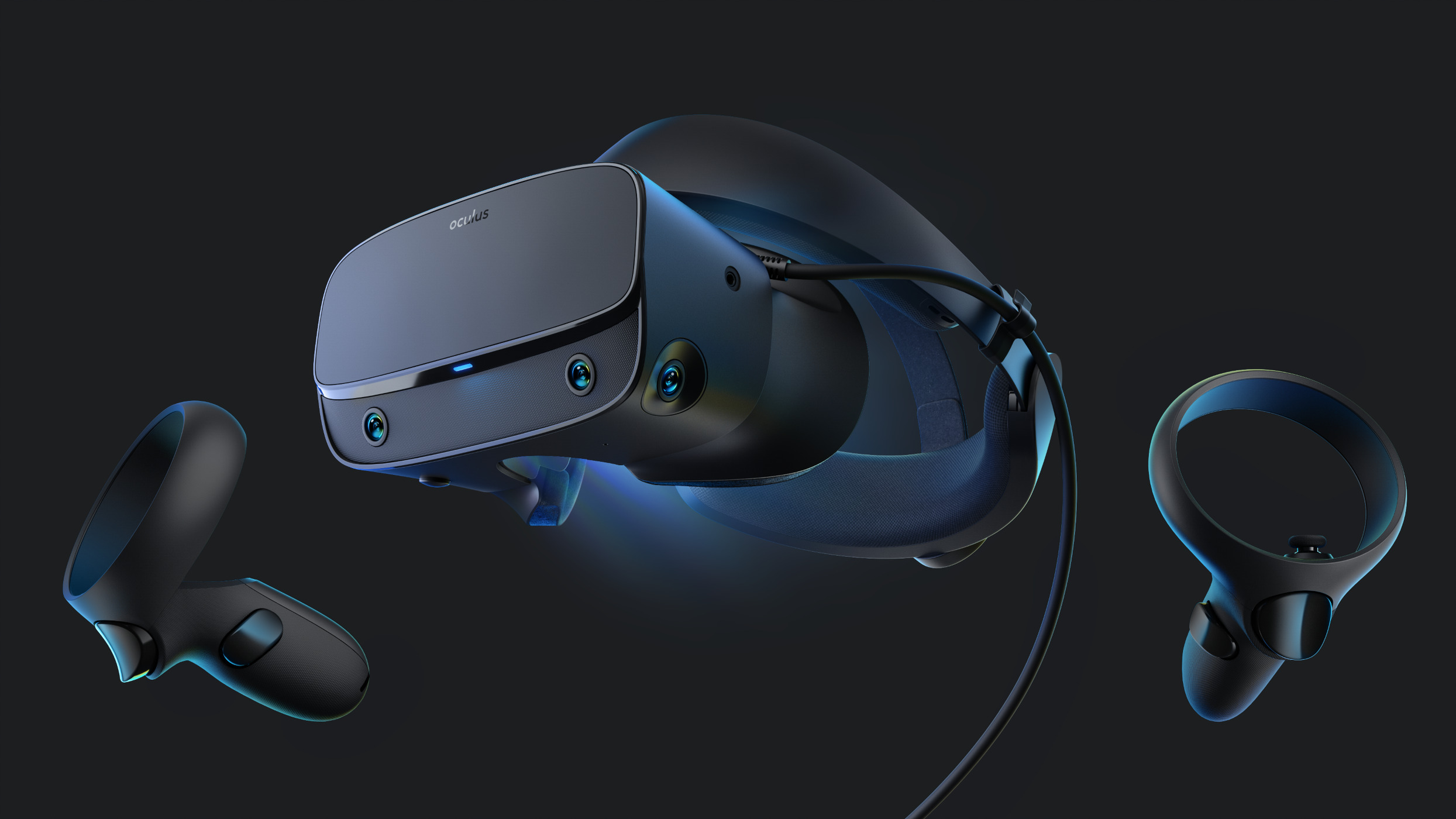
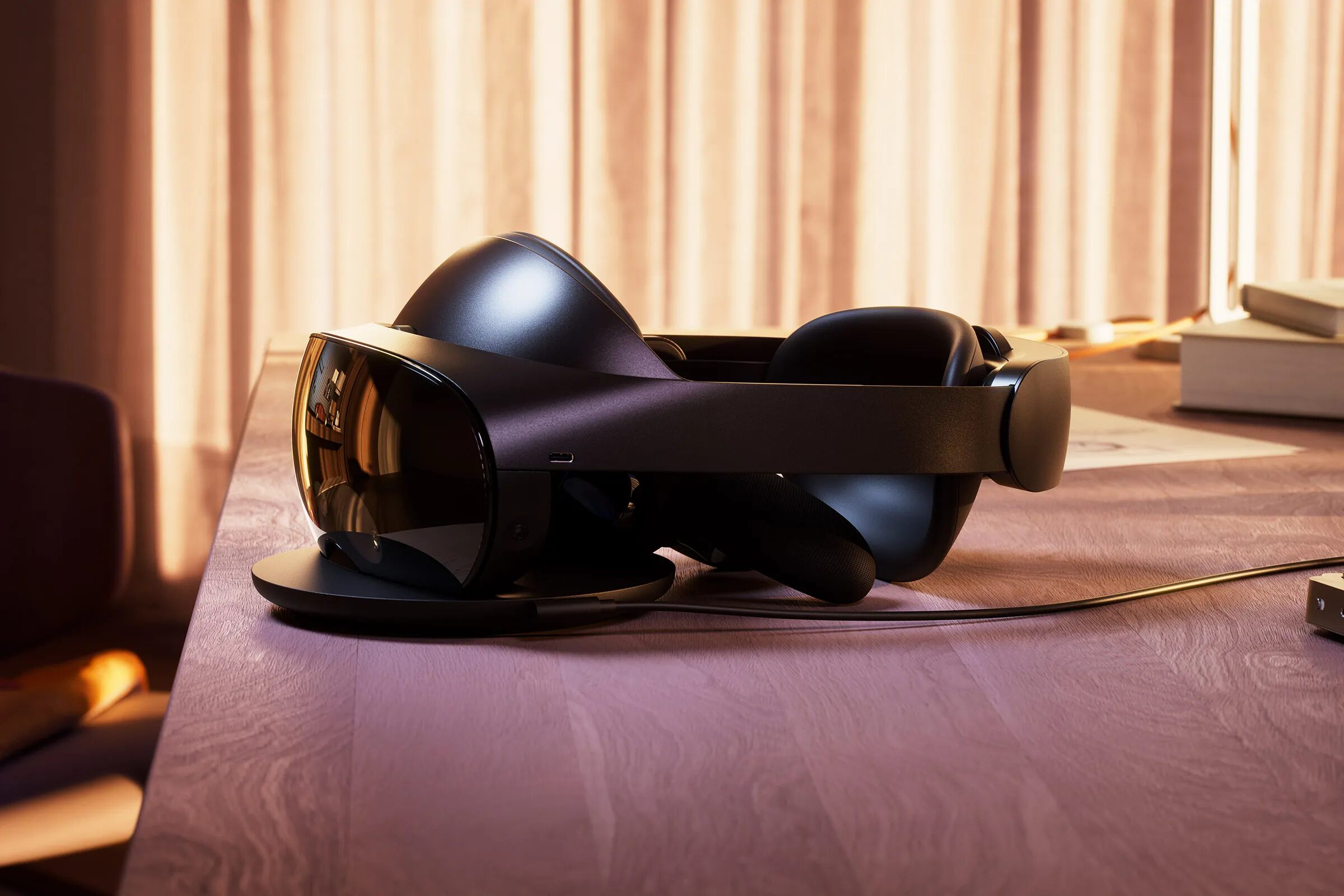
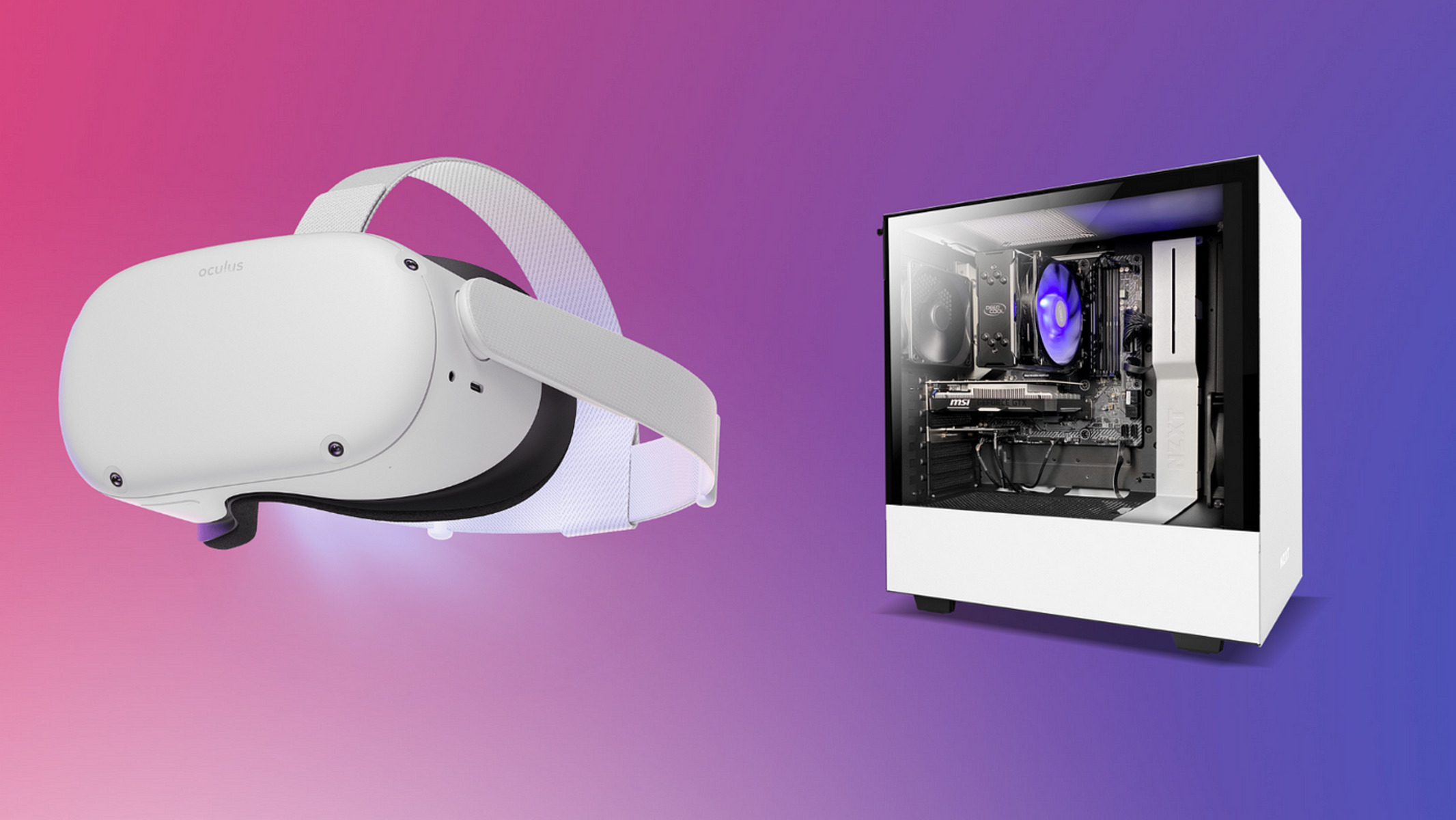
PC-powered headsets connect to a desktop or laptop and deliver higher resolution, faster refresh rates, and more complex games. These headsets require a VR-ready computer, which adds to the total cost.
PSVR2 PC adapter option as a cost-saving path
The PlayStation VR2 can now be used on a PC with an official adapter, which may save money if you already own the headset. The verified minimum system requirements for PSVR2 on PC include Windows 10 or 11, an Intel Core i5 7600 or AMD Ryzen 3 3100 processor, 8GB of RAM, and an NVIDIA GTX 1650 or AMD Radeon RX 5500XT or later graphics card. This path lets you avoid buying a separate PC-powered headset if your computer meets those specs.
VR-ready computer costs
A pre-built VR-ready desktop is the simplest way to ensure your computer can handle VR. These systems come with a powerful graphics card, a fast processor, and enough RAM out of the box.
Upgrading an existing PC
If you already have a computer, you may only need to upgrade the graphics card and processor. Adding 8GB of RAM (if needed) costs $30, $60. This approach can save hundreds compared to buying a new PC.
Using the PSVR2 minimum specs as a baseline
The verified PSVR2 minimum requirements, Windows 10 or 11, Intel Core i5 7600 or AMD Ryzen 3 3100, 8GB RAM, and NVIDIA GTX 1650 or AMD Radeon RX 5500XT, serve as a solid baseline for any PC VR system. Meeting these specs ensures you can run most VR games and experiences smoothly.
Additional equipment and accessory prices
Motion controllers ($50, $200)
Motion controllers let you grab, point, and interact naturally in VR. Most headsets include basic controllers, but upgraded or replacement models cost between $50 and $200 per pair.
Tracking sensors ($100, $300)
External tracking sensors enable room-scale VR by tracking your headset and controllers in 3D space. A set of two sensors typically costs $100, $300, depending on the brand and technology.
Gaming chairs ($100, $500)
A comfortable gaming chair with adjustable armrests and lumbar support makes long VR sessions more enjoyable. Prices range from $100 for a basic model to $500 for a premium ergonomic chair.
Haptic gloves, vests, and other devices add physical sensations like vibrations and pressure to VR experiences.
Cable management ($10, $50)
Cable clips, retractable holders, and ceiling-mounted systems keep headset cables organized and prevent tangles. These accessories cost $10 to $50 and are especially useful for tethered PC VR setups.
VR games, subscriptions, and arcade costs
Game prices ($5, $60)
VR games range from $5 for small indie titles to $60 for major releases. Many free games and experiences are also available on platforms like SteamVR and the Oculus Store, letting you explore VR without spending money upfront. Some games offer DLC and in-app purchases for extra levels, skins, or features.
Subscription apps ($10, $30/month)
Some VR experiences, such as fitness apps or multiplayer platforms, require a monthly or annual subscription. Prices typically range from $10 to $30 per month, providing access to new workouts, classes, or content libraries.
VR arcade hourly rates ($10, $50/hour)
VR arcades and experience centers let you try high-end VR without buying your own setup. Hourly rates range from $10 to $50, depending on the location and the games offered. This is a good alternative if you want to experience VR occasionally rather than owning a system.
If you ever need to reset a VR headset to factory settings, you can clear all data and start fresh, which is useful when troubleshooting or selling the device. To set up a VR headset correctly, follow the manufacturer's instructions for connecting to your PC or standalone mode. And if you want to use a phone as a VR headset on a budget, a simple cardboard viewer paired with your smartphone is the cheapest way to try basic VR apps.