What is the Afterpay virtual card?
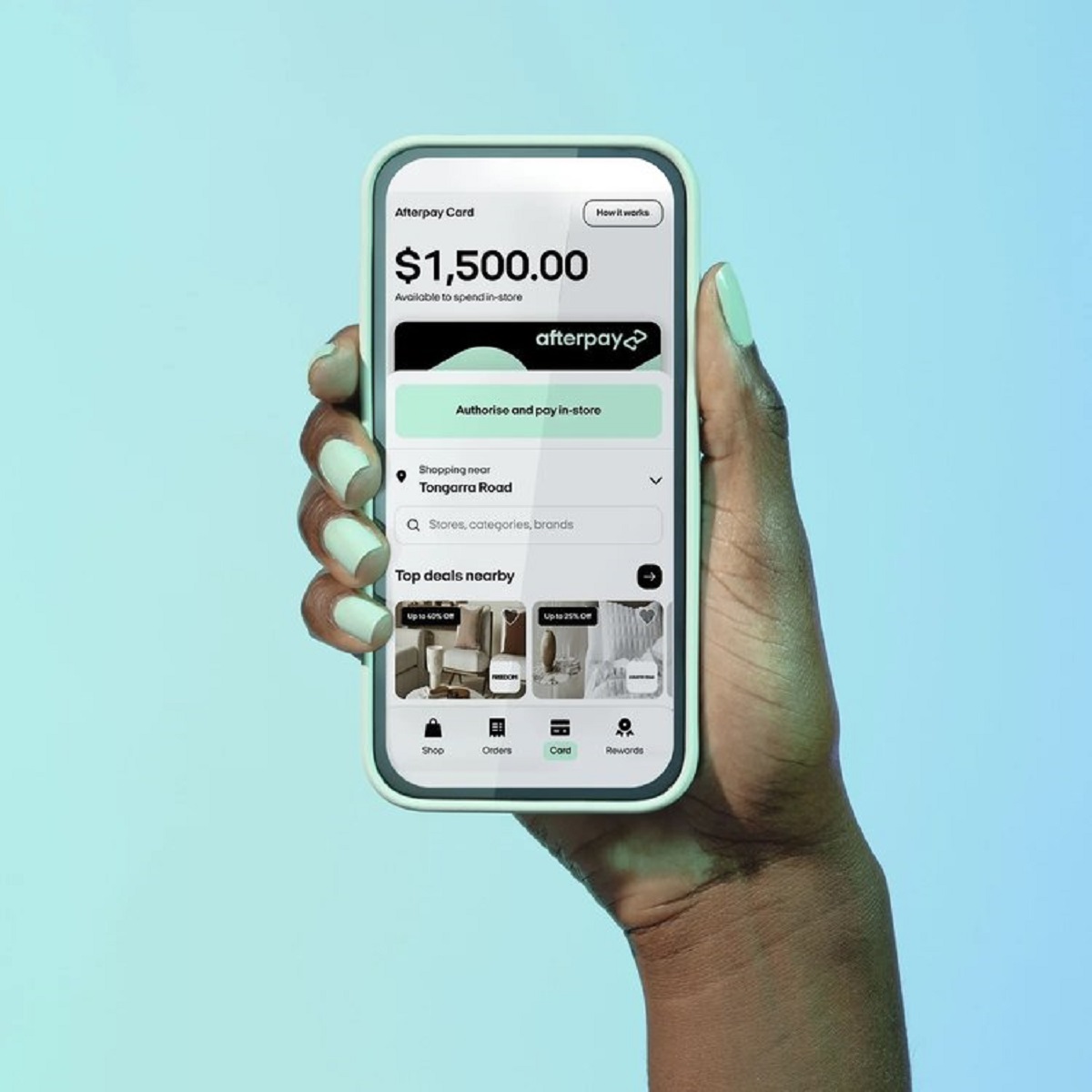
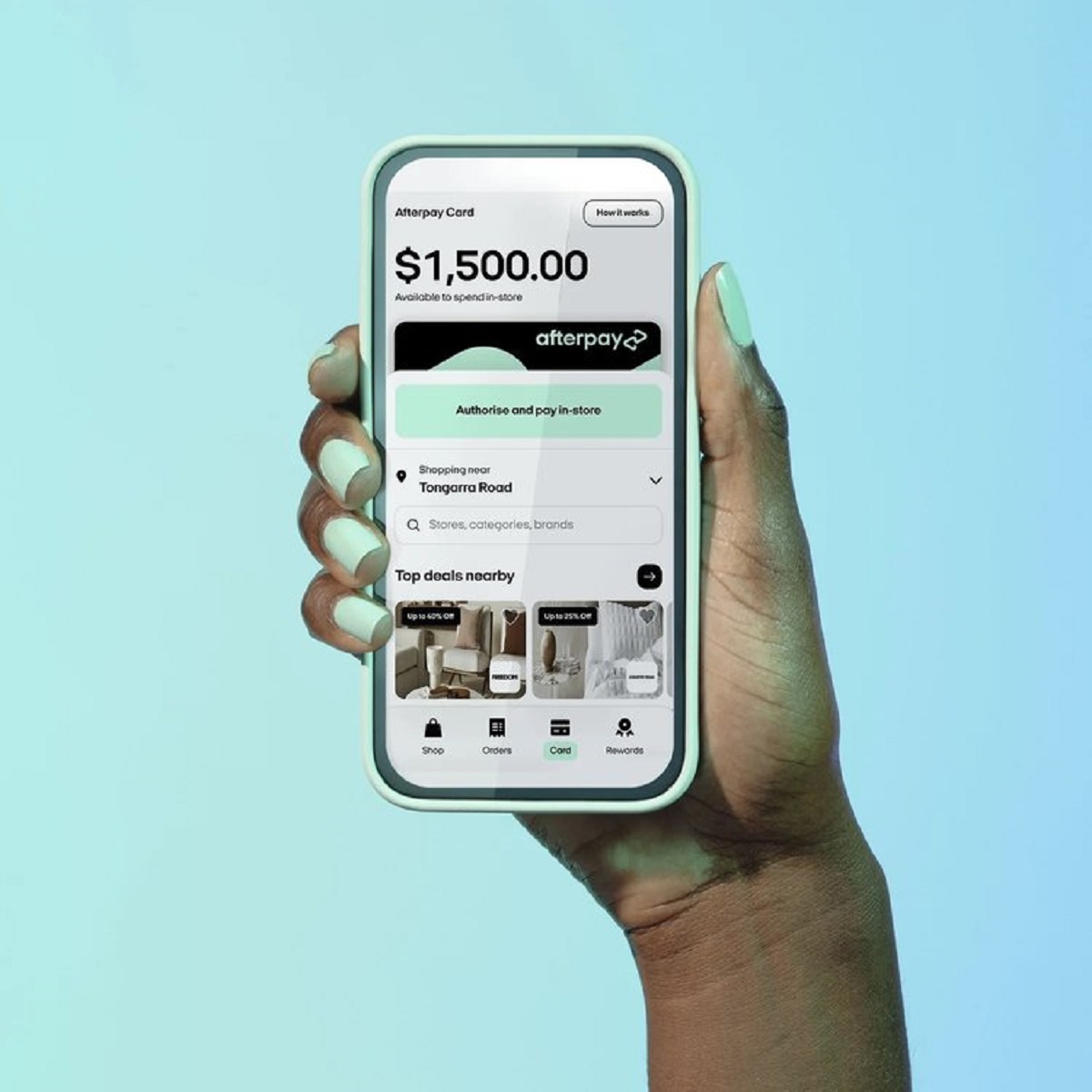
An Afterpay virtual card is a digital payment method that lets you use Afterpay without a physical plastic card. There are actually two distinct features to understand: the Afterpay Card, which you add to your phone’s digital wallet for in-store contactless payments, and the Single-Use Payment card, which is generated within the app for online checkouts at stores that don’t natively accept Afterpay, so you can even get walmart on Afterpay this way. Both work on the same buy-now-pay-later principle, but they are set up and used in different ways.
Eligibility for the Afterpay Card
Before you can set up the Afterpay Card in your digital wallet, you need to meet a few requirements. You must have an eligible Afterpay account, which means you’ve completed identity verification, you live in a supported country, and you’re at least 18 years old. You also need a compatible mobile device that supports Apple Pay, Google Pay, or Samsung Pay. If you meet these criteria, you’re ready to add the card to your wallet.
How to set up the Afterpay Card in your digital wallet
Setting up the Afterpay Card takes just a few minutes. Here’s the step-by-step process:
- Open the Afterpay app on your phone.
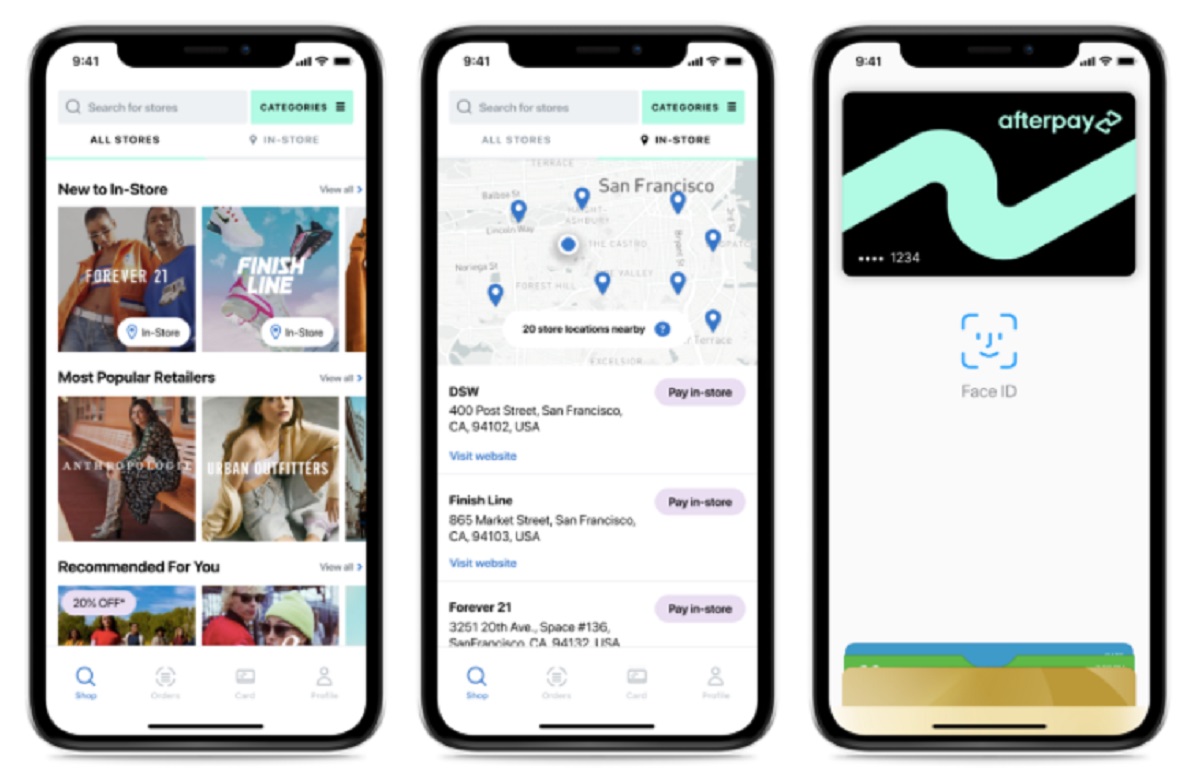
- Tap the “In-Store” or “Card” tab at the bottom of the screen.
- Follow the on-screen prompts to add your digital Afterpay Card to your phone’s digital wallet (Apple Pay, Google Pay, or Samsung Pay).
- Enter the SMS verification code that Afterpay sends to your mobile number.
Once you’ve completed these steps, the card is active in your wallet. For security reasons, Afterpay does not display the full virtual card number; instead, the card is securely tokenized, meaning a unique encrypted code is used for each transaction. This protects your account details even if a merchant’s payment system is compromised.
How to use the Afterpay Card in stores
To pay in person with the Afterpay Card, you first need to find a participating retailer. Open the Afterpay app and browse the “In-Store” tab to see a list of nearby stores that accept Afterpay. When you’re ready to check out, follow these steps:
- Open your phone’s digital wallet (Apple Pay, Google Pay, or Samsung Pay).
- Select the Afterpay Card as your payment method.
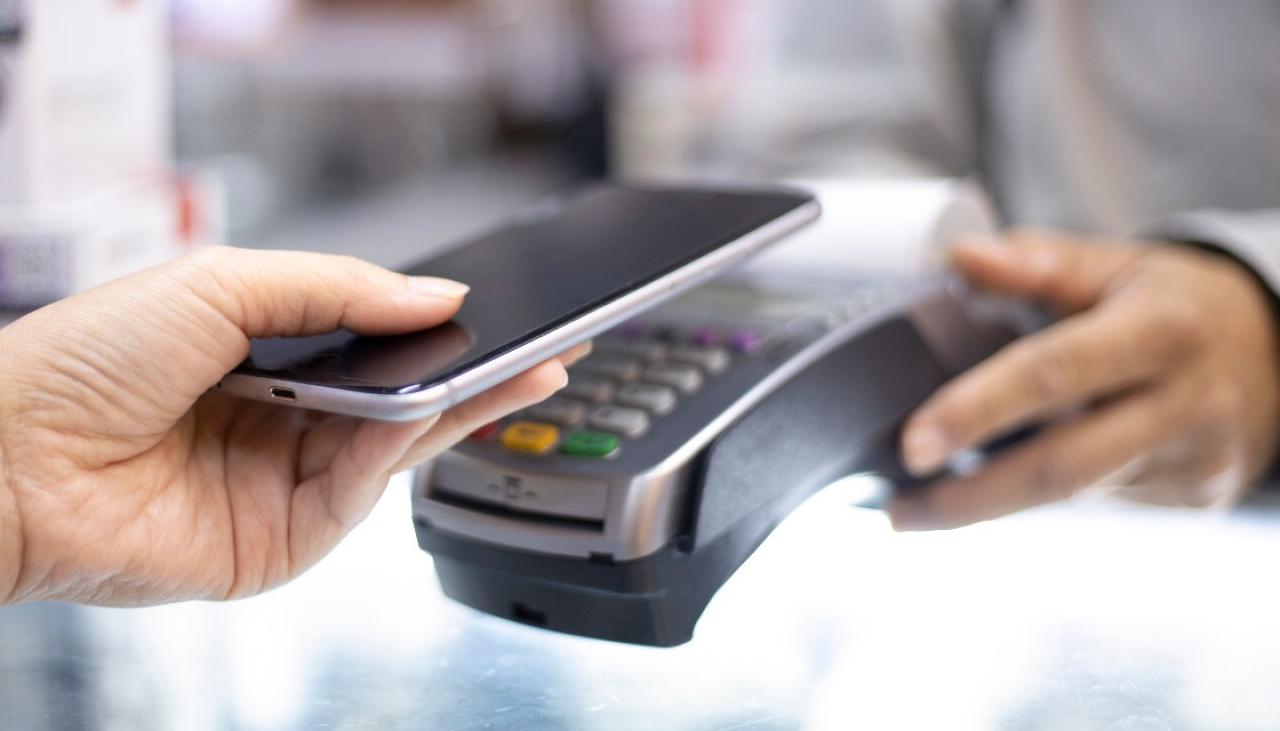
- Hold your phone near the contactless card reader at the checkout terminal.
- Wait for the payment confirmation on your phone and the reader.
The purchase amount is then split into four interest-free installments, with the first payment due at the time of purchase and the remaining three scheduled over roughly six weeks. You can track your payment schedule and upcoming due dates directly in the Afterpay app.
Getting an Afterpay Single-Use card for online stores
If you’re shopping online at a retailer that doesn’t offer Afterpay as a native checkout option, you can still use Afterpay through the Single-Use Payment feature. This generates a temporary virtual card number that works just like a regular credit card at checkout. Here’s how to use it:
- Open the Afterpay app and navigate to the Single-Use Payment section.
- Select the retailer you’re shopping with and enter the exact amount of your purchase.
- Afterpay generates a one-time card number, expiry date, and CVV.
- At the online checkout, choose “credit card” as your payment method and enter the generated details.
- The Afterpay app will auto-fill the payment section with the card details when you’re ready to complete the purchase.
This feature is especially useful for shopping at stores that don’t have a direct Afterpay integration, giving you the same installment flexibility across a wider range of online retailers. The payment structure remains the same: four interest-free installments over six weeks, with the first payment due immediately.
Understanding Afterpay Plus
Afterpay Plus is an upgraded subscription service that costs $9.99 per month and is available by invitation only. With Afterpay Plus, your digital card works almost anywhere Apple Pay, Google Pay, or Samsung Pay is accepted, including online stores that don’t otherwise support Afterpay. This expands your purchasing power significantly beyond the standard Afterpay Card’s participating retailer network. To qualify for Afterpay Plus, you must meet additional eligibility criteria, including a satisfactory credit risk assessment. If you receive an invitation, you can upgrade directly within the Afterpay app and immediately start using your card at a much broader range of merchants.
Your Afterpay spending limit
Your Afterpay spending limit is not fixed; it’s dynamic and adjusts based on several factors. These include your payment history, how long you’ve been using Afterpay, and how frequently you place orders. If you consistently make on-time payments, your limit may increase over time, giving you more purchasing flexibility. Conversely, missed payments or infrequent usage could keep your limit lower. You can check your current available spending limit at any time within the Afterpay app, which helps you plan purchases accordingly. This dynamic system is designed to reward responsible usage while protecting both you and Afterpay from excessive debt accumulation.
\nRelated reading: How Do I See My Afterpay Card Number.