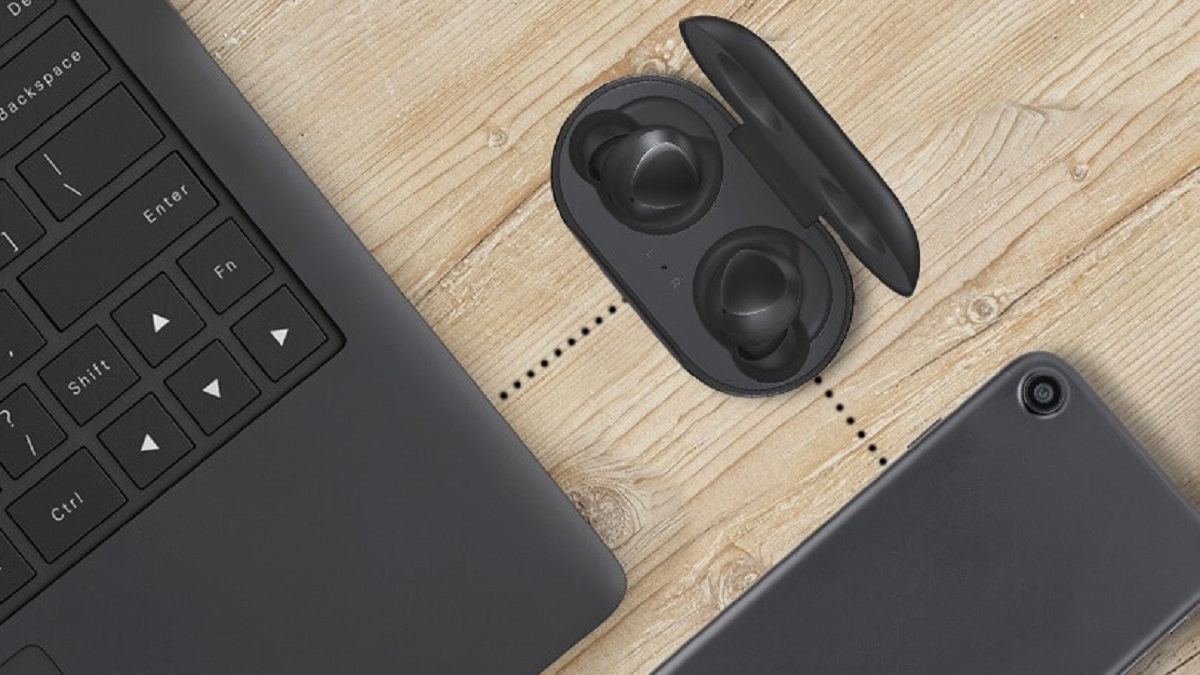
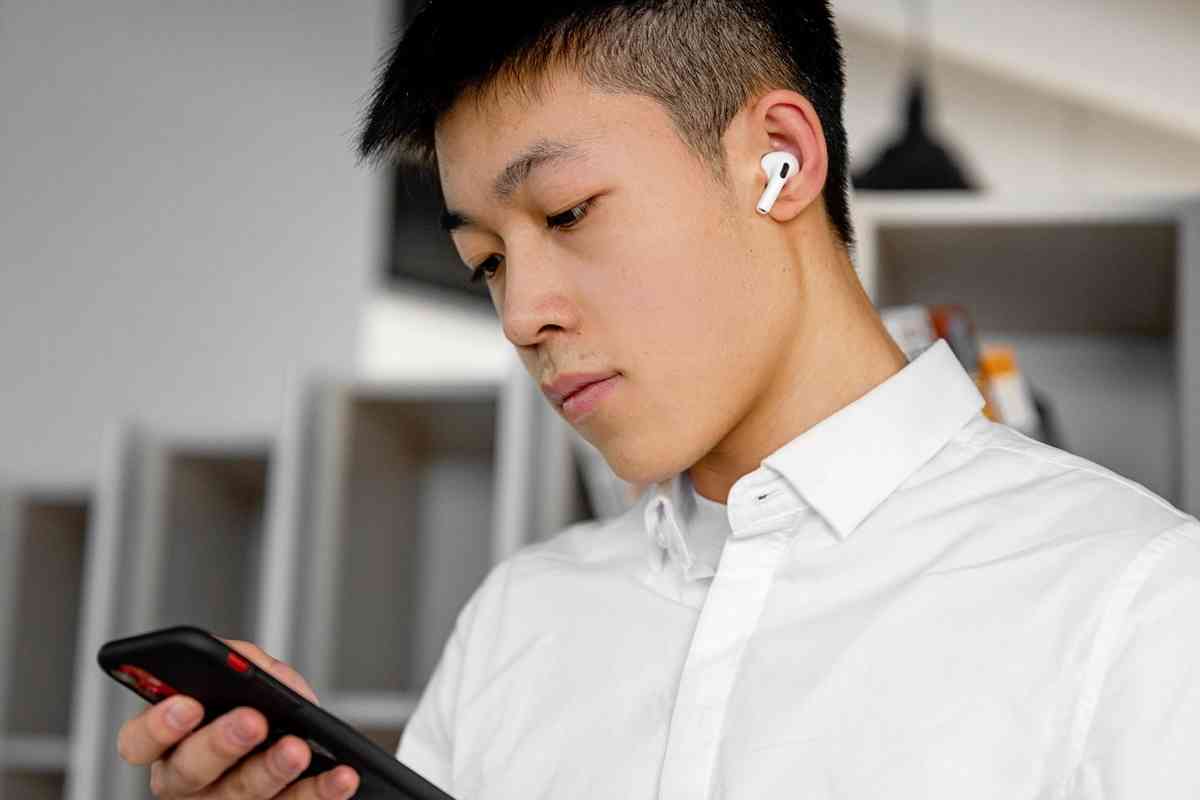
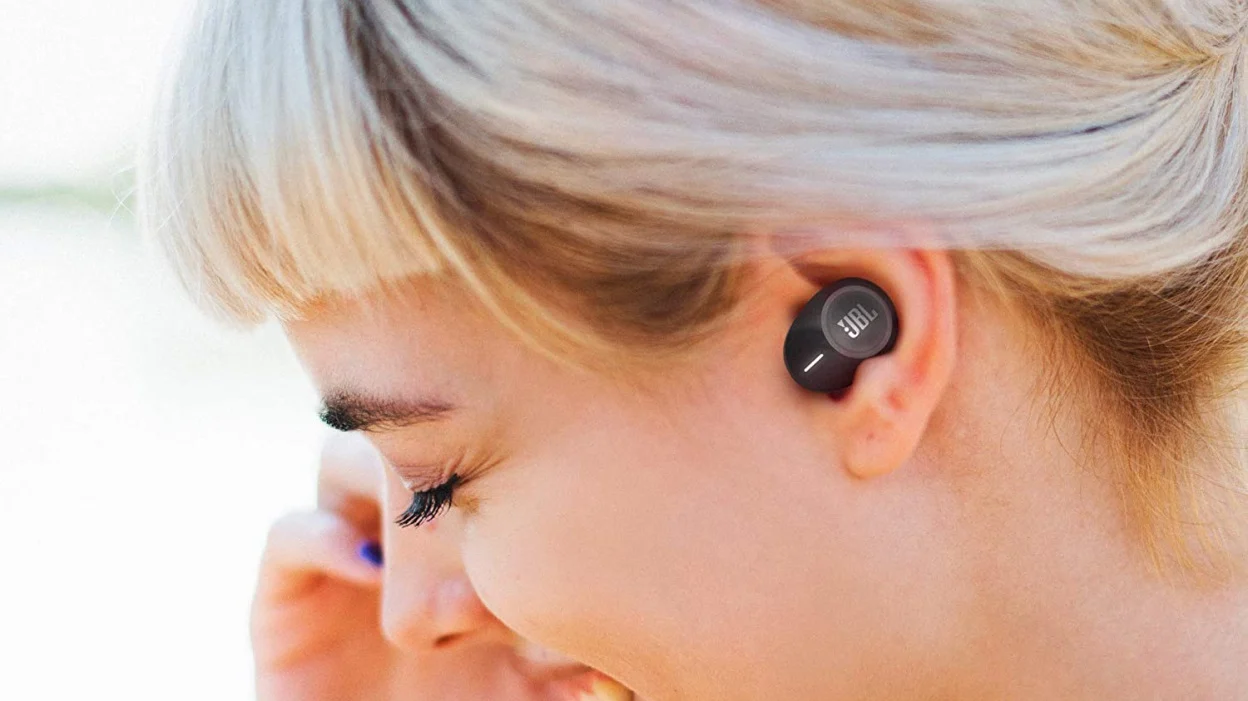
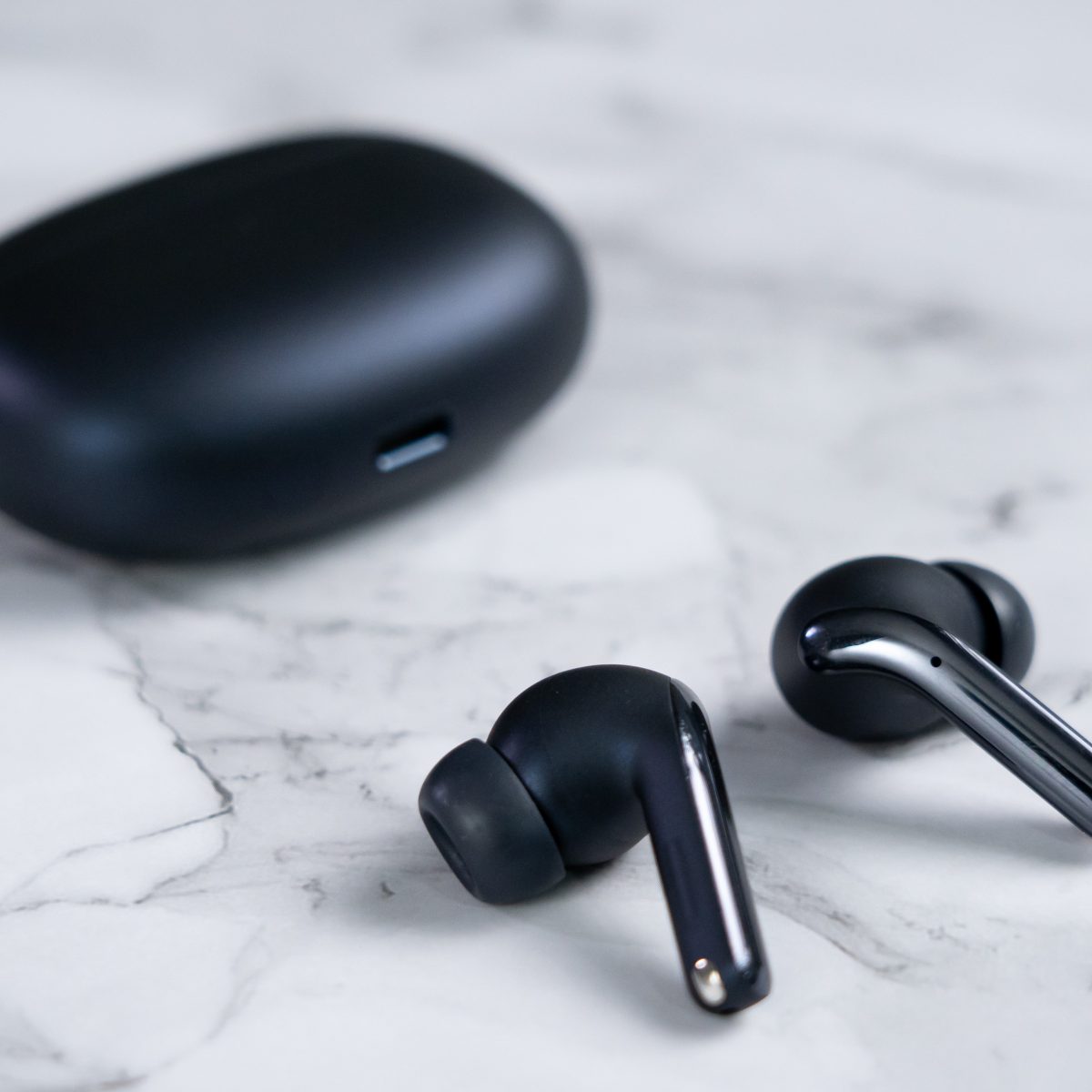
This tag collects our guides to wireless earbuds, written for everyday owners who want to get the most out of their audio gear without wading through confusing manuals. Whether you have a pair of JBL, JLab, SoundPEATS, Soundcore, Bytech, or Realme buds, these articles are for anyone who has ever struggled with a finicky pairing process, a sudden volume drop, or a lost earpiece. The focus is on practical, step-by-step help for common frustrations, not on advanced audio engineering.

The articles here tackle three main kinds of problems. First, connection and setup: you will find clear instructions for pairing earbuds to a laptop or phone, plus brand-specific guides for JBL, JLab, Biconic, and Redmi models. Second, everyday control and maintenance: this includes turning up the volume, disabling touch controls, checking battery levels, and fixing audio delay. Third, there is a strong thread on locating and recovering lost earbuds, from using your phone’s tracking features to finding a pair that is turned off. These pieces frame the search as a practical, privacy-respecting process, showing you how to use built-in tools like “find my device” networks or your own memory of where you last had them, rather than any questionable third-party tracking.

Specific topics you will see covered include how to pair SoundPEATS and Soundcore buds, how to make earbuds stay in your ear, how to charge them without the case, and how far they can actually reach from your device. For the lost-bud guides, the advice is about using legitimate, built-in phone features or simply retracing your steps, never about bypassing security or accessing someone else’s device. These are straightforward, safe, and legal ways to solve a very common annoyance.

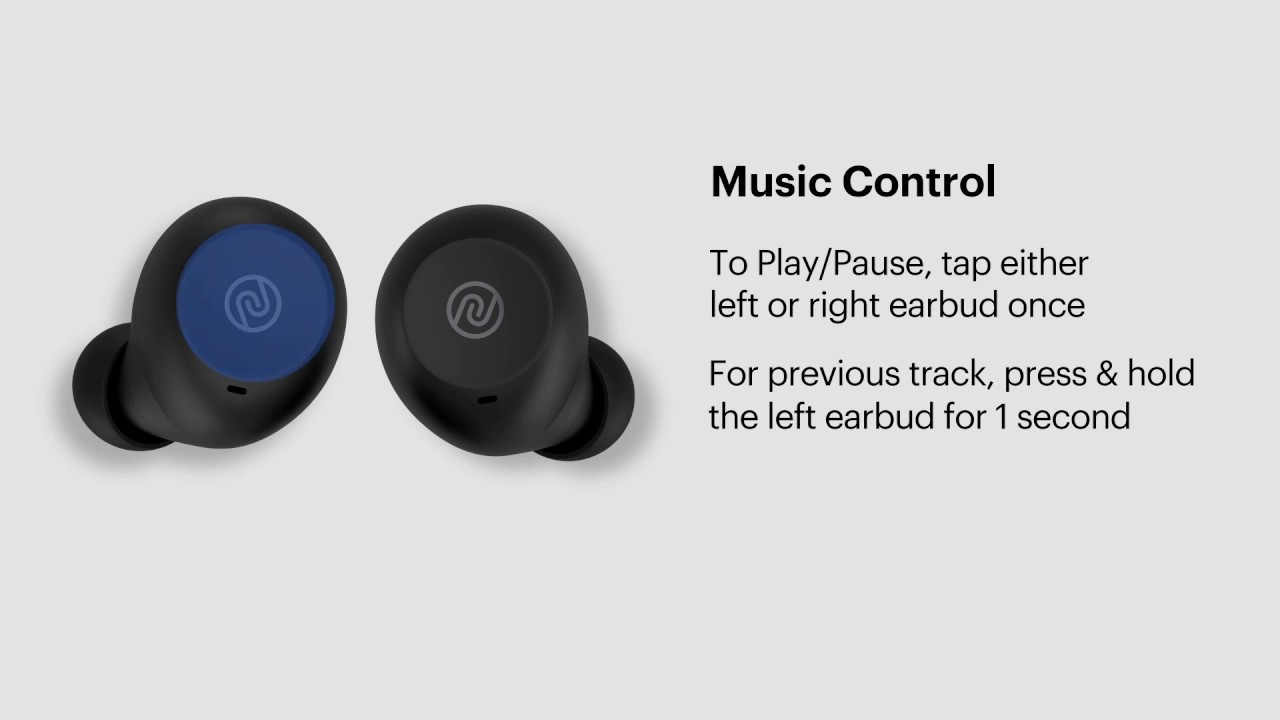
How To Turn Up Volume On Wireless Earbuds

To turn up volume on wireless earbuds, use the touch controls or physical buttons on the earbuds themselves, adjust the volume on your connected phone or tablet, or use a...

How To Connect Wireless Earbuds To Laptop

To connect wireless earbuds to a laptop, you must first enable Bluetooth on your computer, put the earbuds into pairing mode, and then select them from the list of discovered...

How To Find Missing Wireless Earbuds

To find missing wireless earbuds fast, start by retracing your steps and checking the pockets, bags, and surfaces where you last used them. If your earbuds have a tracking app,...

How To Use JBL Wireless Earbuds

First-time setup and pairing your JBL earbuds To use JBL wireless earbuds, start by taking both earbuds out of the charging case and removing any plastic stickers covering the charging...

How To Connect Biconic Wireless Earbuds

To connect Biconic wireless earbuds, ensure they are charged and inside the charging case, then open the lid to automatically enter pairing mode. On your phone or tablet, enable Bluetooth...

How To Hook Up Wireless Earbuds

To hook up wireless earbuds, first ensure both the earbuds and their charging case have at least 20% battery, and confirm your phone or computer has Bluetooth turned on. Then,...

How To Pair JLab Wireless Earbuds

To pair JLab wireless earbuds, start by removing both earbuds from their charging case. For most true wireless models, one earbud will automatically begin blinking blue and white, signaling it...

How To Pair JBL Wireless Earbuds

To pair JBL wireless earbuds, the quickest method is to simply remove them from the charging case, which automatically powers them on and puts them into pairing mode. Then, open...