This tag collects the Windows 11 troubleshooting and setup guides published on robots.net, aimed at everyday users who want to get their PC, peripherals, and apps working smoothly without digging through dense technical manuals. Whether you have just upgraded to Windows 11 or have been using it for a while, these articles address common friction points, from connecting hardware to fixing software that misbehaves.
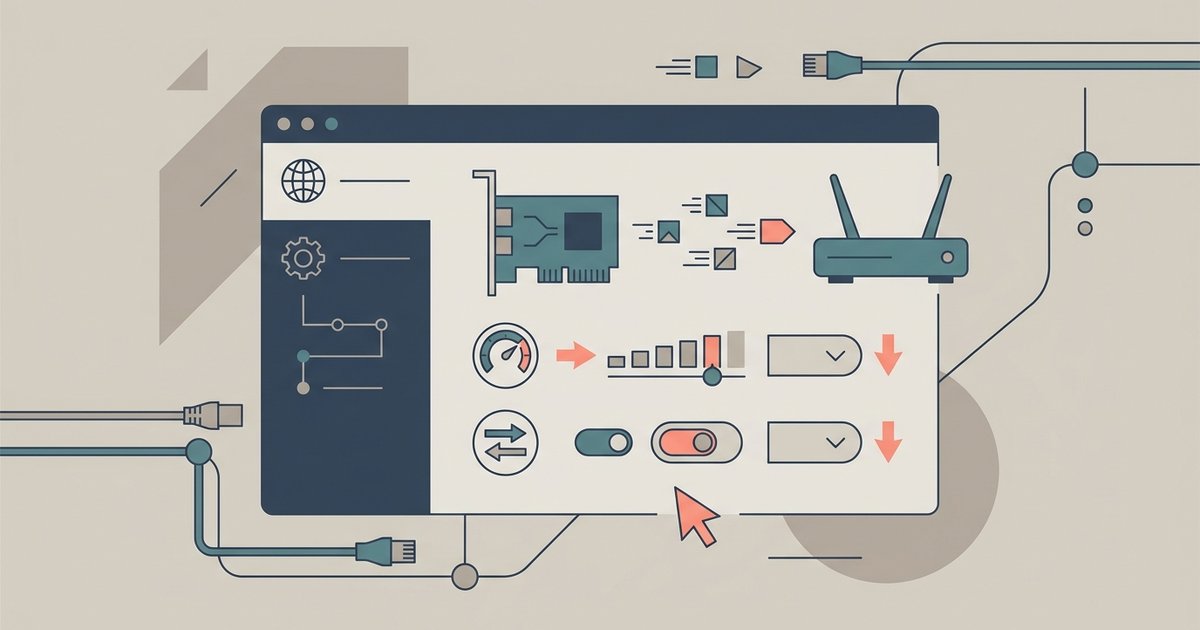
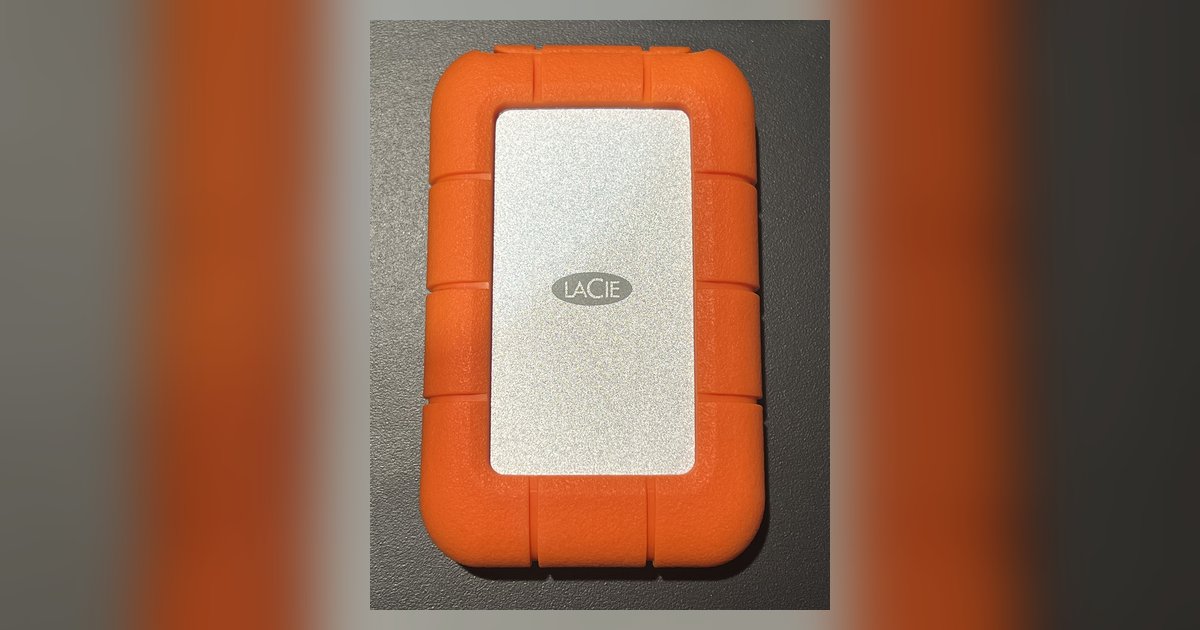
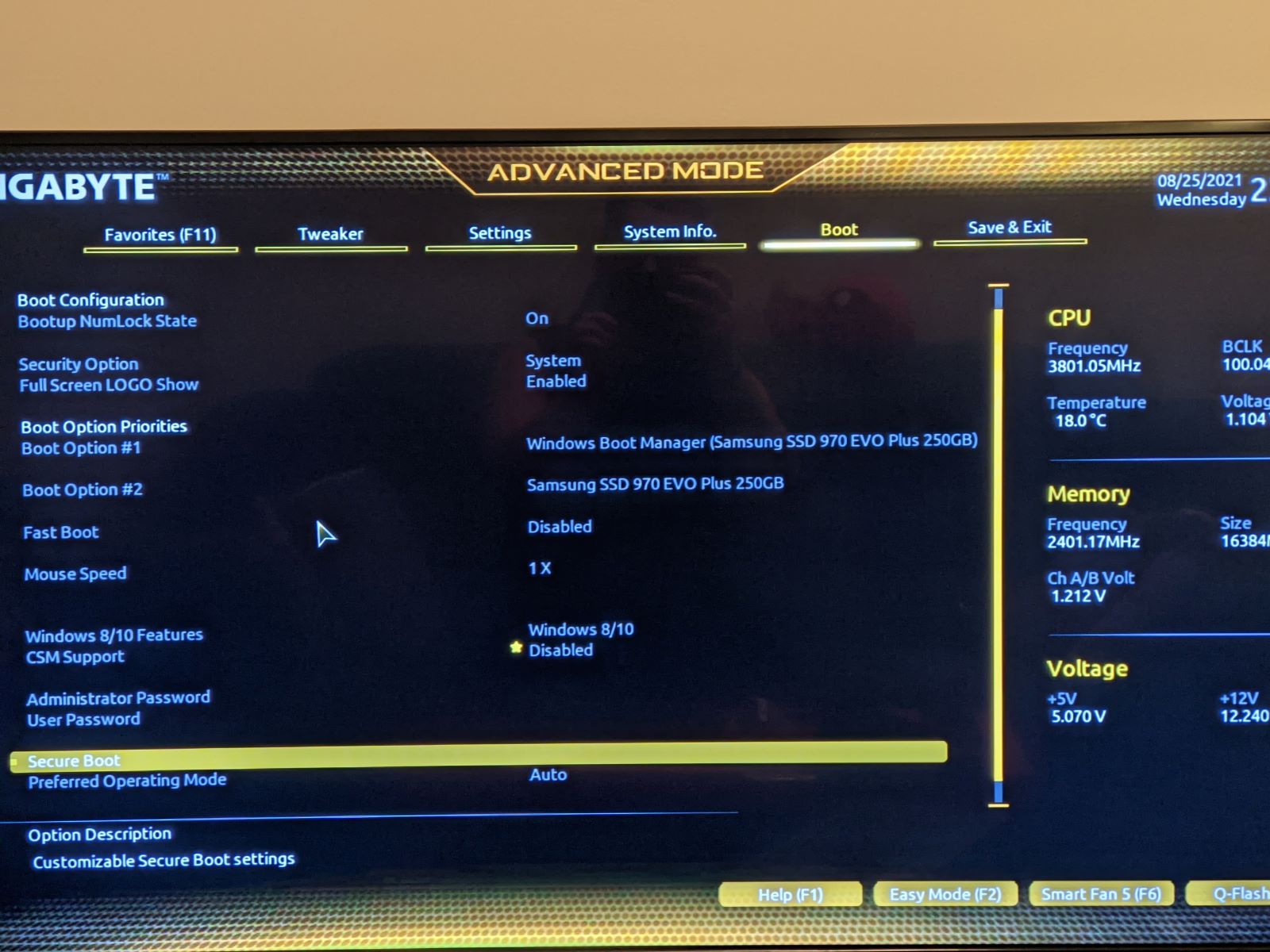
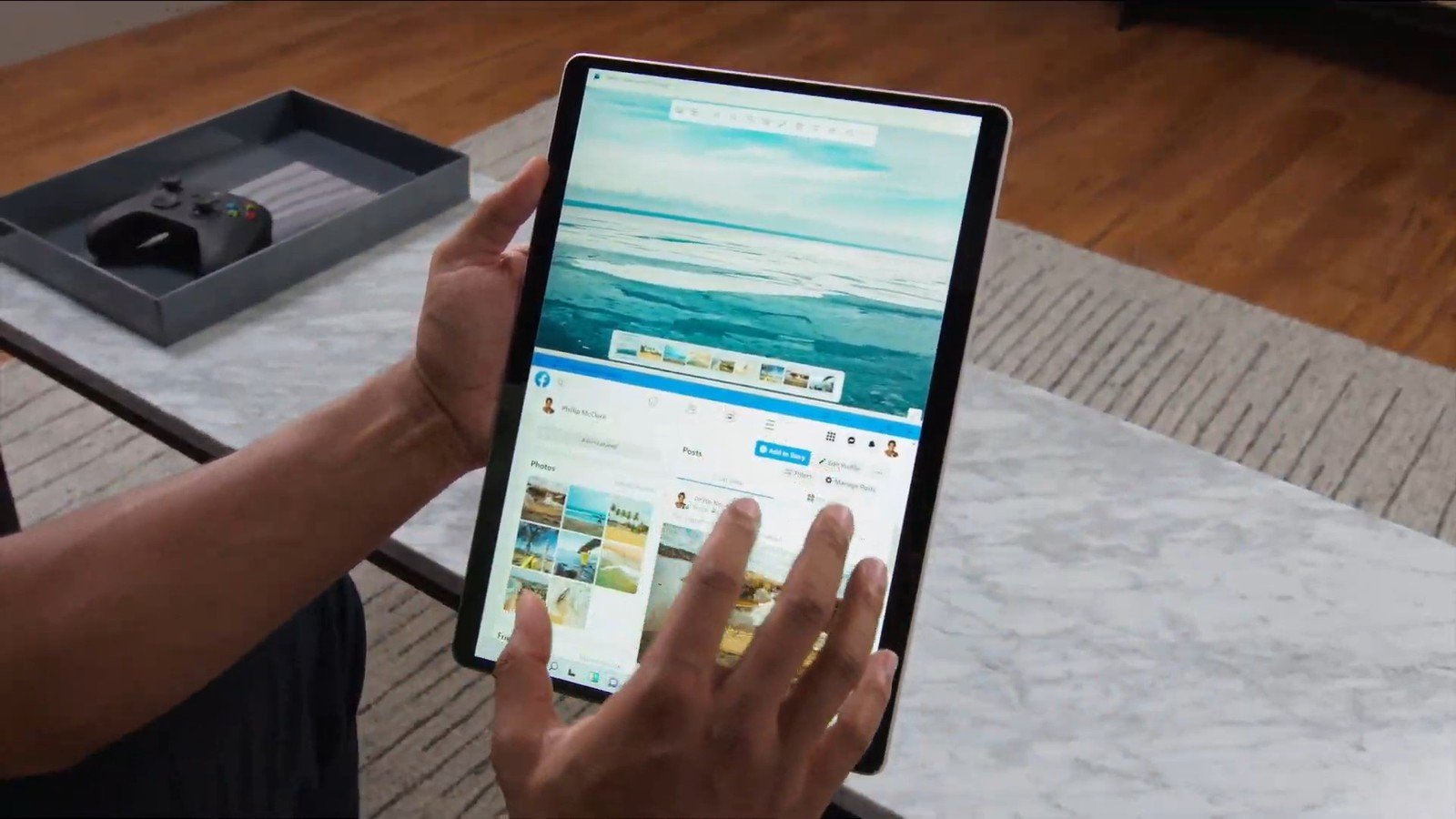
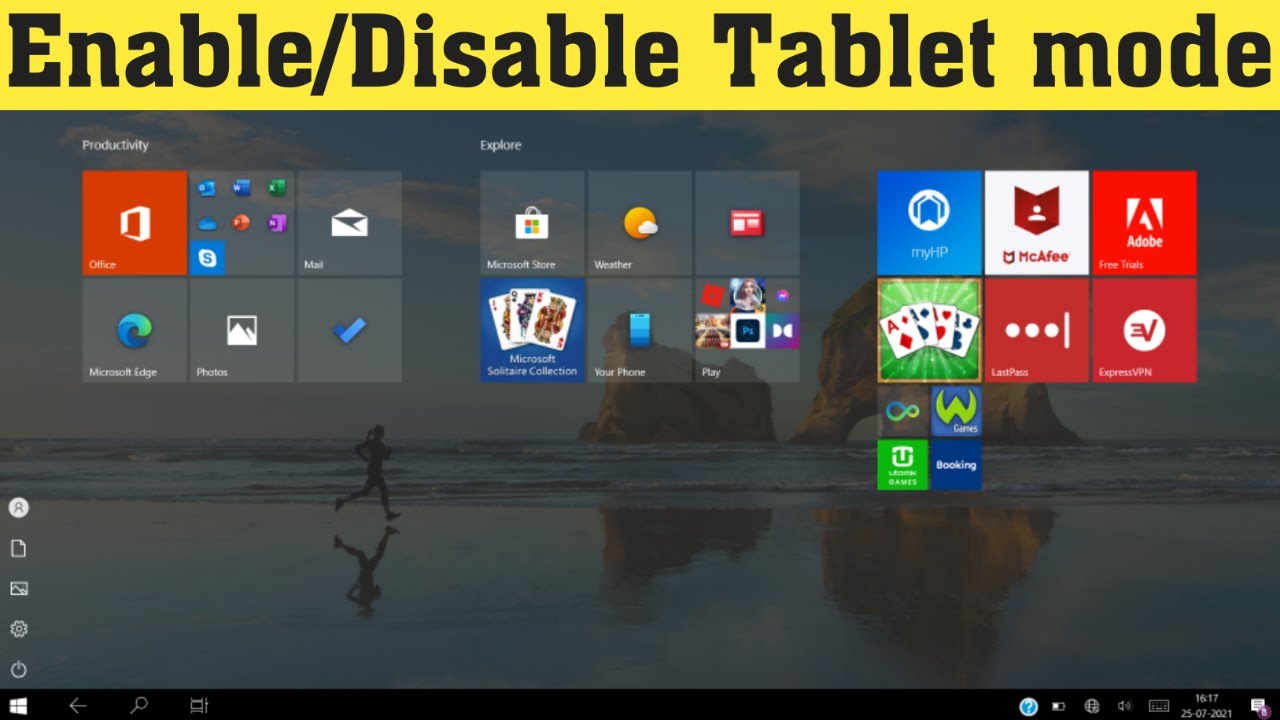
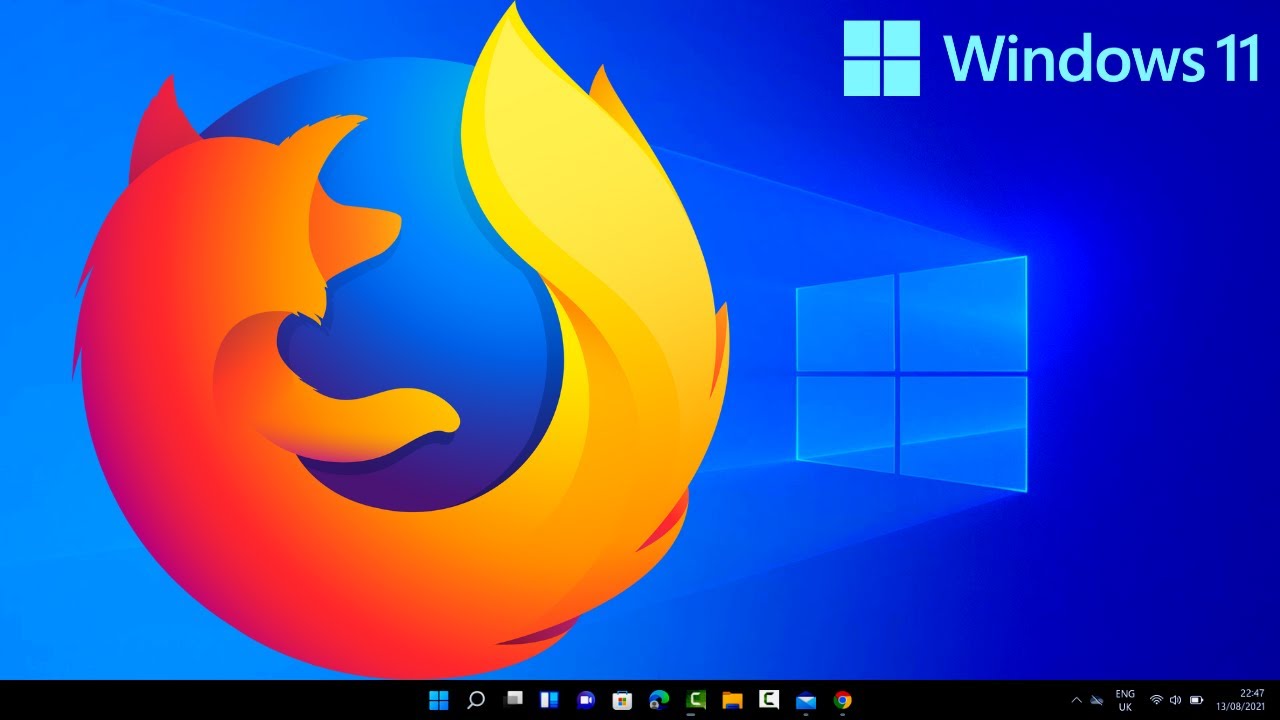
The articles fall into two broad themes. The first is connectivity and hardware configuration: you can learn how to switch to an HDMI output on a Windows 11 PC, pair a Bluetooth speaker, enable Secure Boot on a Gigabyte motherboard, and adjust speed and duplex settings for a wired network. There is also practical help for input devices, such as fixing input lag on a wired controller, and for tablet-style usage, including turning on Tablet Mode and taking screenshots in that mode. The second theme is app and permission management: articles explain how to grant webcam permission, download and install Firefox, get music onto your system, and troubleshoot specific apps like the Kindle app or Lacie Toolkit software when they refuse to open or run correctly.
In addition, several pieces address these topics from a safety and security perspective rather than as workarounds. For example, the guide on Android apps on Windows 11 explains what to expect from official support, while the Secure Boot article helps you enable a protective firmware feature. The webcam permission guide is about controlling access to your camera, and the music download article focuses on legitimate ways to acquire files. None of these instruct you to bypass, pirate, hack, or cheat, they simply help you use Windows 11 as intended, with your privacy and legal options in mind.