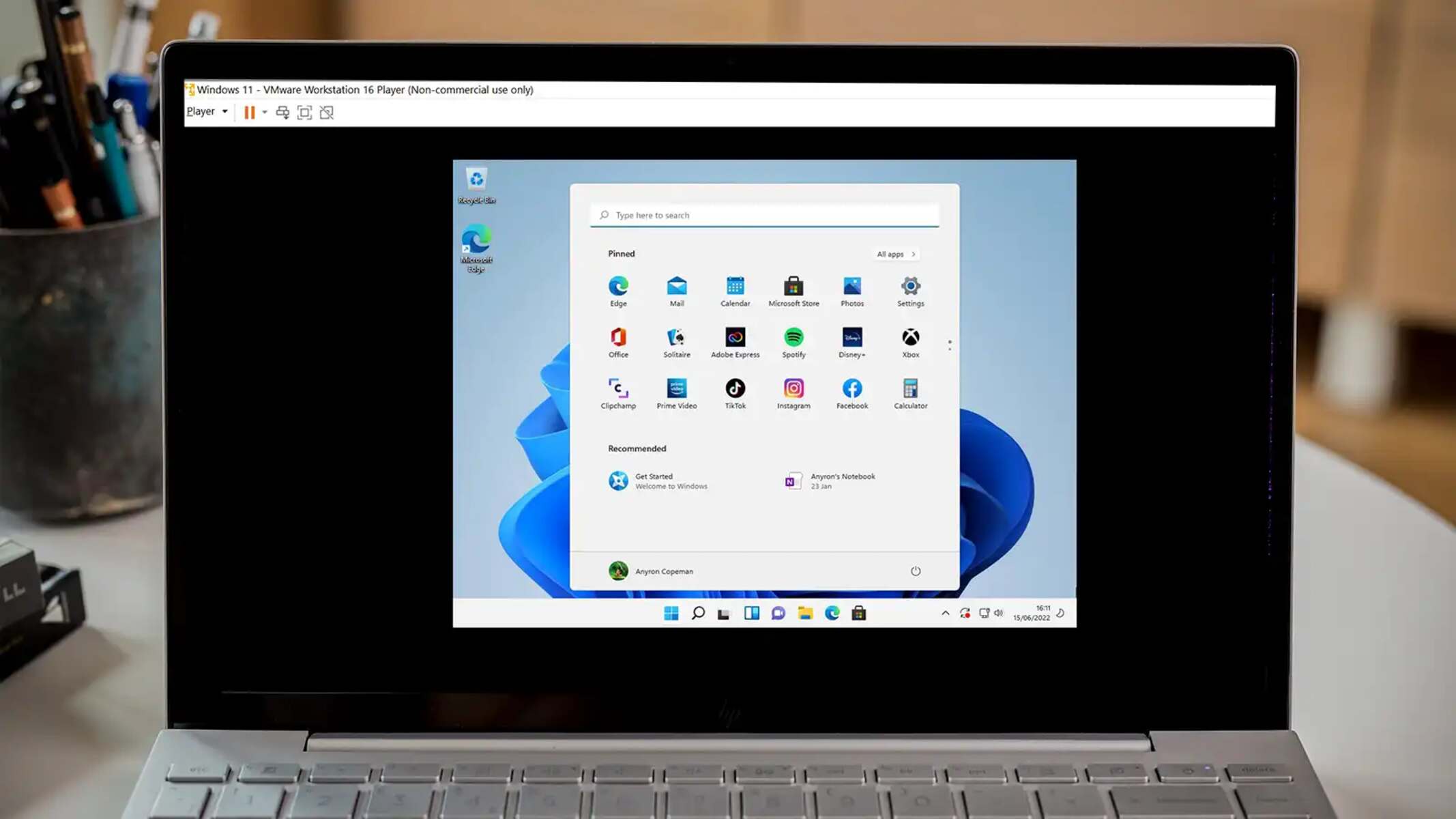
This tag collects practical, step-by-step guides for getting the most out of VMware Workstation, aimed at home lab enthusiasts, IT students, and professionals who run virtual machines on their own Windows or Linux desktops. The articles focus on the everyday mechanics of virtual machine management, creating, importing, converting, and configuring VMs, rather than on advanced enterprise features. If you have ever struggled with a disk image format, wanted to bring an old operating system back to life, or needed to move a physical PC into a virtual environment, these guides are written for you.
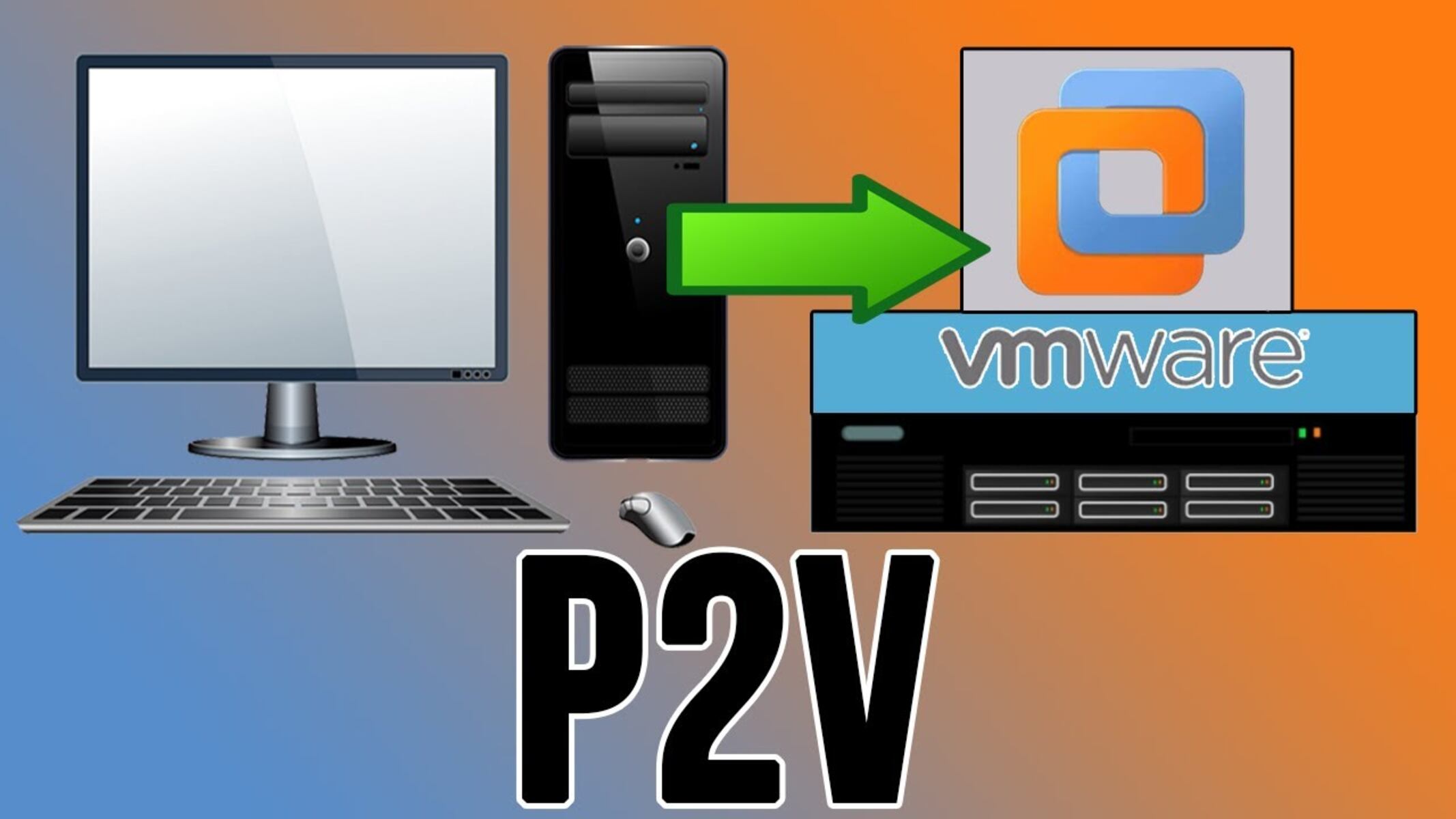
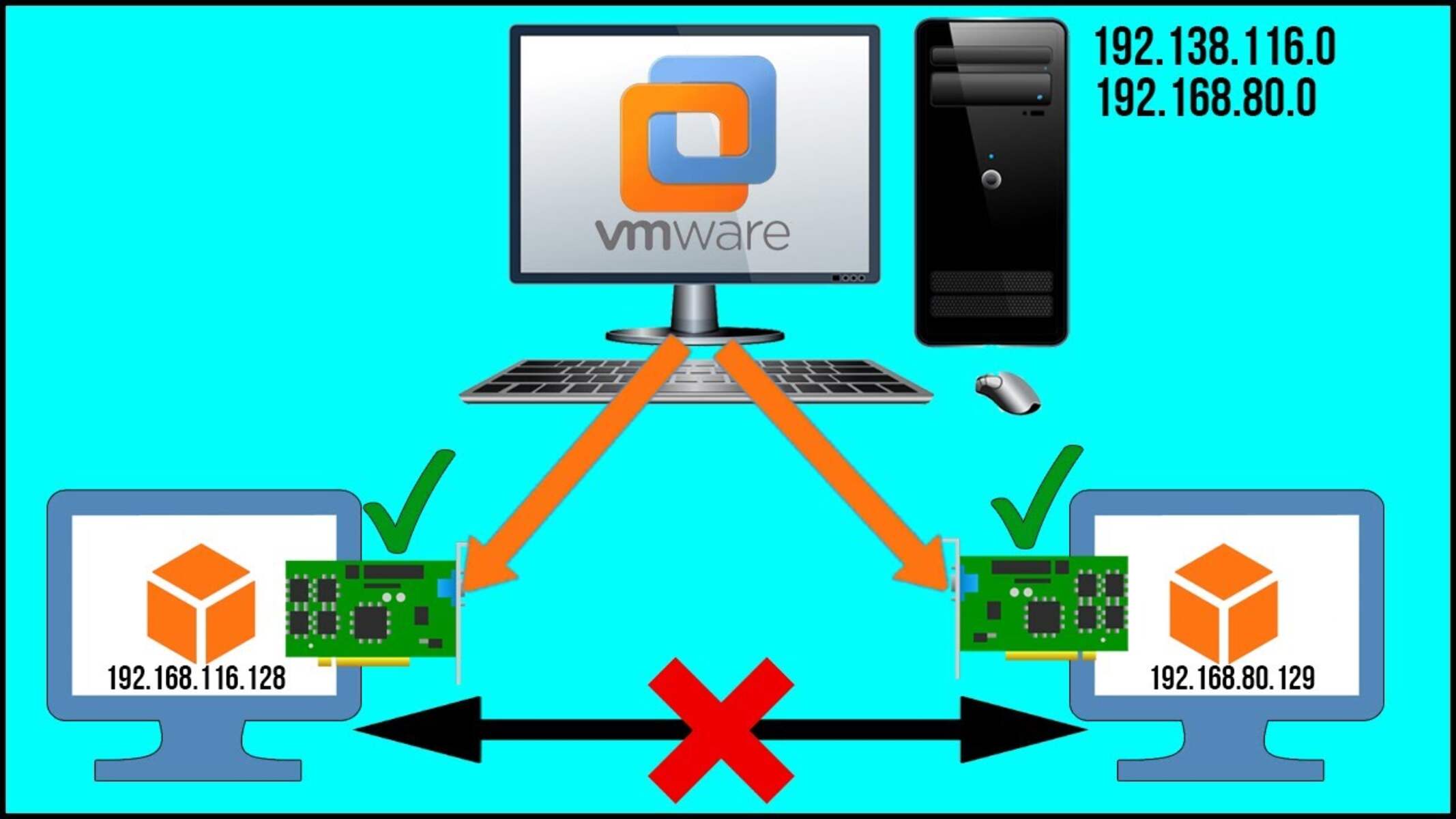
The problems covered here fall into a few clear themes. One is disk image handling: you will see how to use VMDK files, how to work with VHD and VHDX files, and how to convert VHD to VMDK using a third-party tool like StarWind V2V Converter. Another theme is VM setup and access, including installing MS-DOS 6.22 as a legacy guest, setting up a virtual network, and enabling shared folders or drag-and-drop file transfer between the host and the guest. A third theme is migration and recovery: articles explain how to make a VM from a physical machine, how to import an existing virtual machine, and how to recover a forgotten password inside a VM, described strictly as a legitimate administrative recovery step for your own systems, not as a way to bypass security on someone else’s property.
Whether you are converting an old disk image, bridging a network between VMs, or simply trying to get files in and out of a guest, these articles give you the direct, safe steps to complete the task without breaking your setup.