Practical, straightforward guides for anyone who has ever been frustrated by a menu they cannot find, a feature that will not turn off, or a screen that just does not look right. These articles are written for everyday viewers, not just tech enthusiasts, who want to fix a specific issue on their television without digging through a dense manual or calling a support line. The problems covered are common, annoying, and usually solvable in under a minute once you know where to look.
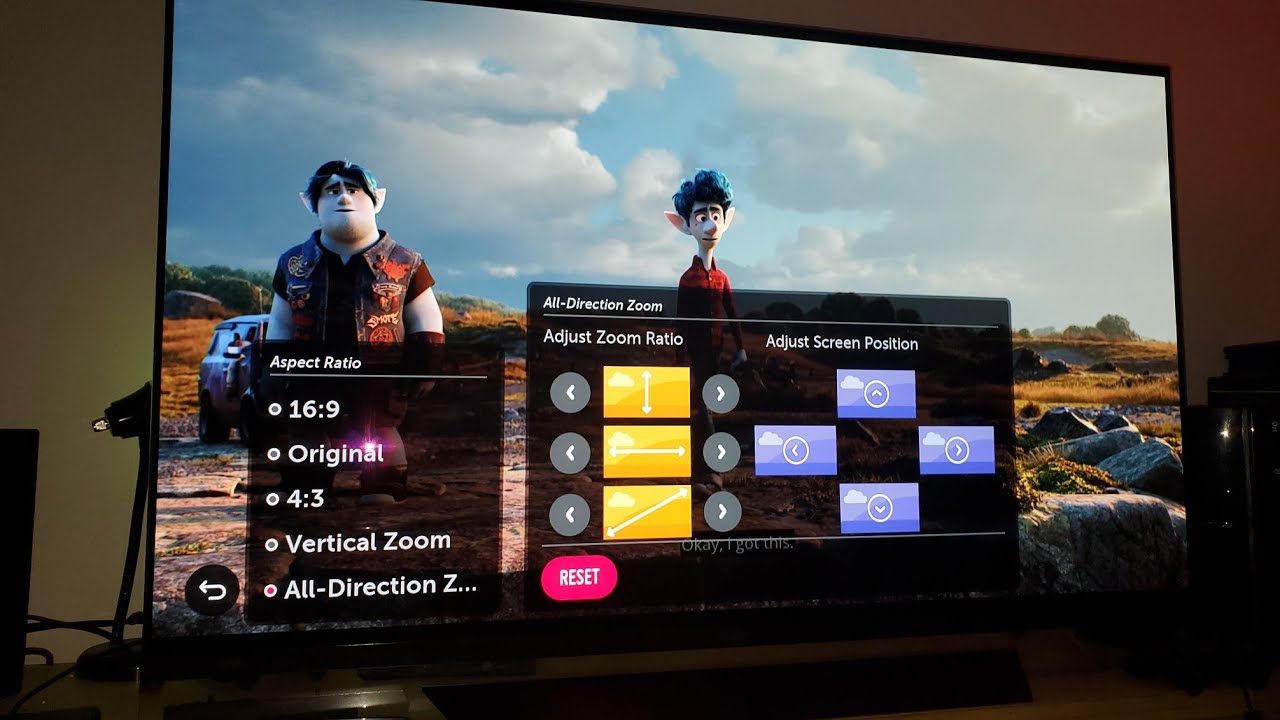
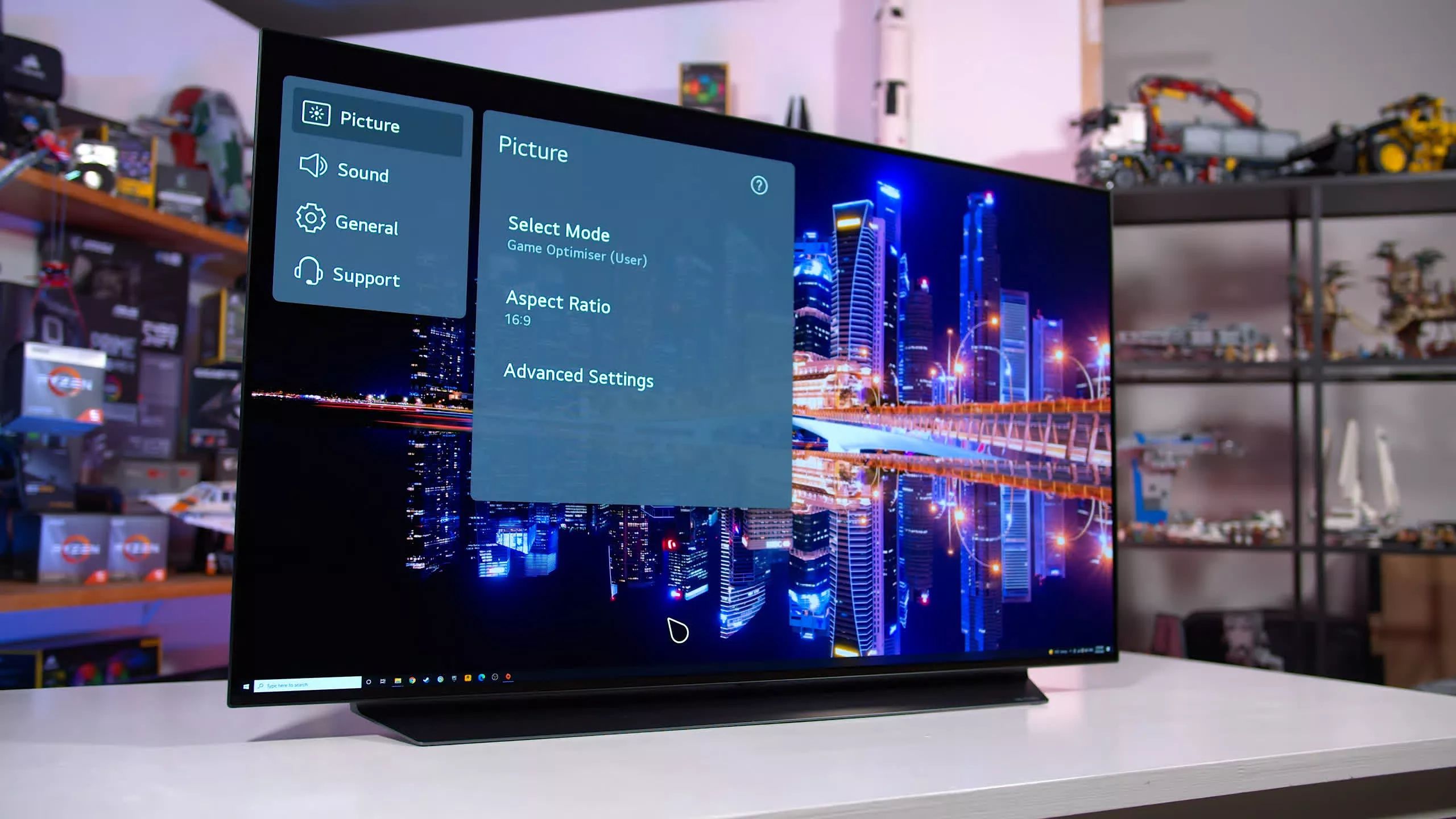
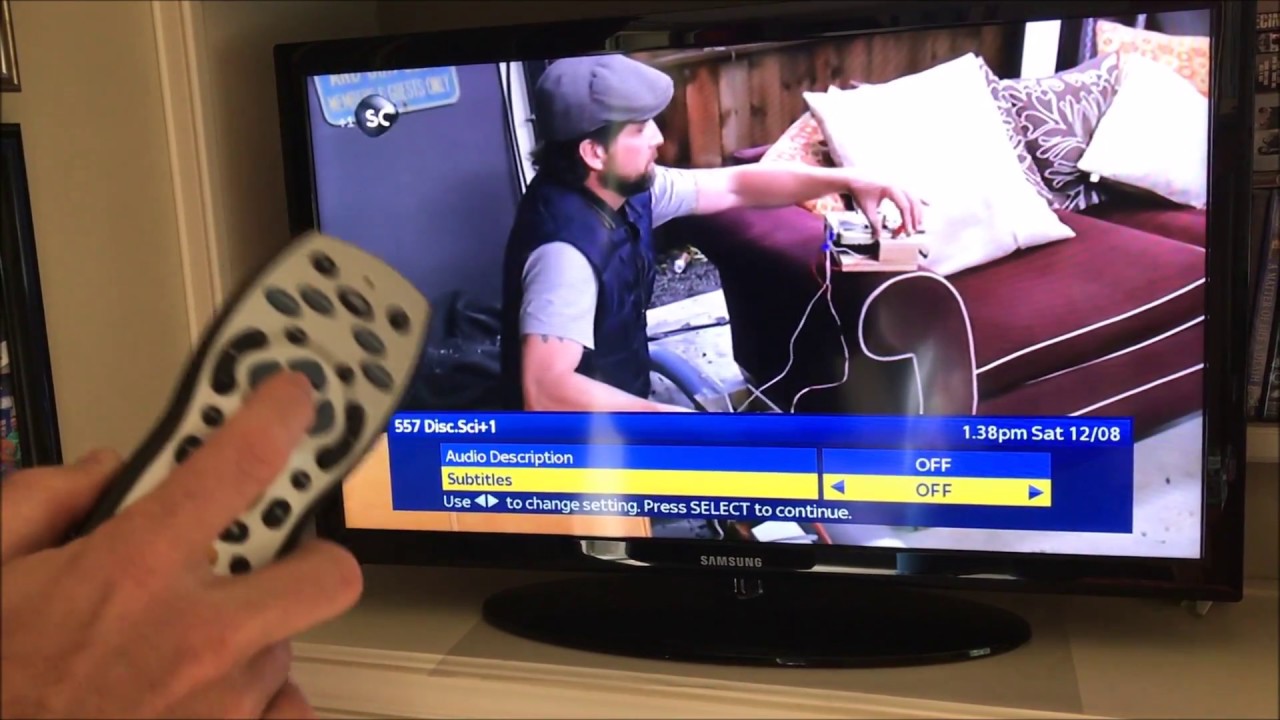
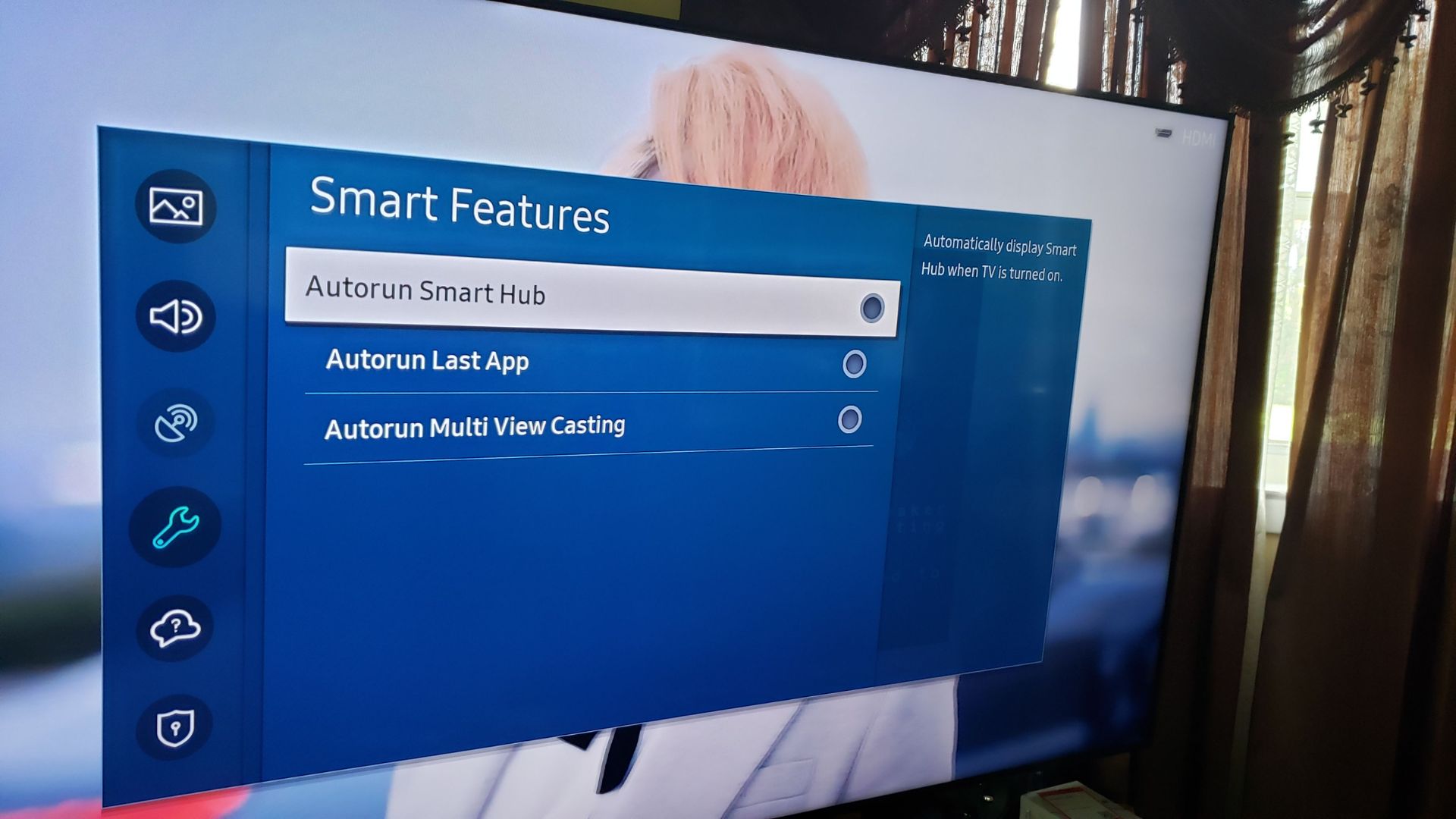
One clear theme is accessibility and playback controls. Several articles help you disable or enable subtitles, audio description, or the narrator voice on services like Disney Plus, Amazon Prime, and HBO Max, as well as on specific brands like Philips, Toshiba, and Panasonic. Another theme involves display and input settings, such as turning off auto-detect HDMI on Samsung, choosing the correct 4K HDMI port on a Sony Bravia, or getting rid of on-screen banners and adjusting full-screen picture on Vizio and LG. A third theme centers on smart TV behavior, things like stopping a Roku from powering down on its own, changing the startup screen, deleting channels, or getting back to regular broadcast TV after accidentally launching a smart app.
You will also find help with picture and sound quirks, like fixing a dark screen on Samsung or LG models, enabling picture-in-picture, or displaying a clock. A few articles address security and privacy in a responsible way, such as disconnecting a Roku TV from Wi‑Fi to stop tracking or unwanted updates, or turning off voice assistants and narrators to prevent accidental activations. None of these guides encourage bypassing protections or pirating content; they simply help you take control of your own hardware and settings, legally and safely.