The Troubleshooting tag collects 143 practical guides for anyone wrestling with everyday consumer technology problems. These articles are written for the non-expert, the person who just wants their Roku remote to work again, their Chromebook to show the mouse cursor, or their Xbox HDMI port to function without booking a repair appointment. If a device you own is behaving oddly, this tag is the first place to look for clear, step-by-step fixes you can try at home.

The articles fall into two broad themes. The first is connectivity and signal issues: you’ll find help with Ethernet lights and unplugging cables, Bluetooth keyboard pairing, DP signals on Dell monitors, and why a PS5 controller won’t connect. The second is device-specific resets and recoveries, covering factory resets for Chromecast, force shutdowns for Dell laptops, and resets for PlayStation 4, Roku remotes, and Logitech remotes. There are also several pieces focused on audio and video output problems, such as fixing a Logitech G Pro X mic, diagnosing a bad HDMI cable, or addressing a loose HDMI port on an Xbox One.

Beyond pure how-to repair, many articles help you understand what’s going wrong and what your options are, like why your PlayStation keeps overheating, why Google Calendar disappeared, or why HBO Max is in Spanish. Some take a safety- or security-conscious angle, such as finding a Brother printer’s IP address or checking Discord logs, framed as legitimate troubleshooting rather than workarounds. Whether you’re dealing with a streaming app glitch, a stubborn peripheral, or a hardware port issue, these guides focus on getting your gear back to normal, safely and legally.
Why Is My HBO Max In Spanish

If your HBO Max is in Spanish, the most likely cause is an accidental tap on the audio track during playback, not a change to your device's system settings. You...

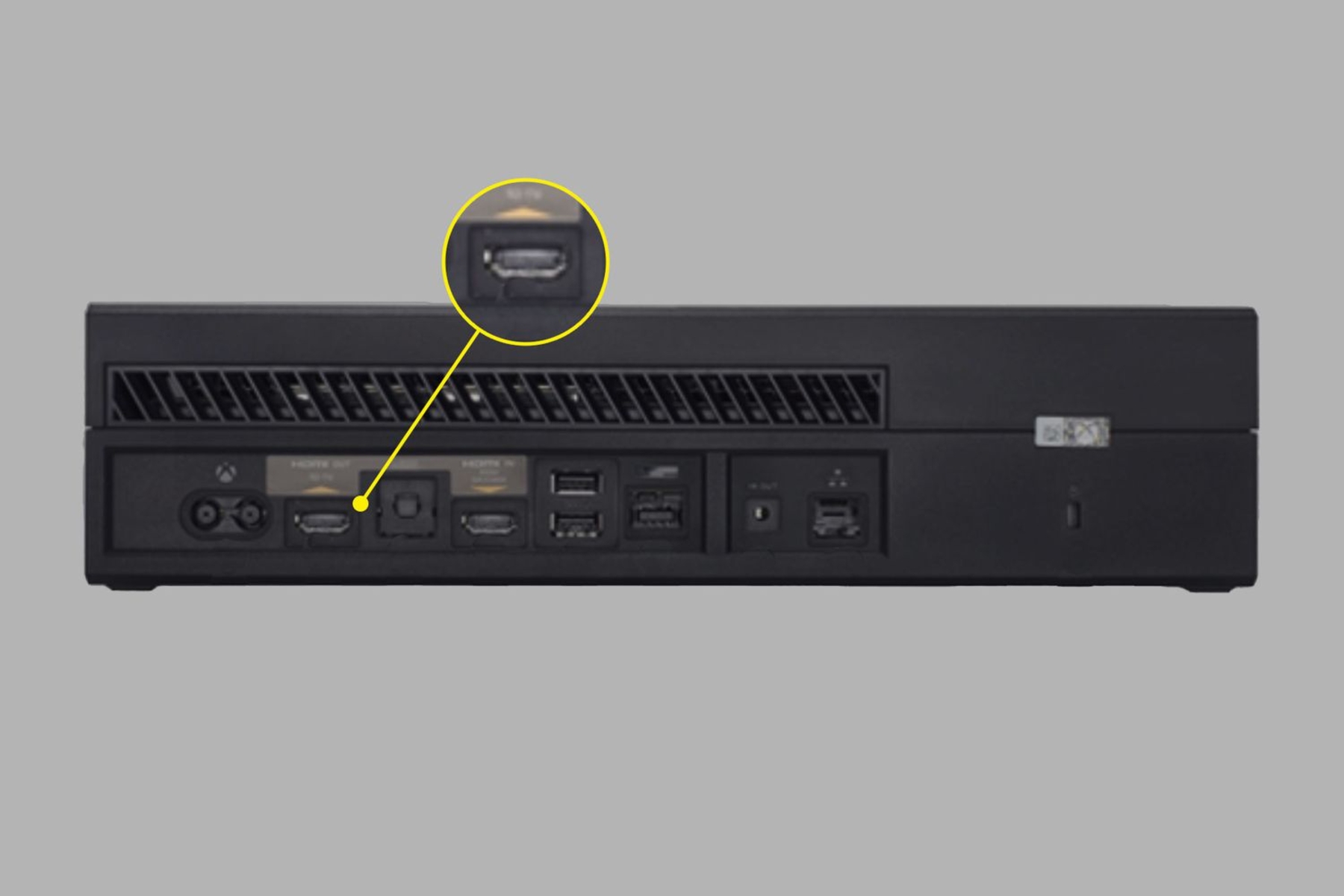
How To Fix Xbox One HDMI Port

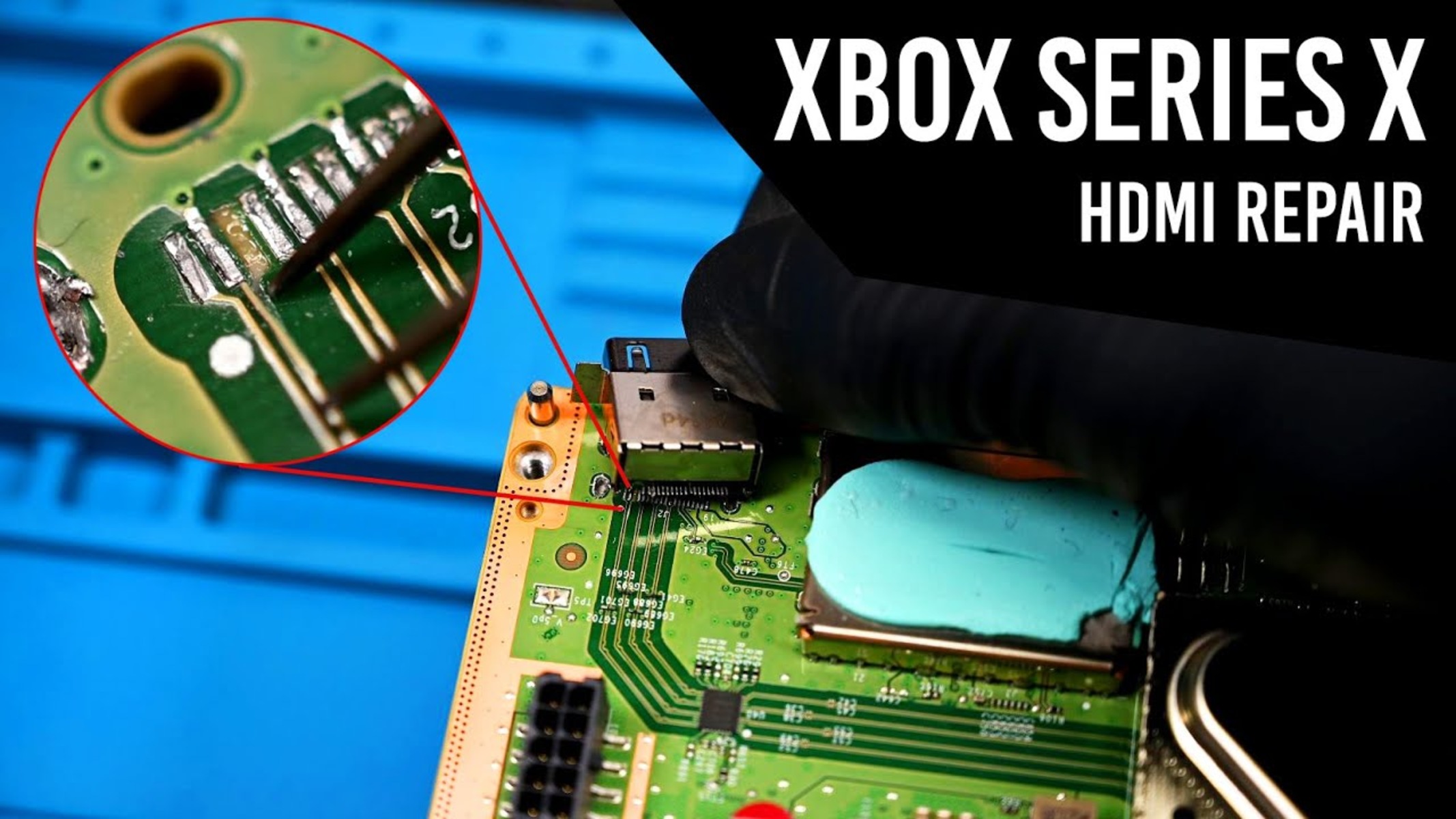
If your Xbox One screen is blank or flickering, the fix often starts with a dirty or loose HDMI port, not a dead console. You can safely fix Xbox one...

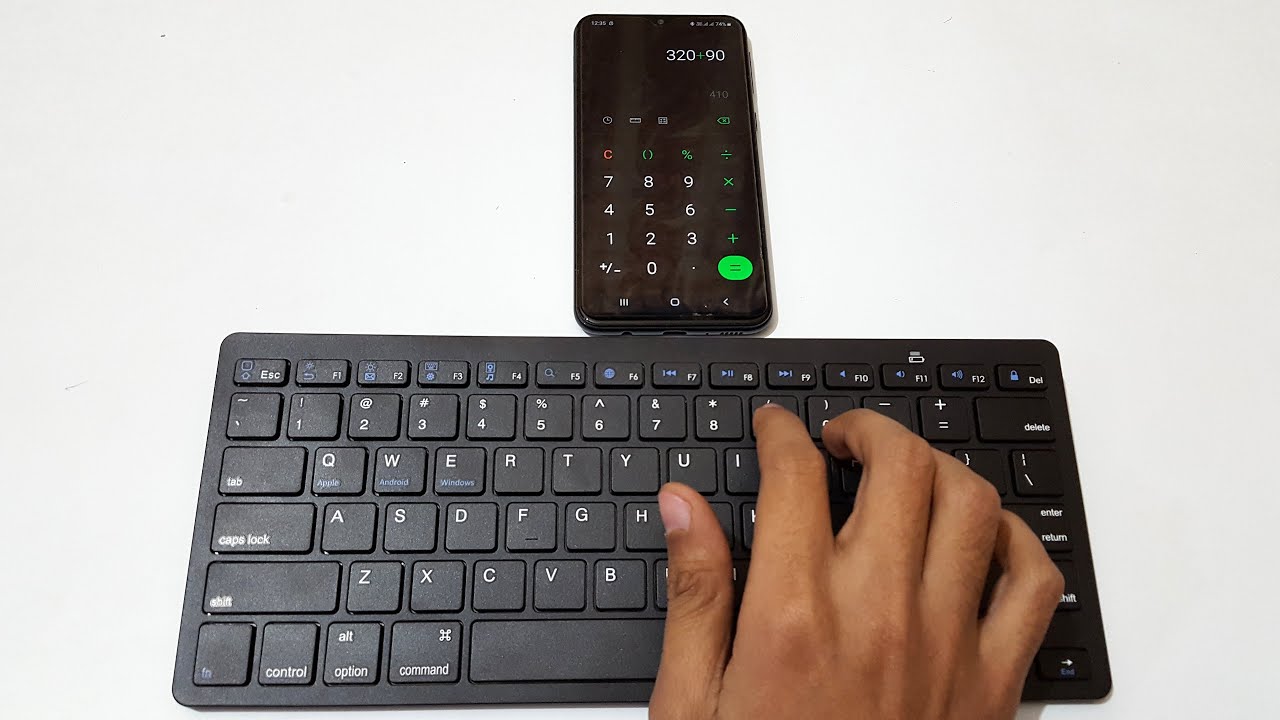
How To Connect A Bluetooth Keyboard

To connect a Bluetooth keyboard, turn on the keyboard, enable Bluetooth on your device, and select the keyboard from the list of discovered devices. The universal pairing process is that...

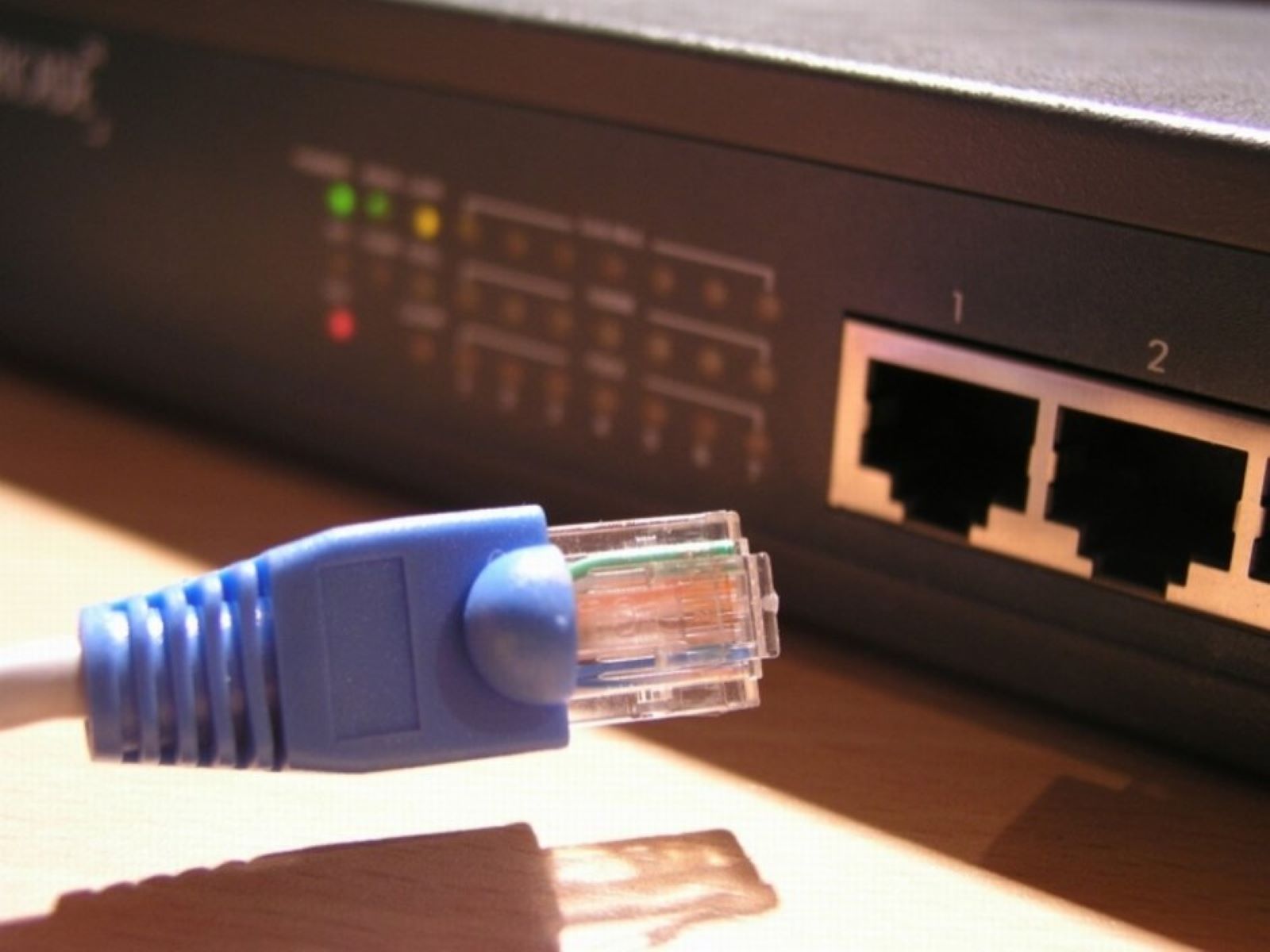
How To Unplug Ethernet Cable

Before you unplug the cable Before you unplug Ethernet cable, take a moment to check whether the connection problem is actually the cable itself. A loose jack or a disabled...

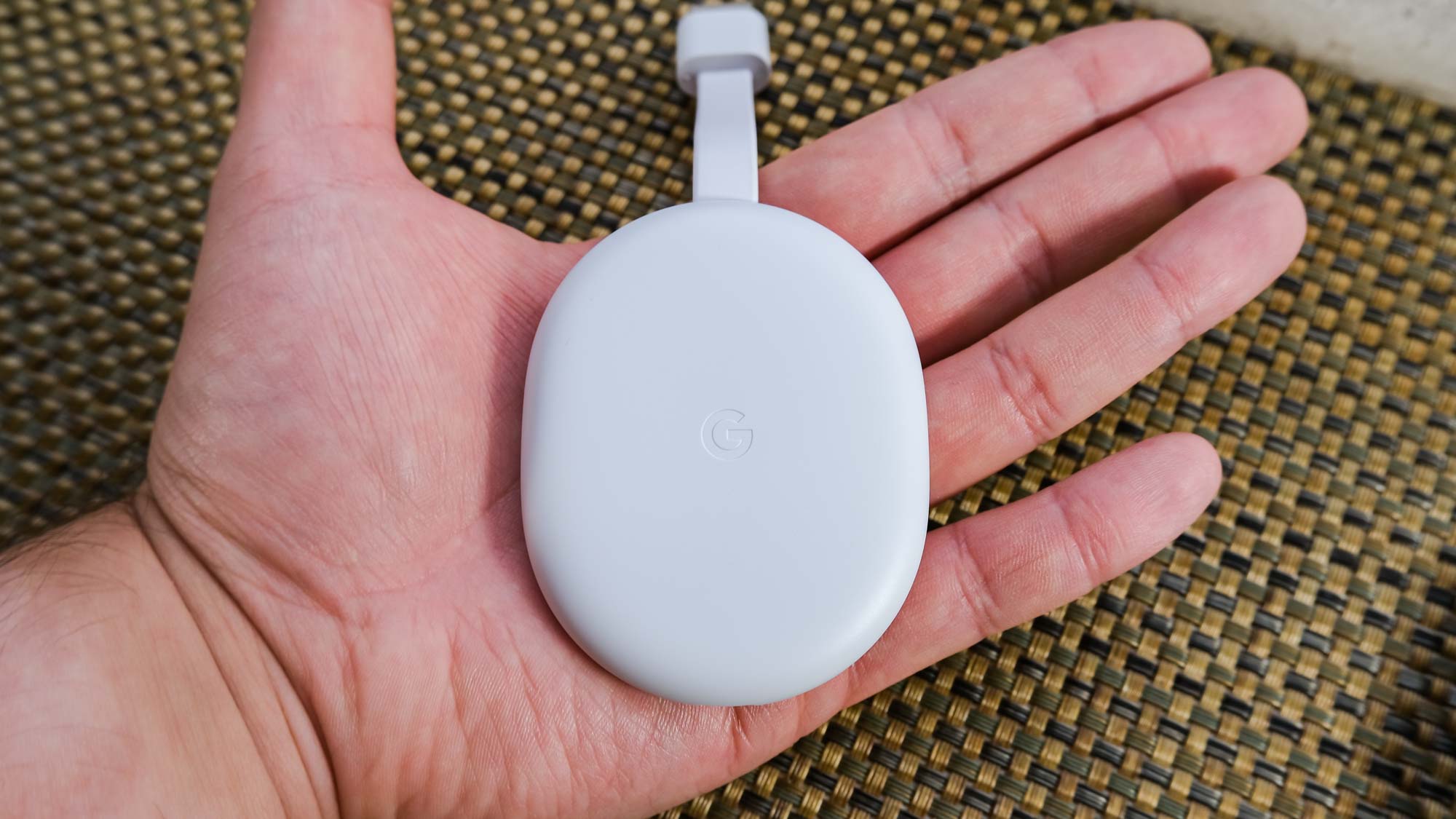
How To Factory Reset A Chromecast

To factory reset a Chromecast, you return the device to its original factory settings, clearing all customizations and stored data. This is the go-to fix for an unresponsive device, and...

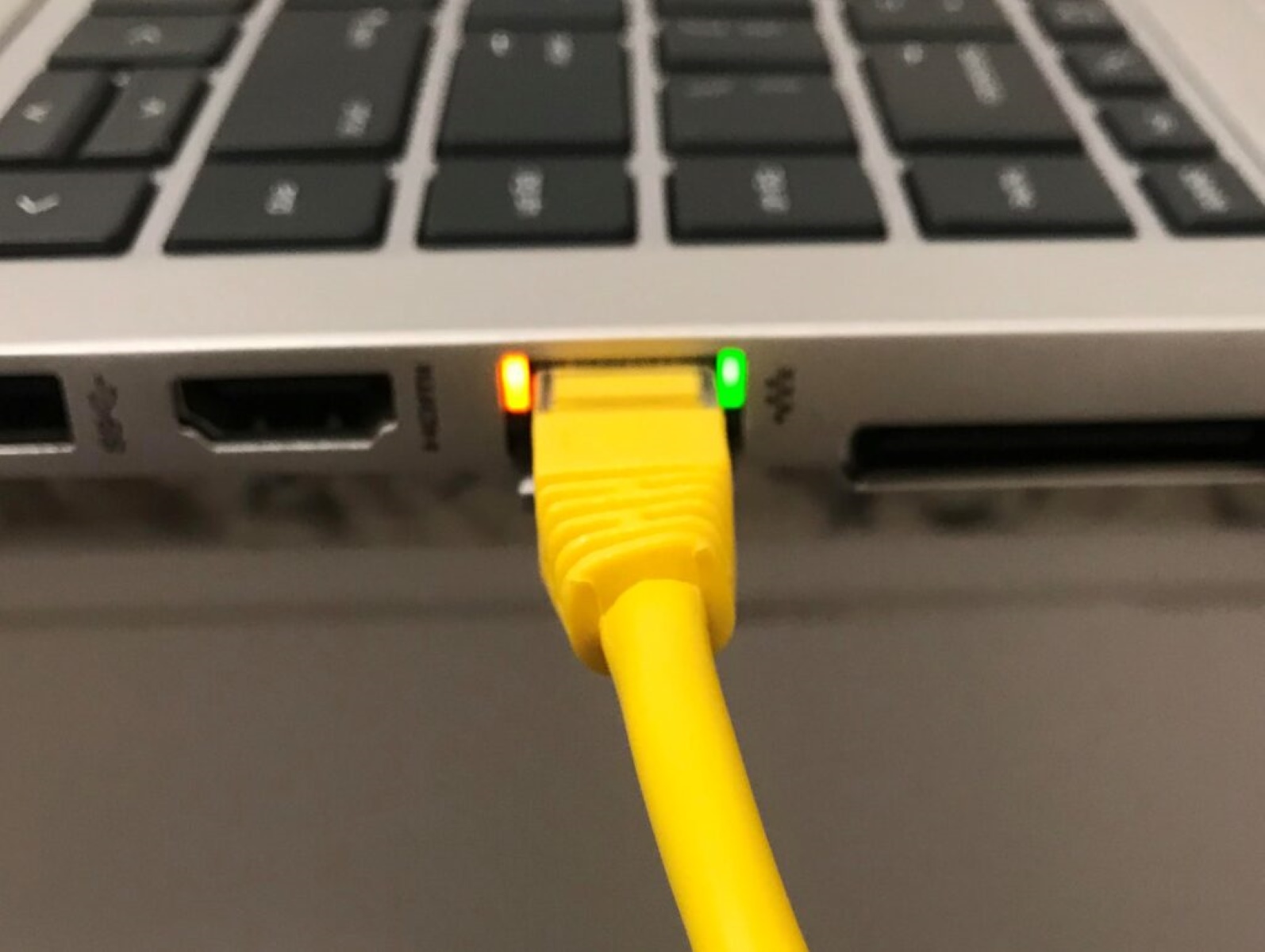
What Do Ethernet Lights Mean

Ethernet port lights, typically two small LEDs per port, tell you whether a cable is connected and if data is moving. The left or top light is usually the Link/Activity...

Why Is HBO Max Taking So Long To Load

If you're experiencing HBO Max loading slow, the fastest fix usually comes down to three things: a weak internet connection, an outdated app, or a device that needs a quick...

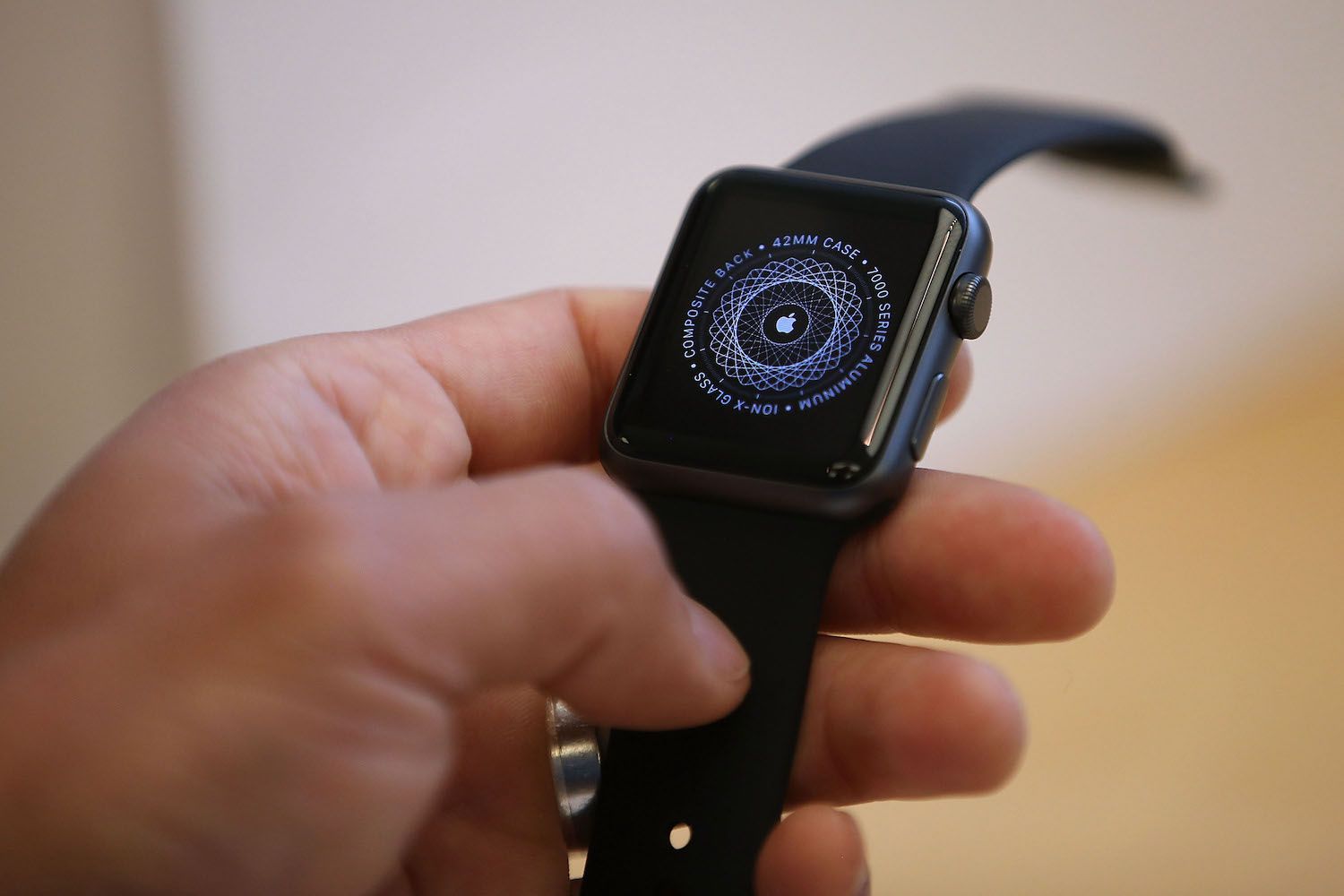
How To Factory Reset A Apple Watch

To factory reset an Apple Watch, you can either unpair it from your iPhone or erase it directly from the watch itself. The right method depends on whether you're troubleshooting...

How To Watch Hbo Max

To watch Max, the streaming service formerly known as HBO Max, you need to create an account, download the app on your device, and sign in to start streaming. This...

How To Find GPU Serial Number

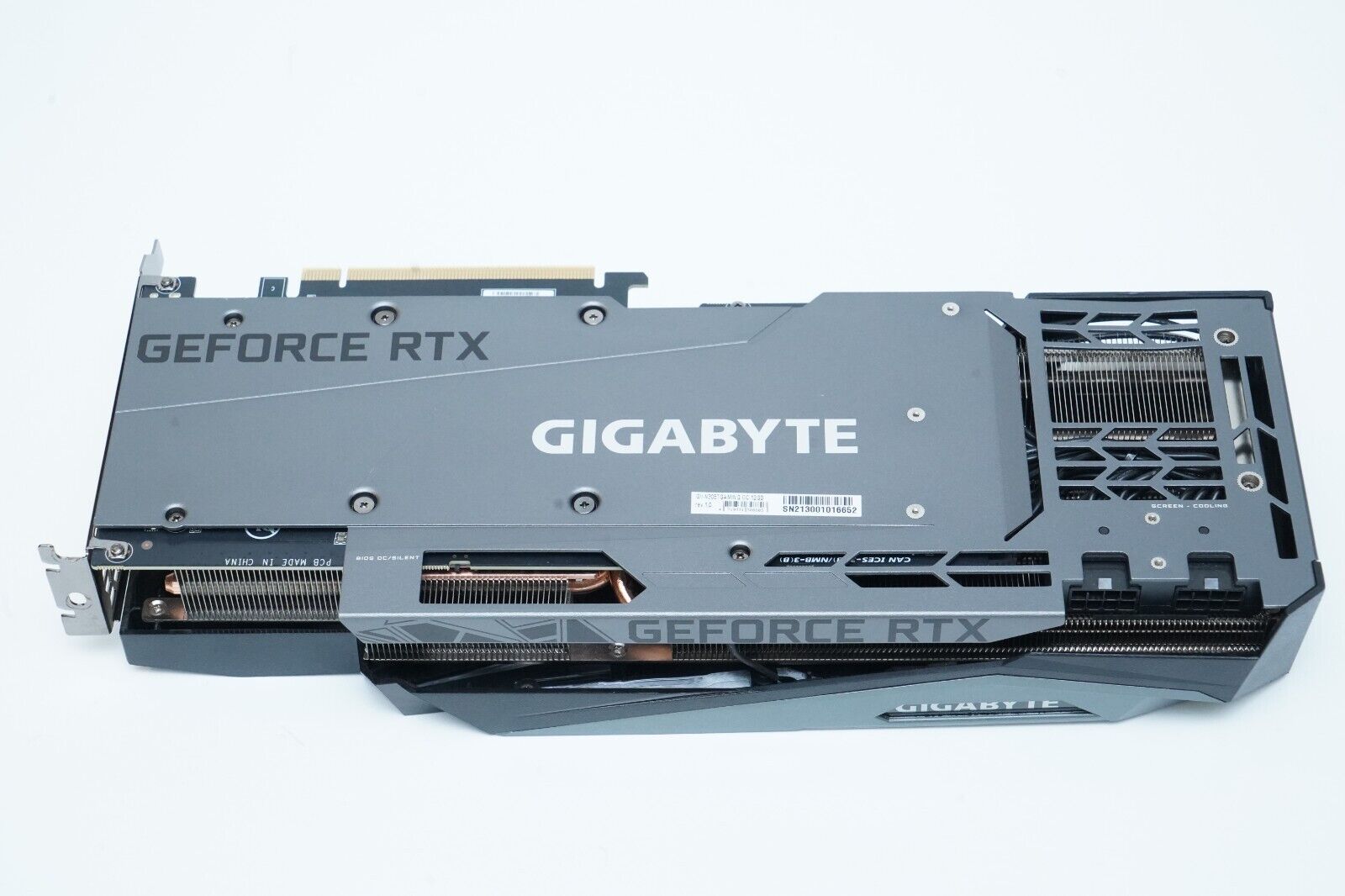
The only reliable way to find your GPU serial number is to physically inspect the graphics card itself or its original packaging, software methods almost always fail because the serial...