The Task Manager tag on robots.net collects straightforward, practical guides for anyone who wants more control over what their computer is doing right now. These articles are written for everyday PC and Chromebook users, people who are troubleshooting a slowdown, trying to close a stuck program, or just curious about what’s running in the background. If you’ve ever opened Task Manager and felt unsure what to click, this tag is a good place to start.

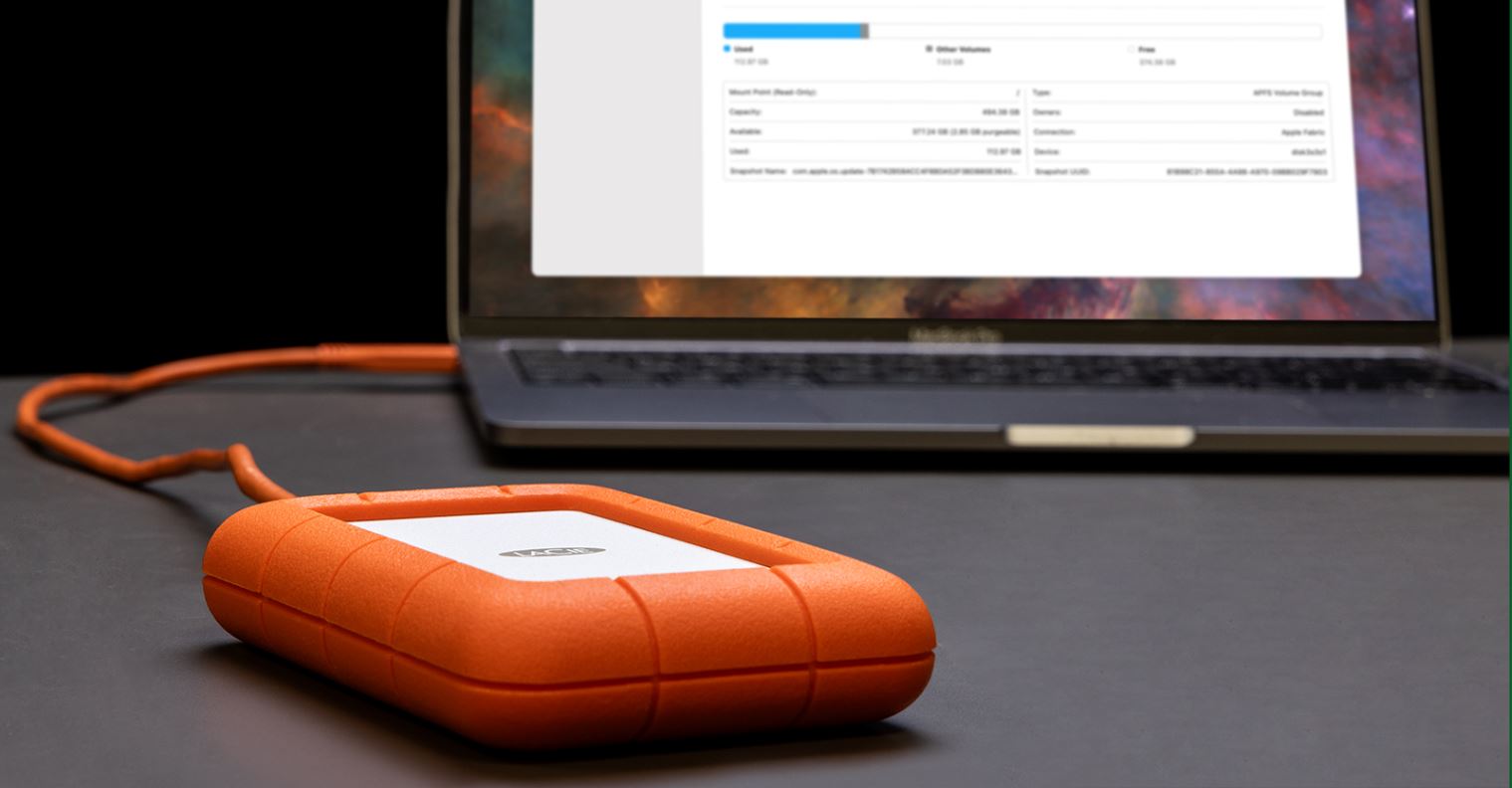
The guides here cluster around a few clear themes. One theme is performance: you’ll find help on checking CPU temperature, allocating more CPU to a game, making game downloads faster, and giving more RAM to TModLoader. Another theme is resource visibility, figuring out which programs are using your external hard drive or clearing RAM on a Chromebook. A third theme is troubleshooting and recovery, with articles on force-closing Firefox, dealing with Chrome not opening, and using Control Alt Delete on a Chromebook when the usual shortcuts don’t work.

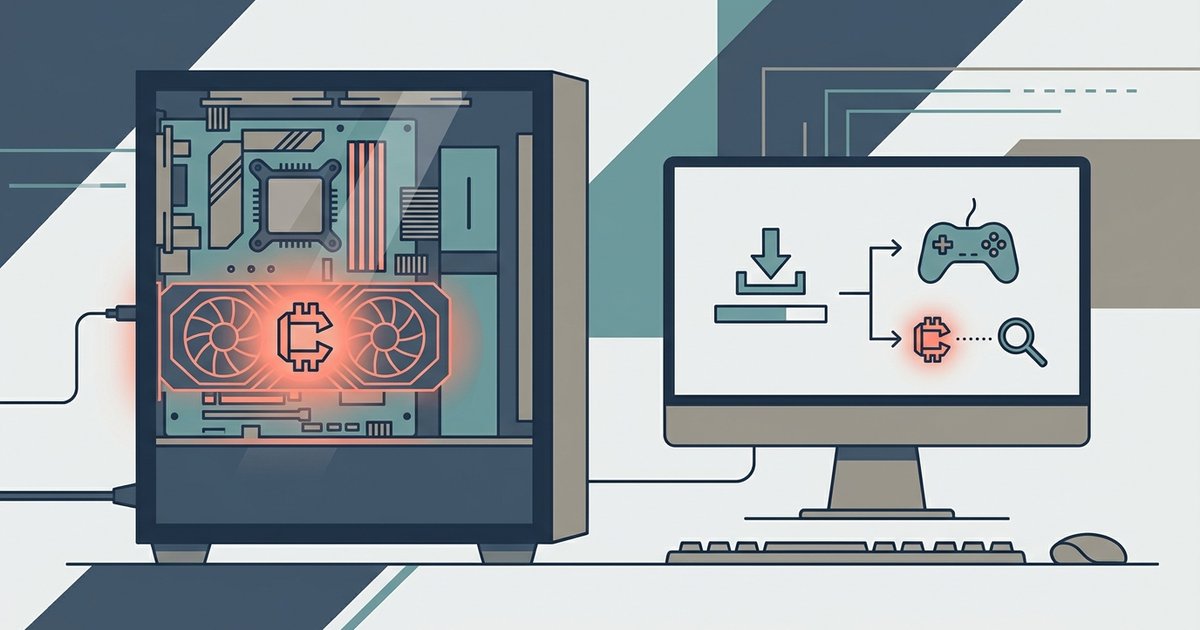
Several articles also take a safety-first approach. Instead of teaching risky tricks, they help you recognize problems and choose legal alternatives. For example, one guide explains how to tell if a free game installer is running a crypto miner, so you can protect your system. None of these pieces are about bypassing security, pirating software, or cheating, they’re about understanding your tools and using them responsibly.
Why Won't My Chrome Open?

When Chrome won't open, the culprit is almost always one of three things: a leftover background process, a corrupted user profile, or a conflict with another program. The fastest fix...

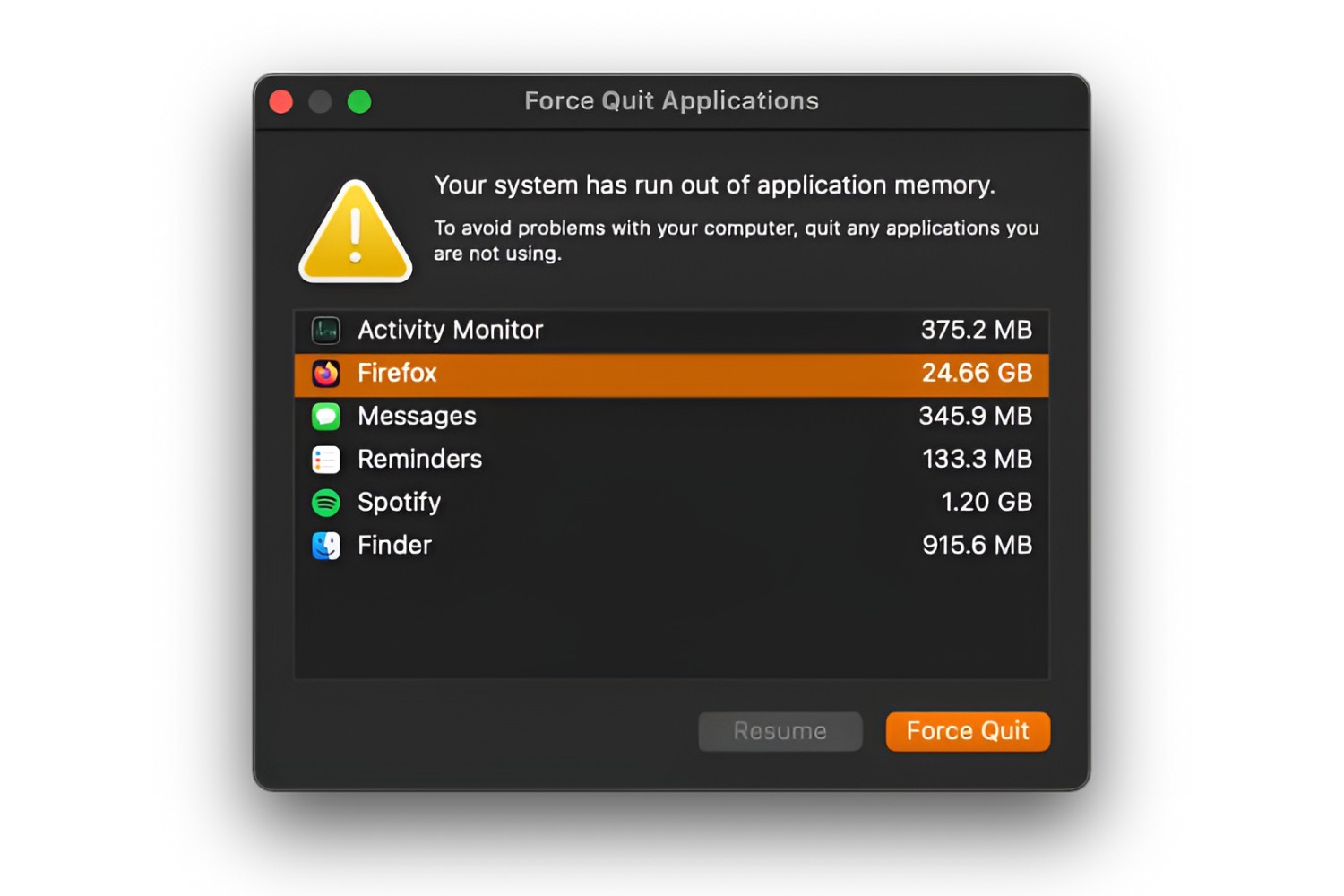
How To Force Close Firefox

To force close Firefox when it’s frozen or unresponsive, you need to bypass the normal close methods and terminate the underlying processes directly. On Windows, open Task Manager with Ctrl+Shift+Esc;...

How To Clear RAM On A Chromebook

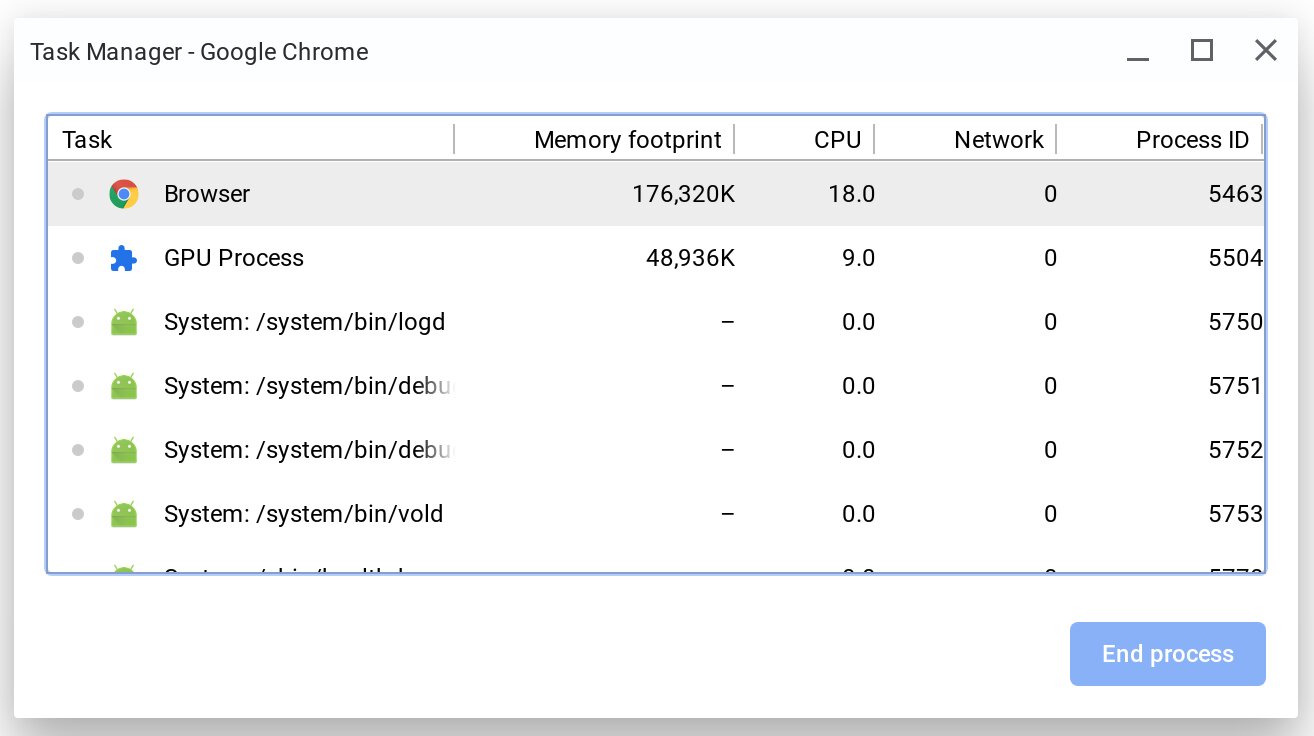
To clear RAM on a Chromebook, close unused browser tabs and end memory-hungry processes in the Task Manager. Chrome OS is designed to use available RAM efficiently, so high memory...

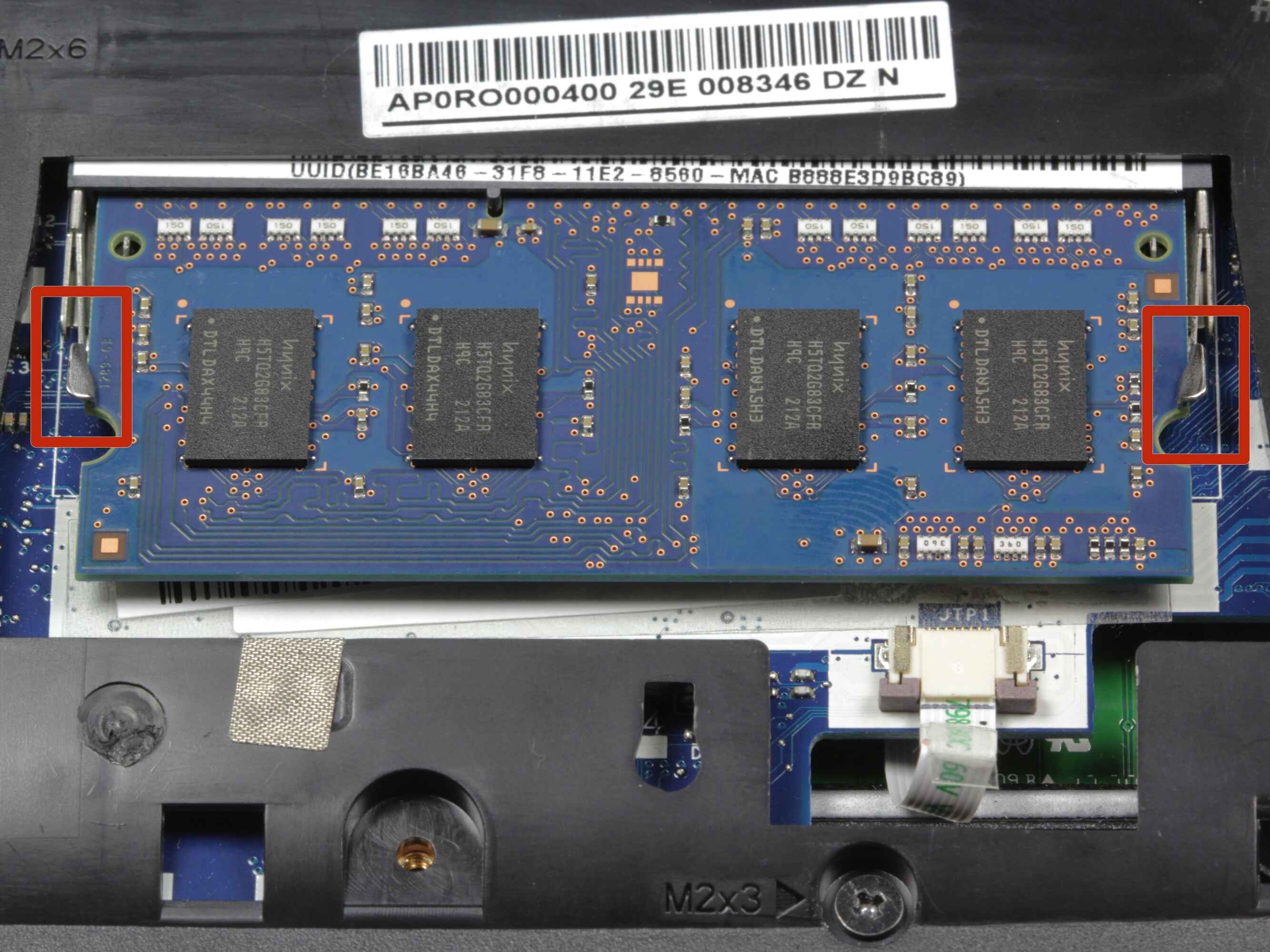
How To Allocate More RAM To TModLoader

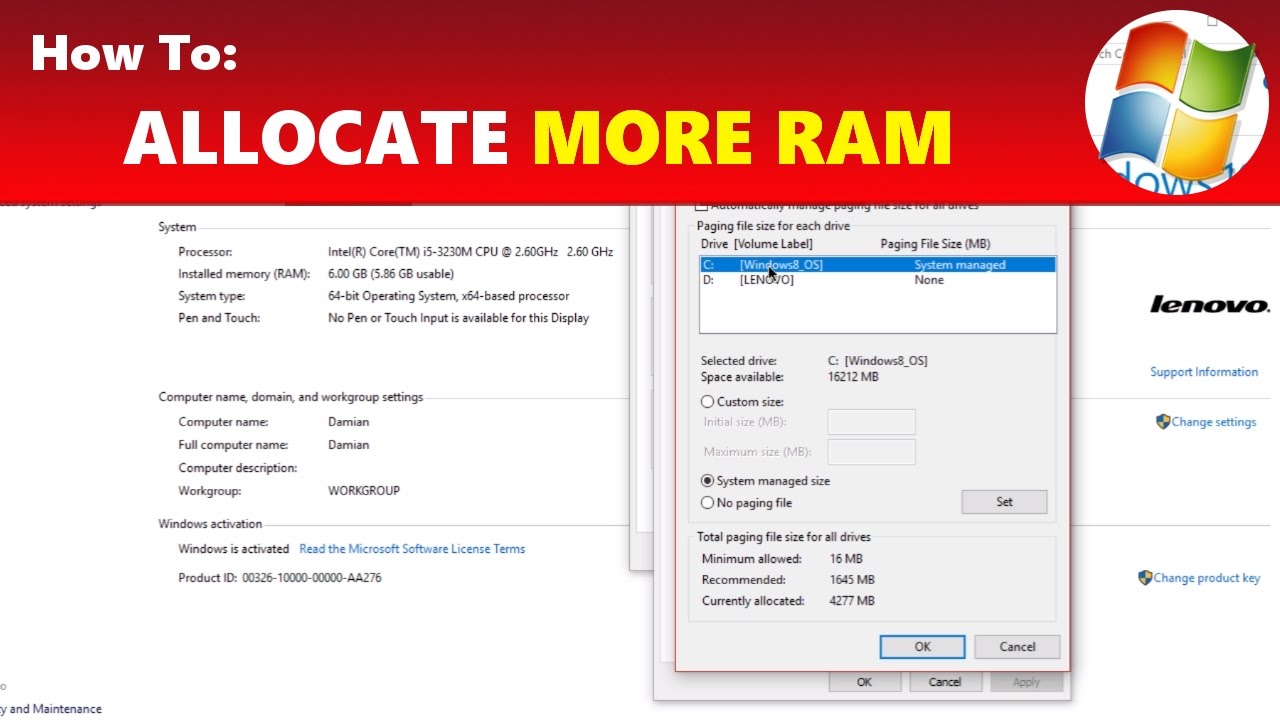
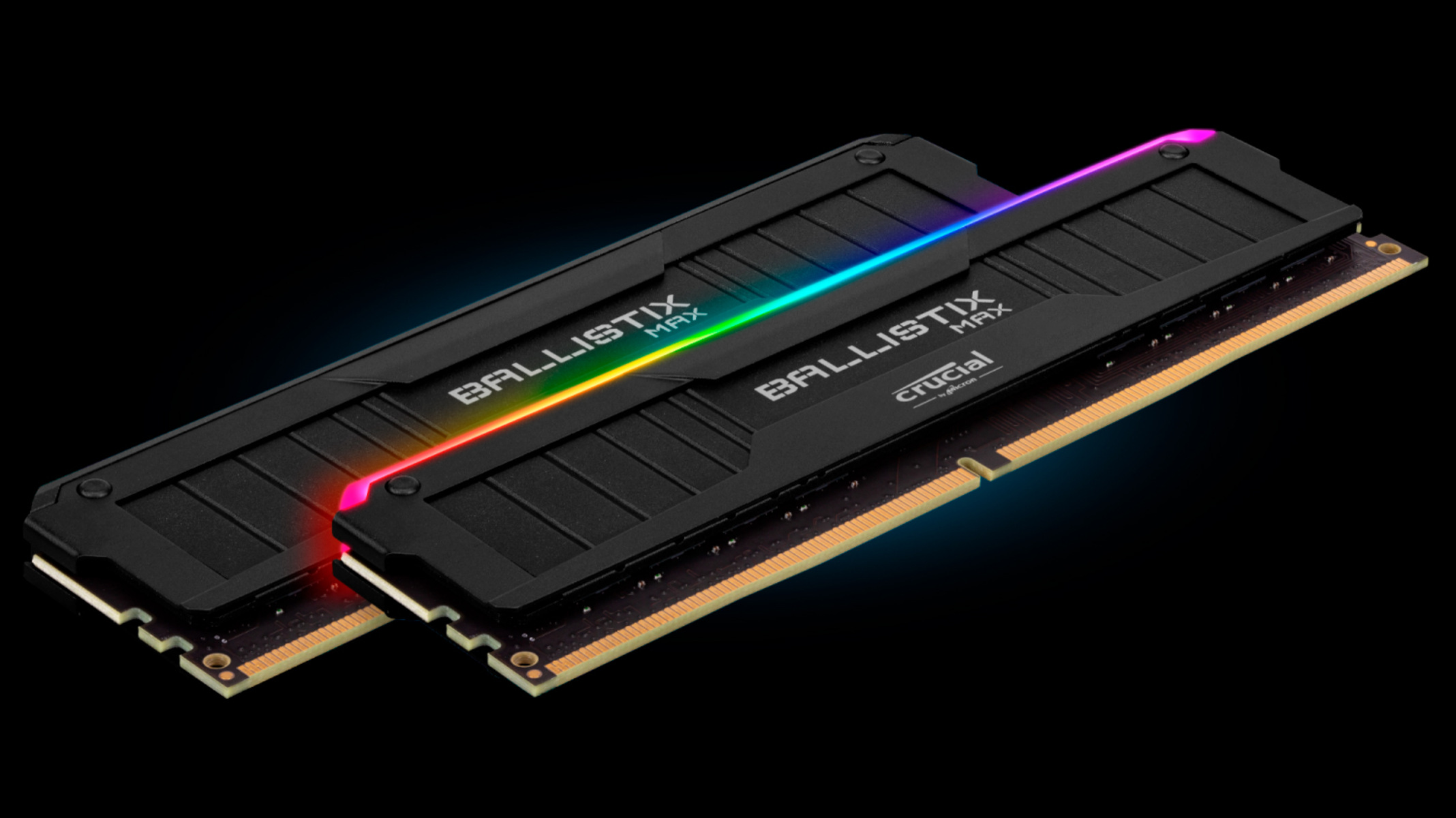
Freeing up system memory to allocate more RAM to TModLoader To allocate more RAM to TModLoader effectively, start by closing unnecessary programs before you launch the game. This can free...

How To Control Alt Delete On Chromebook

The Chromebook task manager shortcut you need is Search + Esc. Pressing these two keys simultaneously opens the Task Manager, which lets you force-quit any unresponsive app, because the familiar...

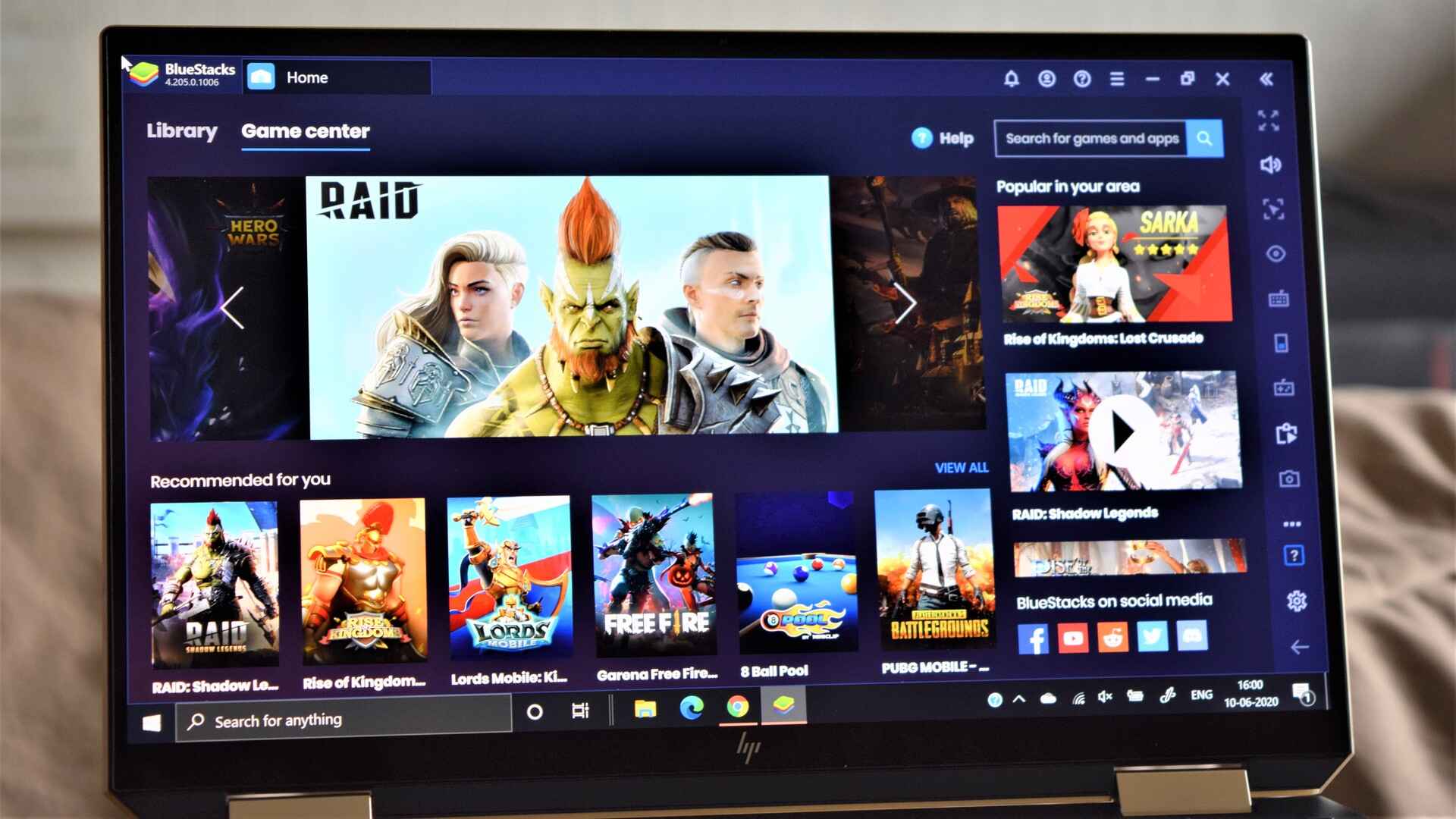
How To Allocate More CPU To A Game

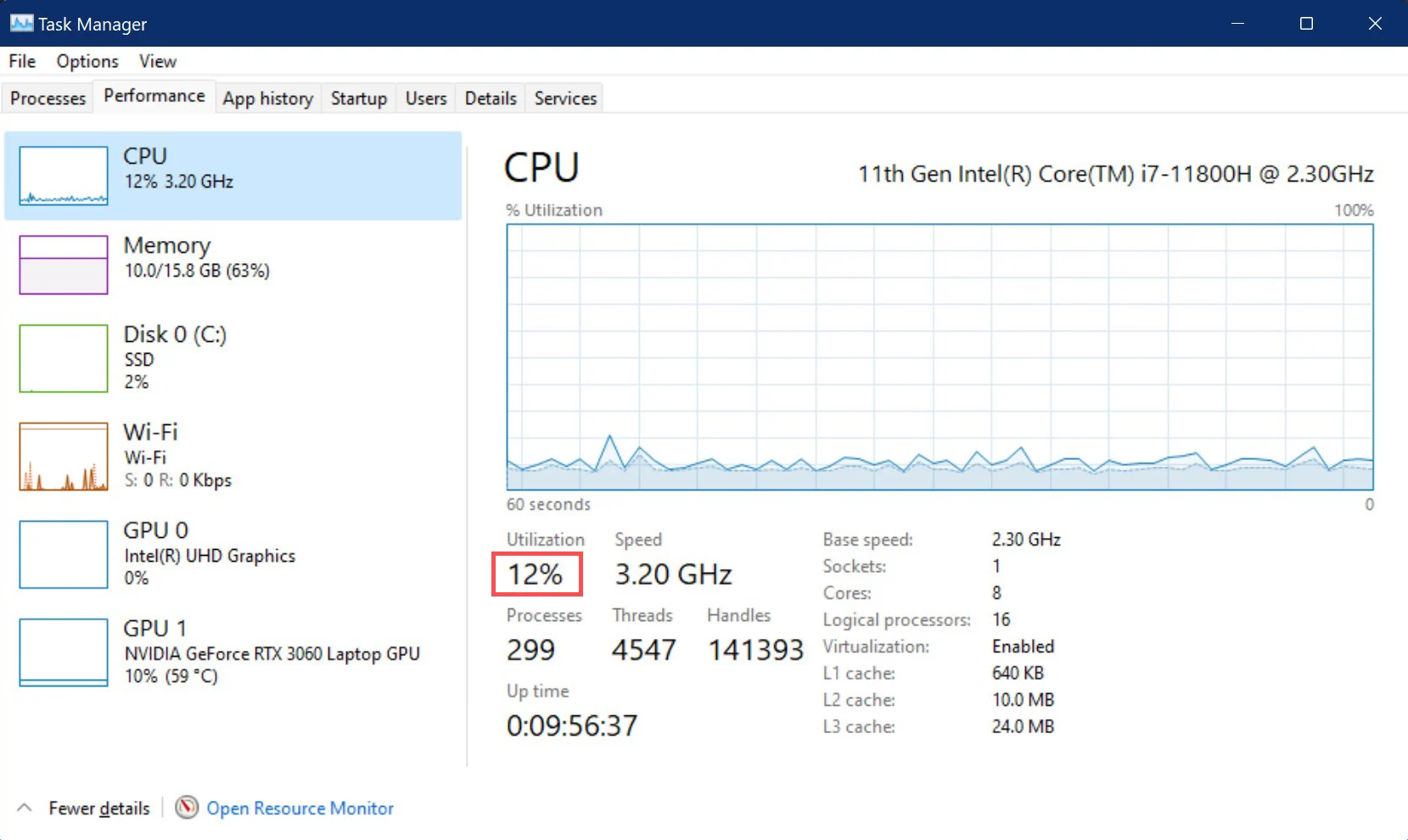
How To Allocate More CPU To A Game To allocate more CPU to a game without upgrading hardware, the primary method is to raise the game's process priority in Windows...

How To Check CPU Temp In Task Manager

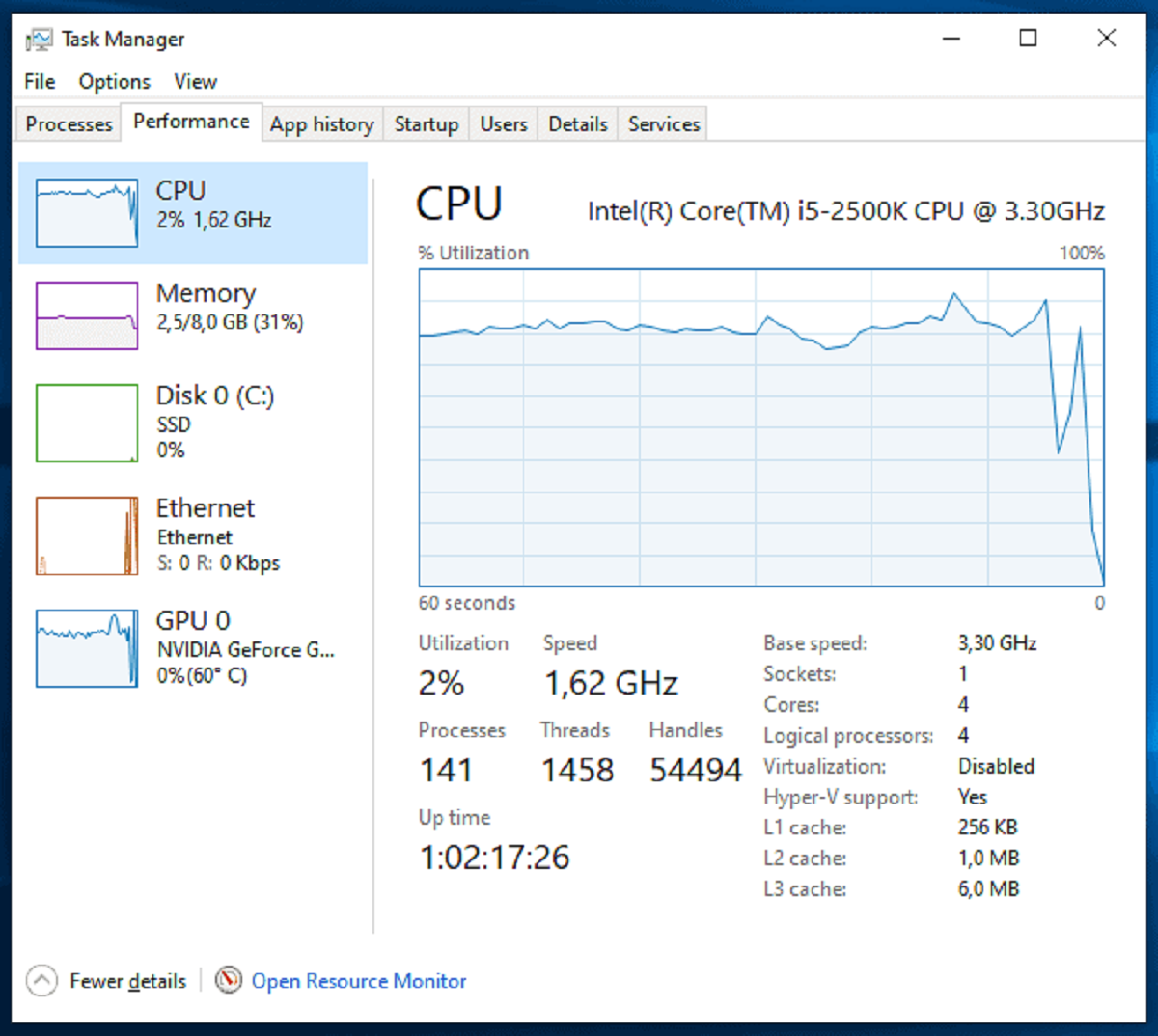
To check CPU temp in Windows, you need to use a third-party monitoring tool because Task Manager does not display CPU temperature. While Task Manager is excellent for monitoring CPU...