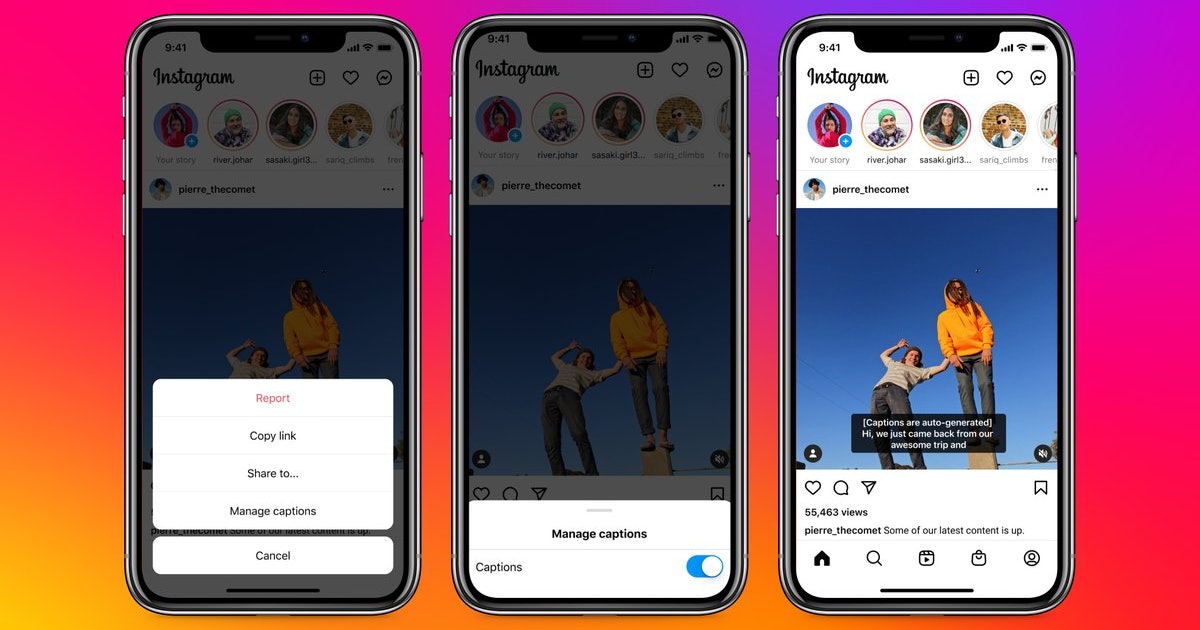
To add subtitles to Instagram Reels, your fastest option is the native “Captions” sticker, which auto-generates text from your video’s audio in a few taps. You can also add subtitles...
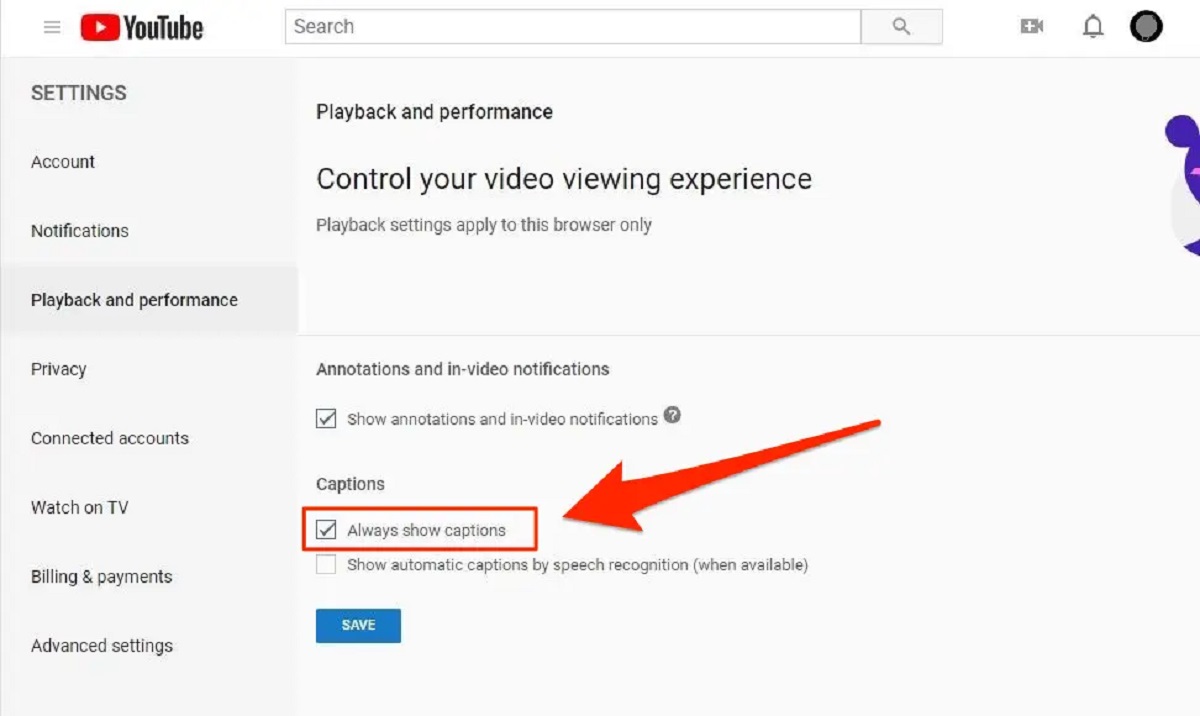
To put subtitles on YouTube, you have three main options: upload a file, use auto-sync, or type manually in YouTube Studio. Each method serves a different need, from quickly syncing...
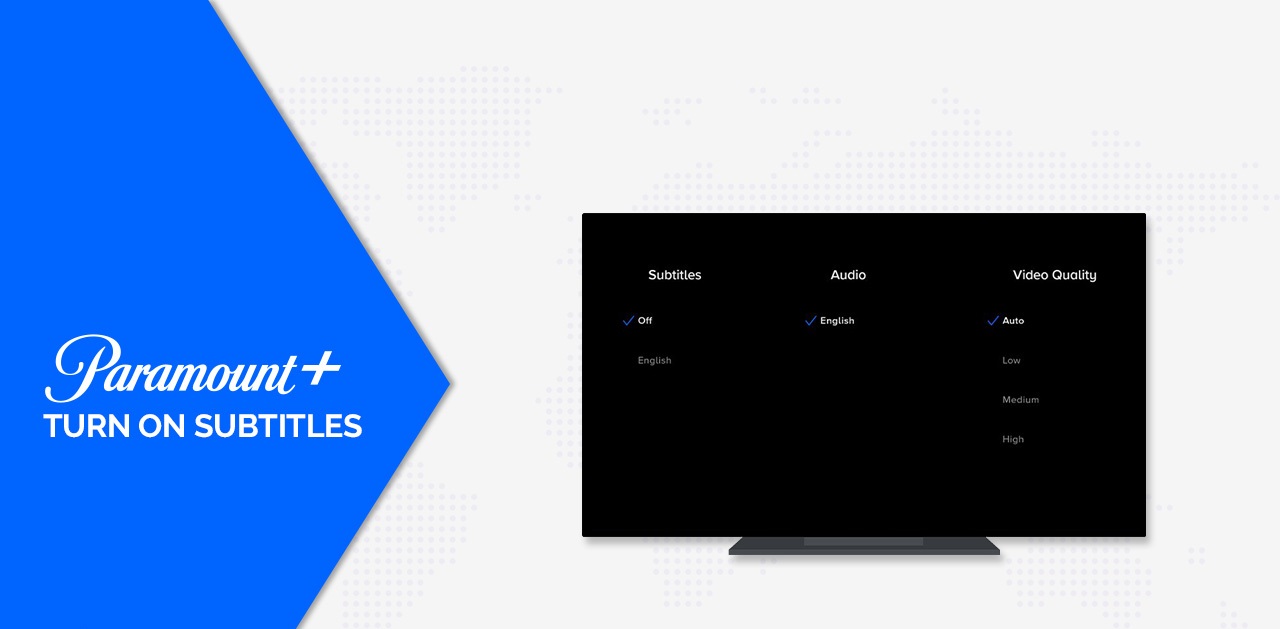
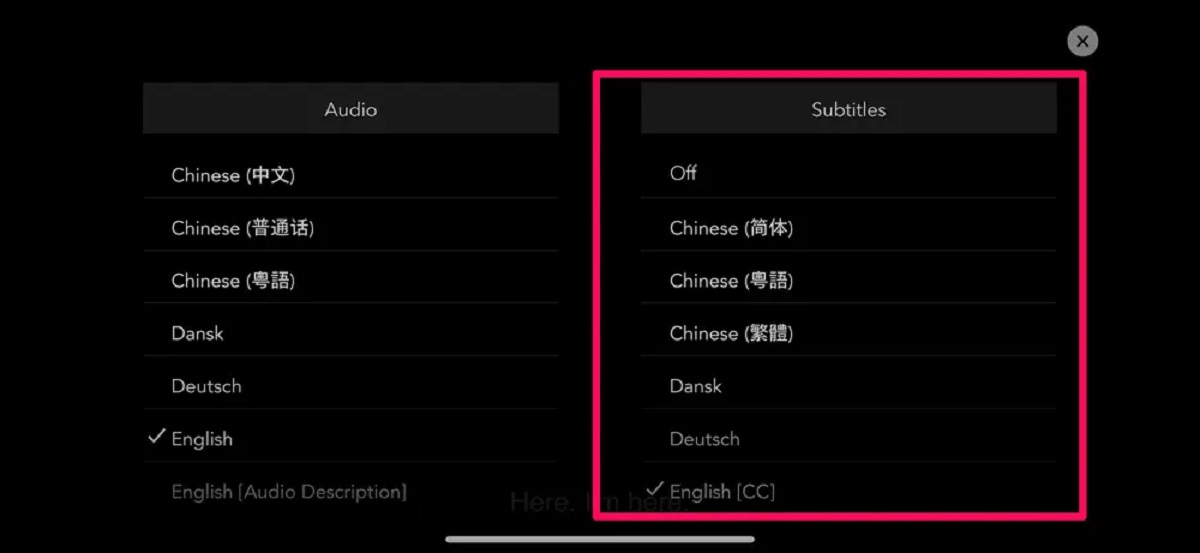
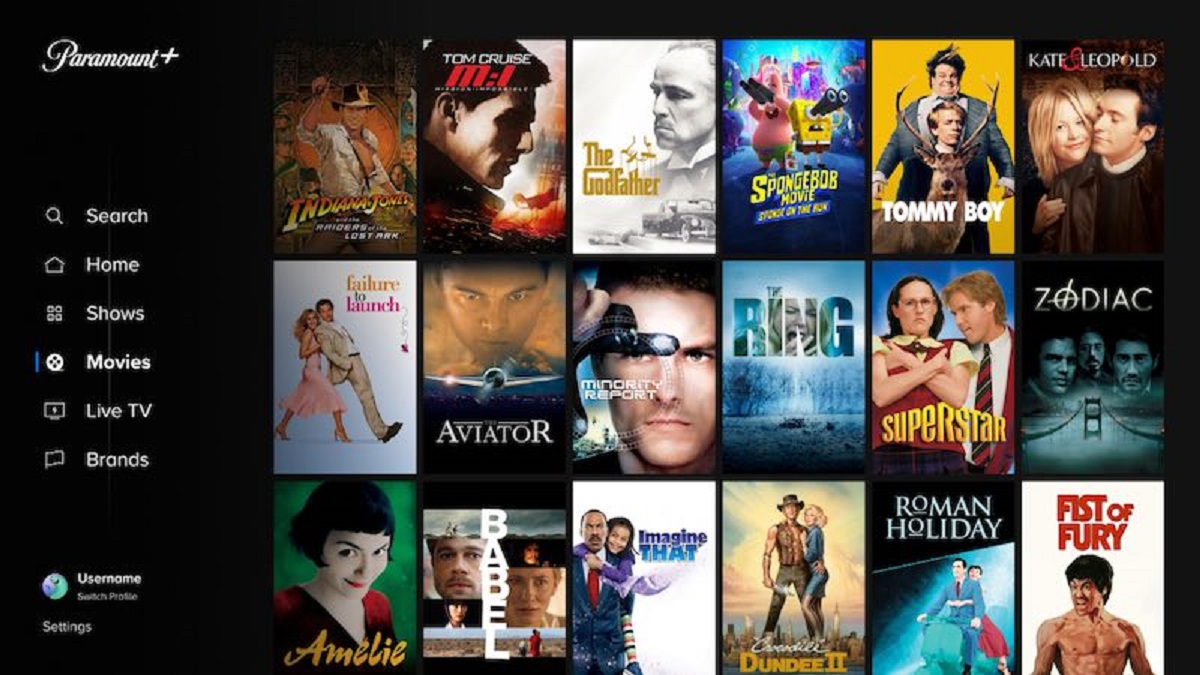
To turn on subtitles on Paramount Plus, click the speech bubble icon in the video player during playback. This is the quickest way to enable closed captions or subtitles on...
To turn on subtitles on Tubi, tap or click the screen while a video is playing and look for the CC icon in the video player controls. Toggle that icon...
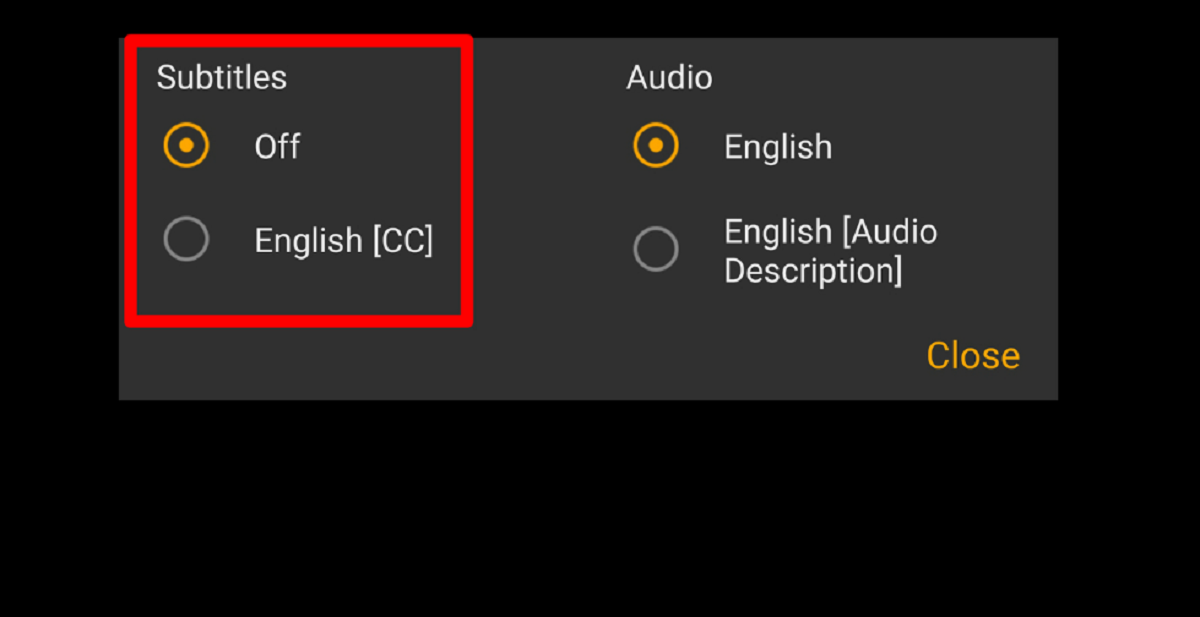
To turn on subtitles AMC Plus, click the caption settings icon in the bottom right corner of the video player while your show or movie is playing. This universal method...
To turn subtitles on Peacock, start playing your movie or show, then pause or tap the screen to bring up the playback controls. Look for the "Audio & Subtitles" speech...
To turn off subtitles on Paramount Plus, start playing any movie or show and look for the speech bubble or "CC" icon in the video player. Click or tap that...
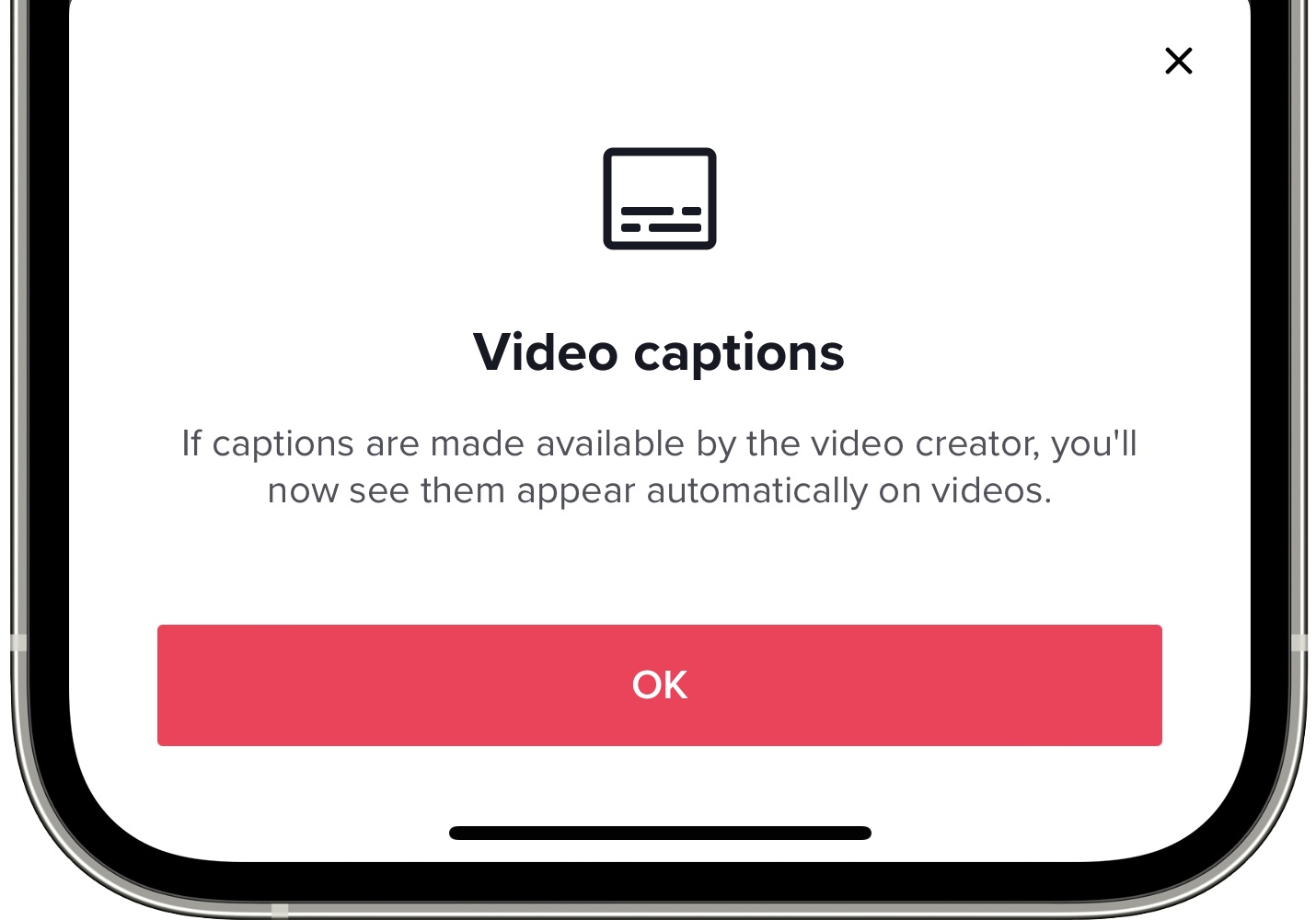
To turn on subtitles on TikTok, you need to know which role you're in: creators add captions to their own videos before posting, while viewers toggle them on or off...
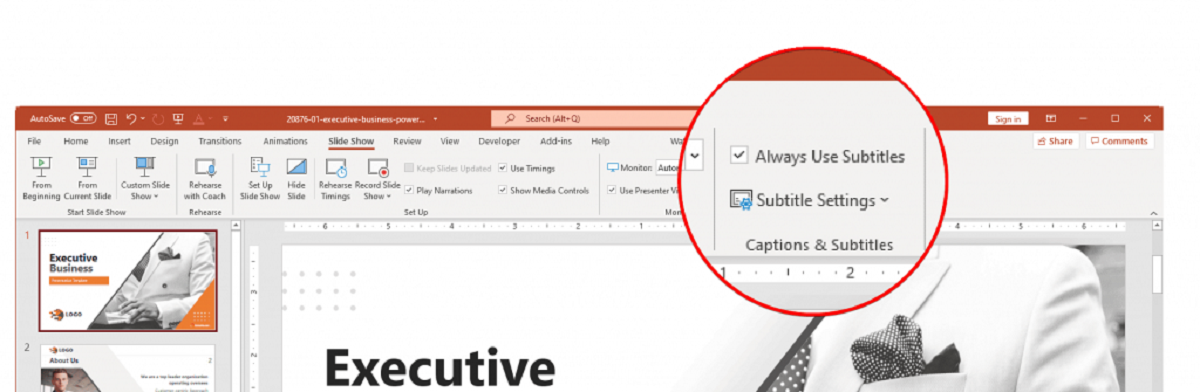
To add subtitles in PowerPoint, you need to use one of two distinct methods depending on your goal: live captions for a real-time presentation or closed captions embedded into a...
To turn off subtitles on Disney Plus, you must do so while a video is actively playing. Your last used subtitle settings are saved and applied to future videos, so...
This website uses cookies so that we can provide you with the best user experience possible. Cookie information is stored in your browser and performs functions such as recognising you when you return to our website and helping our team to understand which sections of the website you find most interesting and useful.
Strictly Necessary Cookies
Strictly Necessary Cookie should be enabled at all times so that we can save your preferences for cookie settings.
If you disable this cookie, we will not be able to save your preferences. This means that every time you visit this website you will need to enable or disable cookies again.