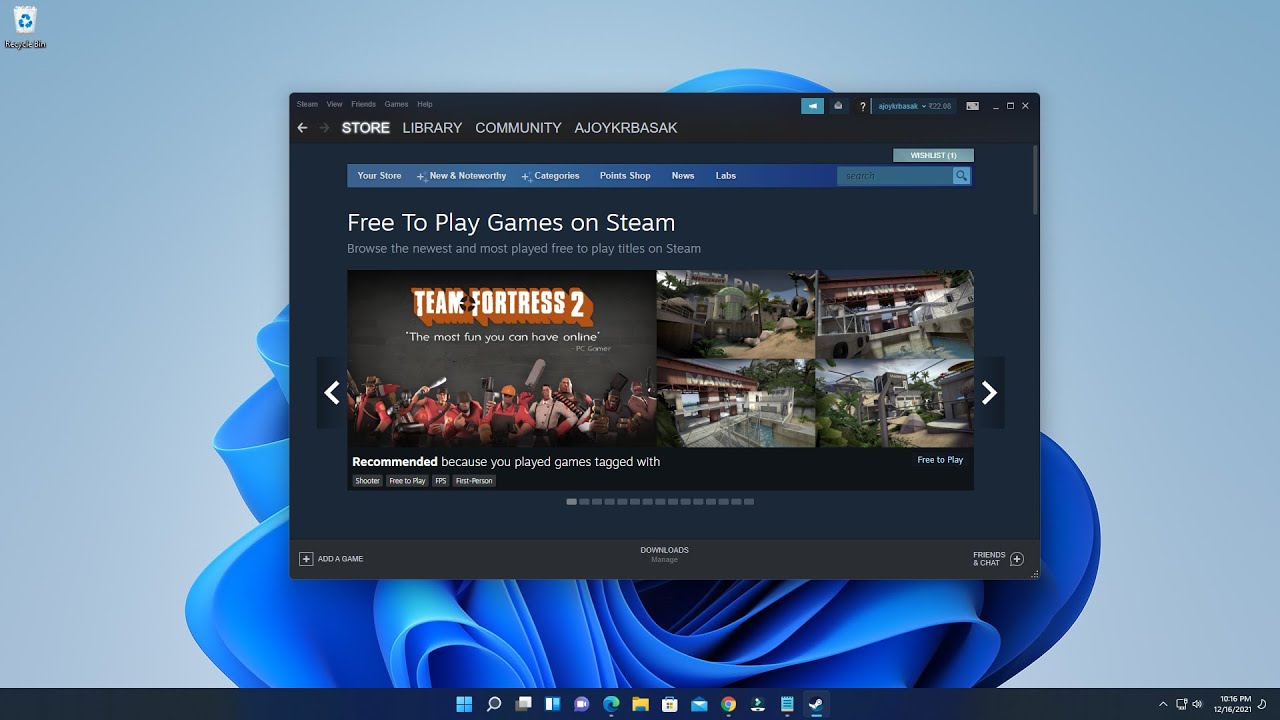
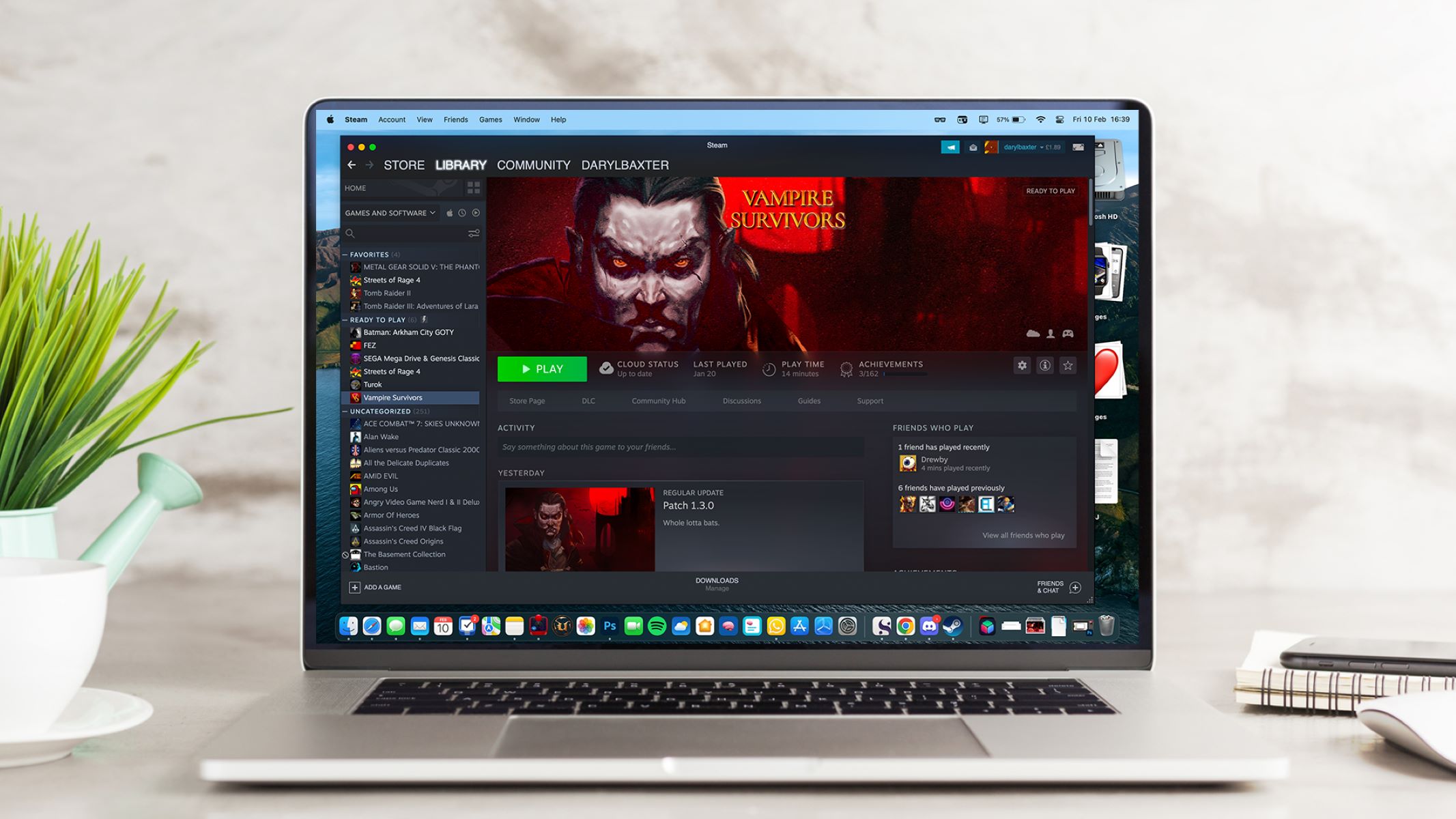
This tag collects articles about Steam, the PC gaming platform, and the wider ecosystem of games, tools, and services that surround it. It is written for everyday players, from first-time downloaders to veteran strategists, who want practical, no-nonsense help with their digital library, storefront quirks, and favorite titles. Whether you are installing a game for the first time, managing refunds, or linking accounts across consoles, these guides focus on the steps you can take yourself.

The articles fall into a few clear themes. One is getting games onto your machine and keeping them running: beginners will find walkthroughs for downloading Steam games, canceling a download, or playing Windows titles on a Mac. Another theme is account and store management, including how to gift a game, request a refund, or link a PlayStation account to Steam. A third theme covers specific game guides and early-access reviews, such as the horror hit Phasmophobia, the co-op survival title Valheim, or the RPG remaster Geneforge 1: Mutagen. For those curious about legal alternatives, several pieces highlight free download sites and legitimate streaming services, while others address account sign-in and logout issues in games like Among Us.

Across the board, the tag helps readers do things, install, manage, play, and troubleshoot, without pushing anyone toward risky shortcuts. Where piracy or unofficial downloads come up, the framing stays on safe, legal options and the reasons to avoid shady sources. If you need to know how to refund a game, where to play Age of Empires for free, or whether an early-access title is worth your time, this collection has a straightforward answer.


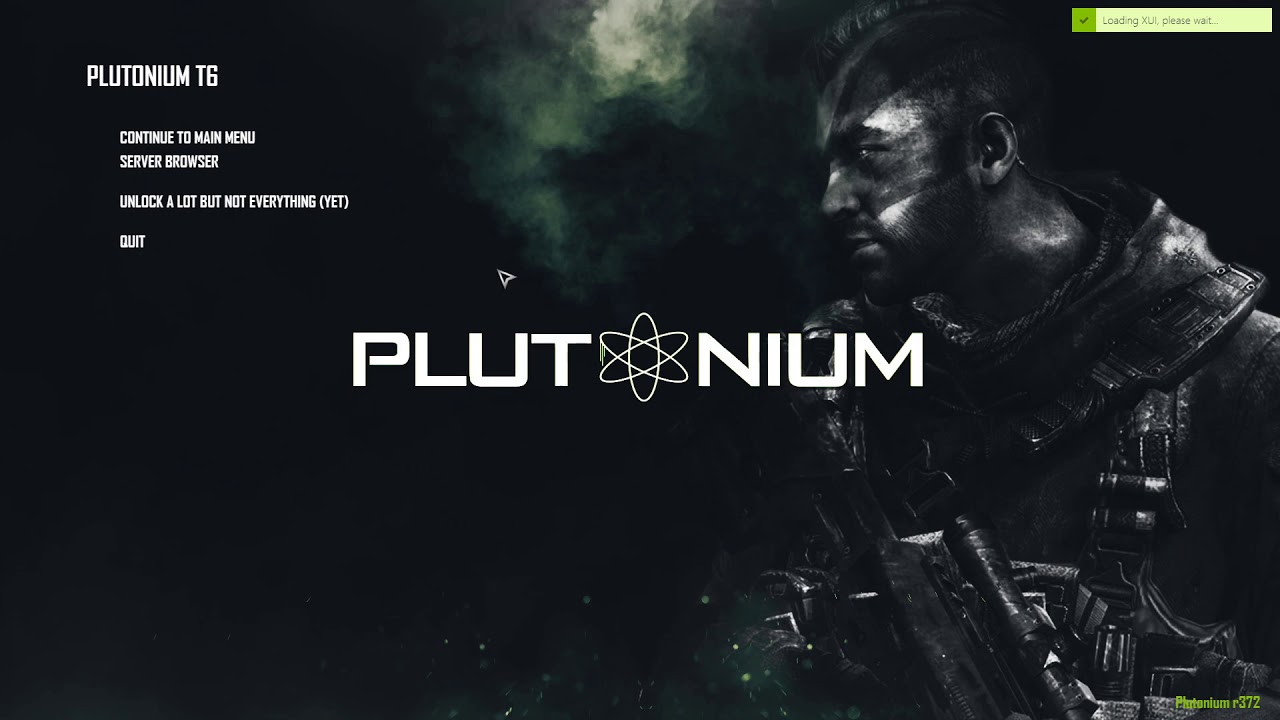
How To Download Plutonium BO2

What you need before you download Plutonium BO2 To download Plutonium BO2, you need a 64-bit Windows 8.1 or newer system with DirectX 11, at least 500 MB of free...

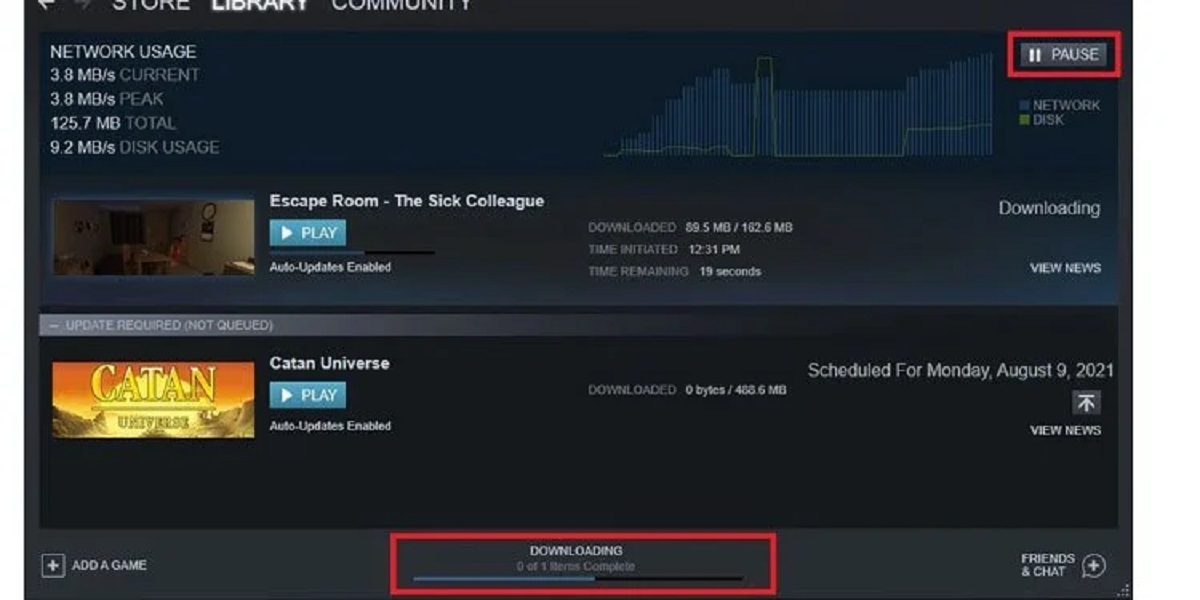
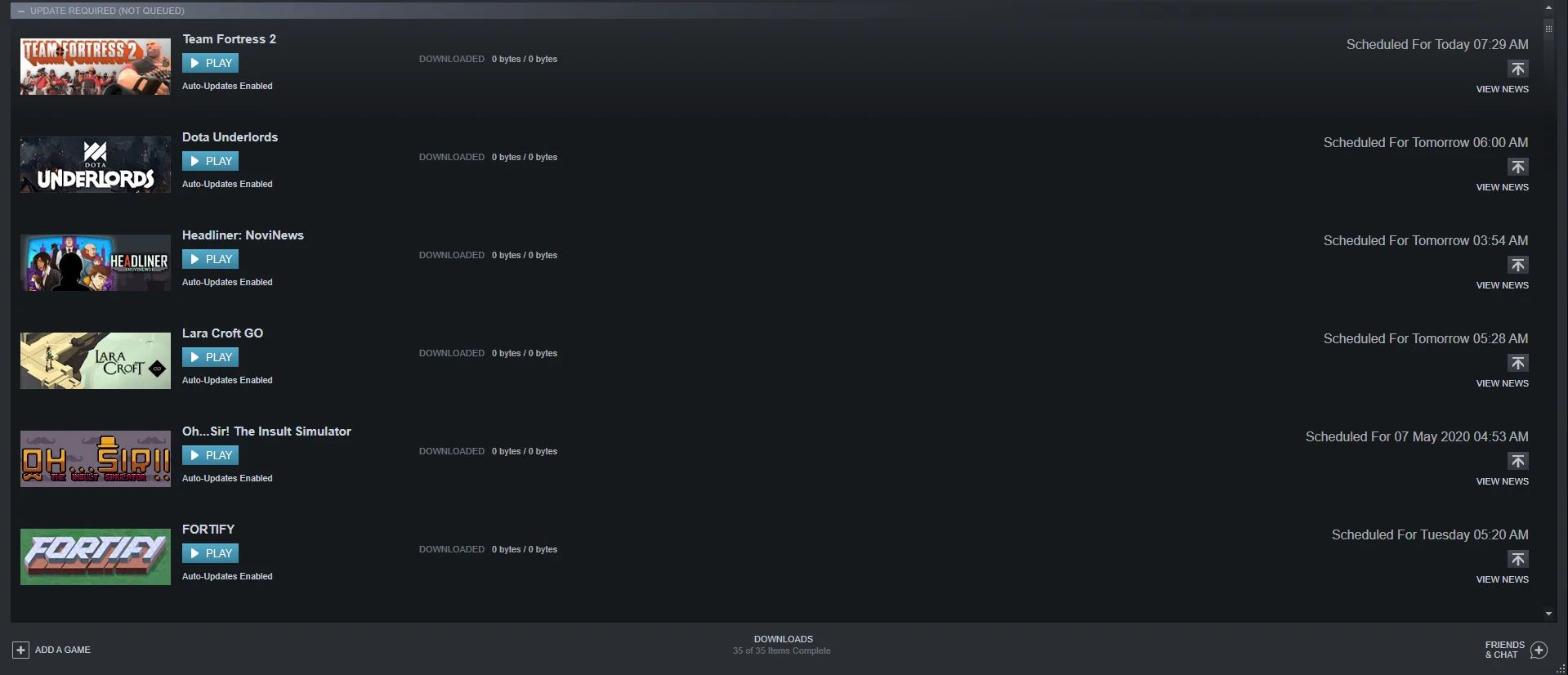
How To Cancel A Download On Steam

To cancel a download on Steam, open the Steam client and click the "Downloads" link at the bottom of the window. In the Download Manager, click the "X" button next...

How To Download Steam Games For Free

To download free Steam games legally, you can permanently add titles to your library through limited-time giveaways, play always-available free-to-play games, or try demos and free weekends. These three official...

How To Download Free Games

Where to download free games legally If you want to download free games without risking your PC or accounts, start with official storefronts. When you search for free game download...

How To Play Windows Steam Games On Mac

Yes, you can play Windows Steam games on a Mac, but the best method depends on whether you have an Intel or Apple Silicon processor. Since macOS Catalina (10.15), Apple...

How To Link Playstation To Steam

Linking your PlayStation Network account to Steam does not mean connecting your PlayStation console to your PC to stream games; instead, it is an account connection that enables cross-play and...

20 Best RPG Maker Horror Games to Play Today

RPG Maker horror games offer some of the most creative, unsettling, and memorable experiences in indie gaming, often prioritizing atmospheric storytelling and psychological scares over high-budget production. Whether you're looking...

How to Gift a Game on Steam? (A Guide)

To gift a game on Steam, locate the game in the Steam Store, add it to your cart, and select "This is a gift" from the dropdown menu under the...