This tag collects articles about Steam, the PC gaming platform, and the wider ecosystem of games, tools, and services that surround it. It is written for everyday players, from first-time downloaders to veteran strategists, who want practical, no-nonsense help with their digital library, storefront quirks, and favorite titles. Whether you are installing a game for the first time, managing refunds, or linking accounts across consoles, these guides focus on the steps you can take yourself.

The articles fall into a few clear themes. One is getting games onto your machine and keeping them running: beginners will find walkthroughs for downloading Steam games, canceling a download, or playing Windows titles on a Mac. Another theme is account and store management, including how to gift a game, request a refund, or link a PlayStation account to Steam. A third theme covers specific game guides and early-access reviews, such as the horror hit Phasmophobia, the co-op survival title Valheim, or the RPG remaster Geneforge 1: Mutagen. For those curious about legal alternatives, several pieces highlight free download sites and legitimate streaming services, while others address account sign-in and logout issues in games like Among Us.

Across the board, the tag helps readers do things, install, manage, play, and troubleshoot, without pushing anyone toward risky shortcuts. Where piracy or unofficial downloads come up, the framing stays on safe, legal options and the reasons to avoid shady sources. If you need to know how to refund a game, where to play Age of Empires for free, or whether an early-access title is worth your time, this collection has a straightforward answer.
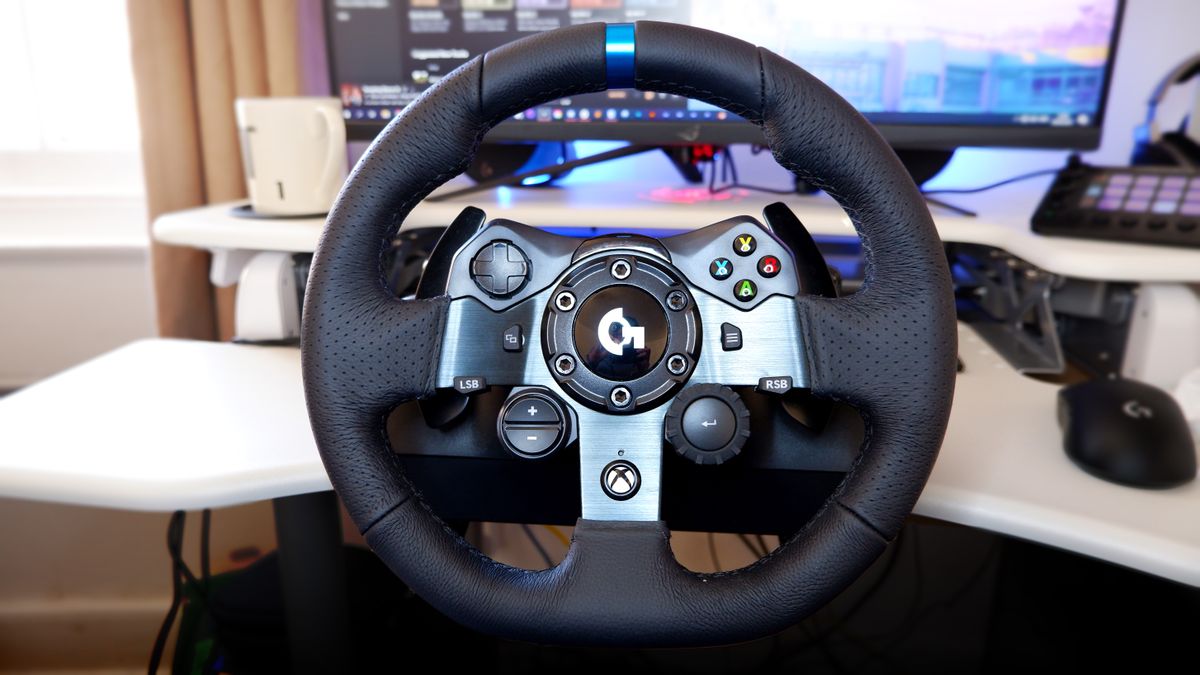
How To Configure Racing Wheel On Steam

To configure racing wheel on Steam, you need to install the manufacturer's drivers, connect the wheel to your PC, and then adjust Steam's controller settings so the wheel is recognized...

How To Allocate More RAM To Stardew Valley

You can’t manually “allocate more RAM to Stardew Valley” because the game doesn’t expose a RAM slider, and no launch option flag will force it to use a fixed memory...

How To Manually Download From Steam Workshop

To manually download from Steam Workshop means to bypass the Steam client's subscribe button and use an external tool to retrieve the raw mod files directly to your computer. This...

How To Download Calamity Mod Terraria

To download Calamity Mod Terraria, you need to own Terraria on PC and install tModLoader from Steam, that’s the only platform where the mod runs. Once tModLoader is set up,...

How To Download GTA 5

How to download GTA 5 on your platform If you need to download GTA 5, the only safe way on PC is through an official store like Steam, the Epic...

How To Download Sims 4 Free

Getting the base game and expansions for download sims 4 free You can download Sims 4 free by claiming the base game on any official platform. Because The Sims 4...

How To Download The Sims 3 For Free On PC

You cannot legally download The Sims 3 on PC for free from official sources, as the full base game is a paid product. However, if you already own a legitimate...

How To Download FNAF Security Breach

To download FNAF Security Breach, you must buy it from an official digital storefront and then install it through that platform’s app or website. The download process is straightforward once...

How To Download Wallpaper From Steam

To download wallpaper engine wallpapers, you need to purchase and install the paid Wallpaper Engine application on Steam, which enables live, animated wallpapers on your Windows desktop. This guide covers...