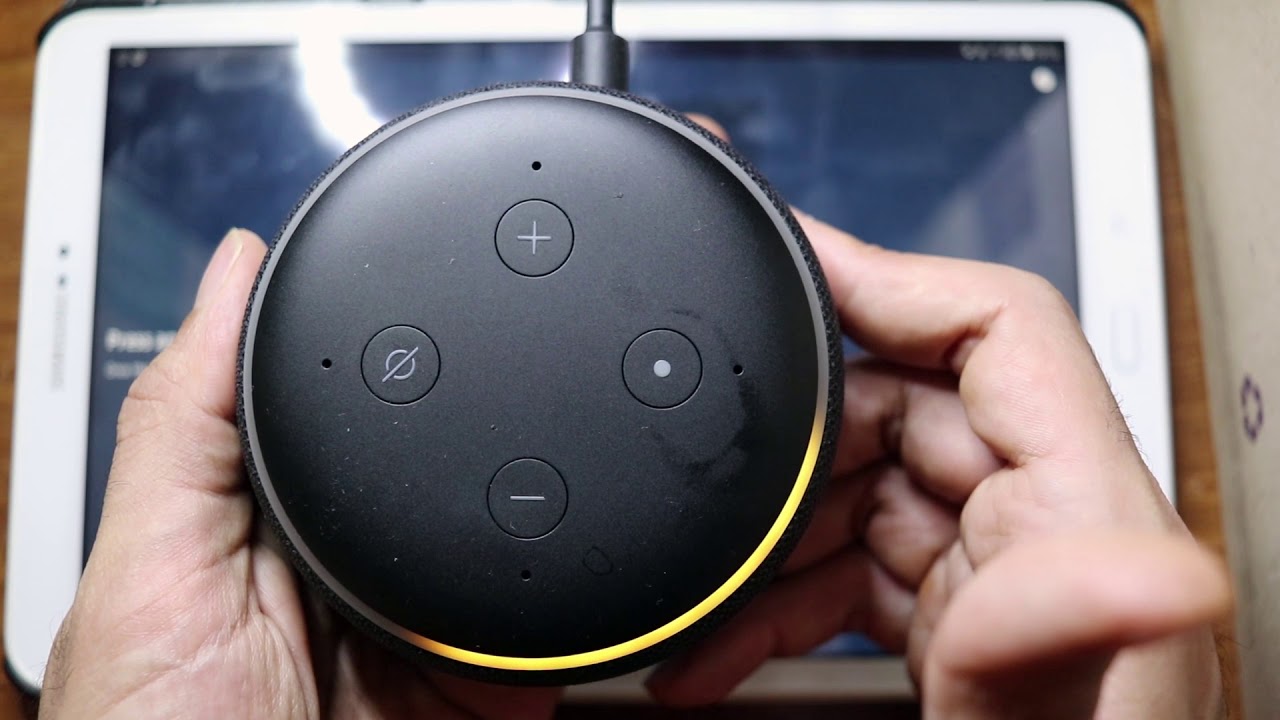
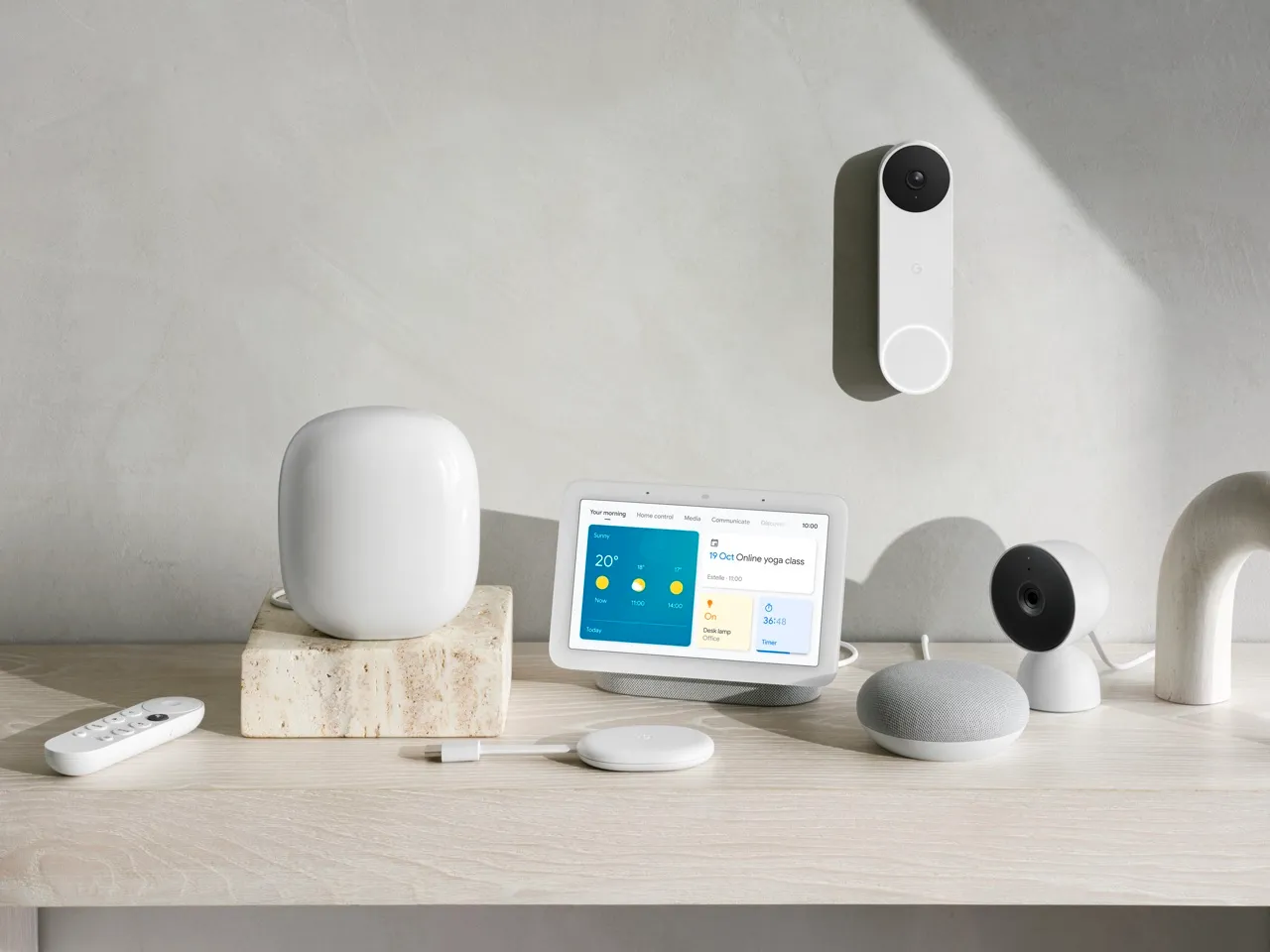
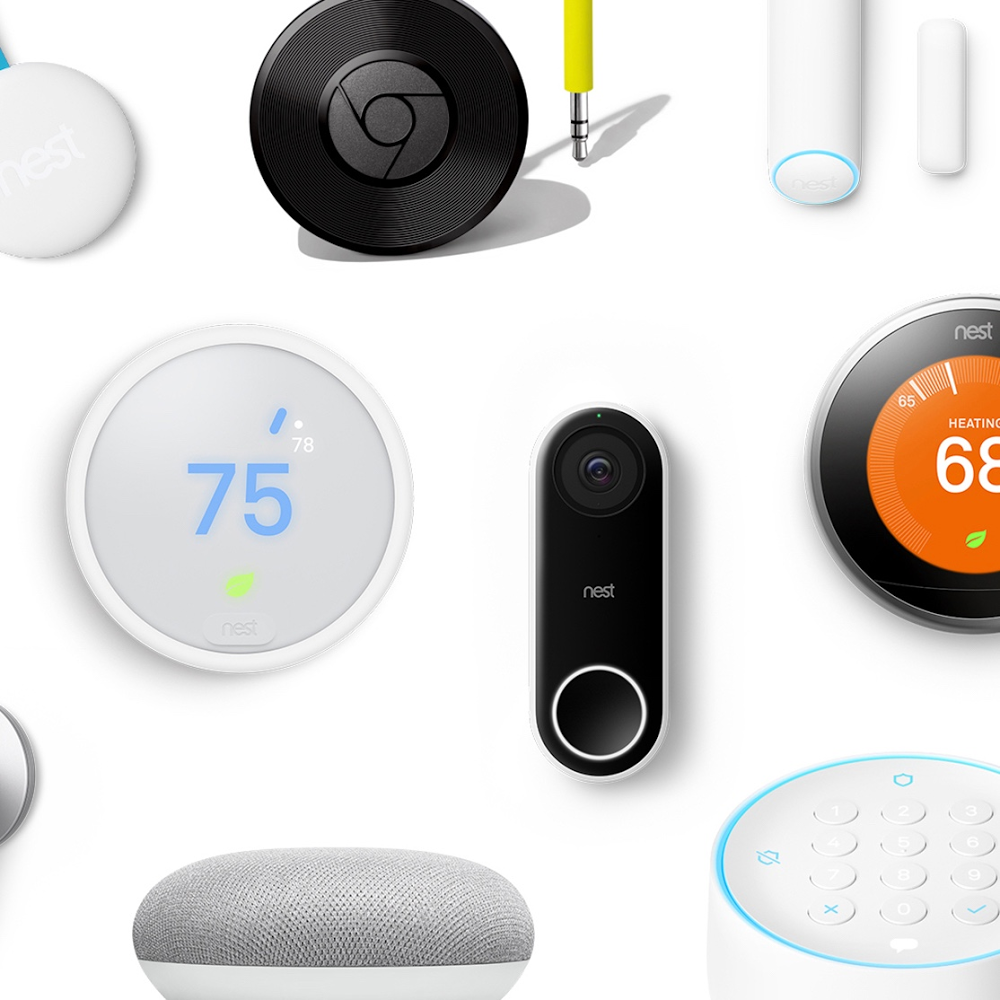
Practical, hands-on articles about making your home more connected and automated. It is written for homeowners and renters who want to choose, set up, or troubleshoot everyday smart devices, from thermostats and security cameras to robot vacuums, smart locks, and Wi-Fi speakers. If you are comparing brands like Nest, iRobot, or August, or trying to get a new gadget working with Alexa or Google Nest, this tag points you to clear, product-specific guidance.
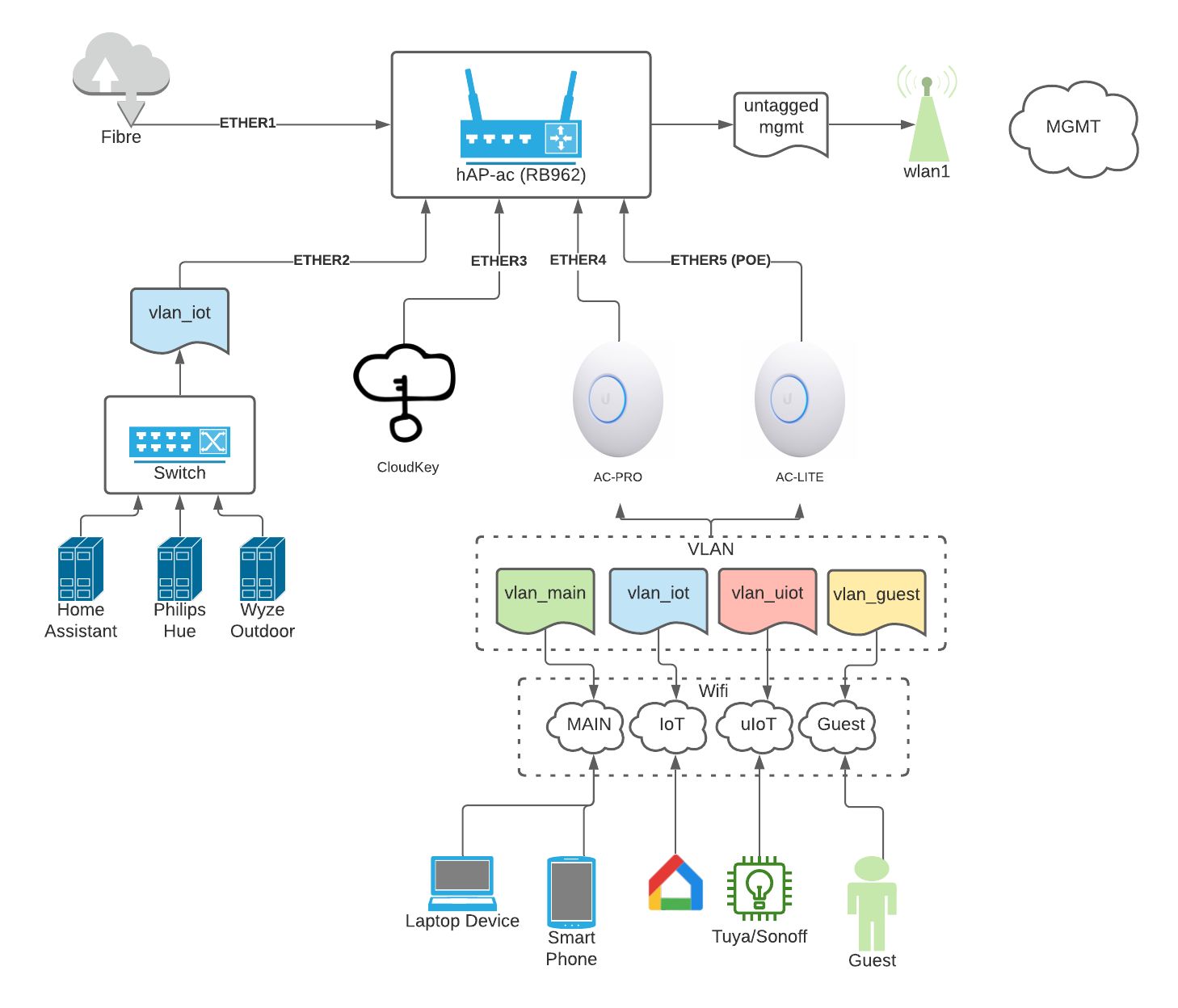
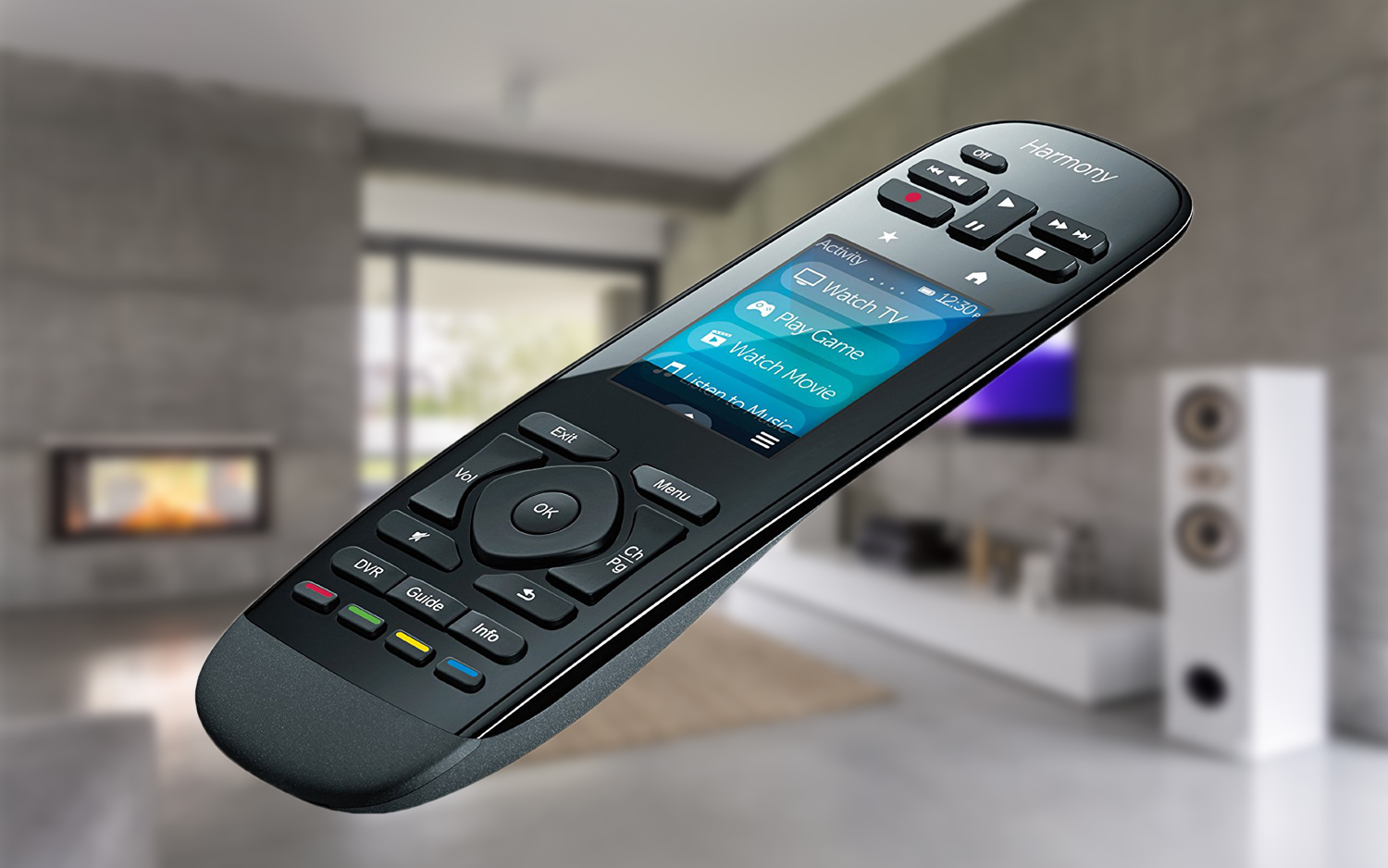
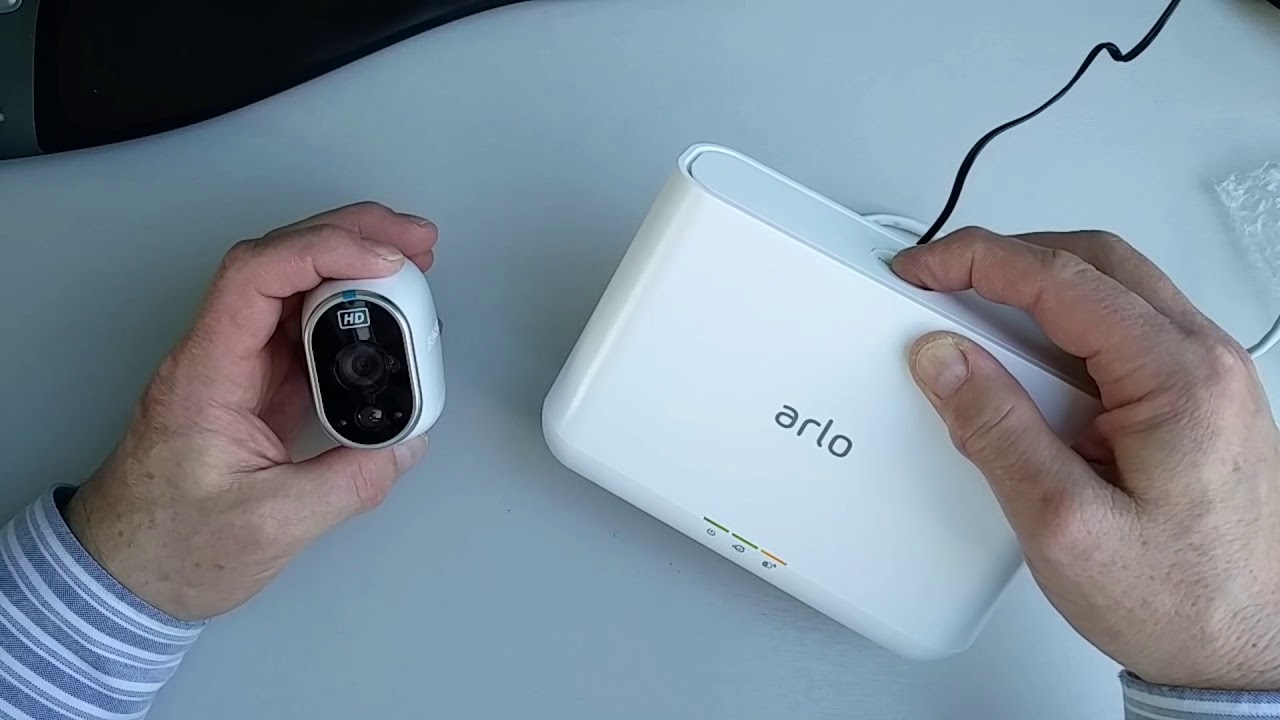
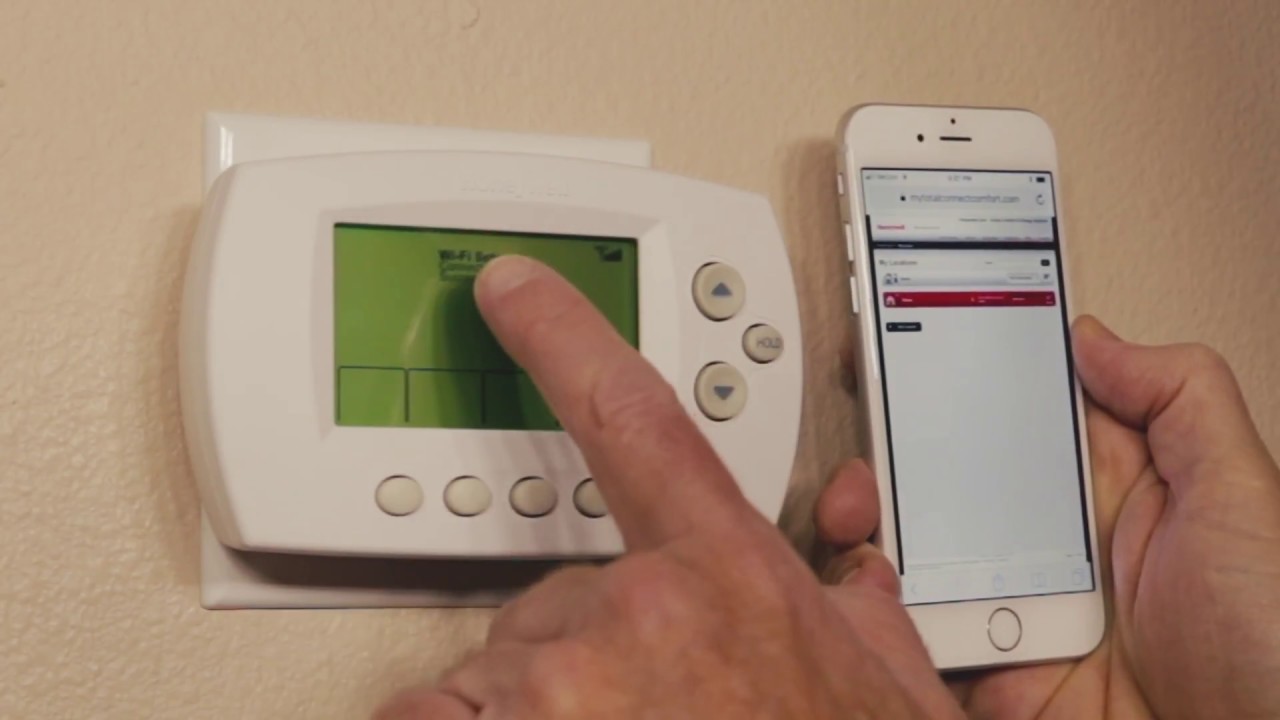
The articles here help you solve two main kinds of problems. First, many pieces are buying guides: they compare current models, explain features, and highlight what to look for in a specific category, such as the best Wi-Fi thermostats for 2024, top mesh systems, or the strongest smart garage door openers. Second, a large group of articles focus on setup and connectivity, for example, connecting an Arlo base station to Wi-Fi, resetting a Logitech remote, or linking a Honeywell thermostat to your network. These walk you through the steps to get devices talking to each other, often with a focus on making sure your home network is ready.
Beyond convenience, several articles address security and safety from a legitimate owner’s perspective. Reviews of Nest, Blink, and Lorex cameras help you choose and position home surveillance to protect your property, while guides to smart locks and deadbolts explain how to control access securely, using codes, schedules, or remote locking, rather than as any workaround. Other pieces, like those on Sonoff Wi-Fi switches or Instant Pot smart models, show how to automate daily routines safely. Whether you are upgrading a single device or planning a fuller connected home, these articles give you the comparisons and step-by-step help to make it work.