Safe Mode is a catch-all tag for troubleshooting articles that help everyday device owners recover from startup problems, software glitches, and update failures. It is written for people who are not IT professionals but who want to fix their own phones, tablets, TVs, and game consoles without paying for repairs or risking further damage. The articles collected here focus on practical, step-by-step recovery methods, getting a device to boot normally again, clearing a stuck diagnostic screen, or preparing the right files for a system reinstall.
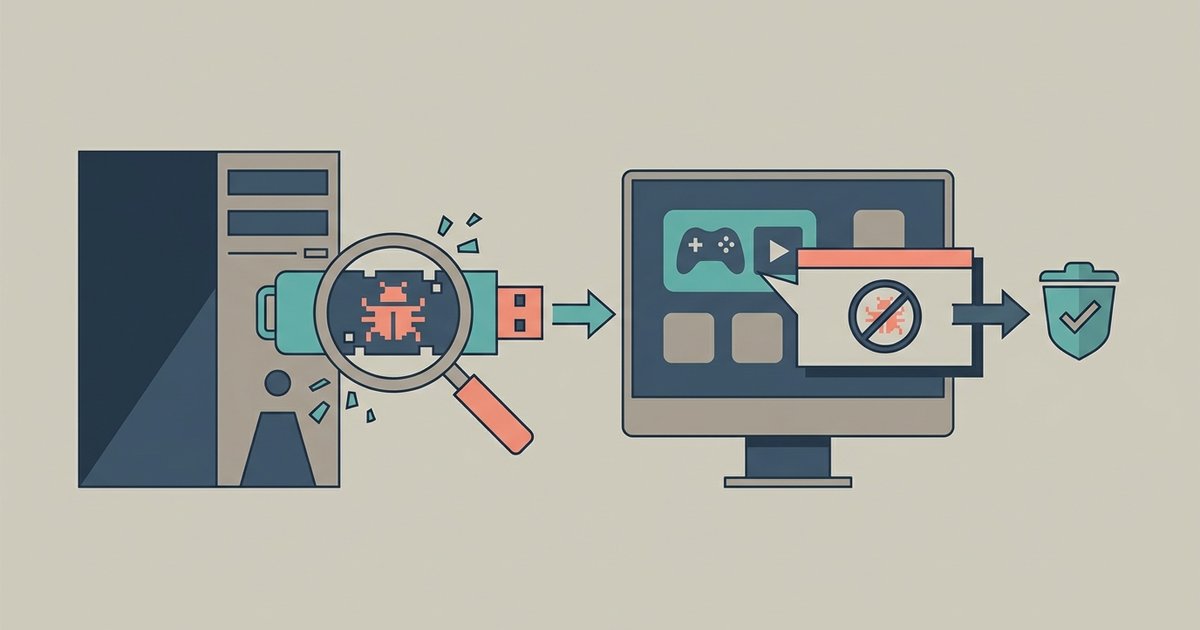
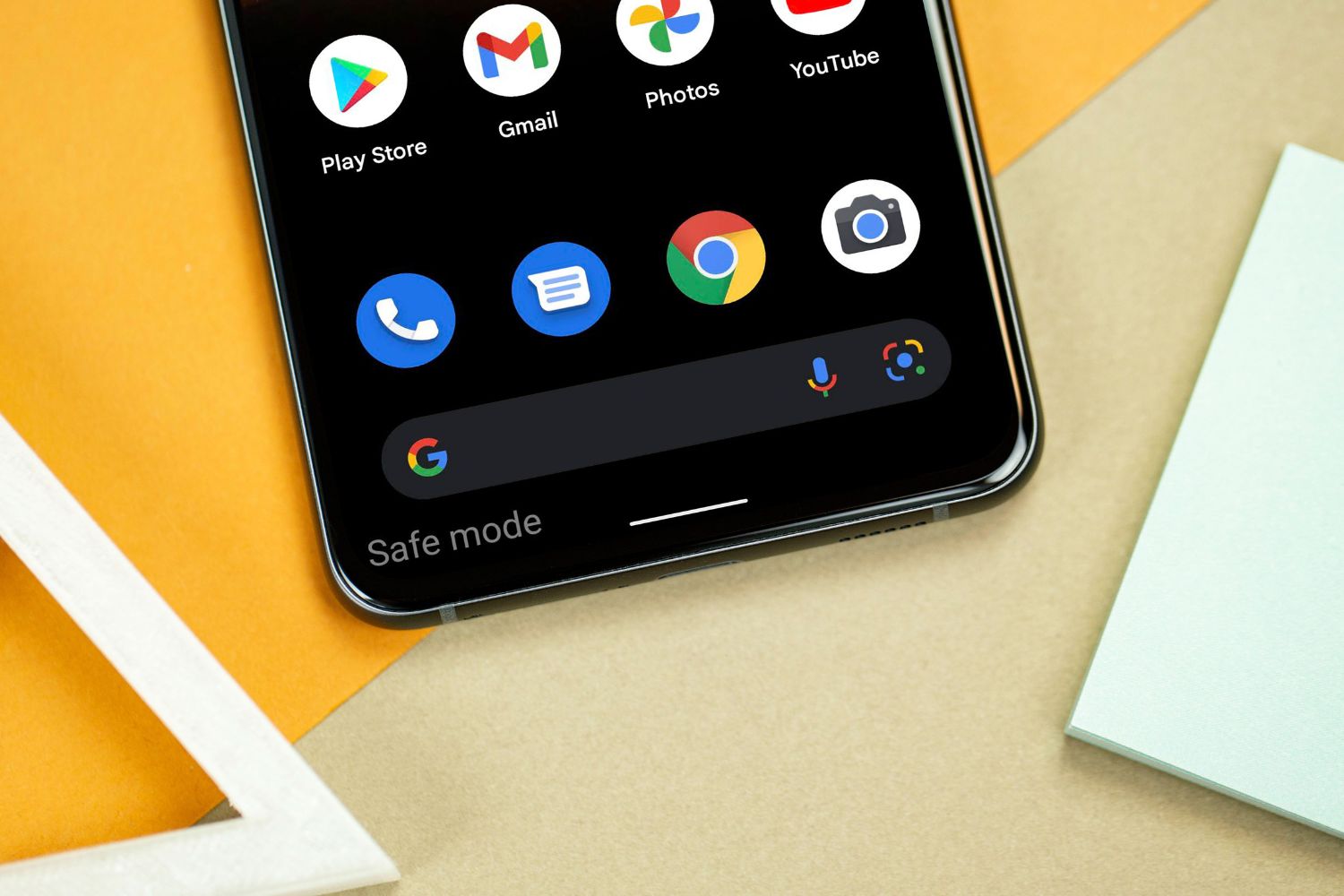
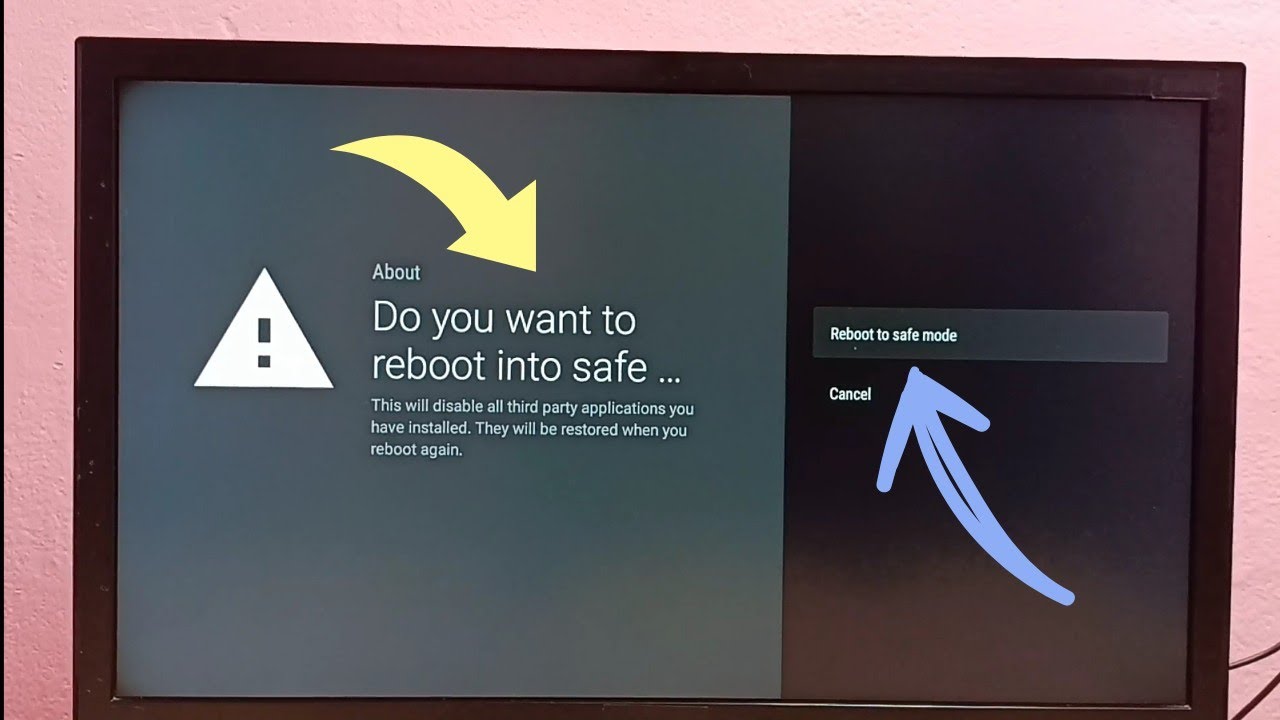
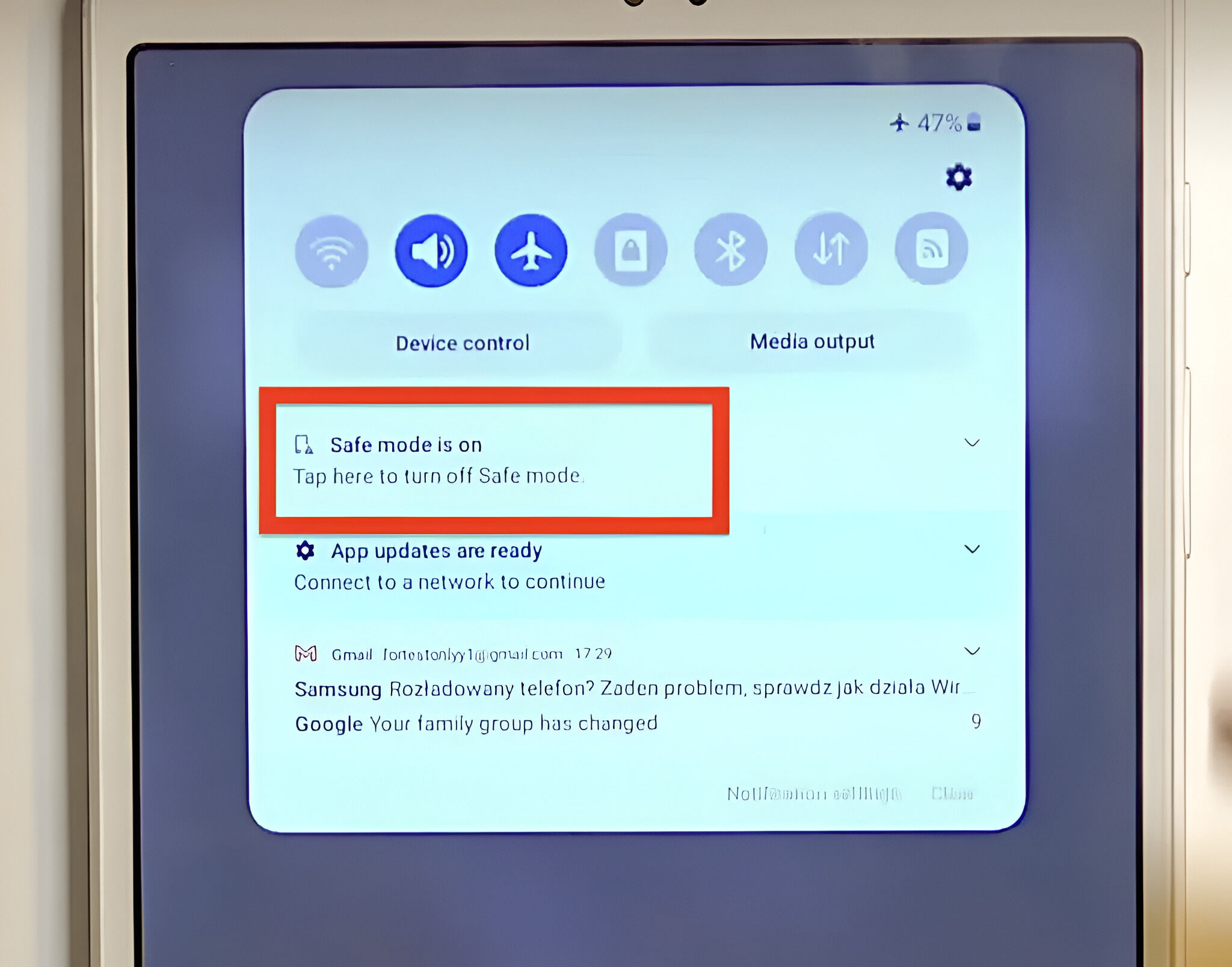
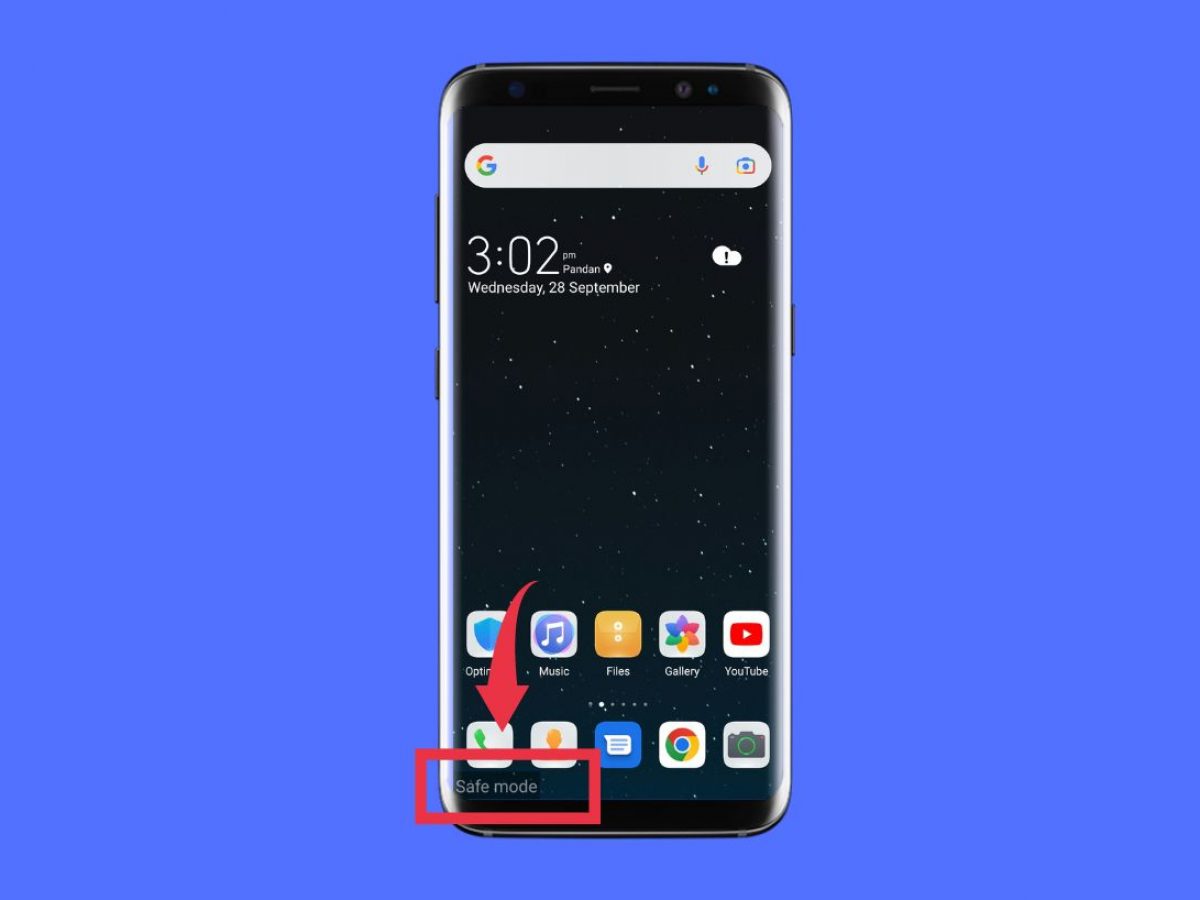
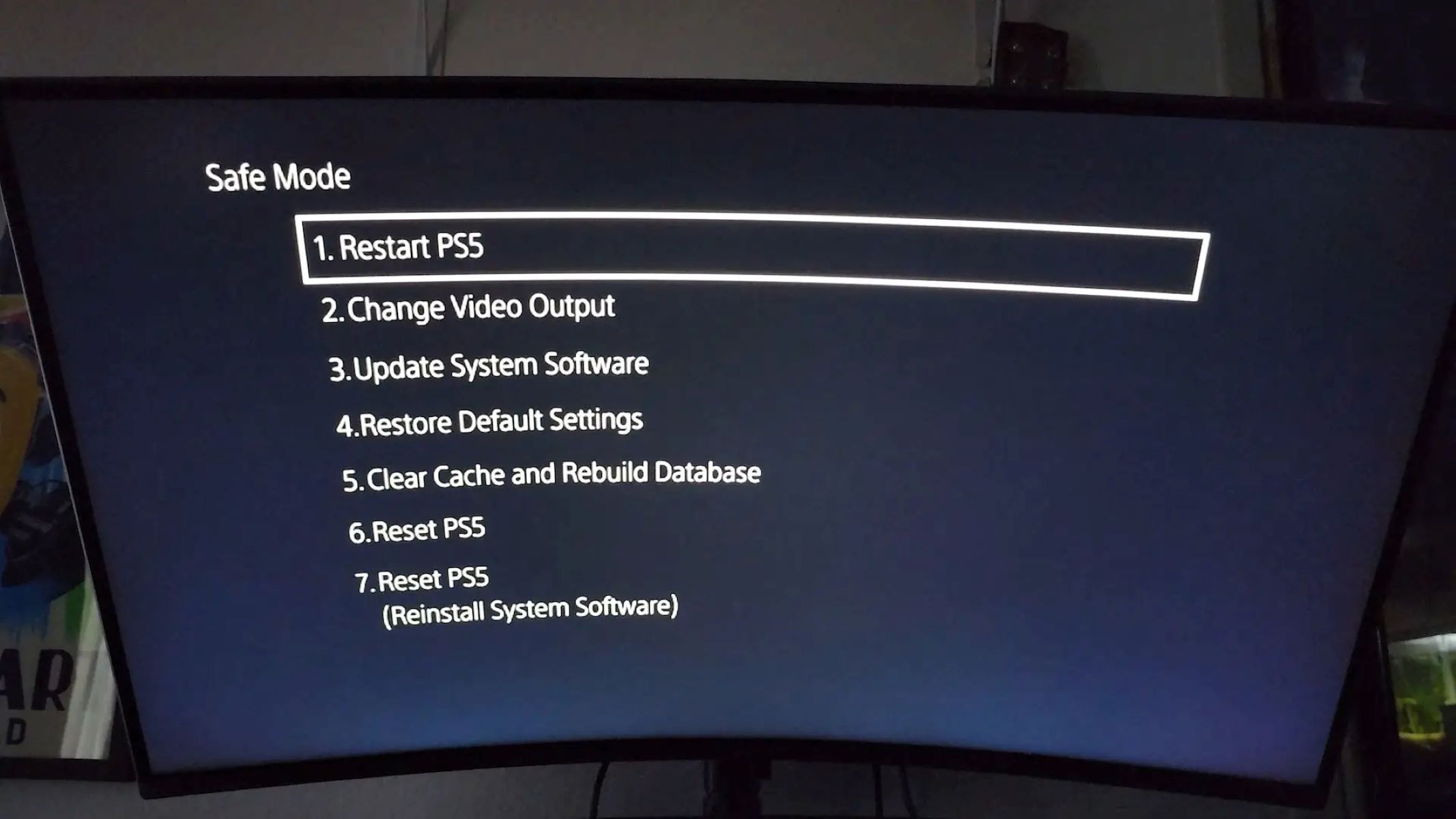
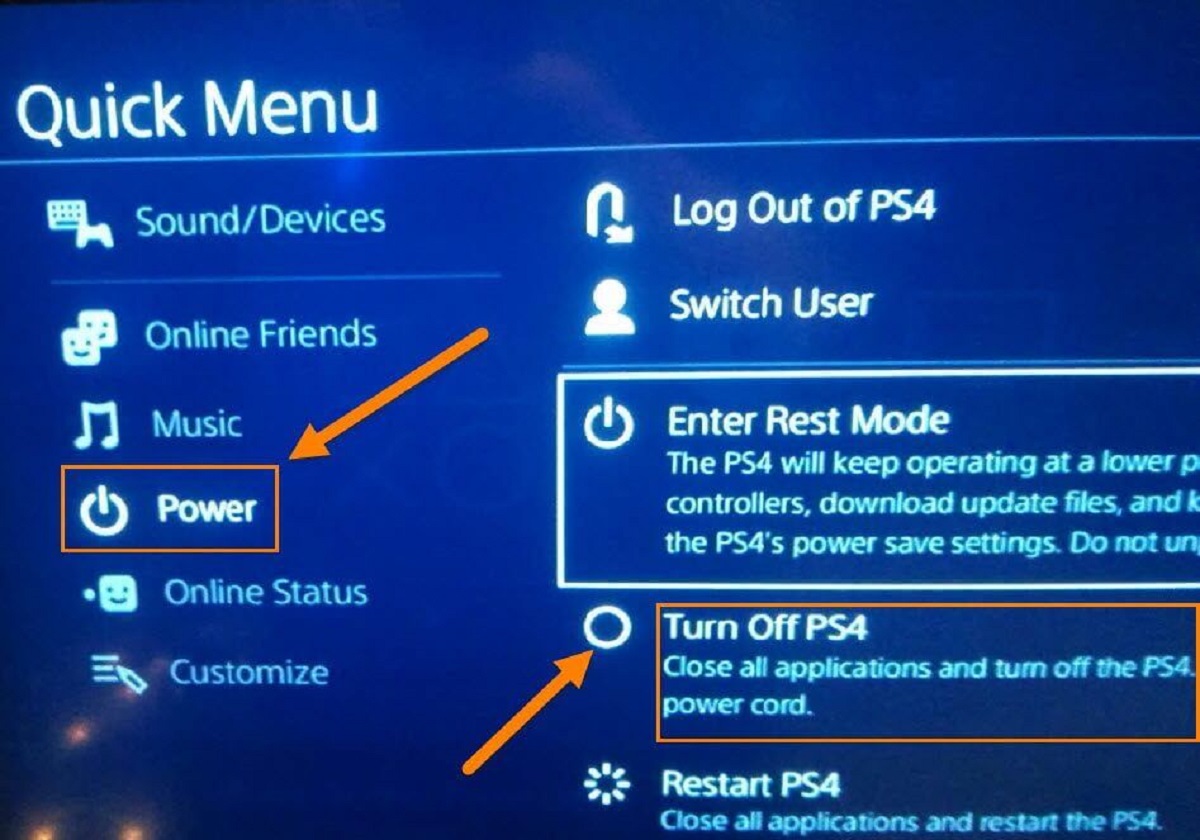
The problems covered fall into two main themes. The first is getting a device out of restricted boot states. Articles like “How To Get Samsung Galaxy Off Safe Mode” and “How To Get My Tablet Off Safe Mode” walk readers through the simple button presses and menu options that end Safe Mode, while “How Do I Get My Tablet Out Of Fastboot Mode” addresses a more technical recovery screen. The second theme is PlayStation troubleshooting, including why a console might power off on its own, how to fix a disc drive that won’t read games, and what USB drive format works for a PS4 Safe Mode update. A third, smaller theme is security-conscious cleanup: “How To Remove Adware That Came With A Repacked Game” explains how to identify and delete unwanted software that arrived with a downloaded game file, and “How To Turn Off Safe Mode On Philips Smart TV” covers a common TV-specific reset.
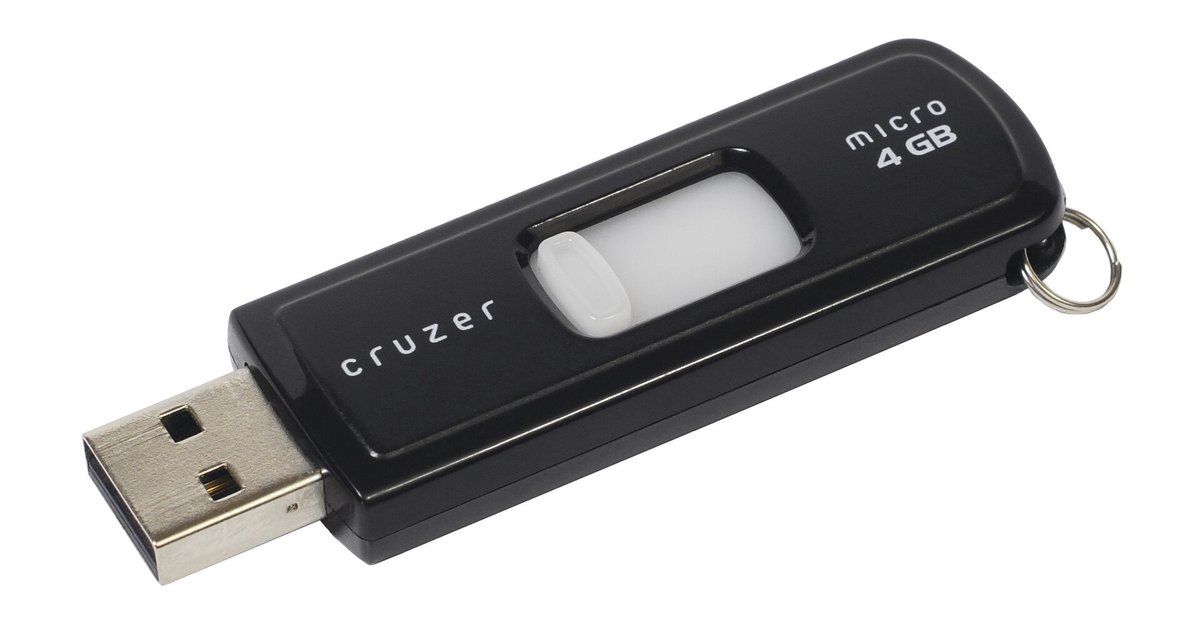
Across these articles, the reader learns to perform safe, reversible actions, like downloading the official update file from PlayStation.com or reformatting a USB drive correctly, rather than attempting risky workarounds. The tag is about restoring normal function, not circumventing protections, and every guide is framed around legitimate, manufacturer-supported steps.