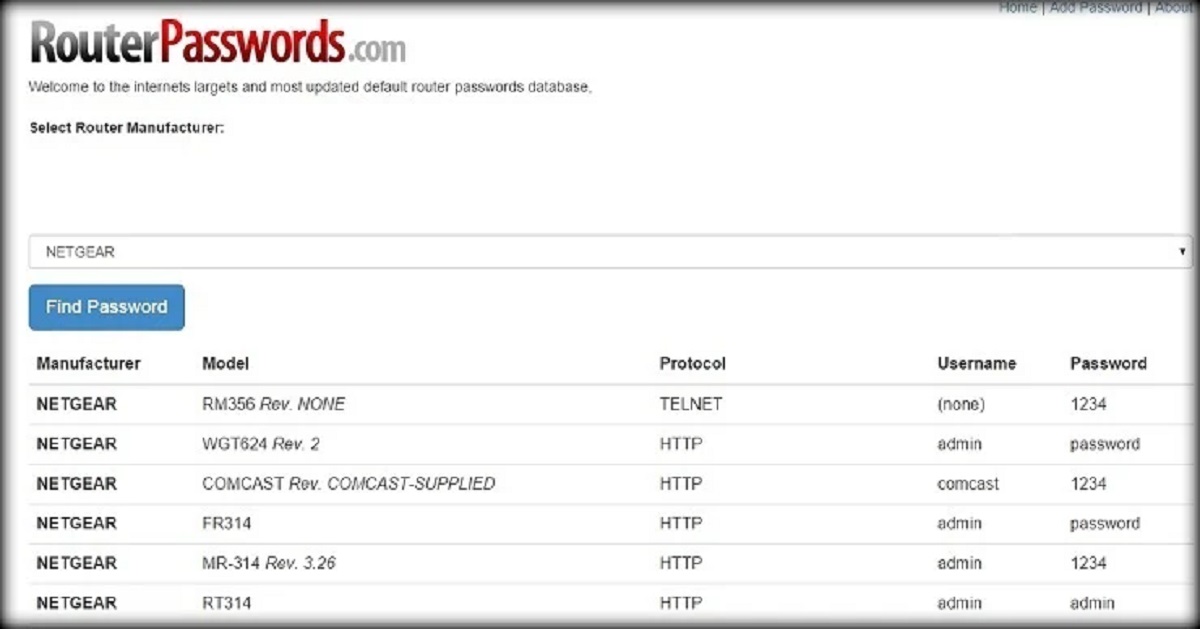
This tag collects all of our articles that deal with the everyday management of your home network and the devices connected to it. It is written for the average consumer, not IT professionals, who just wants their Wi-Fi to work better, whether that means getting a stronger signal in the back bedroom, connecting a stubborn gadget, or simply making sure the neighbors aren’t piggybacking on your bandwidth. If you have ever stared at a router admin page and felt lost, this is the starting point.
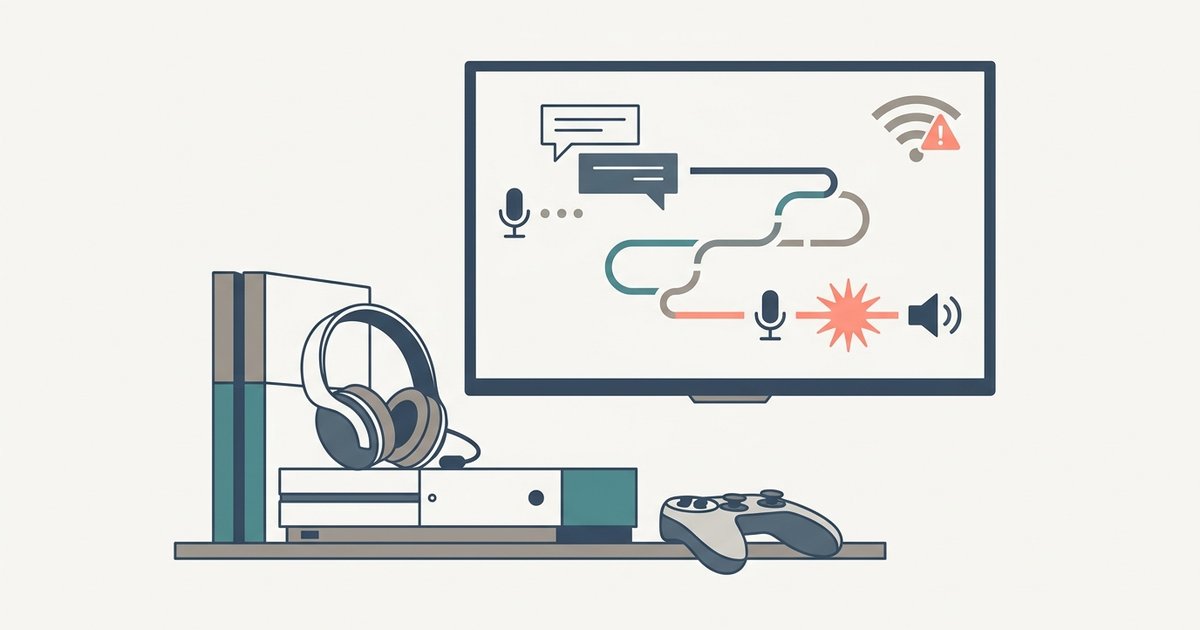
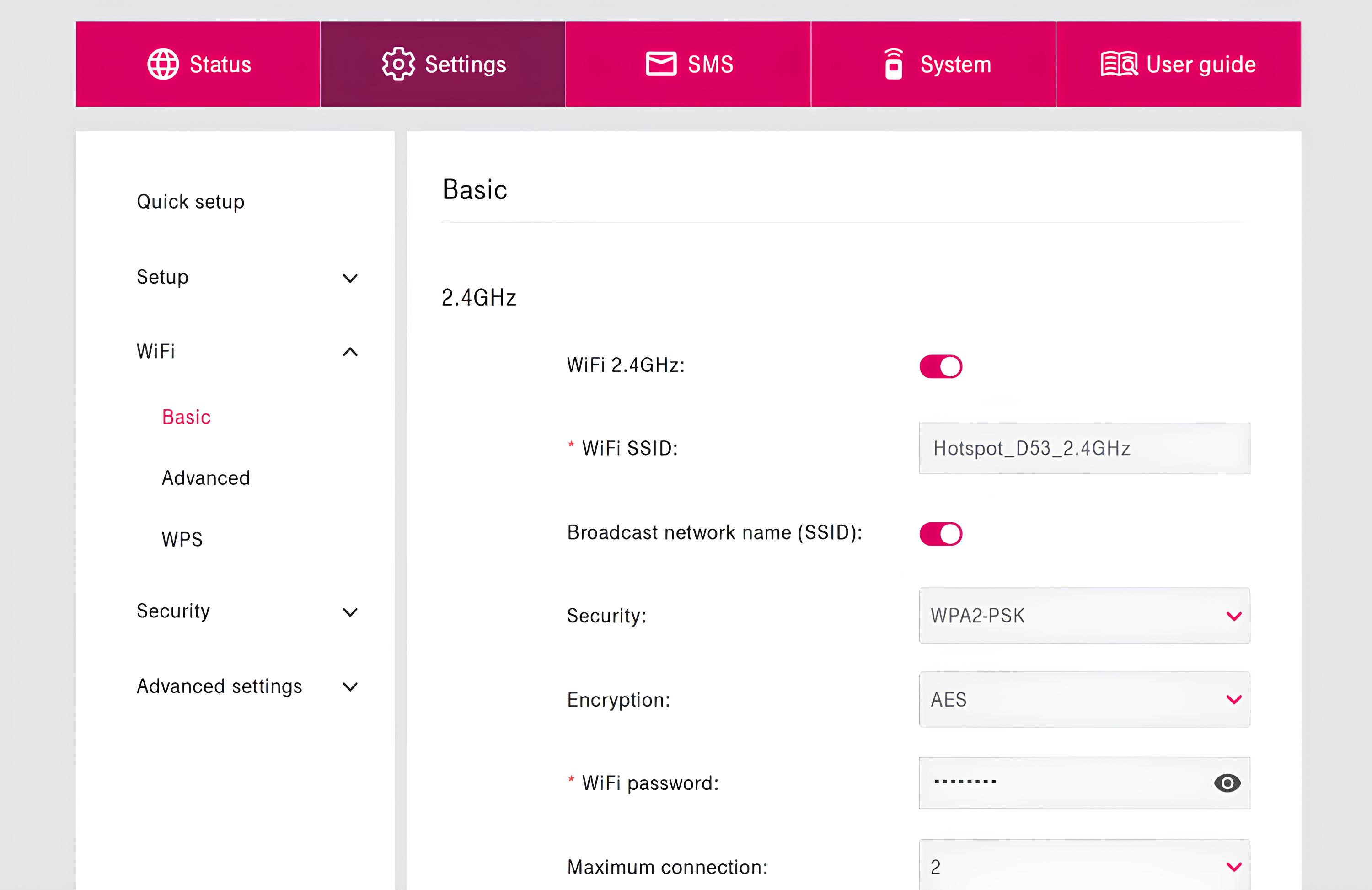
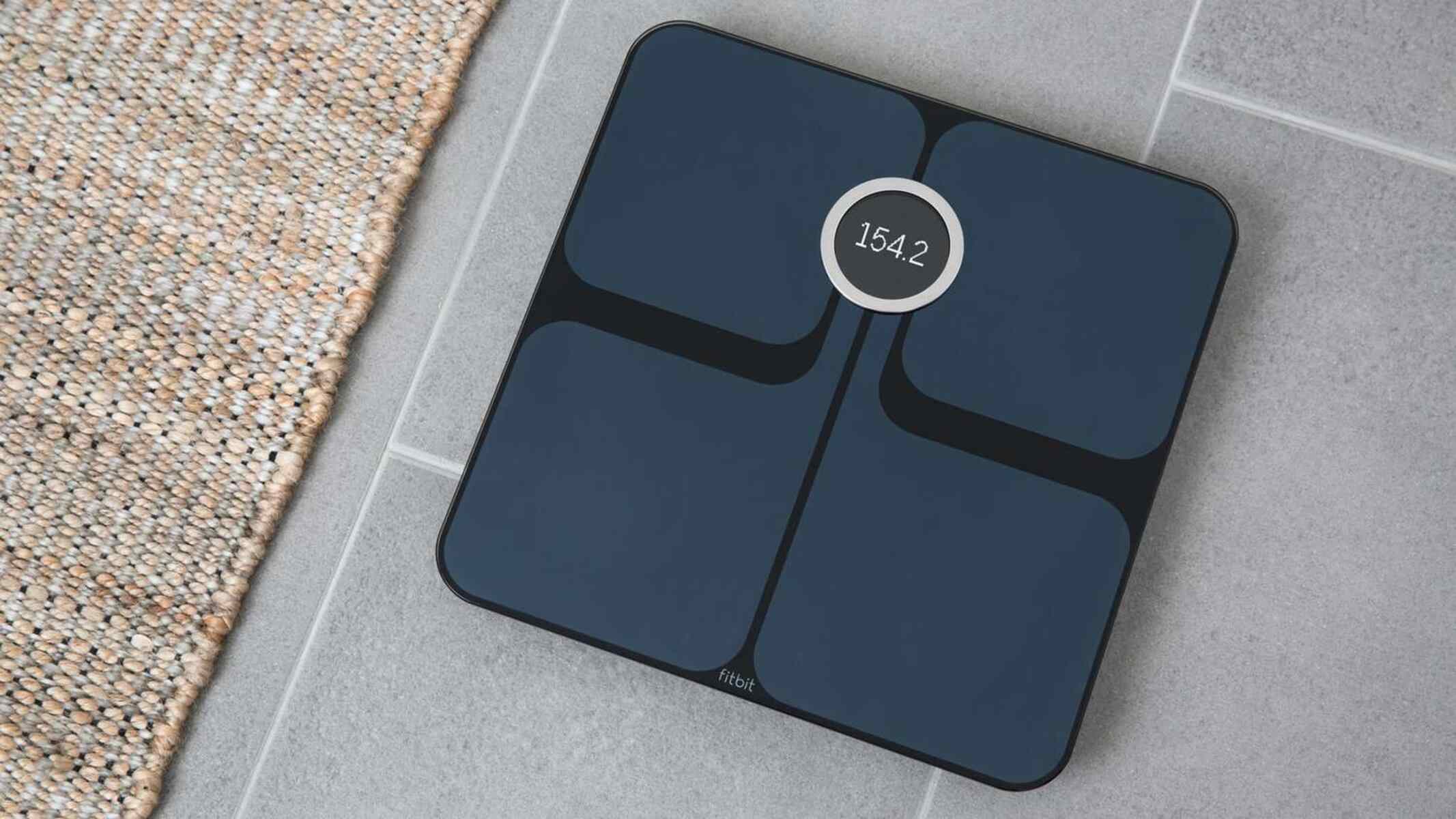
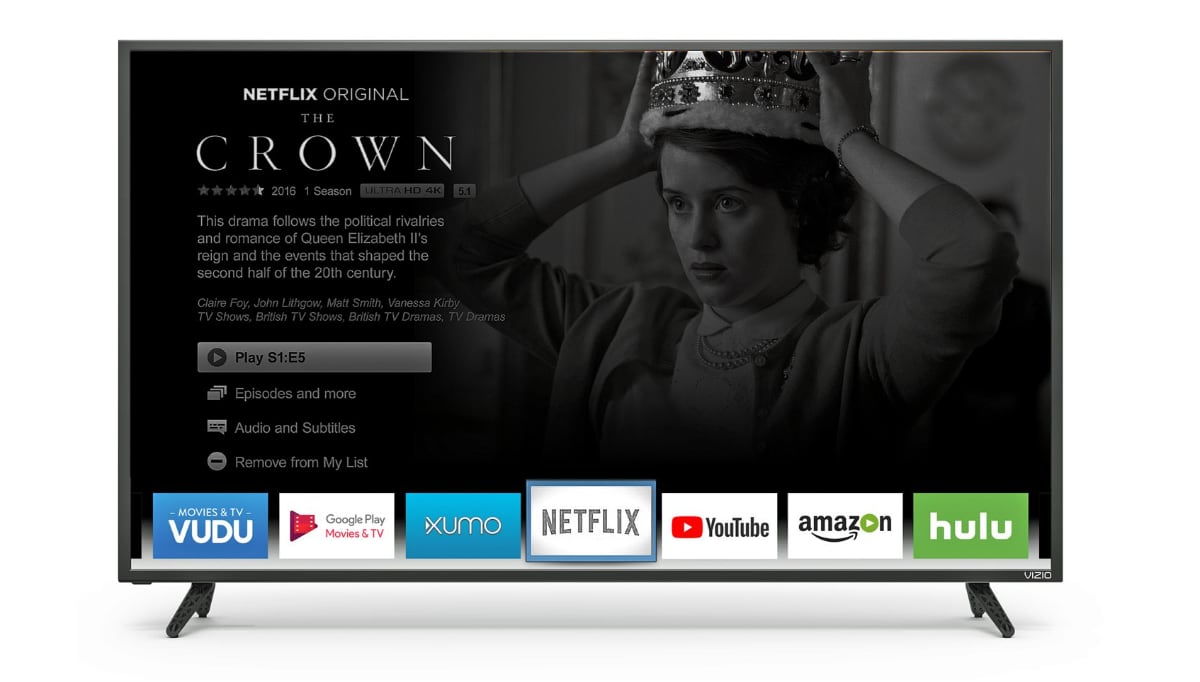
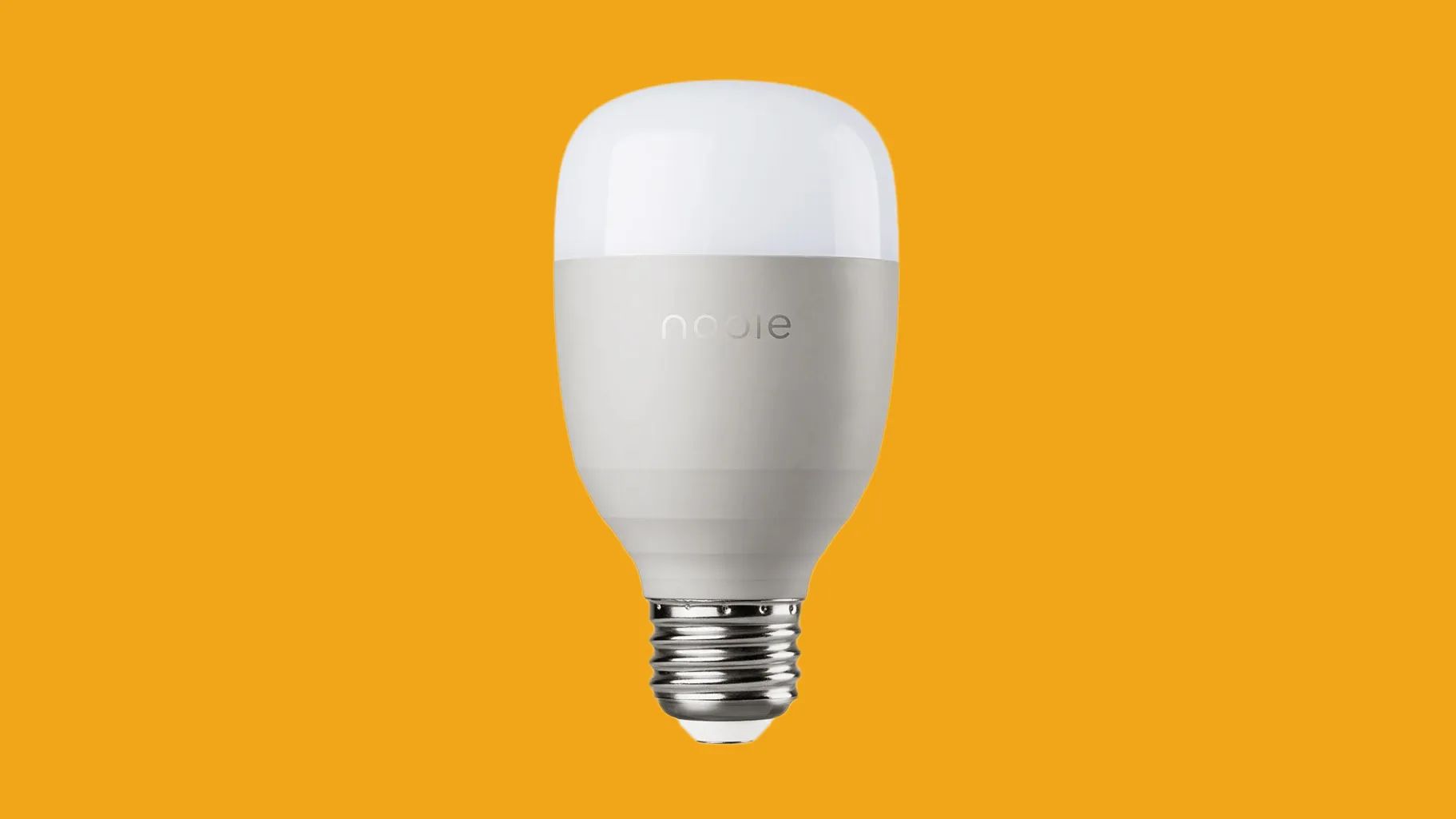
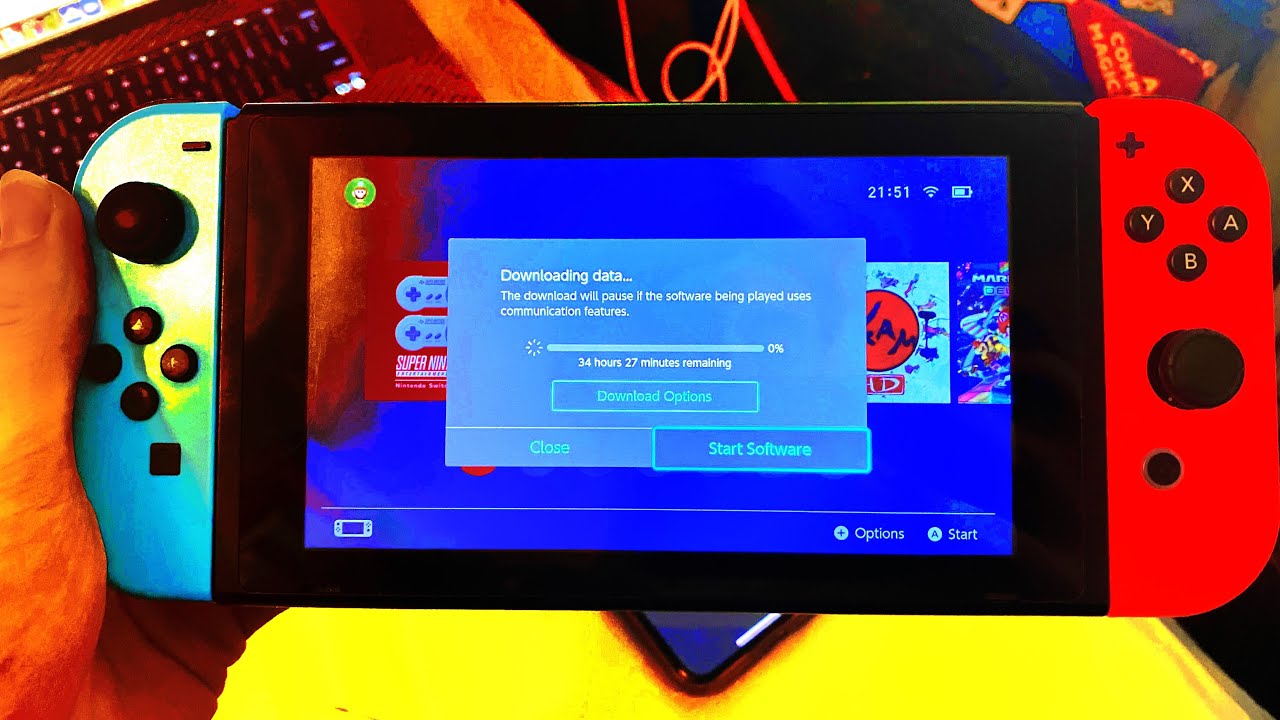
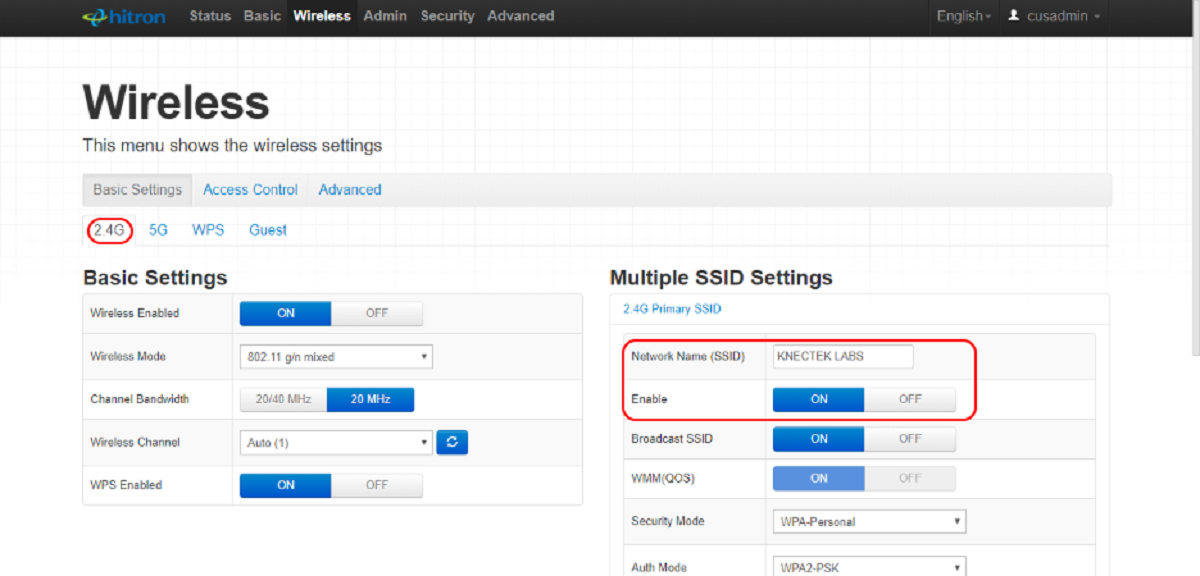
The articles here fall into two practical themes. The first is connectivity and performance: you will find straightforward guidance on switching your network band to 2.4GHz for better range, speeding up downloads on a Nintendo Switch, and troubleshooting why a smart light bulb refuses to pair. The second theme is device-specific configuration and network hygiene. This includes securing your Wi-Fi with a strong password, adjusting the Wi-Fi settings on a Fitbit Aria scale, and accessing the web interface of a mobile hotspot. For entertainment setups, we also cover blocking apps on a Vizio Smart TV and reducing lag in Discord voice chat on a PS5.
Across these pieces, the focus is on what you can do with the settings you already own. Some articles emphasize security best practices, like locking down your network, while others are simple walkthroughs for changing a frequency or forgetting a device. None of them involve bypassing protections or cheating a system, they are about getting your own gear to behave as intended, safely and legally.