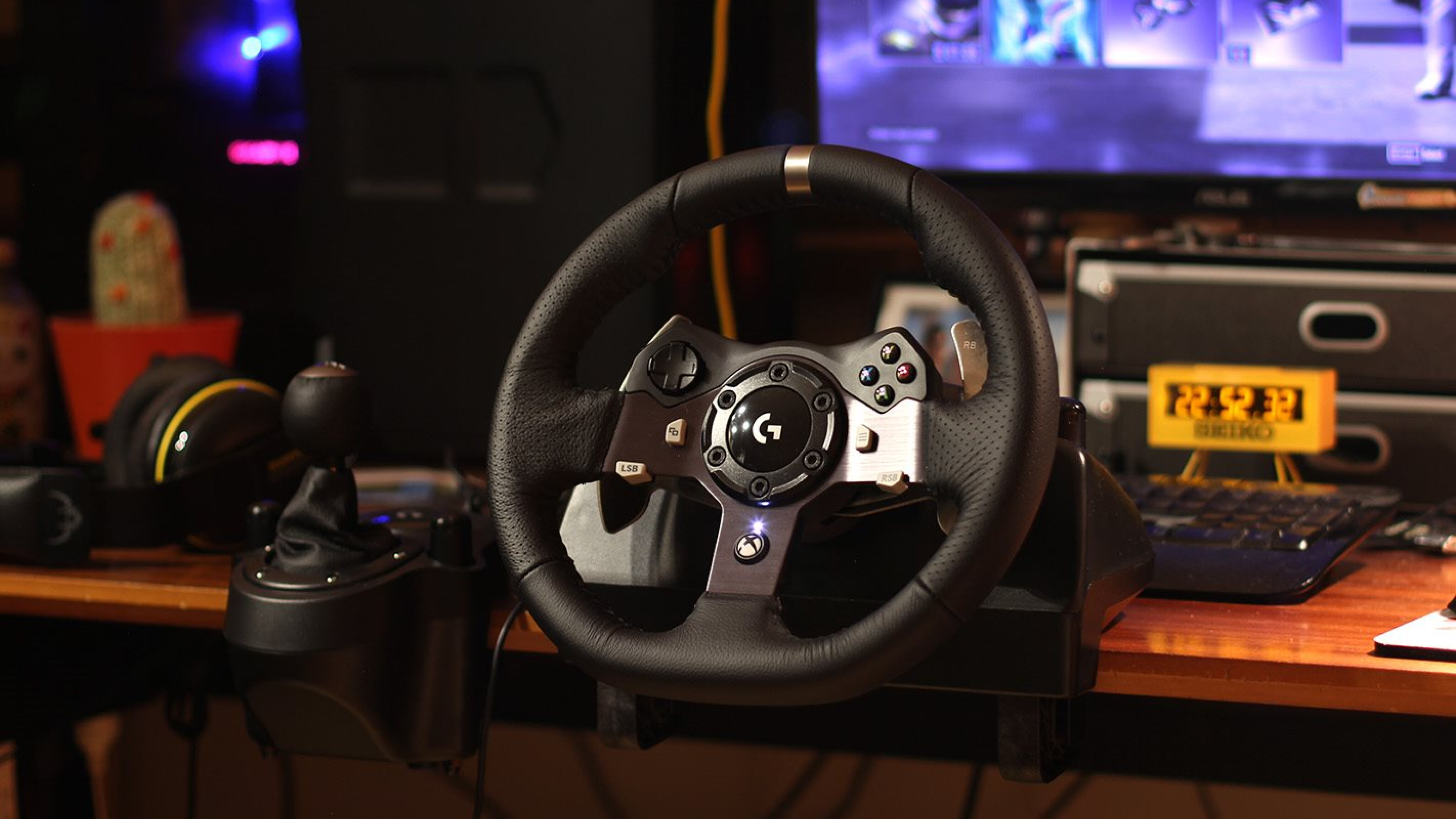
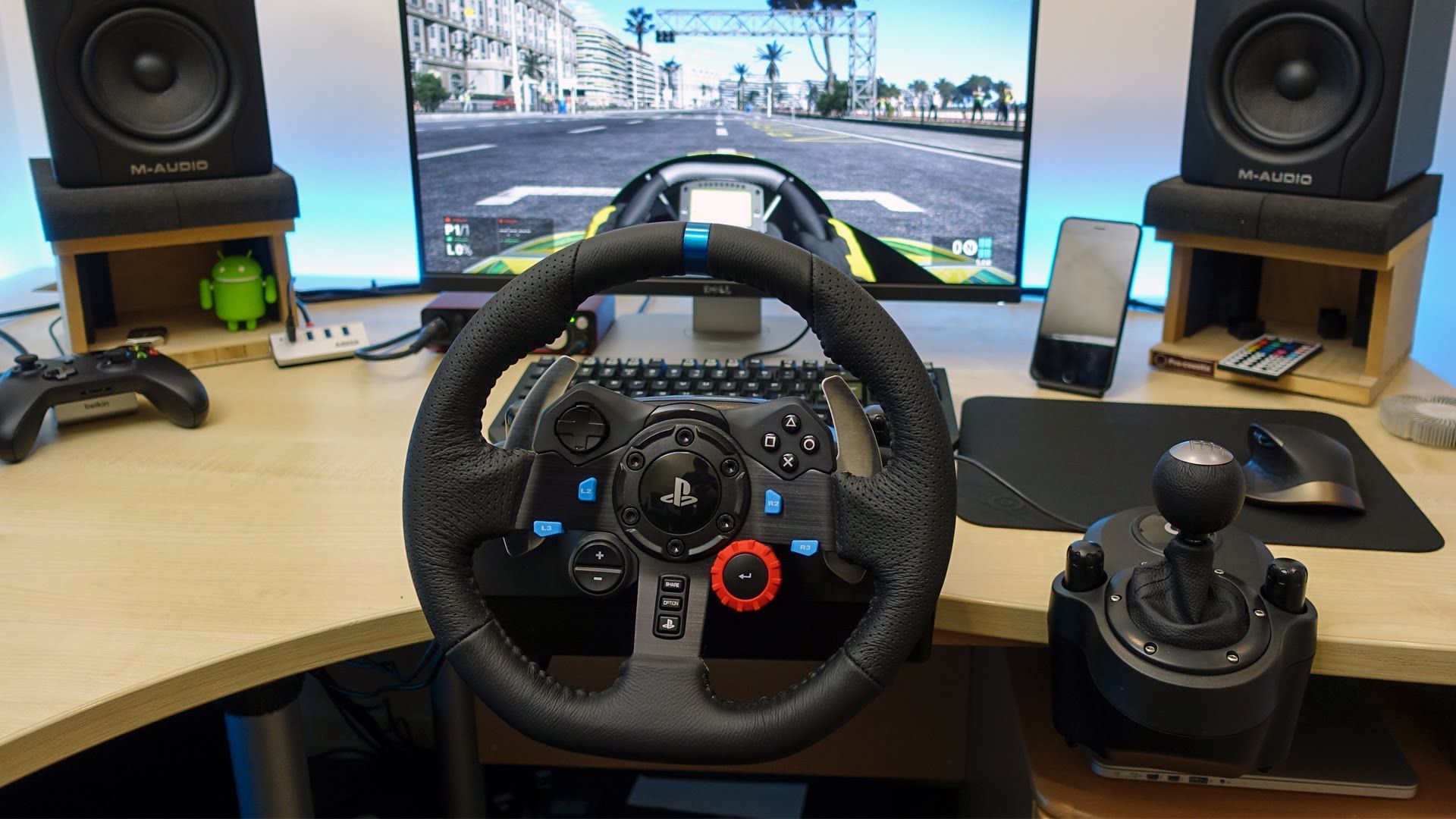
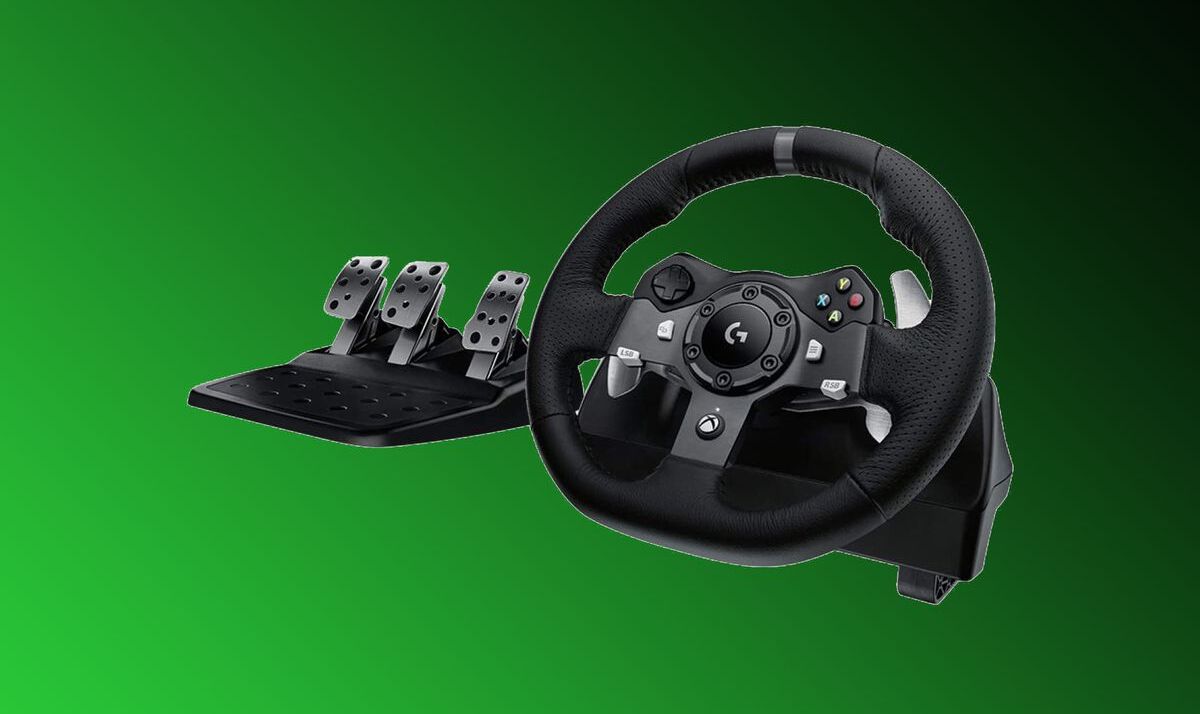
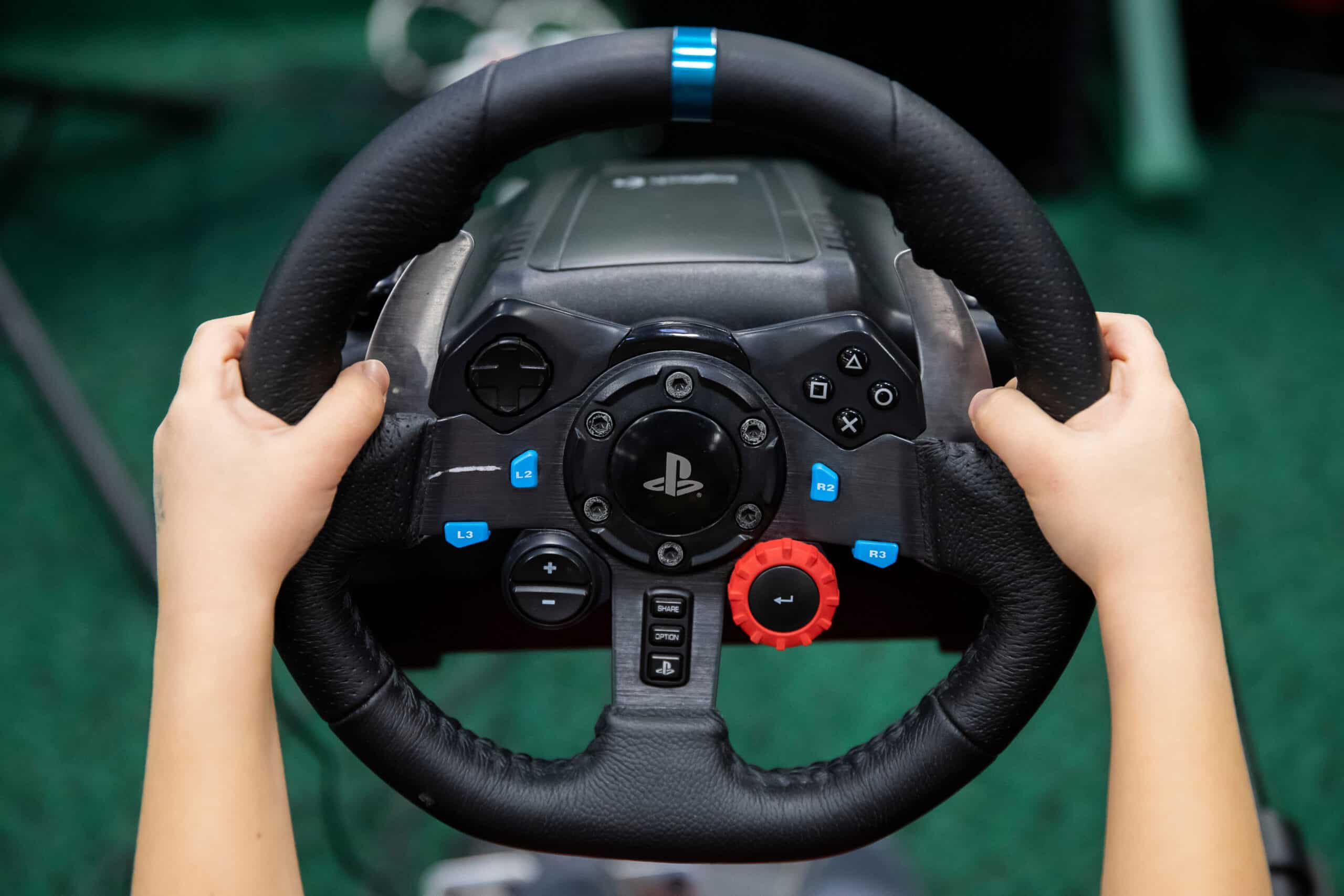
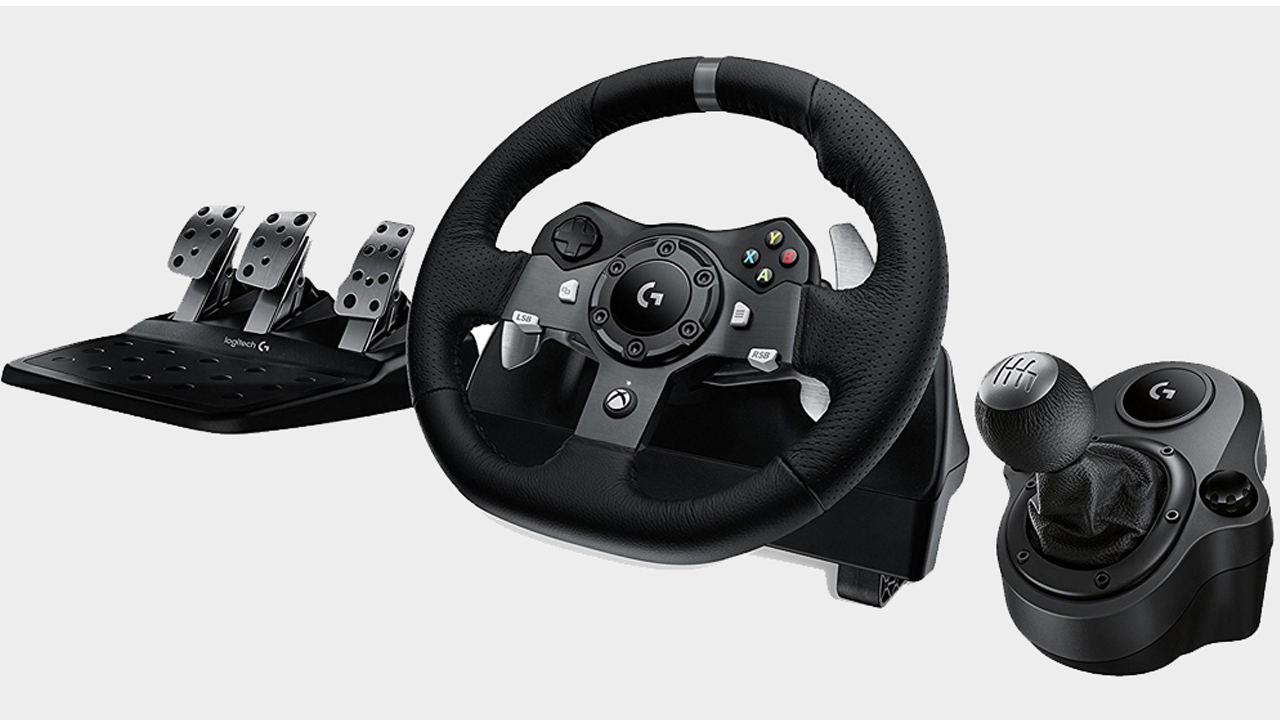
This tag collects practical guides for anyone who owns, or is thinking about buying, a racing wheel for their PC, PlayStation, or Xbox. The articles are written for everyday users who want to get their hardware working correctly, keep it in good condition, and avoid common frustrations, whether they are setting up a new wheel for the first time or troubleshooting an older one.
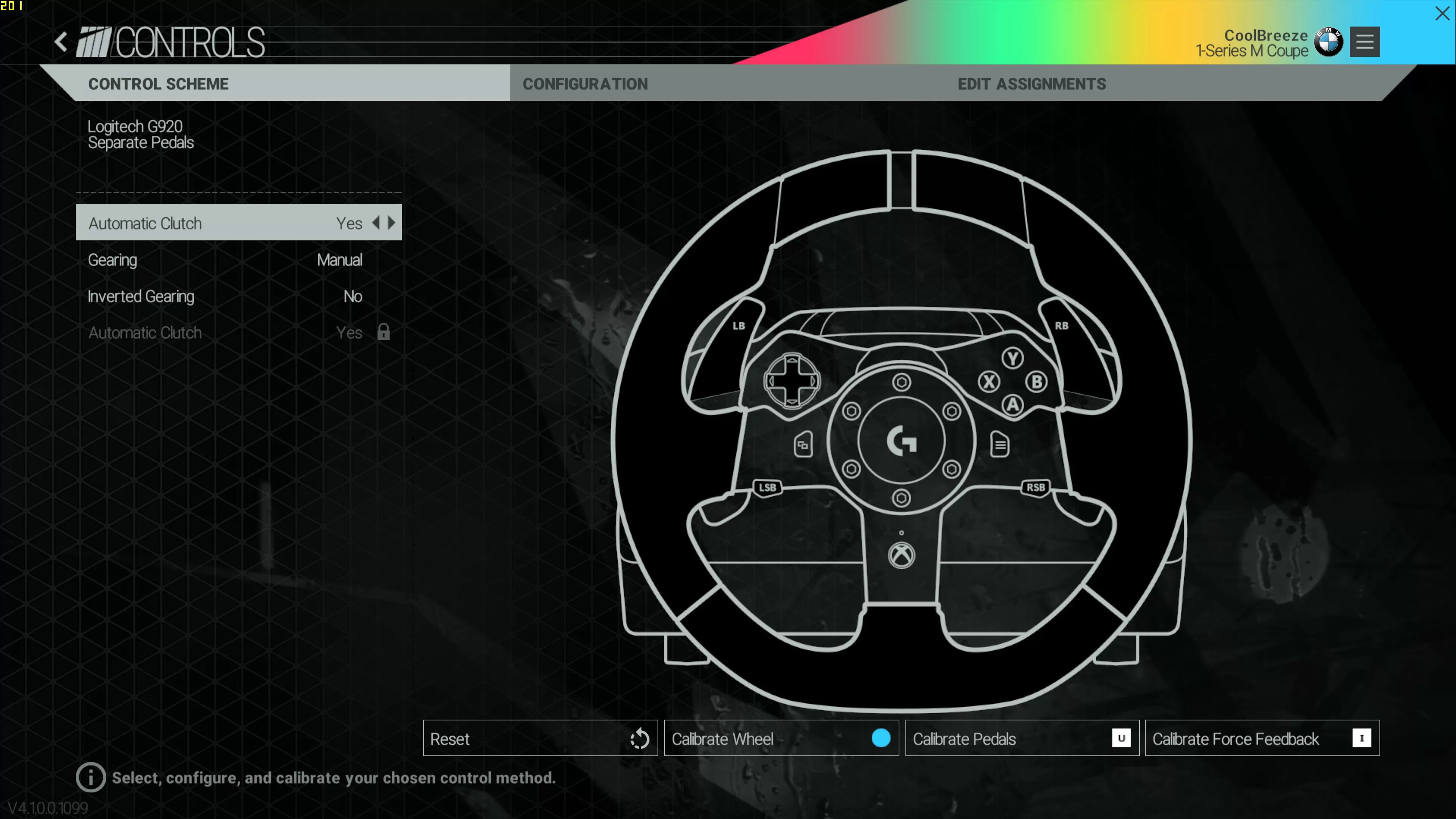
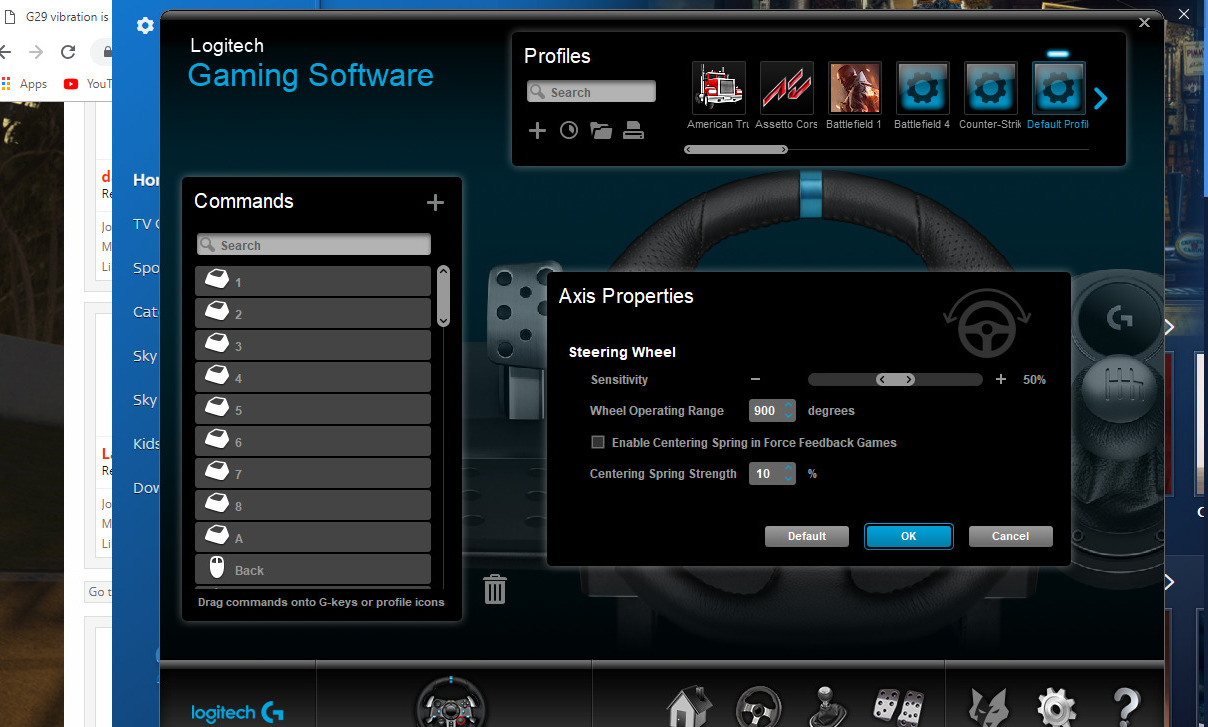
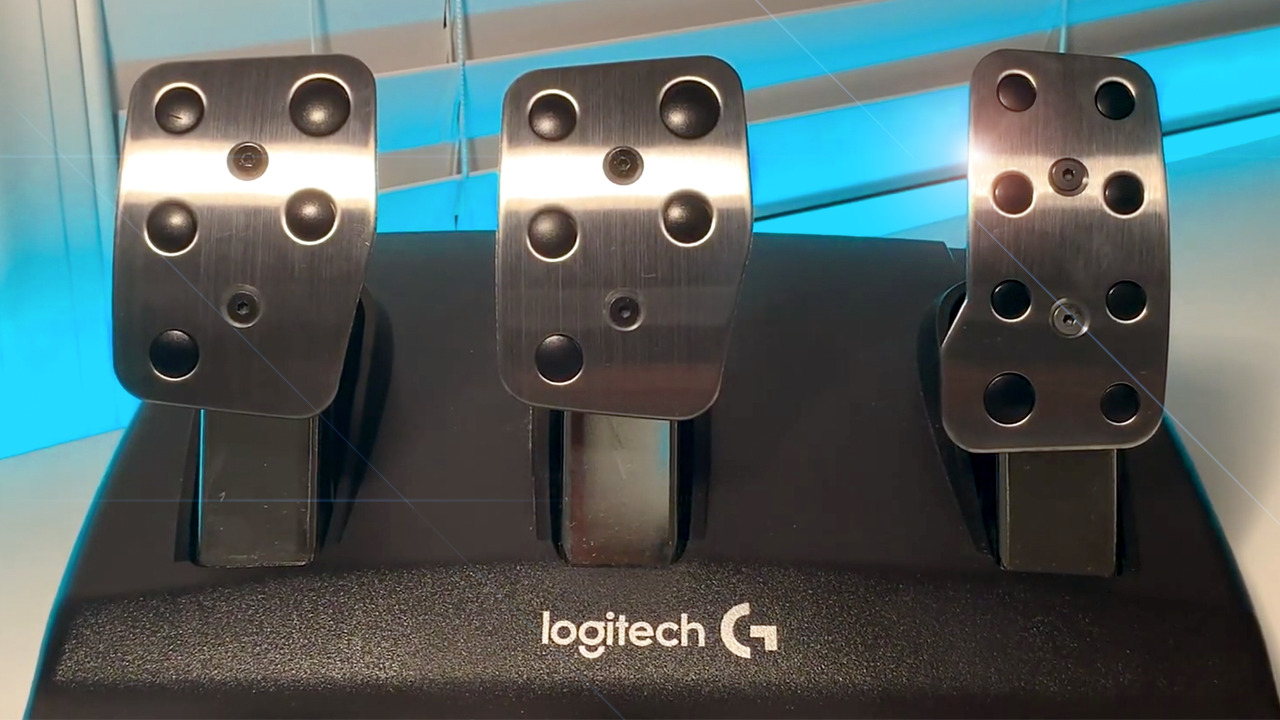
The articles solve two main kinds of problems. First, they cover setup and configuration: getting a wheel connected to the right console or PC, assigning buttons, and making sure the wheel responds properly in games. This includes platform-specific guides for PS4, PS5, Xbox One, and Steam, as well as cross-platform overviews. Second, they address hardware tuning and maintenance. For example, several pieces walk through calibrating a Logitech G29 or G920, reducing the stiffness of the G920’s brake pedal, and updating the G29’s firmware. There are also diagnostic guides, such as fixing a G29 pedal that is not registering input, and a guide to turning off vibration for quieter play.
Beyond basic setup, the articles help readers adapt their wheel to specific software and games. You will find instructions for using a Logitech G920 on PC, connecting a Thrustmaster Ferrari 458 Spider to a computer, and configuring a wheel inside Steam. Compatibility questions are answered directly, like which games support the G29 or G923, and how to use a racing wheel in Roblox. A few articles also cover safe, legal alternatives, such as how to make a brake pedal less stiff without modifying the hardware in a risky way, or how to update firmware without damaging the wheel.