Practical, step-by-step guides for everyday technology tasks that involve QR codes, two-factor authentication, or wireless device setup. It is written for everyday consumers, people using phones, tablets, cameras, and online accounts, who need clear, safe instructions without jargon. Whether you are trying to recover access to an account, connect a device to Wi-Fi, or transfer photos from a camera, these articles focus on legitimate, supported methods.
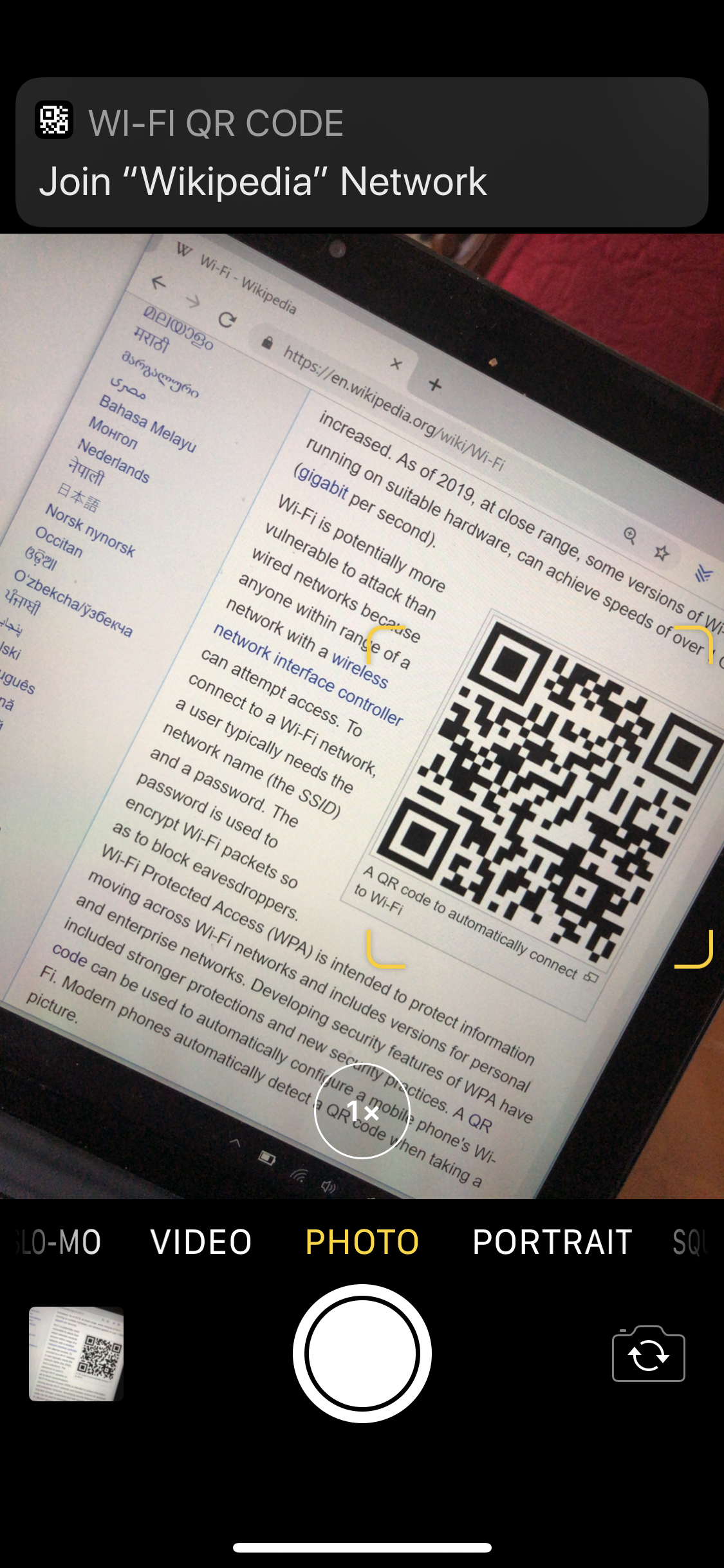
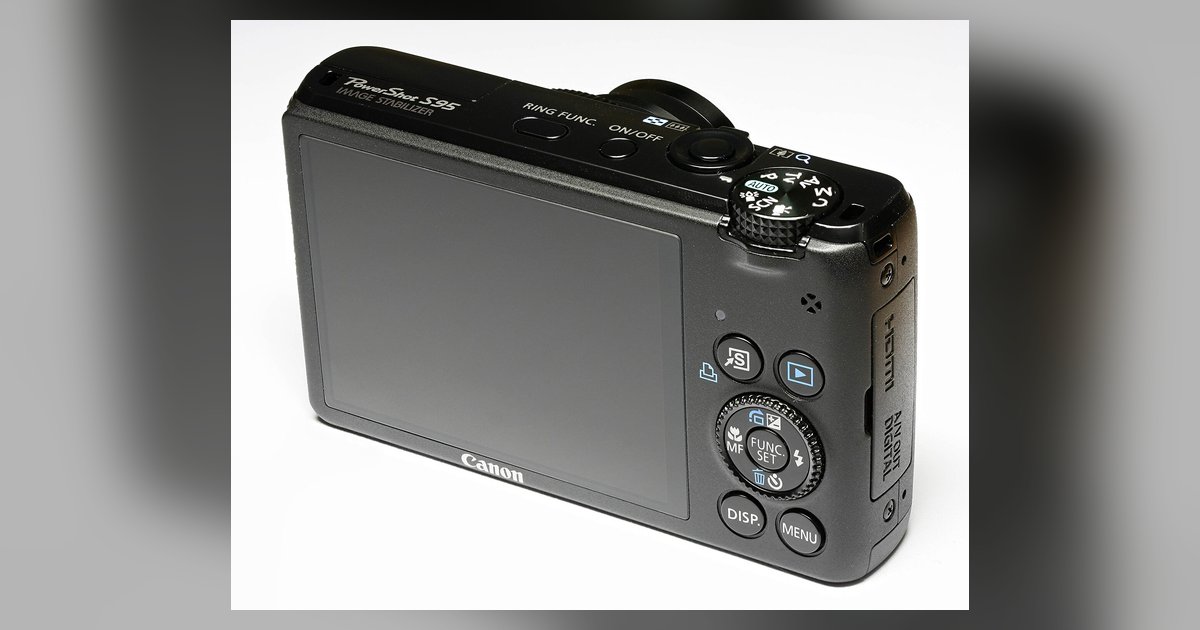
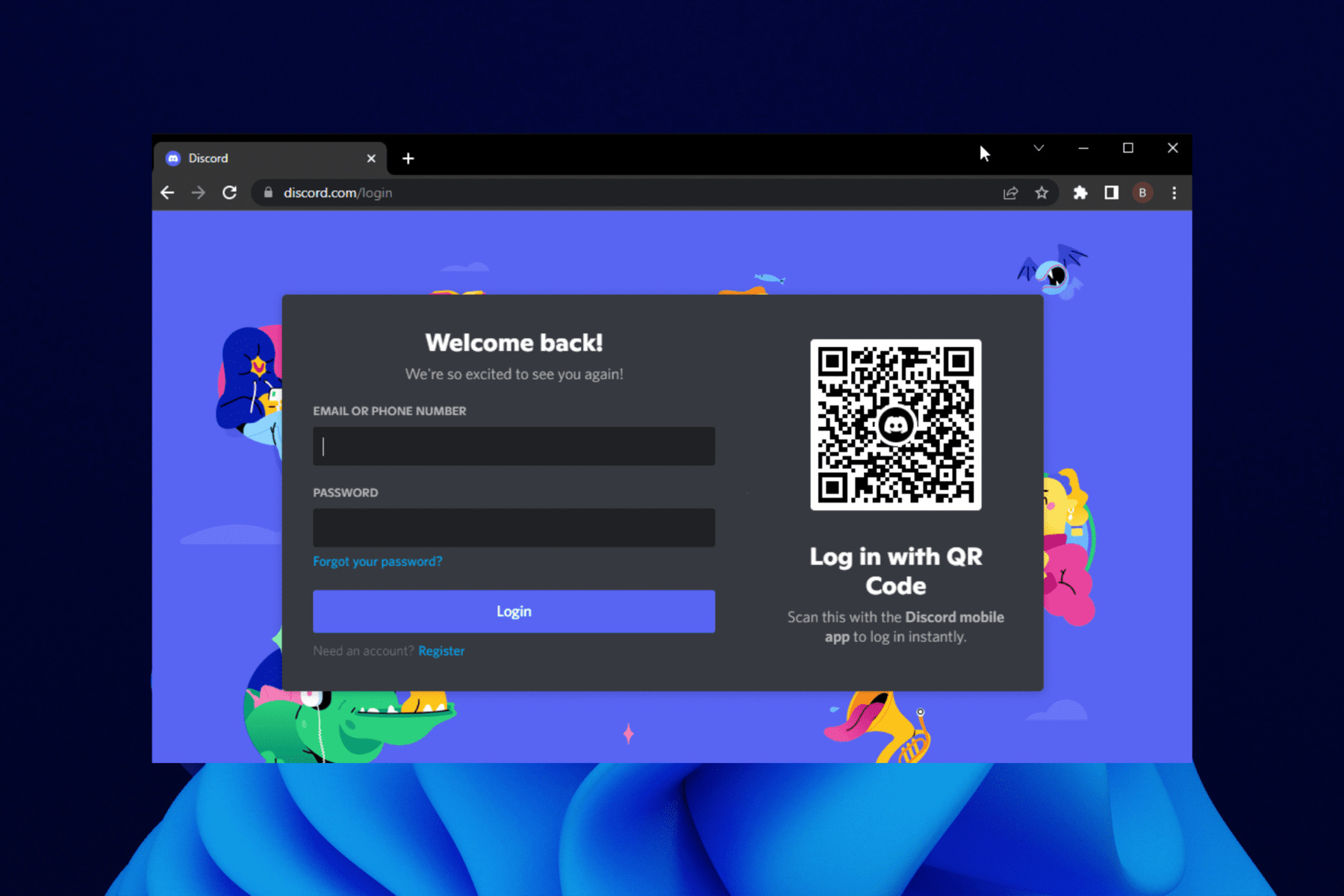
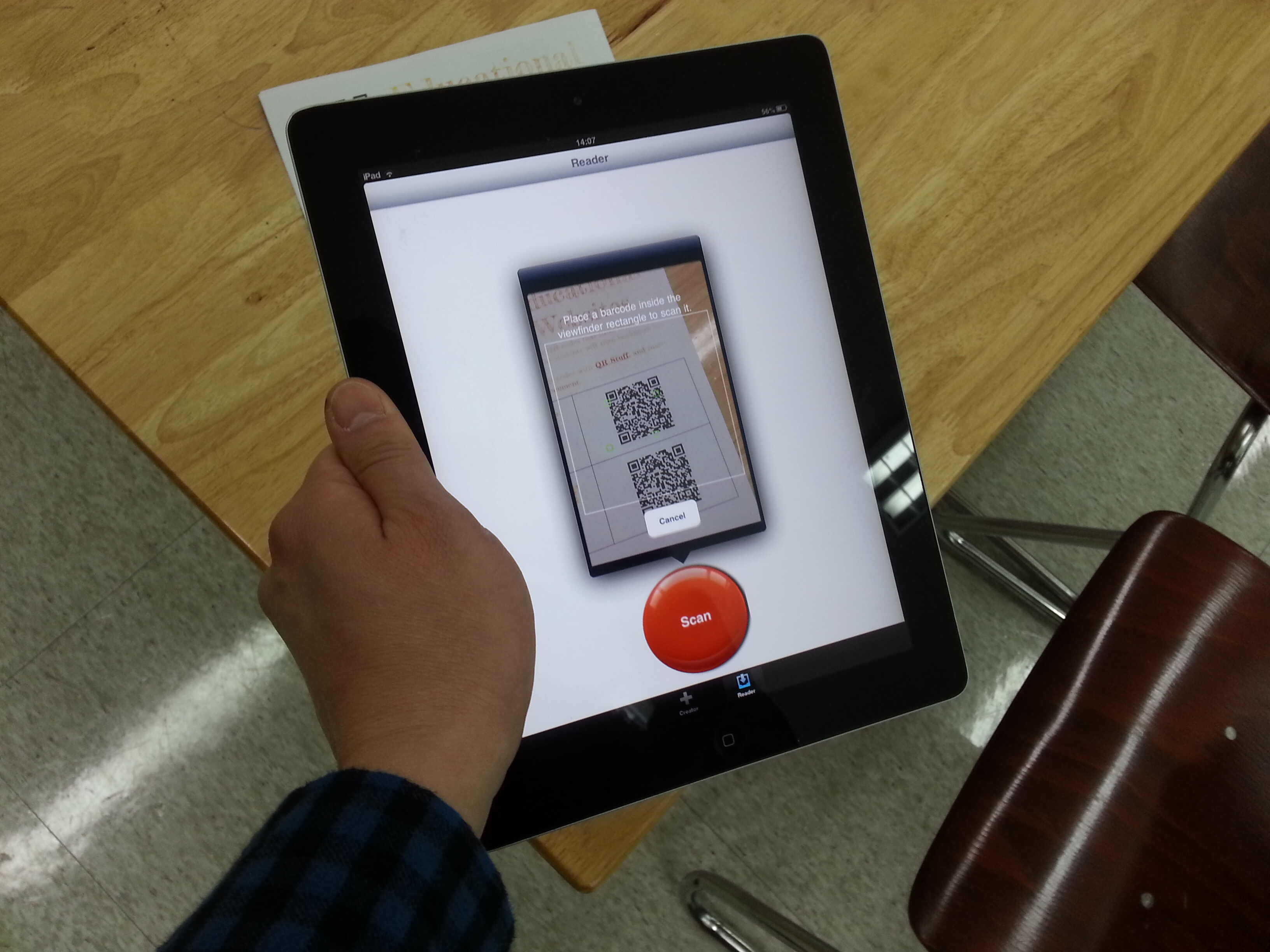
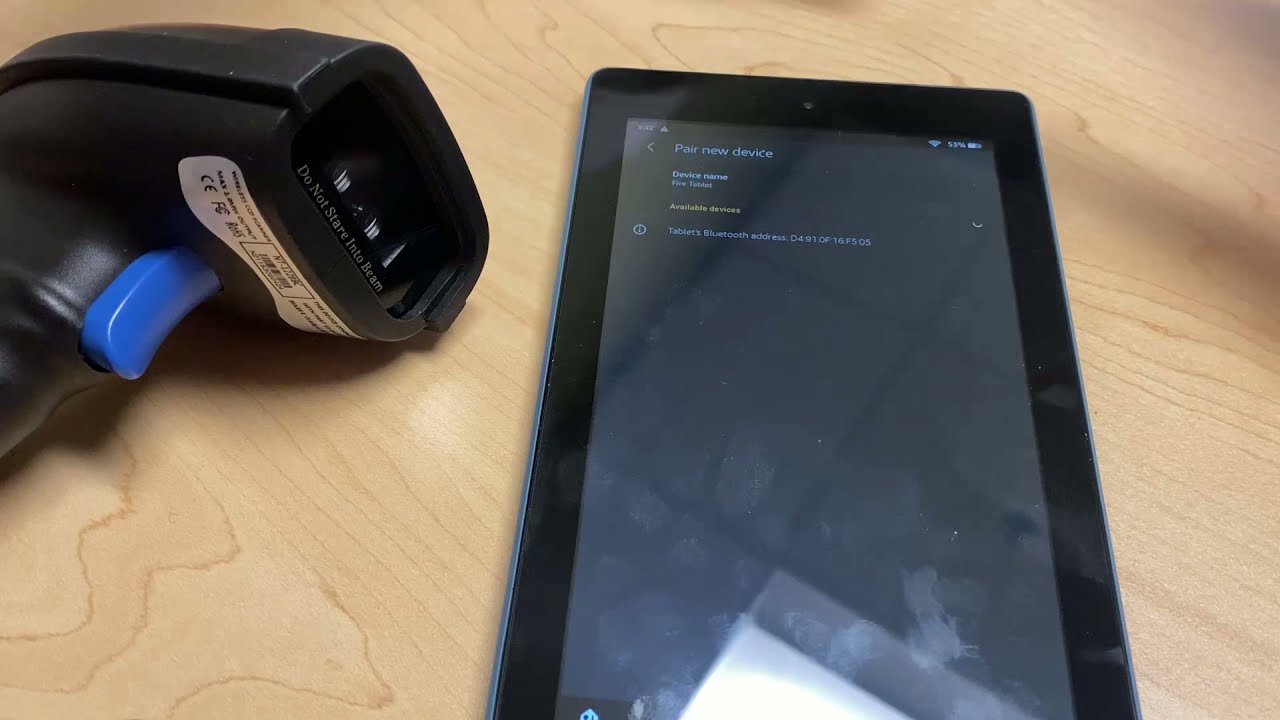
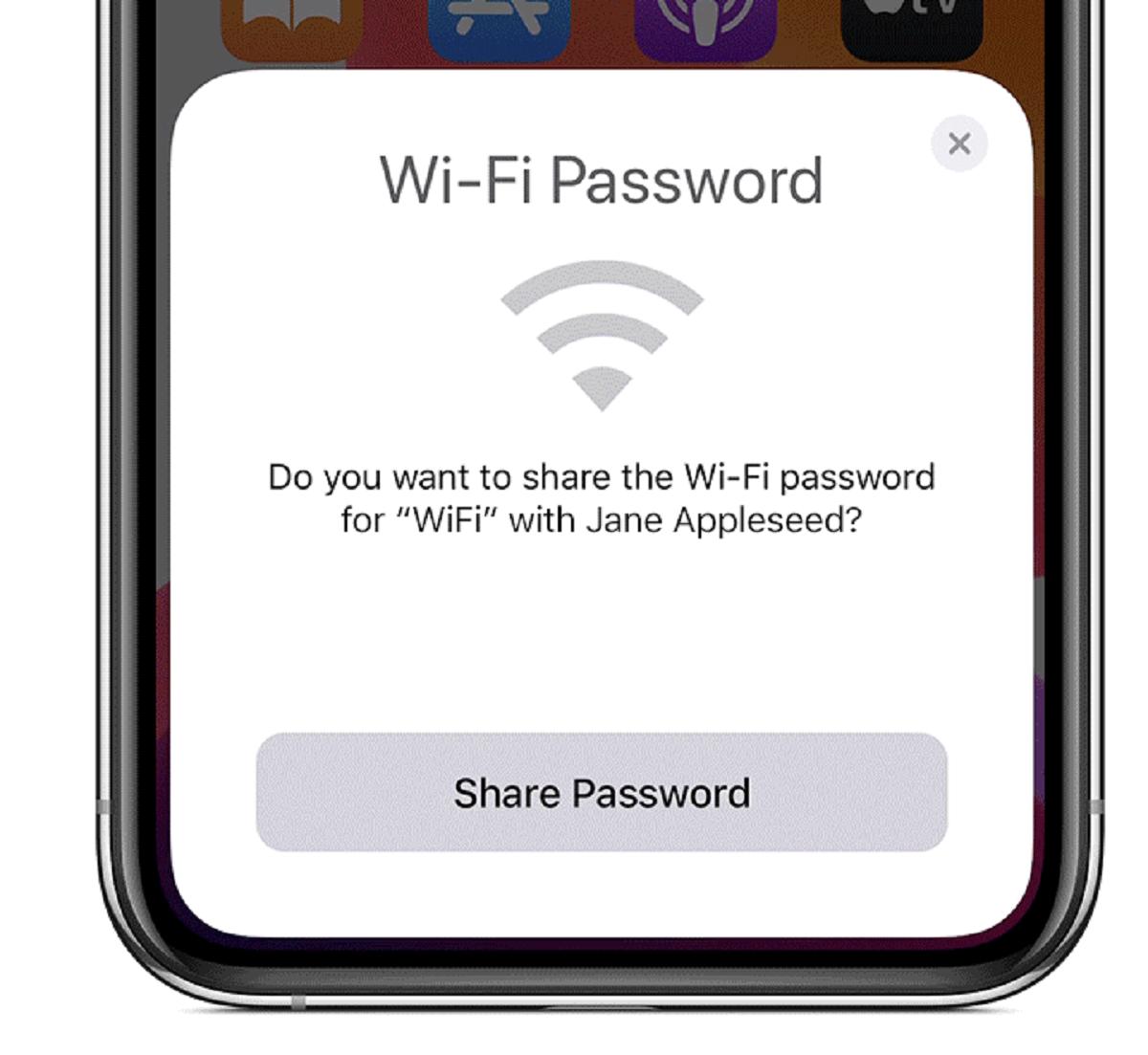
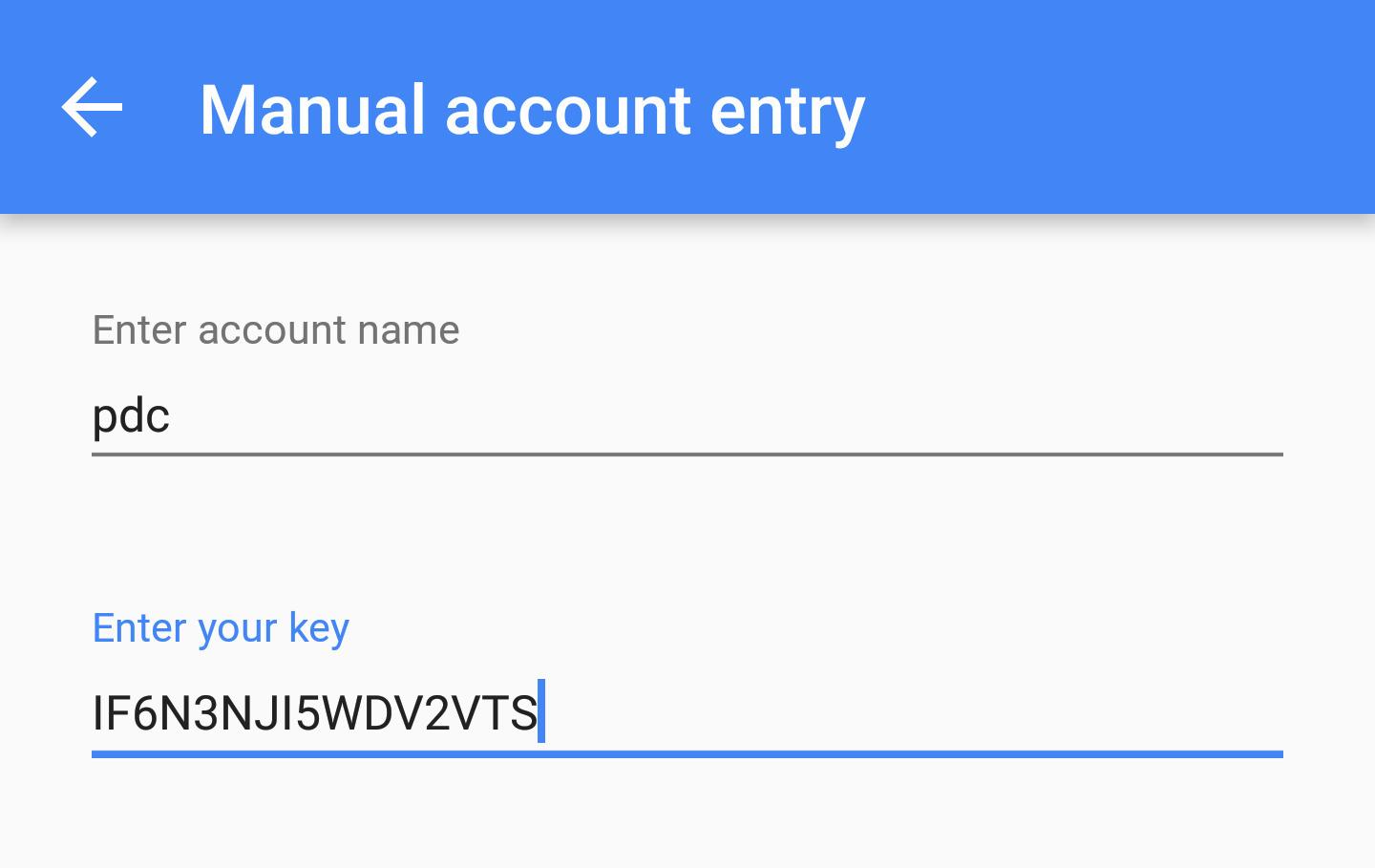
The articles fall into two main themes. The first is account access and security. Several pieces help you recover or manage your Google Authenticator key, integrate it properly, or log in to services like Discord and Zelle. These are written from a safety-first perspective, emphasizing recovery and authorized use rather than any workaround. The second theme is device connectivity and QR scanning. You will find guides for scanning QR codes on Amazon Fire tablets, connecting to Wi-Fi without typing a password, and setting up a Canon PowerShot wireless transfer without a cable. These solve everyday friction, like when a QR code won’t scan or a wireless setup seems stuck.
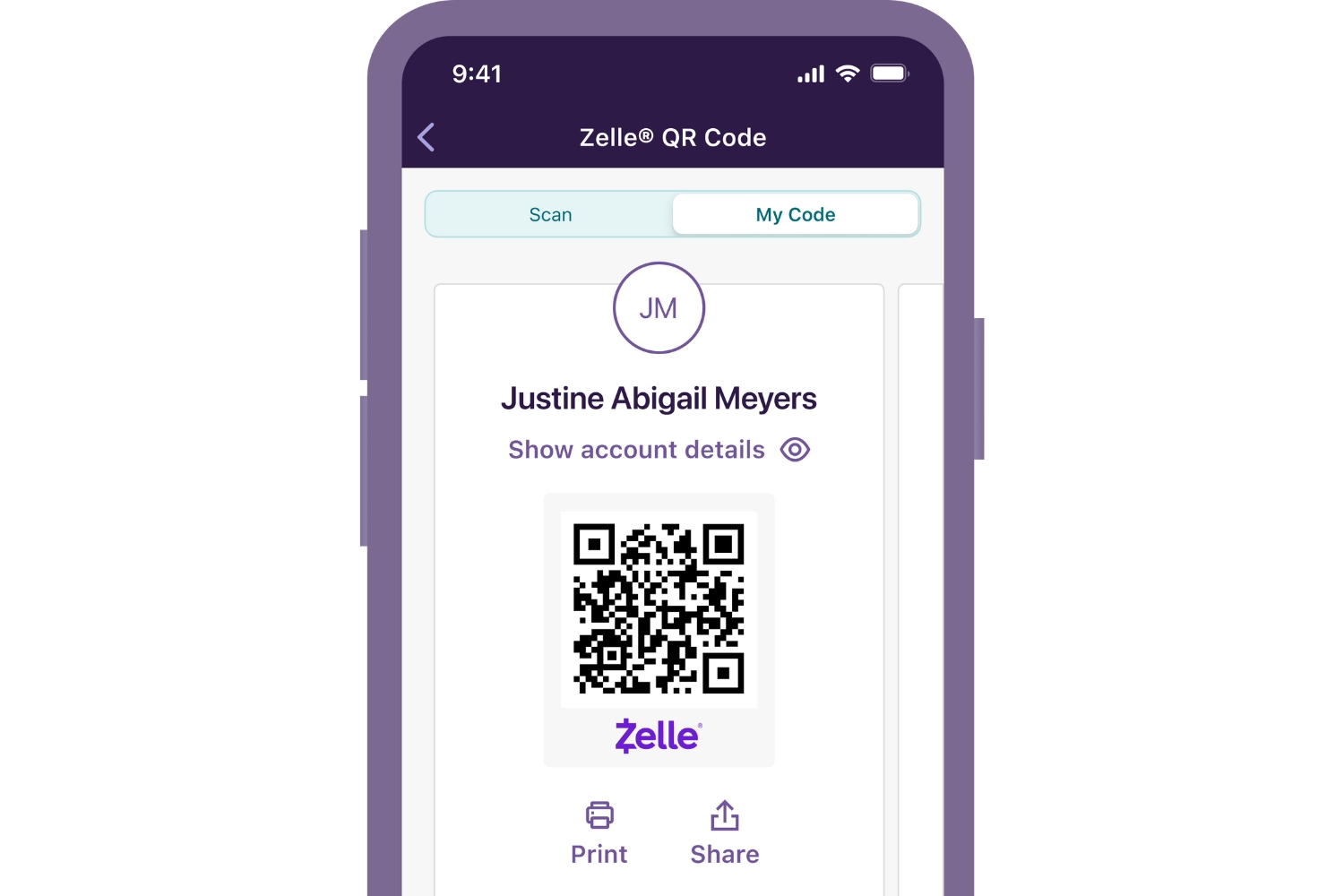
Specific topics covered include recovering a Google Authenticator key, sharing a Zelle link, logging into Discord on a browser, and using a Fire tablet’s camera to scan a QR code. The Canon PowerShot guide walks through a cable-free transfer setup. Throughout, the emphasis is on doing things the straightforward, supported way, not on bypassing security or exploiting loopholes.