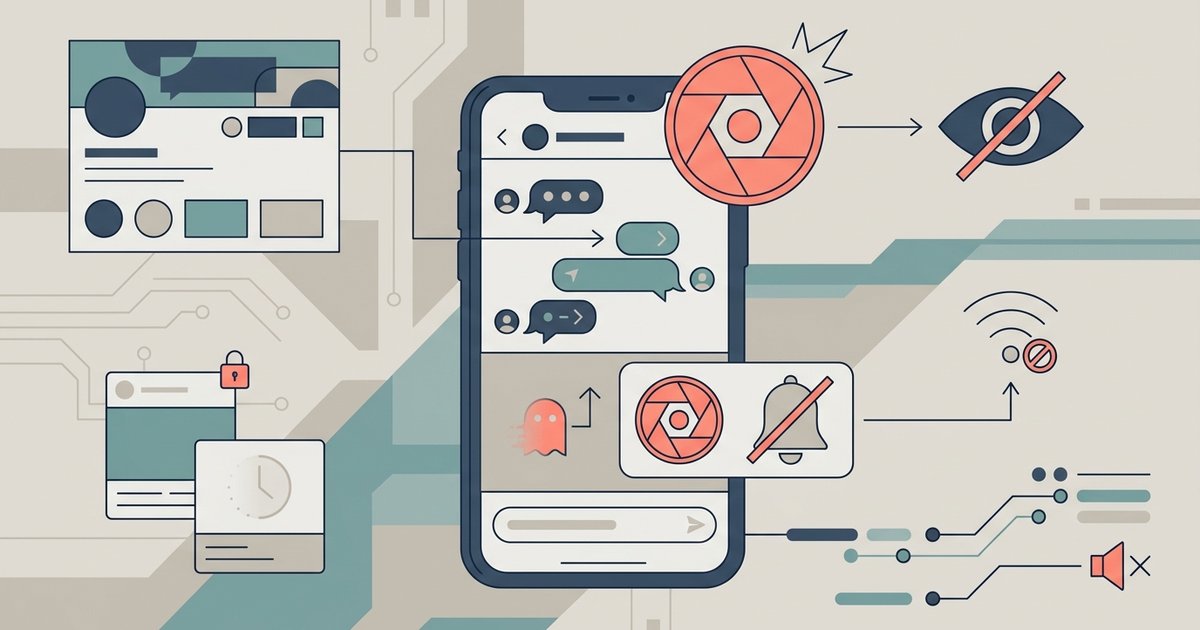
This tag collects articles about digital privacy, surveillance, and account management, written for everyday users of smartphones, laptops, smart TVs, and social platforms. If you’ve ever wondered who can see your browsing history, how location tracking works, or how to lock down a messaging app, these guides are for you. The tone is practical and neutral, aimed at helping you make informed choices about your own data without assuming technical expertise.
The articles fall into two broad themes. One is hardening your personal devices and accounts: you’ll find walkthroughs for adding a password to iMessage, hiding conversations on the same app, clearing keyboard history, and putting a Face ID lock on Snapchat. Another theme is understanding and managing what others can observe, such as why your Wi-Fi shows a privacy warning, whether someone can see your phone activity through a router, how to block Bluetooth signals, and how to tell if a drone is watching you at night. Several pieces also cover the privacy implications of popular services, like how Spotify Family verifies your address, what Vanish Mode does on Instagram, and what happens when you unsend a message.
Beyond device settings, the tag includes articles on limiting your digital footprint across platforms, like logging out of YouTube on a smart TV, deleting history on a tablet, or removing a merchant from Cash App. Some pieces discuss broader concepts, such as Apple’s use of big data or what the Onion Browser does, while others focus on safe ways to handle content you’re entitled to, like downloading your own Twitter DMs or private Instagram pictures you have permission to access. Throughout, the emphasis is on protecting your own information and understanding the tools available, not on circumventing others’ security.