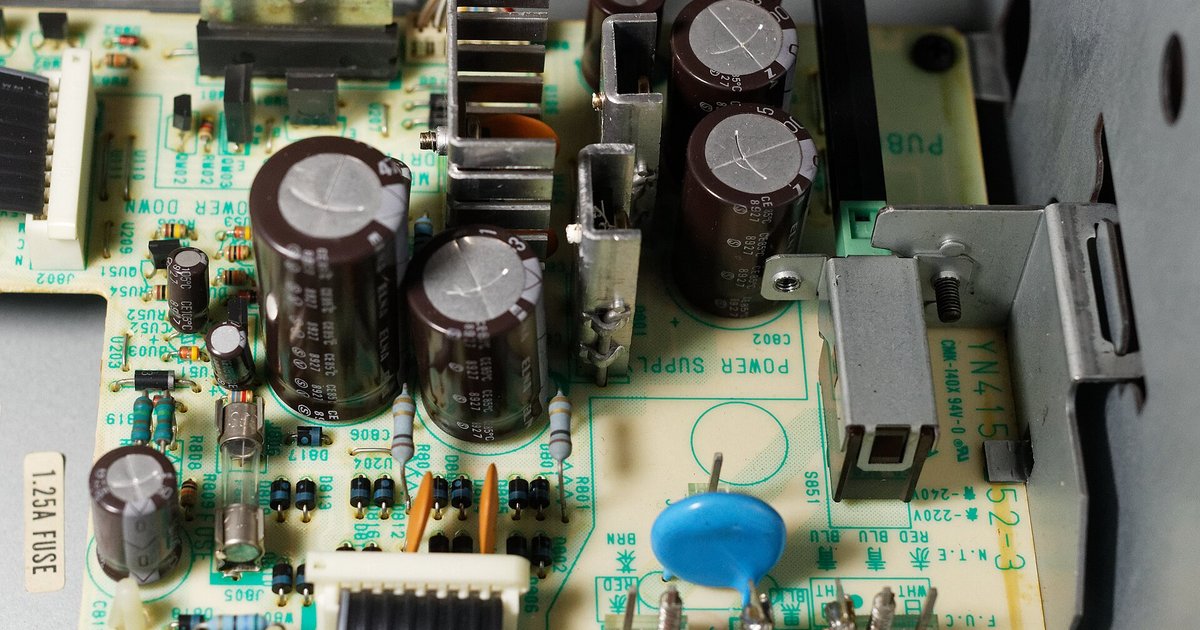
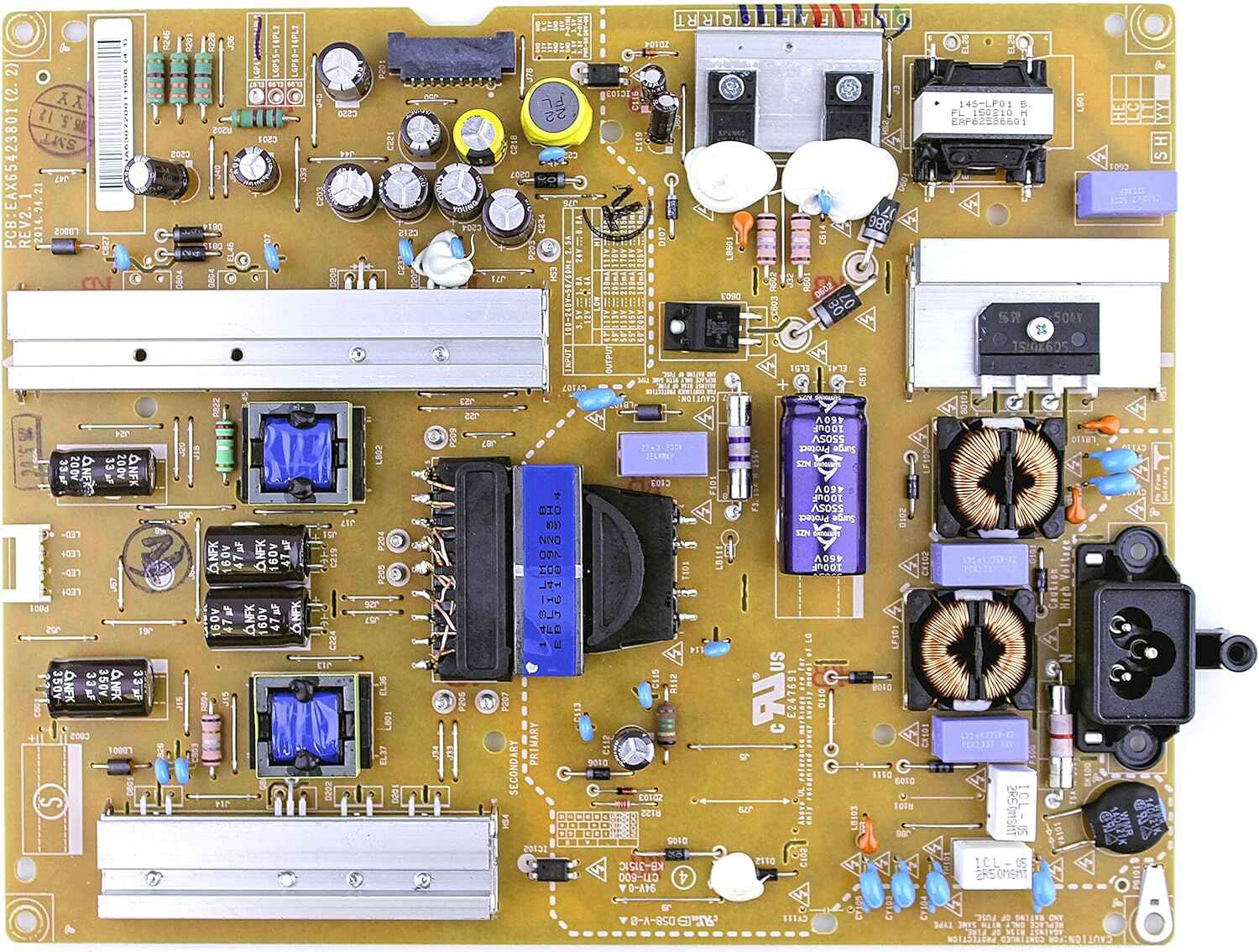
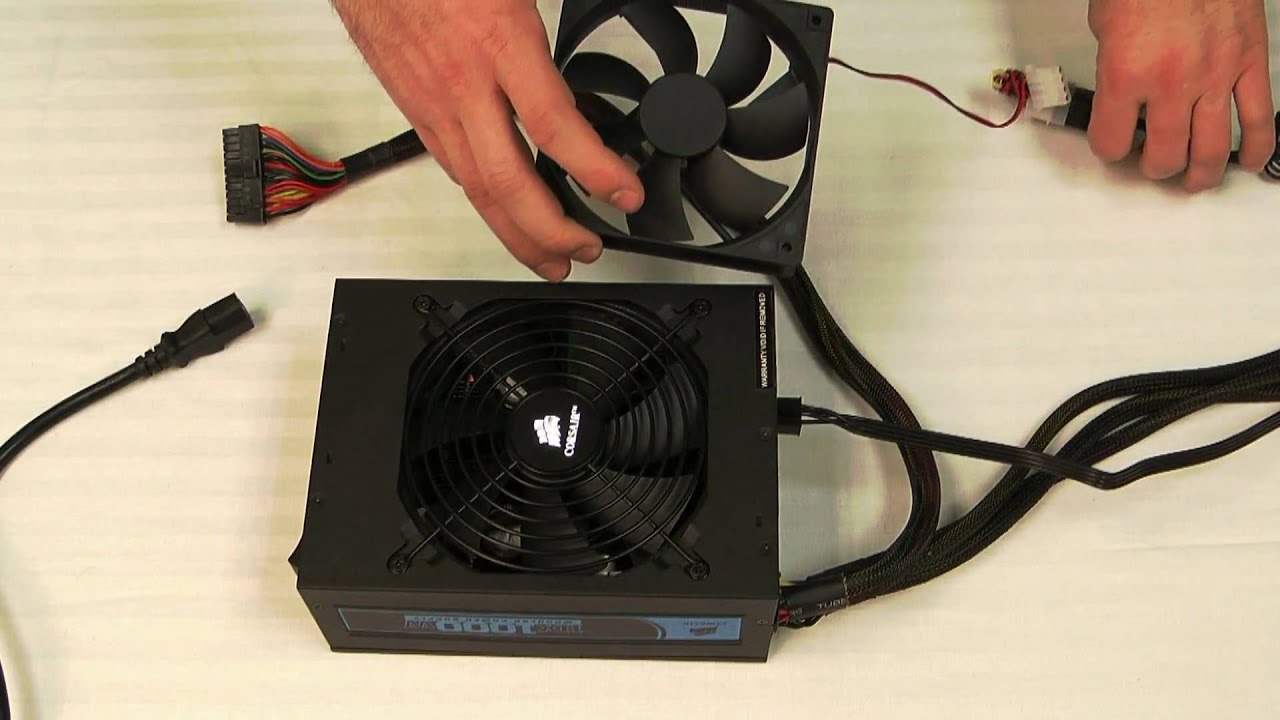
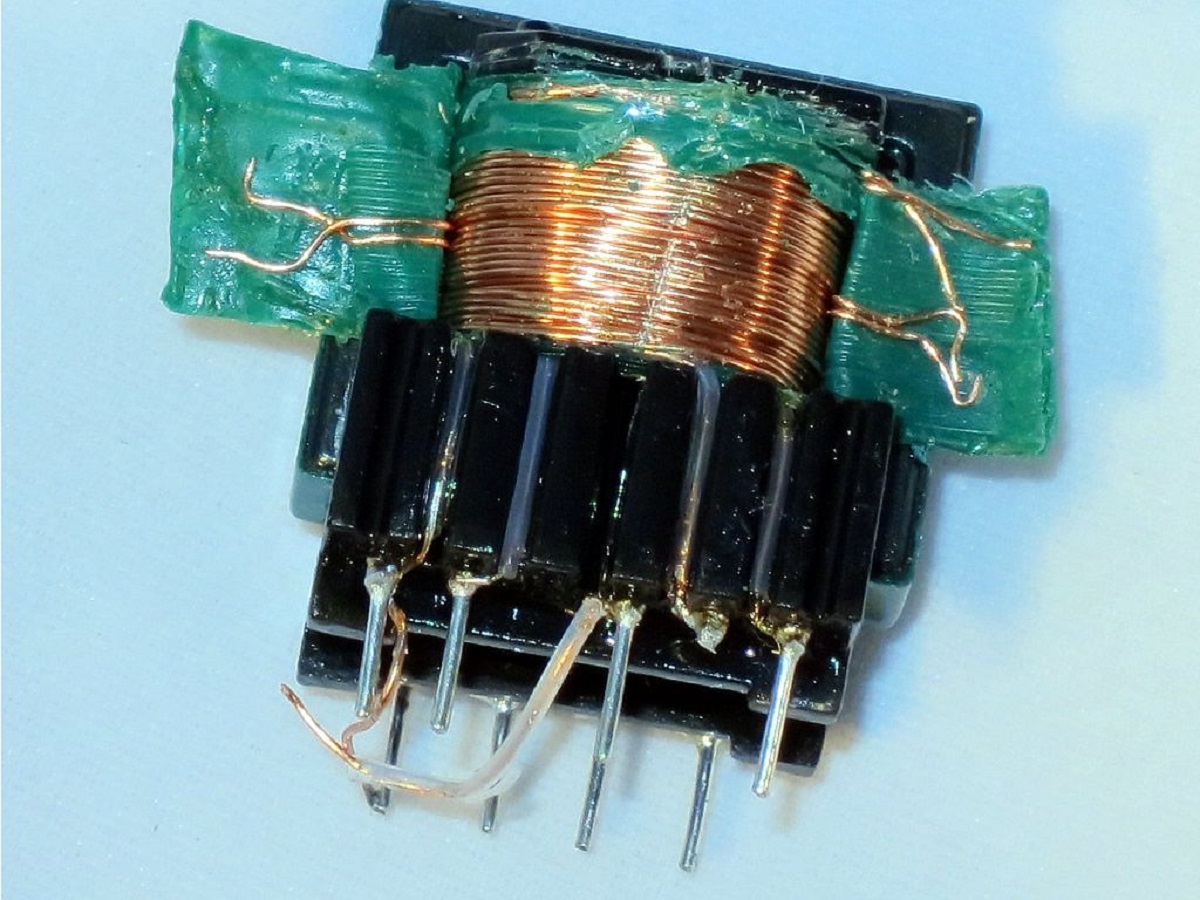
This tag collects articles about the power supply, the component that feeds electricity to everything from desktop PCs to TVs and external drives. It is written for home users and hobbyists who want to diagnose their own gear, avoid unnecessary repair costs, or understand why a device suddenly stopped working. You do not need to be an electrician to follow along; the guides assume basic familiarity with plugs, cables, and switches, and they focus on practical checks you can do safely at home.
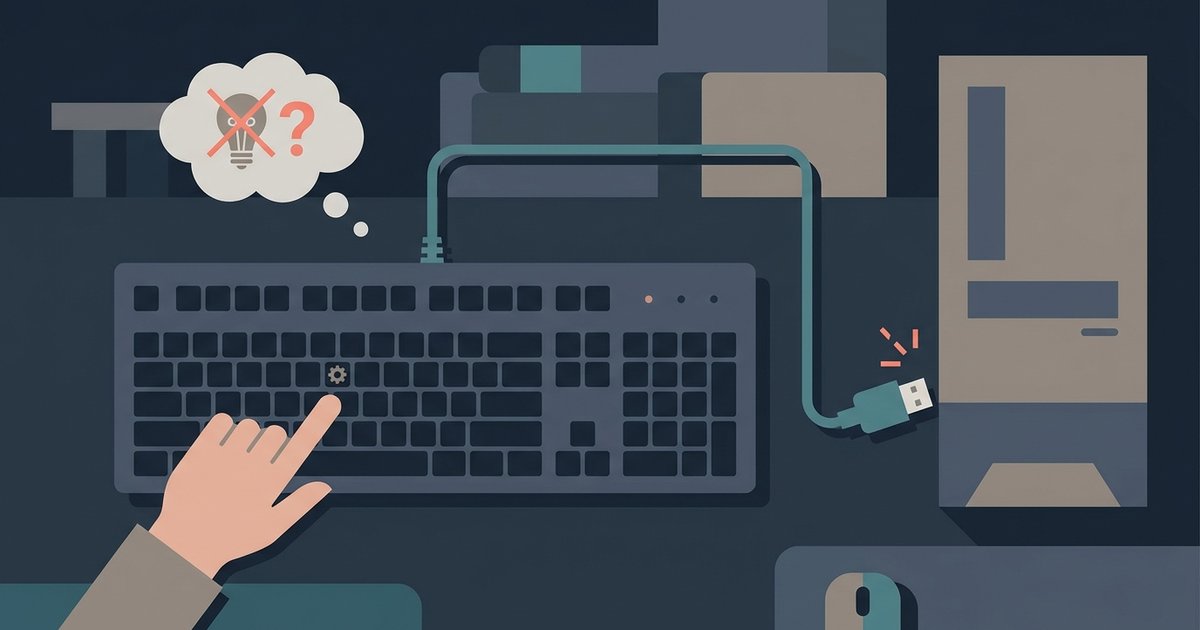
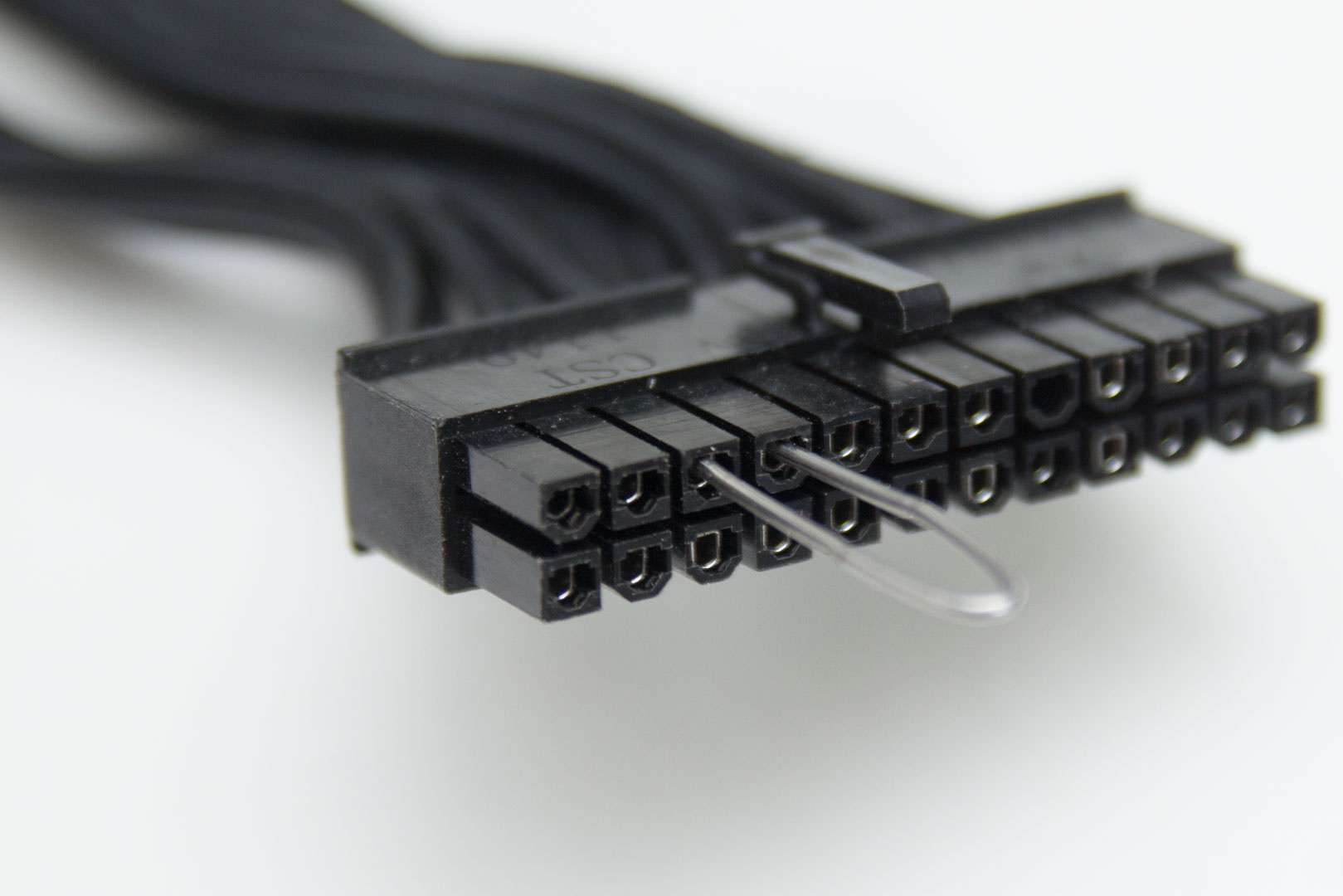
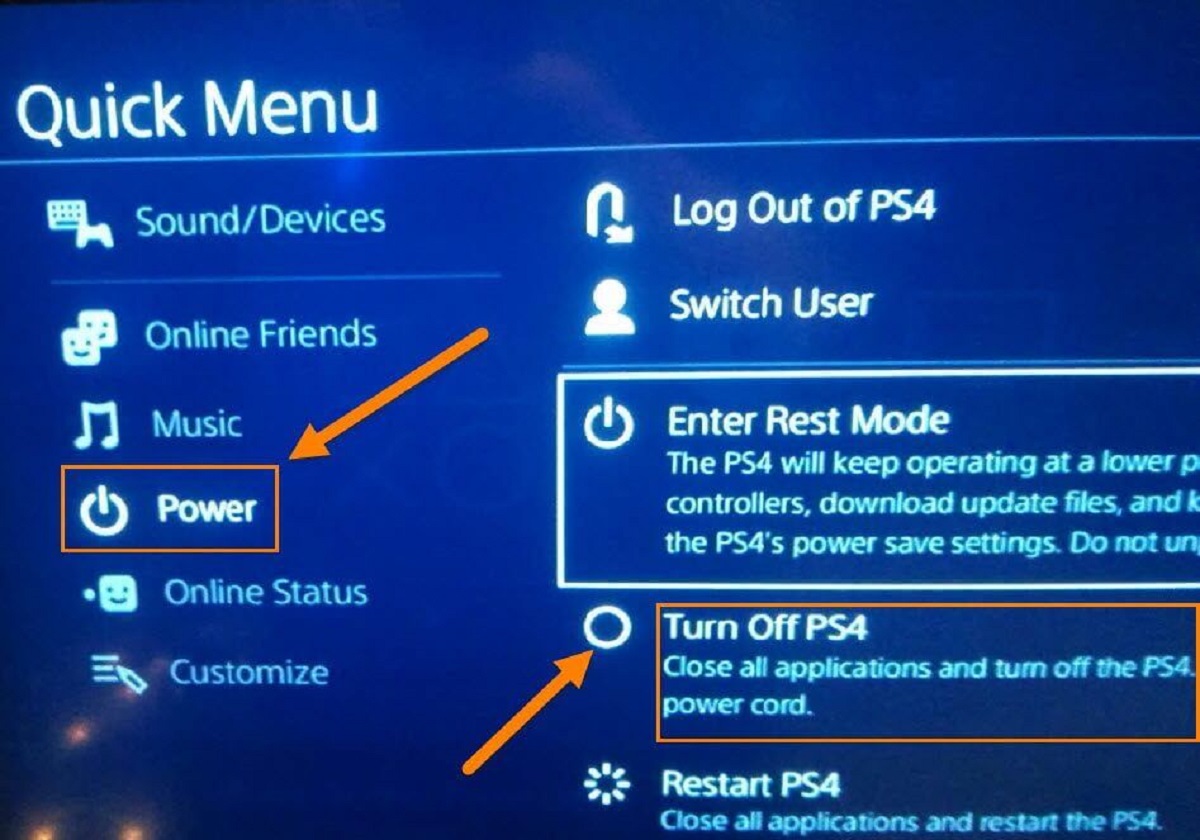
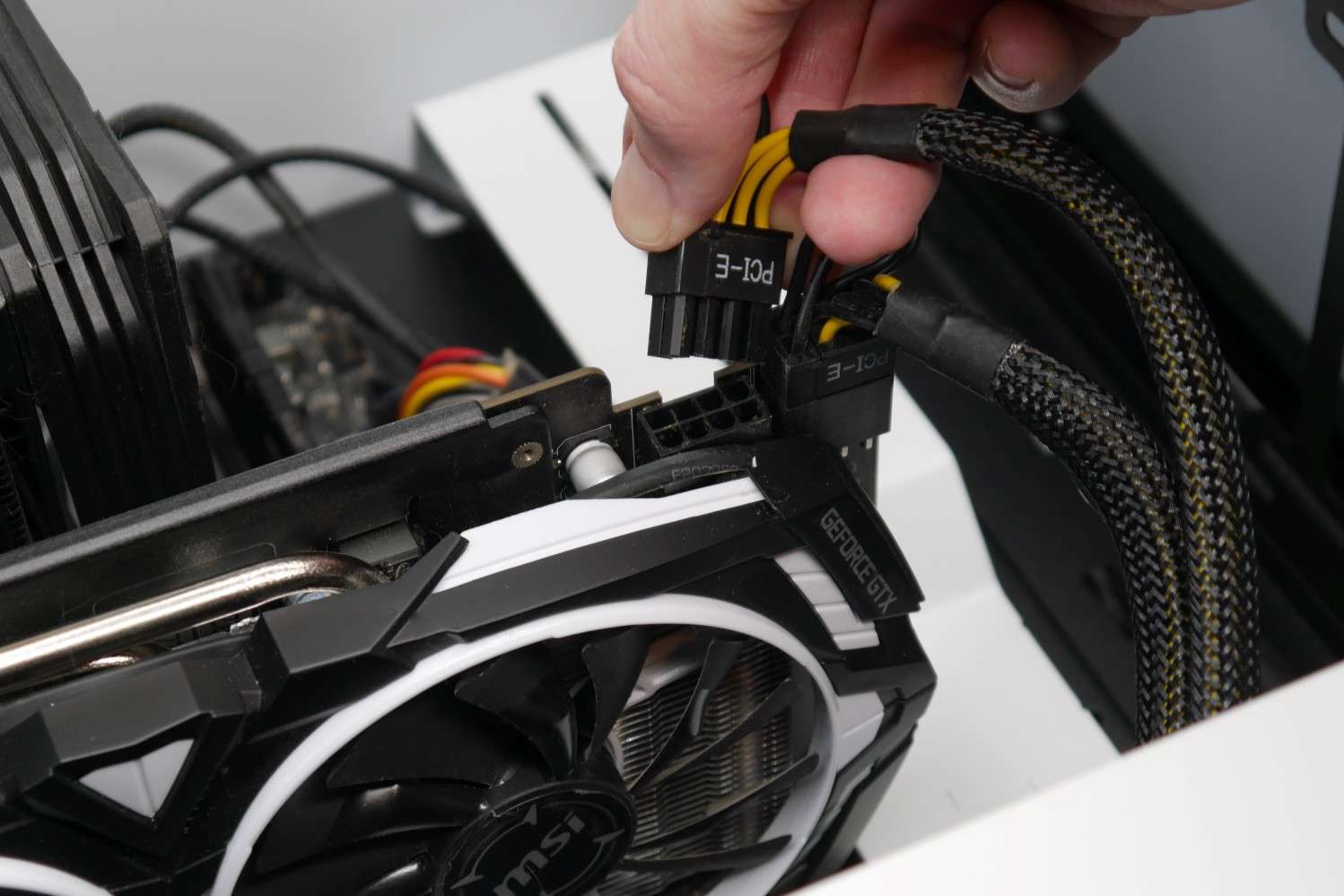
The problems covered here fall into a few clear groups. One group is about verifying that a component is actually receiving the power it needs, for example, checking whether a GPU is getting enough juice or figuring out why a PlayStation shut off on its own. Another group deals with testing the power supply itself, such as learning how to power up a PSU without a motherboard or how to tell if a PSU is failing without opening the case. A third group focuses on power-related symptoms in consumer electronics, like a Samsung TV whose backlight or power board has gone bad, a Lacie drive whose light blinks but never mounts, or an AULA keyboard whose lights stay dark.
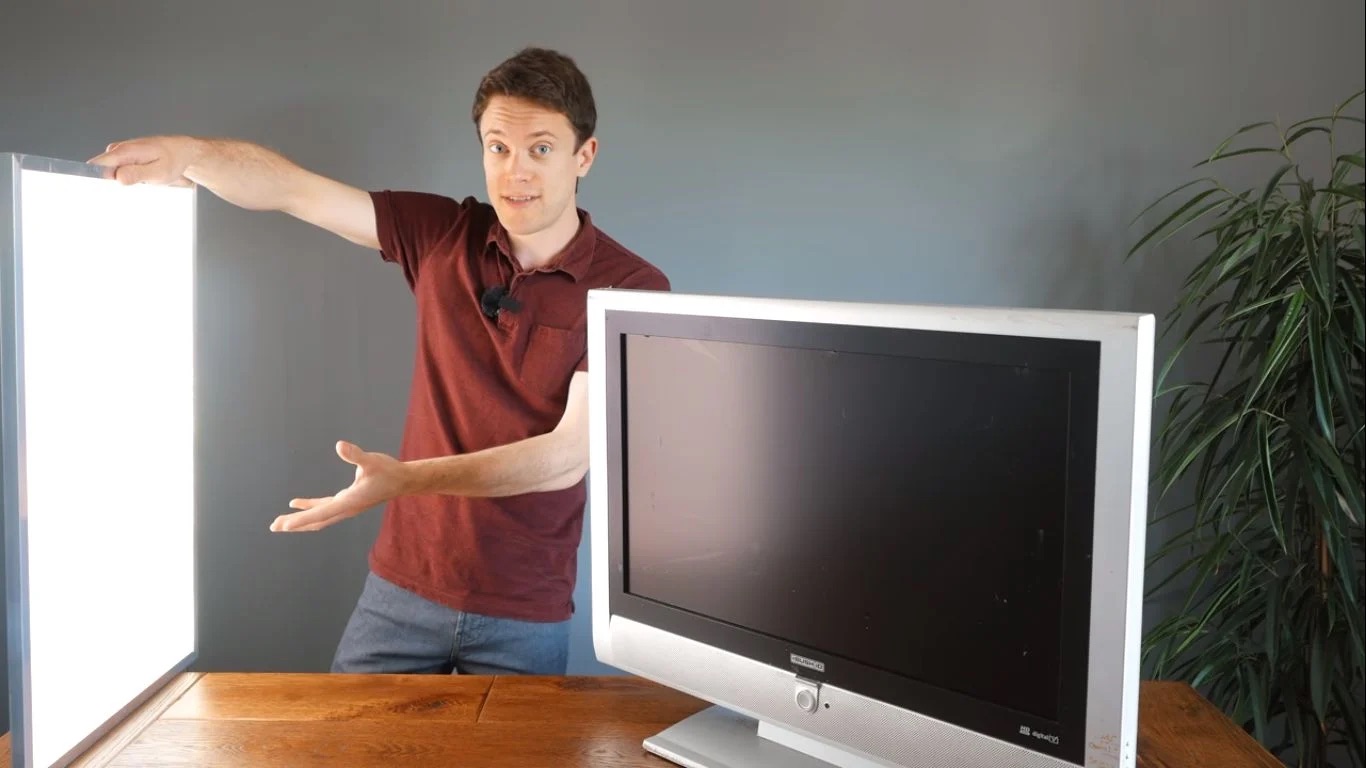
Several articles also help you make a smarter decision before you spend money on repairs. Instead of encouraging risky fixes, they show you how to isolate the fault, confirm whether the power supply is the culprit, and then decide if a replacement or a professional service is the right move. For example, the guide on building an LED TV explains the power and backlight circuitry in a way that helps you understand what can go wrong, not how to bypass safety features. The tone throughout is practical and cautious, with an emphasis on observation, testing, and knowing when to stop.