Straightforward, practical guides for anyone who has ever stared at a device and wondered how to wake it up, turn it off, or figure out why it isn’t responding. These articles are written for everyday consumers, people with a laptop, tablet, TV, projector, or even a robot vacuum, who need clear, step-by-step help without jargon. Whether you’re a parent trying to start a Chromebook for a kid’s homework or an office worker facing a frozen Dell laptop, this tag points you to the right fix.
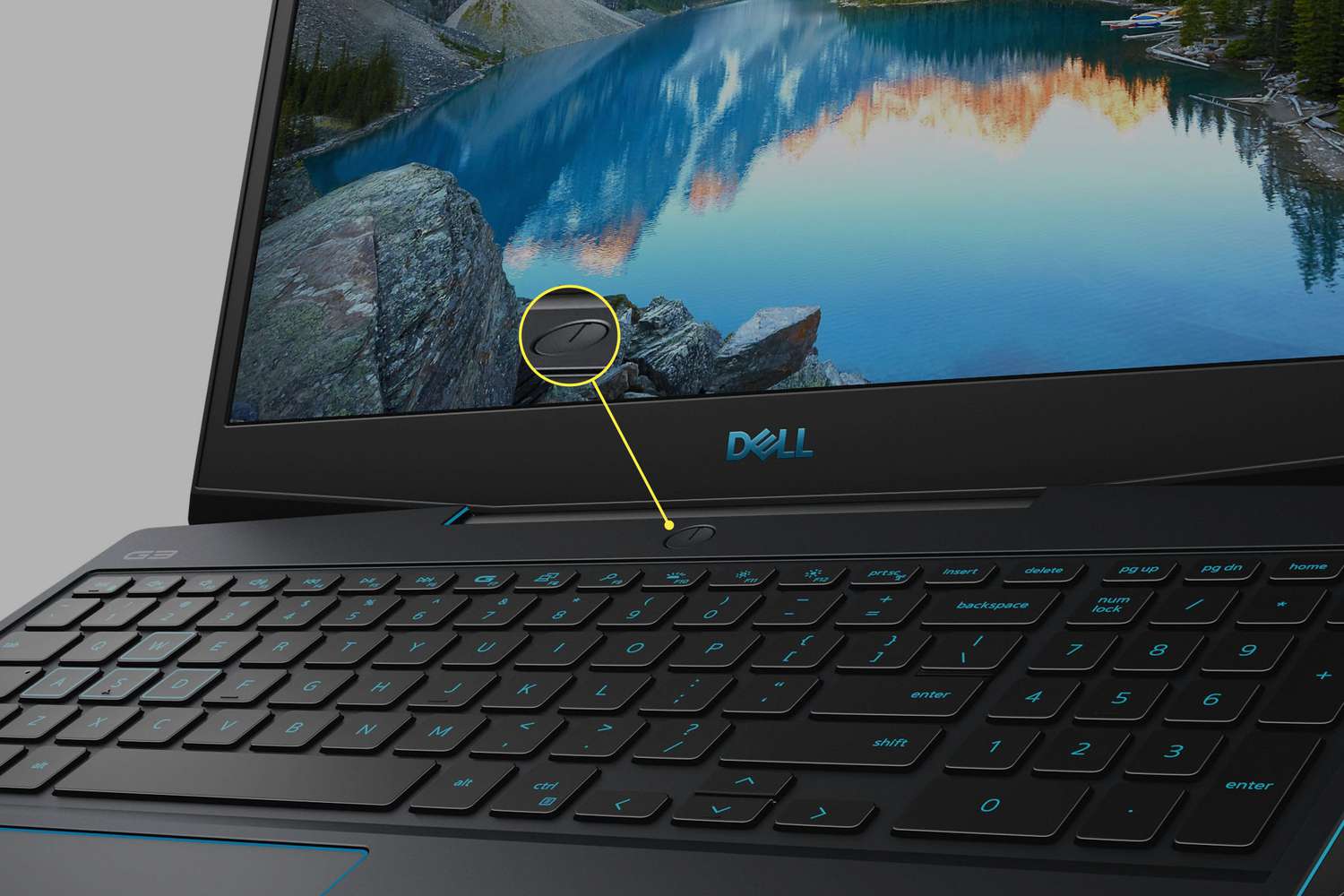
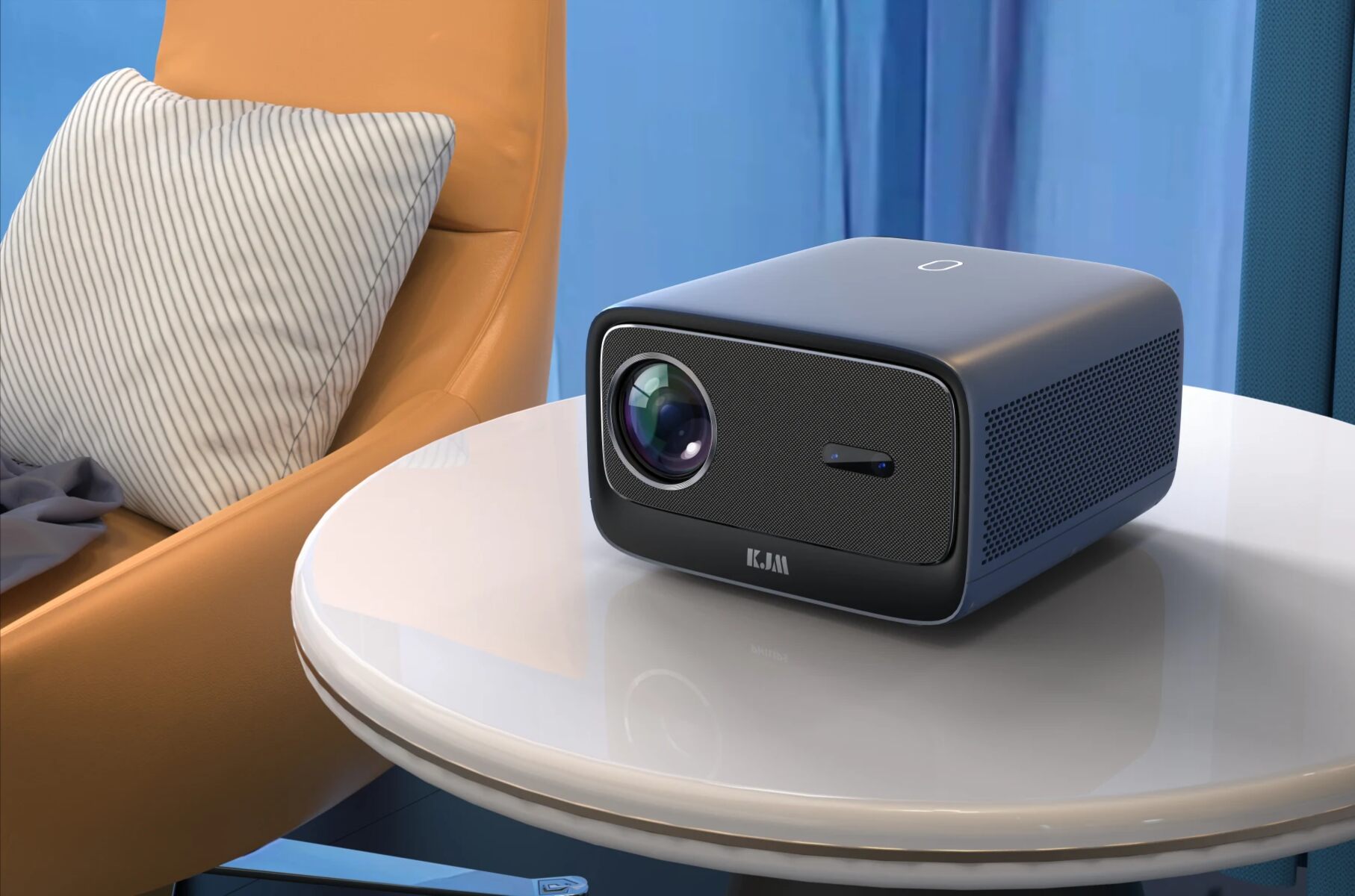
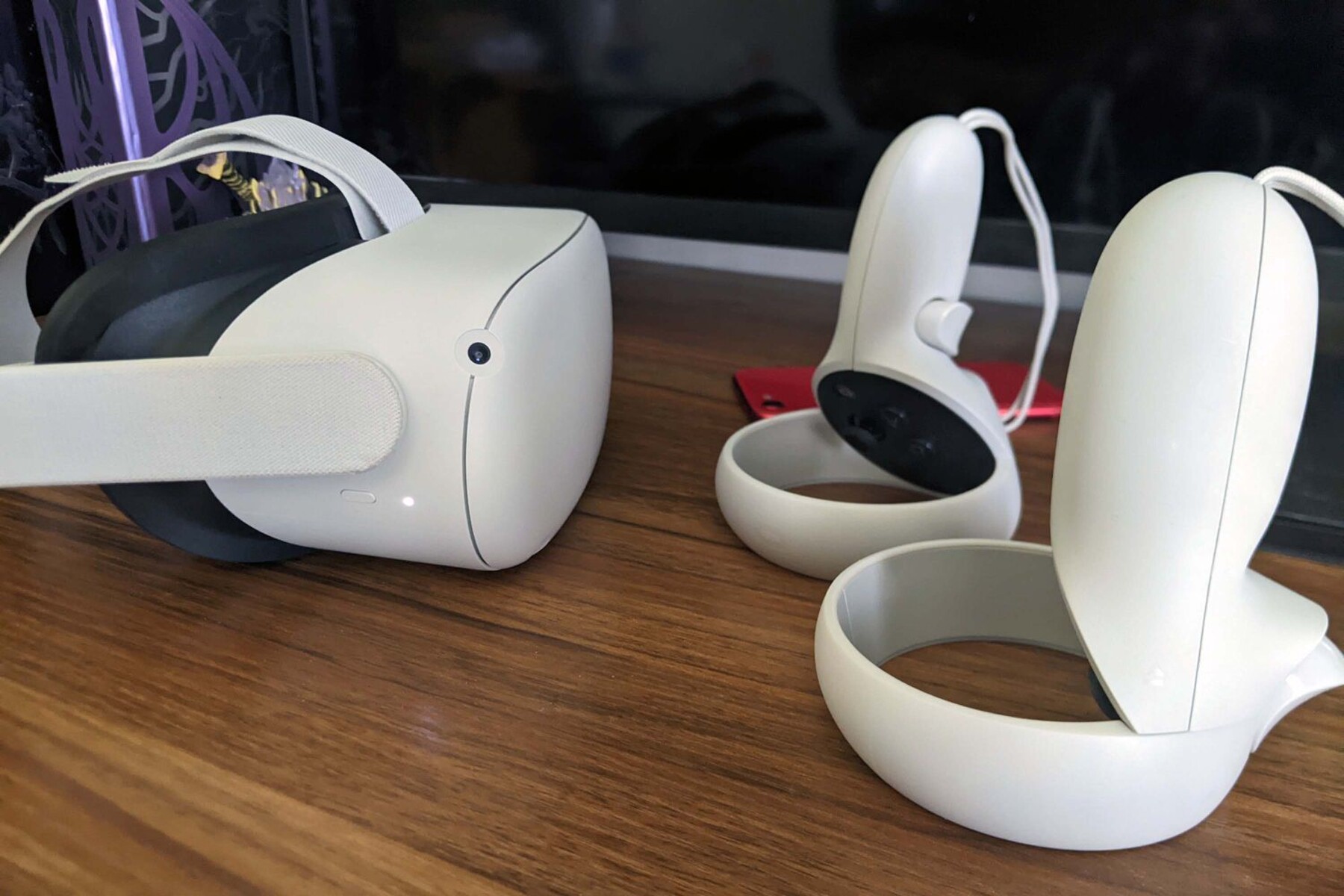
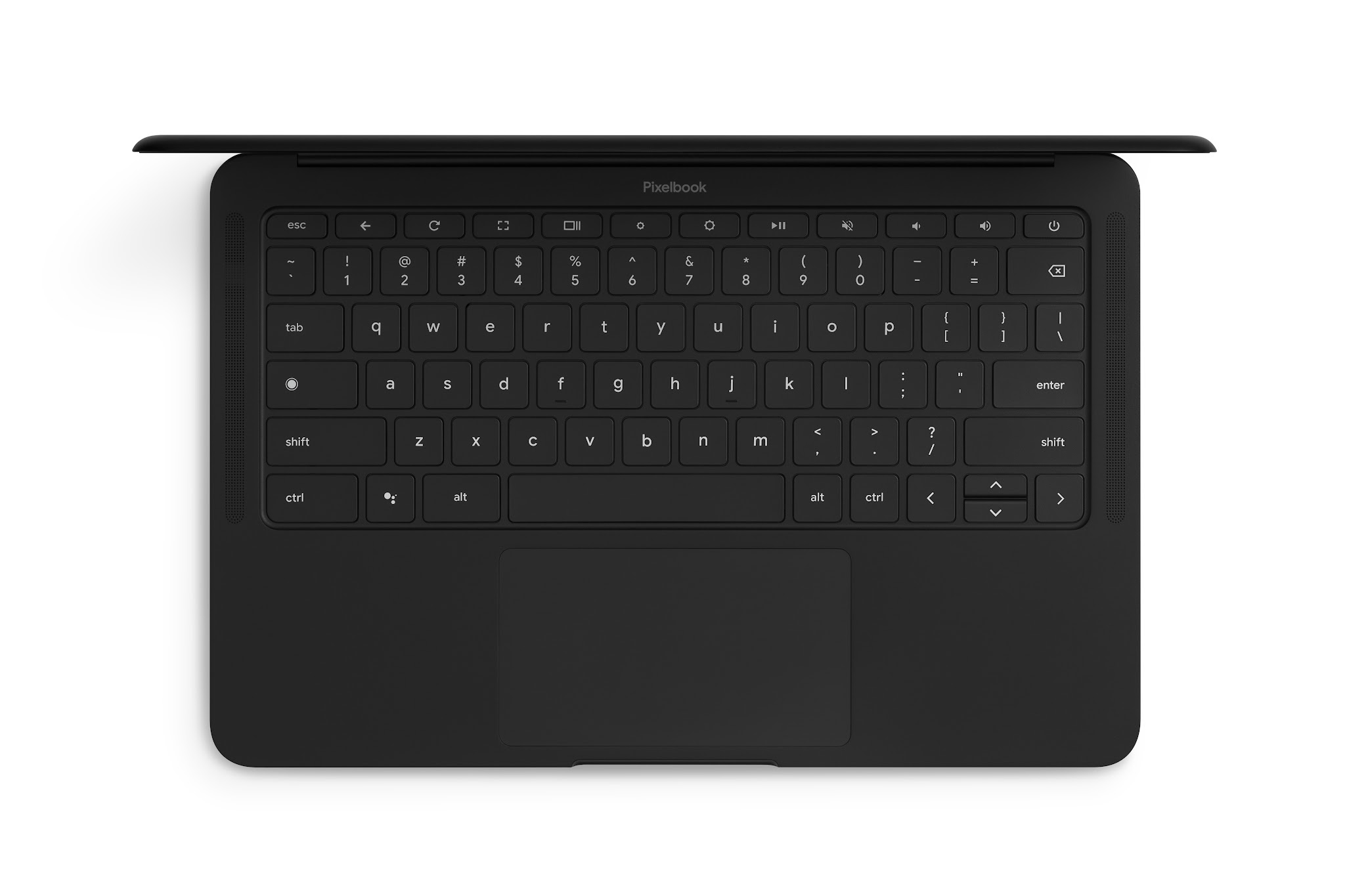
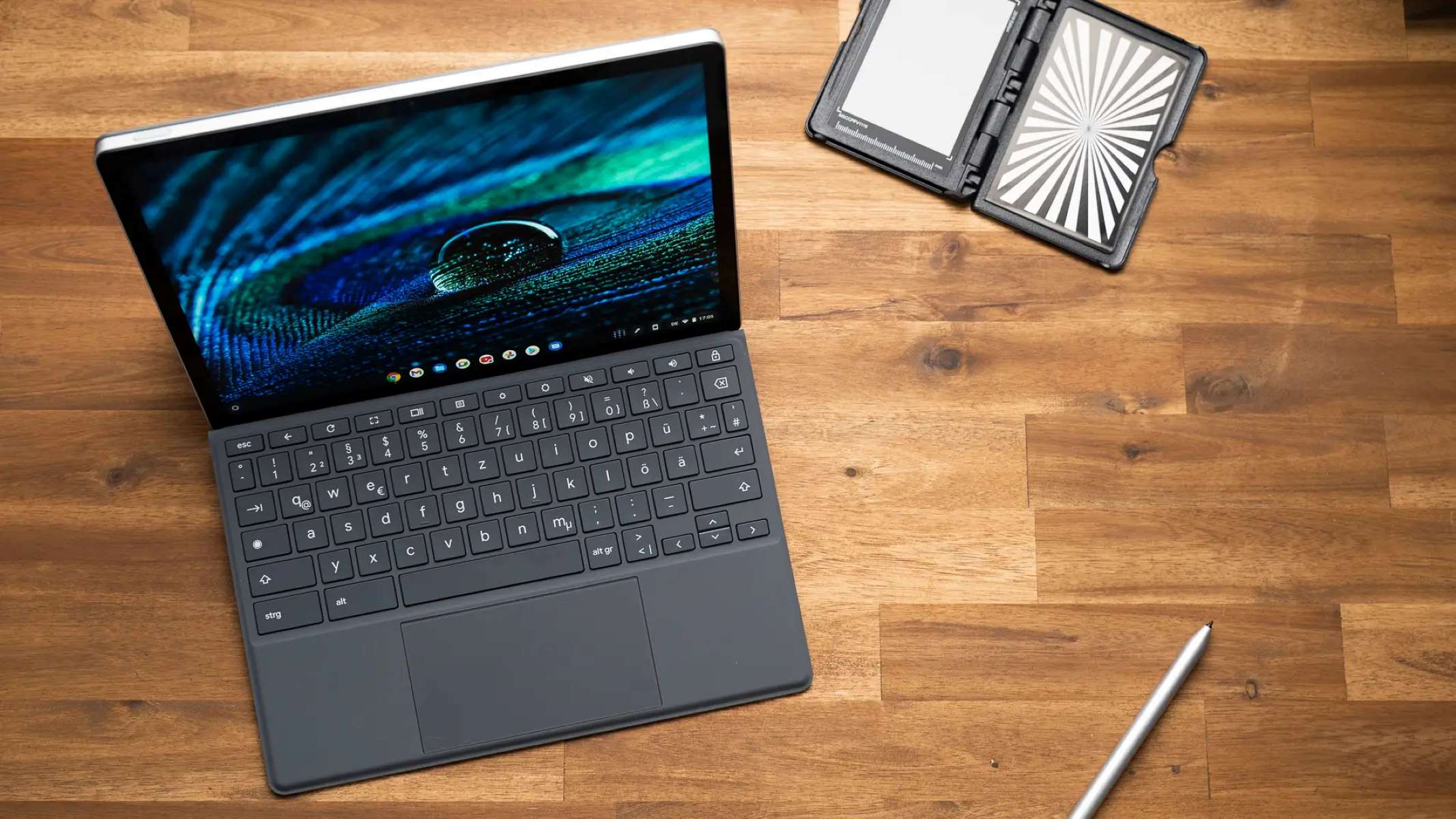
The articles fall into a few clear themes. One is simple “find and press” guidance: locating the power button on a Philips Smart TV, turning on an Acer monitor, or starting a VR headset for the first time. Another theme is recovery when the usual button fails, for example, forcing a shut down on a Dell laptop, getting a tablet out of Fastboot mode, or turning on a projector without its remote. A third theme covers alternative power methods, such as waking a Chromebook or a Dell convertible laptop without the physical button at all. These pieces explain safe, manufacturer-supported workarounds, not risky tricks.
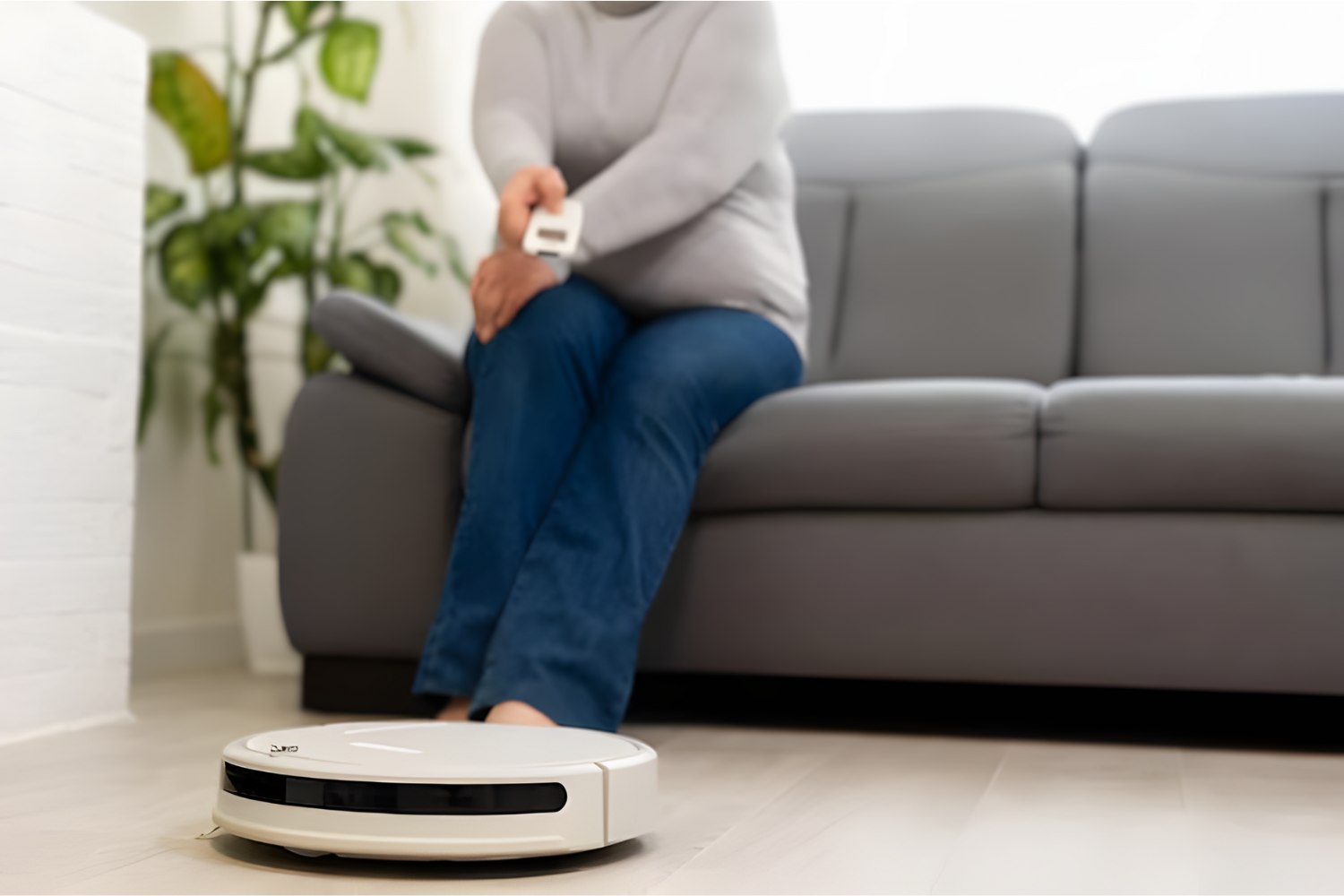
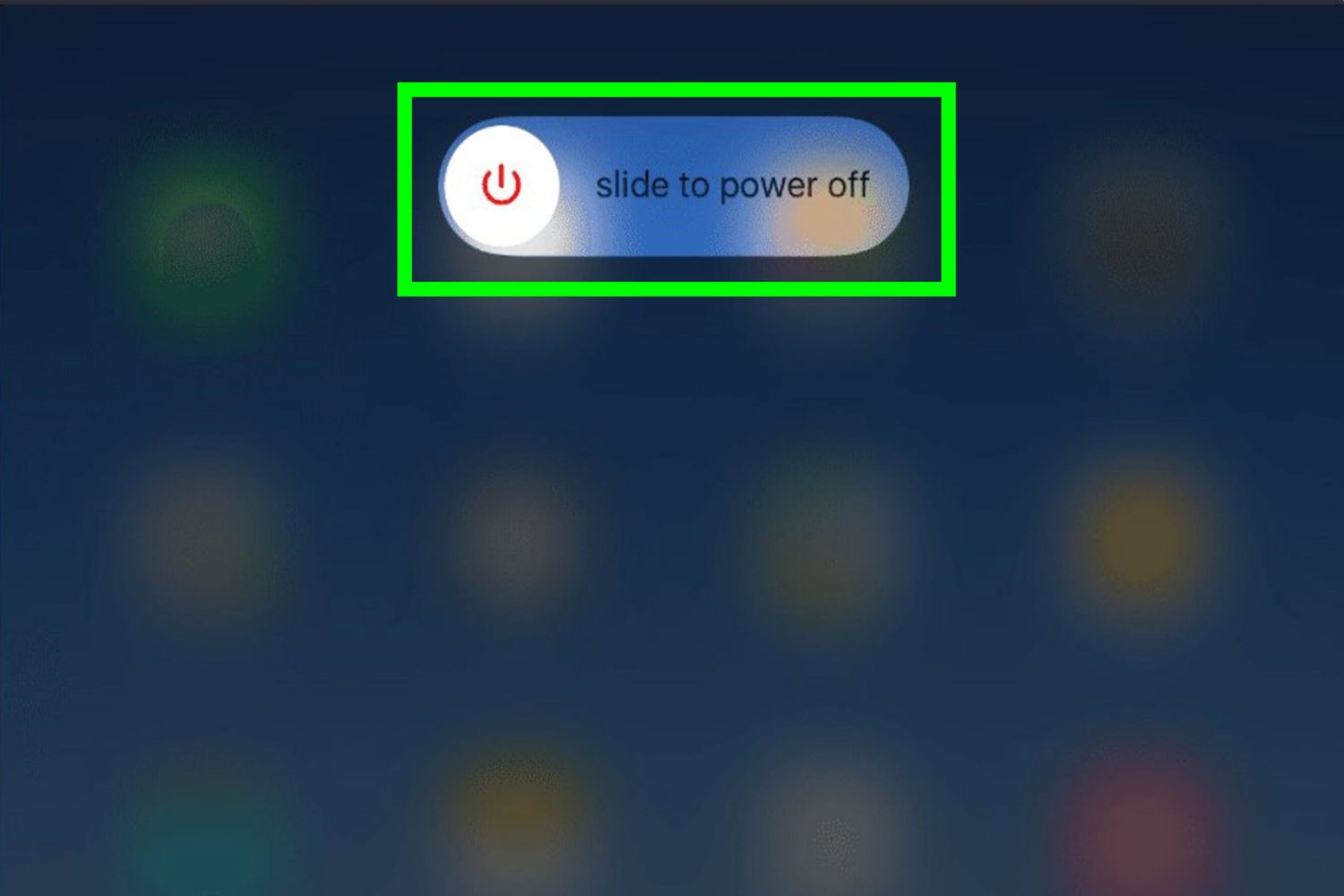
Several articles also address device status and maintenance from a practical angle. The guide to the flashing light on a PC case helps you interpret what that signal means, while the article on the Shark AI robot vacuum focuses on proper shut-off procedures to avoid draining the battery or damaging the motor. The tablet shutdown guides, meanwhile, emphasize clean power cycles to protect data and extend battery life. Across all 15 articles, the goal is simple: help you control your gear confidently, safely, and without guesswork.