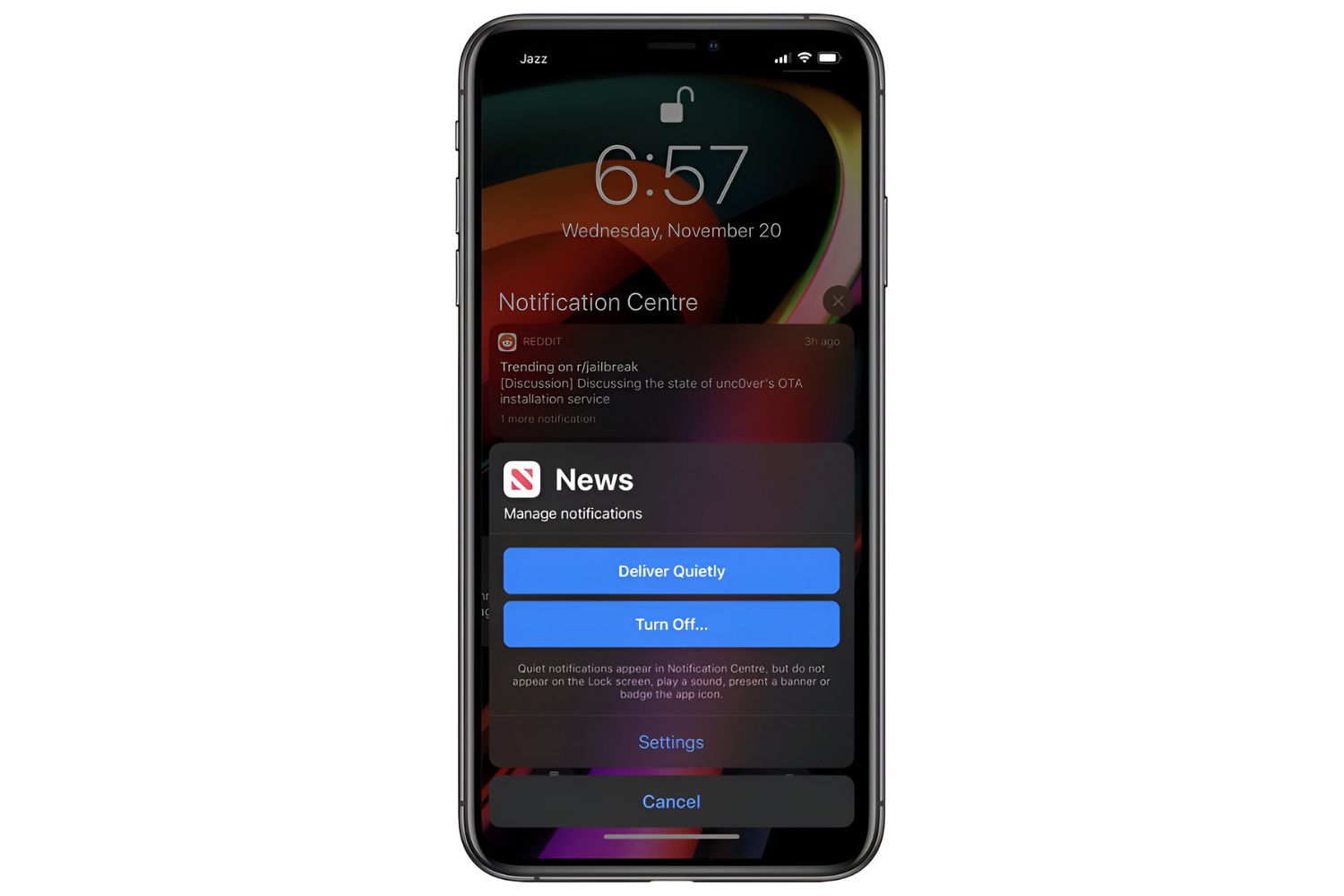
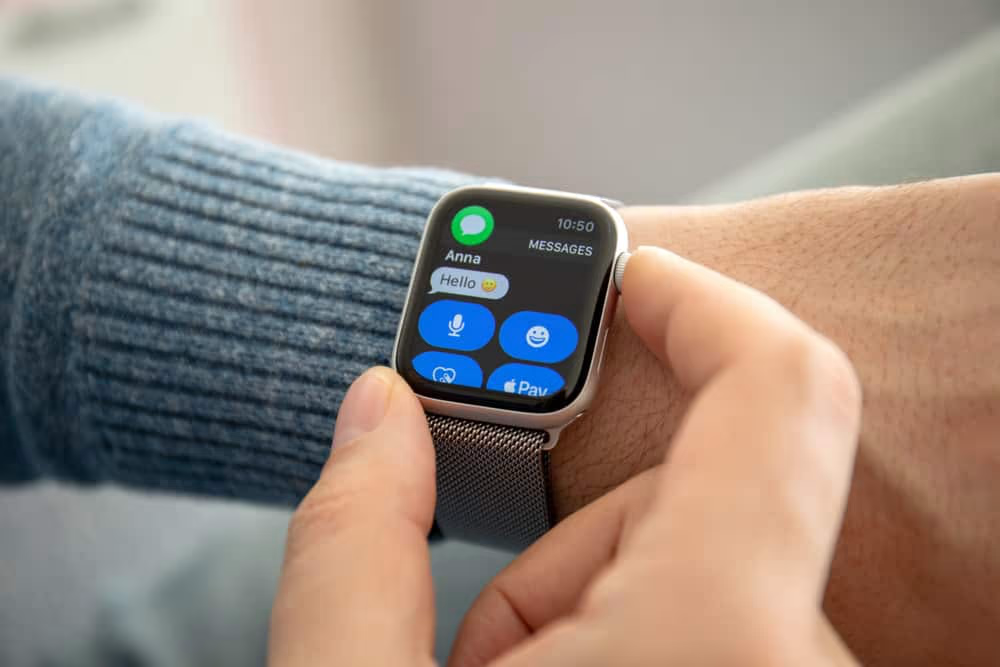
This tag collects practical, everyday guides for managing notifications across the devices and apps you already use, smartphones, tablets, Fitbits, and desktop programs. It is written for regular consumers who want fewer interruptions, clearer control over alerts, or help understanding why a device is (or is not) buzzing, pinging, or popping up. Whether you are a Discord regular, a Fitbit owner, or someone juggling multiple screens, these articles are meant for you.
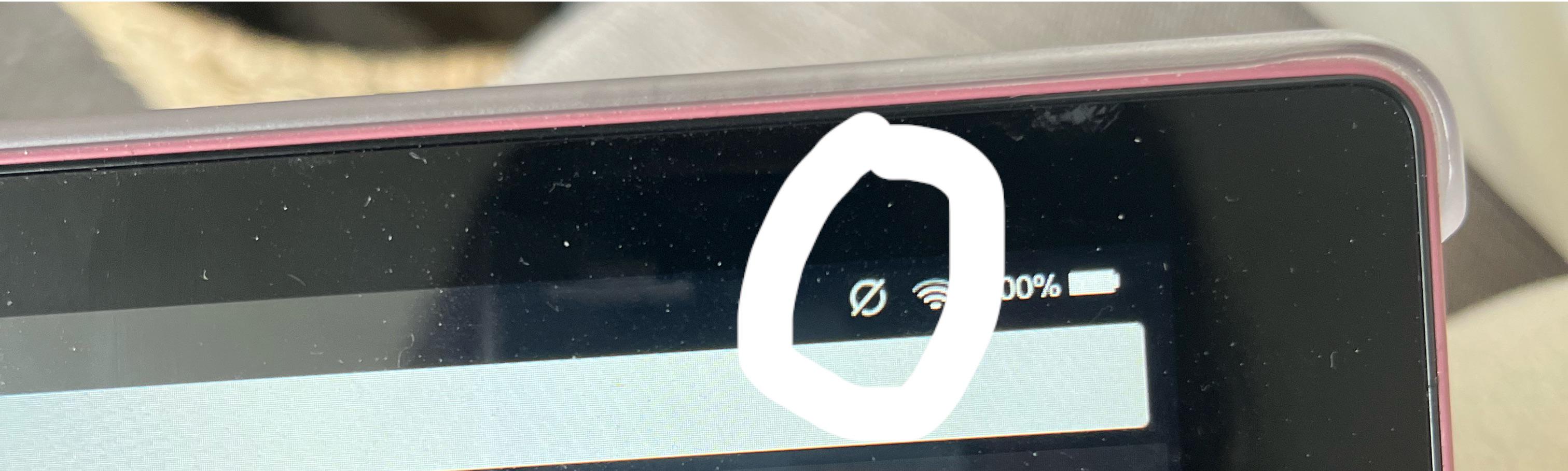
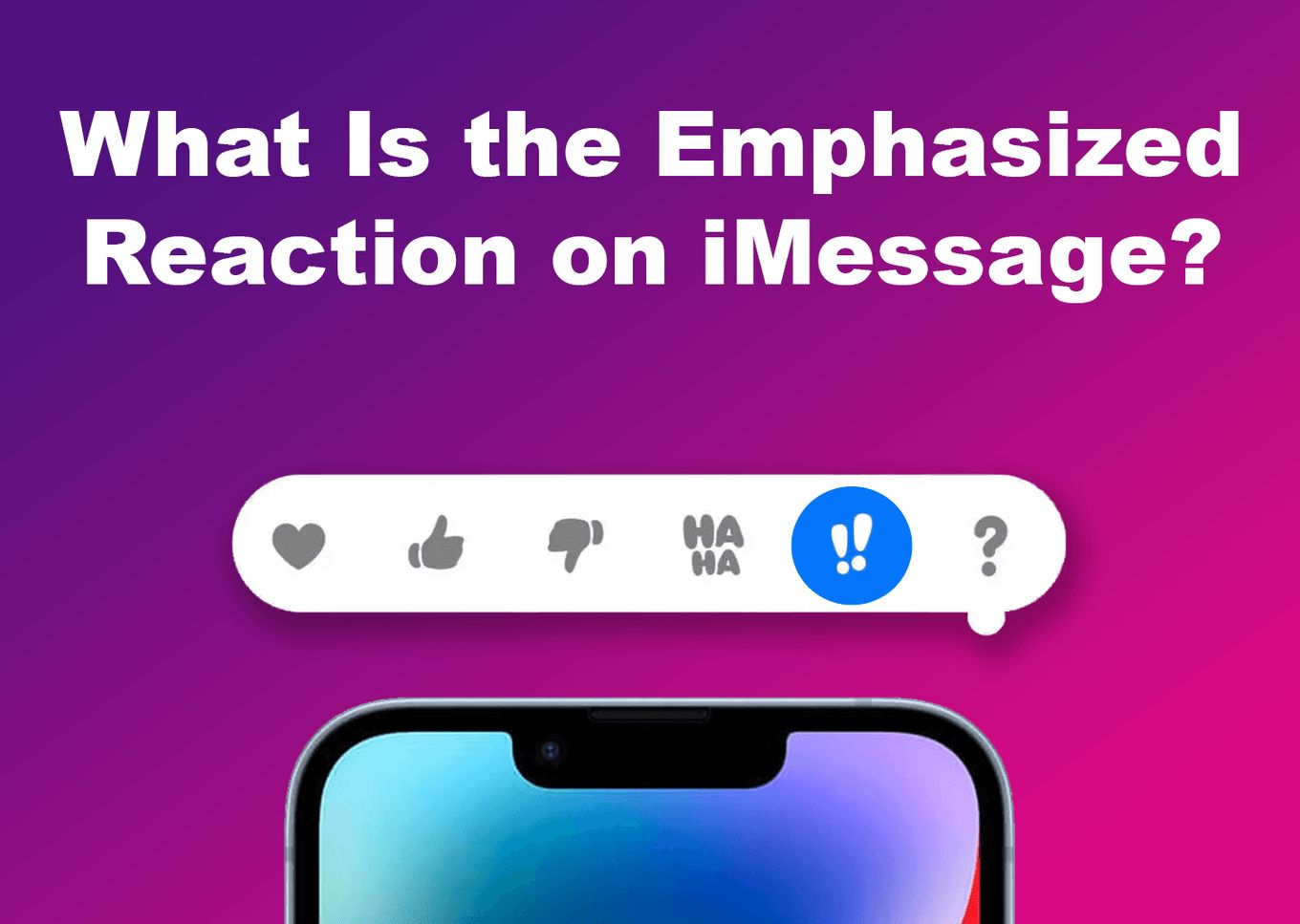
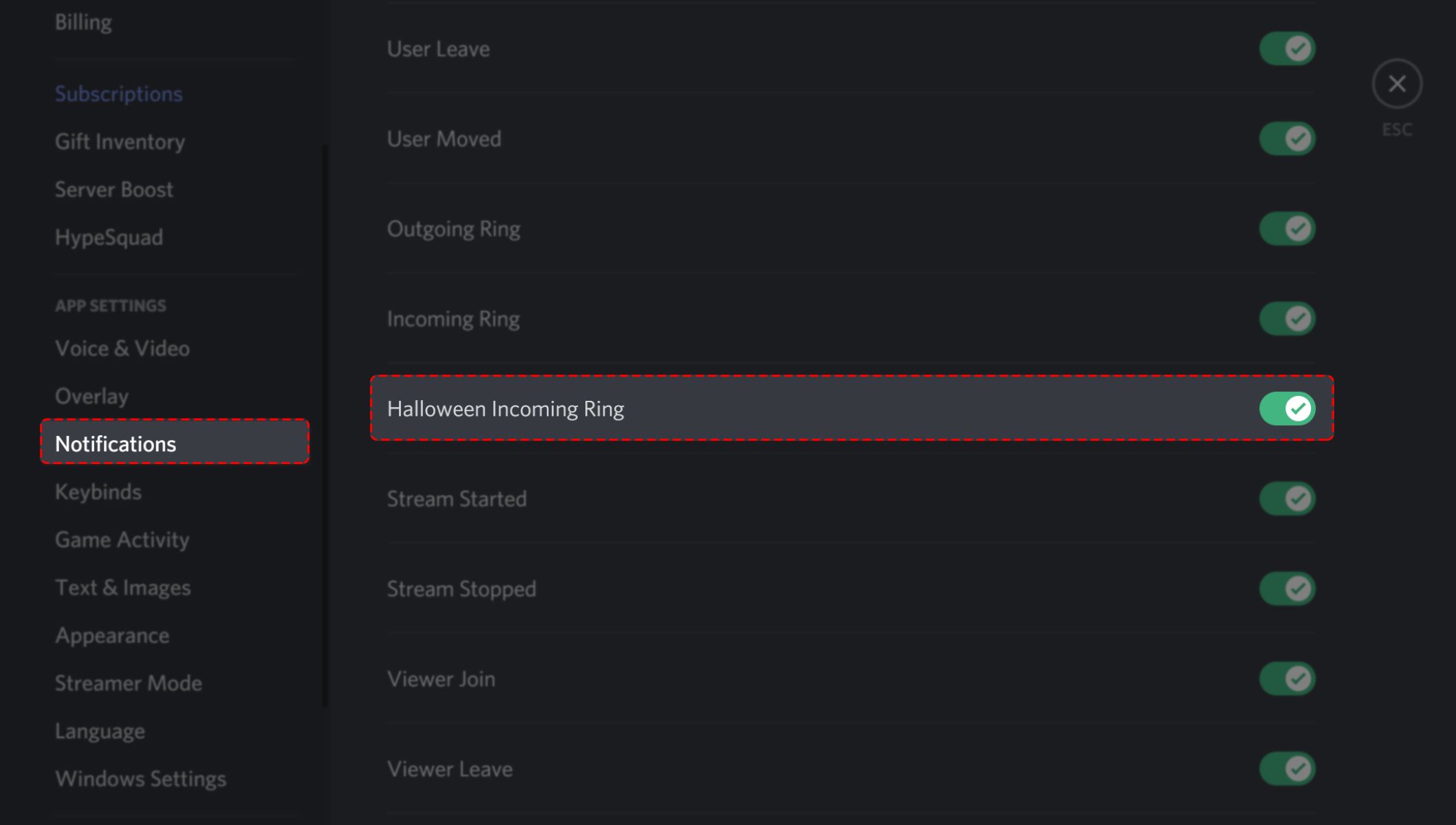
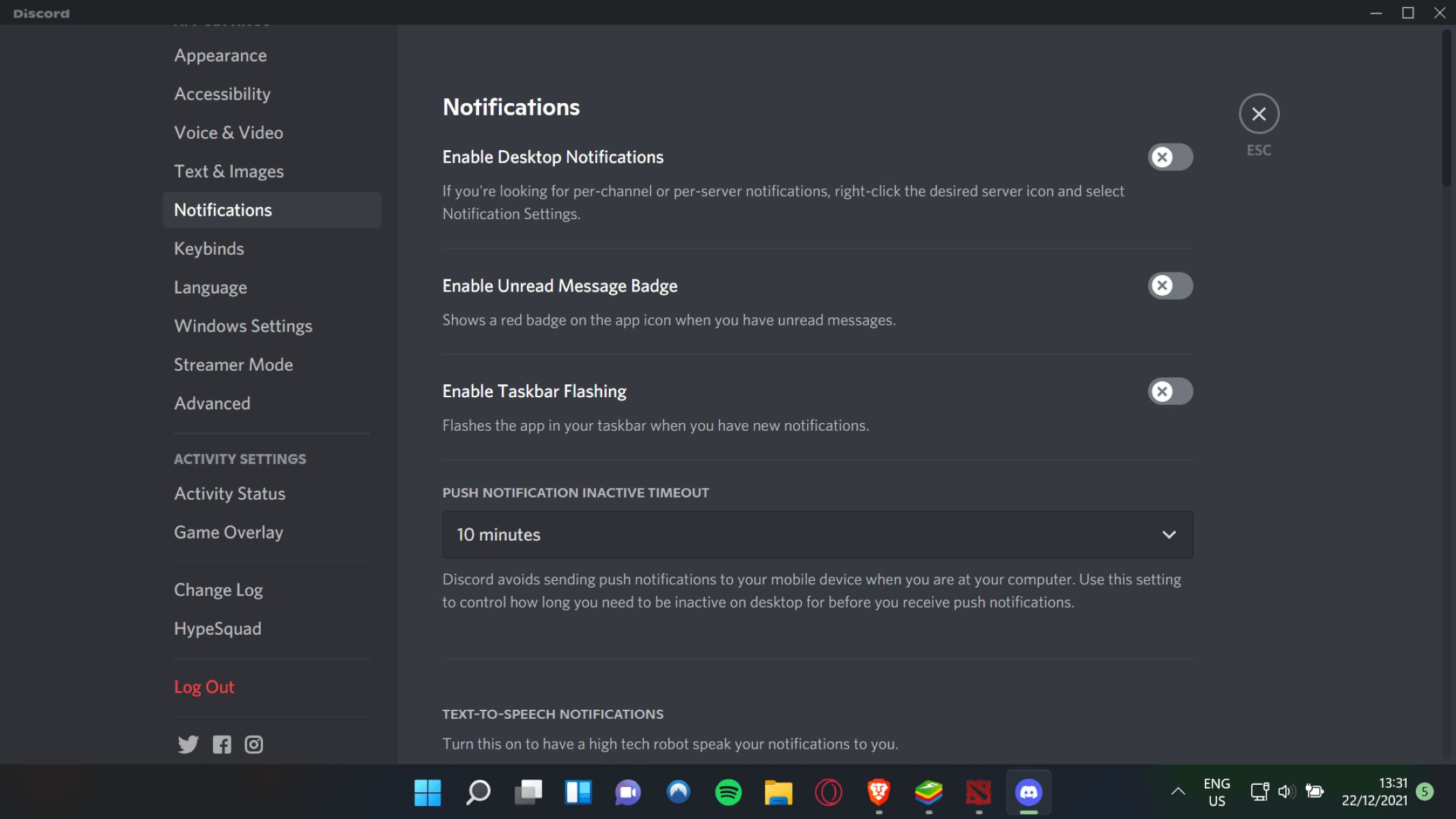
The problems these articles solve fall into a few clear themes. One is silencing and customizing: you can learn how to change the notification sound on Google Calendar, turn off Discord notifications, or stop notifications from popping up on your TV while screen mirroring. Another theme is understanding what your device is telling you, articles like “What Do The Two Exclamation Points Mean In iMessage” or “Decoding Symbols: Understanding Icons On Your Fitbit” help you read the visual language of your tech. A third theme is troubleshooting and enabling features, particularly for wearables: several pieces walk you through why your Fitbit no longer vibrates, how to make it vibrate for messages, and how to set up a hydration reminder. There’s also a practical angle on communication limits, such as whether you can receive calls when an app is closed or a tablet is asleep, and a few comparisons like Instagram’s desktop app versus its browser version.
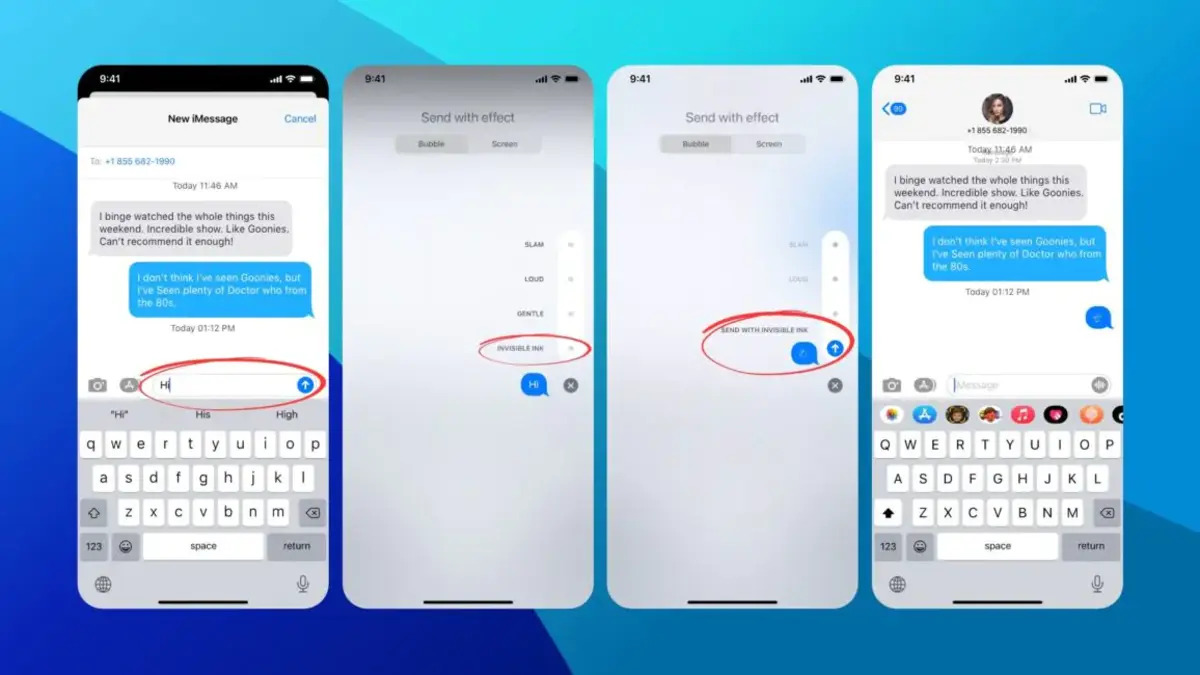
Some articles also address privacy and consent in a straightforward way, for example, explaining whether Instagram notifies you when someone screenshots in Vanish Mode, or how to hide conversations in iMessage without deleting them. These are not about bypassing security or sneaking around; they are about understanding your options and making informed choices about your own notifications. The tag is a mix of quick fixes, setting changes, and honest explanations, all aimed at helping you take back control of when and how your devices get your attention.