This tag collects our practical guides for fixing home network and device connection problems. It is written for everyday consumers, people setting up a new TV, dealing with a dropped Wi-Fi signal, or trying to get a game console online, who want clear, step-by-step solutions without jargon. If you are staring at an error code, a blinking light, or a device that simply will not connect, these articles are for you.
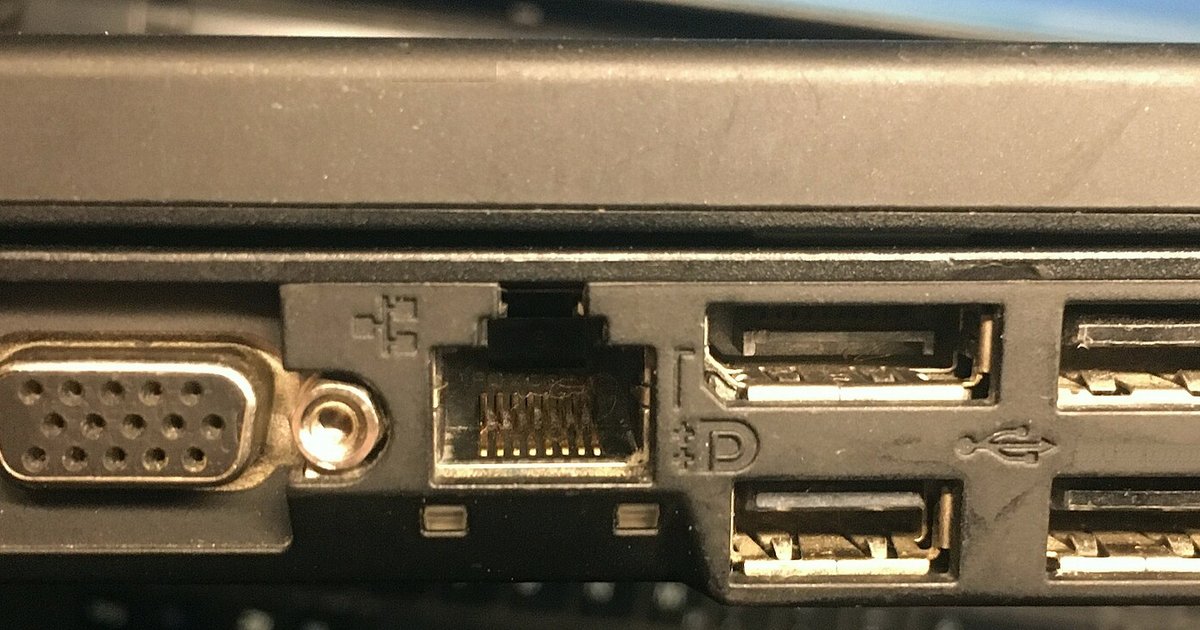
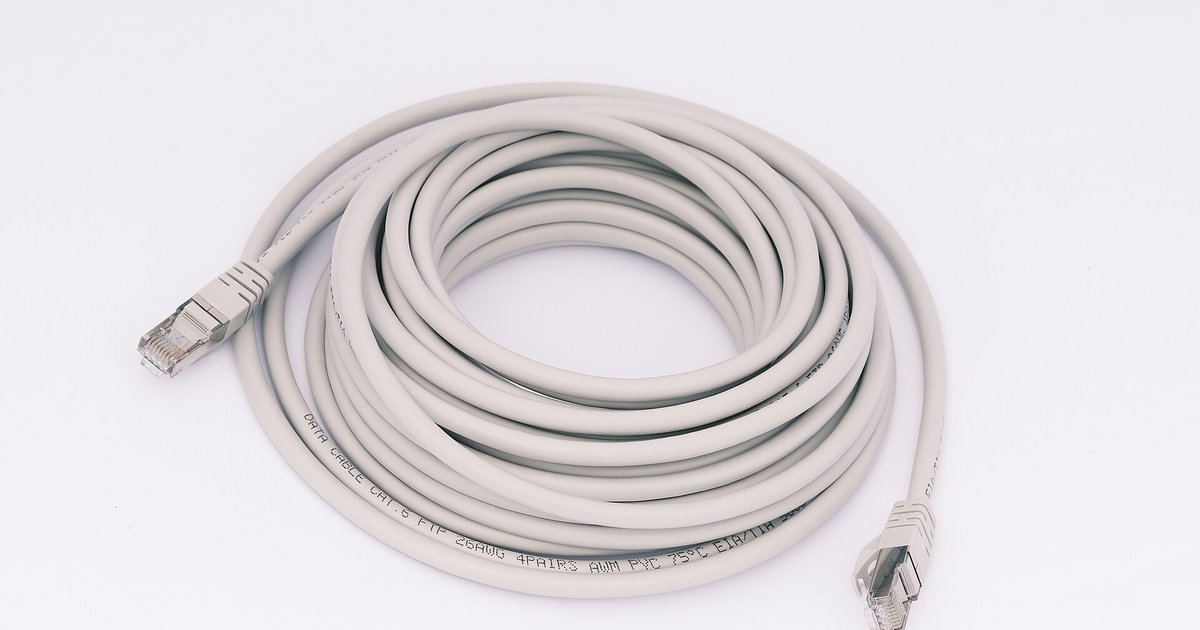
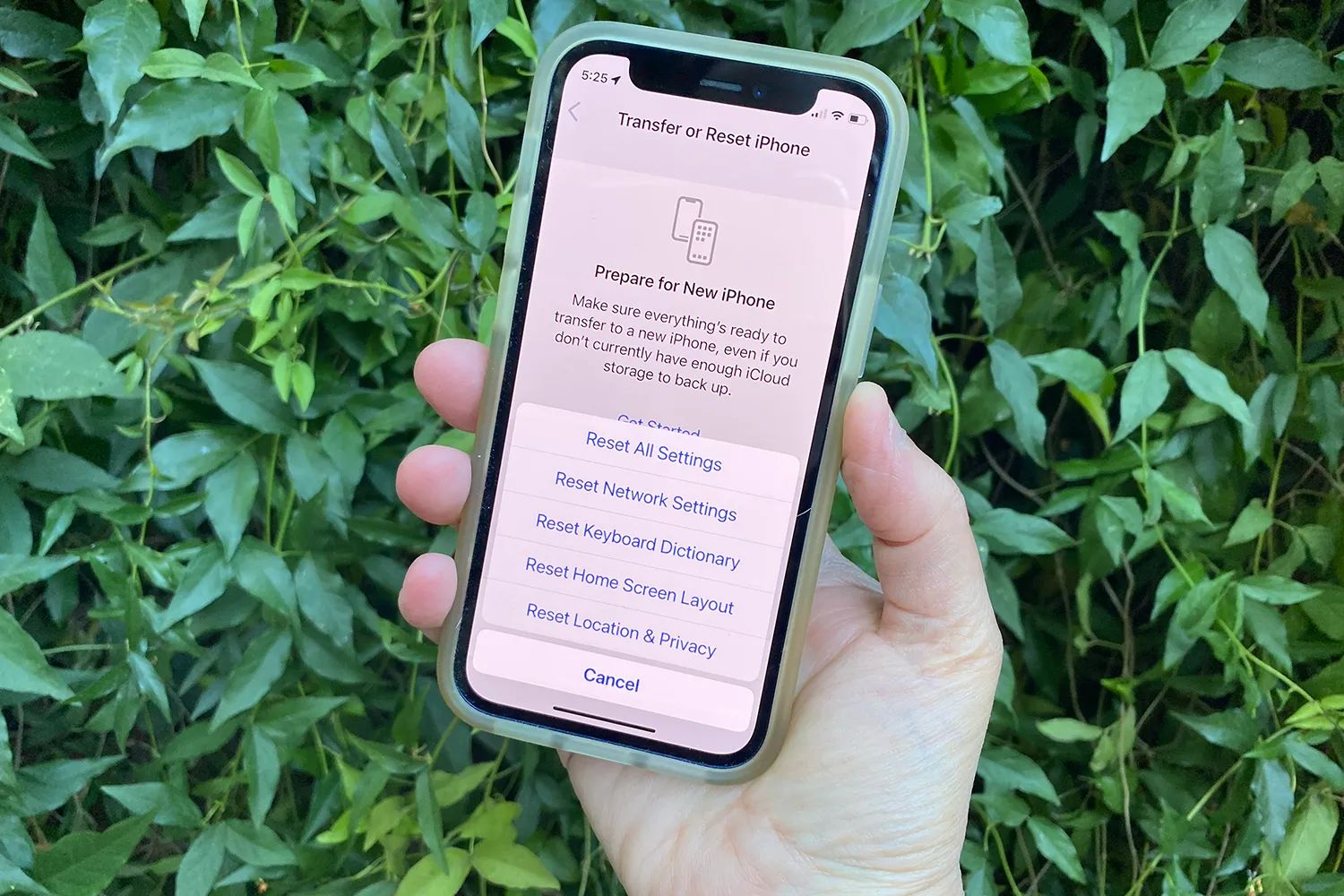
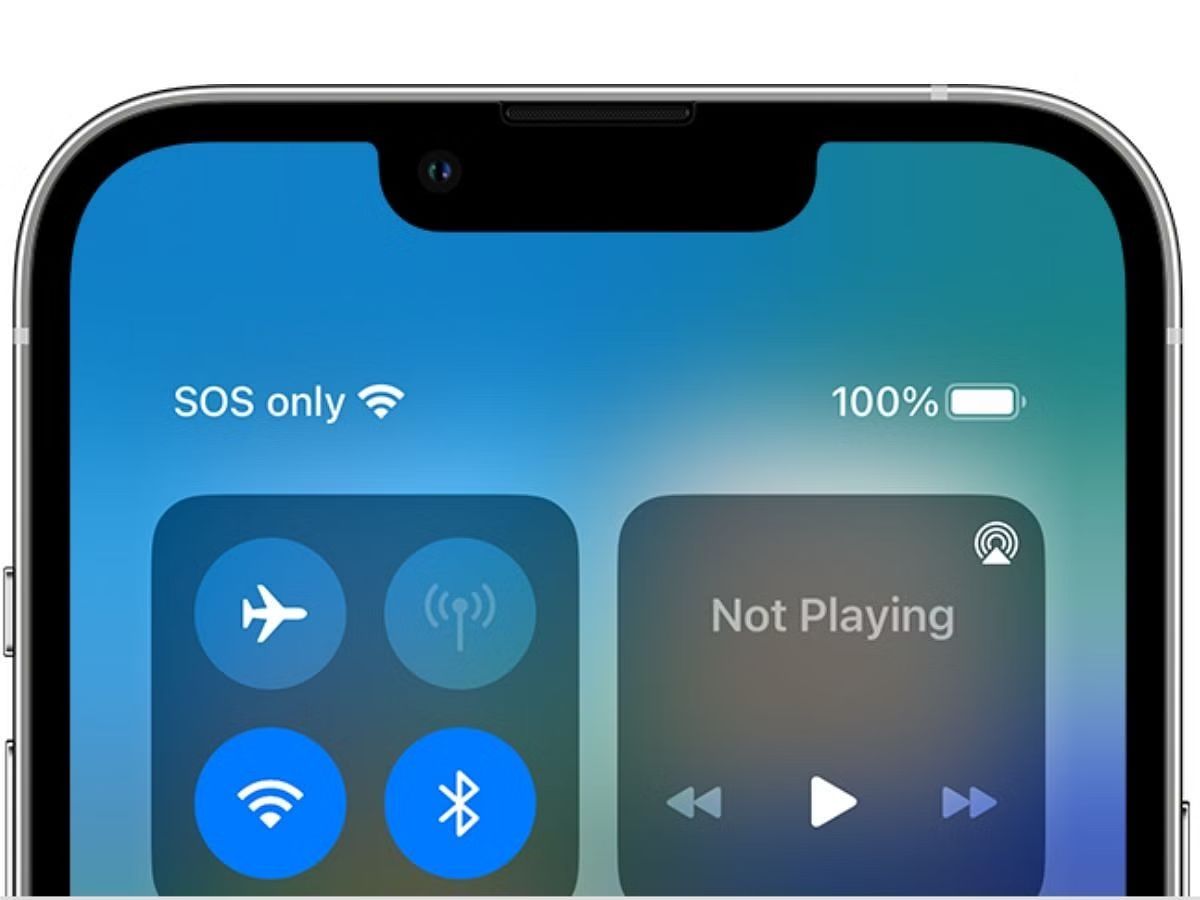
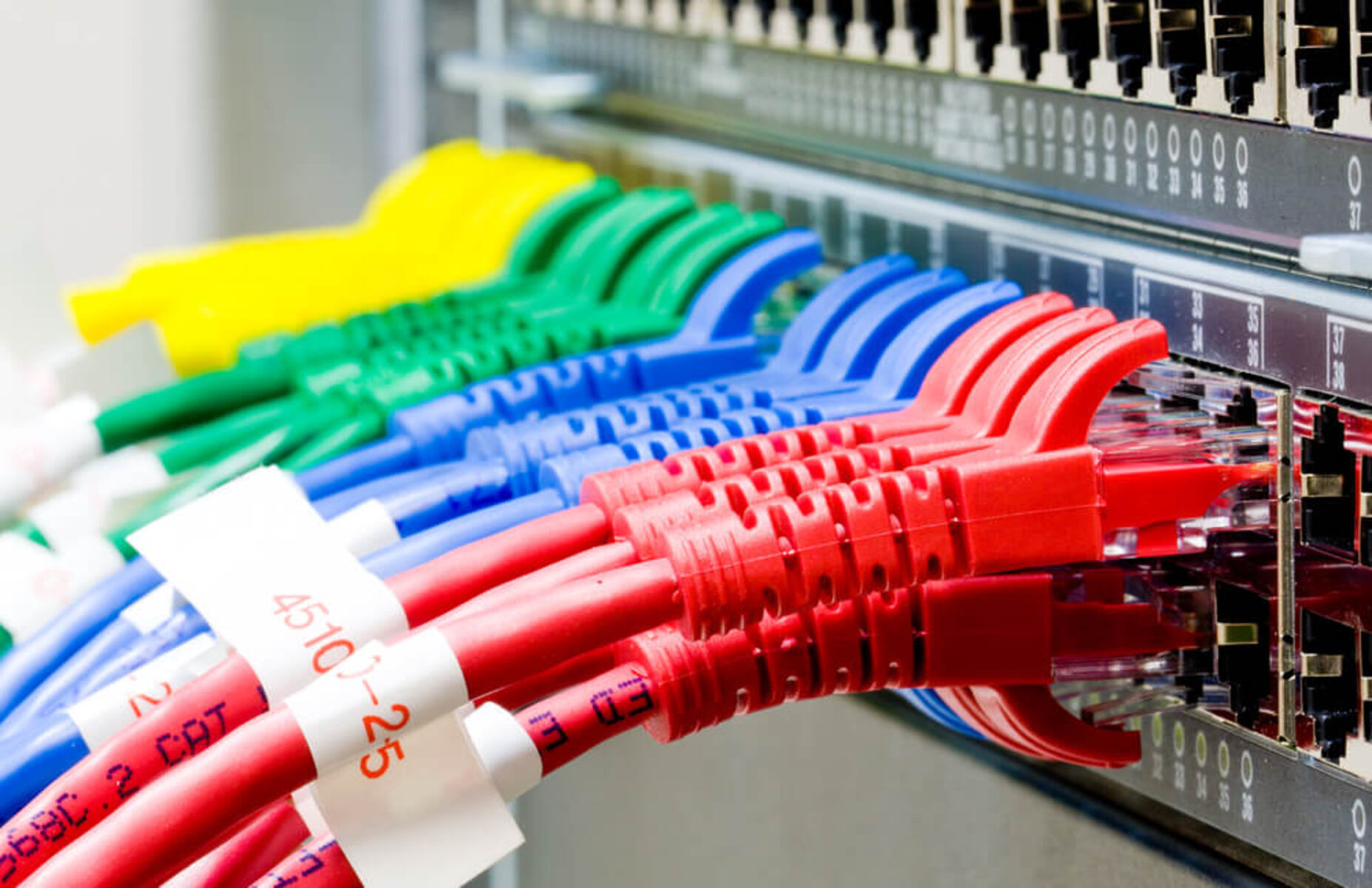
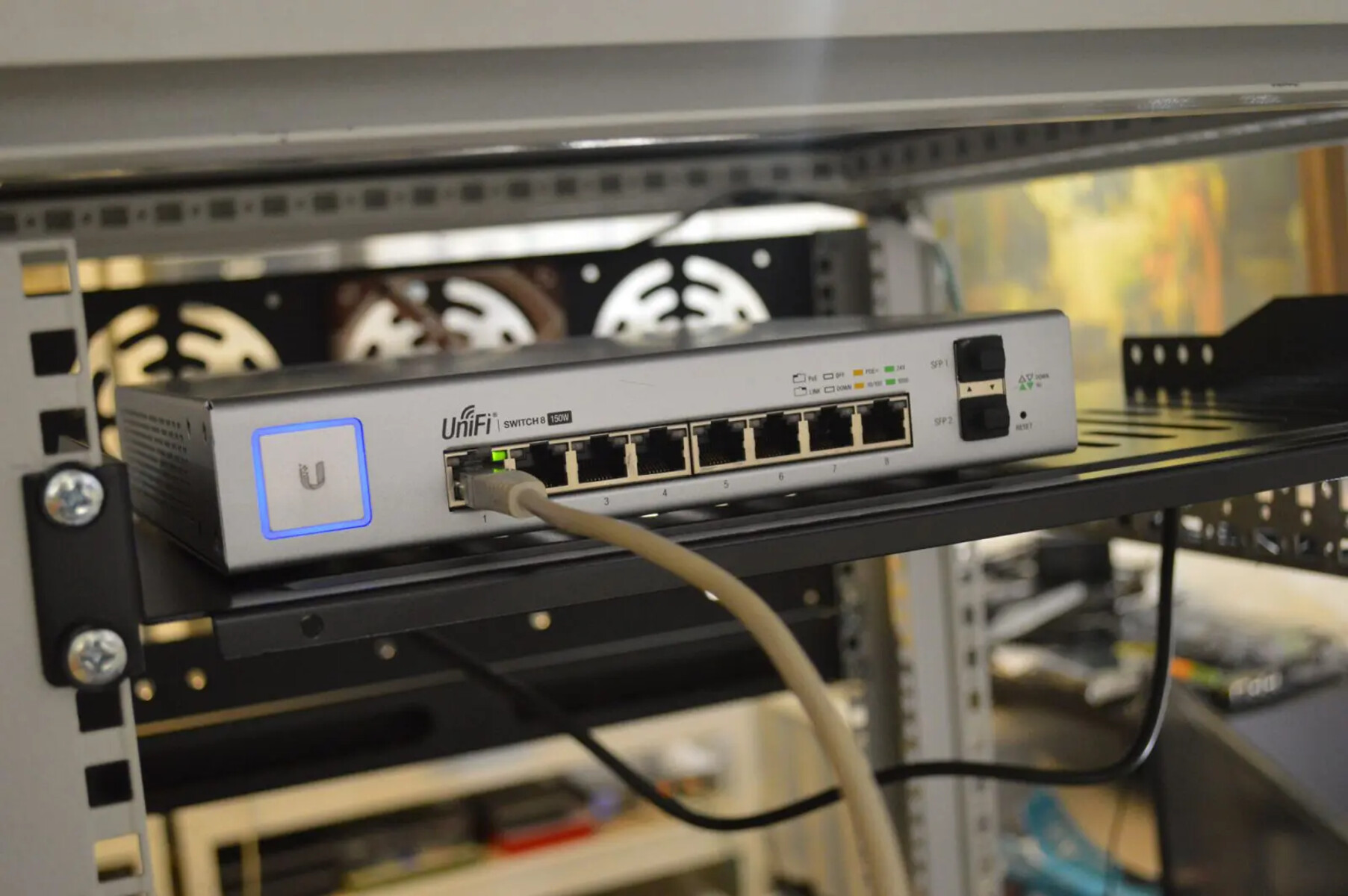
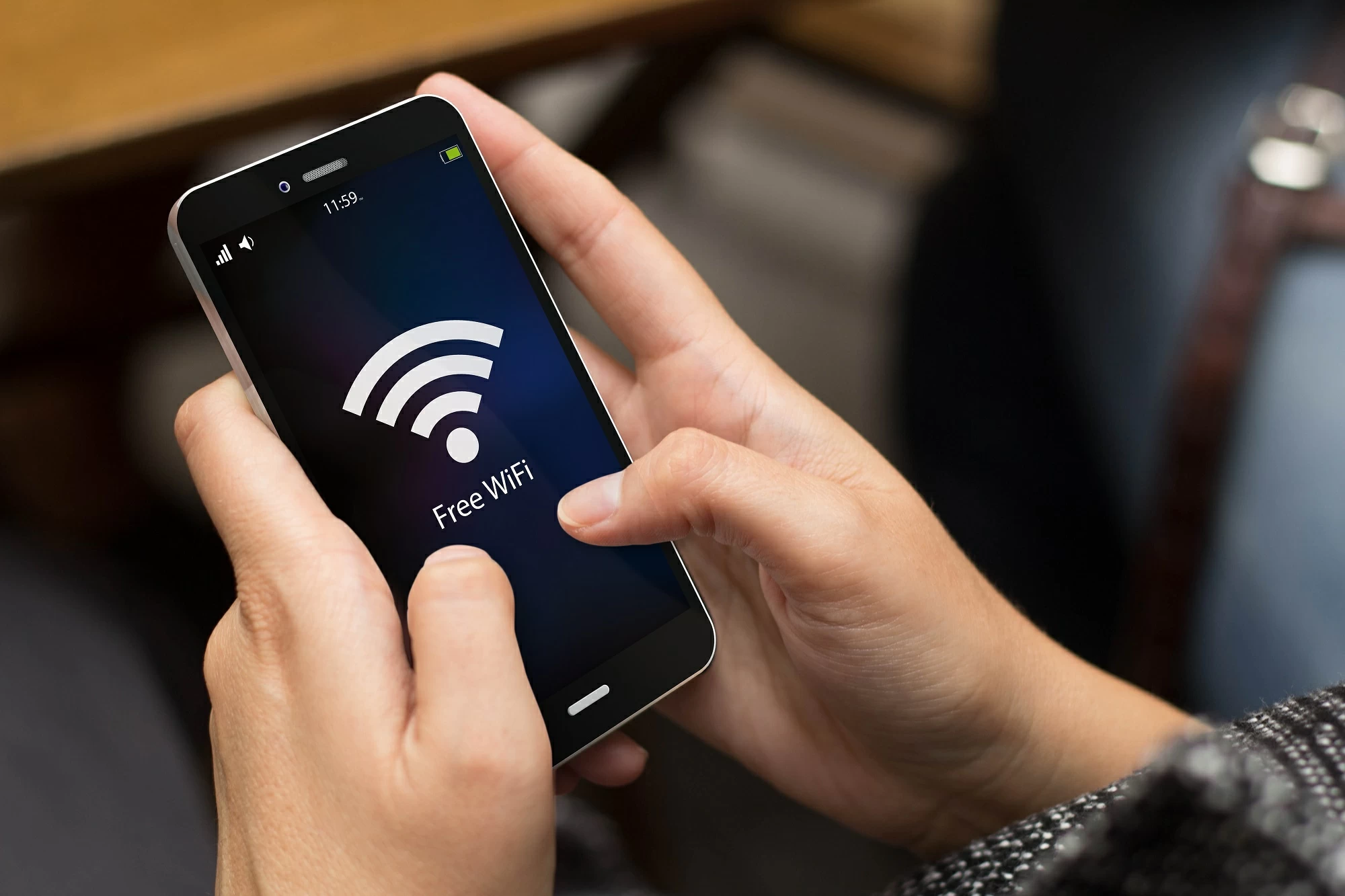
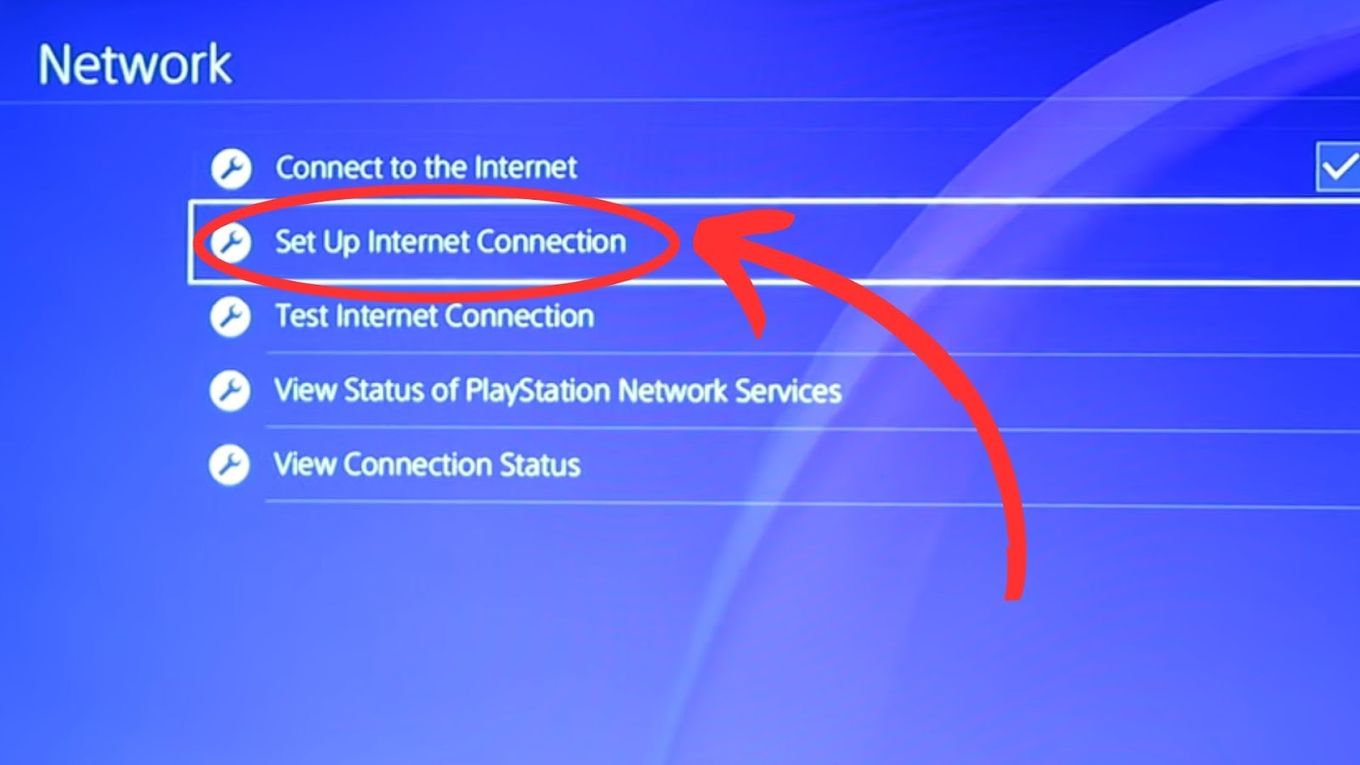
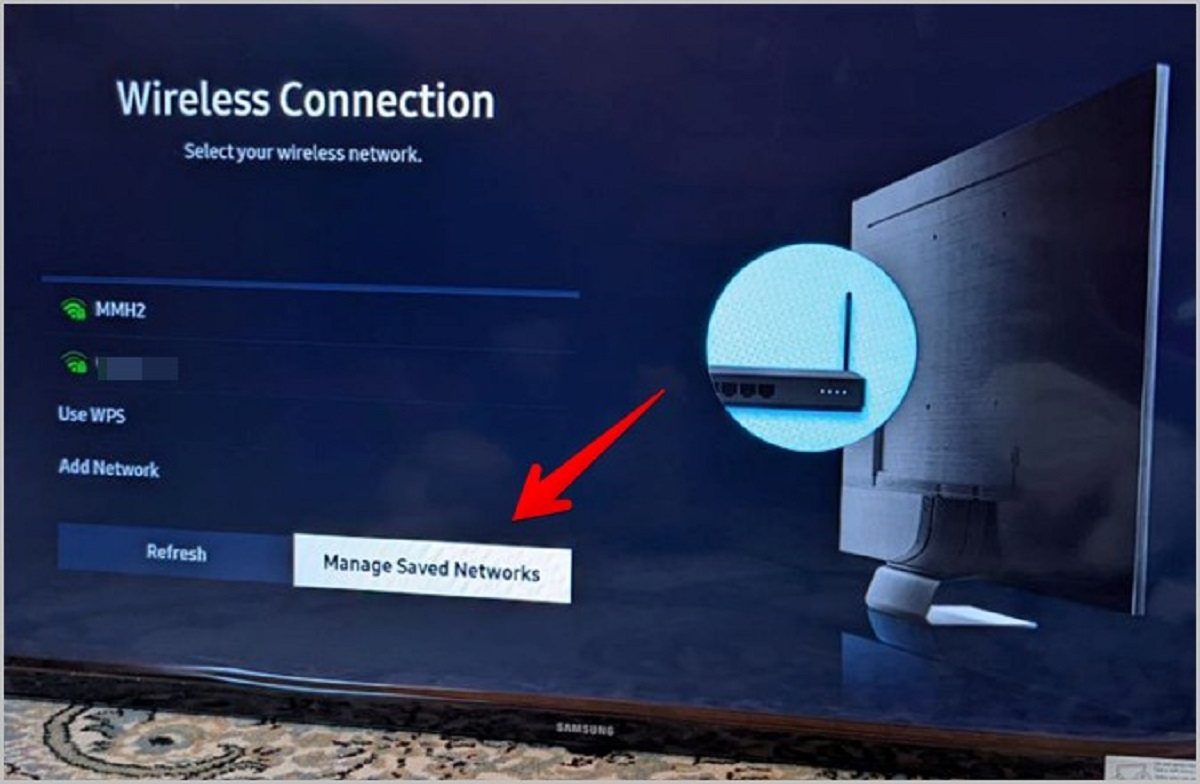
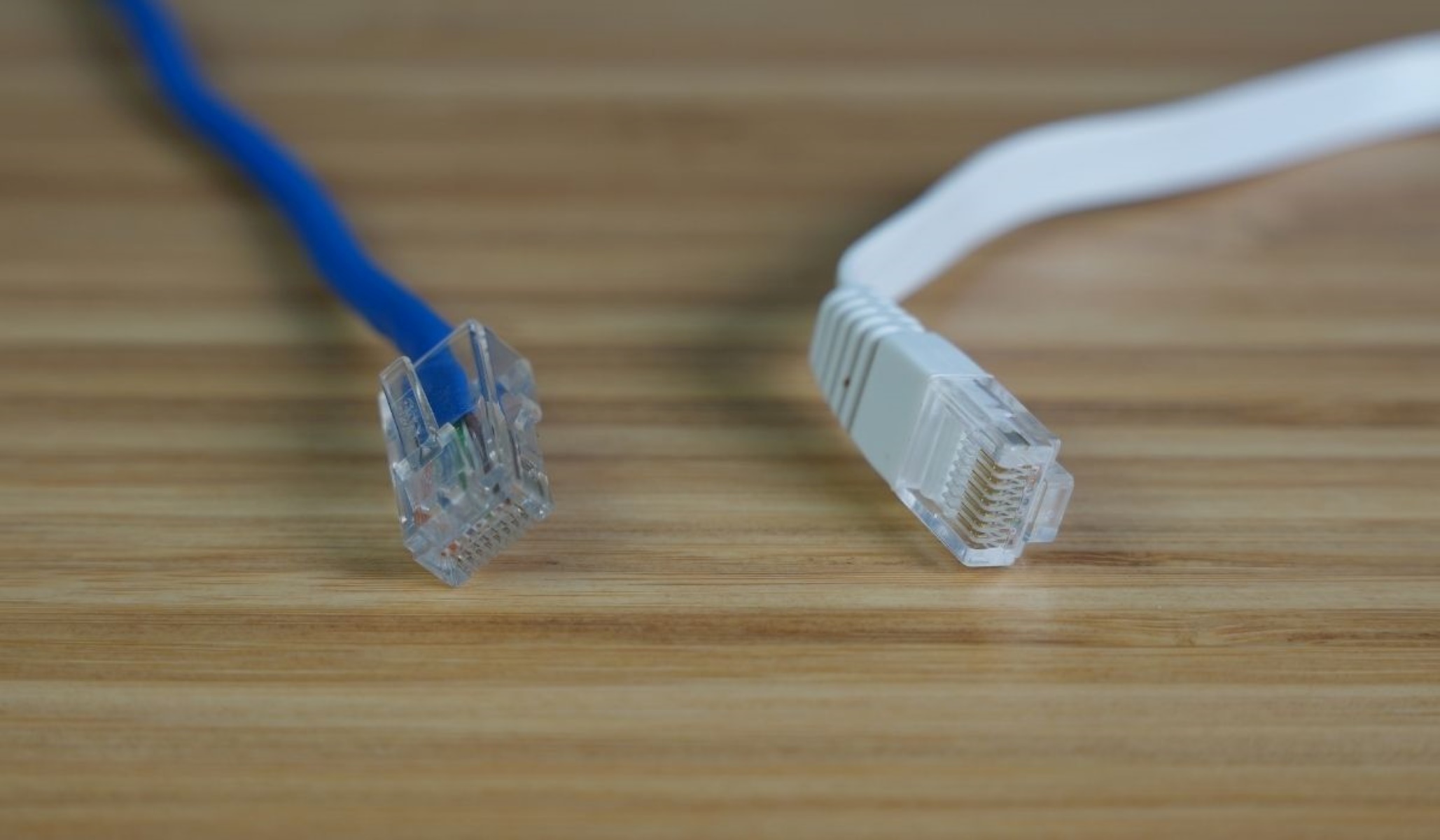
The articles fall into two main groups. The first group focuses on Wi-Fi and streaming device failures, such as why a smart TV refuses to join your network, what the Netflix error code Nw-2-5 actually means, and why a PlayStation might lose its internet connection. The second group centers on wired Ethernet issues, including how to tell if a cable has gone bad, what an orange light on the port indicates, and why your connection speed might be stuck at 100 Mbps instead of the expected 1 Gbps. A few pieces also address SIM card and cellular problems, like resolving an “SOS Only” message or resetting an iPhone’s SIM card, these are explained as safe, standard troubleshooting steps, not as ways to bypass carrier restrictions.
Across all these topics, the articles help you diagnose the root cause, check the most likely culprits (cables, ports, settings, or signal strength), and apply a fix yourself. They also cover the safety and security angle: for example, knowing what an orange light means can prevent you from plugging a damaged cable into a router, and understanding a “SOS Only” status helps you avoid risky third-party unlocking methods. The goal is to get you back online confidently, without unnecessary expense or unsafe workarounds.