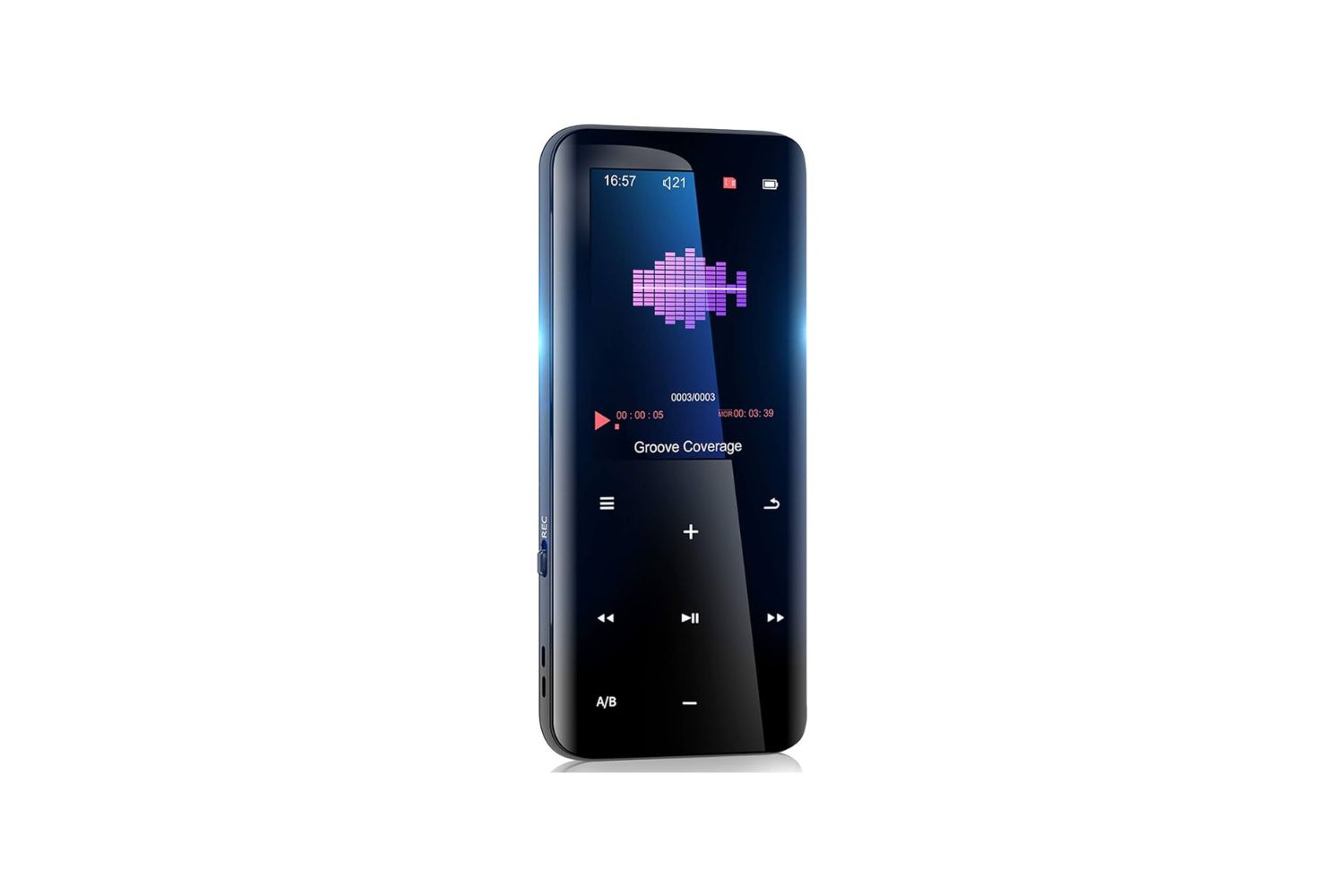
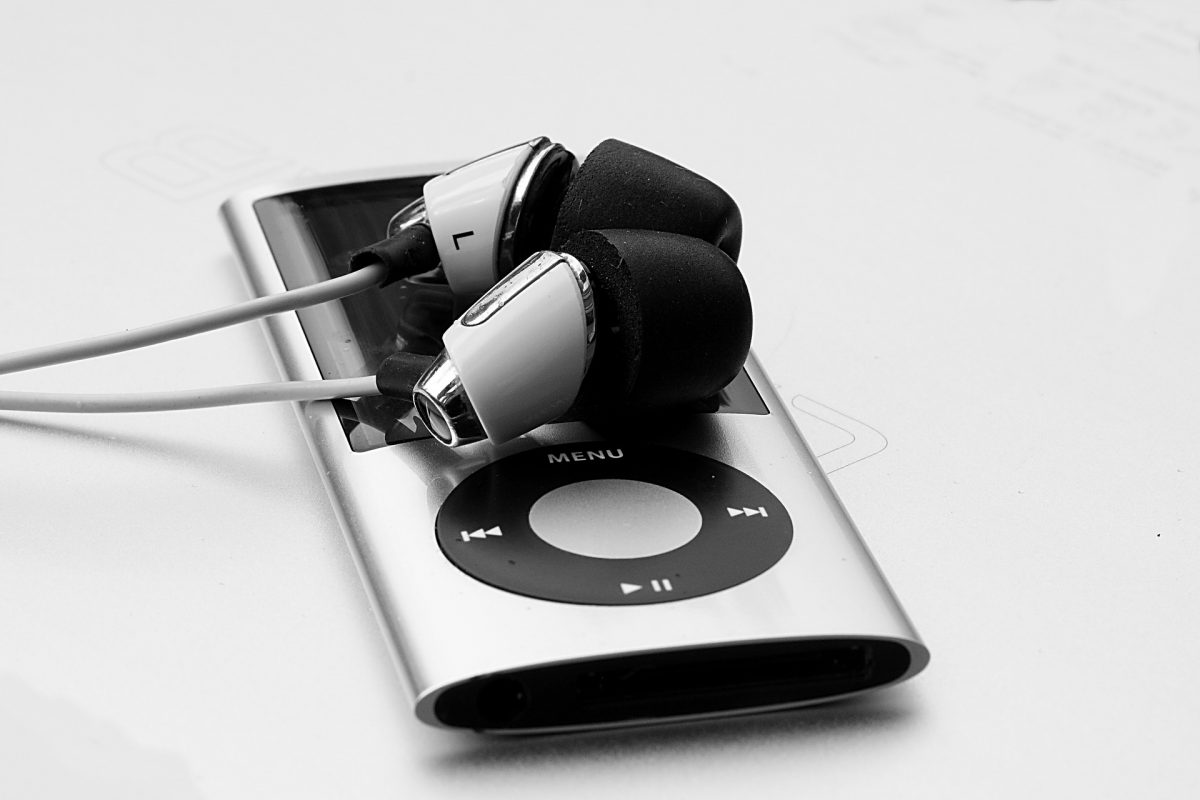
This tag collects practical, step-by-step guides for getting music onto a wide range of portable and home devices, from dedicated MP3 players to tablets and handheld gaming consoles. It is written for everyday consumers, people who have bought a device, hit a digital wall, and just want their songs in the right place without wading through jargon or paying for unnecessary software.
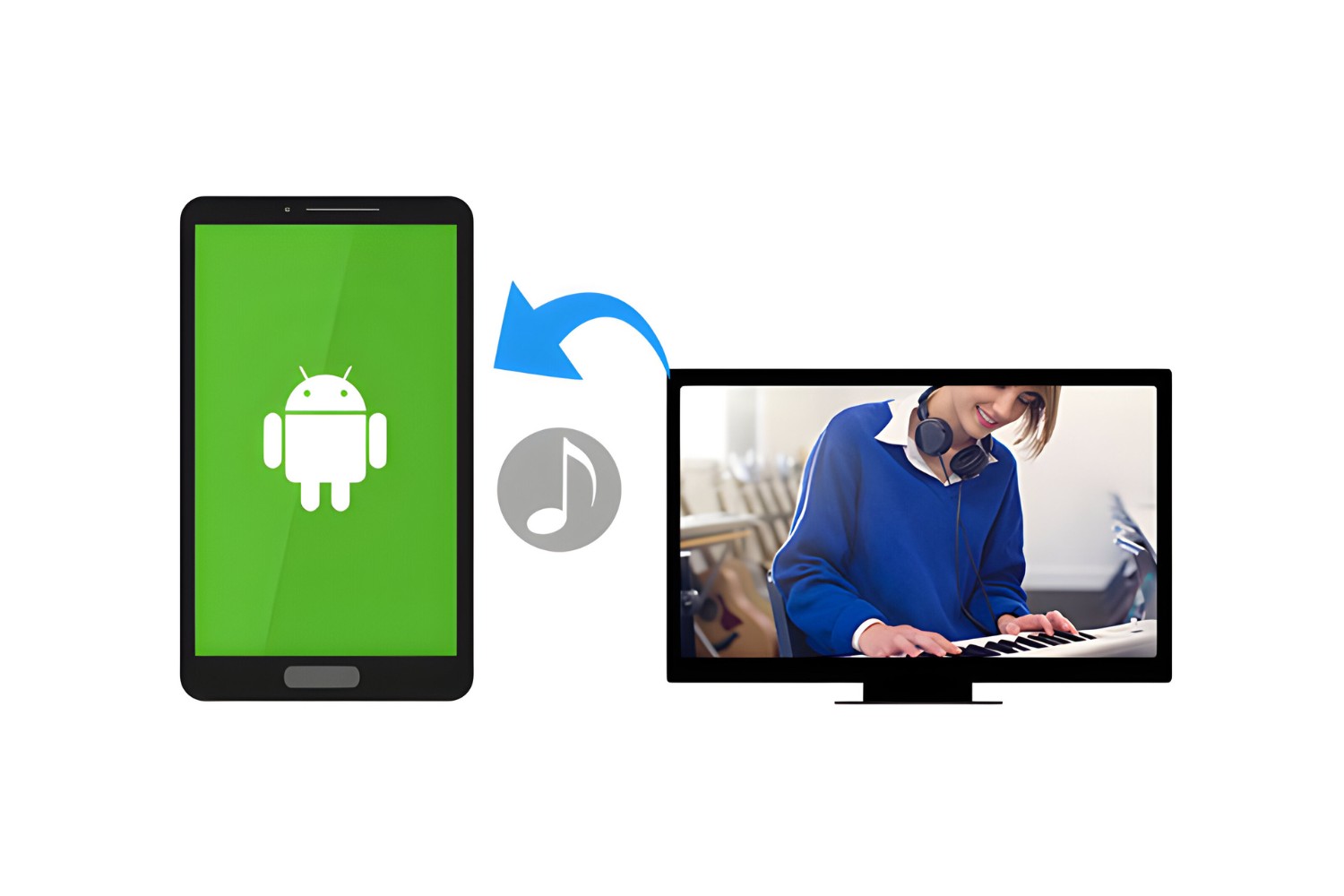
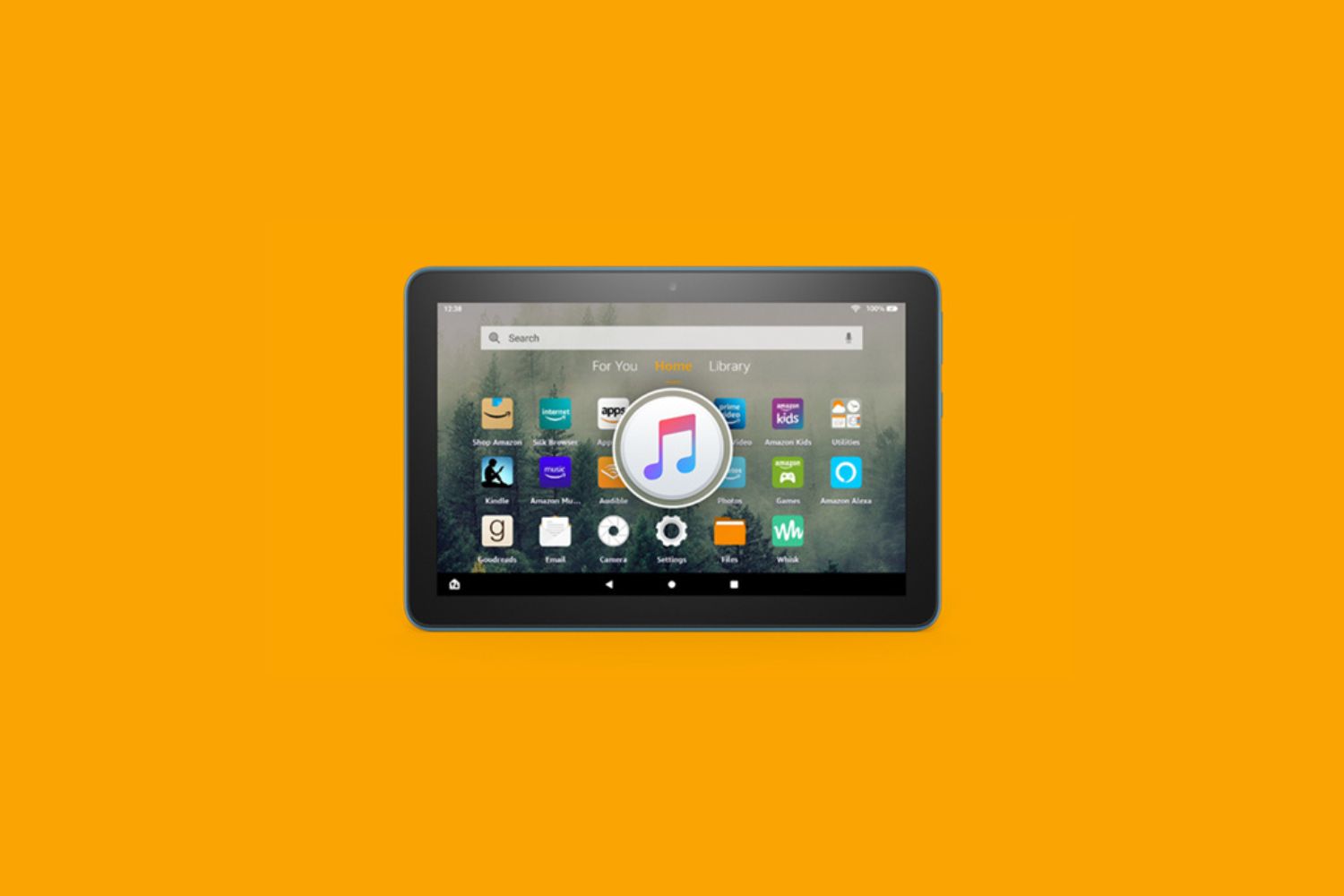
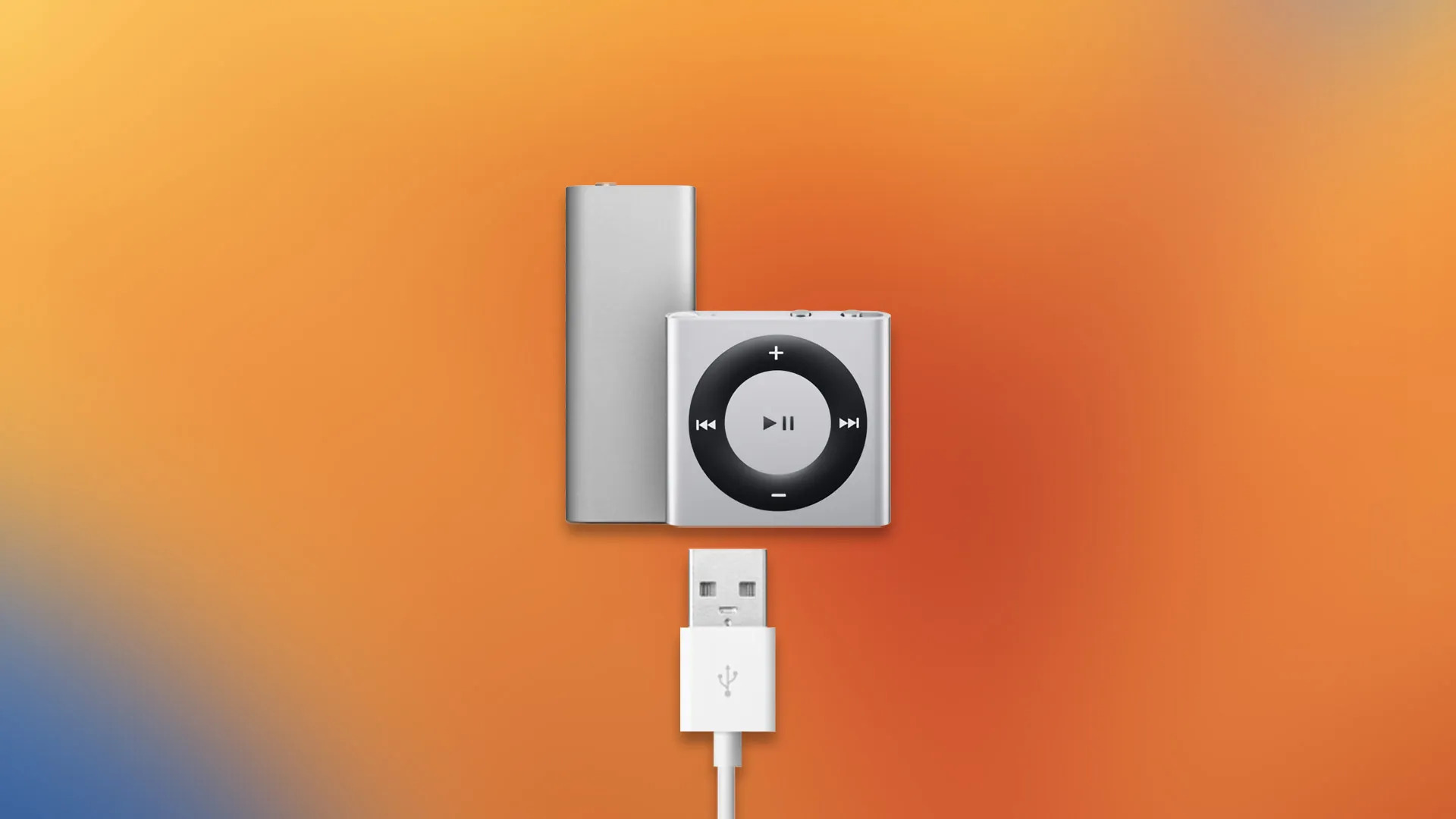
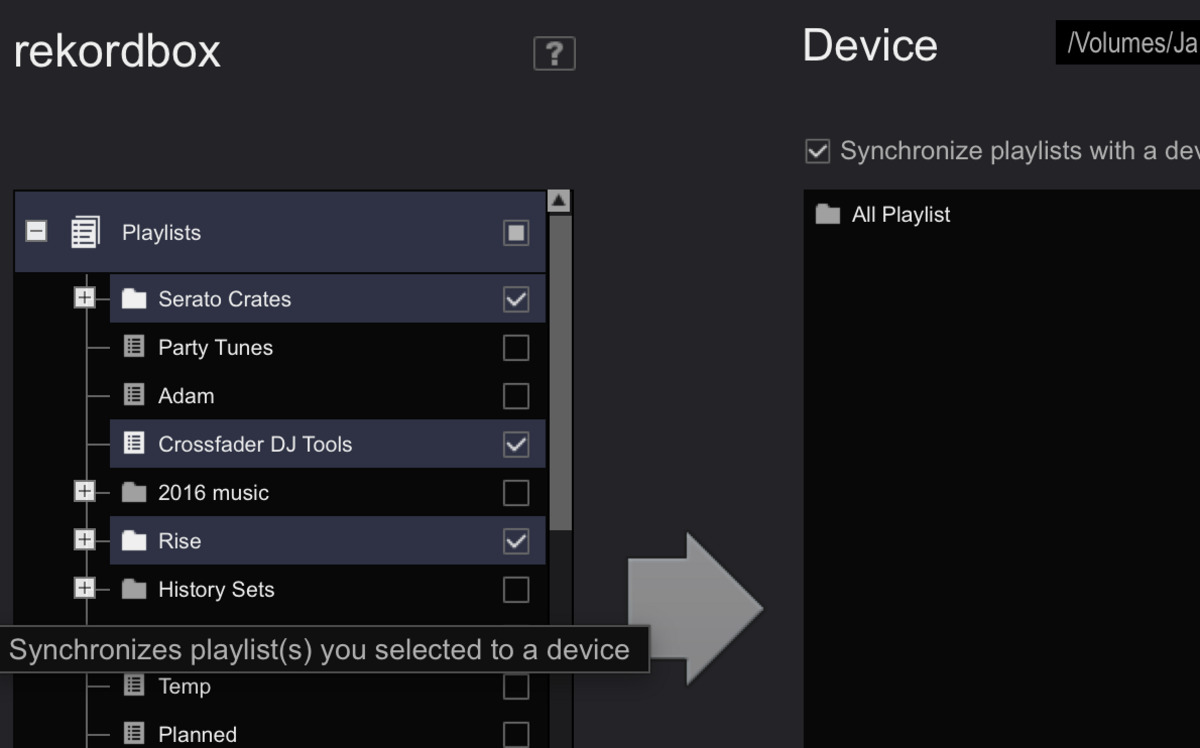
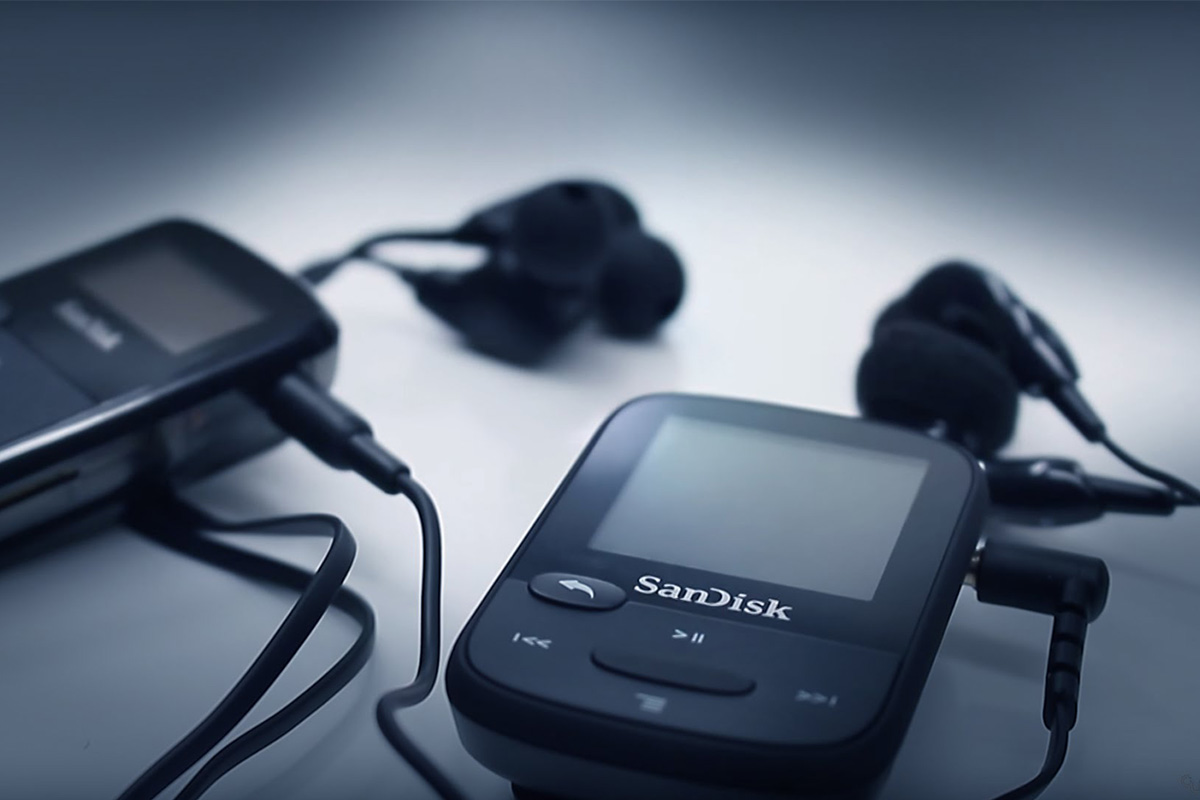
The articles here solve three recurring problems. First, they cover the basic mechanics of file transfer: how to connect a player to a computer, organize folders, and use drag-and-drop or sync tools. Second, they address the specific quirks of brand-name hardware and software, such as Sandisk players, the iPod Shuffle’s lack of a screen, and the Fire Tablet’s limited Android file access. Third, they tackle the legal and practical side of moving music out of subscription services like Amazon Music, showing readers how to download tracks they own or have rights to, rather than resorting to risky ripping or streaming hacks.
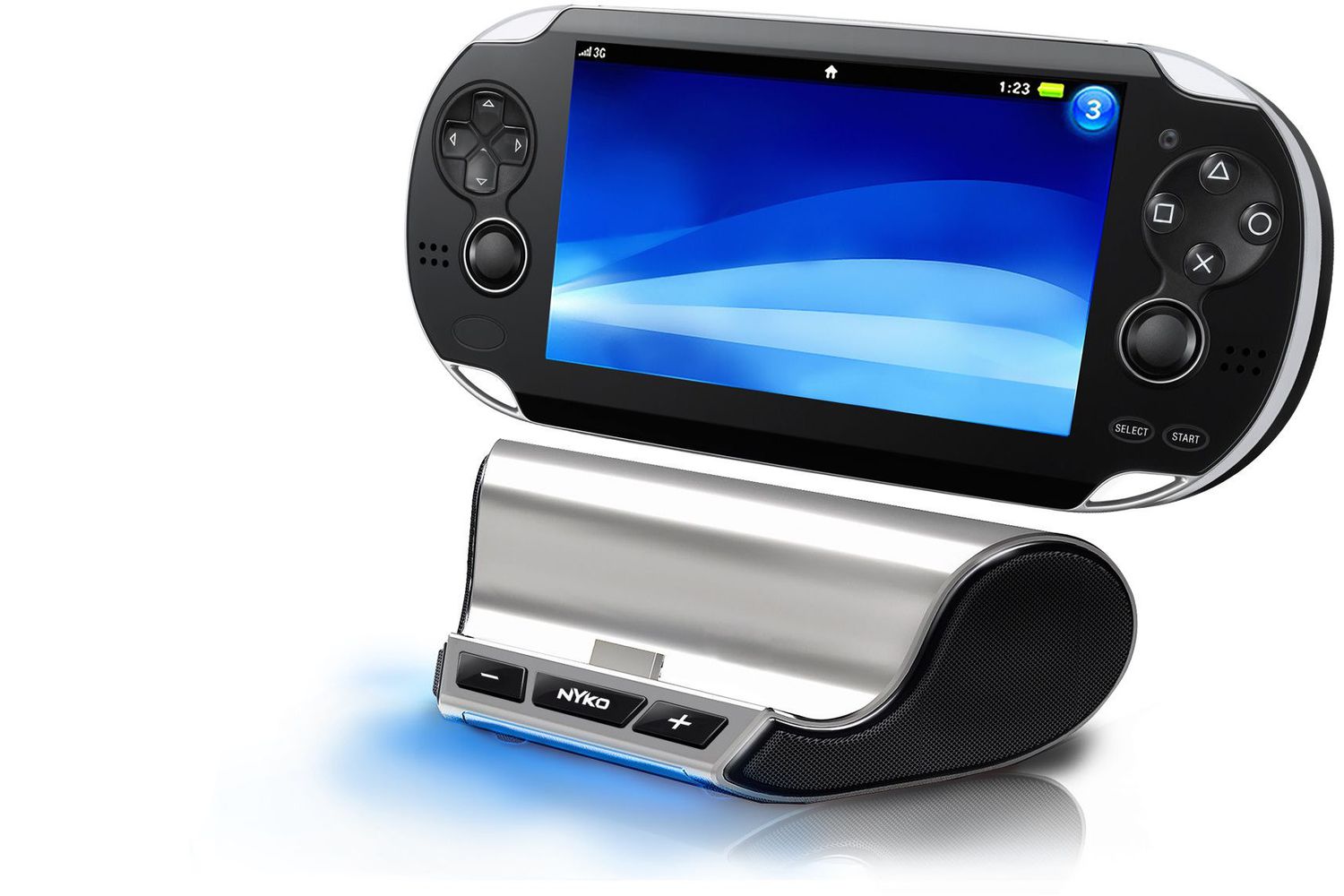
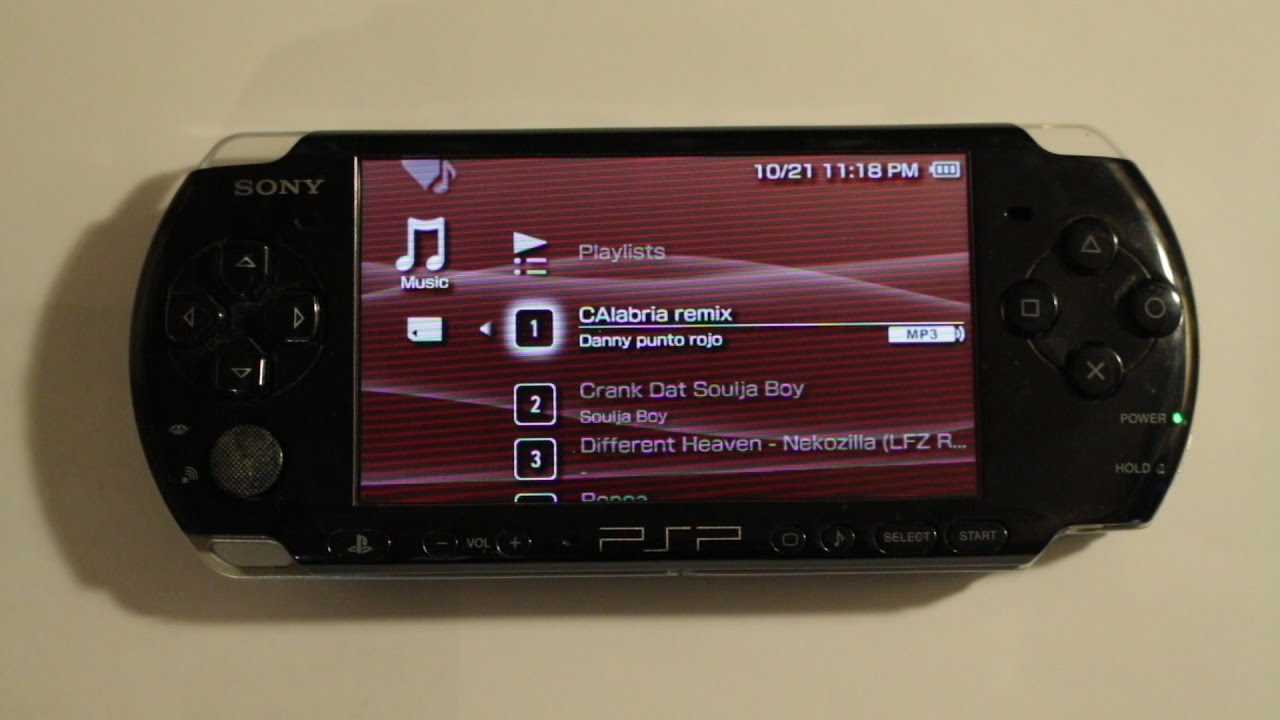
For example, beginners can follow the guide to downloading music to an MP3 player, while owners of older Sony PSPs will learn how to load files onto a Memory Stick. The articles on the iPod Shuffle and Fire Tablet focus on working around proprietary software or missing apps, and the Amazon Music piece explains the difference between purchased and streamed tracks, so you can keep your library after a subscription lapses. Across all these, the emphasis is on safe, legal, and reversible steps, no jailbreaking, no DRM circumvention, and no sketchy download sites.