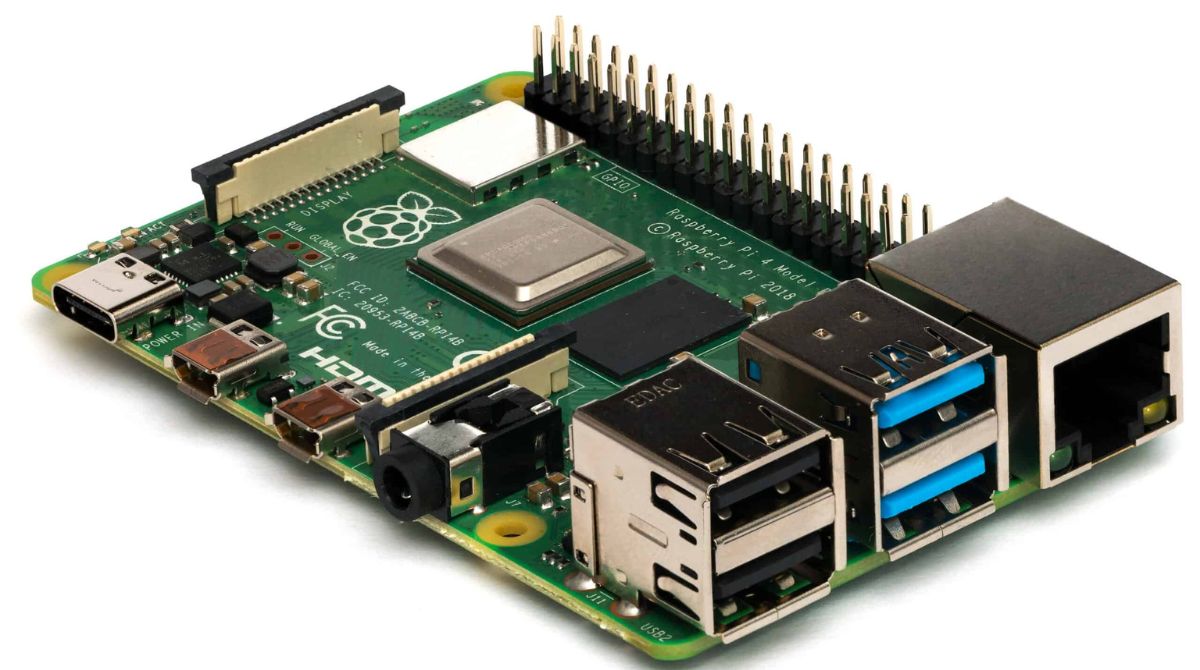
Practical, hands-on guides for anyone who uses or wants to use Linux on everyday consumer hardware, especially Chromebooks, Raspberry Pis, and older PCs. The audience is not professional sysadmins but curious tinkerers, students, and home users who need clear steps to get a specific job done without wading through jargon. Whether you are reviving an old laptop, turning a tablet into a Linux machine, or just trying to run a game on a school-issued Chromebook, these articles are written for you.
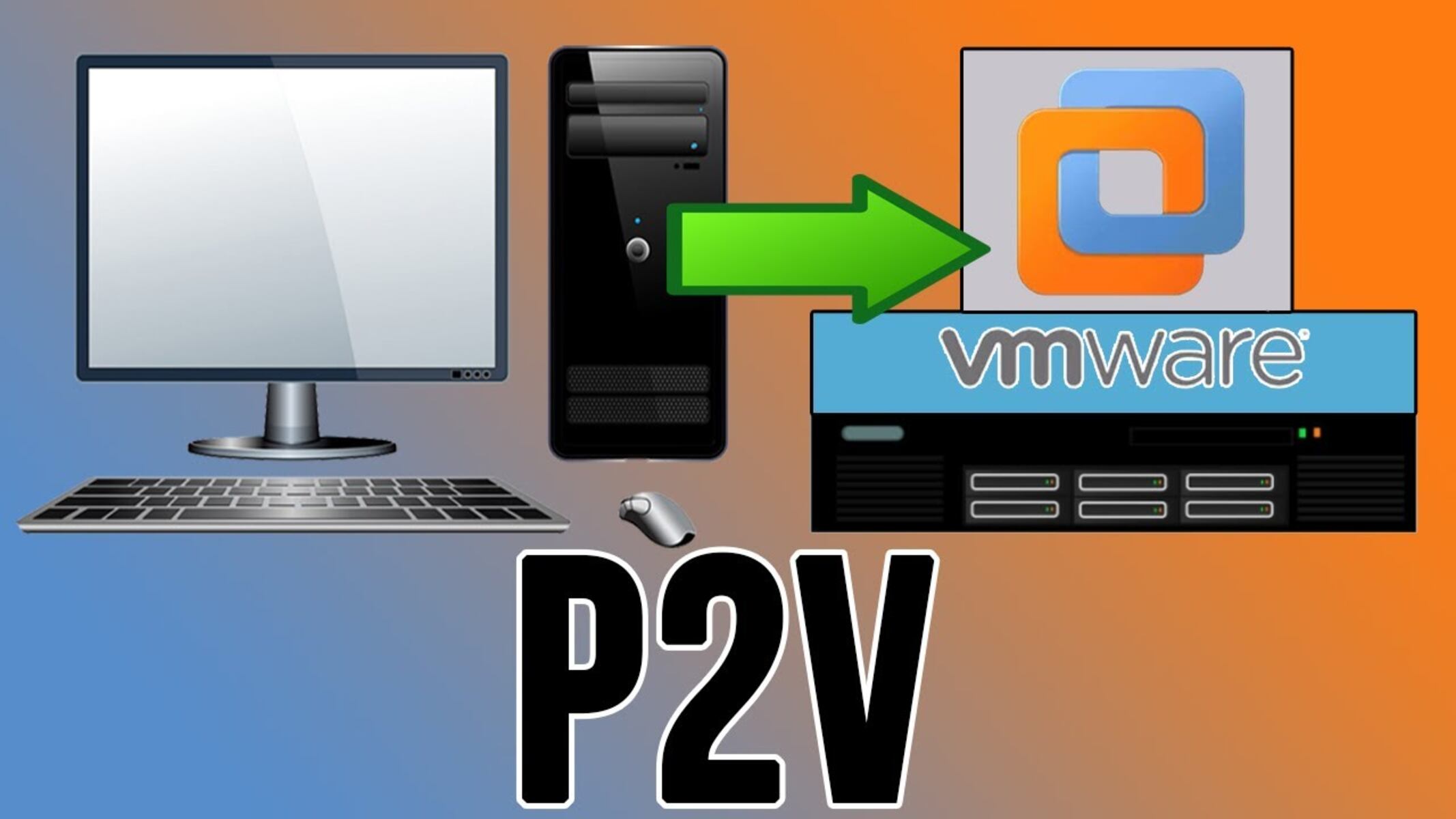
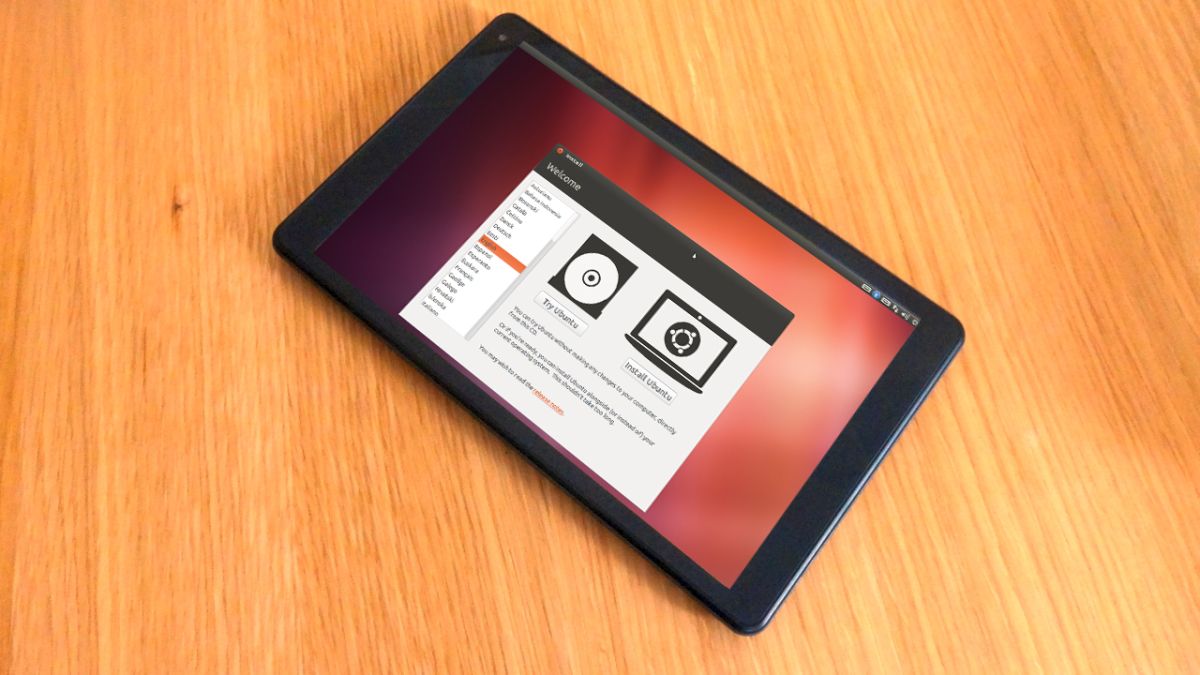
The articles cluster around a few recurring themes. One is installation and storage: you will find guides on putting Linux on an SSD or external drive, setting it up on a tablet, and even how to create a virtual machine from a physical PC using VMware Workstation. A second theme is troubleshooting boot and performance issues, for example, fixing a black screen after GRUB, making the installer see your SSD after enabling AHCI, or enabling fstrim to extend an SSD’s lifespan. A third theme is everyday software and hardware quirks, such as installing Firefox on Arch Linux, forcing it to close when stuck, or fixing RGB keyboard lighting on Linux and Mac.
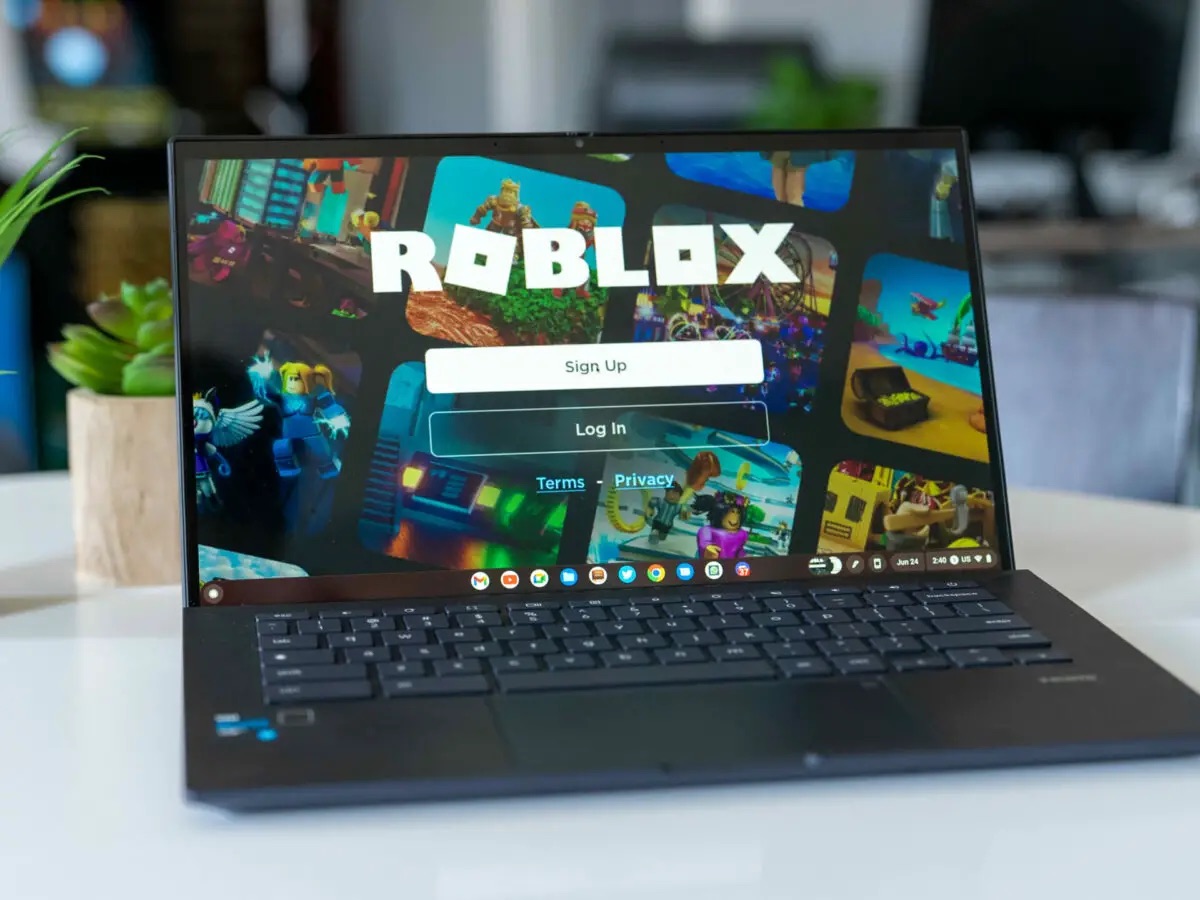
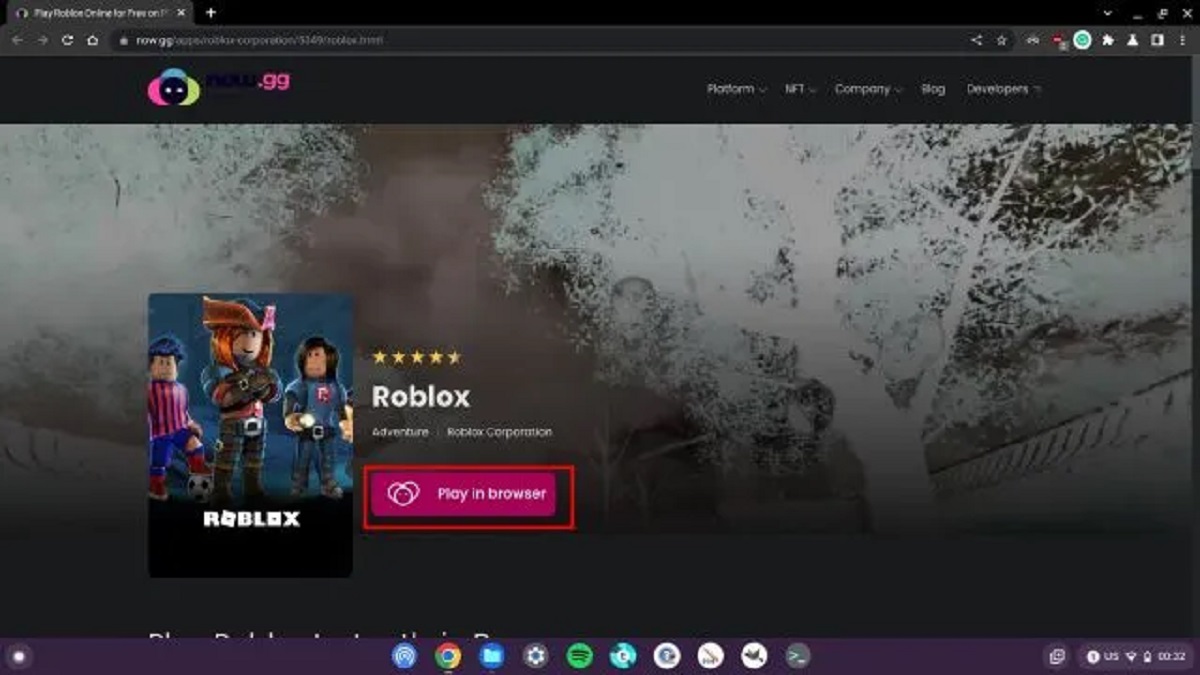
Several entries also address legal and safe alternatives, particularly around gaming and apps on Chromebooks. Instead of promoting piracy or bypasses, the tag includes guides to download Roblox without the Play Store, recover a forgotten password inside a VMware VM, or copy a friend’s Gmod addon folder manually, all framed as legitimate workarounds or administrative tasks. Cloud backup comparisons and Sublime Text setup round out the collection, giving readers practical, safe ways to manage files and software. In short, this tag helps you install, fix, and optimize Linux on the devices you already own, with an emphasis on doing so legally and without breaking your system.