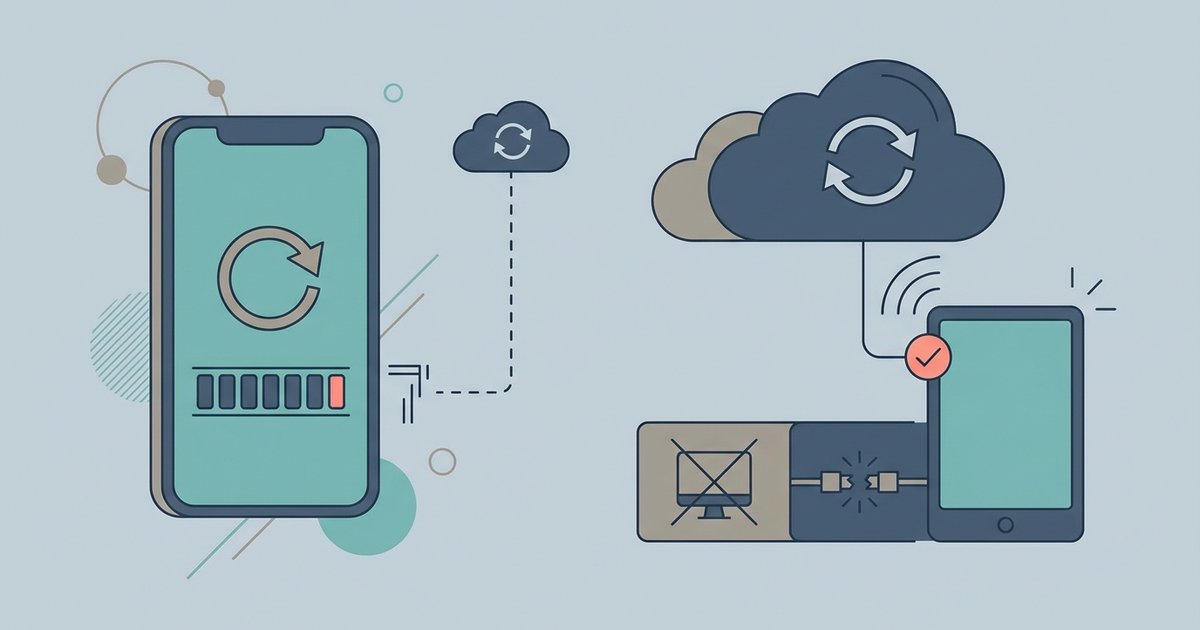
AltStore without computer access cannot renew apps after the seven-day limit on a free Apple ID. The companion desktop tool must run on the same Wi-Fi network to re-sign apps;...
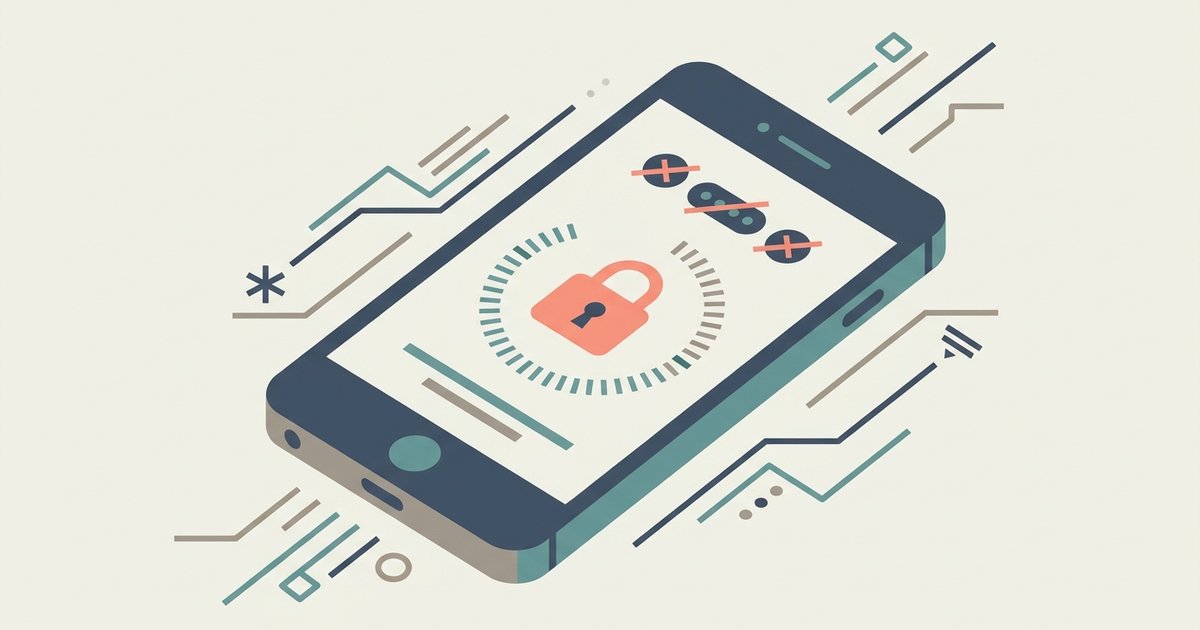
You’ll face a temporary lockout that gets progressively longer with each failed attempt—starting at 30 seconds and eventually reaching several minutes or even hours—but the device never wipes itself or...
The companion app needs location permissions enabled in your phone's system settings, not just the app's internal settings. Granting precise location access allows the app to use Bluetooth scanning to...
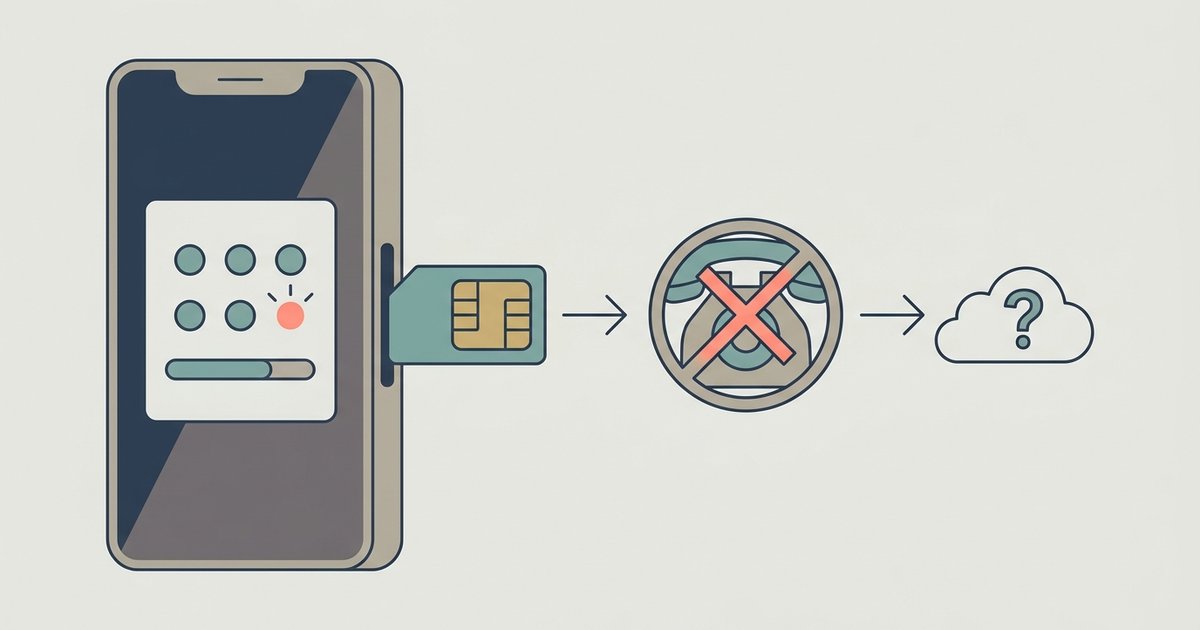
No, changing your phone number does not affect your Google Authenticator codes at all. The codes are tied to your device and the app's local storage, not your SIM card...
Happy Chick emulator is a free, all-in-one retro gaming app from Xiaoji Studio that packs more than 18 classic consoles and over 10,000 games into a single platform. Instead of...
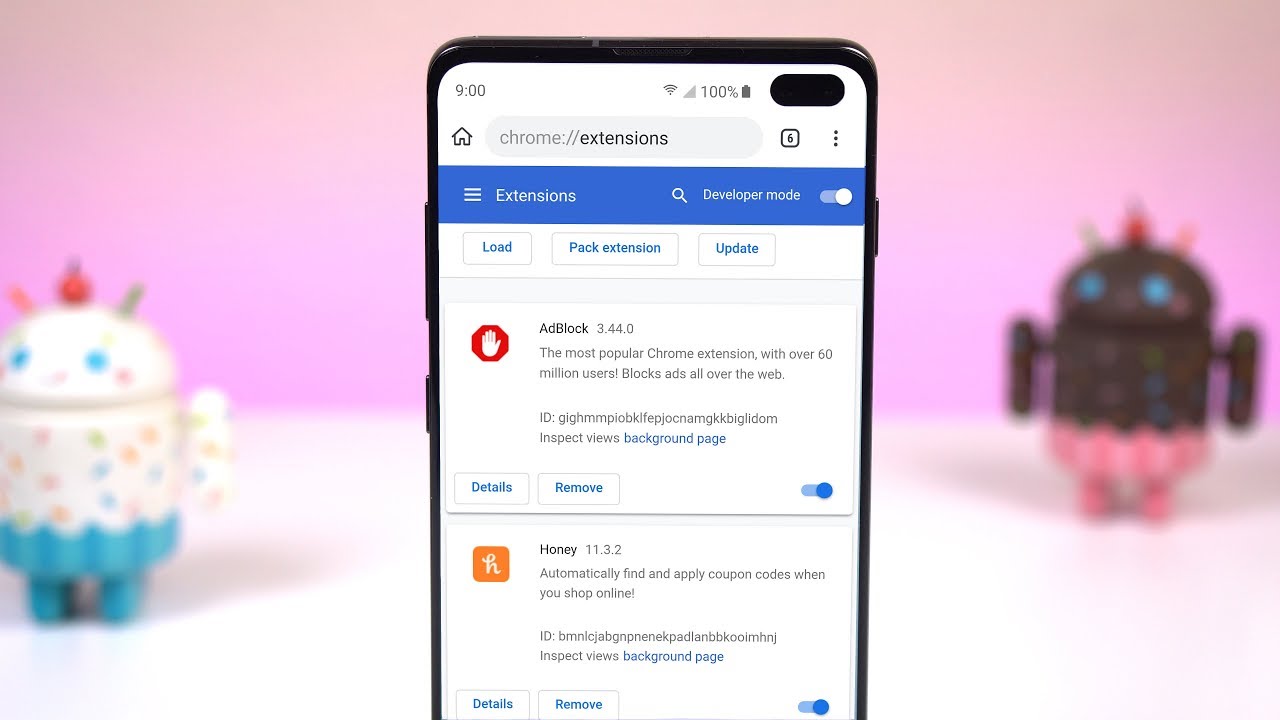
It is not possible to add extensions to Chrome mobile on either Android or iOS in the same way you would on a desktop computer. Chrome for Android and Chrome...
To take Chrome off your device, you'll either uninstall it completely on a computer or disable it on a mobile device where it's baked in. On Windows, Mac, and Linux,...
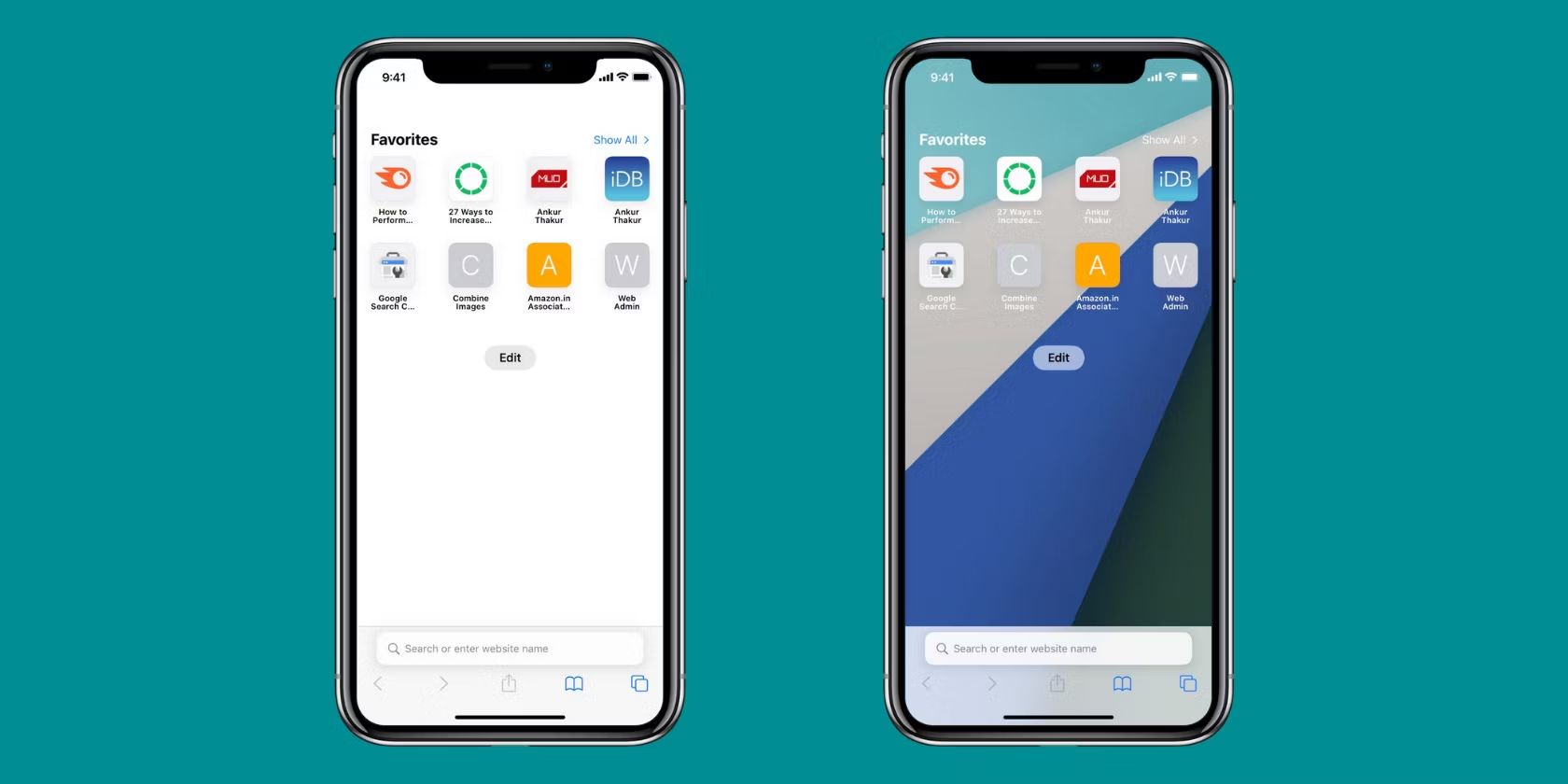
You cannot completely remove Safari from an iPhone. Apple does not allow permanent deletion of the Safari app on iOS, and what most people call “removal” actually means hiding the...
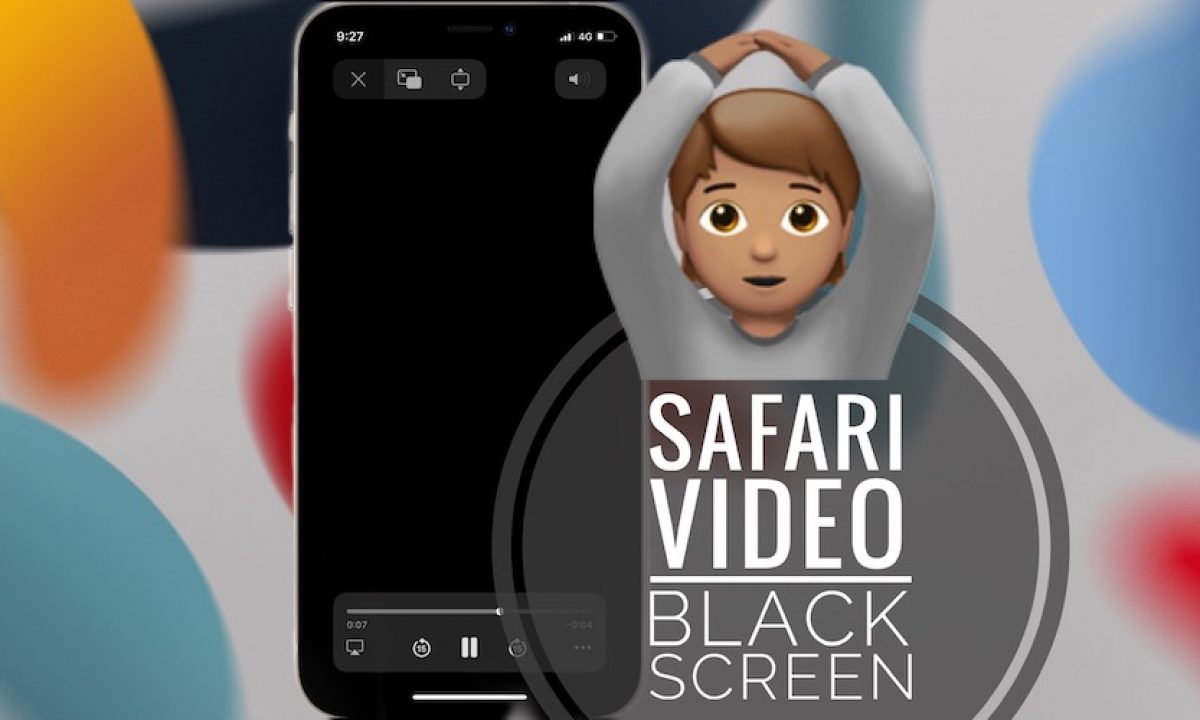
Why your Safari goes black: the real reasons Safari goes black when its WebKit rendering engine malfunctions or becomes overutilized, causing the screen to turn completely blank instead of displaying...
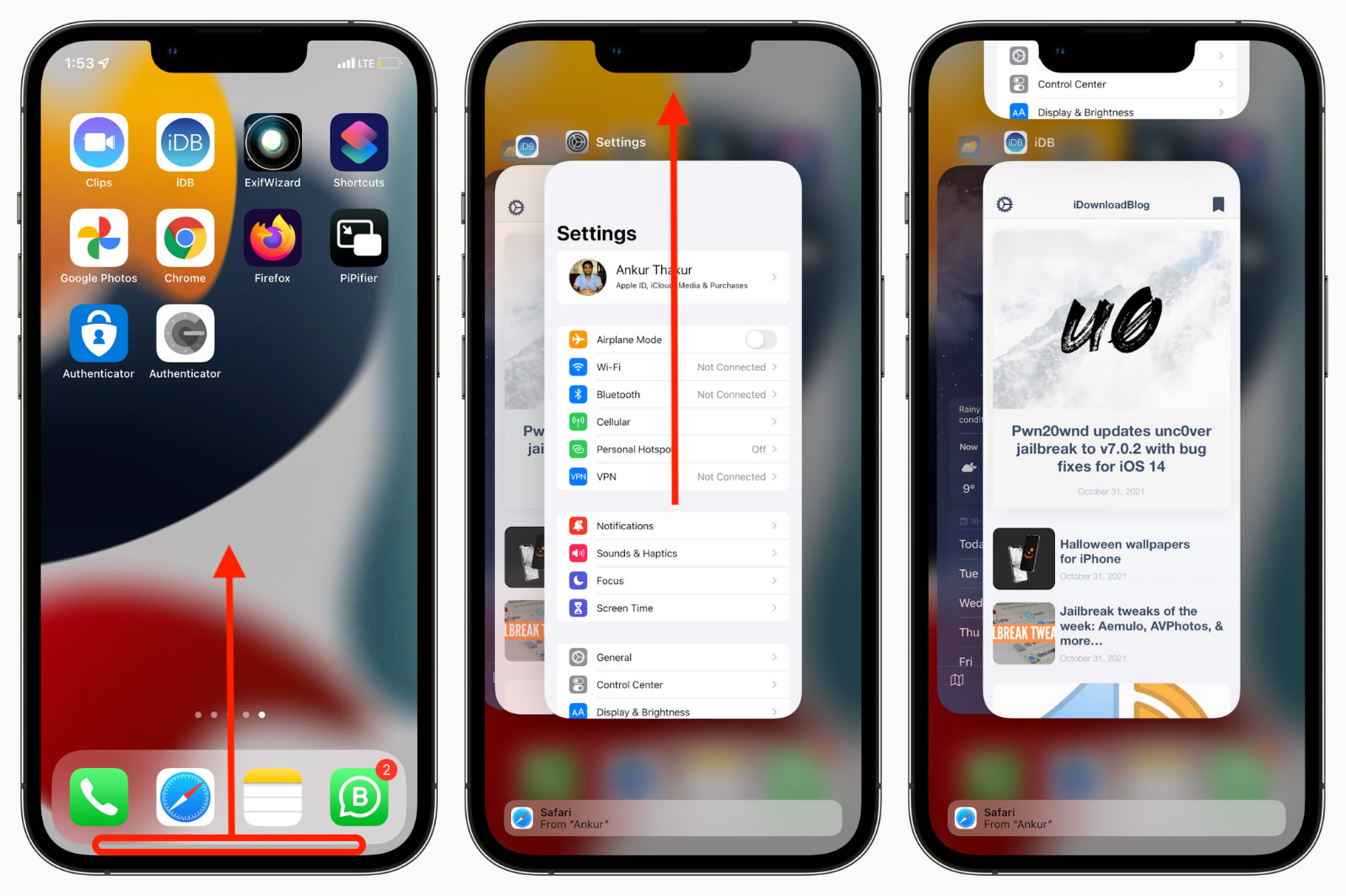
To force quit Safari on iPhone, open the App Switcher and swipe the Safari preview card up and off the top of the screen. This is the fastest way to...
To change Safari to white mode, you need to change your device's system-wide appearance setting to "Light", Safari doesn't have its own independent light or dark toggle, so it follows...
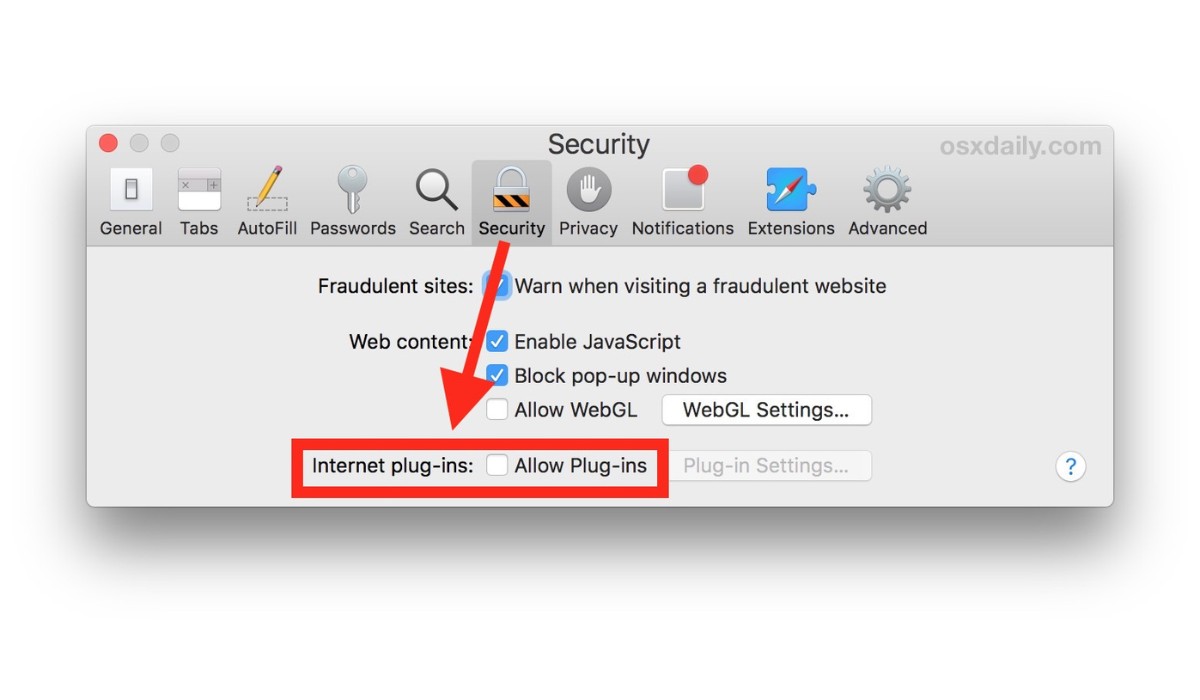
WebGL is already enabled by default in Safari 15 and later on macOS, and in iOS and iPadOS 15 and later, so you likely don't need to change anything to...
This website uses cookies so that we can provide you with the best user experience possible. Cookie information is stored in your browser and performs functions such as recognising you when you return to our website and helping our team to understand which sections of the website you find most interesting and useful.
Strictly Necessary Cookies
Strictly Necessary Cookie should be enabled at all times so that we can save your preferences for cookie settings.
If you disable this cookie, we will not be able to save your preferences. This means that every time you visit this website you will need to enable or disable cookies again.