To find Safari settings on an iPhone or iPad, open the Settings app and tap Safari; on a Mac, open Safari and choose Settings from the Safari menu. The exact...
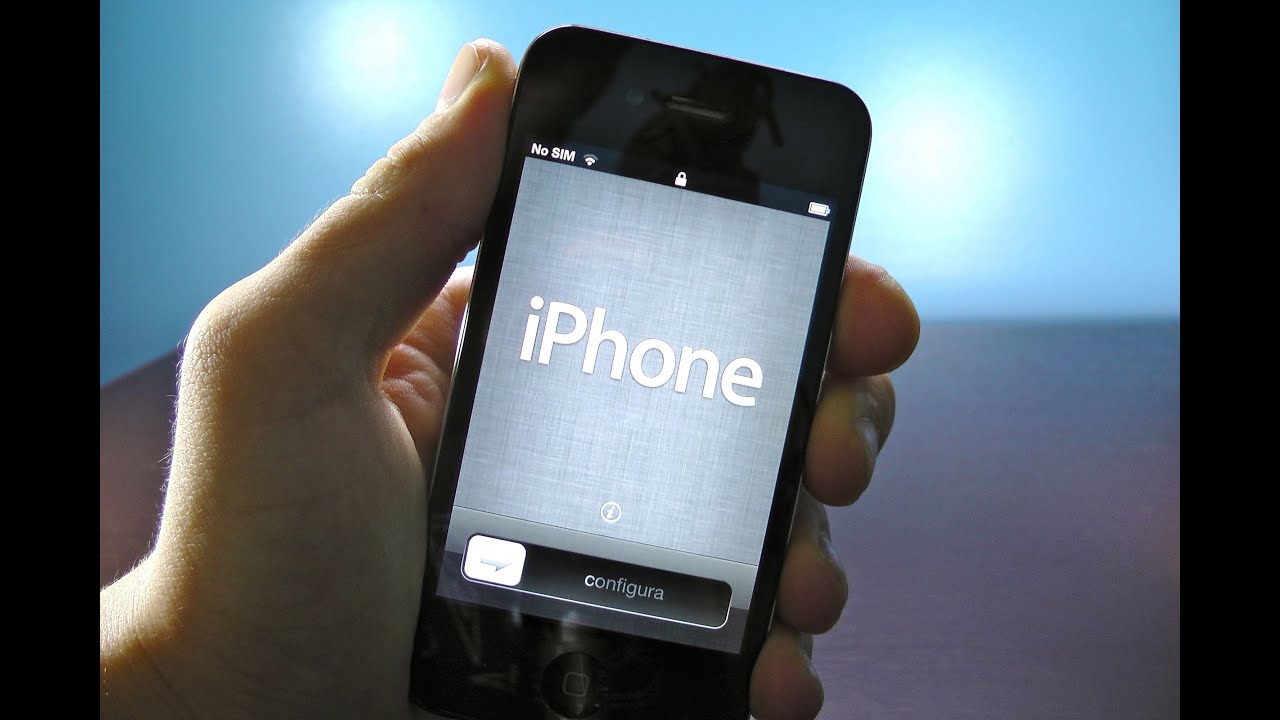
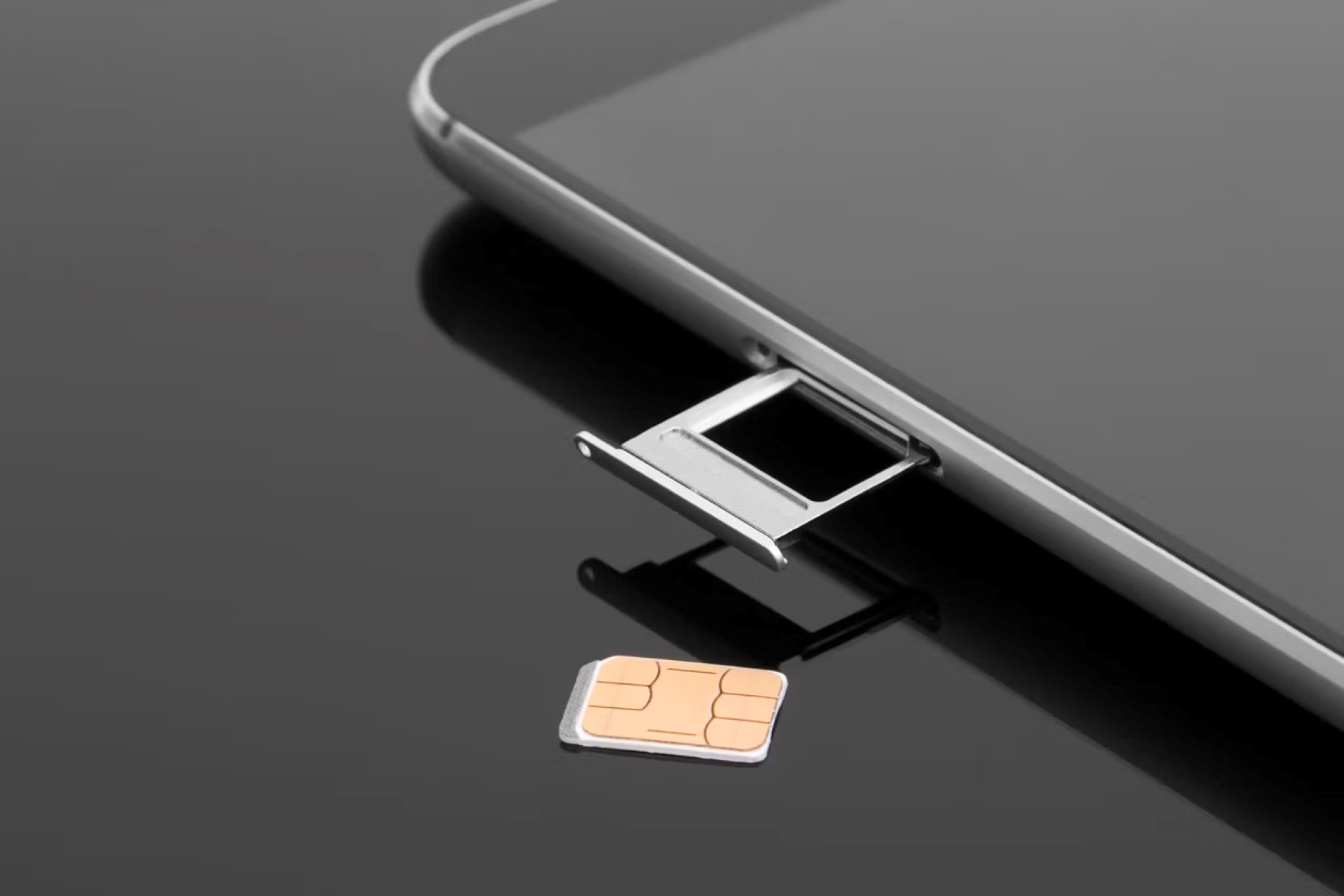
You can activate an iPhone 3GS without a SIM card only if you accept one hard truth: the initial activation absolutely requires inserting a physical SIM card. No jailbreak, no...
You can absolutely complete setting up a phone without a SIM card on most modern devices. Yes, you can set up a phone without a SIM card, but only if...
To stop browser from opening app, you need to override the link-handling rules that websites and operating systems use to push you into native apps. The core fix is to...
Wondering "where is my web browser"? It’s the app you use to open websites, and if it has vanished from your desktop, taskbar, or home screen, you can usually find...
To change which browser opens links, you need to adjust your system's default browser settings. The exact steps vary by device, but the process is straightforward on Windows, Mac, Android,...
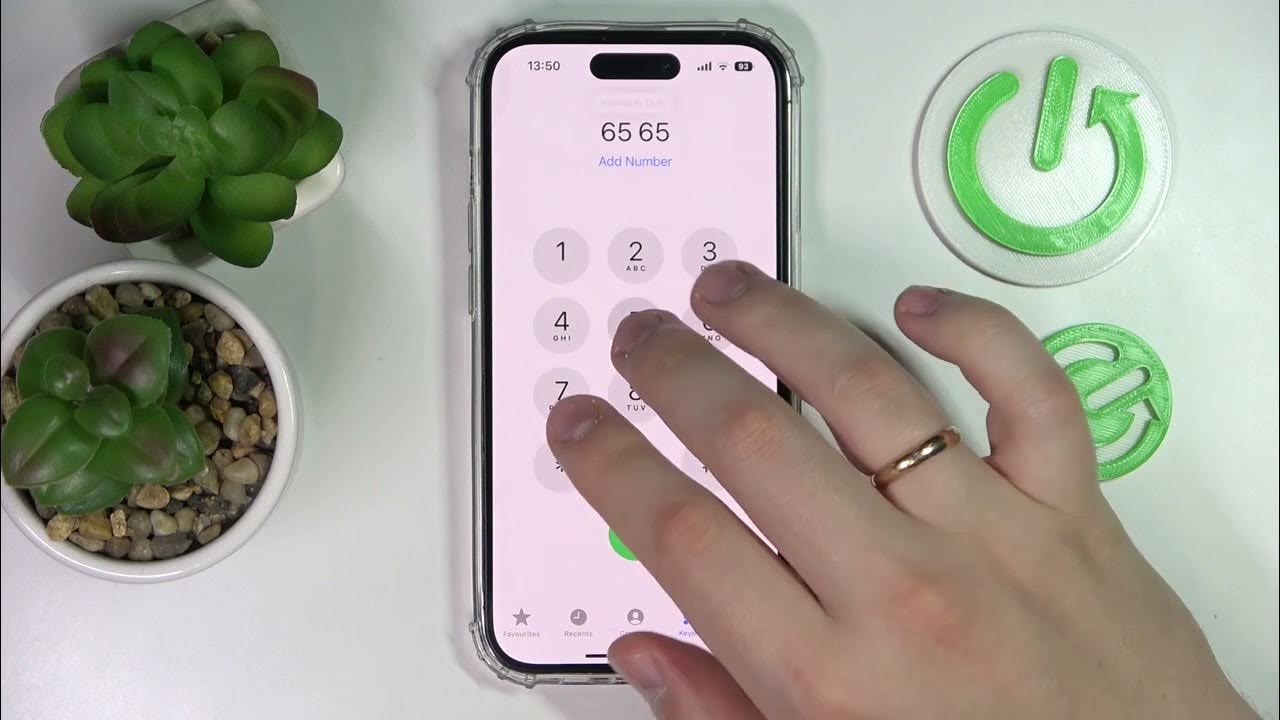
To turn off iPhone speaker during a call, open Control Center and tap the speaker icon to switch audio back to the private earpiece. This is the quickest way to...
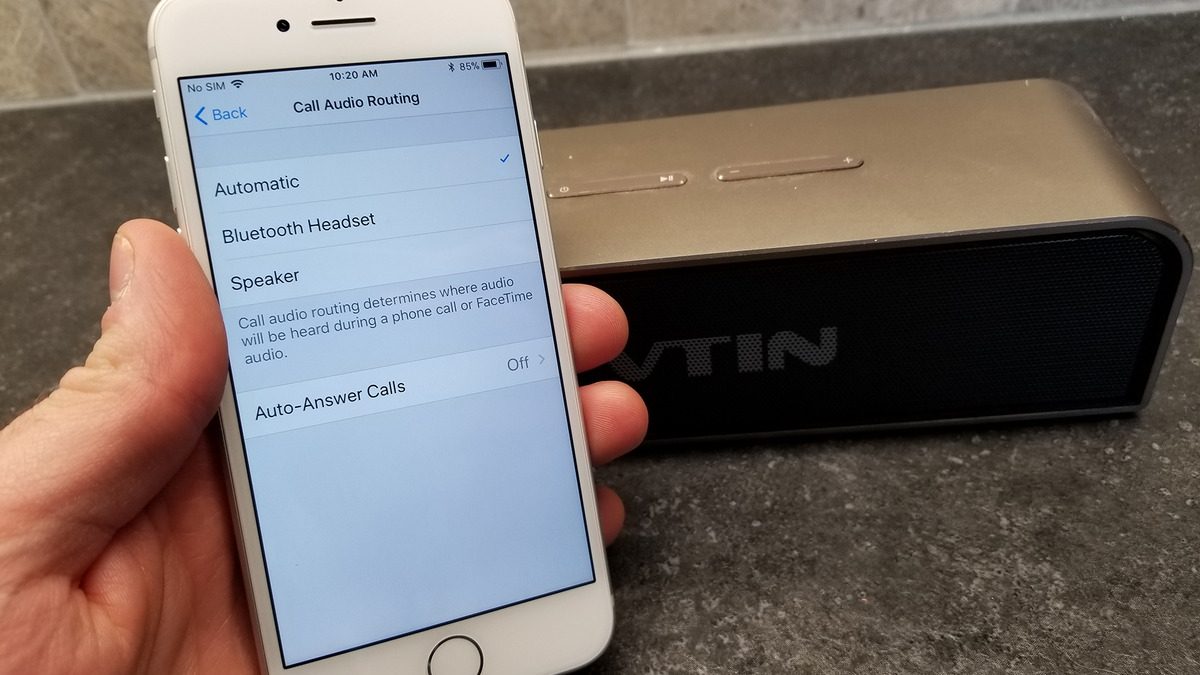
To route phone calls through a Bluetooth speaker, configure your smartphone's call audio settings so all conversations play through the speaker instead of the handset earpiece. Before adjusting these settings,...
You cannot play Among Us without downloading the game on any official platform. There is no browser-based version from the developer Innersloth, so the only way to access the full,...
To keep personal hotspot always on, you must disable the automatic timeout that both iOS and Android use to save battery when no devices are connected. On an iPhone, go...
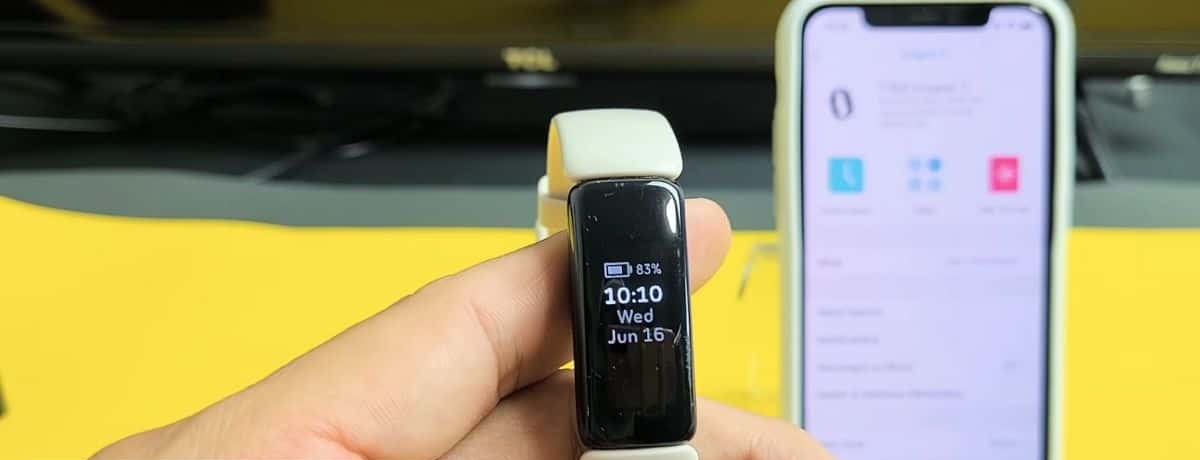
If your Fitbit can't find phone when you trigger the Find Phone feature, the culprit is almost always a permission or background-process issue on the smartphone side, not a hardware...
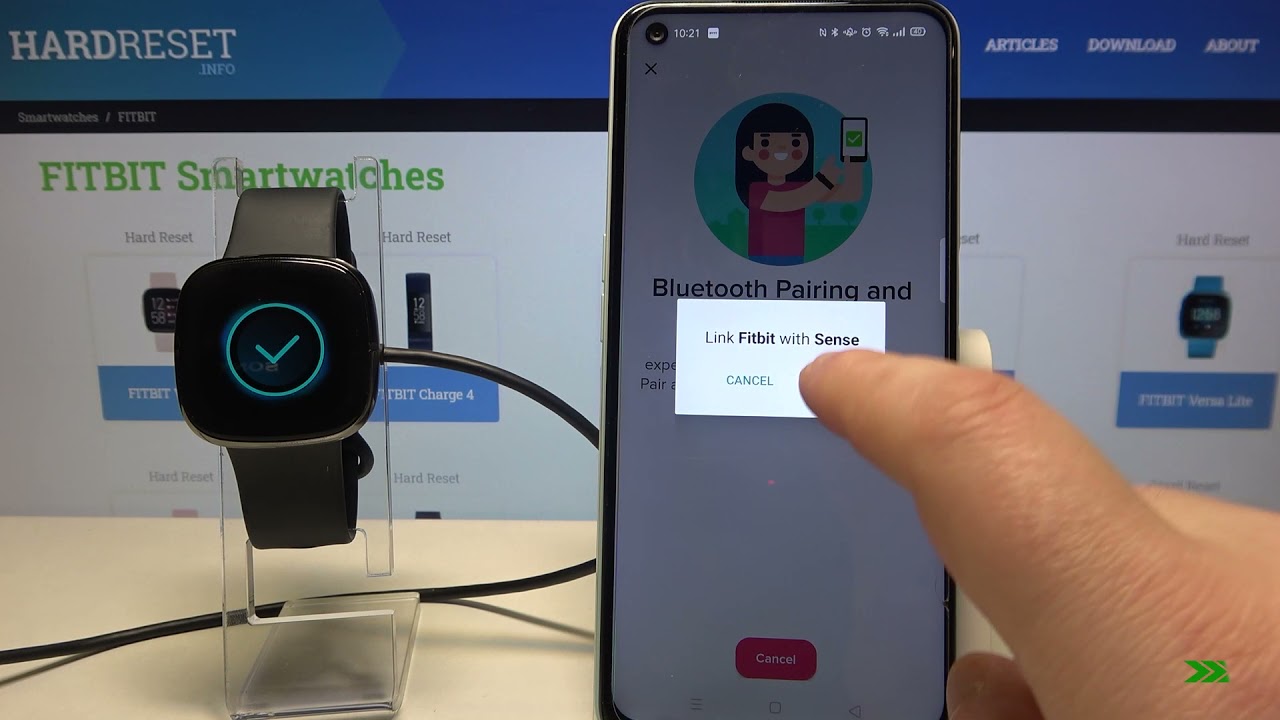
To pair Fitbit Sense with your phone, you must use the official Fitbit app, this is the only method that works reliably. Your phone's Bluetooth and, for Android, location services...
This website uses cookies so that we can provide you with the best user experience possible. Cookie information is stored in your browser and performs functions such as recognising you when you return to our website and helping our team to understand which sections of the website you find most interesting and useful.
Strictly Necessary Cookies
Strictly Necessary Cookie should be enabled at all times so that we can save your preferences for cookie settings.
If you disable this cookie, we will not be able to save your preferences. This means that every time you visit this website you will need to enable or disable cookies again.