This tag collects articles about graphics cards for everyday PC users who want to understand, troubleshoot, or upgrade their video hardware without diving into advanced engineering. The content is aimed at people who are comfortable opening their computer case or adjusting system settings, but who may not know the technical jargon that often surrounds GPU topics. Whether you are building a new machine, adding a card to a small form-factor PC, or just trying to figure out why a game does not look right, these guides walk you through practical checks and fixes.
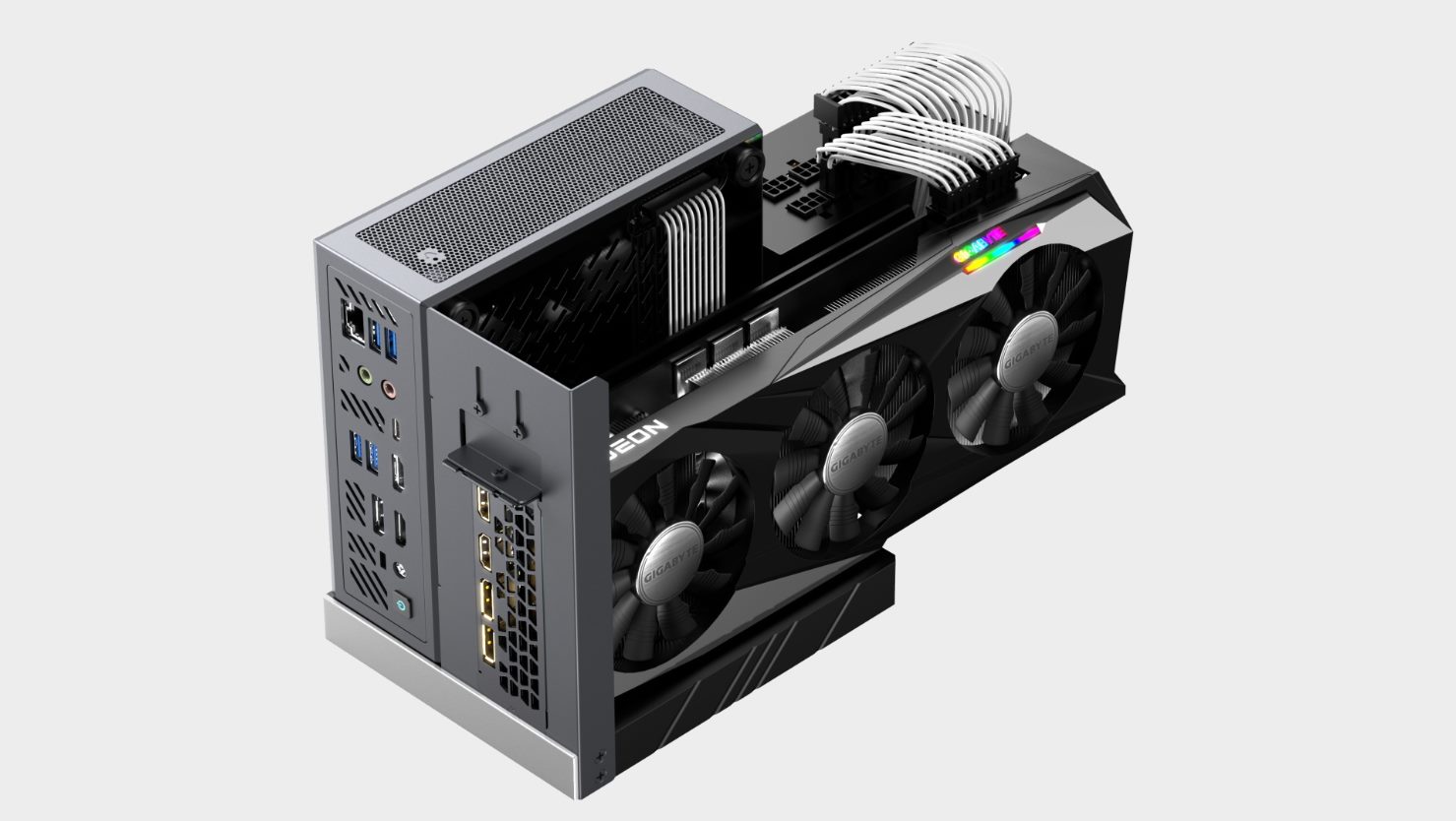
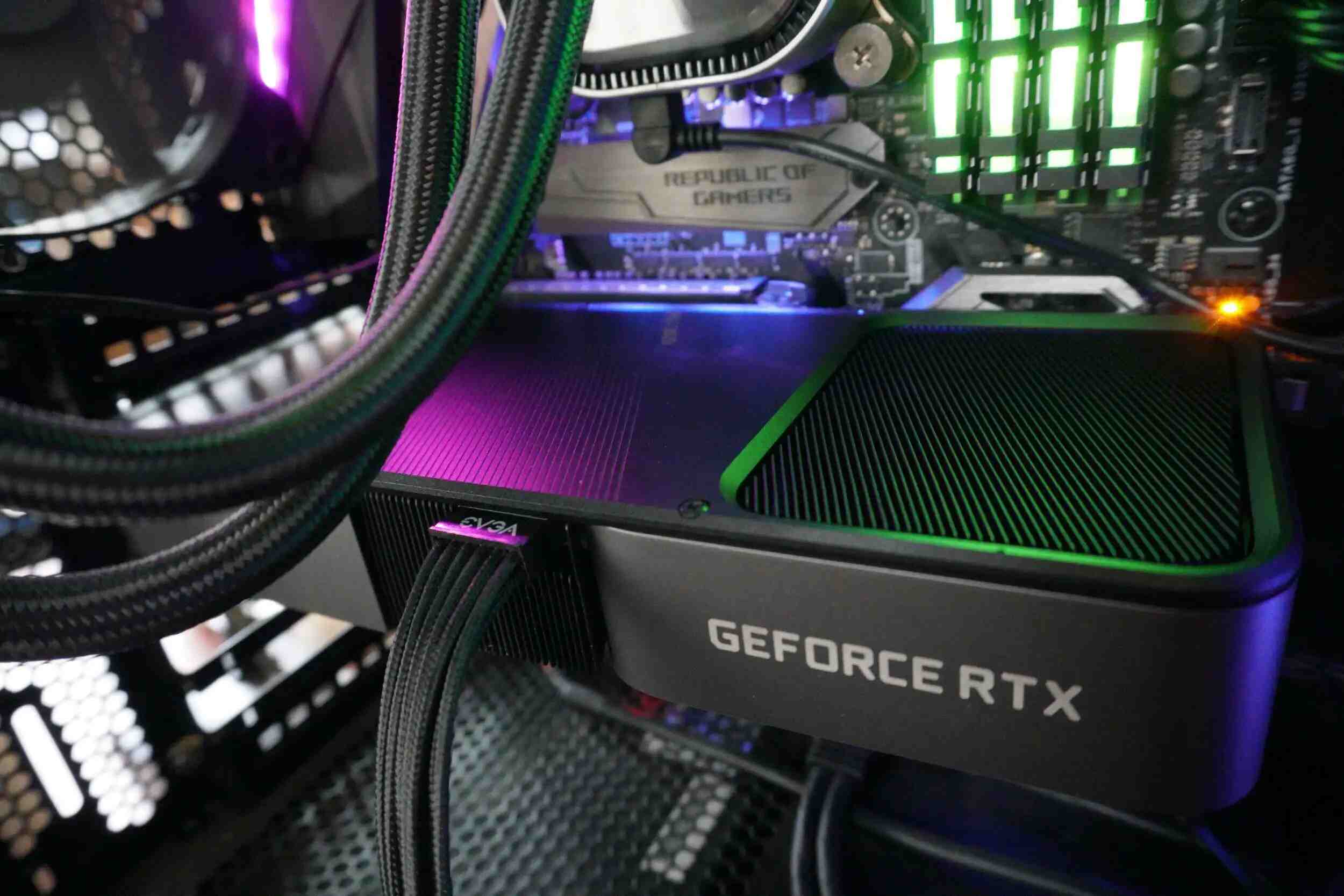
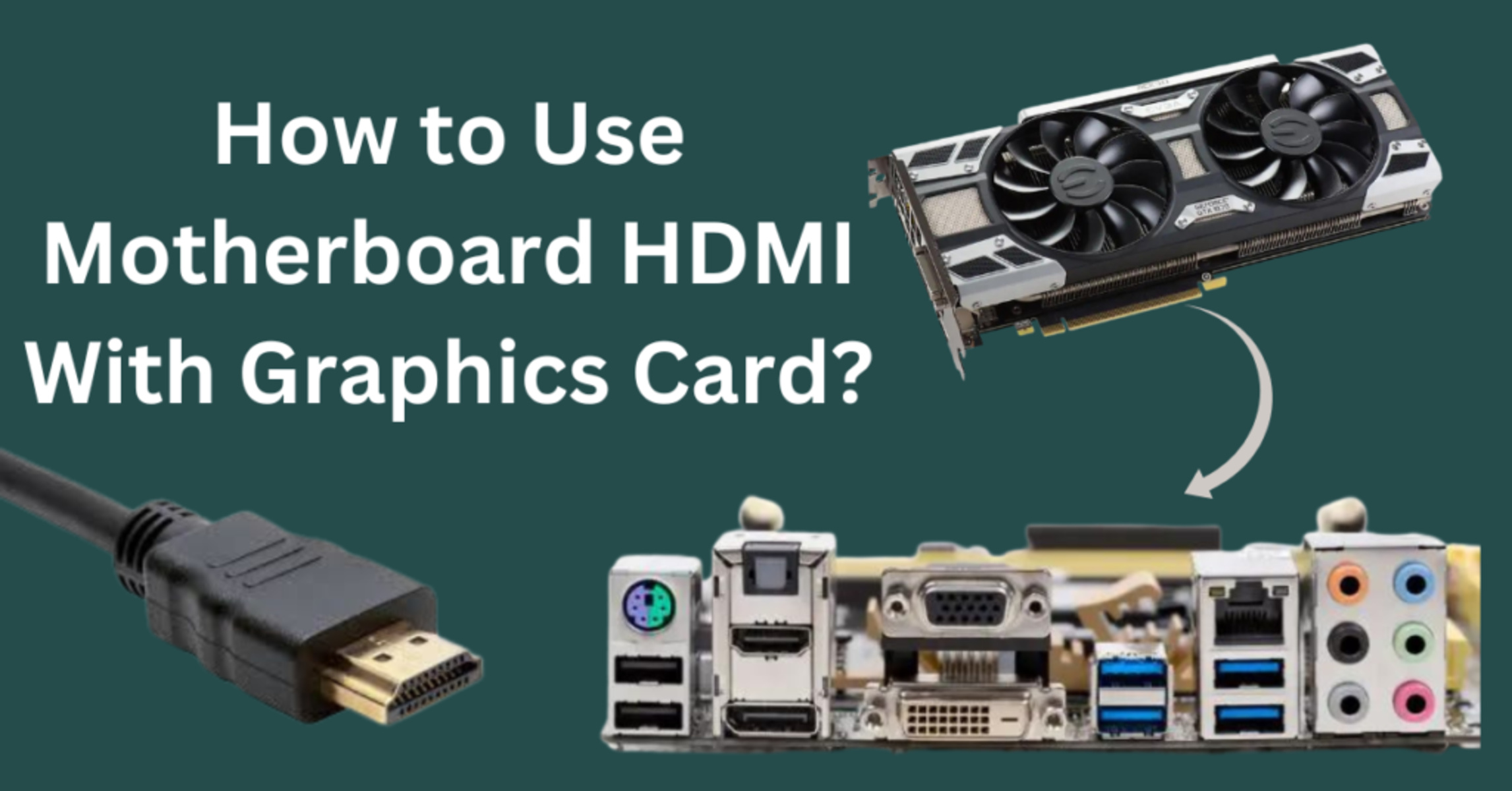
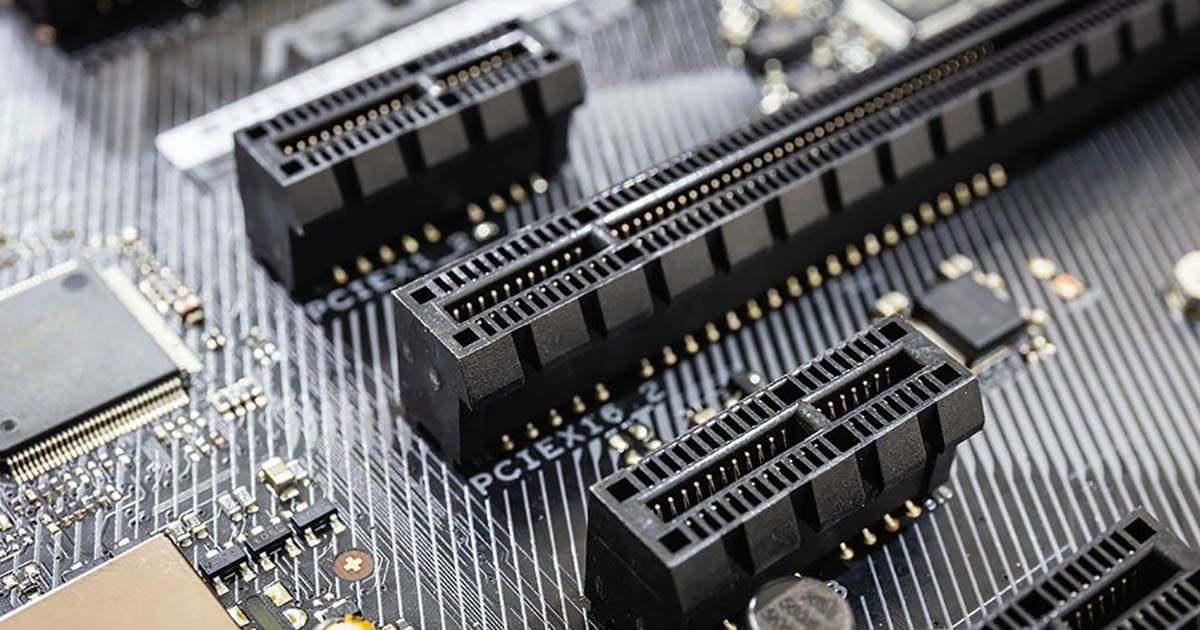
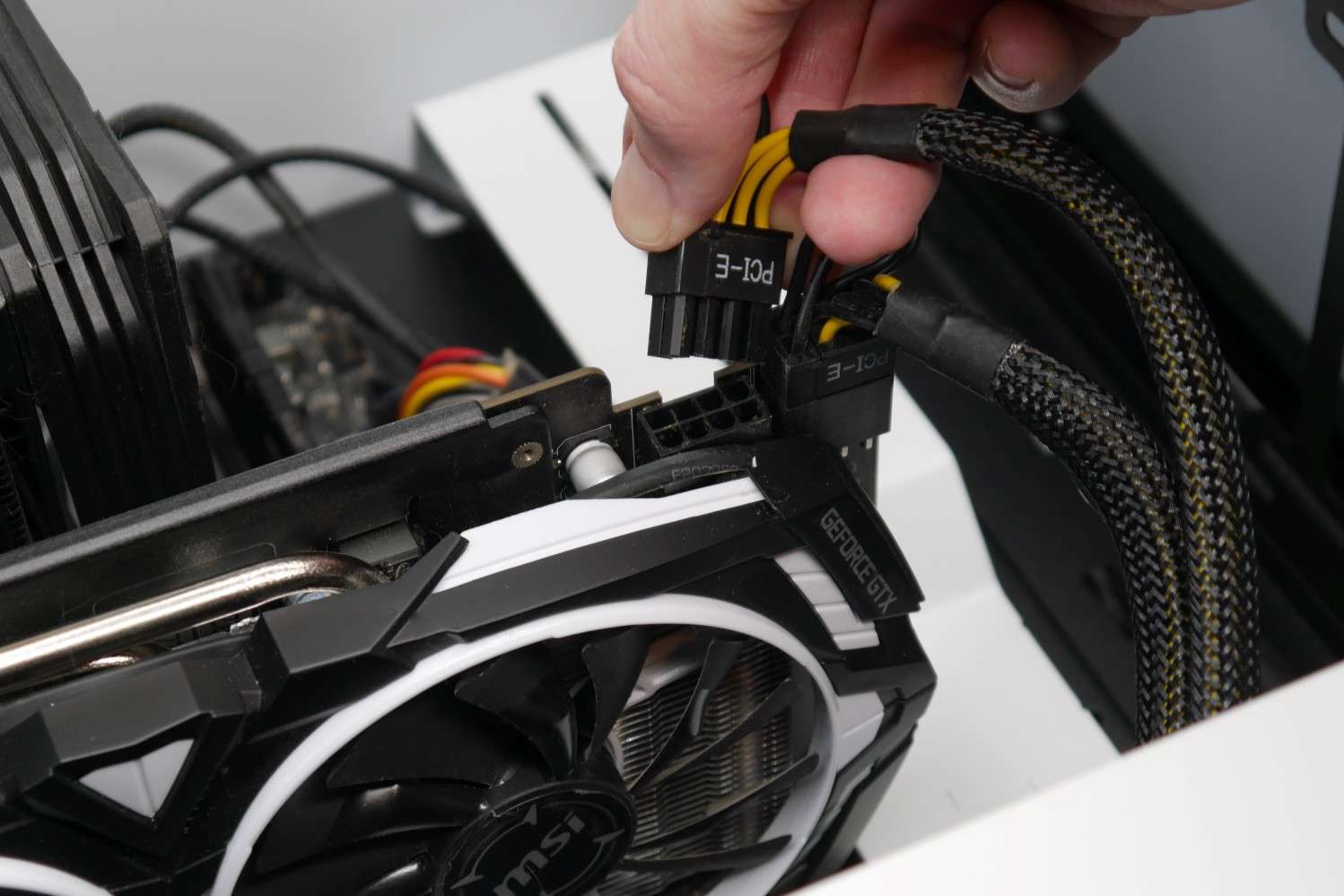
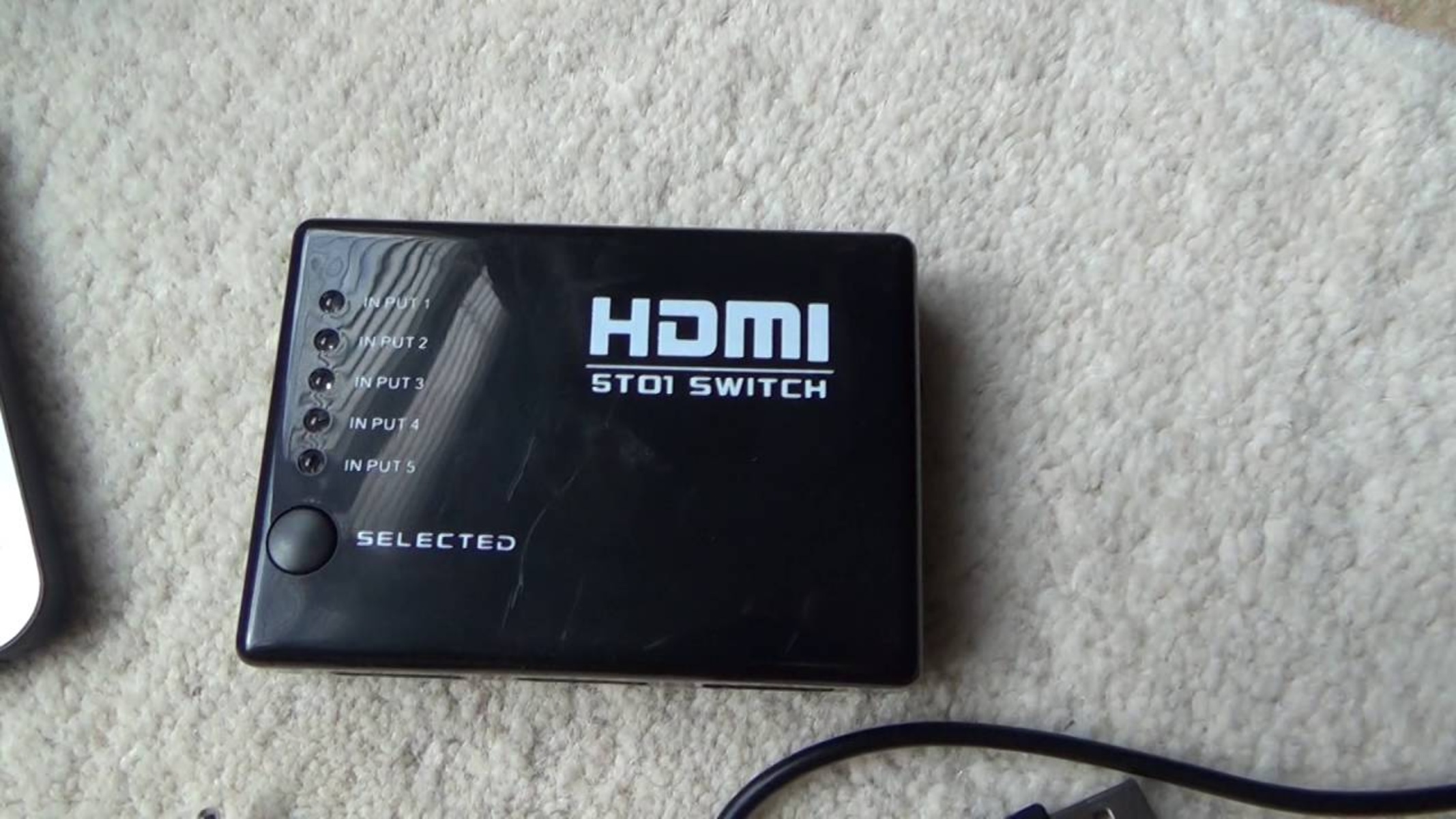
The articles fall into two broad themes. One theme is connection and compatibility: several pieces explain how to physically hook up displays and cards, such as using HDMI on a motherboard versus a dedicated graphics card, switching between HDMI ports, and adding a graphics card to a mini PC where space is tight. Another theme is performance verification and system health. Here, you will find guides on confirming that your PC is actually using the graphics card rather than integrated graphics, checking how many PCIe lanes the card is using, and making sure the GPU is receiving enough power to avoid crashes or instability.
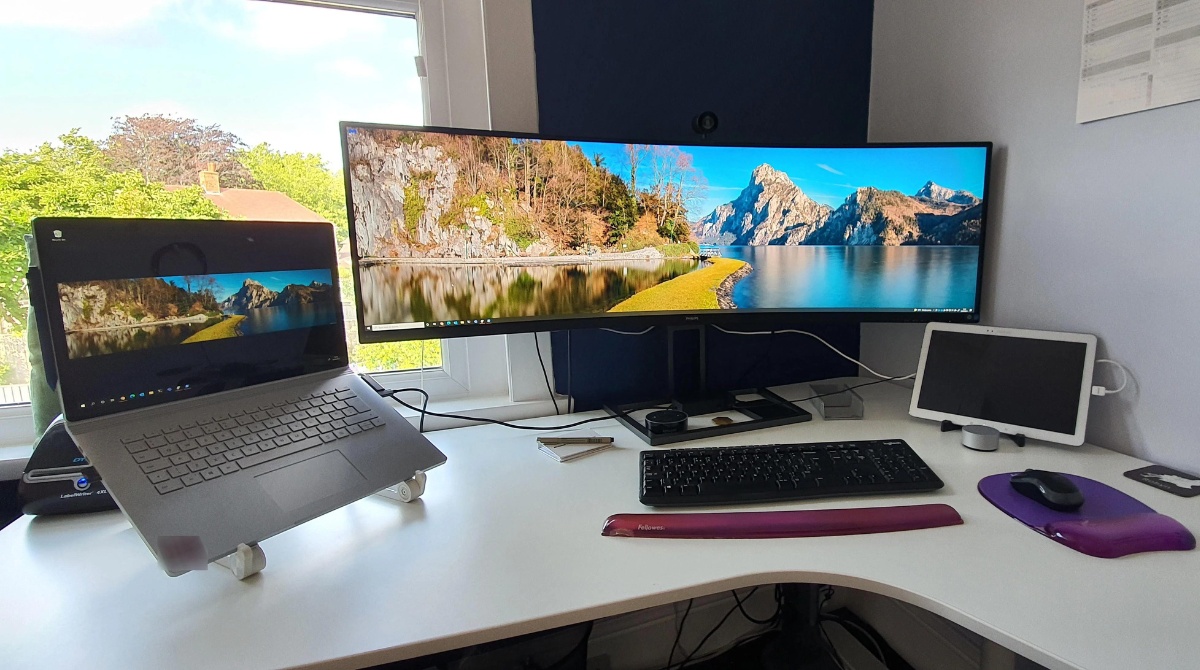
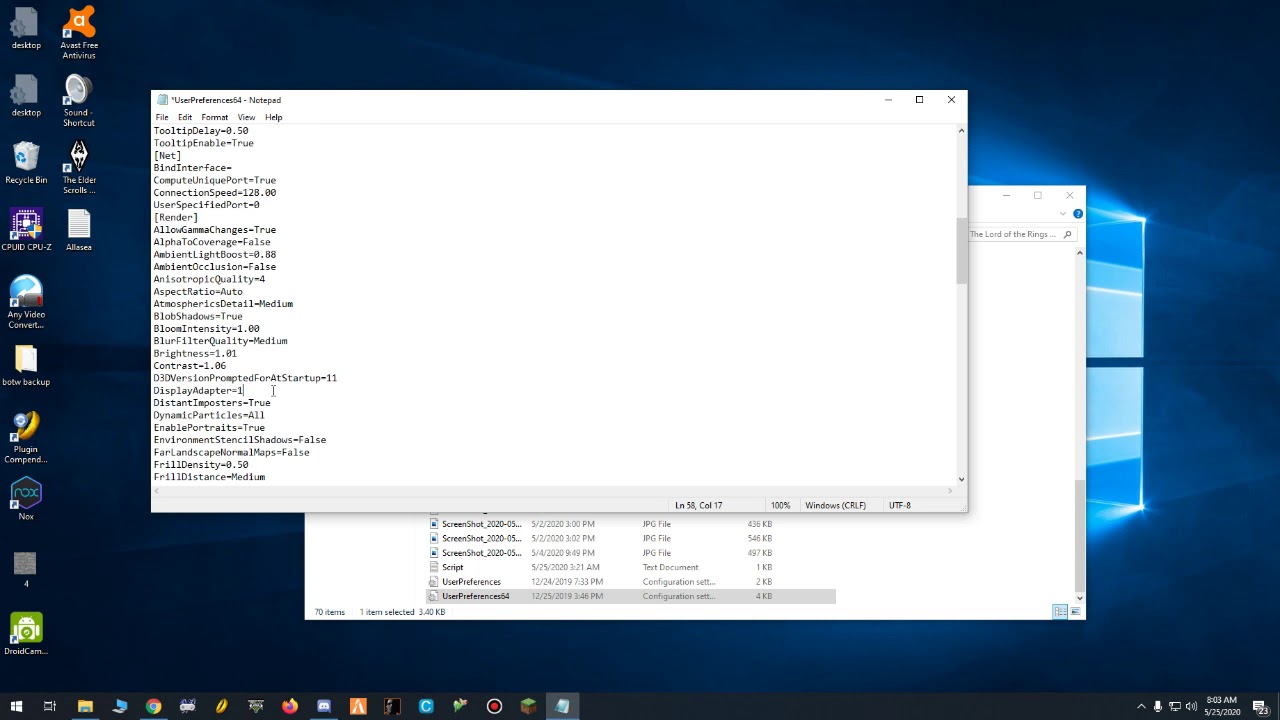
Other articles in this tag help with capability checks and problem resolution. You can learn how to determine if your graphics card supports DirectX 11, how to tell if your computer can run an ultrawide monitor, and how to address an “unsupported graphics card” error, which is framed as a compatibility troubleshooting task, not as a workaround for unsupported software. Taken together, these pieces give you the steps to diagnose, connect, and verify your GPU setup safely and correctly.