This tag collects all of the how-to guides on robots.net that deal with Google Workspace, the business-oriented suite of cloud productivity apps. It is written for everyday users, small business owners, and office administrators who rely on Workspace for their daily email, document, and calendar work but do not necessarily have a dedicated IT department on call. Whether you are just getting started or have been using the service for years, these articles address the common friction points of managing a Workspace account.
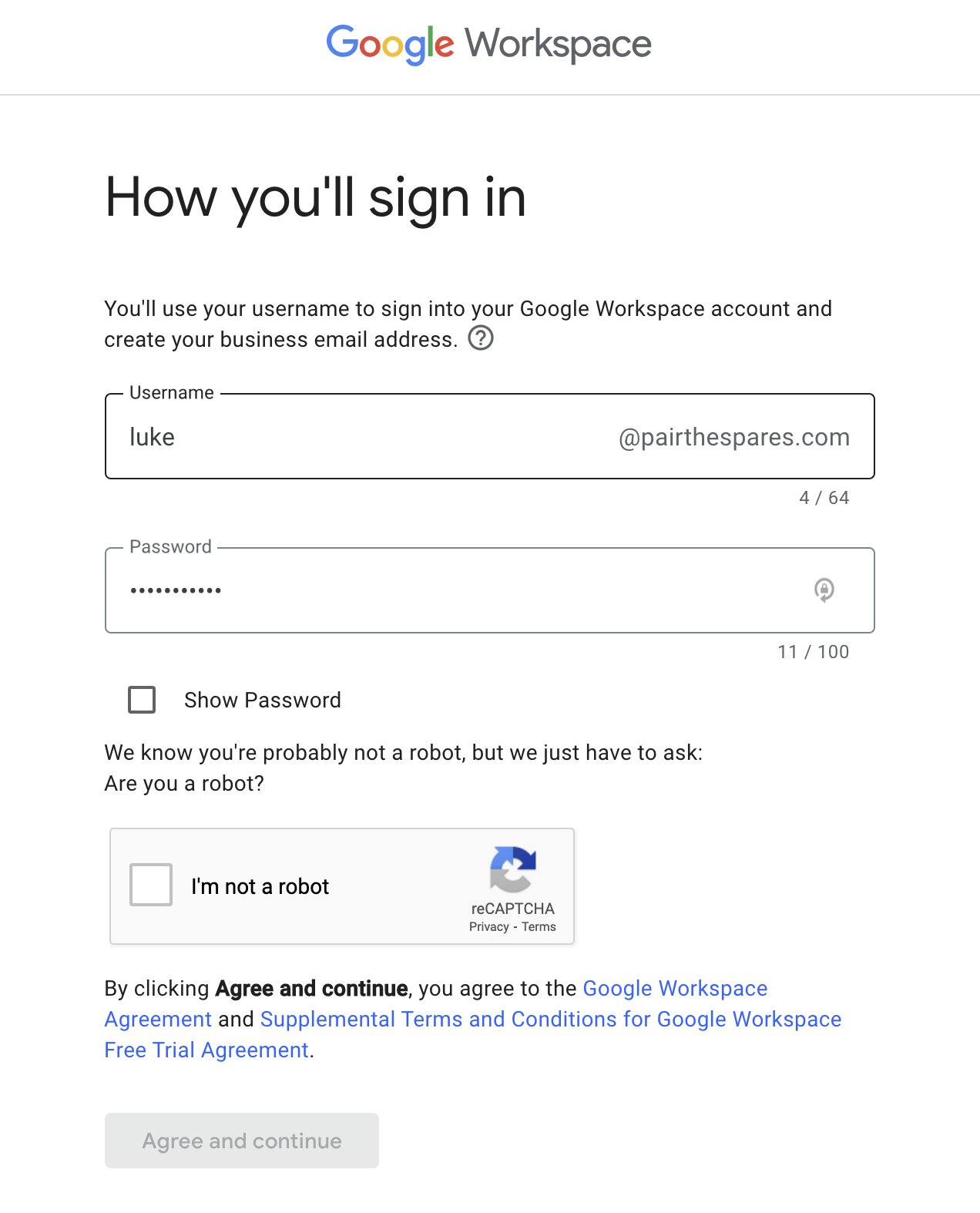
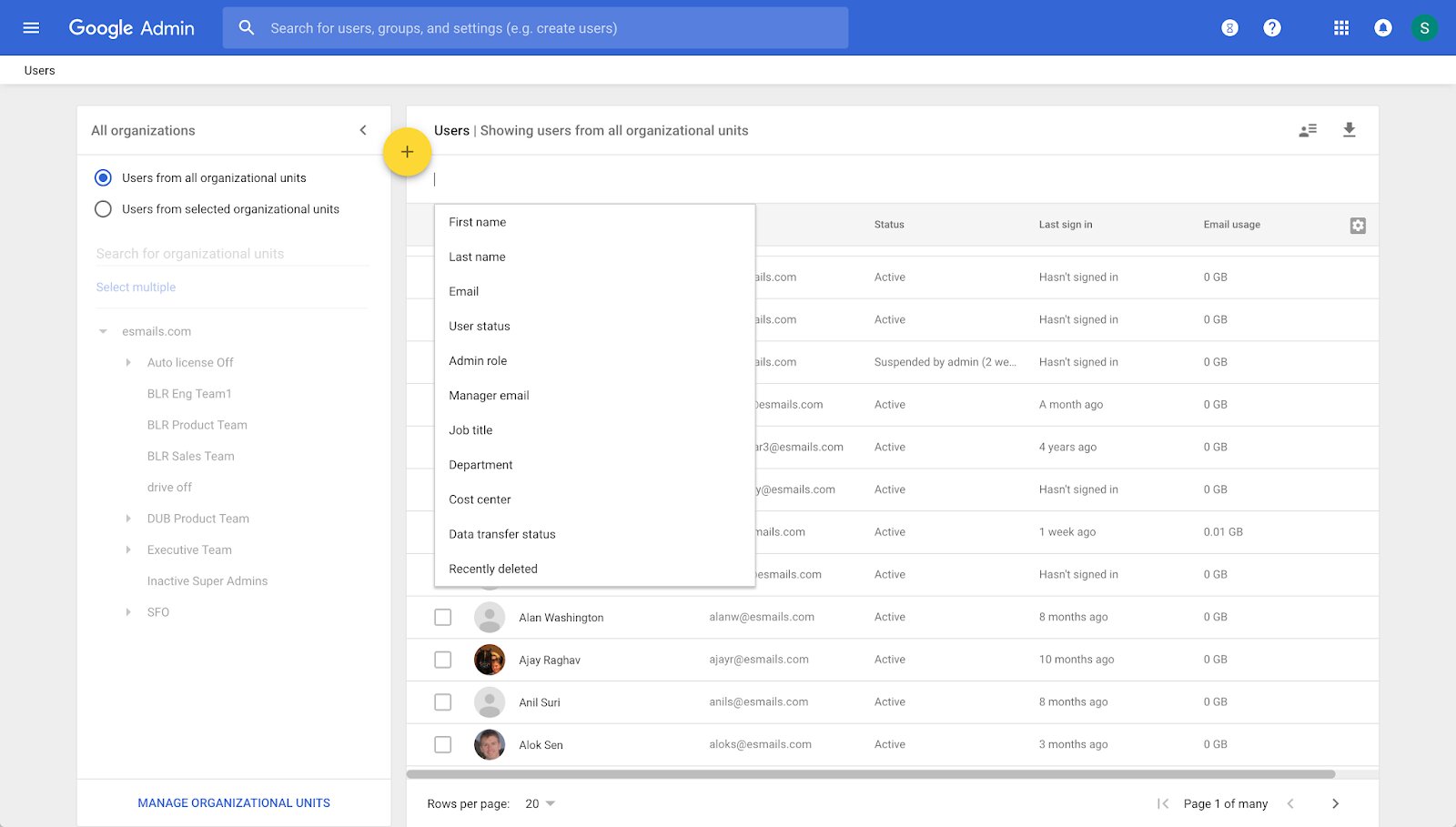
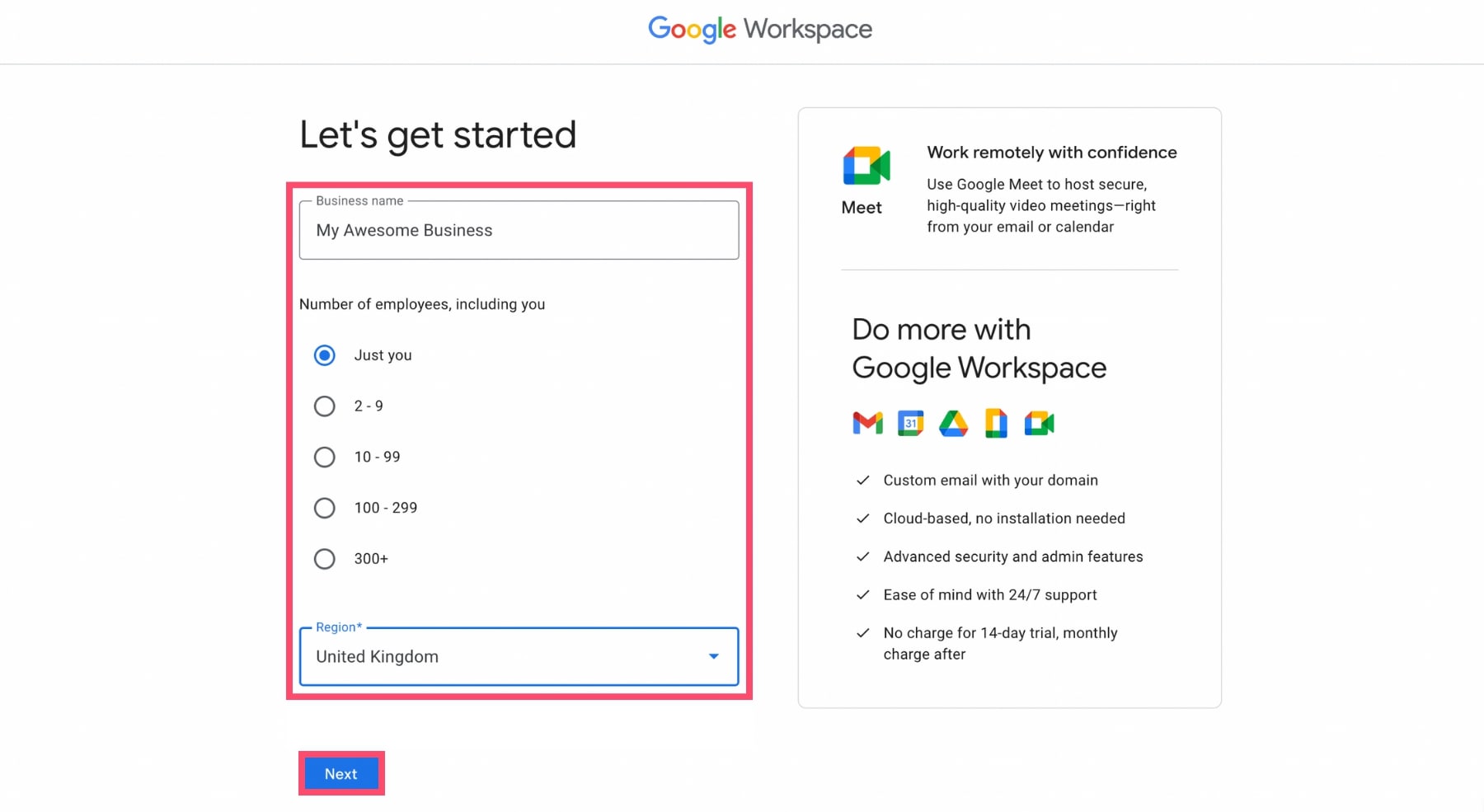
The articles fall into two broad themes. The first is setup and access: you will find straightforward instructions on how to set up a new Workspace environment from scratch, how to add a new email address to an existing account, and how to locate your administrator when you need approval for a change. The second theme is maintenance and troubleshooting. Here, you will learn how to delete a Workspace account cleanly, how to access your Workspace email from a new device, and how to diagnose why the “See Version History” option has vanished from a Calendar event. These pieces help you regain control over your own data and settings without needing to guess at menus or support forums.
Several of the guides also approach their topic from a security and ownership perspective. For example, the article on finding your administrator is less about bypassing permissions and more about understanding who holds the keys to your domain, which is essential for safe account recovery. Likewise, the guide to deleting a Workspace account walks you through the proper, sanctioned export and removal process, so you can leave the service without losing your files or leaving a security hole open. These are practical, safe-path solutions designed to keep your work data protected and your legal access intact.