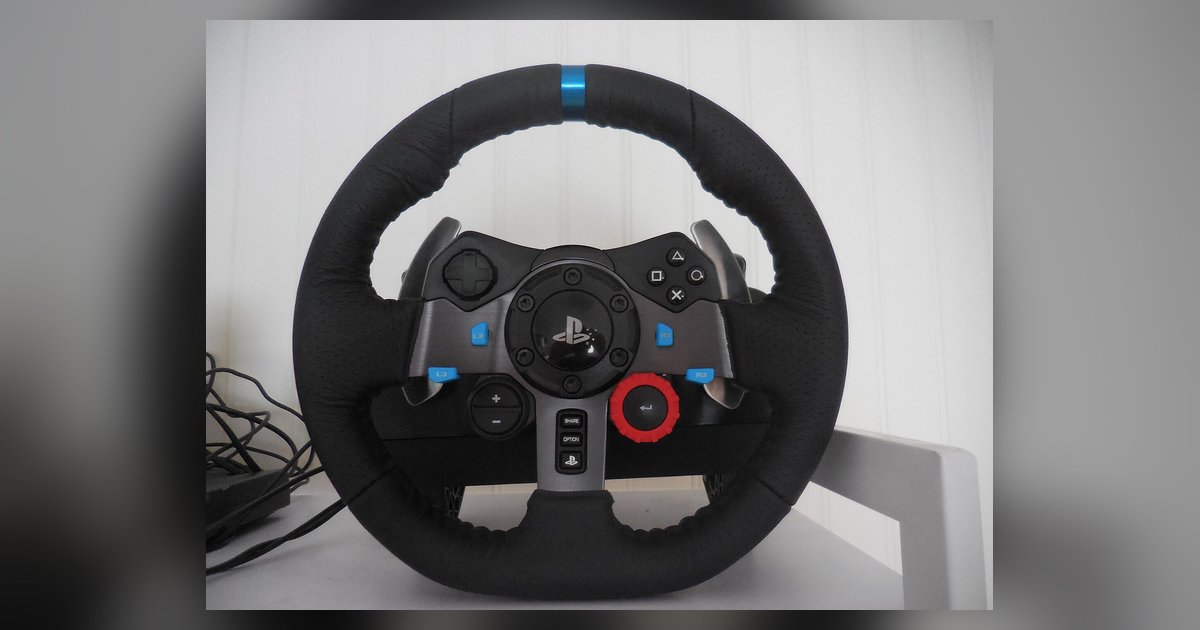
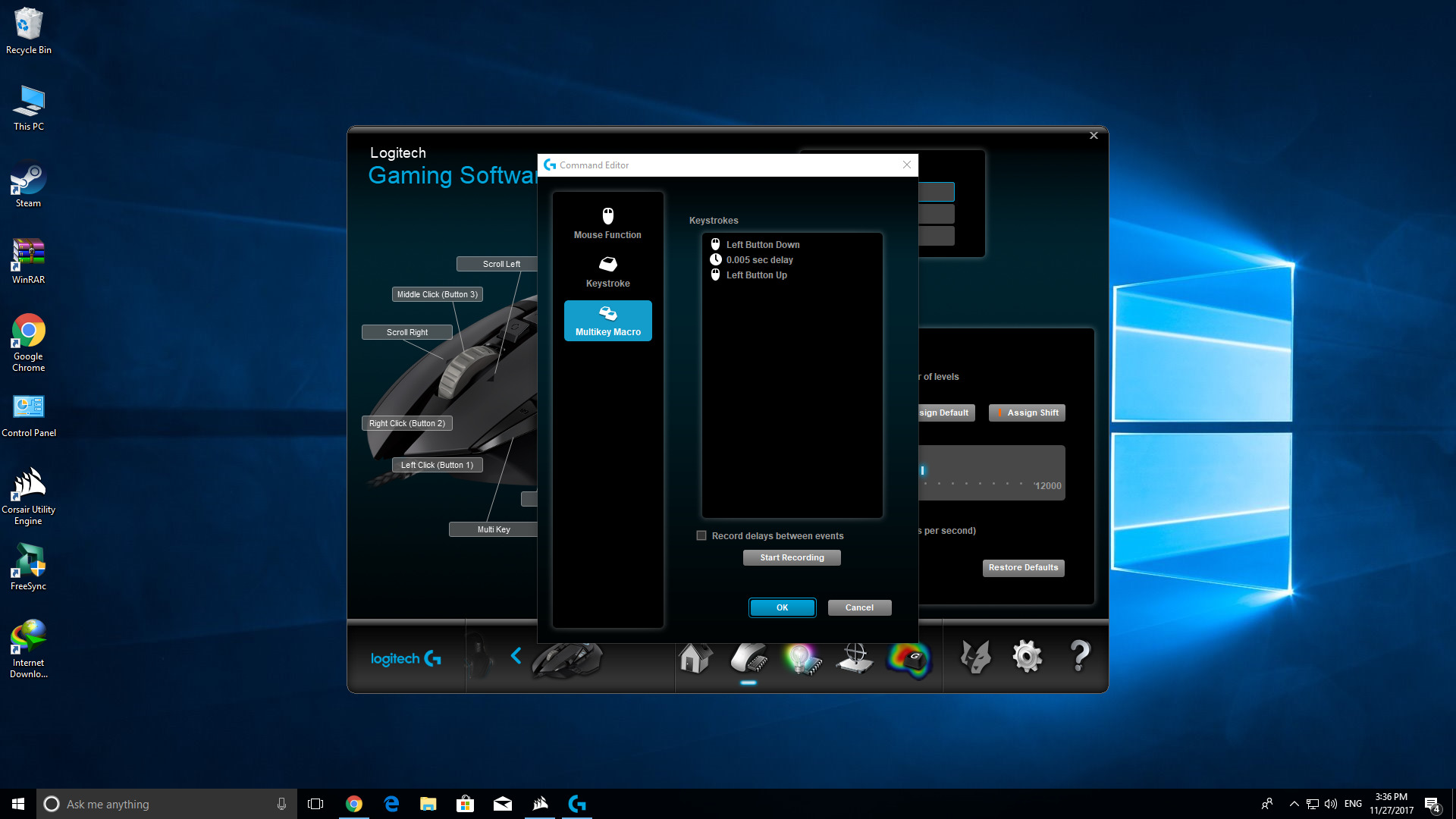
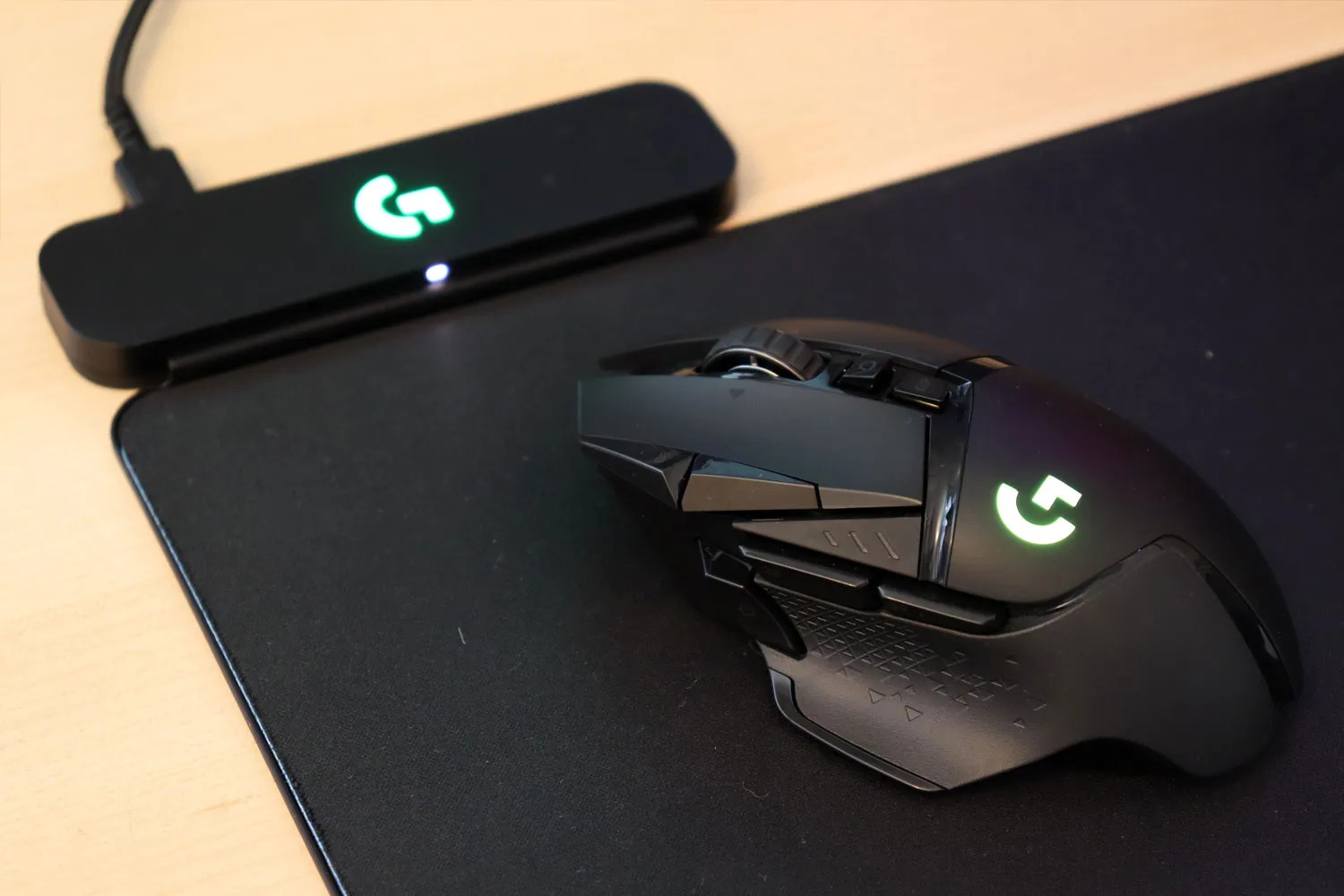
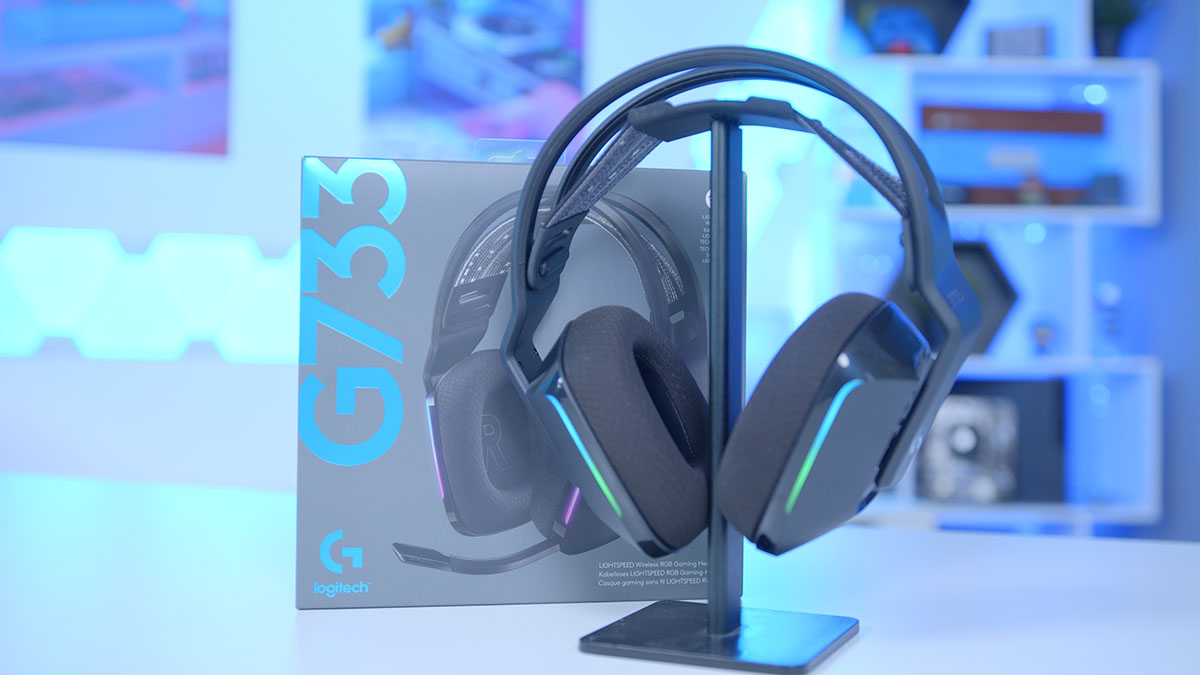
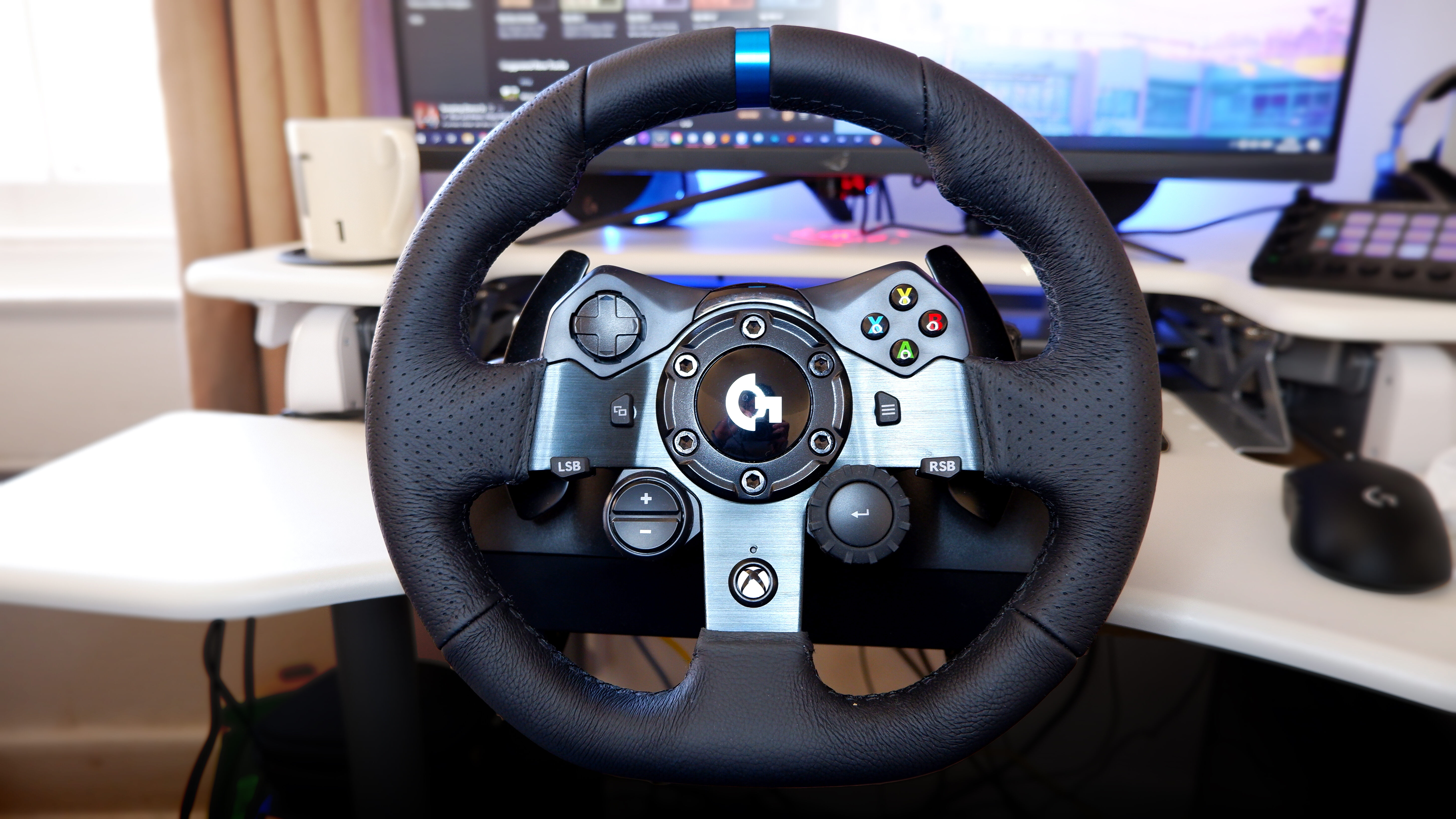
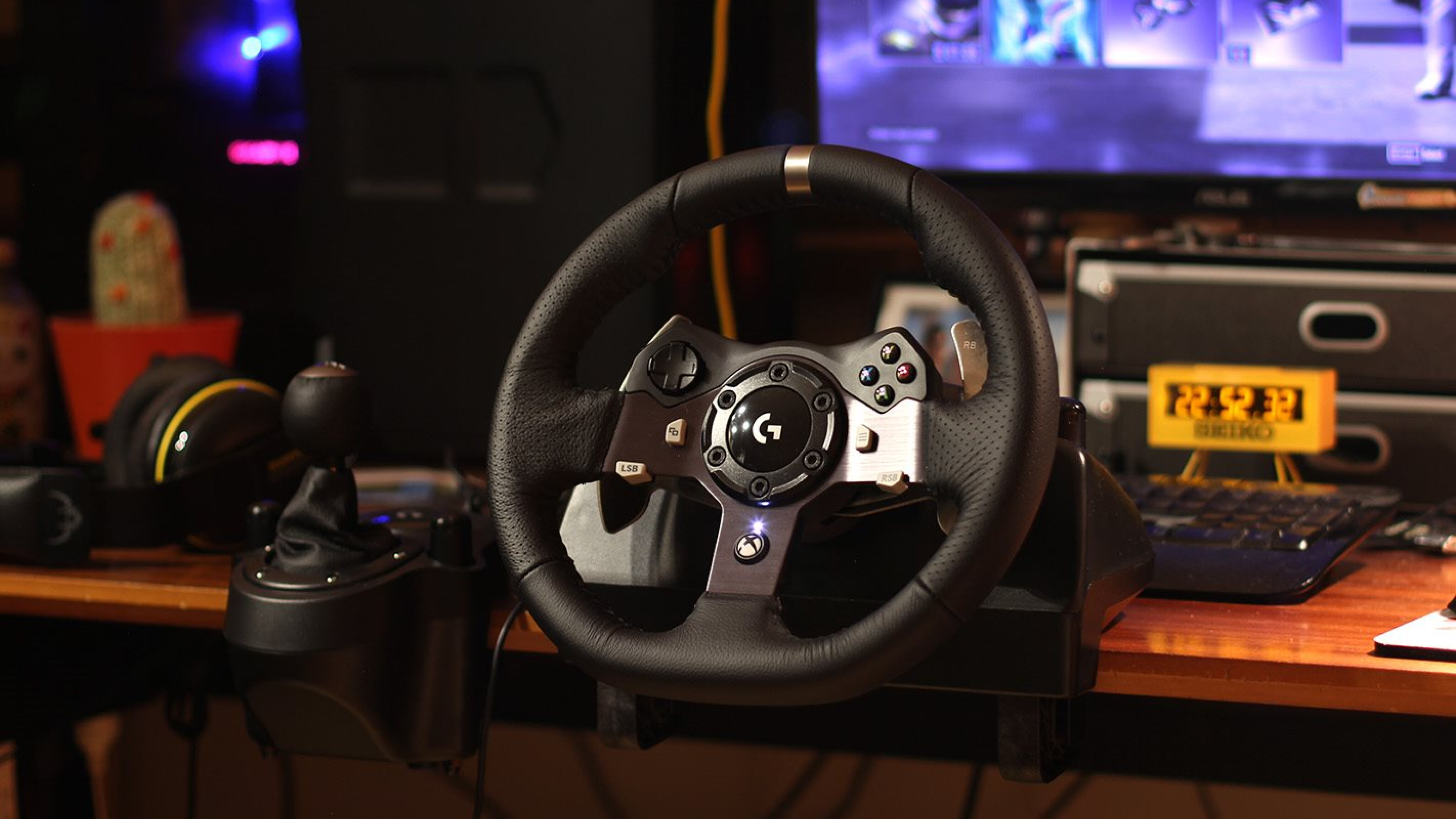
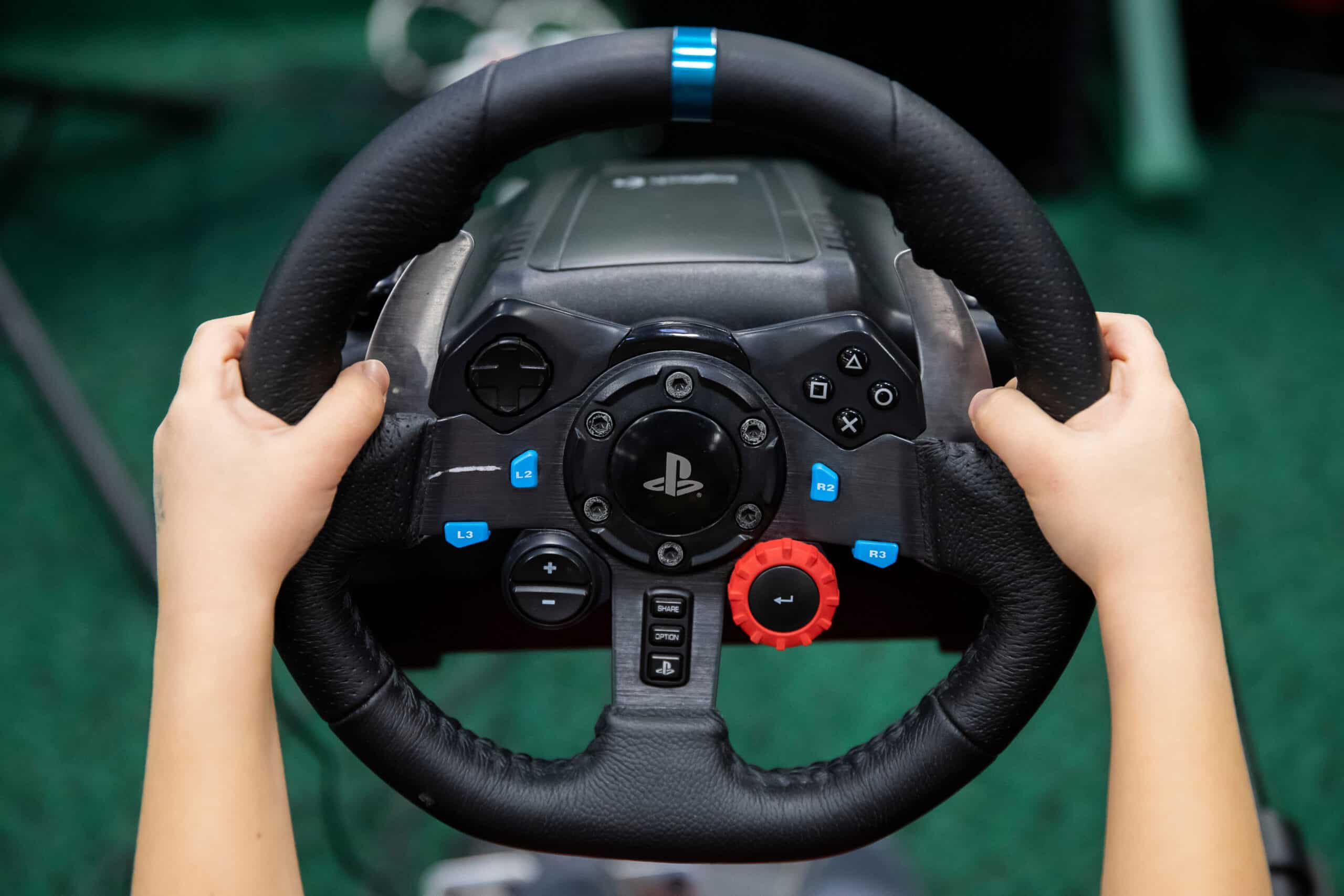
This tag collects articles about Logitech G-series gaming peripherals and the G HUB software that controls them. It is written for everyday owners, people who have just bought a G502 mouse, a G29 wheel, or a G733 headset and want to get it working properly without digging through dense manuals or forum threads. The focus is practical, step-by-step setup and troubleshooting for hardware that is already in your hands.
The articles cluster around three clear themes. The first is connection and configuration: how to pair a mouse with G HUB, how to get a G920 or G923 wheel running on a PC, and how to set up the G502’s buttons and profiles. The second theme is tuning and adjustment, calibrating a G29’s steering, changing the RGB color on a G213 keyboard, or improving the G733 microphone’s audio quality. The third theme is maintenance and safe updating, including how to check a mouse’s battery level, how to update G29 firmware without risking a bricked wheel, and how to diagnose weak or missing force feedback in games.
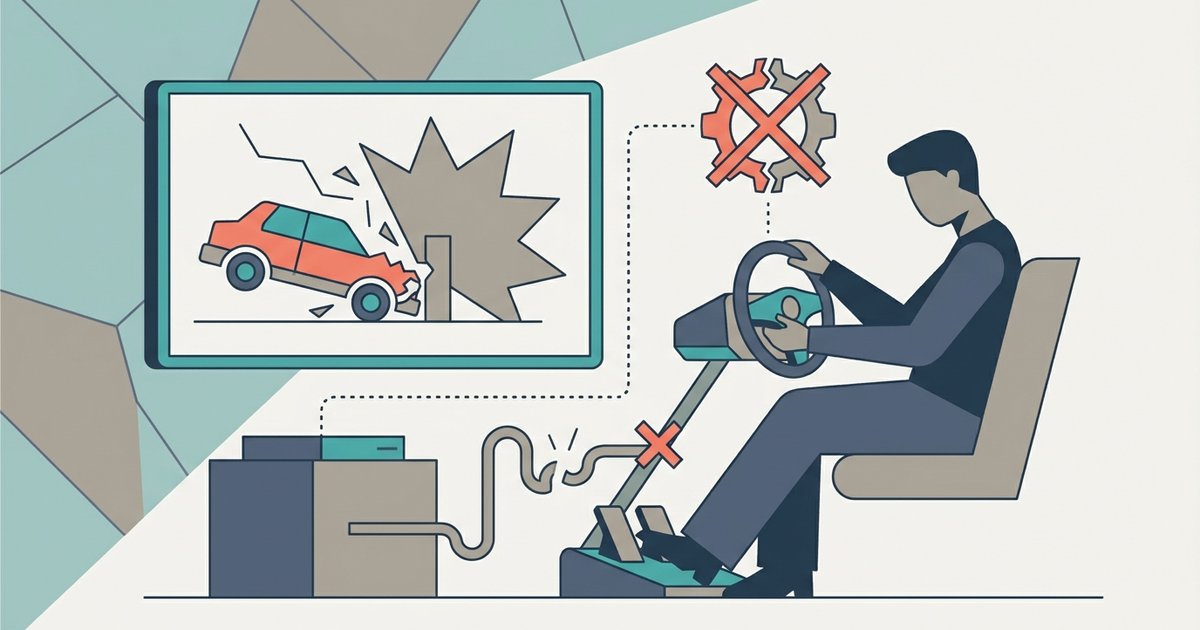
Several articles take a careful, protective angle rather than a shortcut approach. The firmware update guide focuses on avoiding damage during the process, and the force feedback article helps you identify whether the issue is a game setting, a cable fault, or a hardware problem. The auto-clicker article addresses the legal and fair-use side of automation, explaining what is acceptable in games and what is not. None of these pieces encourage bypassing protections or cheating, they are about getting your own gear to work reliably and within the rules.