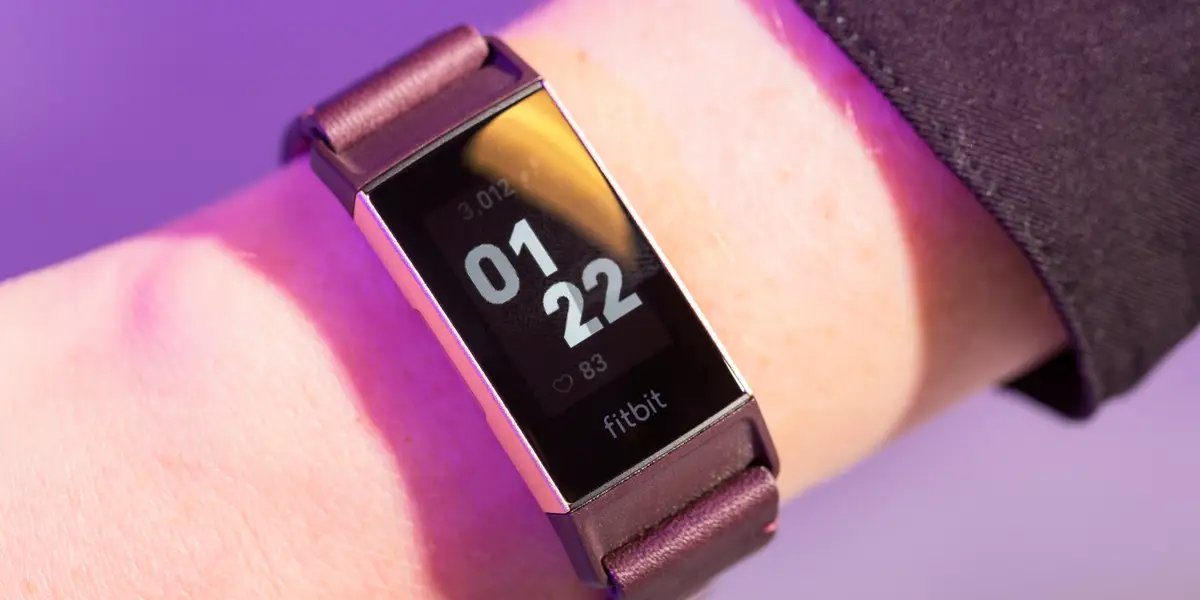
This tag collects 47 hands-on articles about Fitbit devices, aimed at everyday owners who want to keep their tracker working smoothly without visiting a repair shop or scouring forums. The content is written for beginners and intermediate users, covering setup, daily operation, and common glitches. Whether you just unboxed a Versa or have been using a Charge 5 for years, these guides walk you through specific tasks in clear, step-by-step language.
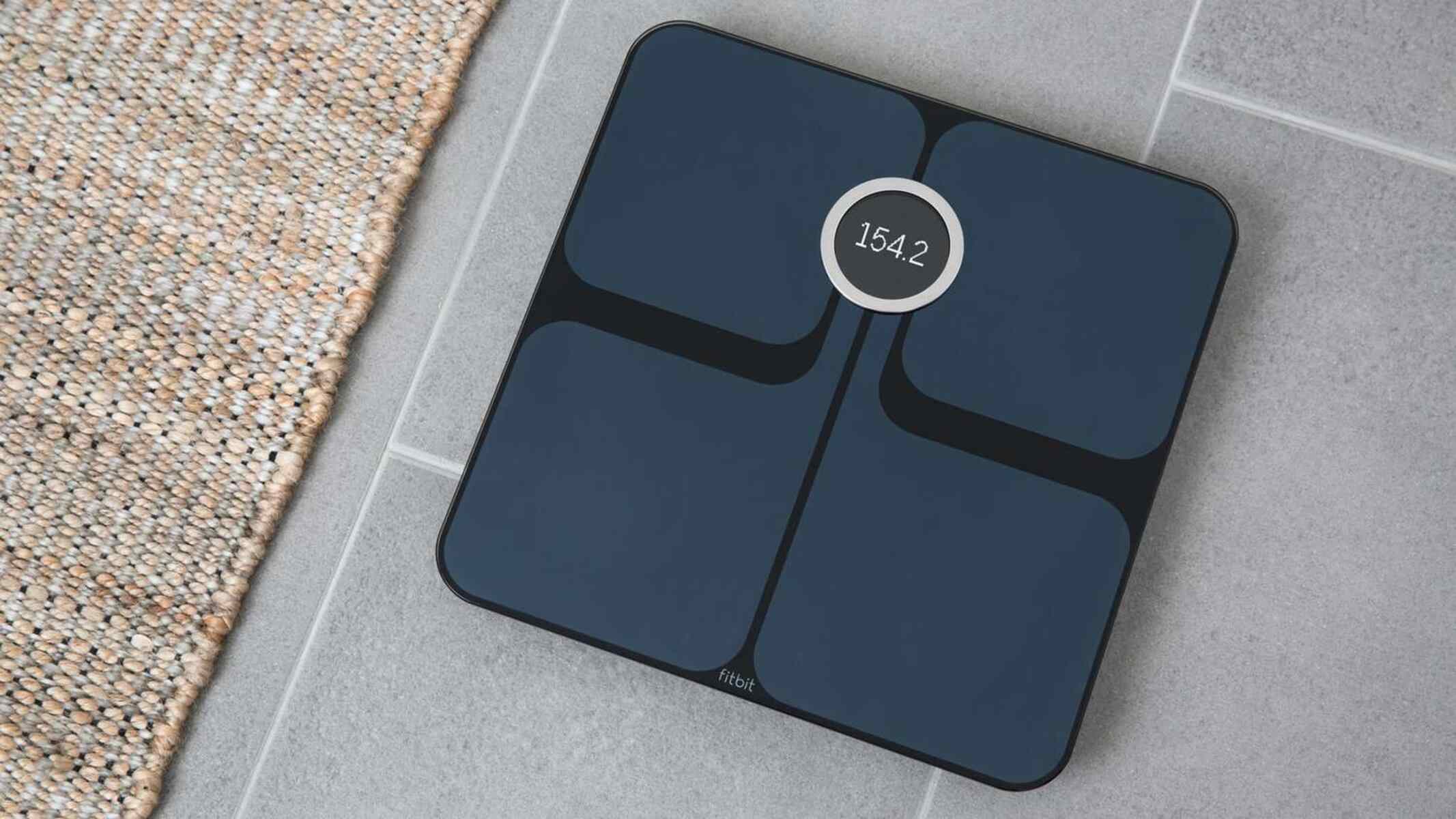
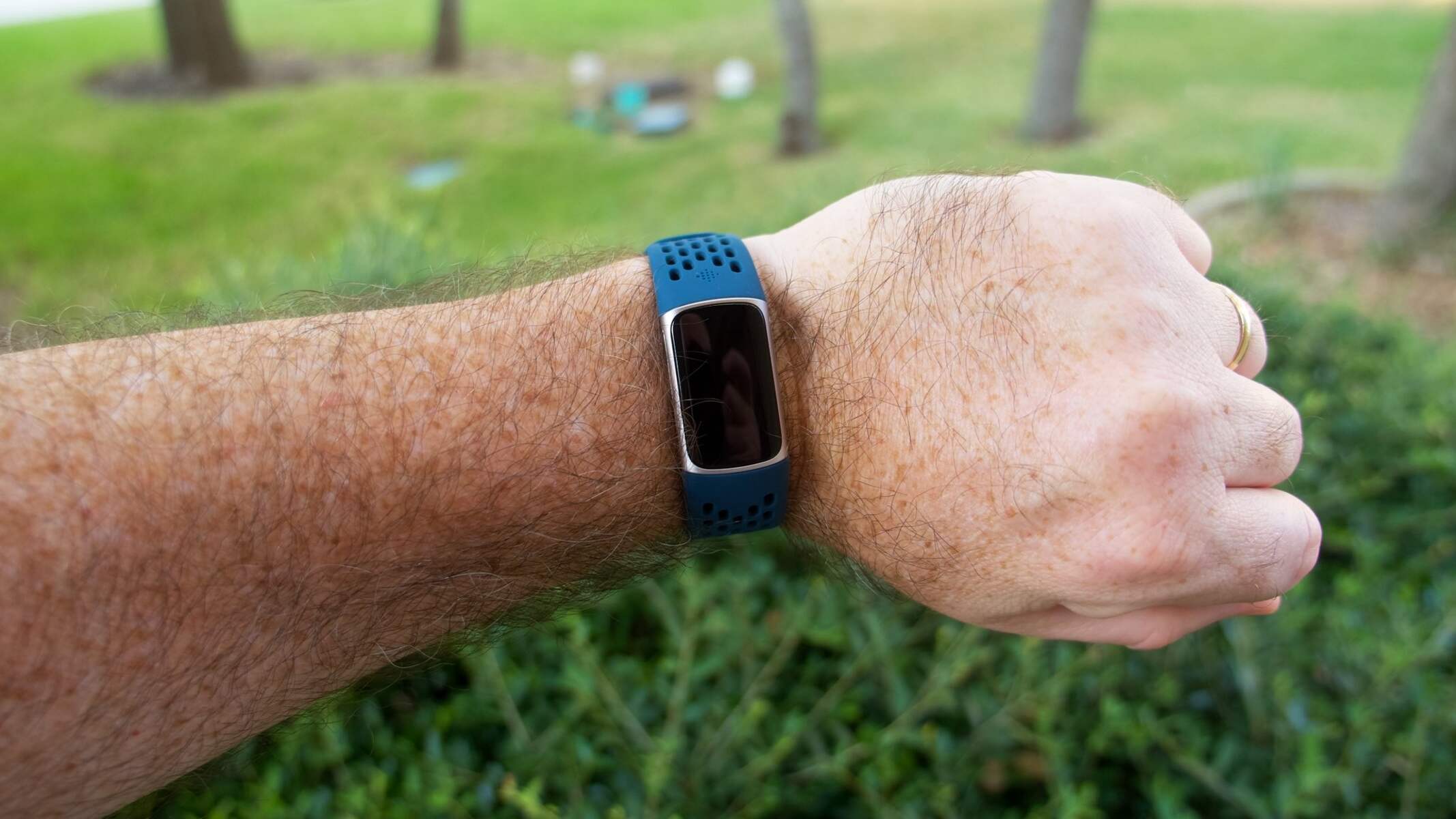
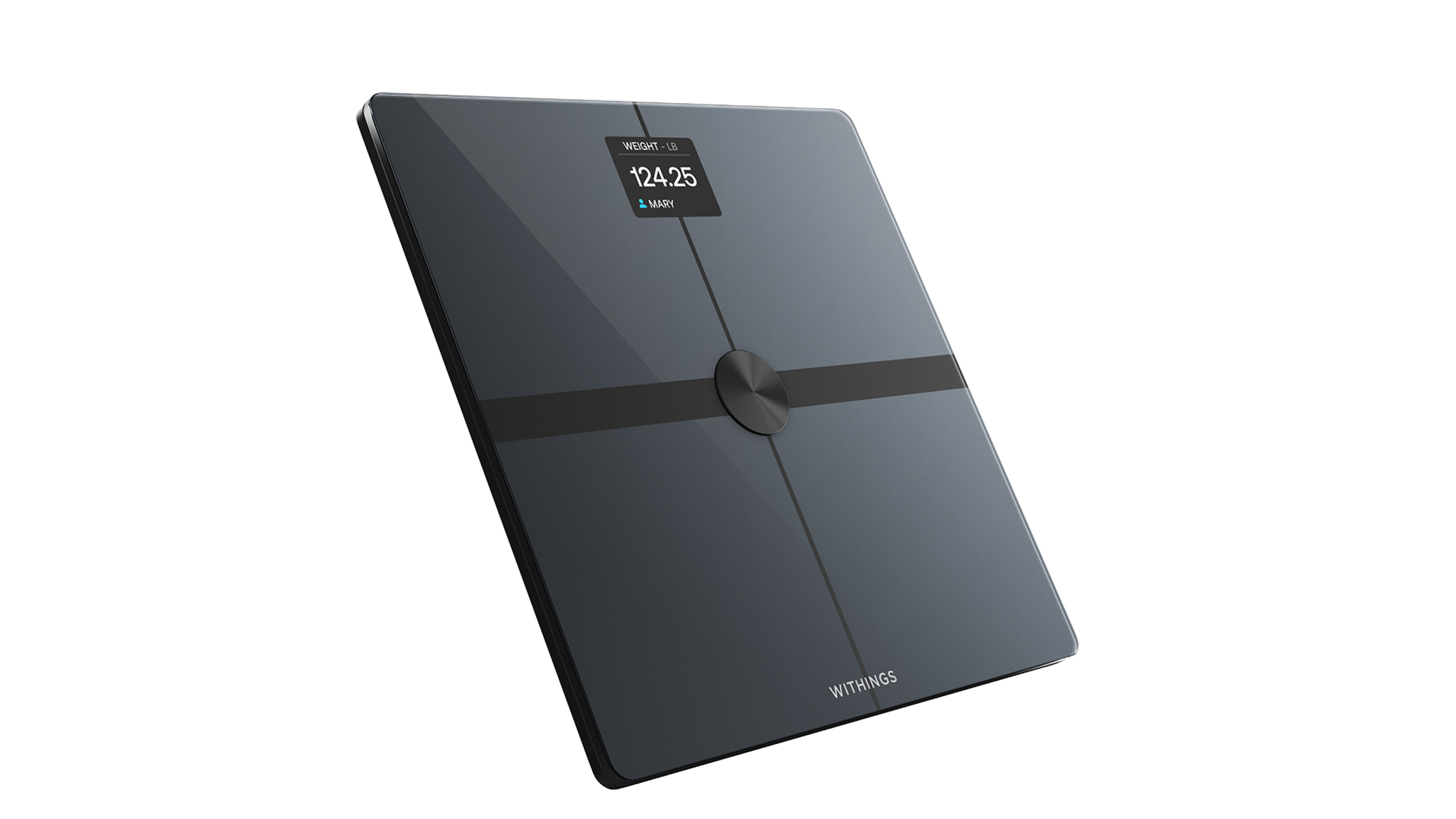
The articles cluster around three practical themes. First, troubleshooting and recovery: you’ll find fixes for a Fitbit that won’t turn on, a black screen on the Charge 5, missing vibrations, or a display that stays dark when you raise your wrist. Second, connectivity and device management: guides explain pairing with a phone or iPad, syncing to Bluetooth, linking a Withings scale or Renpho data, and switching devices on your account. Third, customization and daily features: you can learn to change the time on a Versa 3, set a water reminder, enable Alexa, or adjust the clock on a Charge 5. There are also practical maintenance pieces, such as swapping a band, resetting the time and date, and changing WiFi settings on the Aria scale.
Beyond routine fixes, several articles address safety and legal alternatives. For example, the guide on using your Fitbit to find a misplaced phone explains the feature’s limitations and offers legitimate troubleshooting rather than any workaround. Similarly, the piece on low HRV readings helps you interpret the metric and consult a doctor, not hack the sensor. The articles on removing the Fitbit app or deleting old devices from your account focus on clean, supported procedures, never on bypassing security or accessing data you don’t own. In short, this tag helps you operate, maintain, and repair your Fitbit within the boundaries of normal use.