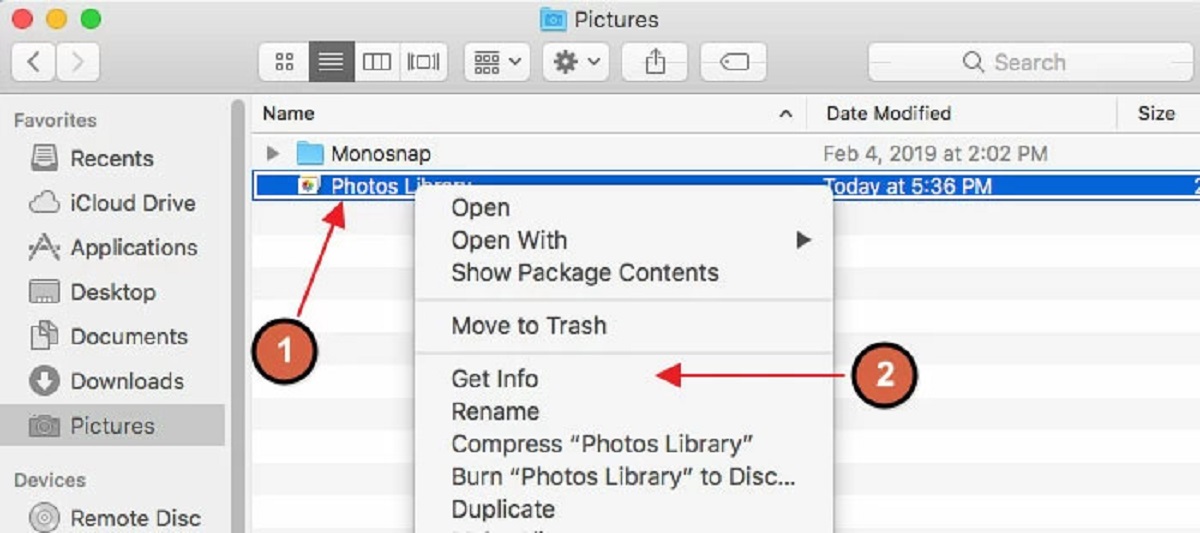
This tag collects our guides to handling files and storage across a range of devices and services, from clearing out a cluttered downloads folder to moving photos off a Mac and onto an external drive. It is written for everyday users who want practical, step-by-step help with the routine but often confusing tasks of saving, organizing, and deleting digital files, whether that is on a phone, a tablet, a Chromebook, or a cloud service like Google Drive.
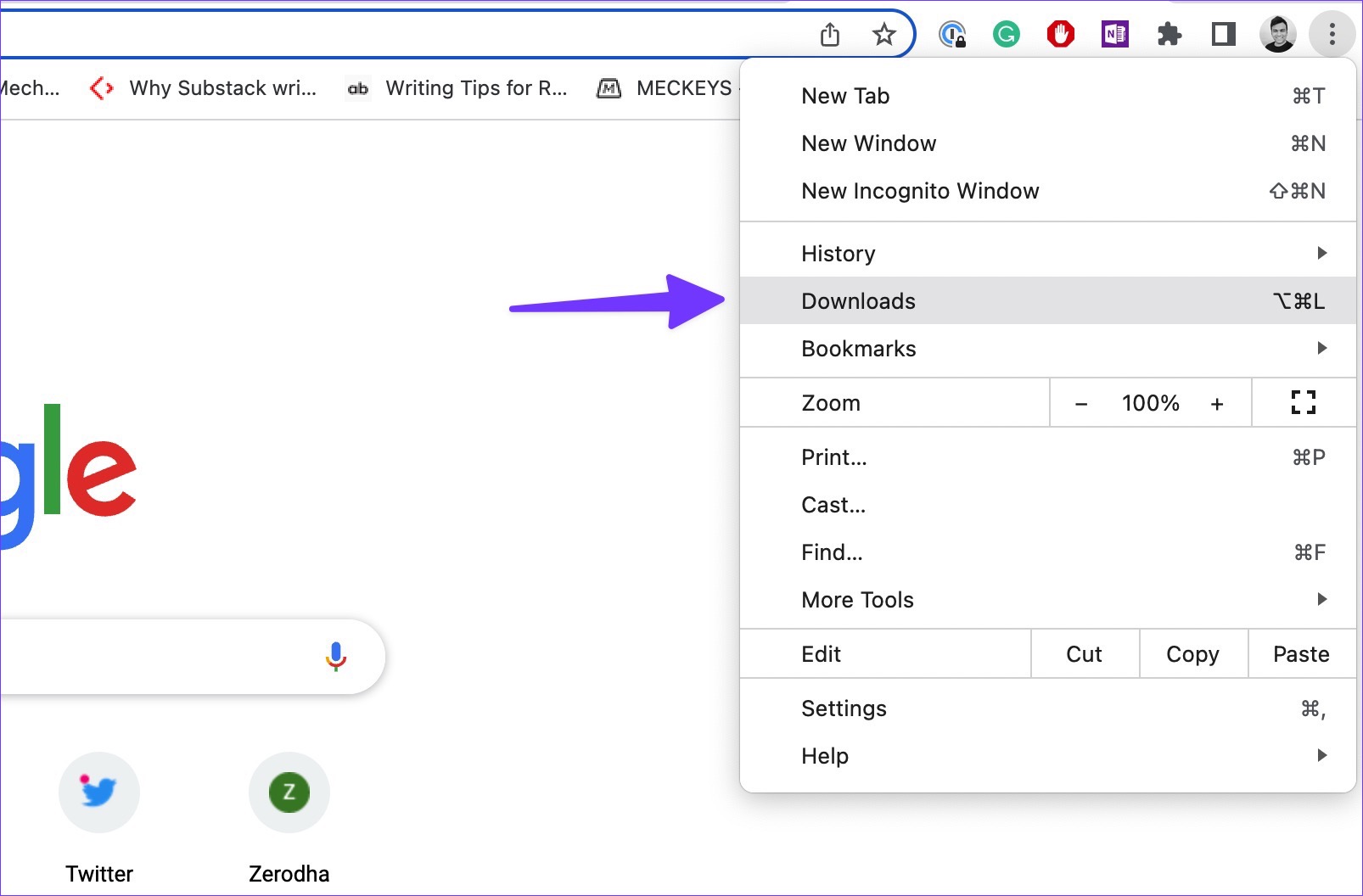
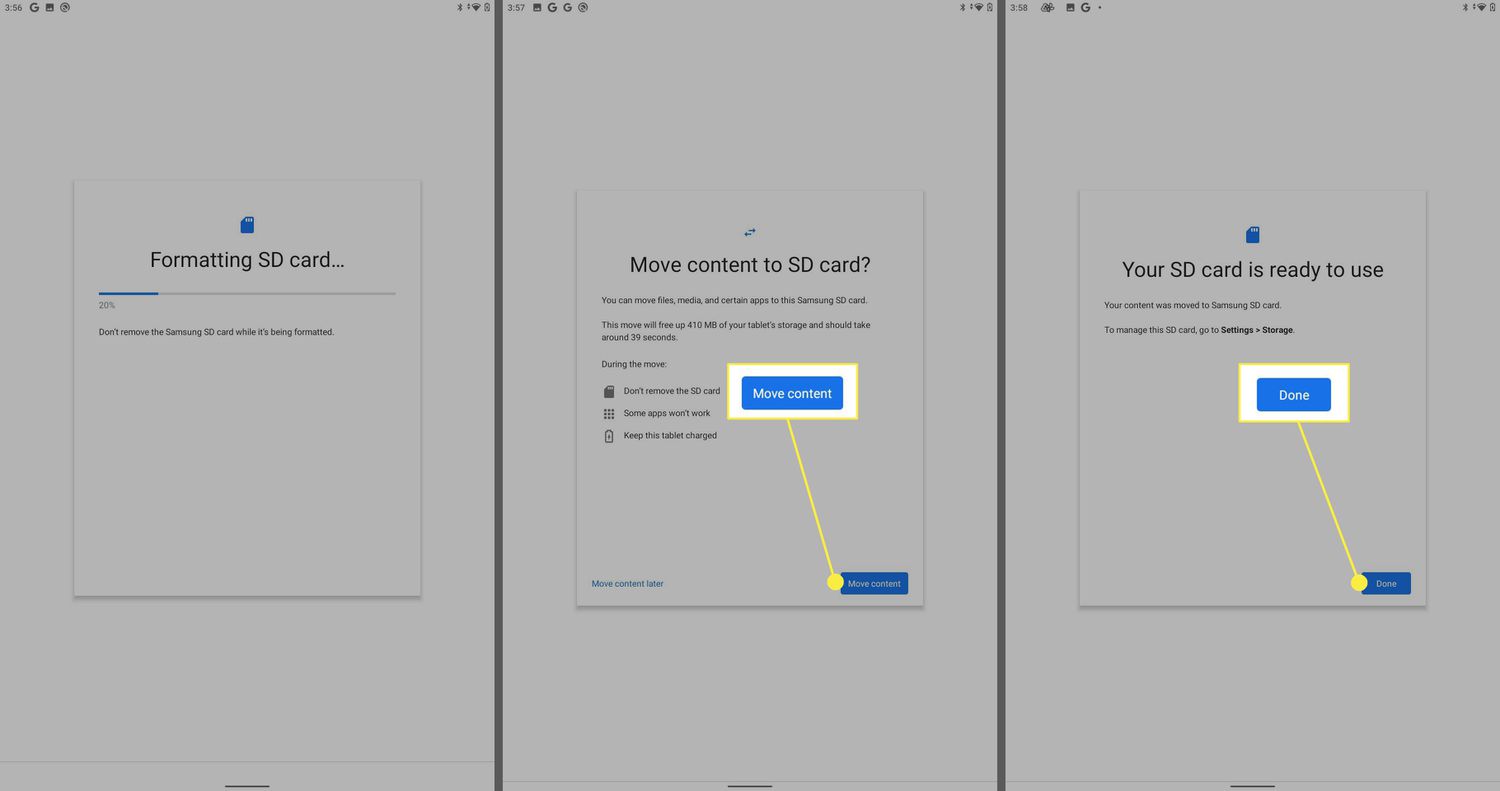
The articles here group around a few clear themes. One is reclaiming space: you will find walkthroughs for clearing storage on an Amazon Fire Tablet, deleting files from a Seagate external hard drive, and managing the downloads folder in Chrome. Another theme is moving and saving files where you want them, such as changing the default download location on Android, adding local files to Spotify, or setting a Samsung tablet to store things on an SD card. A third, smaller but important thread covers safety and legitimate alternatives: for example, the guide to downloading skins from Skindex explains how to get user-created content within the platform’s rules, and the article on downloading stuff on a school Chromebook focuses on permitted, school-approved methods rather than any workaround. Similarly, pieces like “How To Find Out What Programs Are Using External Hard Drive” help you diagnose why a drive is busy before you unplug it, which is a precaution against data loss.
Across the tag, the goal is simple: help you take control of your files without guesswork, and always within the normal bounds of how your device or service is meant to be used.